
Skeleton Gloves
Print Profile(6)


Bill of Materials


Description

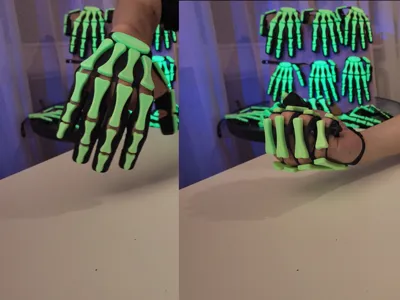
Skeleton Gloves are the perfect prop for Halloween, cosplay, photoshoots, and spooky parties.
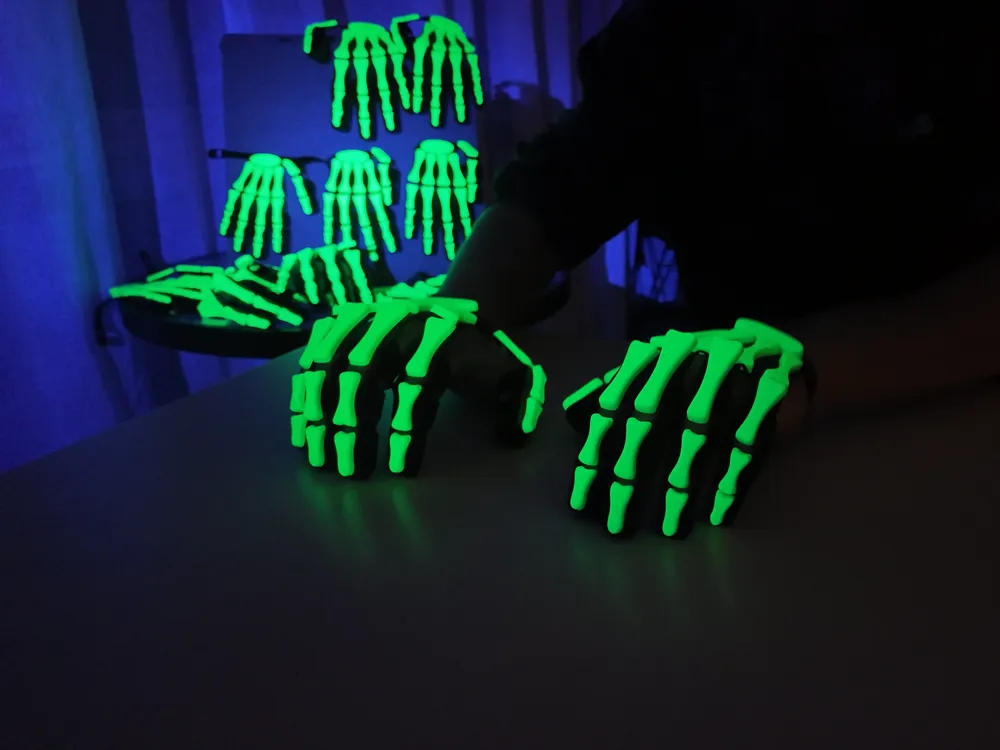
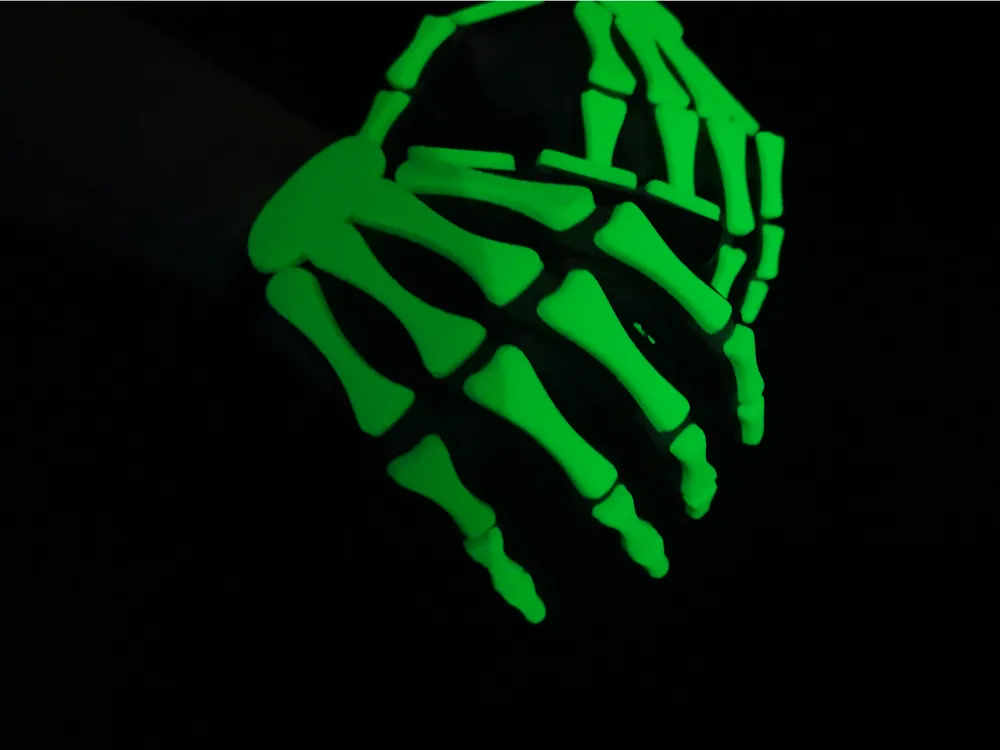
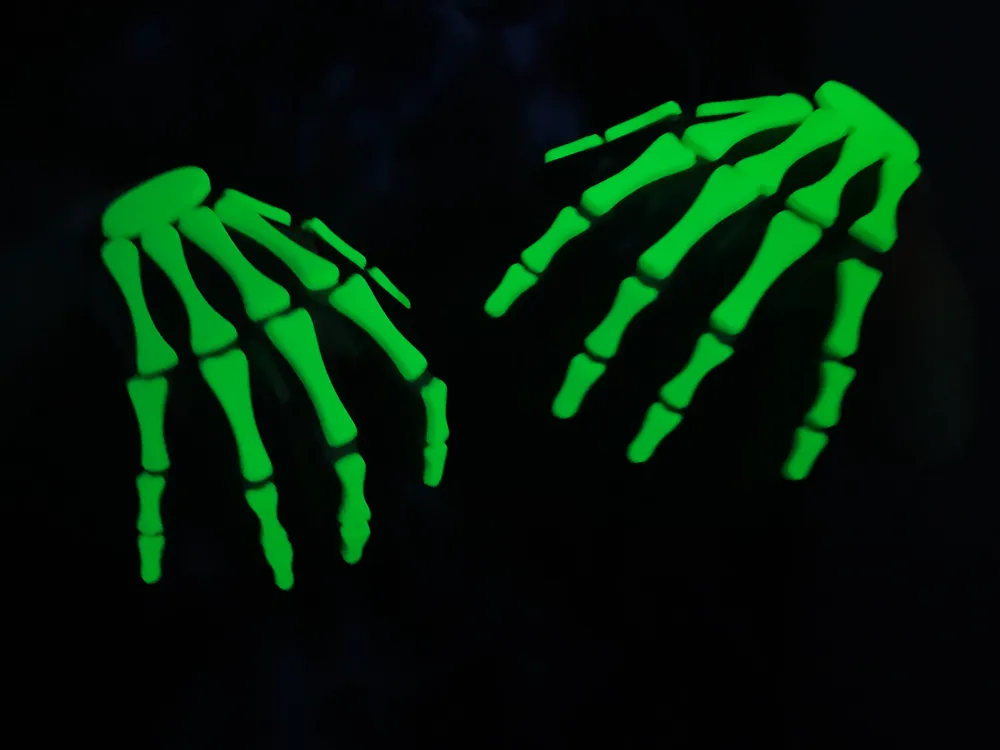
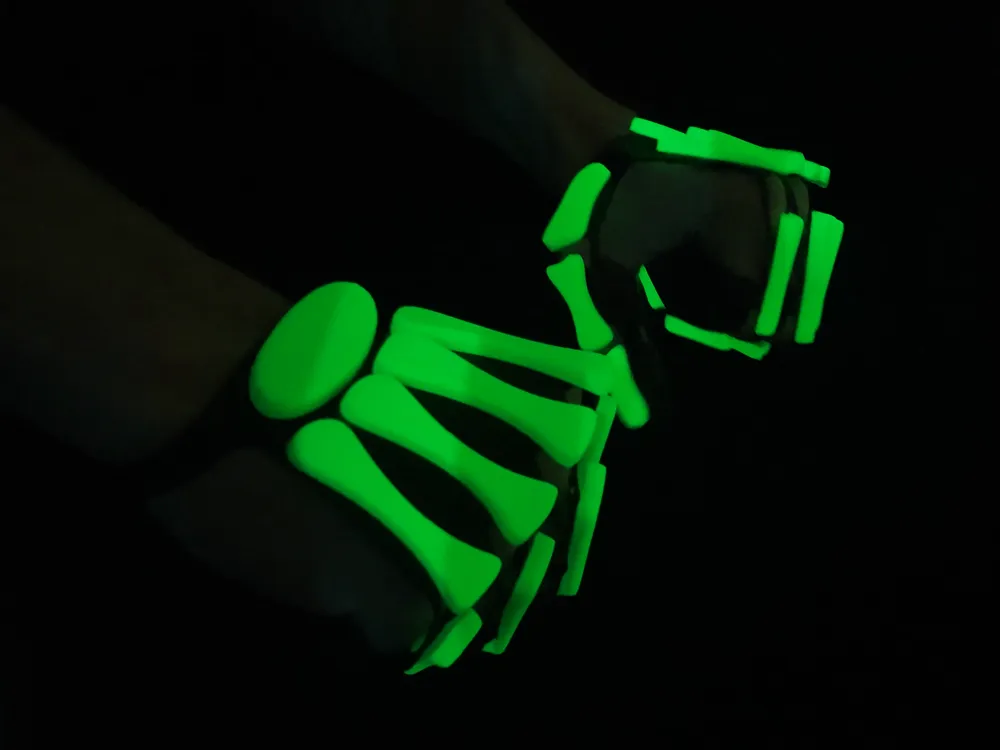
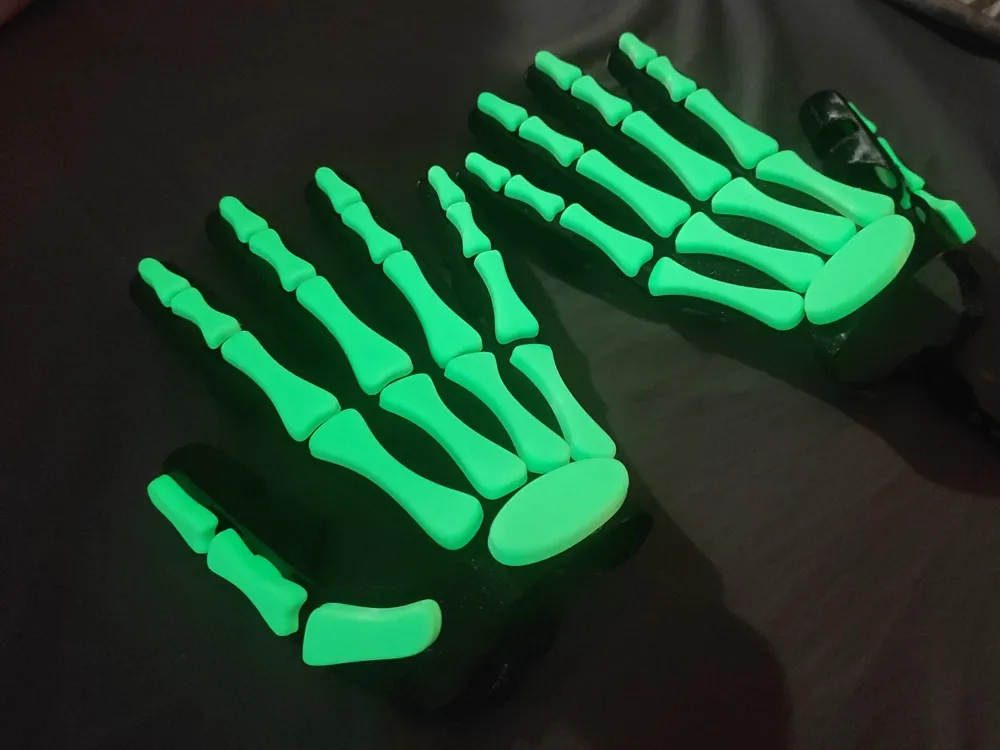
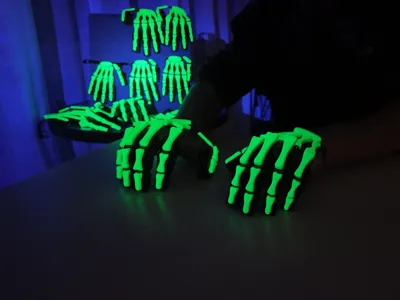
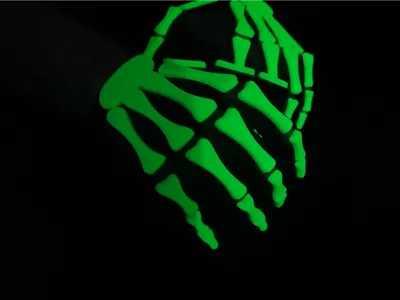
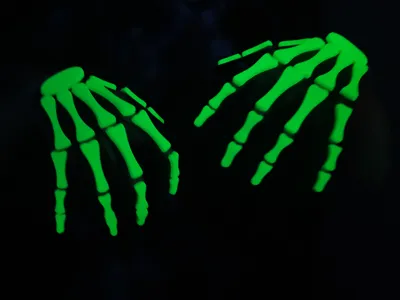
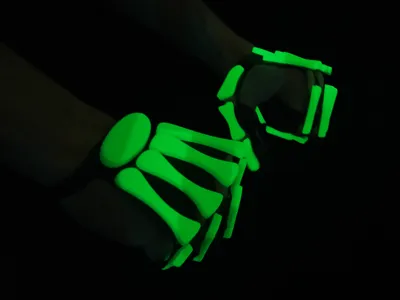
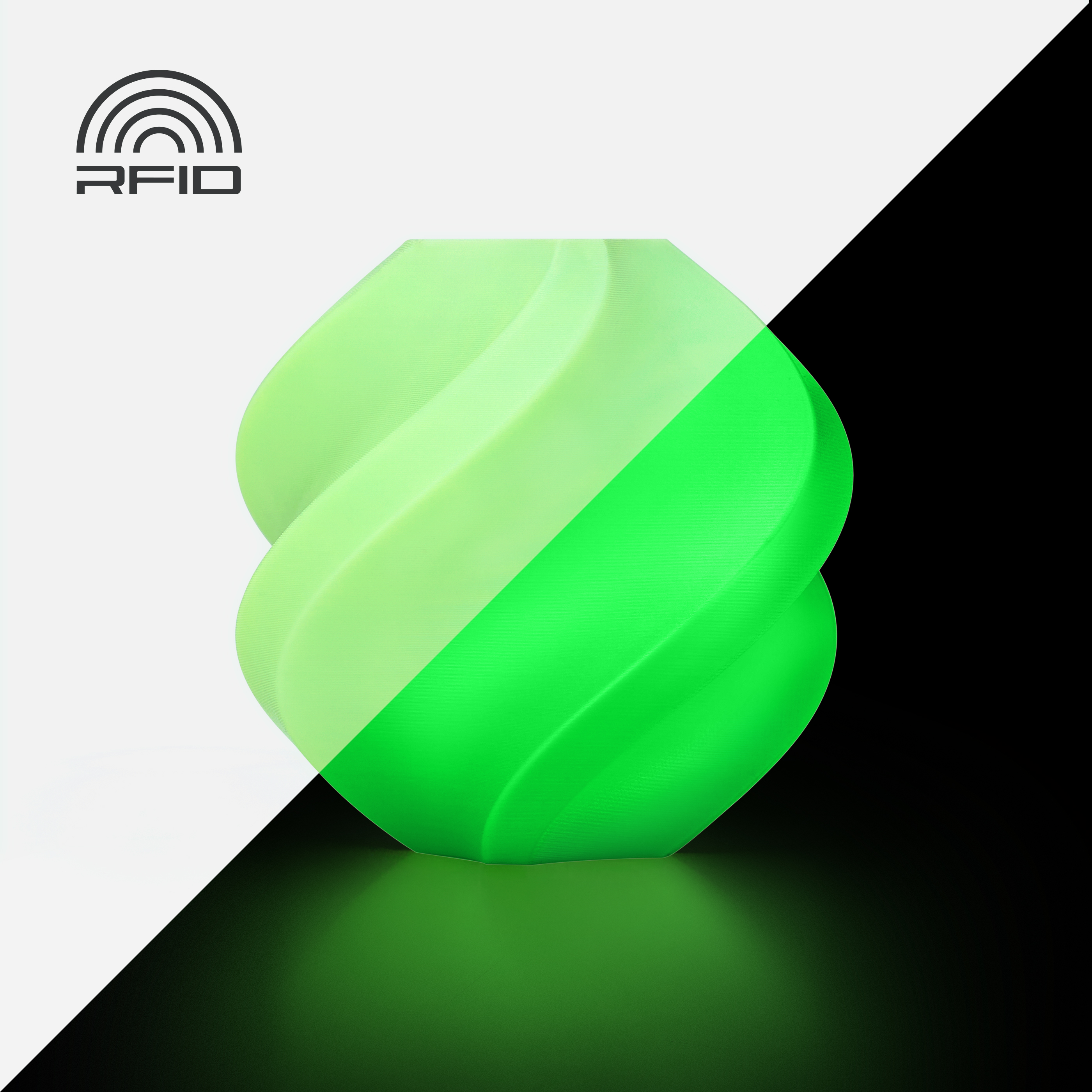
The glove turns your hand into a skeleton hand — and in the dark, only the glowing bones are visible.
Surprise your friends at a party, or print them for kids, and they’ll be the stars of trick-or-treating!
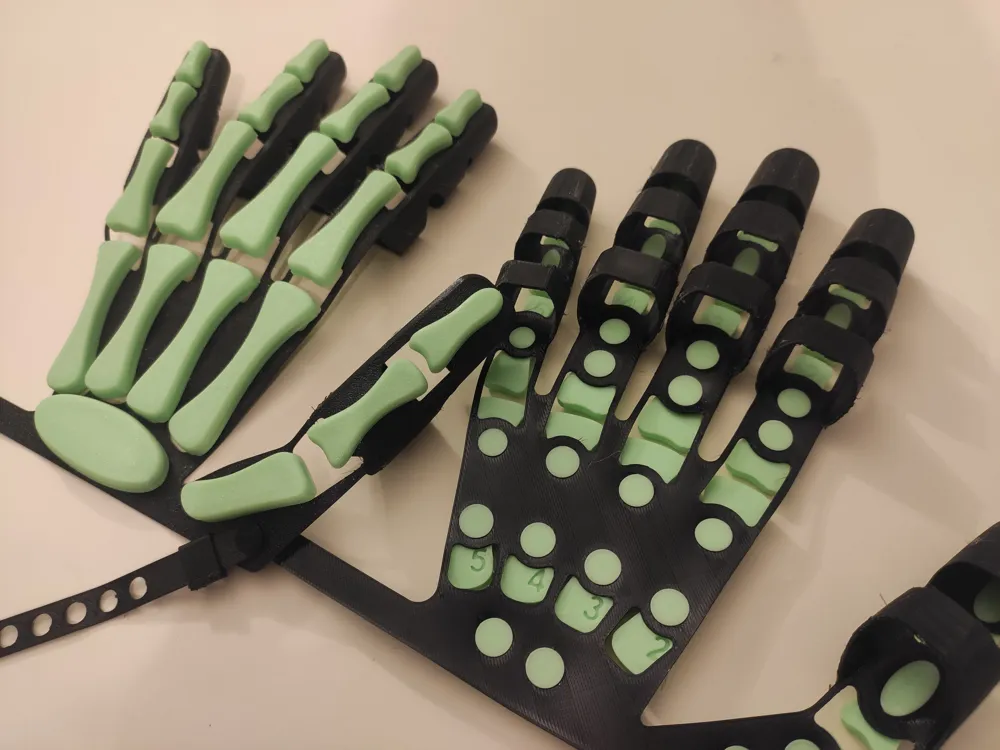
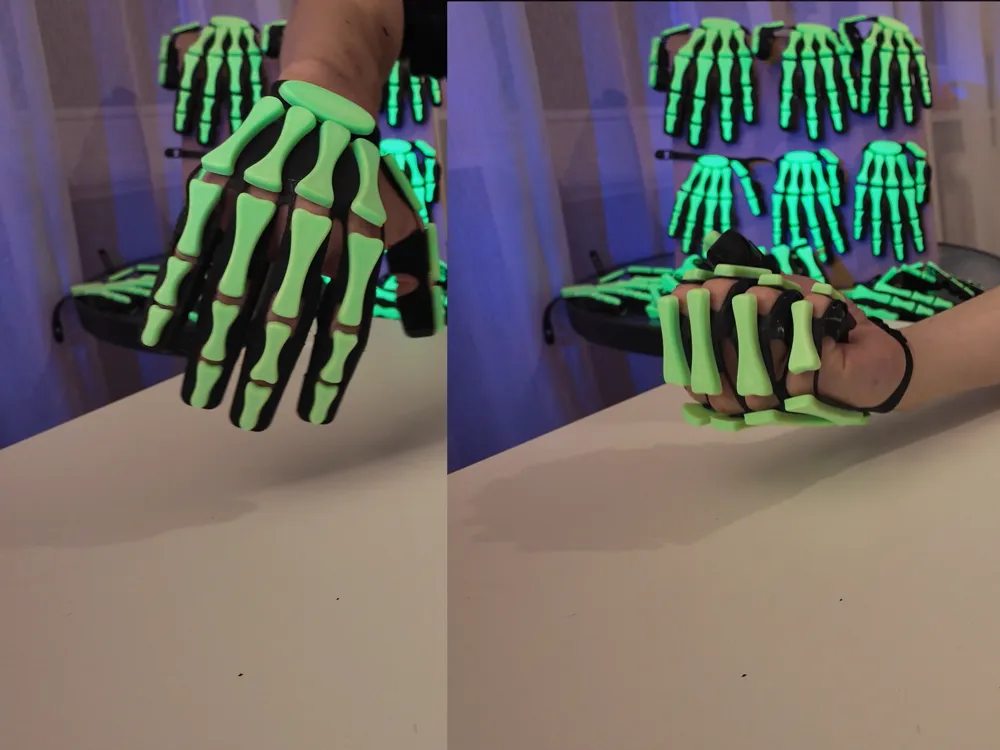
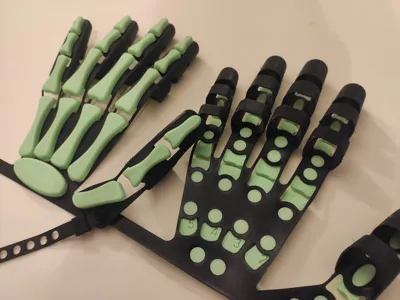
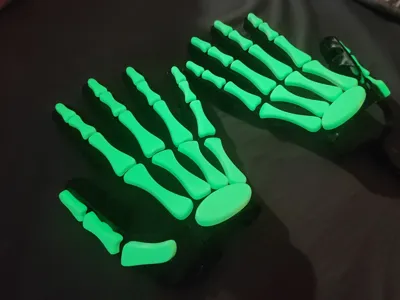
These gloves are fully 3D-printed: flexible TPU 90A base and PLA Glow bones. They are comfortable to wear, bend easily into a fist, and allow you to hold objects while keeping the creepy, glowing skeleton effect.
Don’t want to print the TPU glove? Check out this model — check out Skeleton Gloves Bones
Warning! The smallest sizes (S, XS, XXS) have not been tested on children’s hands. Children’s hand proportions may differ, and the gloves may not fit perfectly. This can be corrected by scaling the model to match.
Boost Me (for free)
Boost Me (for free)
If you enjoy my models and would like to see more unique designs, your support means a lot!
🔧Key Features
- Fully 3D printed — no extra parts are needed.
- True showstopper — guaranteed to grab attention and impress everyone.
- Full-size range available.
- Glow-in-the-dark effect.
- Comfortable to wear — flexible, bends easily into a fist, and still allows holding objects.
- Closed fingertips by default, but can be trimmed for full hand usability.
- Ideal for Halloween costumes, cosplay, photoshoots, parties, and spooky pranks.
✅Before you start
- Always dry your filament before use — TPU 90A is very sensitive to moisture.
- Clean the build plate thoroughly before printing.
- Read the Important Notes before printing — they contain essential tips.
- Choose the most suitable size from the provided range.
- Follow the Assembly Video Guide for proper installation.
- Print one glove first. If it doesn’t fit your hand perfectly, you can rescale it by about ±5%.
- Scale width and height to adjust finger thickness.
- Scale length to adjust finger length.
- Always scale all parts together (glove and bones) in the same proportions.
- Read the FAQ if you want to learn more about how the model was designed and how to print it.
📽 Assembly and use guide:
🛠️Important Notes before printing
⚠️ TPU 90A is a very tricky filament to print.
Before starting, make sure to check the official TPU 90A guides for your printer model:
- TPU 90A Printing Guide for A series
- TPU 85A & 90A Printing Guide for P series
- TPU 85A & 90A Printing Guide for X series
- TPU 85A & 90A Printing Guide for H2 series
- The model is designed for TPU 90A. Printing with TPU 95A makes the glove stiff and difficult to assemble, as the holes do not stretch well. I recommend using TPU 90A, and I cannot guarantee results with other filaments.
- Choose the most suitable size before printing. (see Sizes Table)
- Sizes are not just rescaled models. Wall thickness is always fixed at 1 mm, and some details are modified disproportionately.
- If scaling is needed (±5%), do it only after test-printing one glove and checking the fit. Scaling should fix size mismatches:
- Scale width and height to adjust finger thickness.
- Scale length to adjust finger length.
- Always scale all parts together (glove and bones) in the same proportions.
- Fingertips are closed by default. You can trim them off for full hand usability — allowing you to type, use a smartphone, and hold objects comfortably. This will slightly reduce the visual appearance in light.
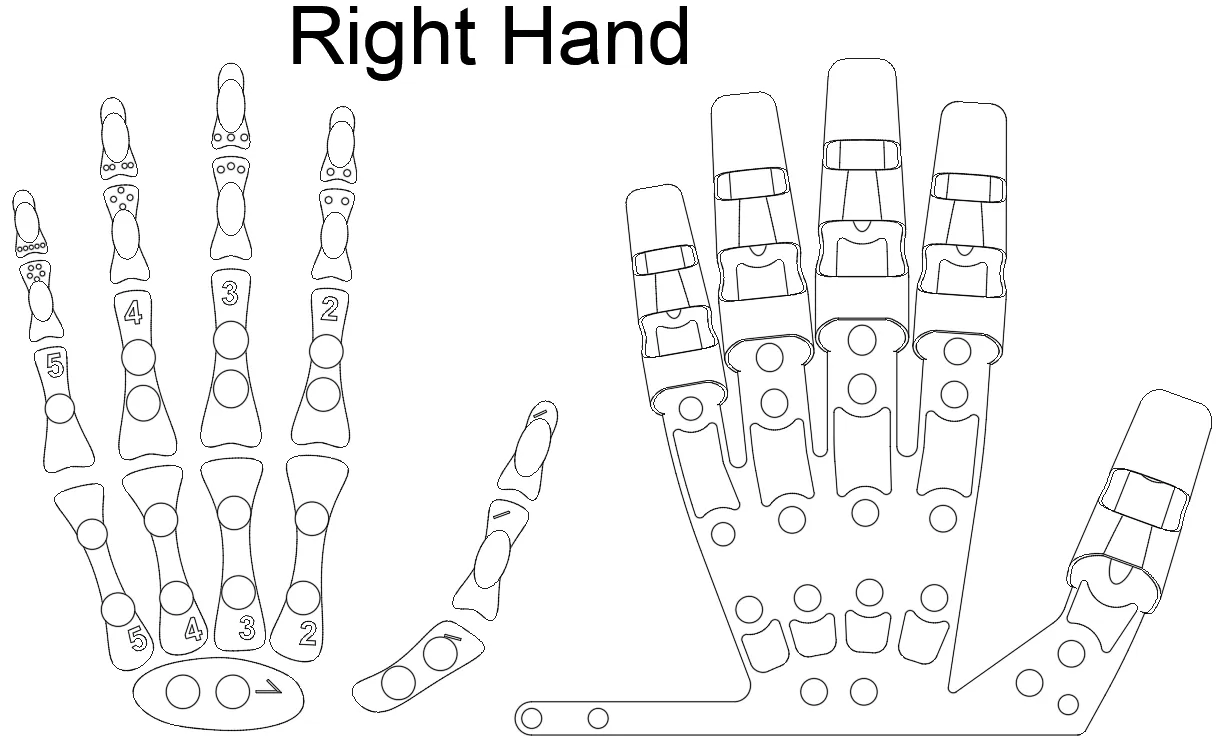
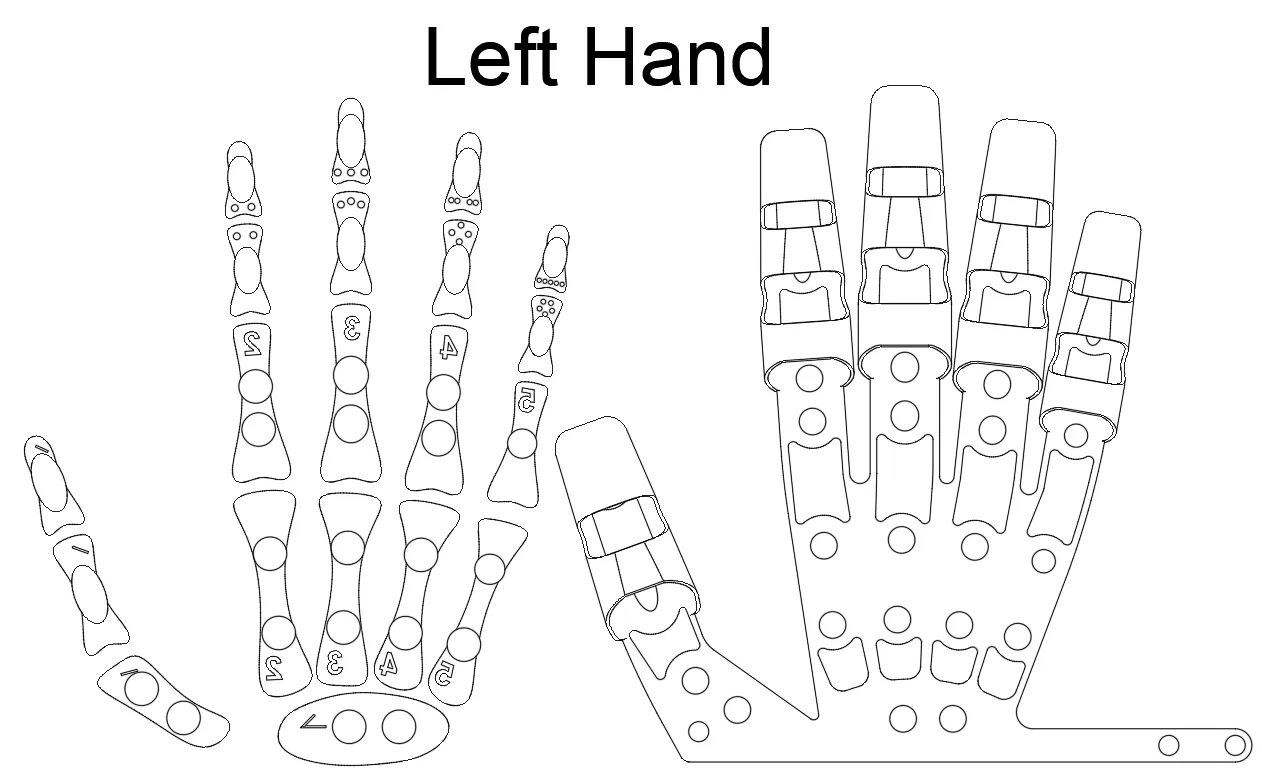
- Insert the bones according to the Bone Placement Diagram. They are numbered from 1 to 5 (digits or dots) for each finger from thumb to pinky. Some bones are symmetrical and fit both hands; others are not — mirrored numbers indicate left/right. Follow the diagram carefully.
- The smallest sizes (S, XS, XXS) were printed but not tested on hands. Children’s proportions may differ, but scaling after test fitting should help.
- After printing, remove supports and trim TPU stringing.
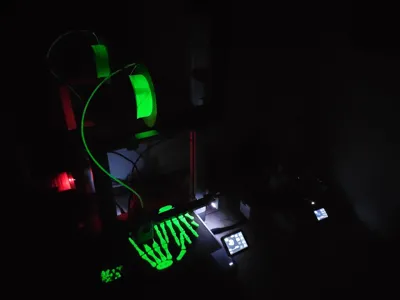
- Gloves charge under a UV flashlight (365 nm) and glow in the dark.
📏Sizes Table
| Size | Hand length (mm) | Notes |
|---|---|---|
| XL | 205 | Tested on adult hands |
| L | 192 | Tested on adult hands |
| M | 180 | Tested on adult hands |
| S | 168 | Intended for smaller hands, printed but not tested on hands |
| XS | 156 | Intended for children, printed but not tested on hands |
| XXS | 145 | For ~5–6 year olds, printed but not tested on hands |
🦴 Bone Placement Diagram
❓ FAQ
Q: Can I still use my hands normally while wearing the gloves?
A: Yes. They bend easily into a fist and allow you to hold objects. For maximum usability — like typing or using a smartphone — you can trim the fingertips.
Q: Can I use TPU 95A instead of TPU 90A? What should I expect?
A: Technically possible, but not recommended. I tested a print with TPU 95A: printing itself went fine, and supports were easy to remove, but problems appeared later. The bones were very difficult to insert during assembly, and the glove turned out too stiff, making it uncomfortable to clench into a fist. You may try using X-Y Hole Compensation in your slicer (0.1–0.15 mm) to slightly enlarge the holes and ease assembly. However, excessive compensation can cause the bones to fit loosely.
Q: Can I use PLA Glow from other manufacturers?
A: Yes. Note that Bambu Lab PLA Glow is opaque, while some brands produce translucent PLA Glow. If you use translucent PLA Glow, set the infill of the bones to 100%; otherwise, the inner structure may be visible.
- Translucent PLA Glow: light penetrates deeper layers, making the glow brighter, but the appearance in normal lighting is worse.
- Opaque PLA Glow (like Bambu Lab): requires less plastic, looks better under normal lighting, but may glow slightly less in the dark.
Q: Why so many sizes if I can just scale one model?
A: The models are not identical. When scaling, both wall thickness and hole dimensions change. In my case, each model was designed with a fixed wall thickness of 1 mm, and the holes were carefully adjusted and tested with the bones for every size. However, scaling by ±5% is acceptable for fine-tuning the fit.
Q: How long did it take to create the model, and what were the main challenges?
A: About three weeks of all my free time.
- The first challenge was making the glove fit the hand while still allowing it to bend. Each finger had to be developed separately and then combined into a whole.
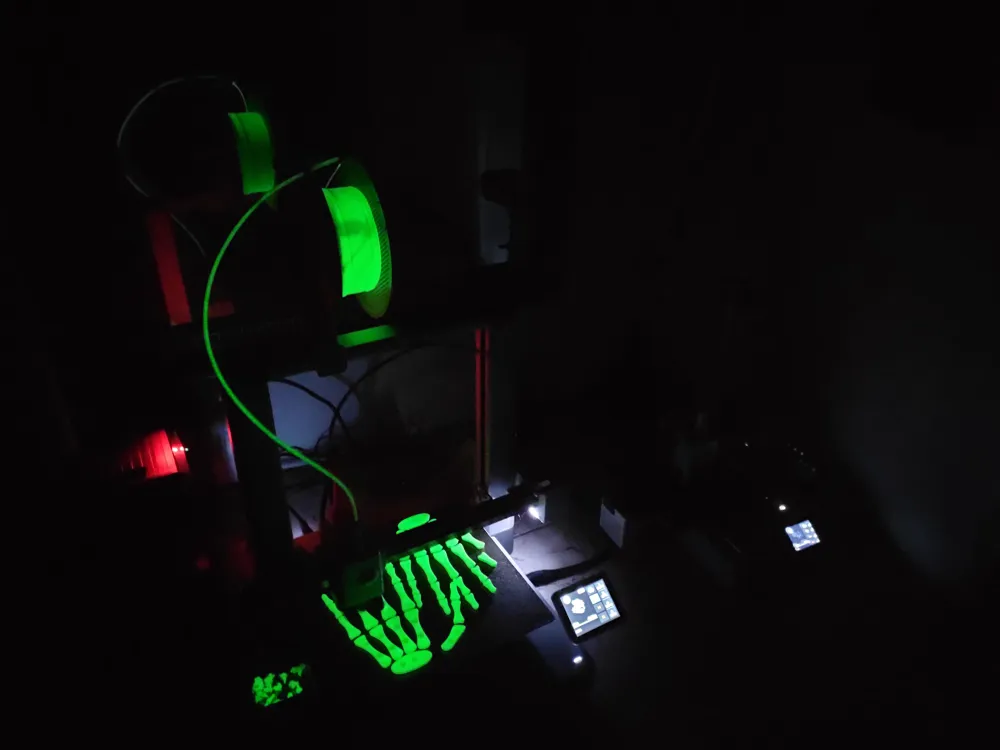
- Another major challenge was tuning the print profile for TPU 90A. This material is tricky: bridges sag immediately, supports stick too much, and 1 mm walls at 1 cm height become unstable. I had to experiment with supports, speed, layer height, and even draw supports manually.
- Different sizes also caused headaches. Even though the model was created as parametric, every size still required manual adjustments and very long test prints.
- Finally, preparing the presentation — print profiles, videos, and documentation — also took a lot of time.
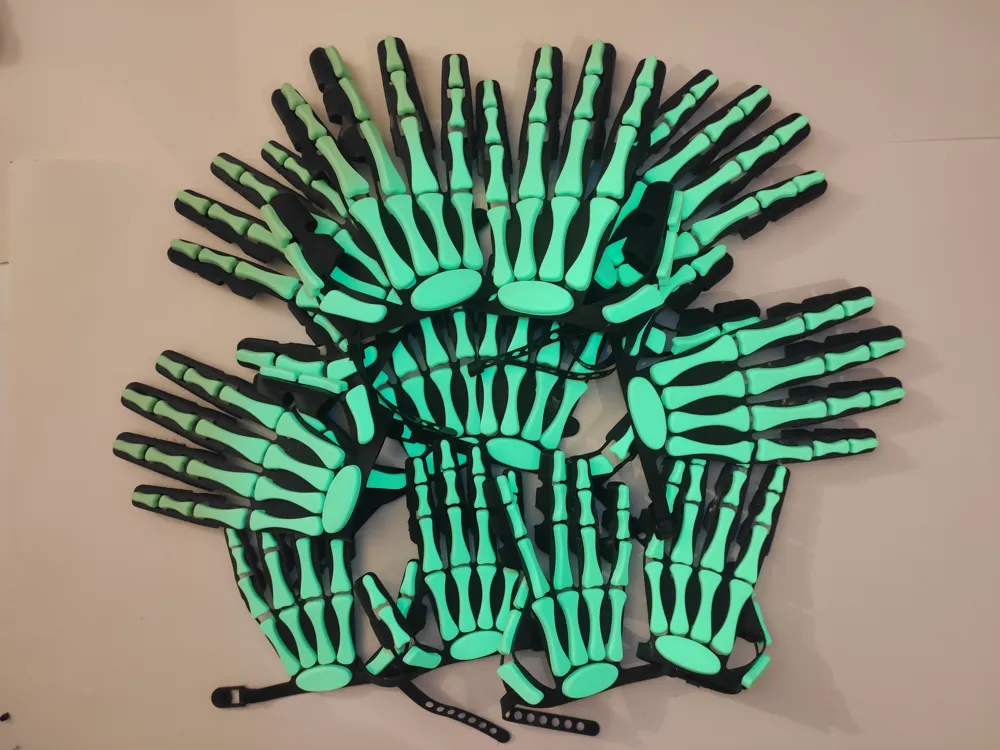
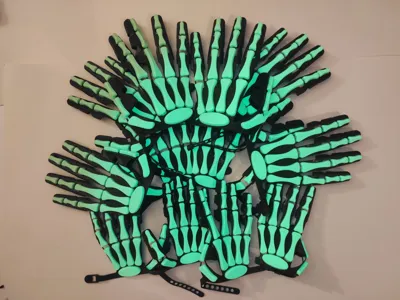
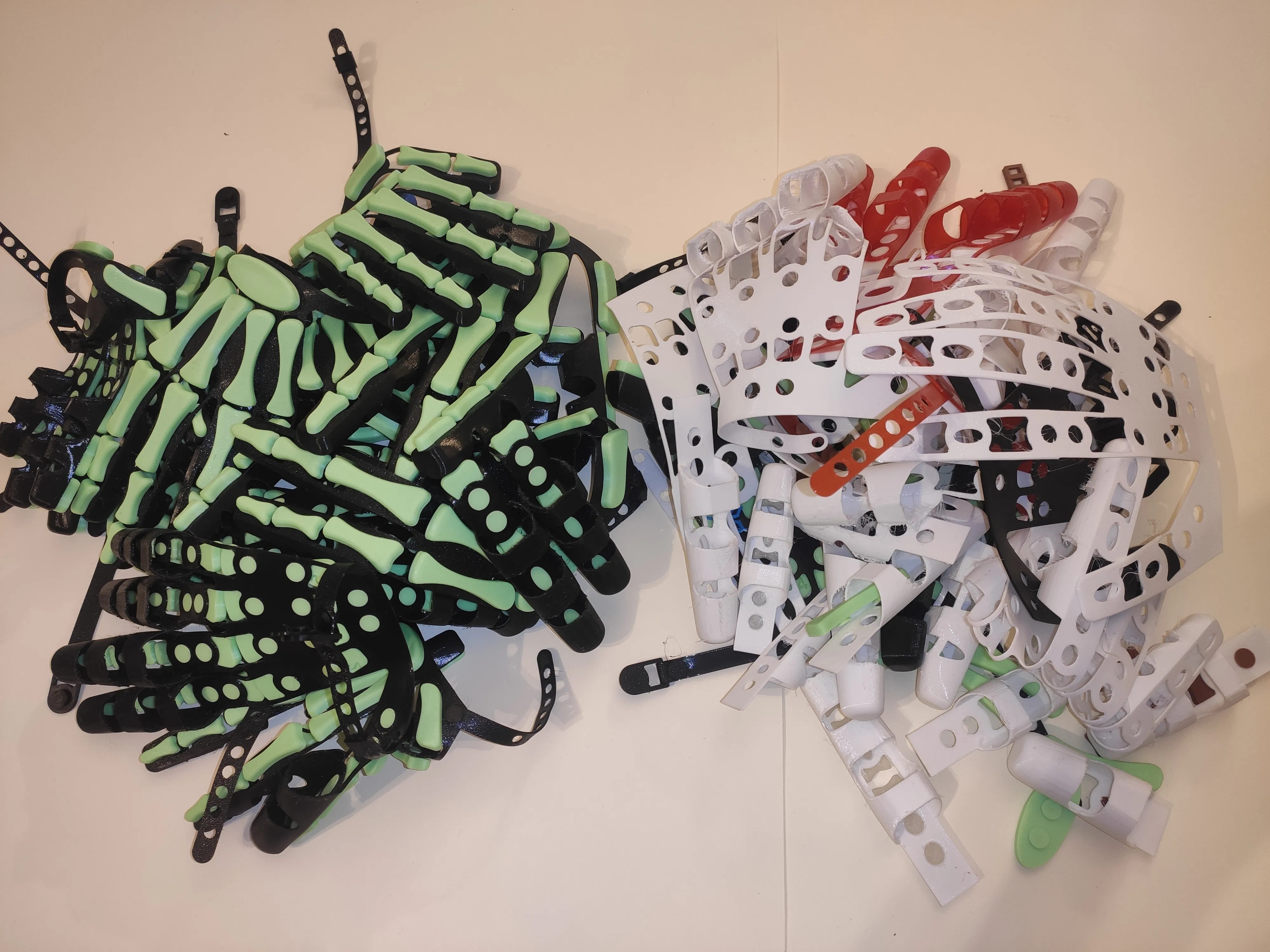
And in the end, just look at this pile of test and final prints!
Membership
The Commercial License lets you sell physical prints of any MakerWorld model I publish, for as long as your membership is active.
Documentation (1)
License

You shall not share, sub-license, sell, rent, host, transfer, or distribute in any way the digital or 3D printed versions of this object, nor any other derivative work of this object in its digital or physical format (including - but not limited to - remixes of this object, and hosting on other digital platforms). The objects may not be used without permission in any way whatsoever in which you charge money, or collect fees.


Comment & Rating (8)