
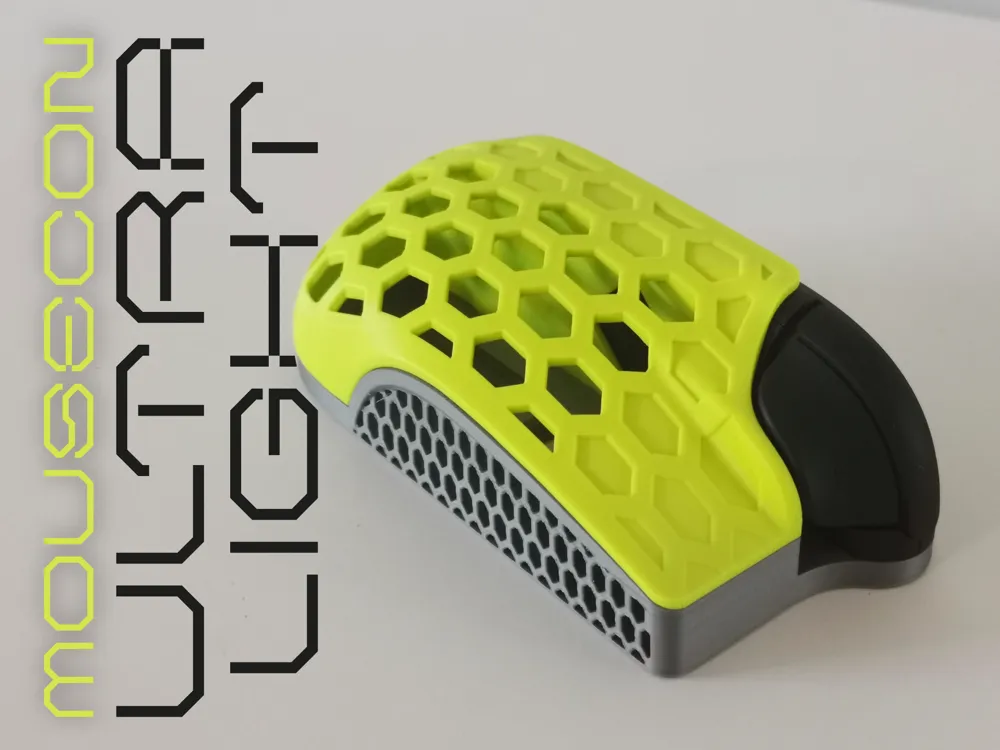
MouseCon ULTRALIGHT* - Switch 2 Mouse Attachment
Print Profile(1)

Description
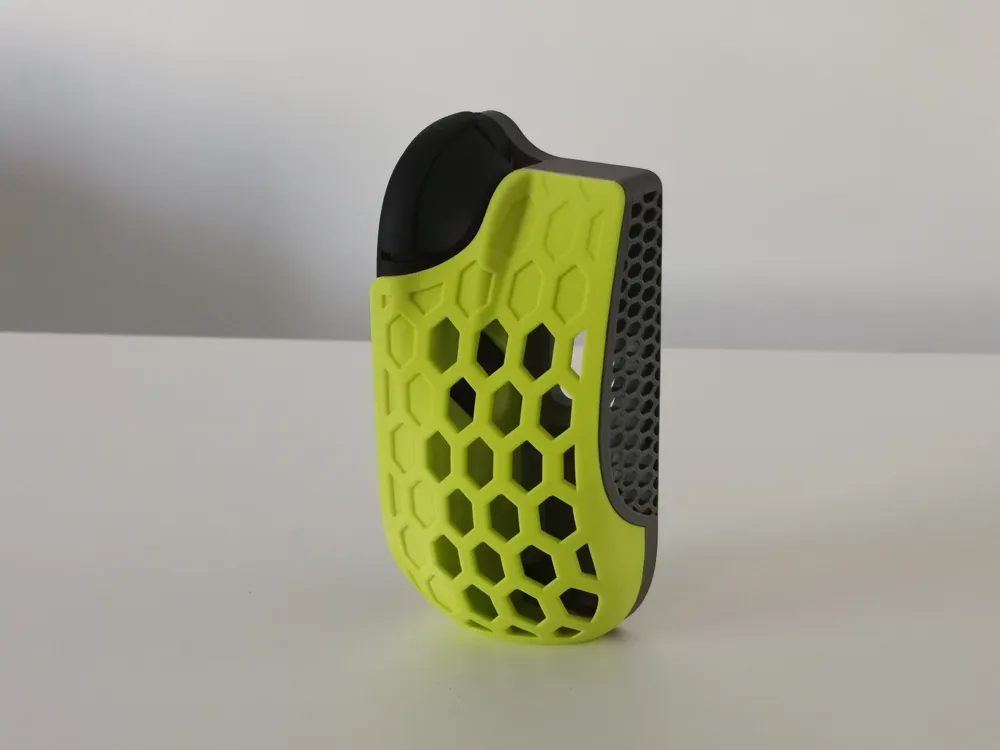
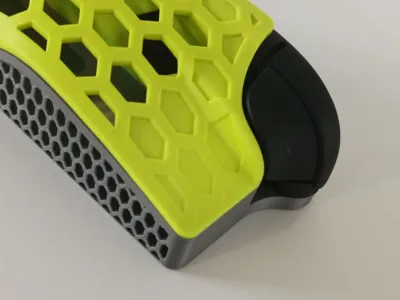
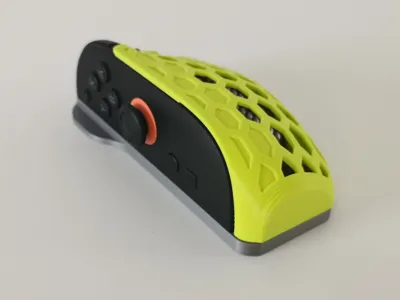
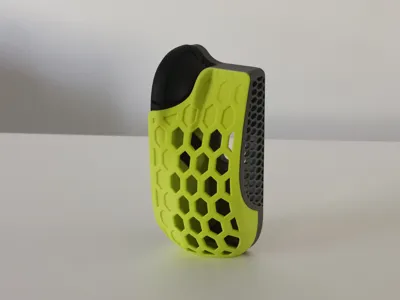
ULTRALIGHT* VERSION
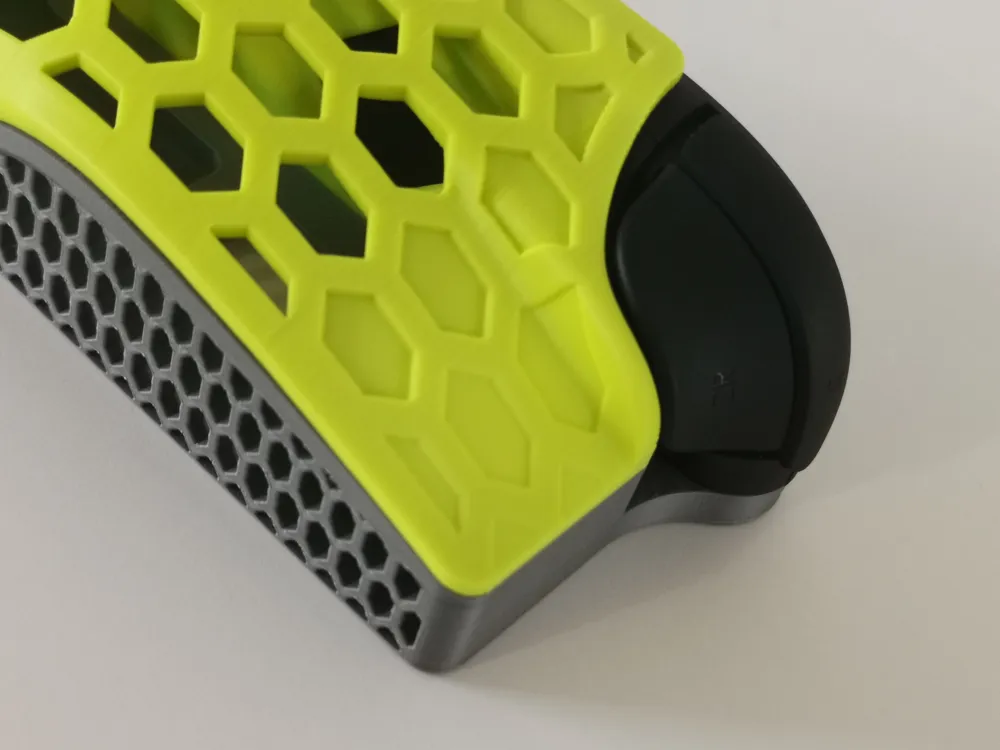
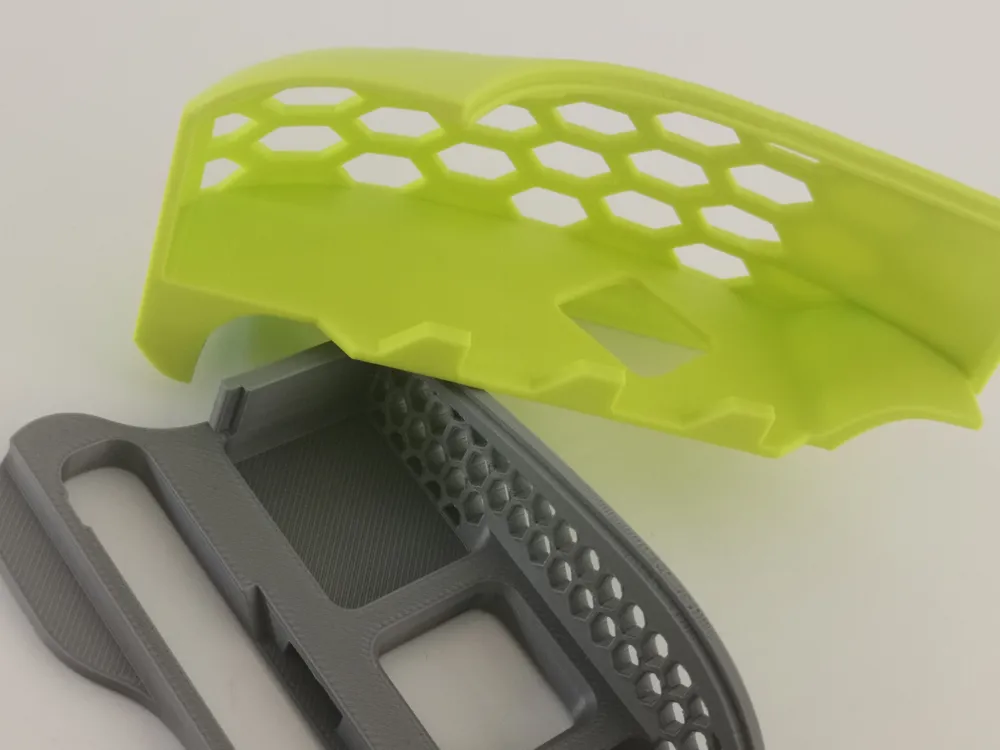
Feeling adventurous? Try the new Ultralight variants of each part of the MouseCon, or just one - the choice is yours! All MouseCon Shell and Base parts are always compatible.
Find the regular version here: https://makerworld.com/sv/models/1848714-mousecon-switch-2-mouse-attachment?from=search#profileId-1975812
*Since the original parts use very little material from the start, the weight reduction on the Ultralight isn’t exactly enormous - around 5 grams if both Ultralight parts are used. But it looks kinda cool, right?
Be aware that the risk of print failures are higher on the Ultralight parts - especially the shell. Print it slow.
________________________________________________________________________________________
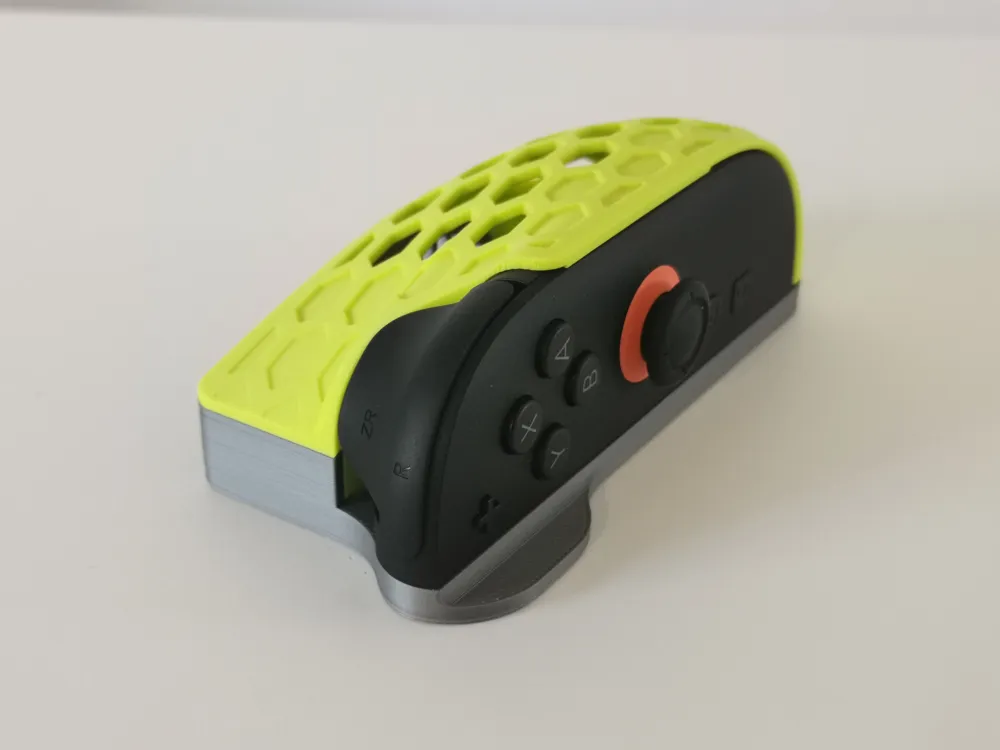
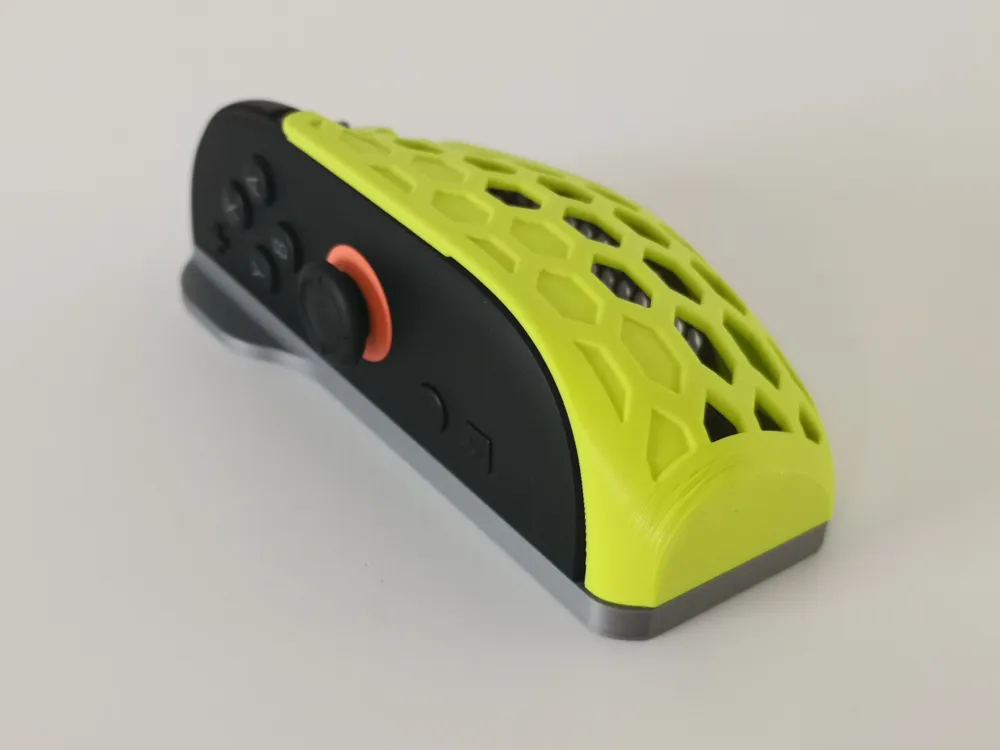
Mouse mode is a great addition to the Switch 2, but the ergonomics leave a lot to be desired. After many hours and countless prototypes I present MouseCon, an attachment that aims to alleviate this issue by transforming the Joycon into a comfortable shape perfect for FPS games and beyond. It prints without supports and can be customized by changing materials or colors on the two parts!
Within the limitations set by the Joycon shape, the MouseCon design is driven by the following principles:
1. Ergonomics
I aimed to create the most comfortable shape possible without making it too large. The hollow design minimizes material use and facilitates a light yet strong end product. One focus area has been rounding out the back edge where the thumb wraps around the Joycon as it feels pretty sharp otherwise.
2. Printability
The attachment is designed to be easy to print with minimal layer line visibility and an orientation which facilitates strength where needed, all without supports. The slight drawback is that there is a flat section at the back of the attachment, but I have found that this should not impact comfort and therefore is a worthwhile tradeoff. As the Joycon mounts by slotting into the attachment there is no need for moving parts or magnets to hold it in place. Glue is optional but generally not needed.
3. Customization and design
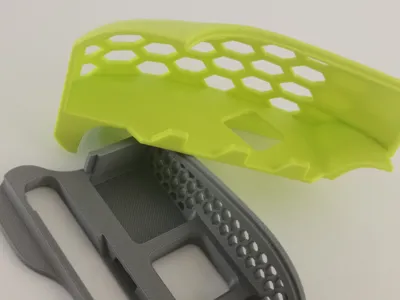
The two-piece design makes it easy to combine different colors and/or materials to create a one-of-a-kind MouseCon. As the material usage is low several pieces can be printed and combined in different ways to change the look.
ASSEMBLY
MouseCon_Shell mounts by connecting pins sliding into MouseCon_Base. No glue is usually needed as the Joycon in its turn “locks” the parts together preventing unintended disassembly during use. Glue can however be applied to create a more solid feeling mouse or if the tolerances feel loose.
USING THE MOUSECON
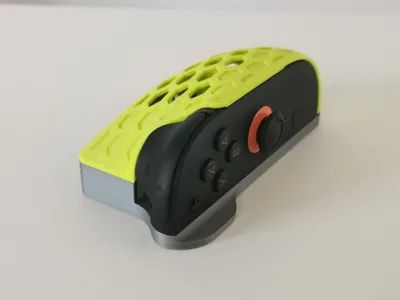
Mount the Joycon by first inserting the connector part into the hole at the base of the MouseCon at an angle, then push the top edge until it "clicks" into place. To remove the Joycon, use the holes going through both parts to push it out with a finger.
For the ultimate glide I'd recommend adding mouse skates/feet (like PTFE), but it also works without.
SETTINGS
NOTE: The parts are placed on the same build plate, and even if they can be printed at the same time I'd suggest printing them one at a time!
Layer Height: 0,2 mm
Layer Width: 0,5 mm (this increases quality on curved overhang on MouseCon_Shell)
Adaptive Layer Height: Yes, for better quality
Infill: 8% is sufficient as there is little areas with infill in the parts
Supports: No
Brim: No, unless MouseCon_Shell has issues coming loose
Speed: 100 mm/sec recommended due to the tall part and small details
Material: Only tested in PLA which is perfect with its high stiffness, but should work in other materials as well. Matte materials make the parts slightly harder to assemble.
LEF HANDED VERSION
If you need a left handed version of the MouseCon, simply mirror the parts in Bambu Studio by right clicking on each parts and selecting Mirror - Along X axis.
LICENSE
All files provided are FOR PERSONAL USE ONLY. You are not allowed to sell, give away or in any way distribute the files to a third party, nor sell 3D prints of it locally or online. At this point in time there is no commercial license available for this project.
Boost Me (for free)
Help me out by giving me a Boost!
License

You shall not share, sub-license, sell, rent, host, transfer, or distribute in any way the digital or 3D printed versions of this object, nor any other derivative work of this object in its digital or physical format (including - but not limited to - remixes of this object, and hosting on other digital platforms). The objects may not be used without permission in any way whatsoever in which you charge money, or collect fees.


Comment & Rating (19)