
SMLight SLZB-06 / SLZB-MR Wall Mount
Print Profile(3)



Description
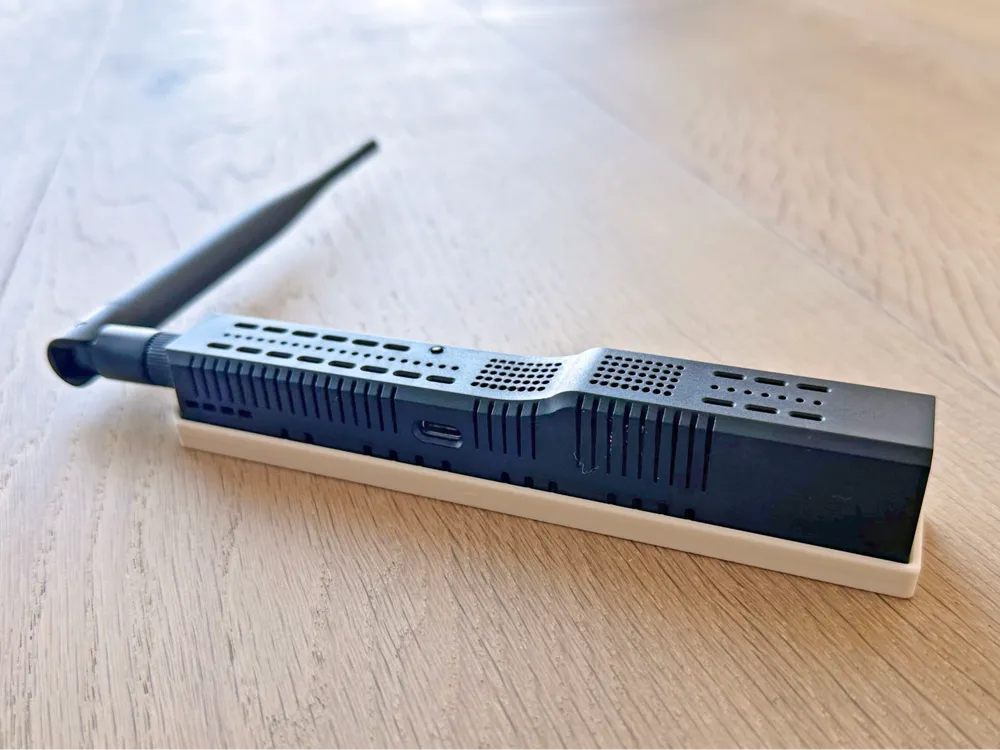
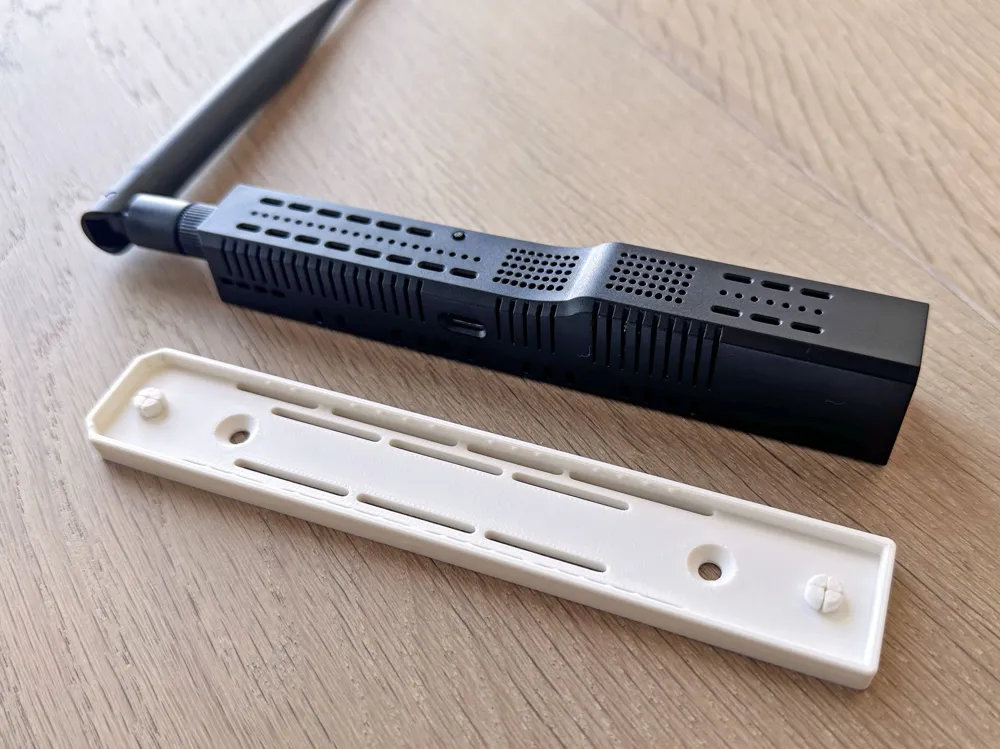
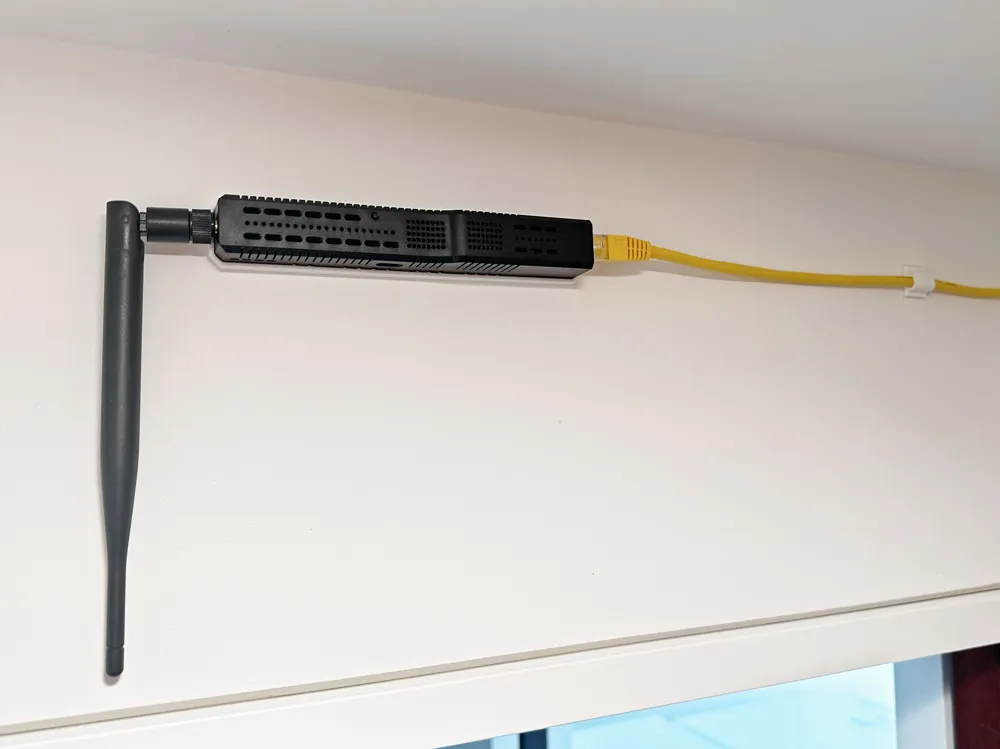
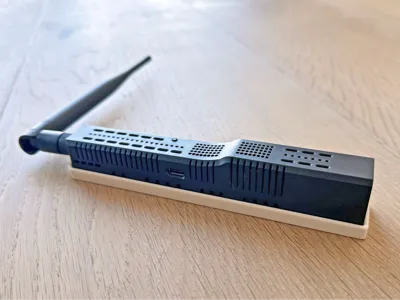
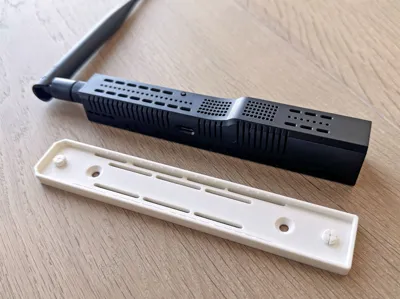
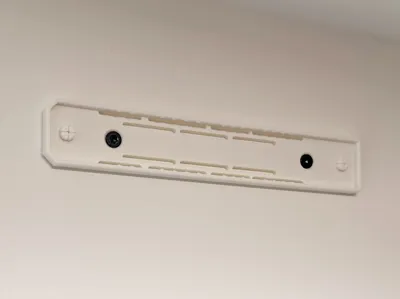
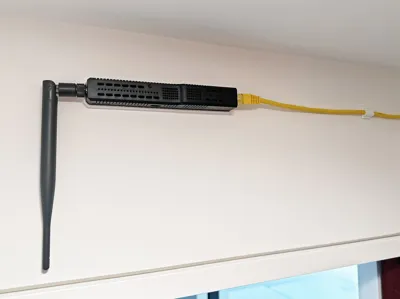
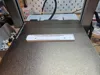
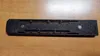
This is a wall mount for SMLight SLZB Zigbee Ethernet USB LAN adapters. The SLZB snaps into place and stays secure. It is easy to install and remove.
Update:
- @roztropny added a print profile for a magnetic version, using 6mm x 3mm magnets. Very nice!
- I released a remixed model for 6mm magnets which can be customized for different sized magnets as well.
So far, this mount has been confirmed to fit these SMLight models:
- SLZB-06
- SLZB-06M
- SLZB-06Mg26
- SLZB-06P7
- SLZB-06P7U
- SLZB-06U
- SLZB-MR1
- SLZB-MR1U
- SLZB-MR2
- SLZB-MR3
- SLZB-MR3U
- SLZB-MR4
- SLZB-MR4U
- SLZB-MR5U
- SLZB-MRW10
It may work for others as well. Please drop a comment for other models and I'll keep this updated.
Model features
- One-piece design
- Prints without supports
- Holds the SLZB securely in any orientation
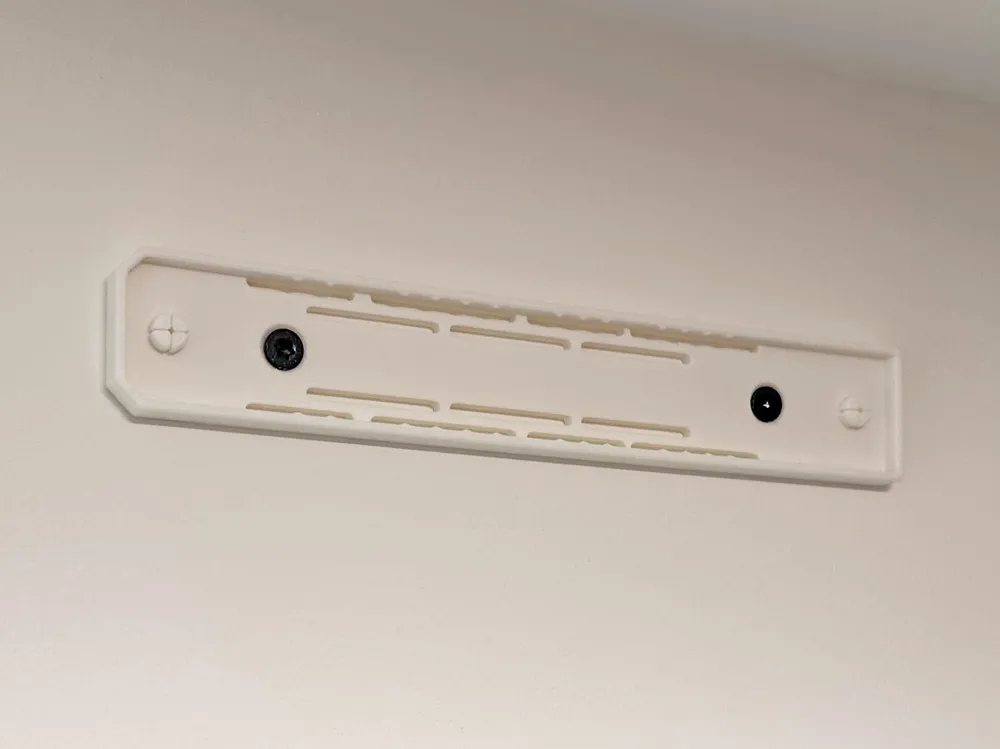
- Mounts to the wall with flat-head screws
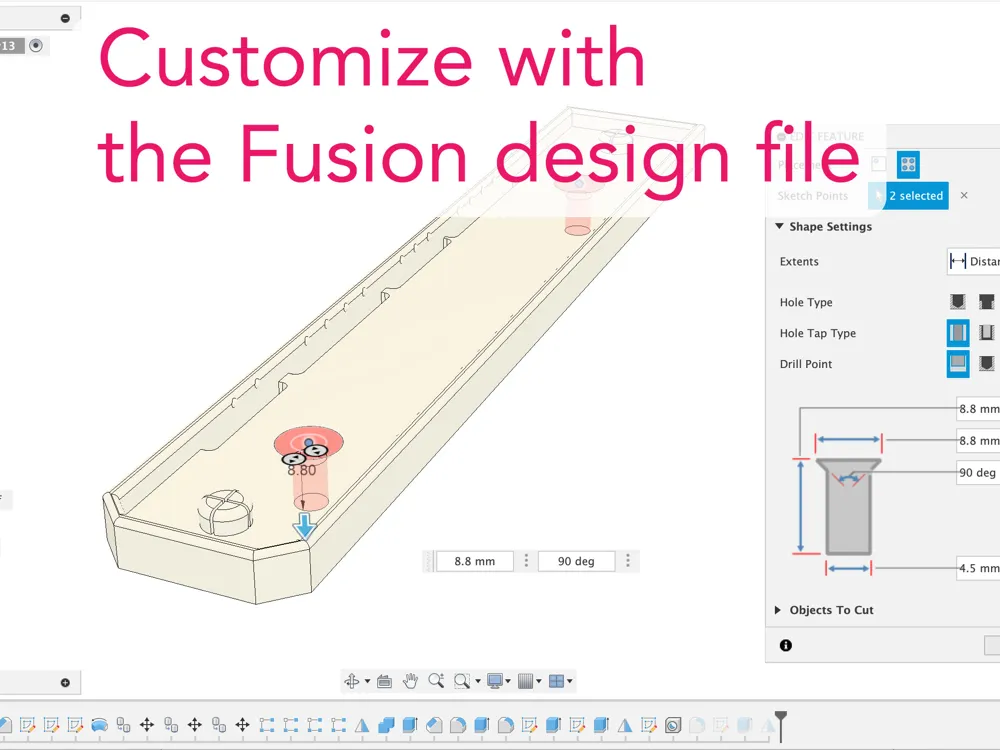
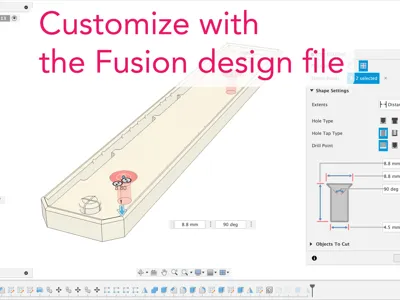
- Includes STEP and Fusion files for easy remixing
How it works
I designed this with compliant mechanisms so it is tolerant to differences in printer accuracy and materials:
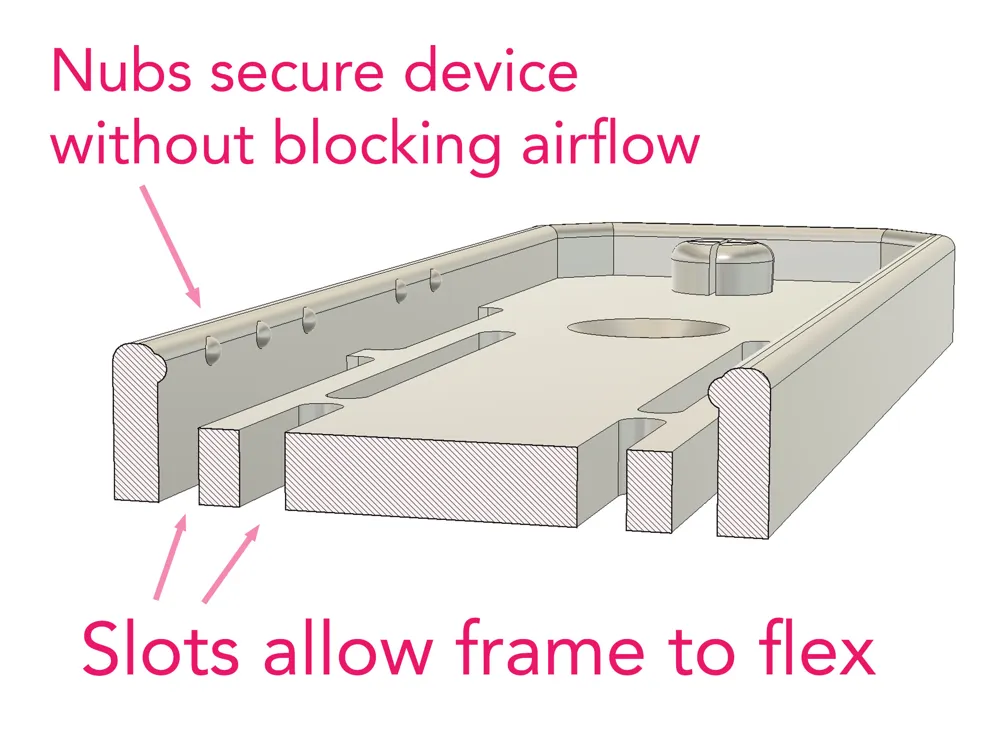
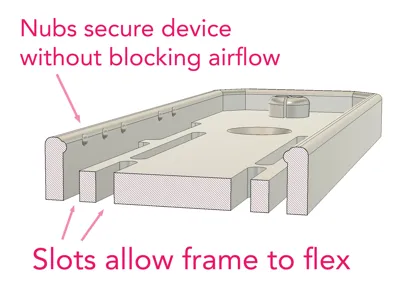
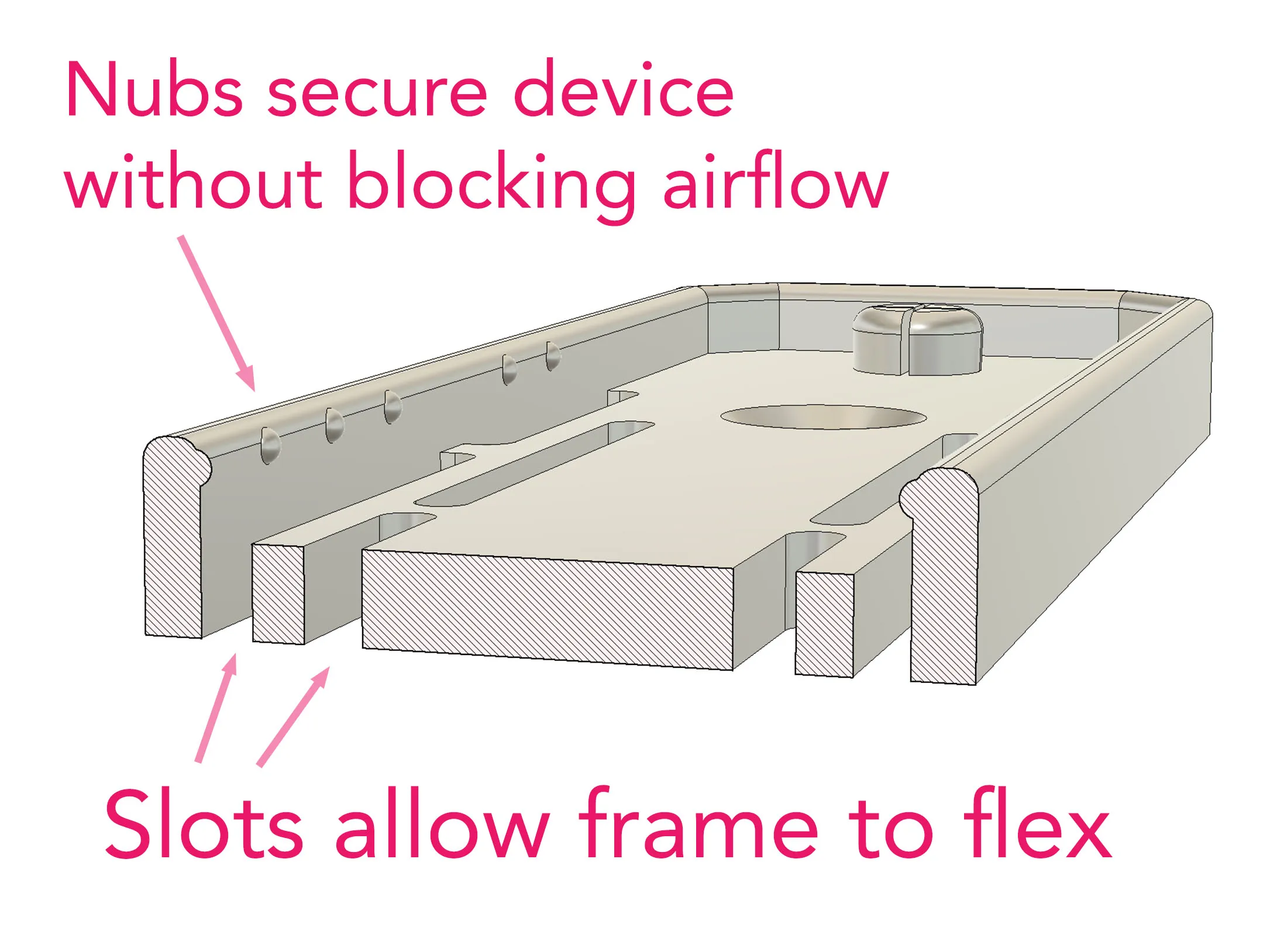
- Small retaining nubs align with the vent holes and hold it firmly without blocking airflow
- Slots in the frame let those nubs flex during install/removal
- Two large keys line up with the adapter’s mount points. Together with the rim, they prevent side-to-side movement. The only way to remove the device is by pulling straight out from the wall.
- The fit is tuned to balance snugness with ease of use.
- Works well in PLA or PETG
Mounting
- Designed for #6 or #8 screws
- Mount the frame first, then snap in the adapter
Why another wall mount?
The SLZB is fantastic, but the supplied mounting solution (two tiny screws) begs a better option. I looked at the other 3d print models but I wanted something that works in any orientation, and easier than the large C-shaped clip designs. This version ticks all the boxes for me. I also thought about adding slide-in dovetail-style clips for extra security, but it really doesn’t need them.
Files included
- STEP file - for remixing in any CAD program
- Fusion 360 design file - native file with full history
- 3MF - to print the same as I did
Printing
- Print on its back. 3 wall loops.
License



Comment & Rating (77)