Search models, users, collections, and posts

Wrapping Case
IP Report
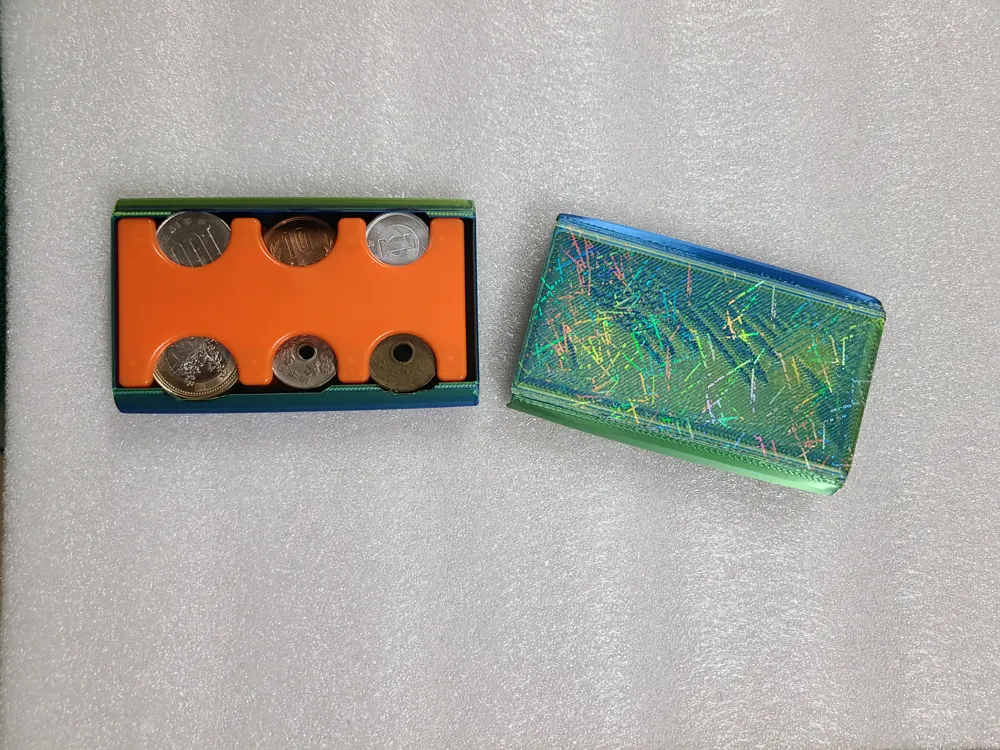
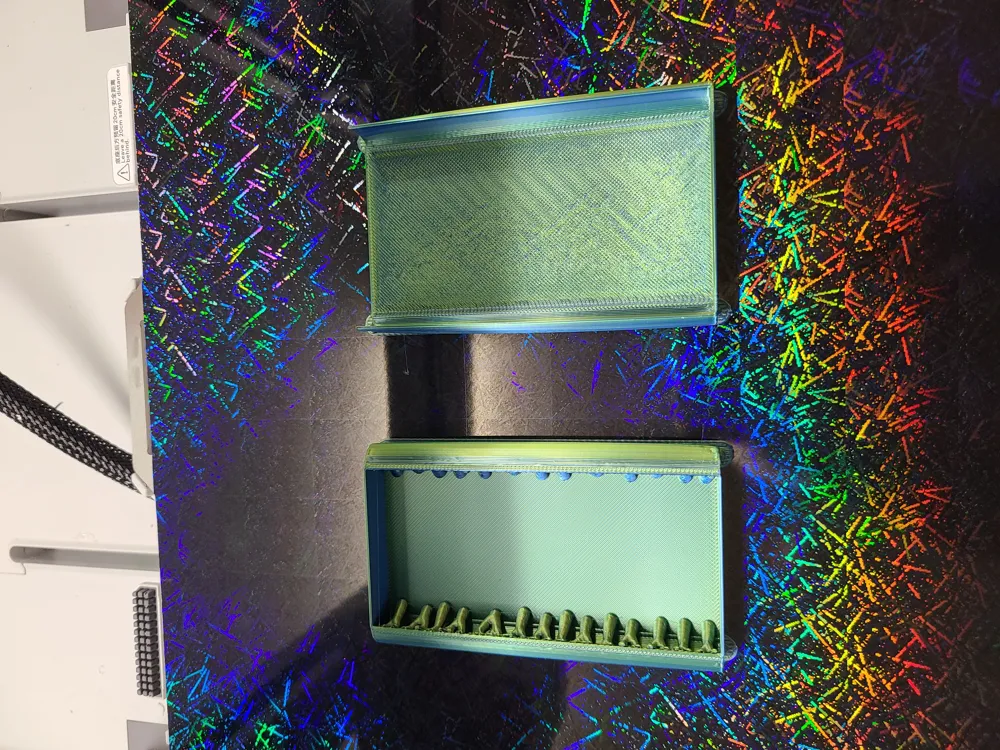
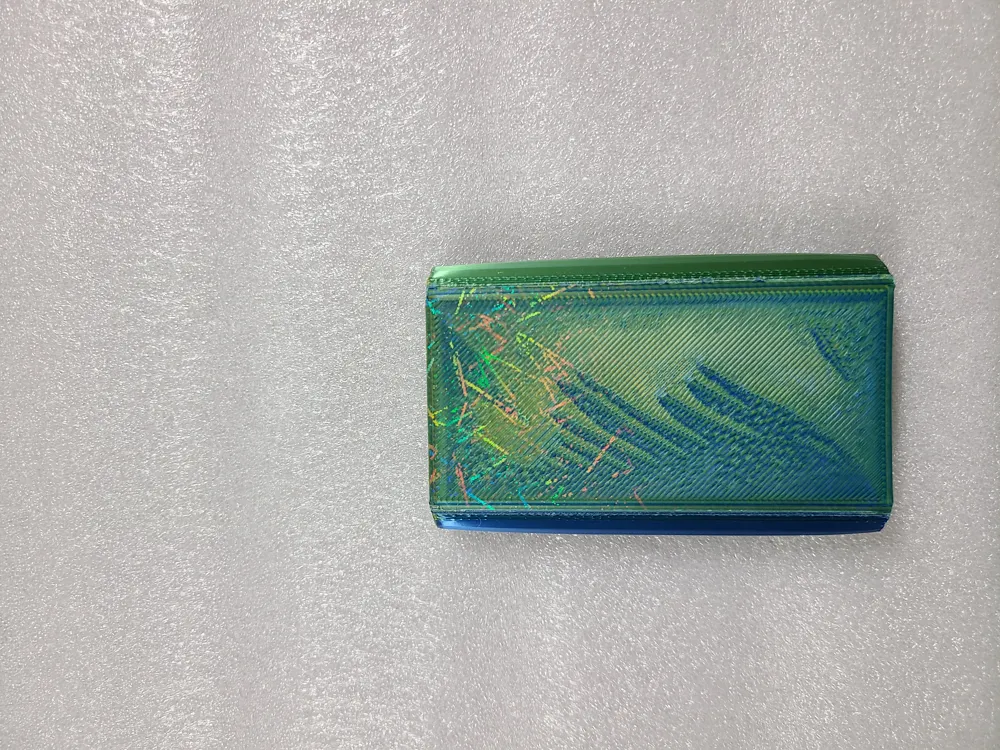
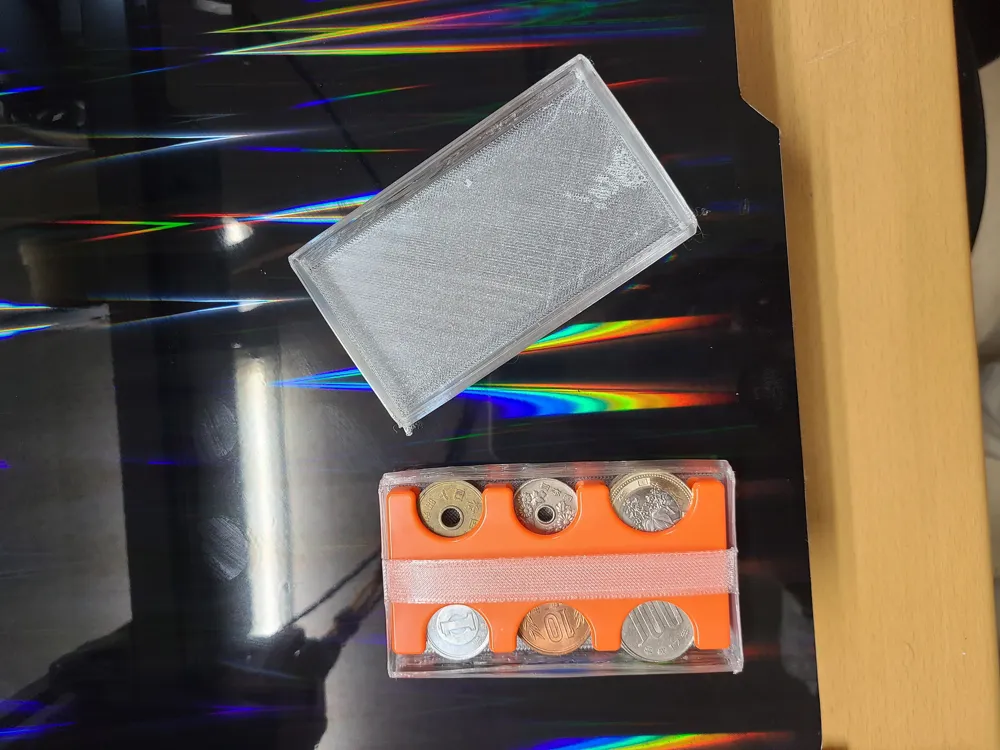
This model is created by Parametric Model Maker
Make Your Model
Print Profile(1)

0.2mm layer, 2 walls, 15% infill
Designer
1 h
1 plate
Open in Bambu Studio
Boost
5
13
1
0
9
2
Released
Description
Content has been automatically translated.
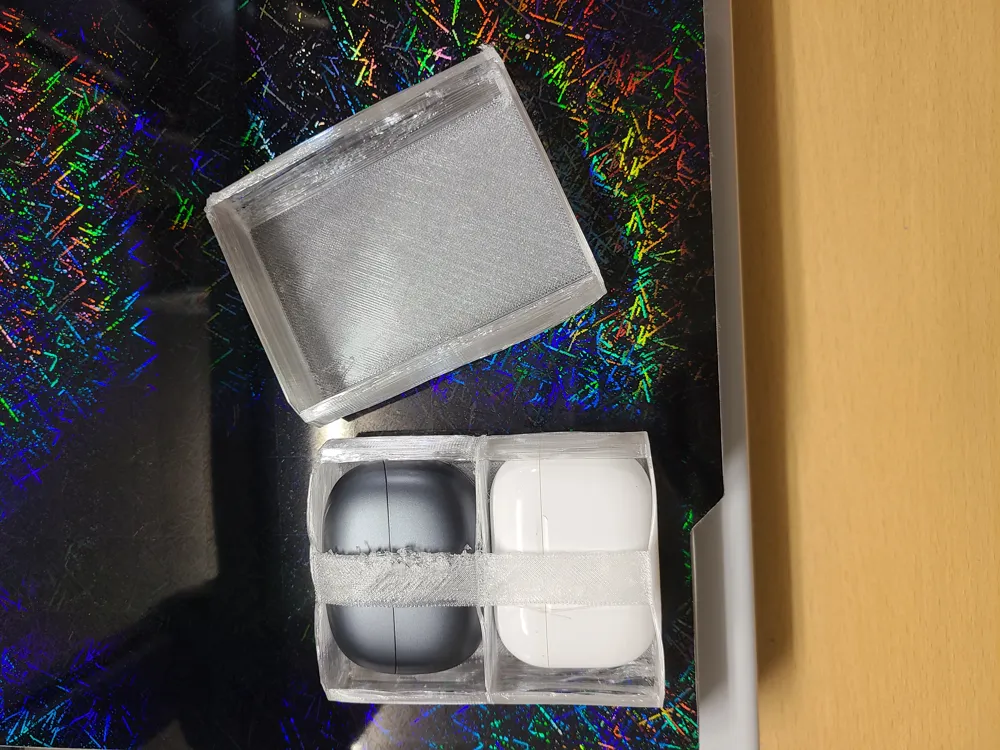
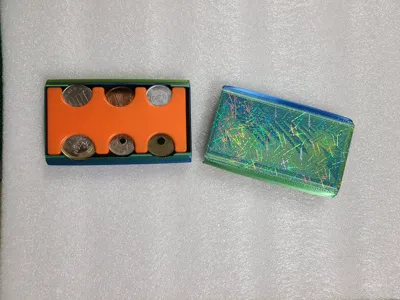
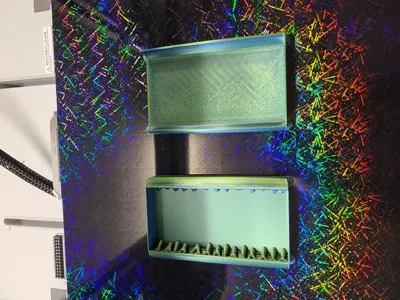
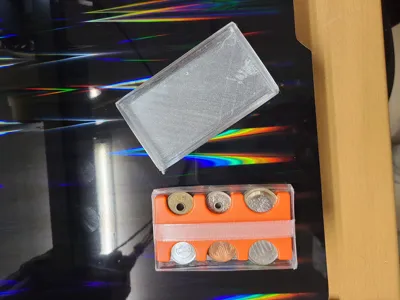
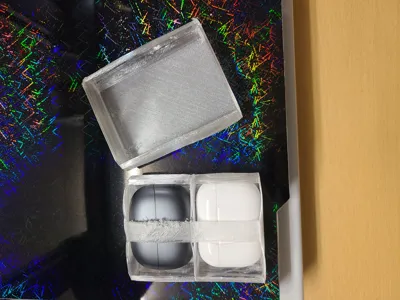
You can create simple containers (cases) for wrapping small items. For example, cases for coin purses or earphone cases.
Boost Me (for free)
- Please set the width and height of the target small item.
- If you want thin walls, set the thickness to about 0.6; if you want an infill pattern wall, set it to 3 or more.
- Both sides are created with cylinders. Please set the radius to half the thickness.
- $fn sets the approximation degree of cylinders in OpenSCAD. Set $fn to 6 or more. If $fn is 6, it will be a hexagonal prism; if 20 or more, it will be a smooth cylinder.
- When attaching a band so it doesn't protrude from the main body, set band_width to a value greater than 0. If you want the band to be vertical, set virtual to true; if you want it horizontal, set it to false.
- If you want to generate a cap in addition to the main body, set with_cap to true; if a cap is not needed, set it to false.
- If you want to create two linked items, set double_size to true; otherwise (this is usually the case), set it to false.
Setting example 1: Coin case
width = 45; height = 95; thickness = 0.6; radius = 6; $fn = 20; band_width = 0; virtical = false; with_cap = true; double_size = false;
Setting example 2: Earphone case (two-tier)
width = 50; height = 45; thickness = 0.6; radius = 12; $fn = 20; band_width = 14; virtical = true; with_cap = true; double_size = true;
License

This user content is licensed under a
Creative Commons Attribution


Comment & Rating (1)