Search models, users, collections, and posts

Layer Height Comparison
IP Report
Print Profile(1)

0.16mm layer, 2 walls, 15% infill
Designer
3.2 h
3 plates
Open in Bambu Studio
Boost
0
1
0
0
2
1
Released
Description
Content has been automatically translated.
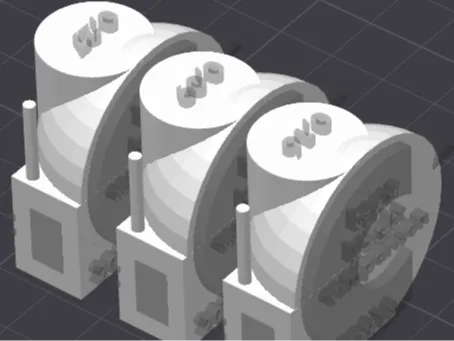
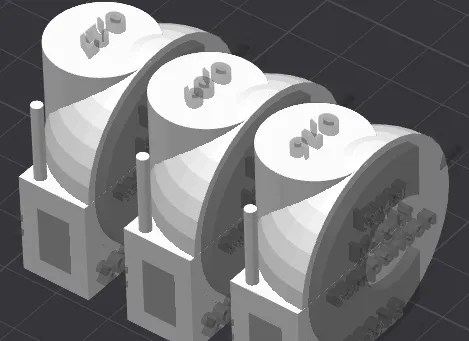
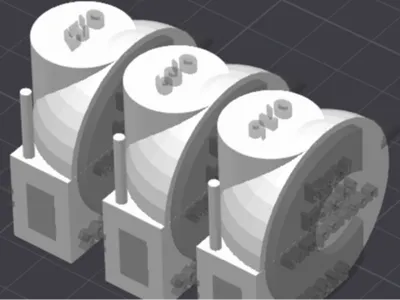
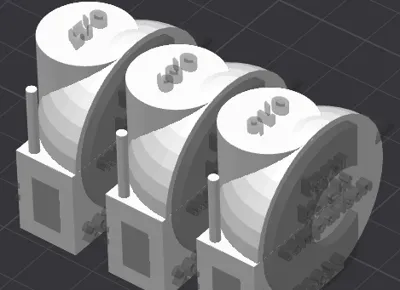
Examples of layer height settings for better print quality, better finish.
The layer height is global to the entire object. Do not confuse it with smoothing, which only concerns the contour(s).
To adjust the layer height, click on the object concerned, then the Process tab > Objects, Frequent / Layer height (for the English version)
License

This user content is licensed under a
Creative Commons Attribution-Noncommercial-Share Alike


Comment & Rating (0)