
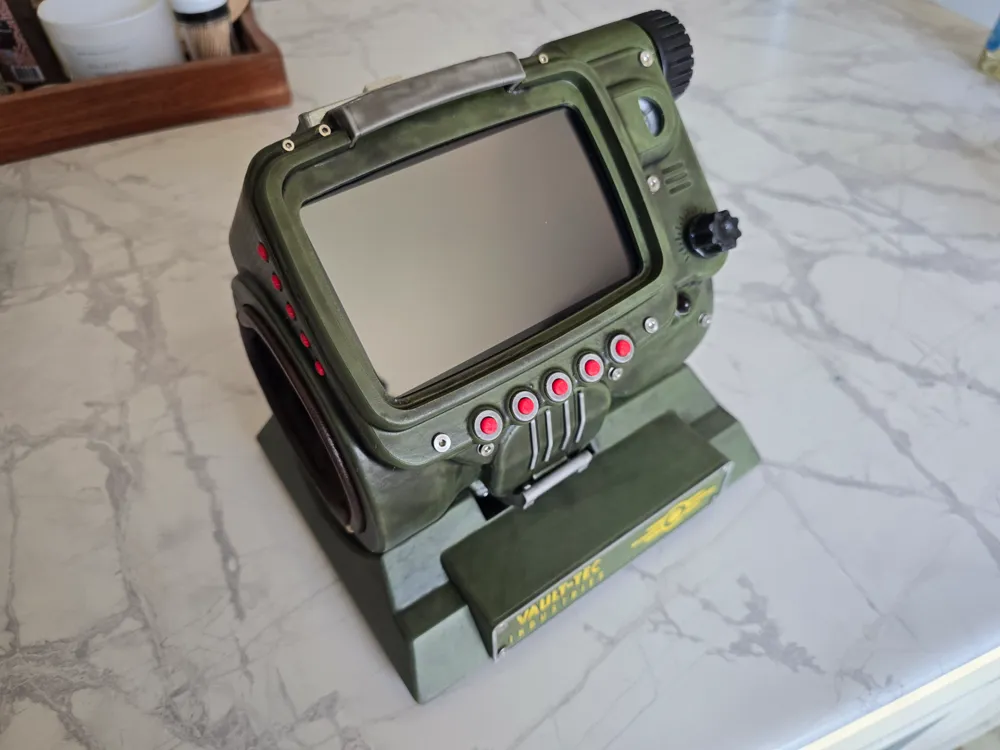
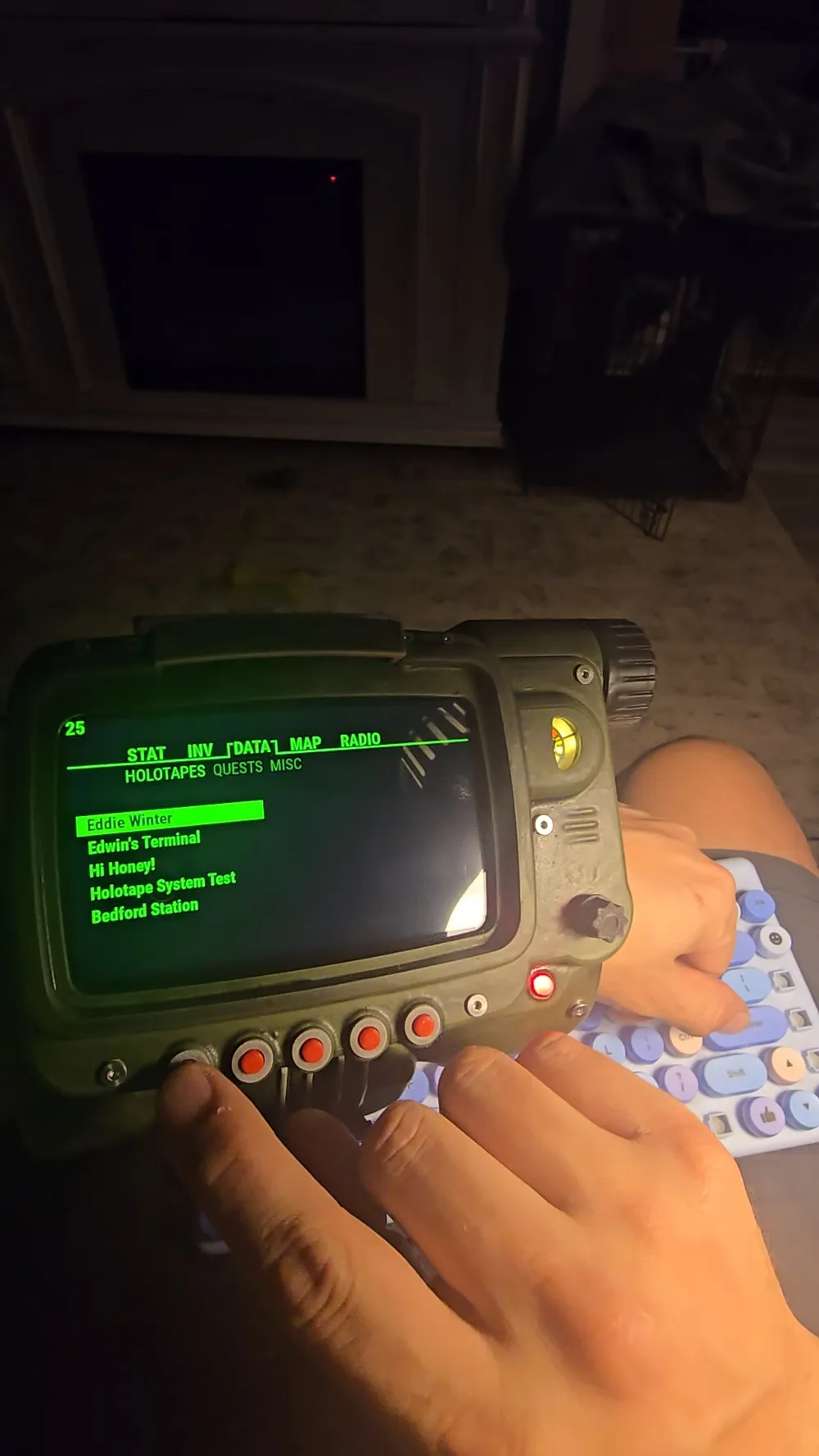
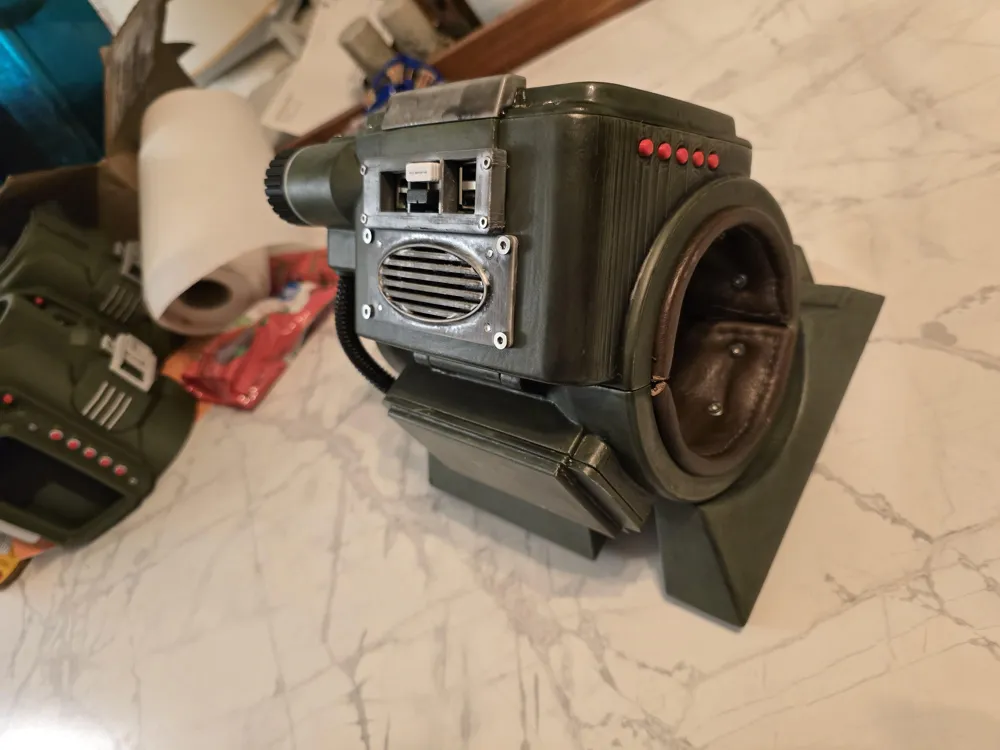
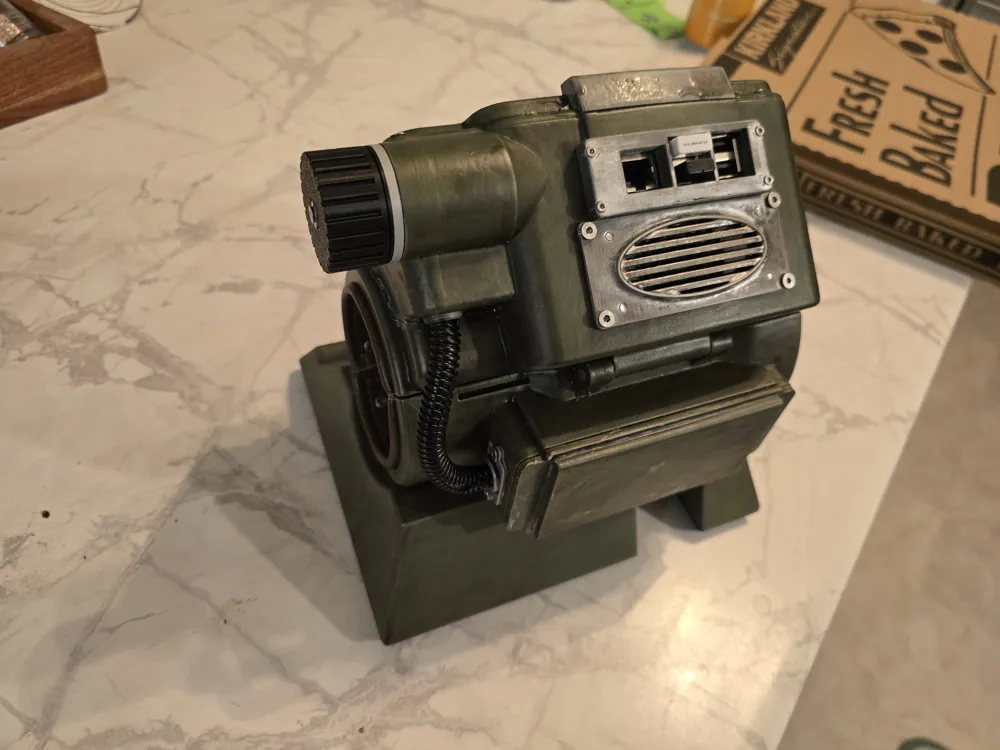
Raspberry Pi Pipboy
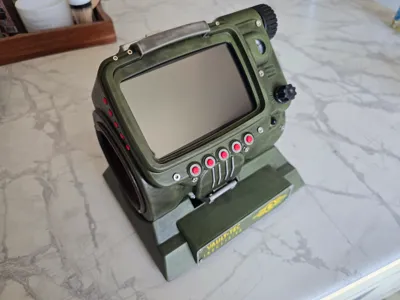
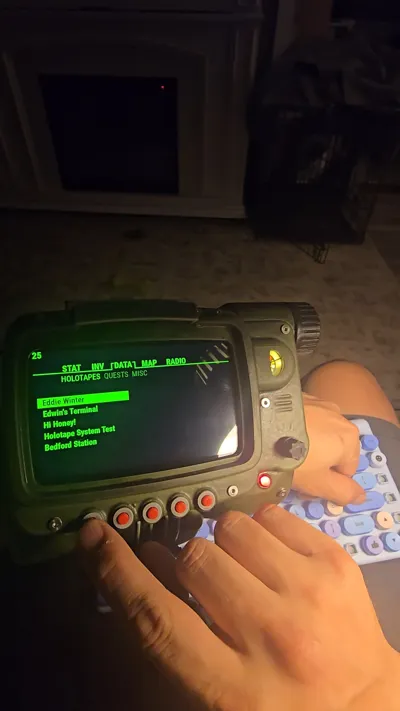
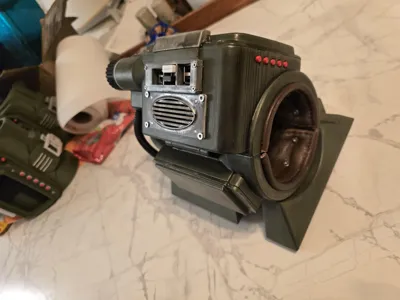
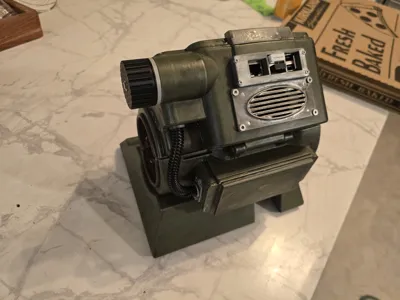
Print Profile(1)

Description
9/25/25
Added my python script for the buttons to the documentation. Using the button wiring pdf you should have F1 connected to pin 11, F2 connected to pin 18, F3 connected to pin 13, F4 connected to pin 19, F5 connected to pin 26, Up connected to pin 29, Down connected to pin 33, Left connected to pin 37, and Right connected to pin 36. Ground pin 39 with a 10k ohm reistor connects to all of the other sides of the switches. I removed the gpio.py from the pypboy folder and added mine. I run it in it's own terminal window by typying:
cd pypboy
sudo python3 gpio.py
You should see “Sent Key: Key.F1” or whichever for each button pressed.
How to launch the gpio.py and the pipboy app:
https://www.tiktok.com/t/ZP8SnPaeQ/
9/18/2025
Added the button wiring diagram to the documents.
DISCLAIMER
This project is not for beginners. Do not start if you aren't confident wiring, soldering, or programming. The phyiscal parts of this project are complete but the programming is a work in progress.
Parts List
M3x10 Screw - QTY 34
M3x5 Screw - QTY 20
M2x10 Screw - QTY 10
M2x5 Screw - QTY 4
6x2mm Magnet - QTY 18
6x6 Switches - QTY 9
3v Red LED - QTY 1
Tea Light LED - QTY 1
18650 Batteries - QTY 2
Micro usb - QTY 2
Consumables
Solder/flux
Heat shrink tubing
Super Glue
The first bit of the assembly guide is complete. I have the GPIO pins labeled which buttons to attach to. One side of the switch goes to the gpio and the other goes to a common ground pin with a 10k resistor for safety.
The operating system is based off this. I will be uploading my tweaks once they are finished. It is fairly easy to edit everything if you know basic python.
https://github.com/zapwizard/pypboy
A1 mini profile coming later
Documentation (4)
License

You shall not share, sub-license, sell, rent, host, transfer, or distribute in any way the digital or 3D printed versions of this object, nor any other derivative work of this object in its digital or physical format (including - but not limited to - remixes of this object, and hosting on other digital platforms). The objects may not be used without permission in any way whatsoever in which you charge money, or collect fees.


Comment & Rating (207)