
Initial layer layerflow calibration
Print Profile(1)

Description
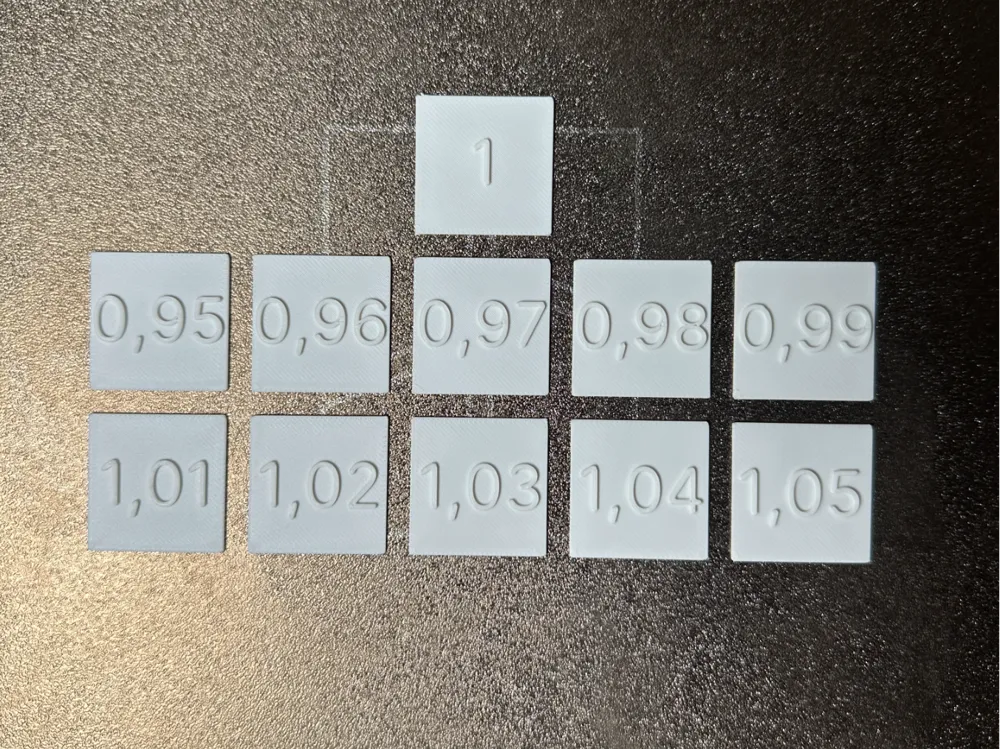
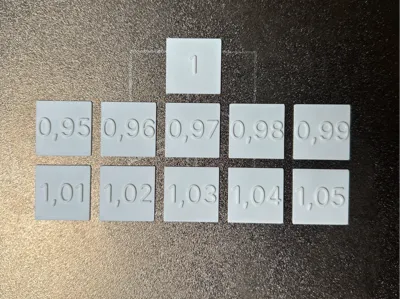
This test model helps you get clean undersides when printing models upside down – for example, logos or lettering.
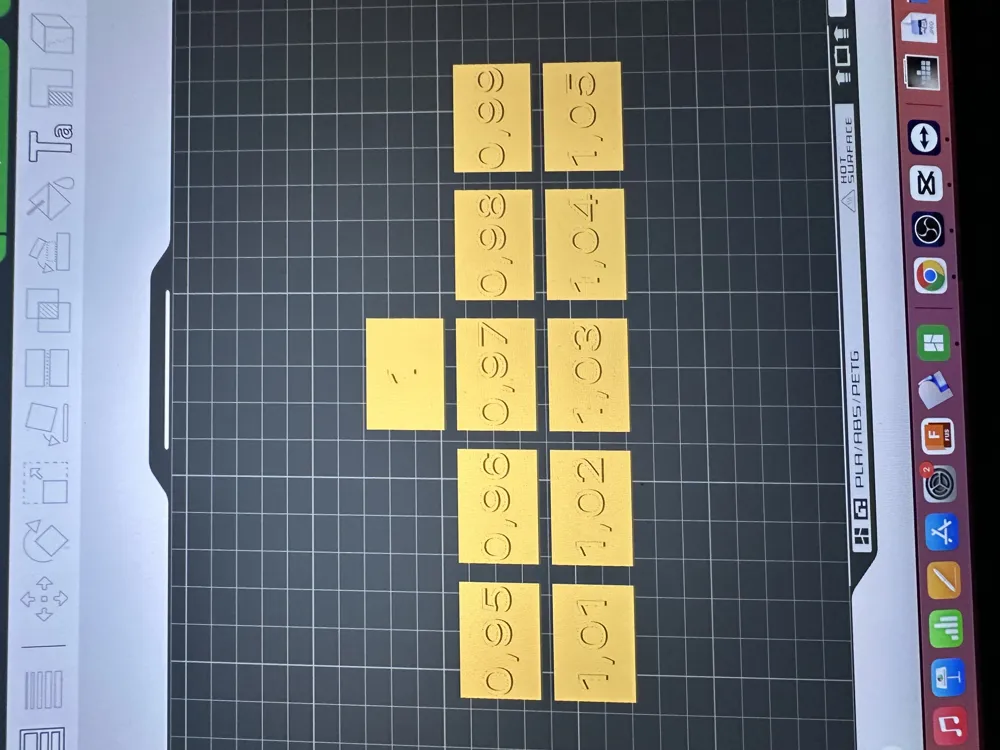
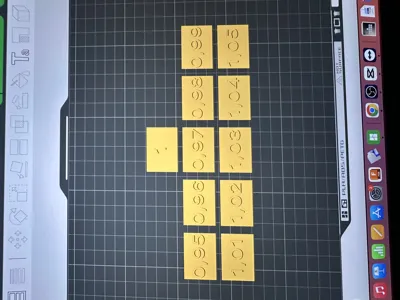
11 small plates are printed, each with a different first layer flow ratio (1.00 to 0.95).
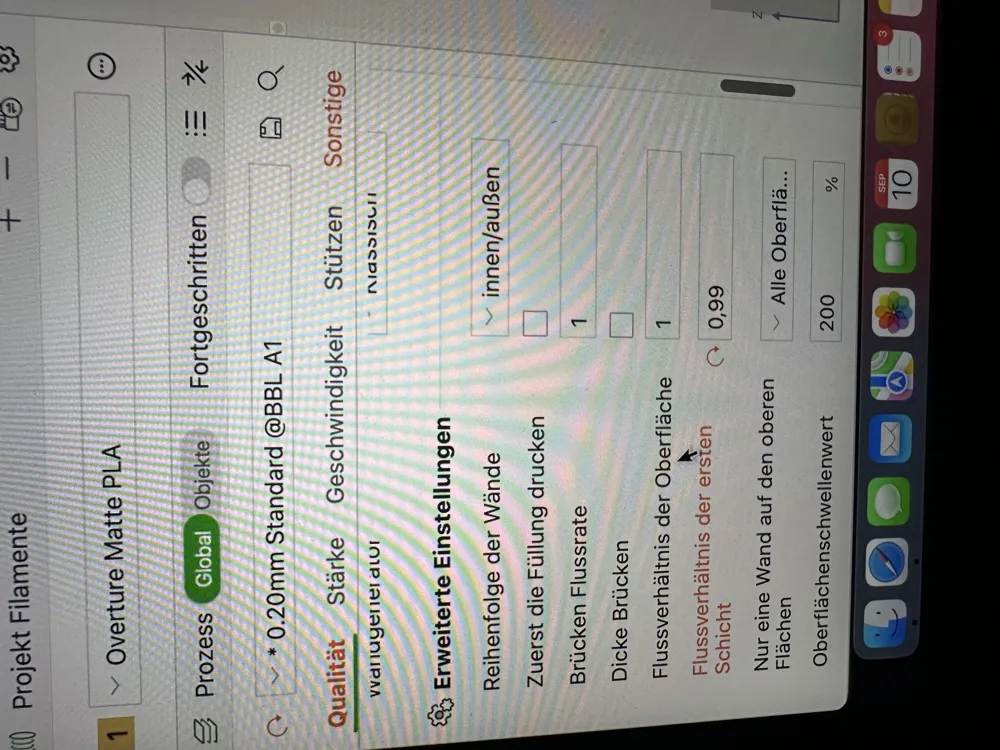
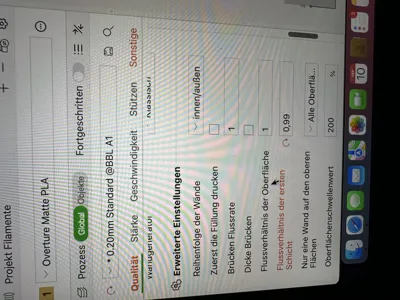
After printing, remove the plate and pick out the plate with the best underside. You then transfer this value to Bambu Studio under Quality → First Layer Flow Ratio.
👉 Example: For me, 0.99 looked best.
👉 Suitable for Smooth PEI plates, Cool Plates, and other build plates.
This way you quickly find your optimal setup for smooth undersides. Good luck with testing!
License

You shall not share, sub-license, sell, rent, host, transfer, or distribute in any way the digital or 3D printed versions of this object, nor any other derivative work of this object in its digital or physical format (including - but not limited to - remixes of this object, and hosting on other digital platforms). The objects may not be used without permission in any way whatsoever in which you charge money, or collect fees.


Comment & Rating (26)