
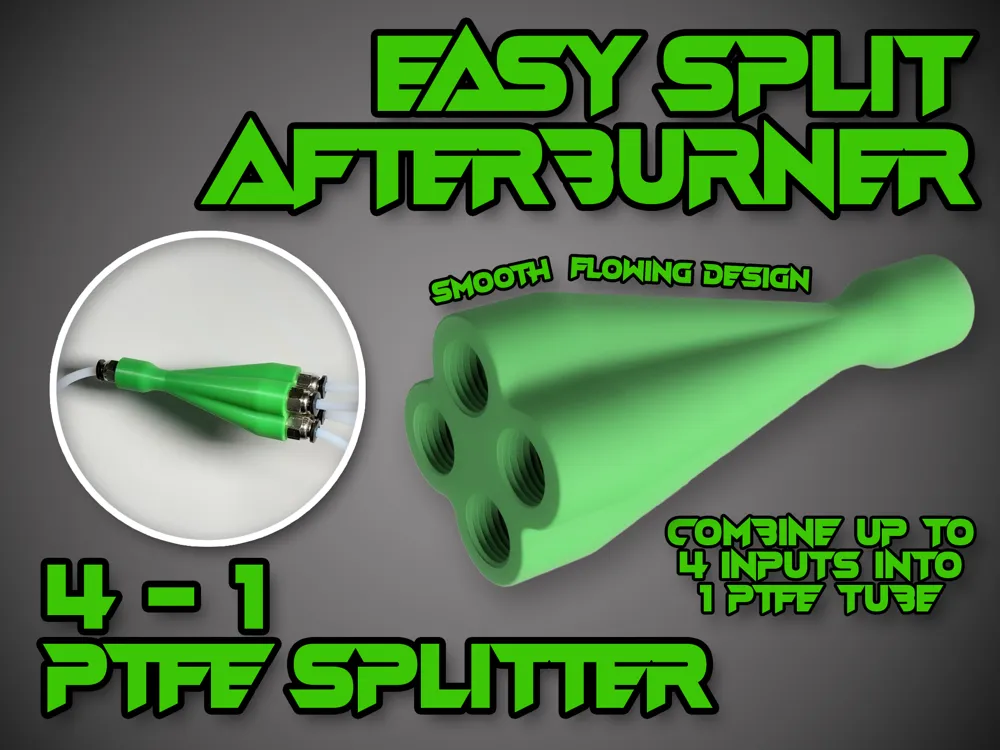
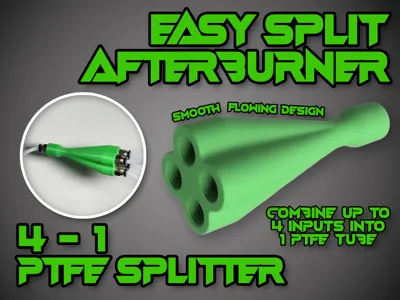
Easy Split Afterburner 4-1 PTFE Splitter
Print Profile(2)


Description
Description
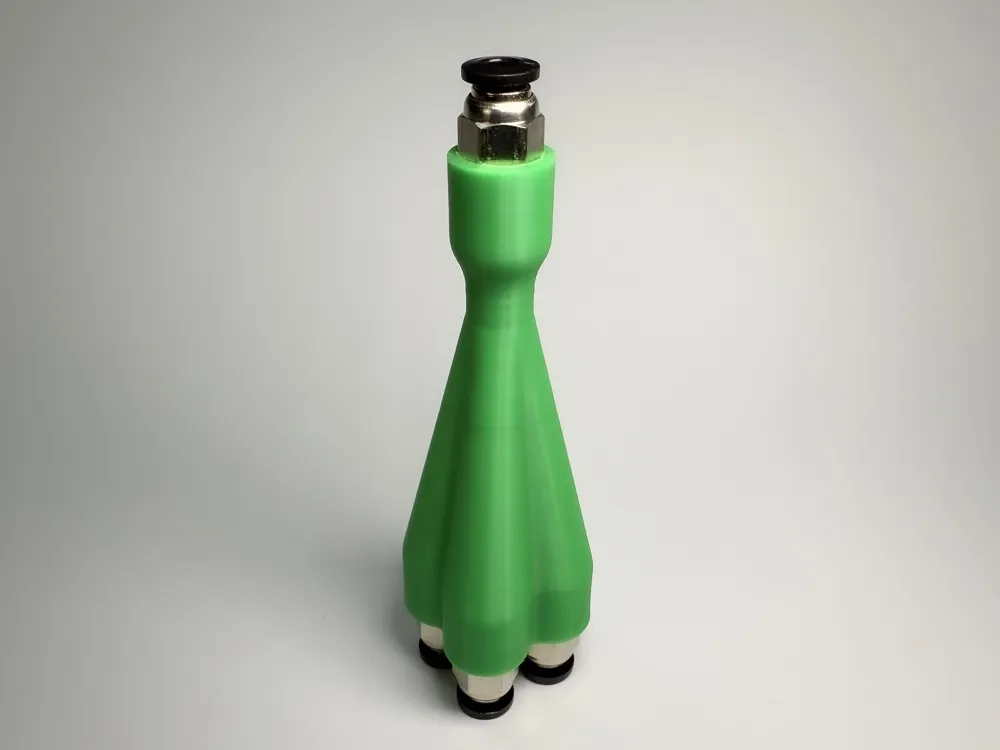
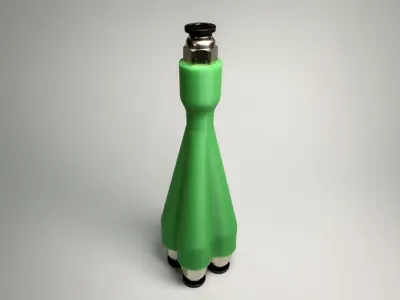
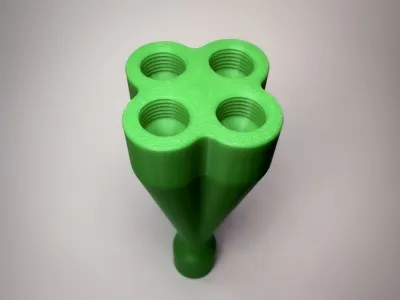
A PTFE splitter for Bambu Lab printers, and any other use cas for a PTFE tube splitter.
- This is running a modified (and further improved) internal structure of my original EasySplit (2-1 Y-Splitter) which has been printed over 13,000 times and has been used on thousands of people's printers without issue for well over a year.
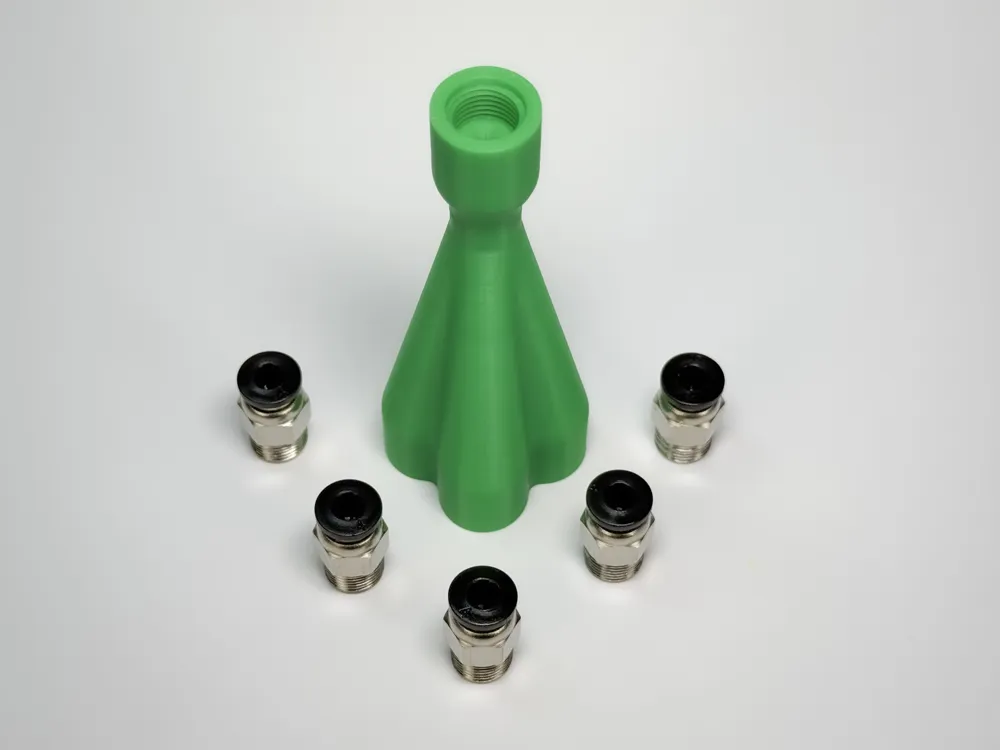
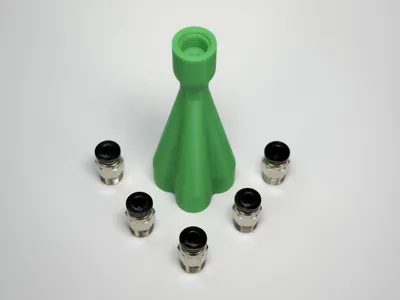
- Threaded for PC4-M10 PTFE Fittings (UK: https://amzn.to/3GD8zyM / USA: https://amzn.to/42Cqcr4 / DE: https://amzn.to/48EwFoC). A single EasySplit Afterburner will require 5x of these fittings.
Please Note: Whilst it is possible to print faster (using thicker layer lines or faster print speeds, as per the print profiles posted by some others), this can and likely will affect performance as it'll affect how smooth the print and the surfaces are inside the filament guides. Please print with the profiles I supplied (Marked, ‘Designer’), I've heavily tested my profiles and can't guarantee that other profiles will perform as I've described.
What does it do?
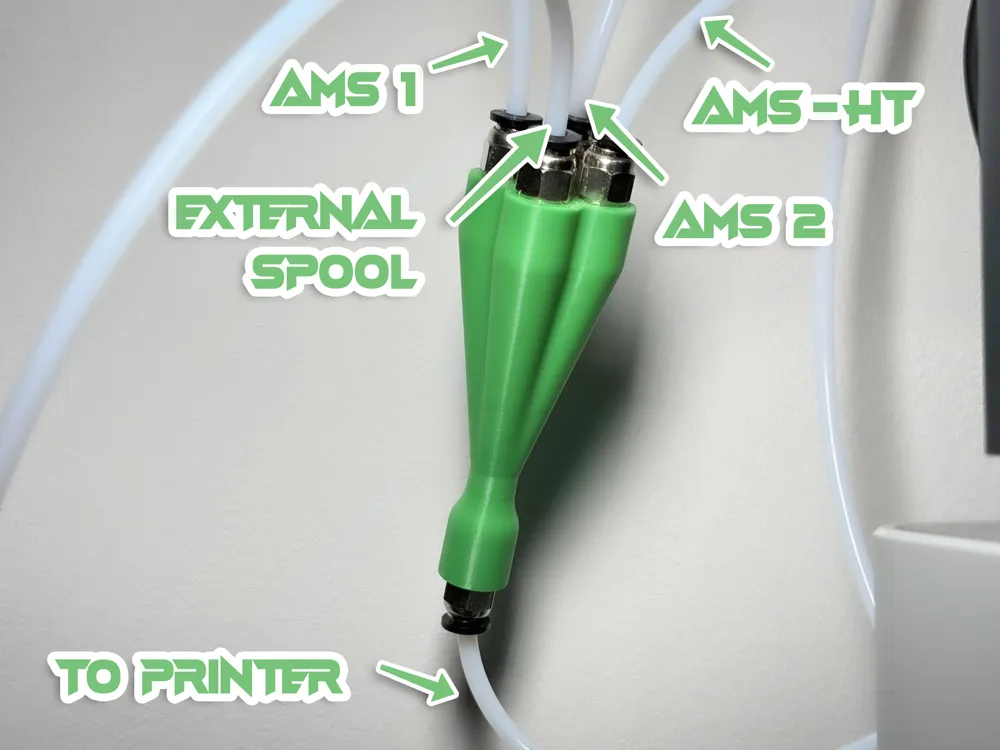
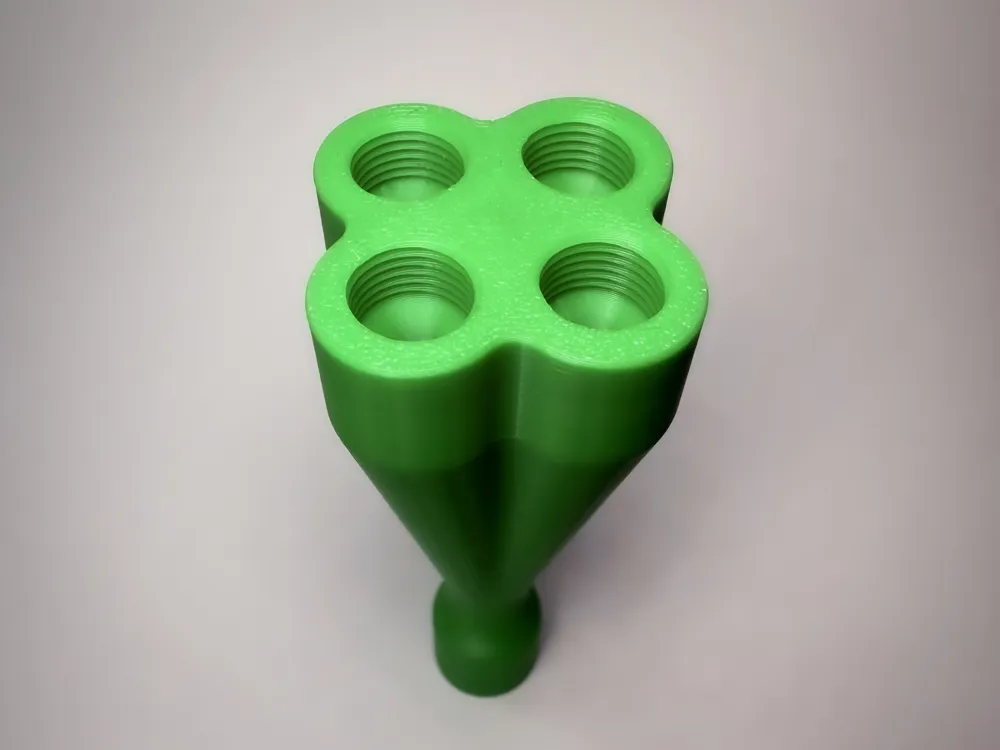
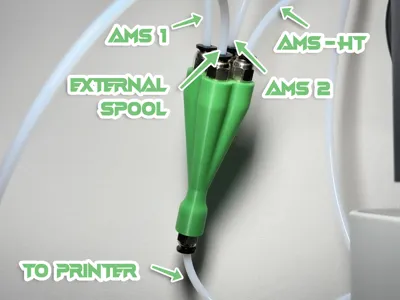

Allows you to connect up to 4 sources of filament (eg two AMS, an AMS HT, and external spool) to a single printer input without needing to swap over PTFE tubes each time you switch between them.
Why this one?
I designed the highly popular EasySplit Y-Splitter which has been printed by over 13,000 people (some of whom dozens of times) who have been running them successfully on their printers for approaching 2 years.
This design features a modified version of the internal structure of that tried and tested model, but with further improvements and optimisations for smoothness, resilience and longevity.
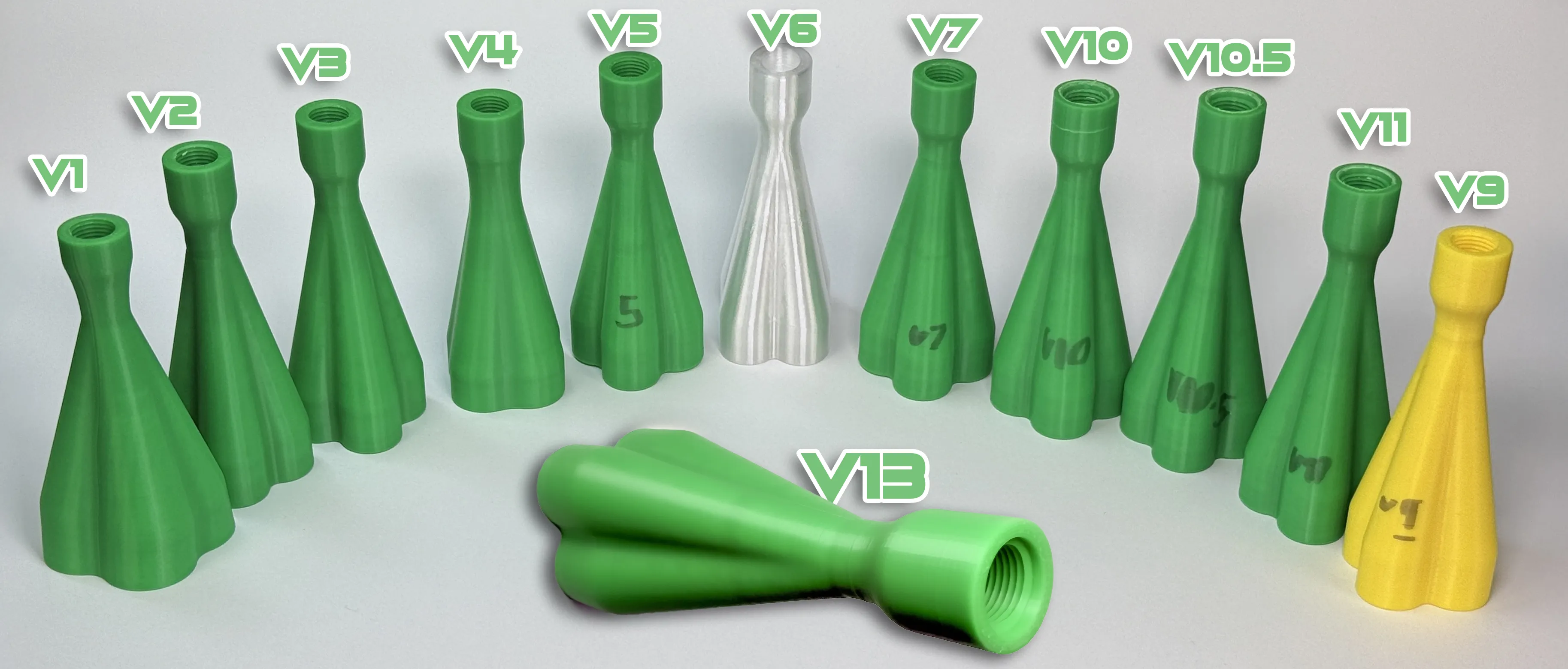
Before publishing this design, it has been through countless digital designs, including 13 versions which have been printed, tested and tweaked over the course of several weeks.
How do I use it?
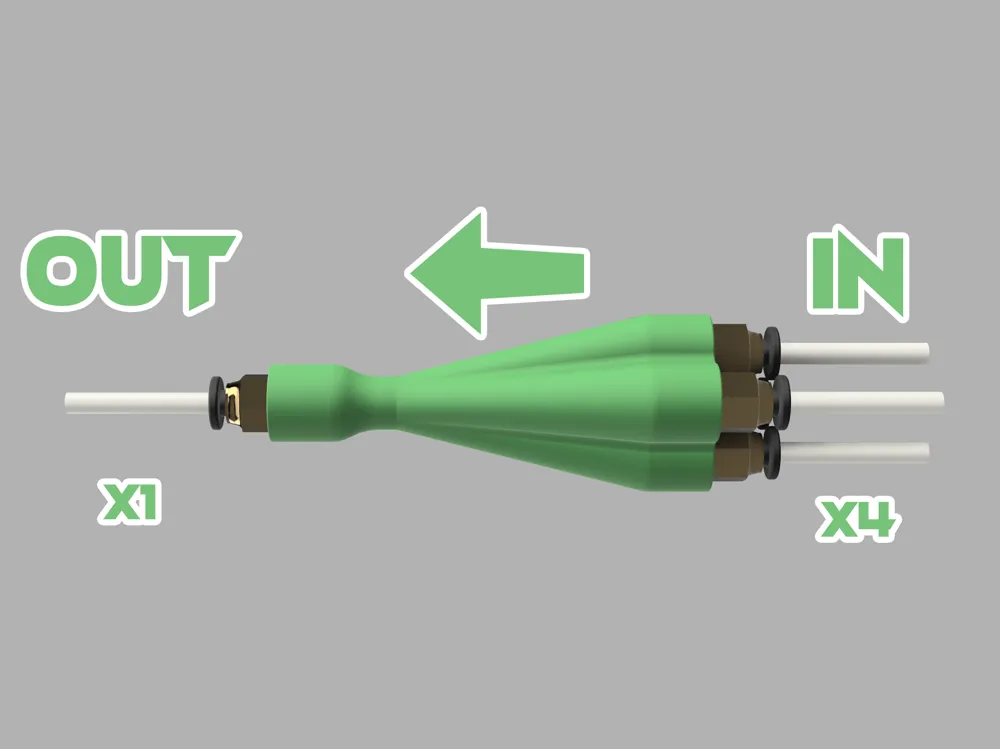
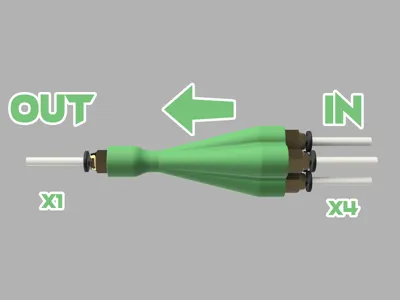
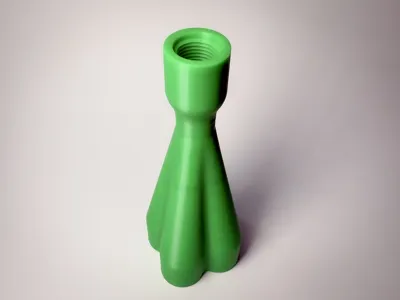
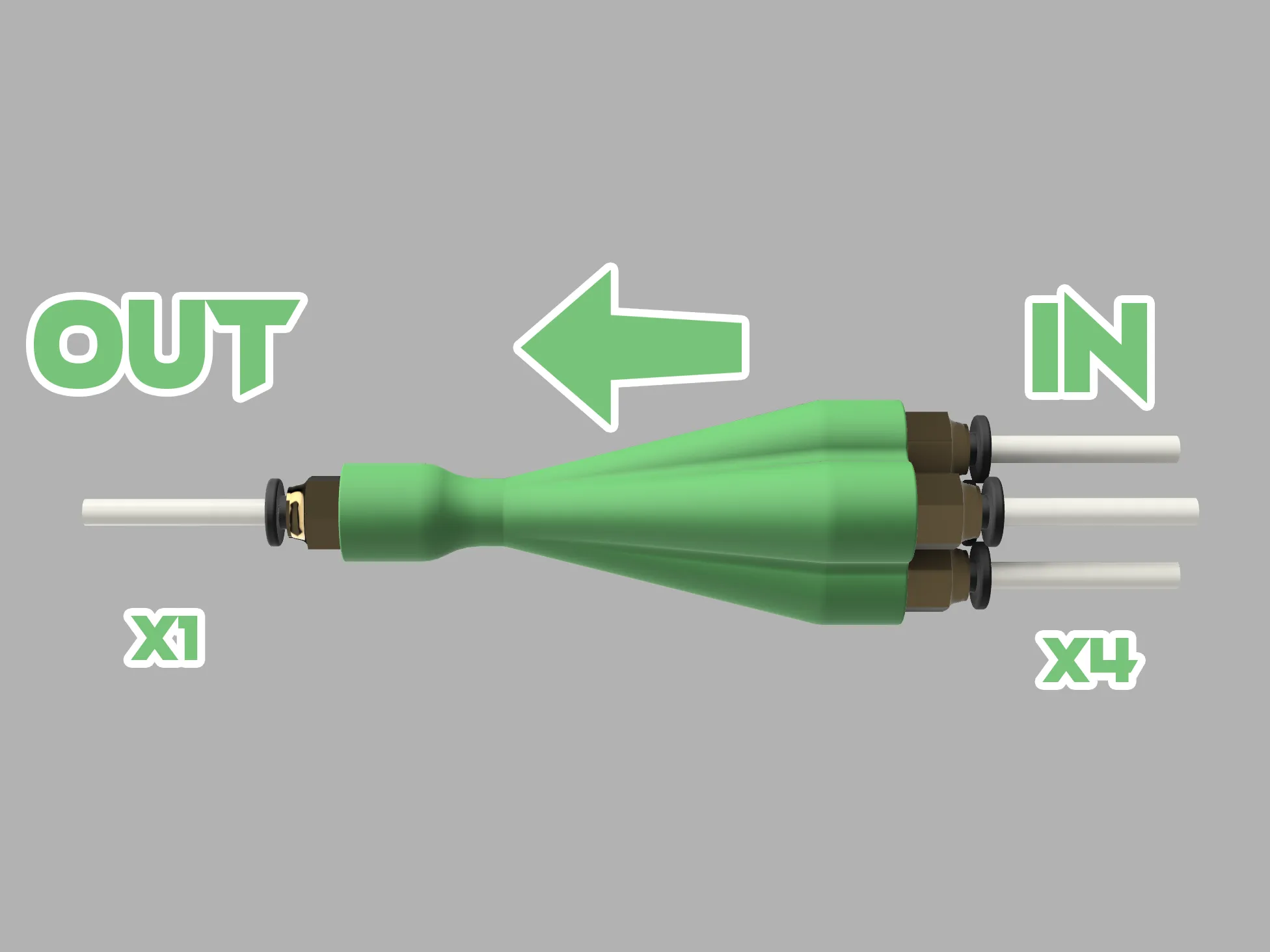
The splitter has an IN end and an OUT end.
The IN end has four holes, they are both the same and you can run any filament source into any of them.
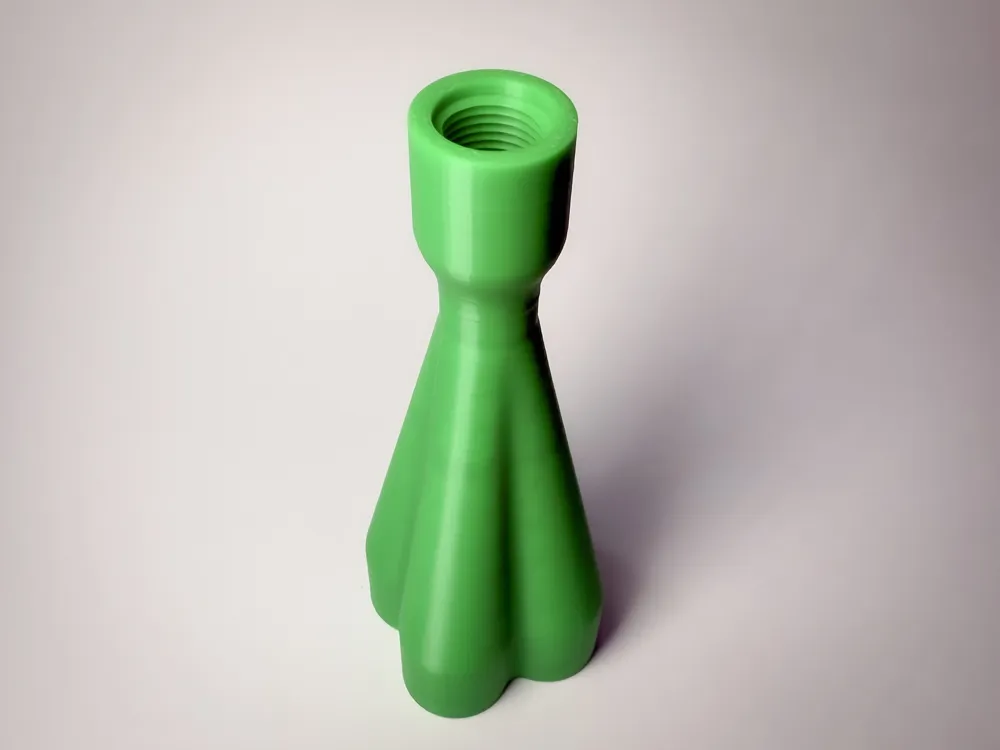
The OUT end has just one hole and that should lead to your printer.
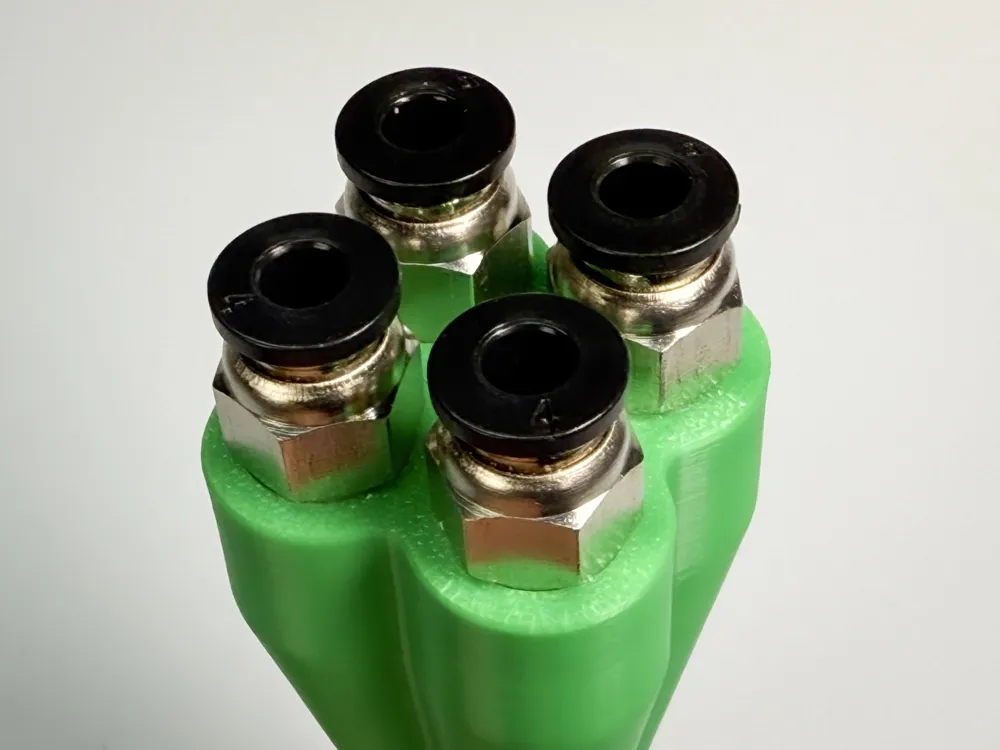
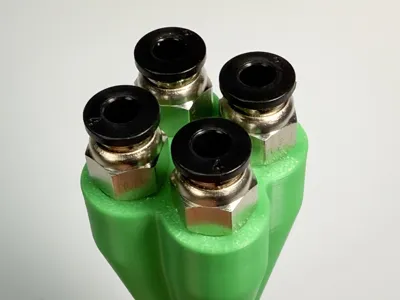

Each hole is threaded to take a PC4-M10 PTFE pneumatic mount (the push clips that PTFE tubes slot into).
If you need to buy more, these are high quality reliable PC4-M10s (UK: https://amzn.to/3GD8zyM / USA: https://amzn.to/42Cqcr4 ).
Once your PC4-M10's are screwed in, slot in your PTFE tubes.
The PTFE tubes going into the two IN holes you can push in pretty much as far as you want too (I'd advise not as far as they'll go but maybe 2-3mm before that).
The PTFE tube going into the OUT hole however is important that you push that all the way in.
As you can see below, a special recess has been designed for the PTFE tube to slot into and it needs to push all the way down into this hole to ensure the inner diameter lines up with the feed hole for the filament. It's also important to make sure your PTFE tube are cut neatly and straight.
Material
All of the Easy Splits I use long-term (original and Afterburner) are printed in PLA Basic and I've never had any problems with that.
You can equally print these in PETG without any issue.
Mounting
After having personally run multiple EasySplits on a range of machines for 2 years, without using any mounts on any of them, for now I've held off producing mounts for these as allowing them to sit naturally with the PTFE tubes can help prevent putting undue strain in the tubes and filament.
I have however designed the EasySplit Afterburner with mounts in mind and if there is demand, I will release a number of different mounts.
However, it is in my opinion that mounts are not necessary for these splitters.
Print Settings
I highly recommend printing from one of the two profiles I uploaded included above (one for PLA, one for PETG) as there has been a lot of tweaks made to ensure this performs correctly. If you want to slice it yourself though, here's the core settings:
- Layer Height: 0.08mm
- Wall Loops: 4
- Infill: 15% Gyroid
- Outer Wall Speed: 45-100mm/s
- Material: PLA
Parts
The non-printed parts you will require for this are 5x PC4-M10 pneumatic PTFE connectors, and depending on your set up, potentially some more PTFE tubing. Here are some links:
PC4-M10 Pnumatic PTFE Connectors:
- UK: https://amzn.to/3Ytyj6V
- USA: https://amzn.to/42Cqcr4
- DE (Germany): https://amzn.to/48EwFoC
Tips
- Ensure your PTFE tubes are cut cleanly and straight
- Print using my profiles (Marked with the ‘Designer’ tag) which I've printed, altered and optimized many times, and heavily tested, to ensure it functions as designed.
- IMPORTANT When screwing in the PC4-M10 connectors, please bare in mind that whilst the thread and diameter should always be the same (providing it is a PC4-M10), some manufactureres may make slightly longer threaded sections, so when screwing them in, don't over-tighten as your PC4-M10 may be longer than the threaded section in the EasySplit, and it could then cause it to crack whilst fitting. Tighten firmly, but don't over tighten. I should note, that of the more than 13,000 people who have printed the original EasySplit which features this exact threading successfully, less than 5 have mentioned this has happened to them, so it's not a big concern, but good to be aware of.
License

You shall not share, sub-license, sell, rent, host, transfer, or distribute in any way the digital or 3D printed versions of this object, nor any other derivative work of this object in its digital or physical format (including - but not limited to - remixes of this object, and hosting on other digital platforms). The objects may not be used without permission in any way whatsoever in which you charge money, or collect fees.


Comment & Rating (128)