
Pigeon
Print Profile(12)


Description
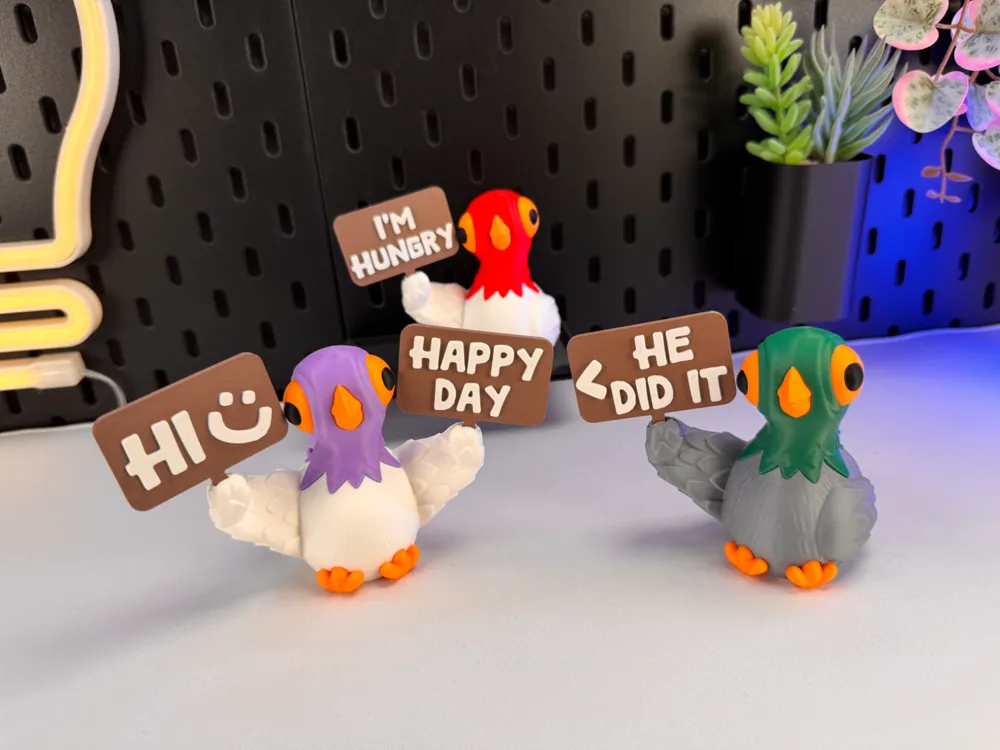
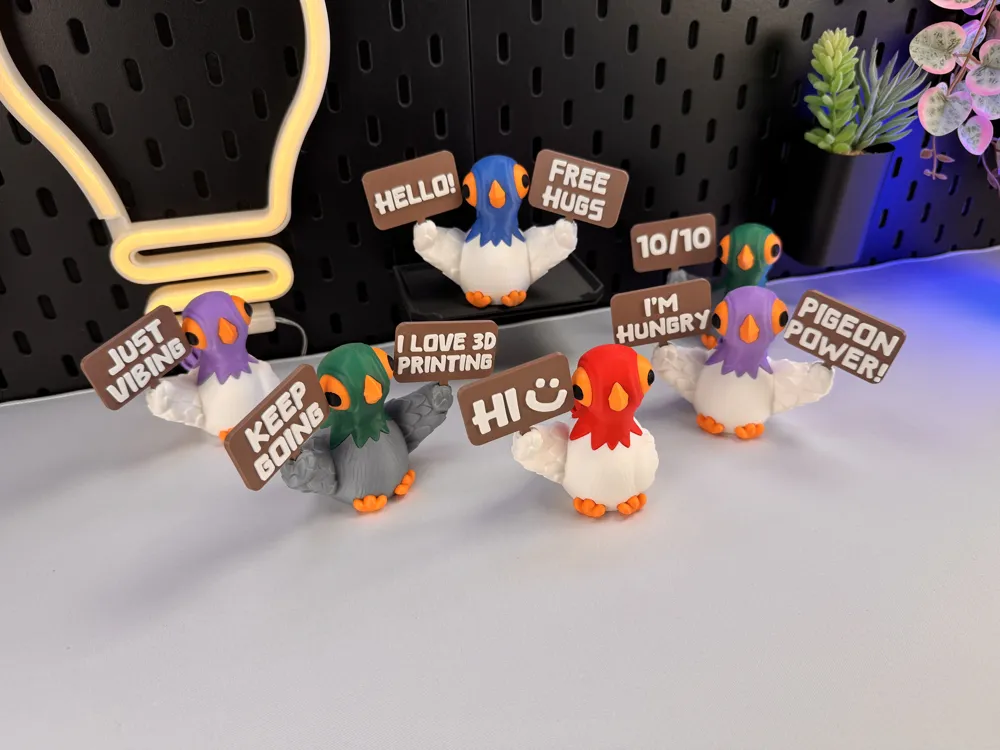
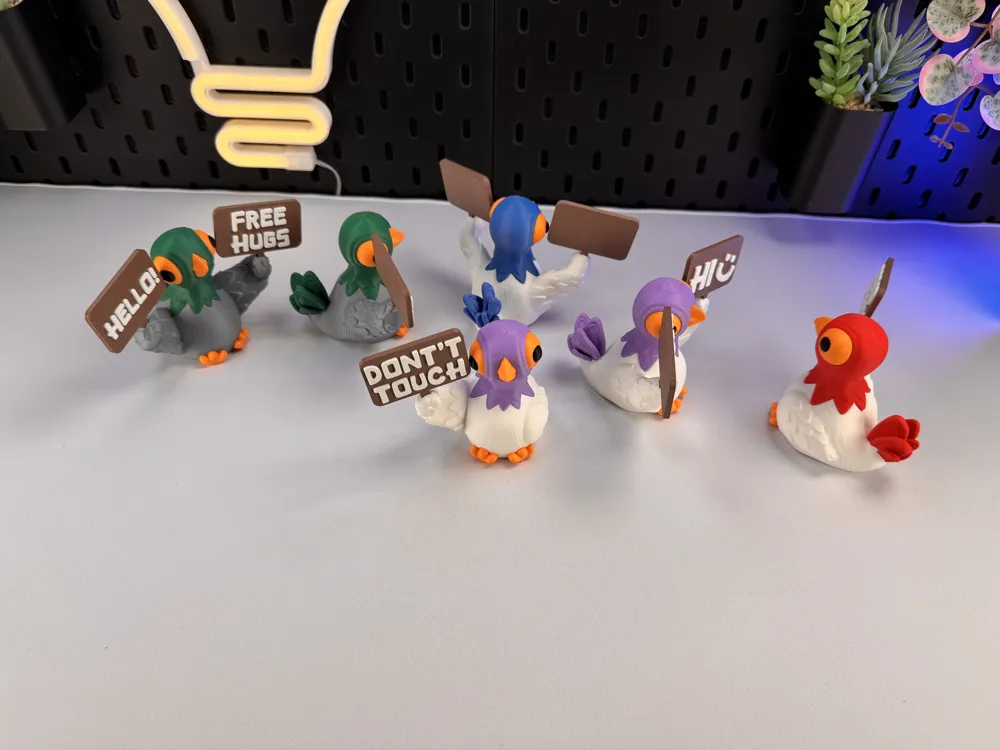
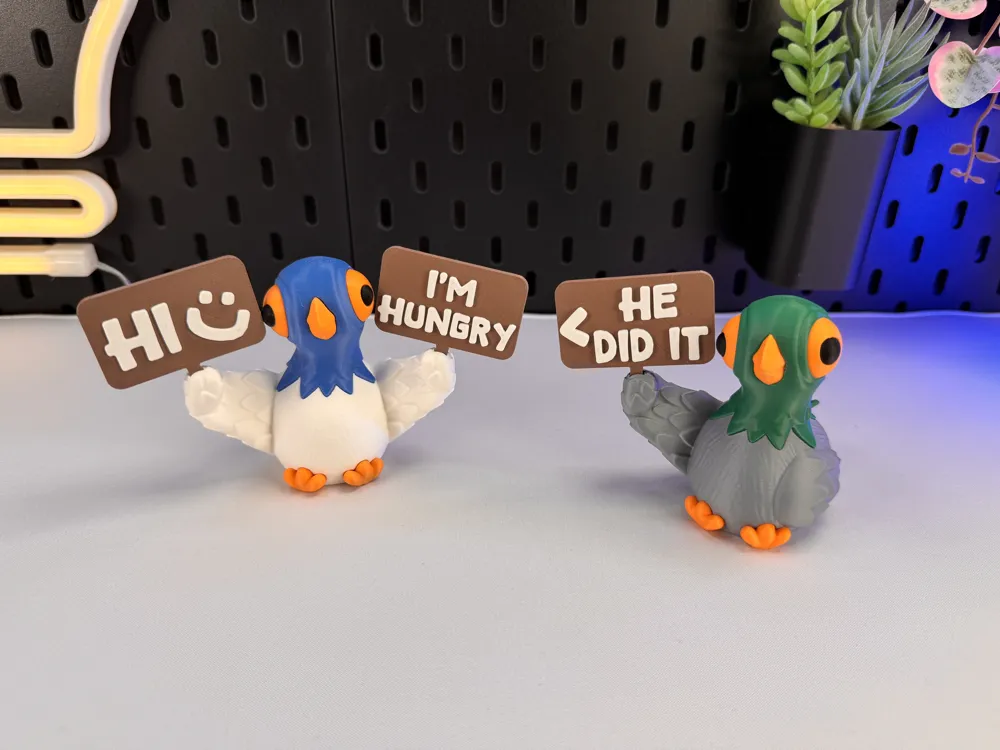
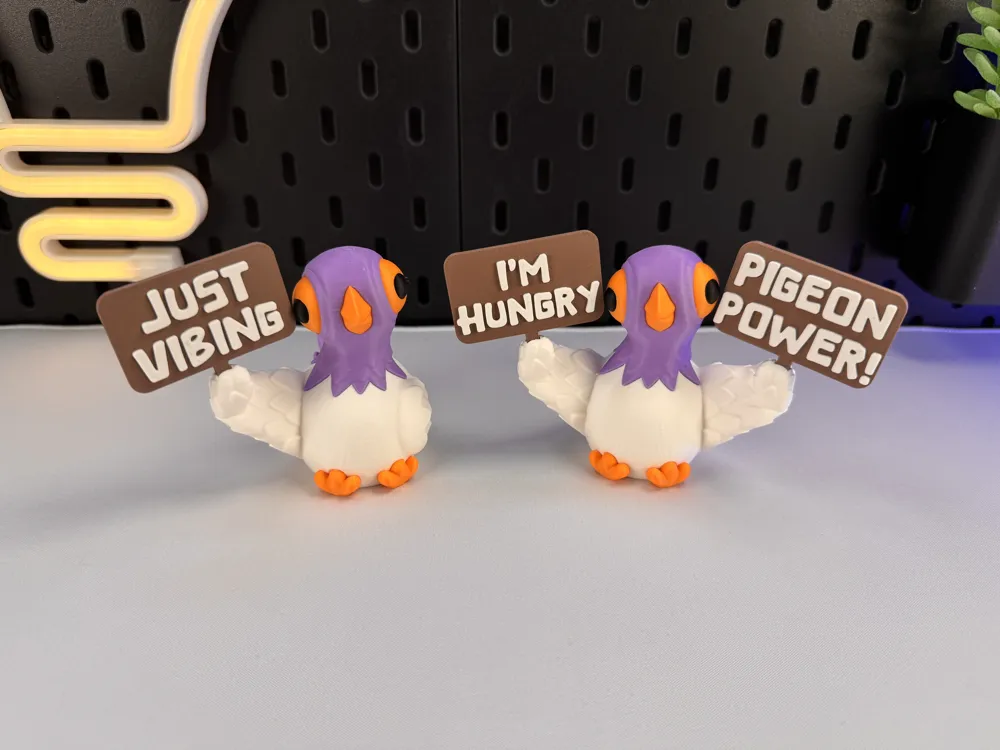
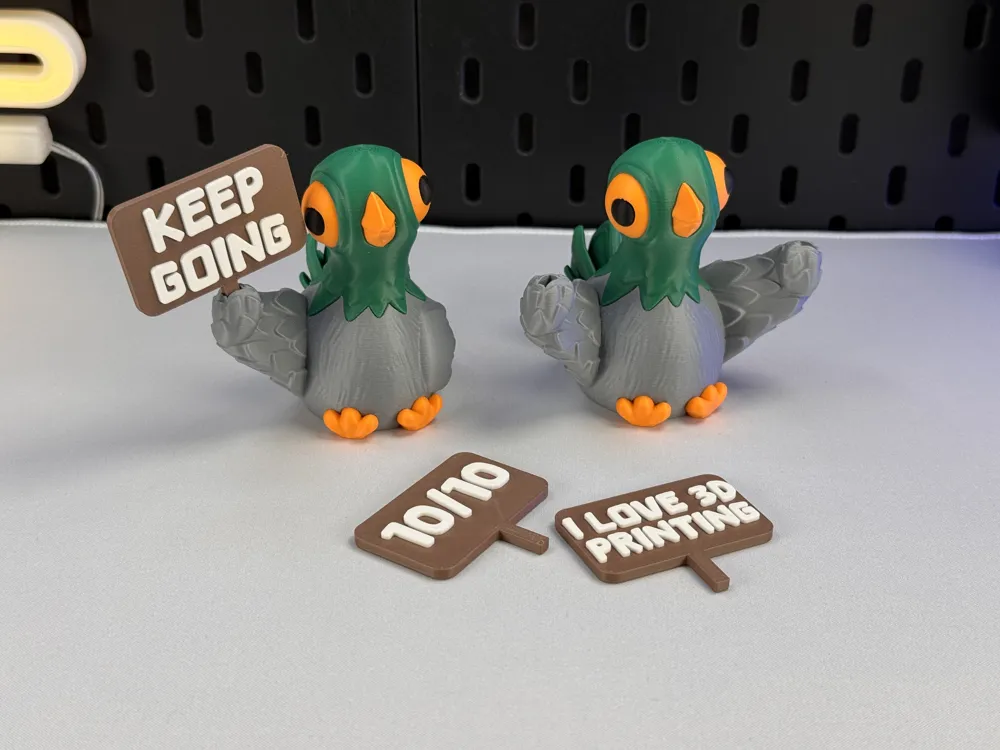
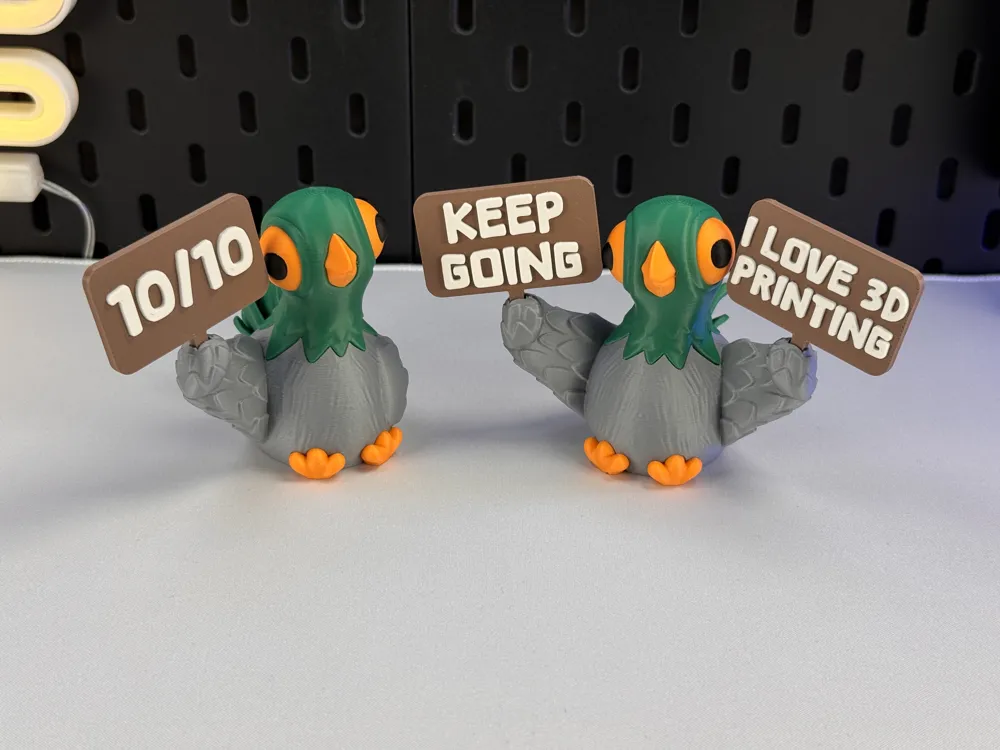
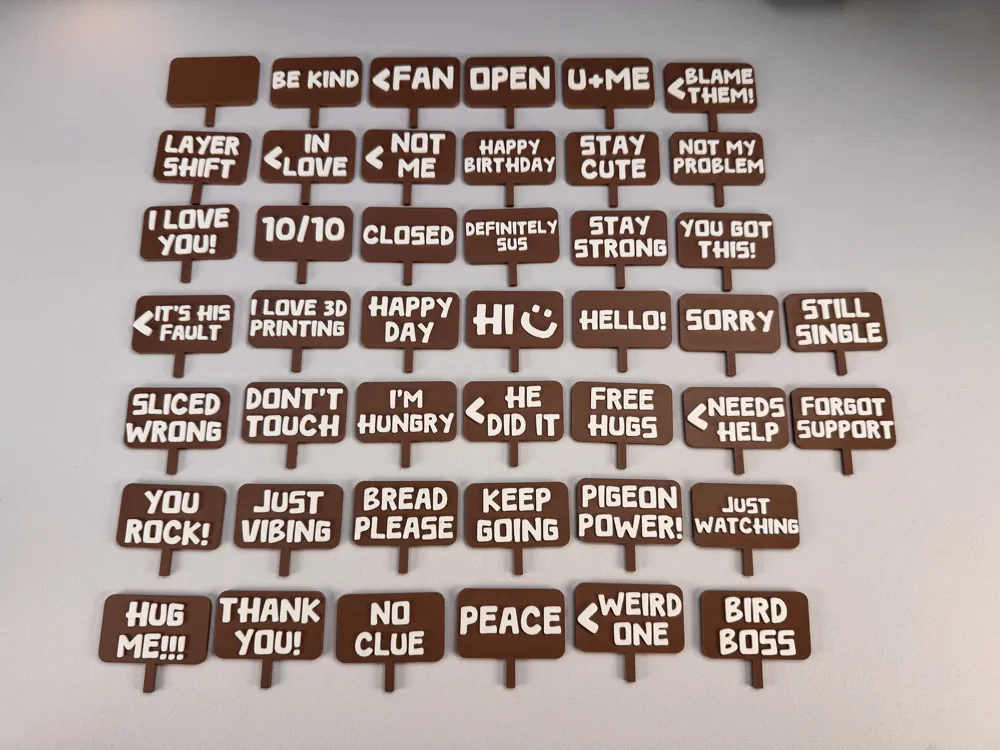
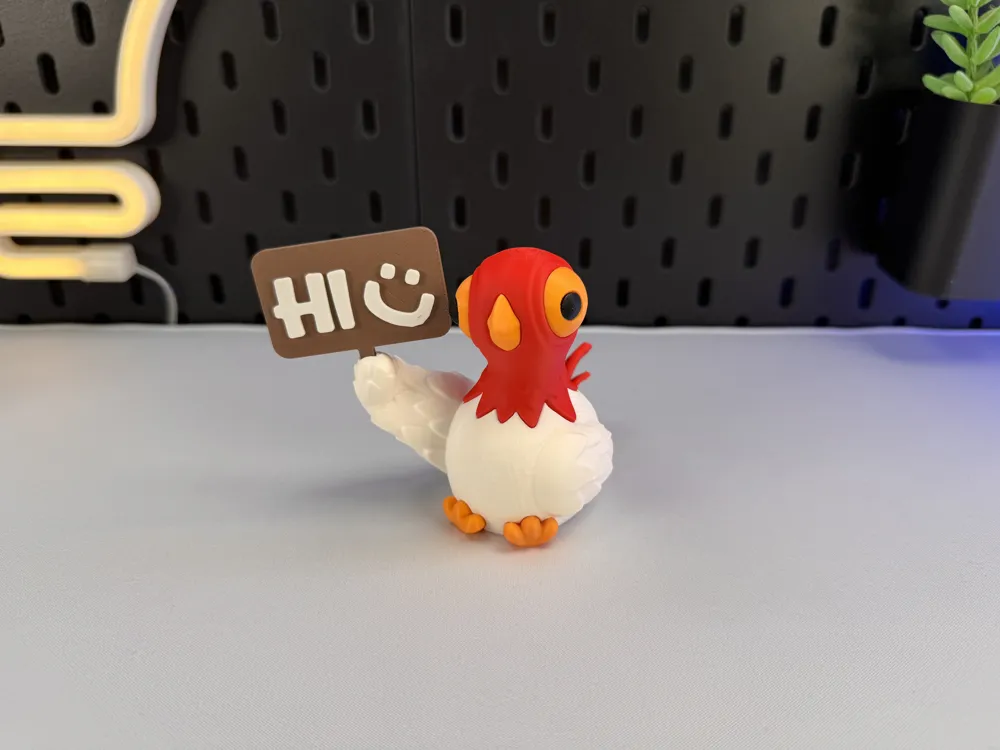
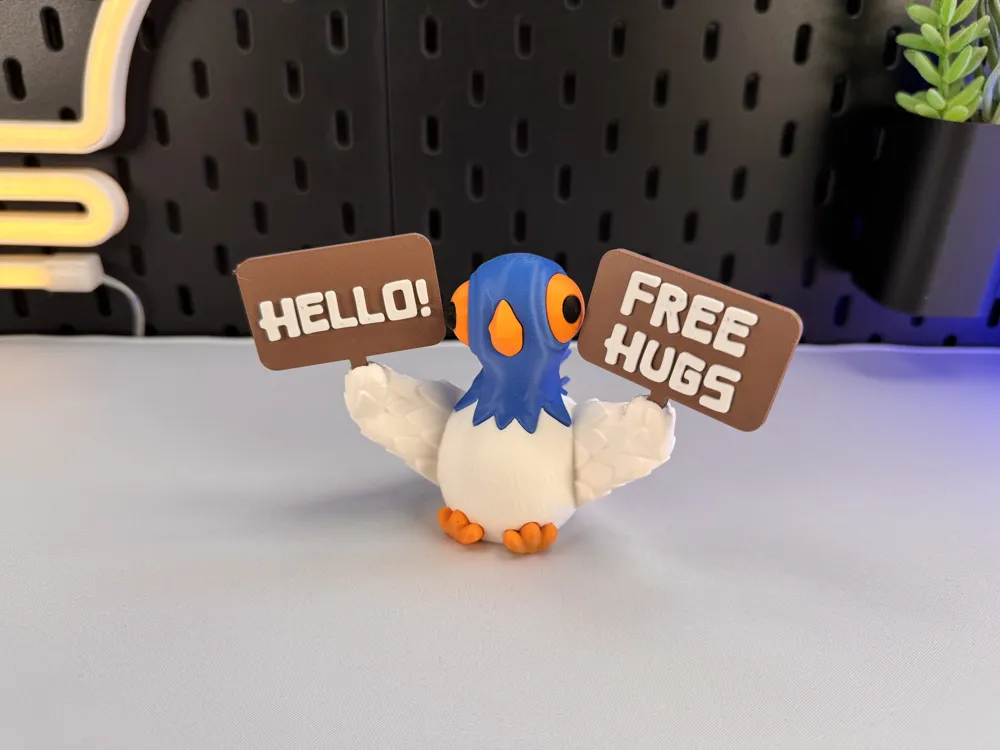
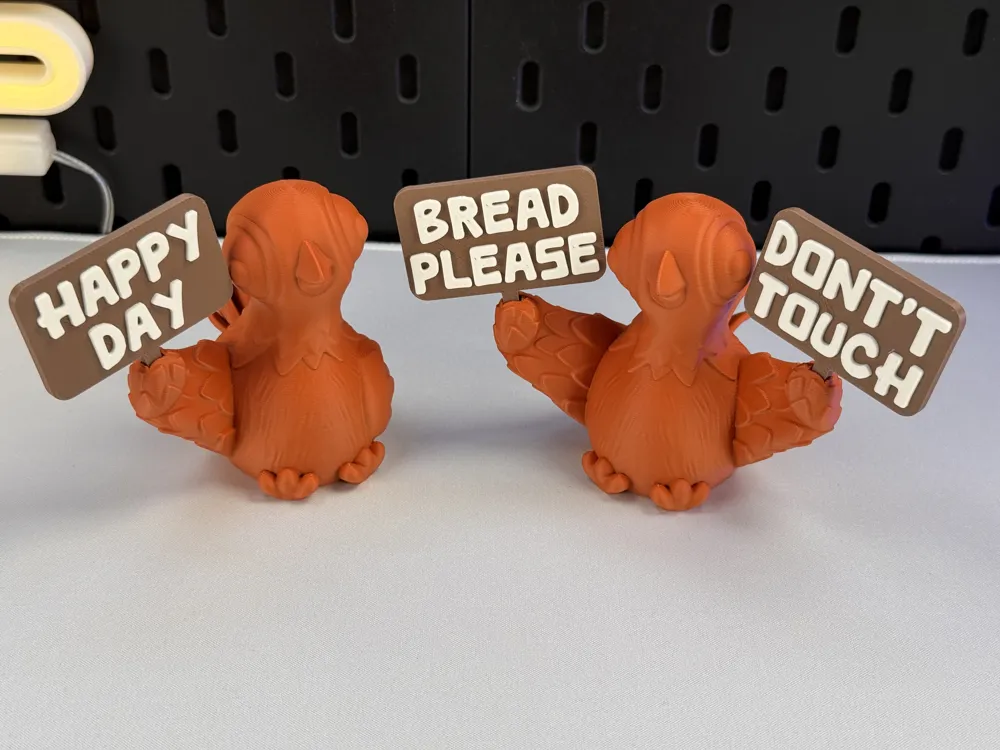
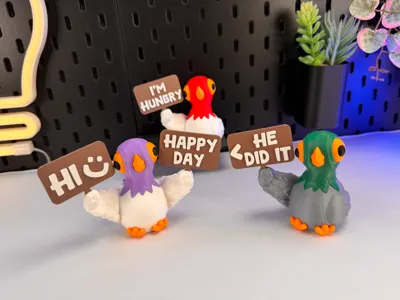
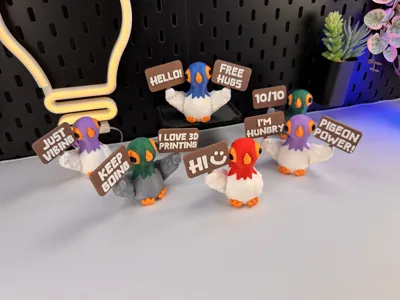
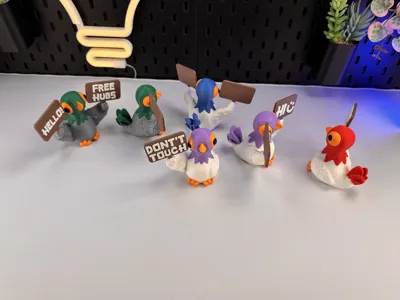
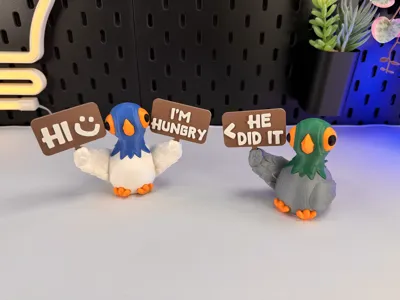
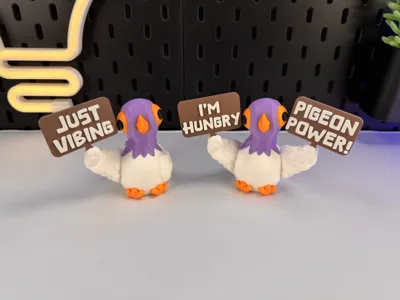
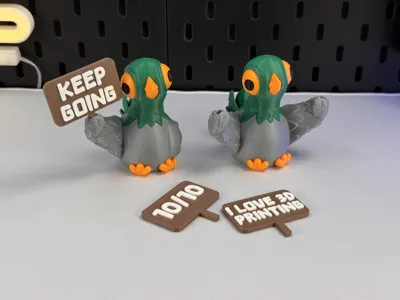
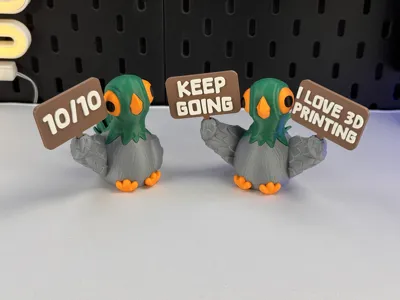
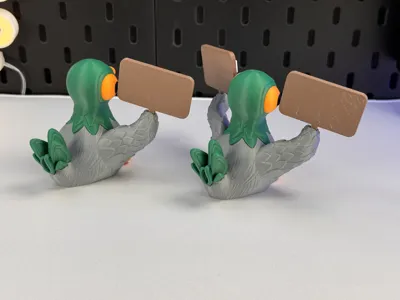
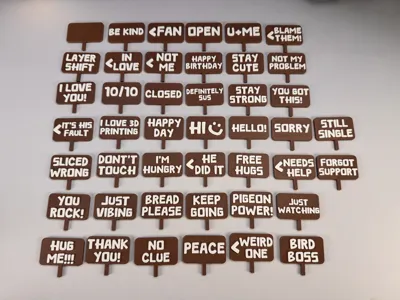
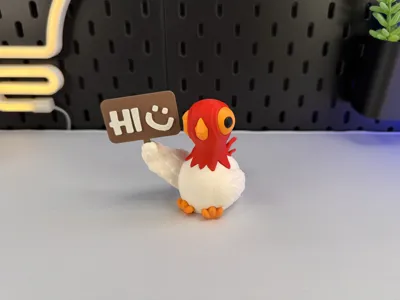
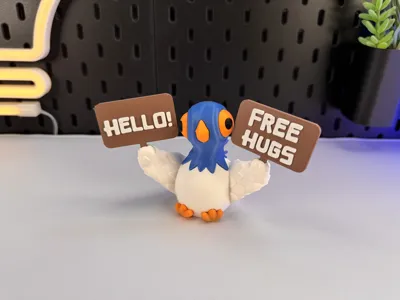
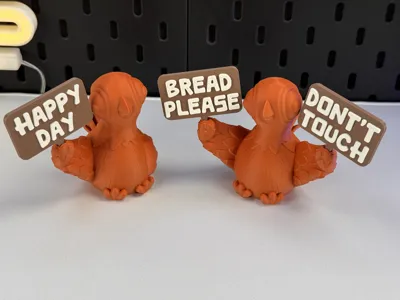
The signs can easily be replaced by others.
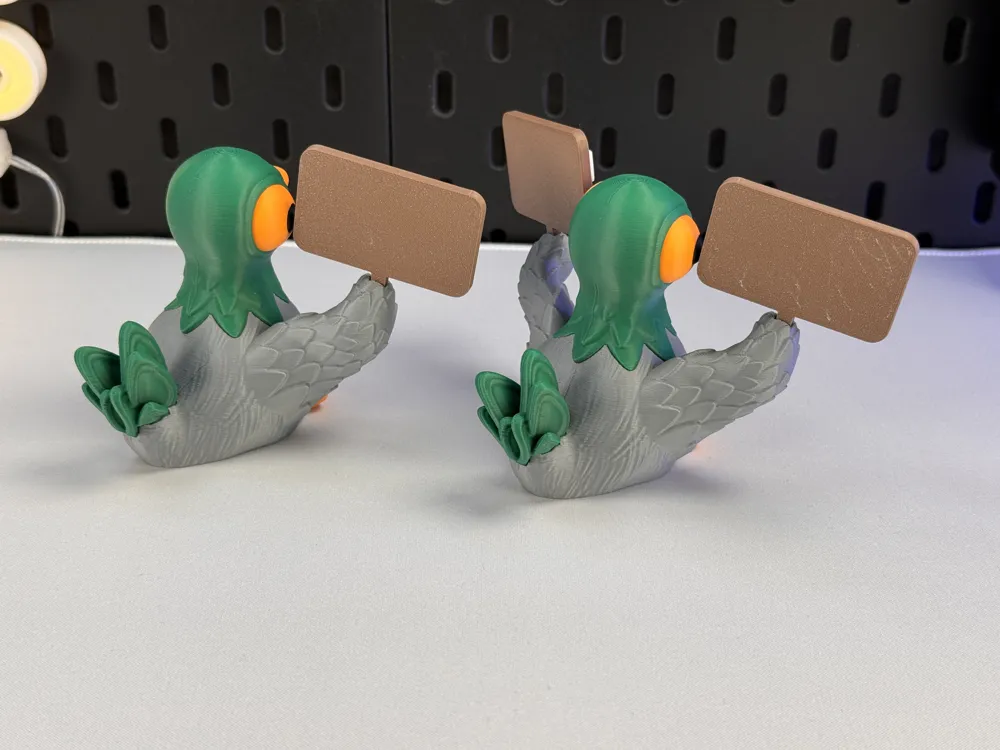
I’m open to more funny sign ideas! Just drop your suggestions in the comments. Or make your own Signs with the option to remix my Sign! (You’ll find a blank sign among all the signs!)
Tips for printing:
- Filament: PLA
- Supports: No!
- Layer height: 0.16mm
- Wall loops: 3
- Infill: 15%
- Seam position: back
- Wall generator: Classic! (Don't use Arachne for the Multipart Version!)
- Detect thin walls: No!
- Brim: No!
- BuildPlate: -
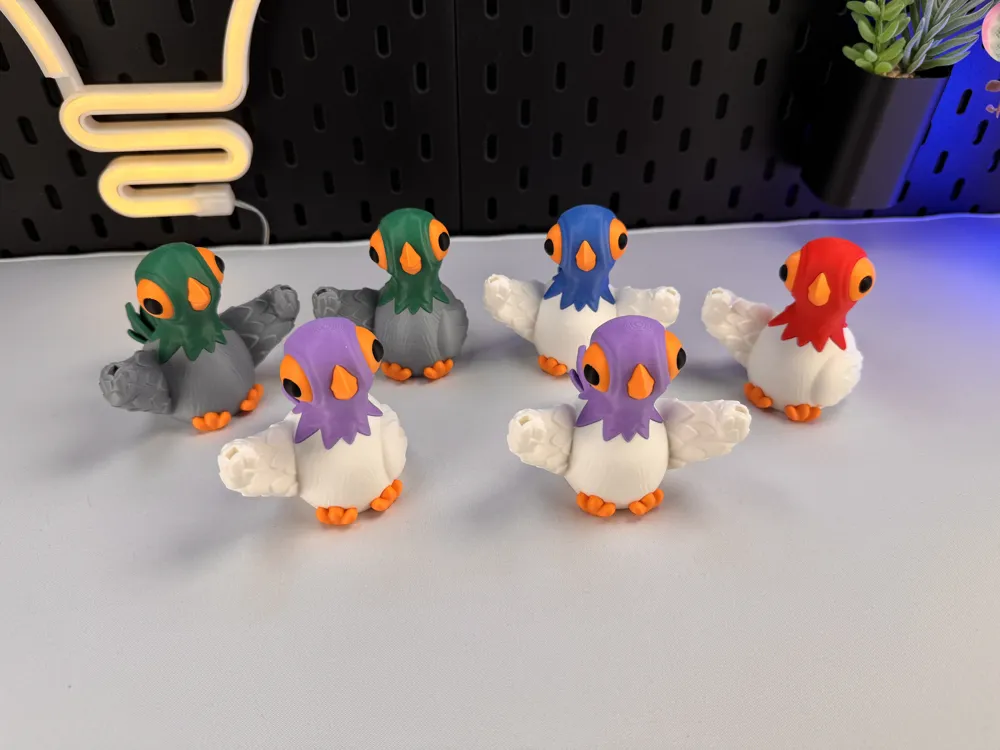
Colors and filament I used (4 Color):
- PLA Matte / Grey
- PLA Matte / Orange
- PLA Matte / DarkGreen
- PLA Matte / Black
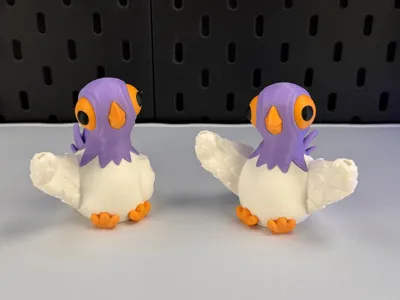
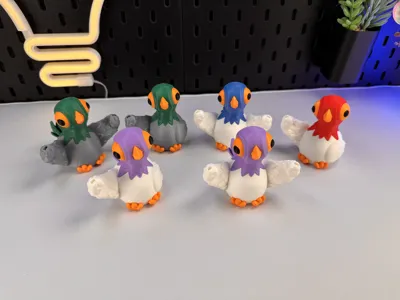
Or decide for yourself which colors and how many you want to use!
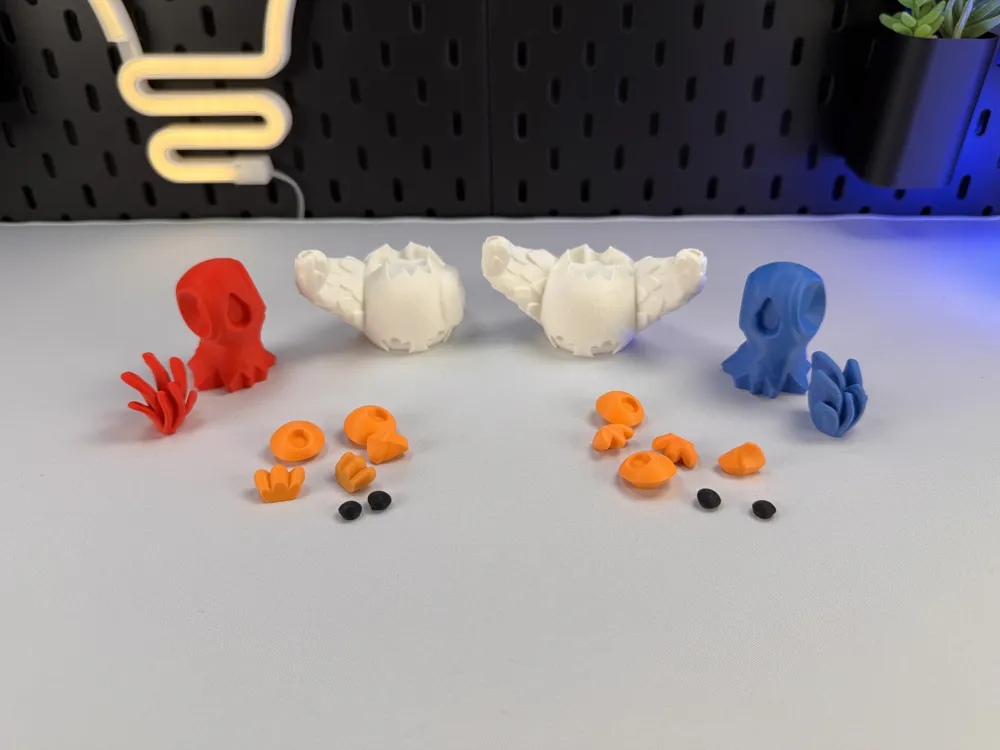
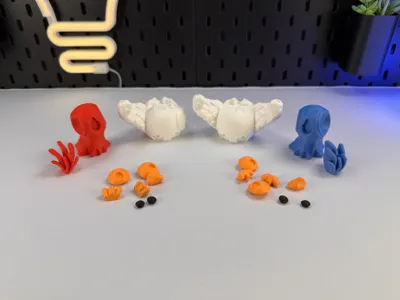
This model is very filament wasteful please keep that in mind! When you decide to print my multicolor Pre-Sliced (3mf file) I would recommend printing several models at once, not just one, to reduce waste! Or you can use my multiple parts version to avoid filament waste!
--------------------------------------------------------
New multicolor version (3mf)! This model is no longer pre-painted in the slicer – you can now freely choose which color goes where directly in your slicer for a better look and easier handling!
(Quick tip: identical colors next to each other won’t work – always place different colors side by side to avoid potential issues.)
--------------------------------------------------------
Added Signs: -
Boost Me (for free)
If you enjoyed this model, please consider boosting it to support me to further develop creative and more cute looking designs🥰. Thank you!
License



Comment & Rating (117)