
Parametric Gridfinity Baseplate Generator
Print Profile(1)
Description
Boost Me (for free)
Support us with a boost!
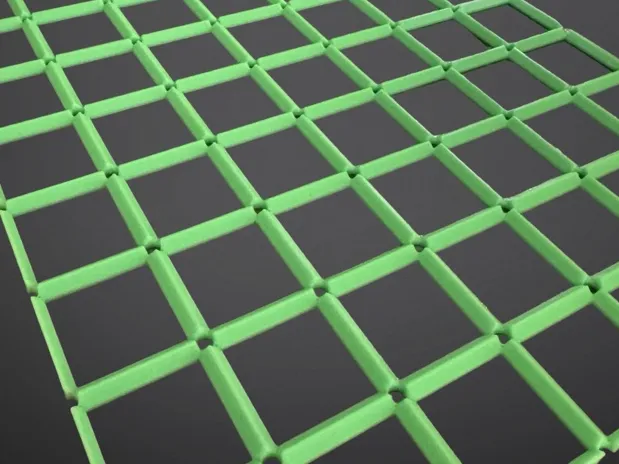
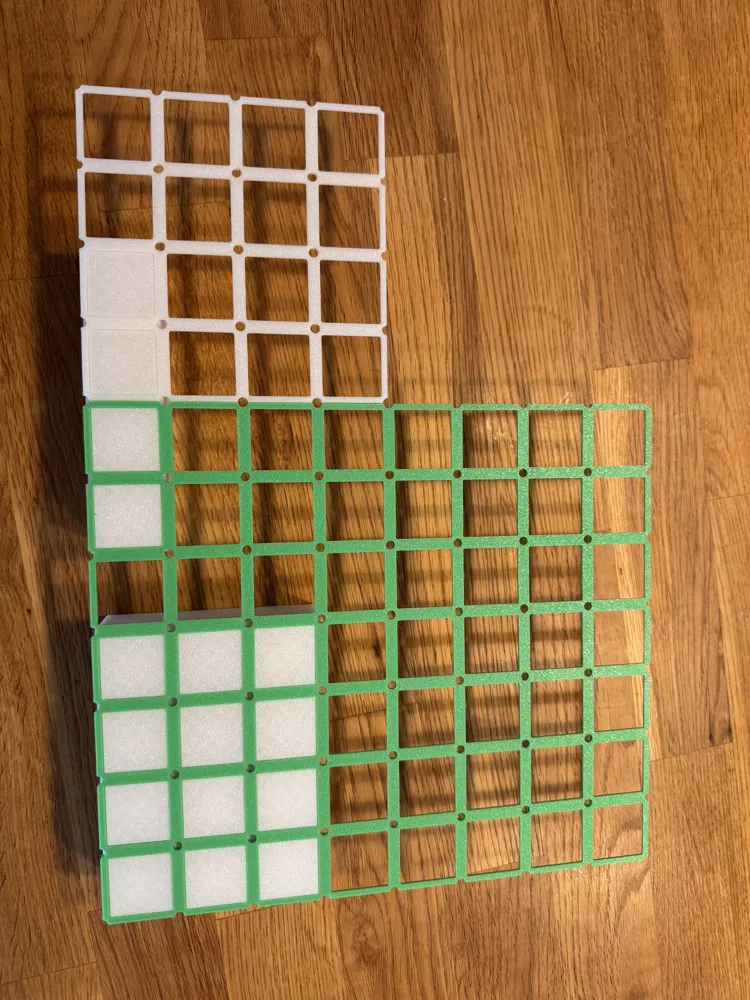
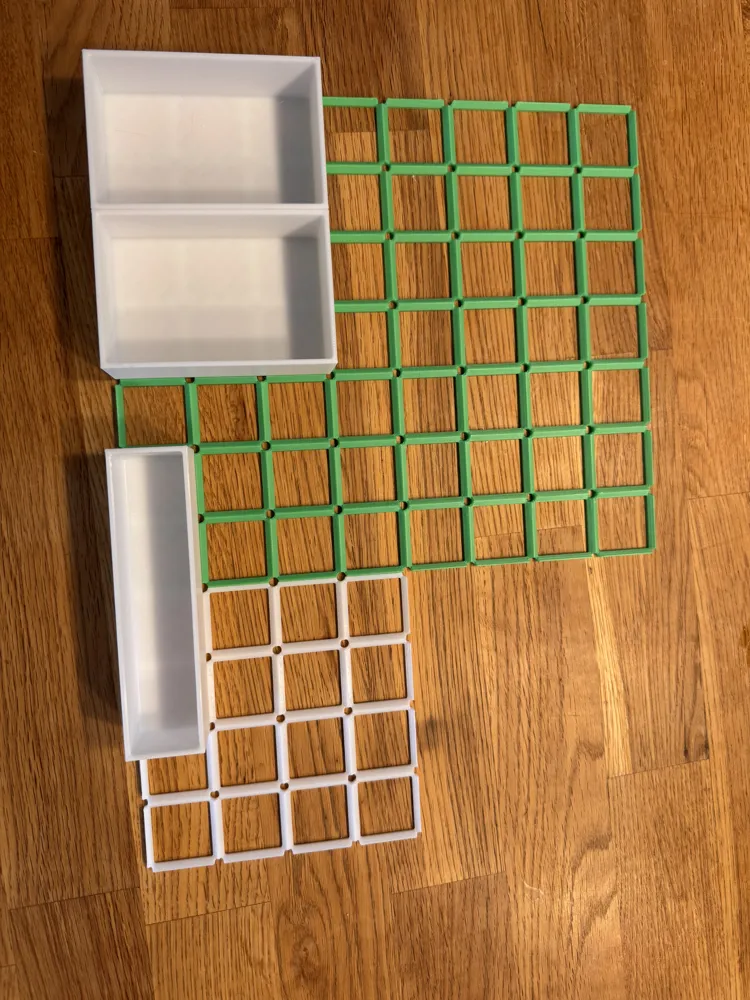
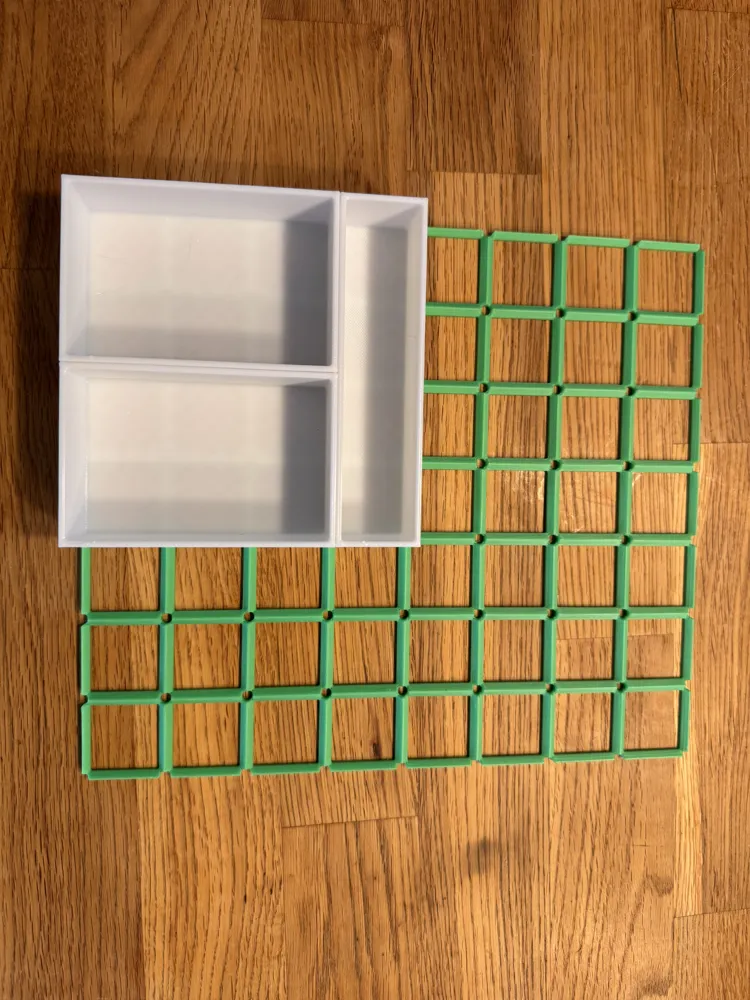
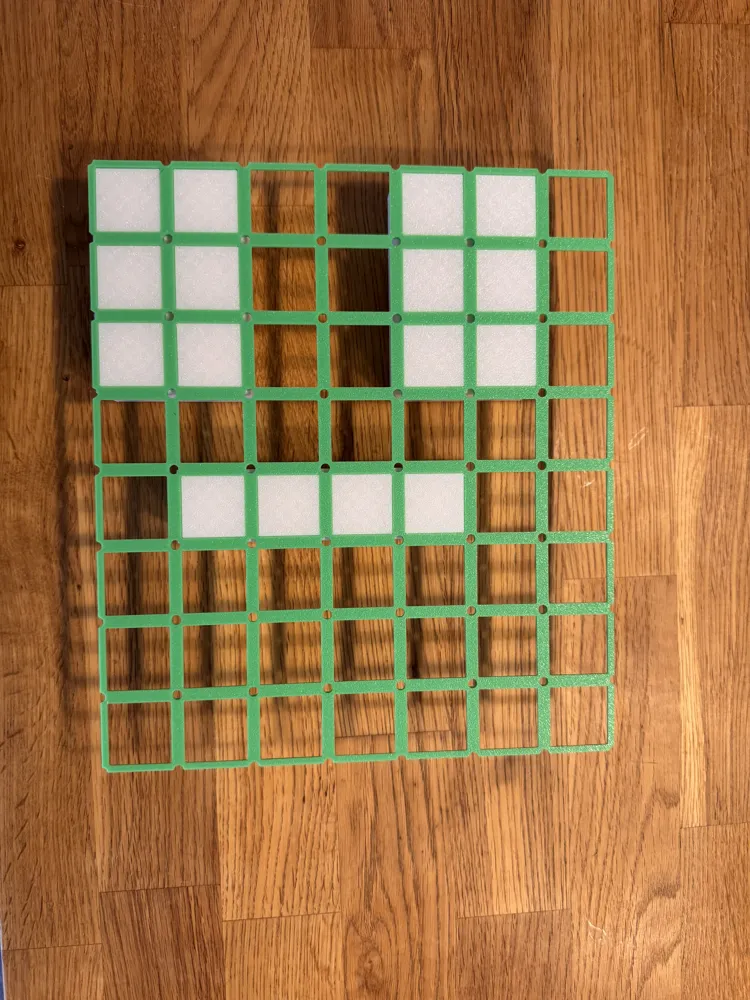
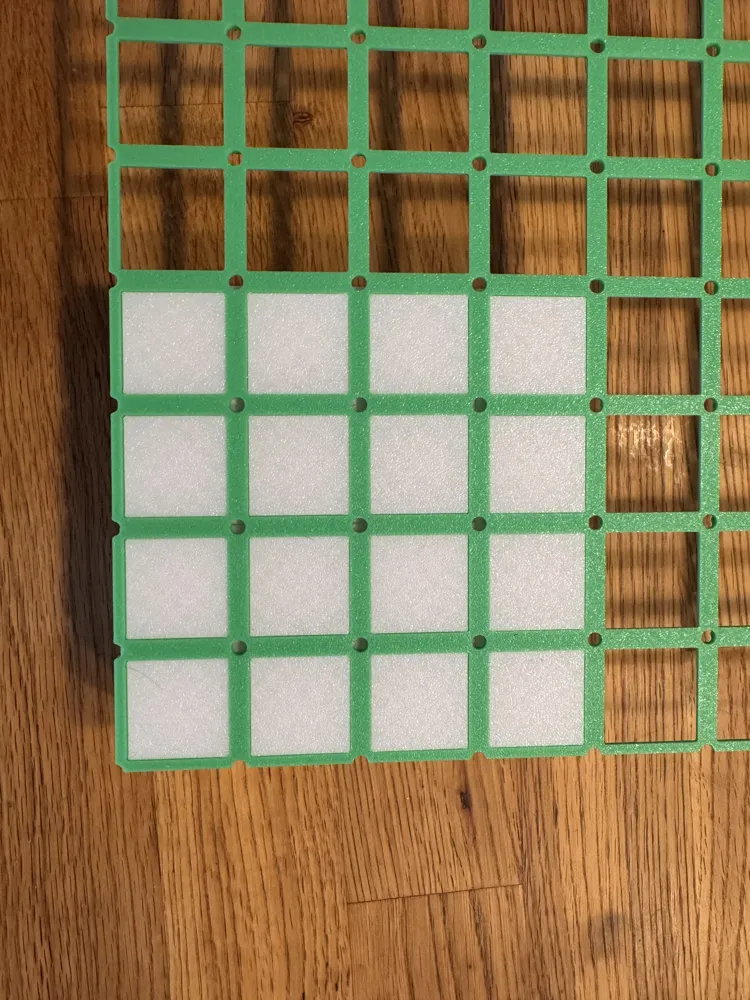
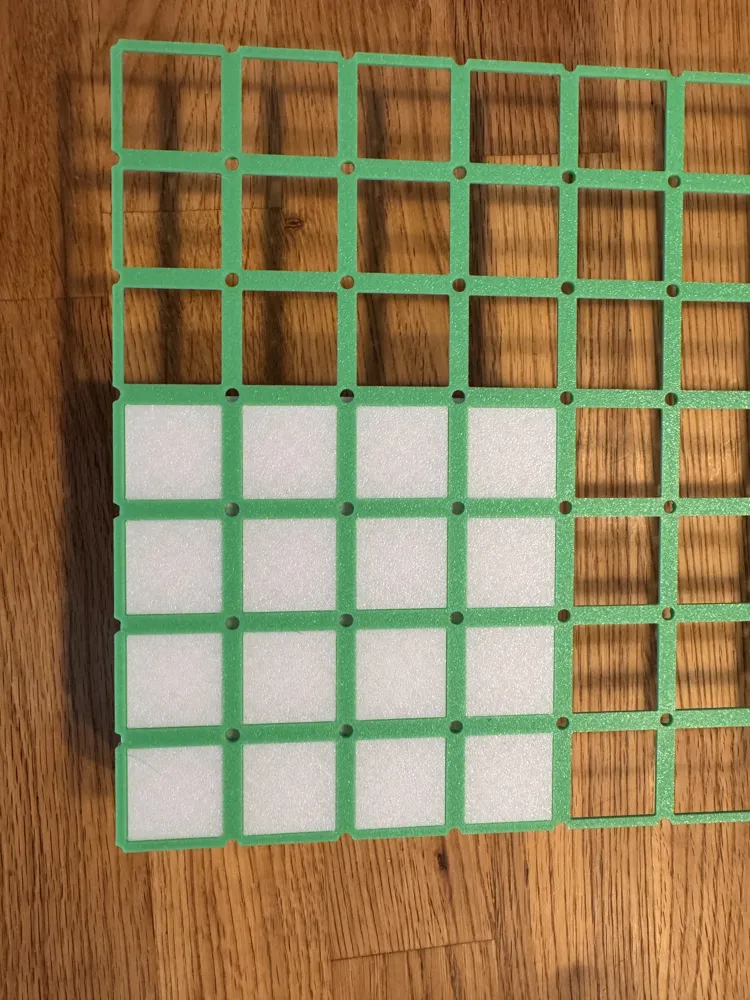
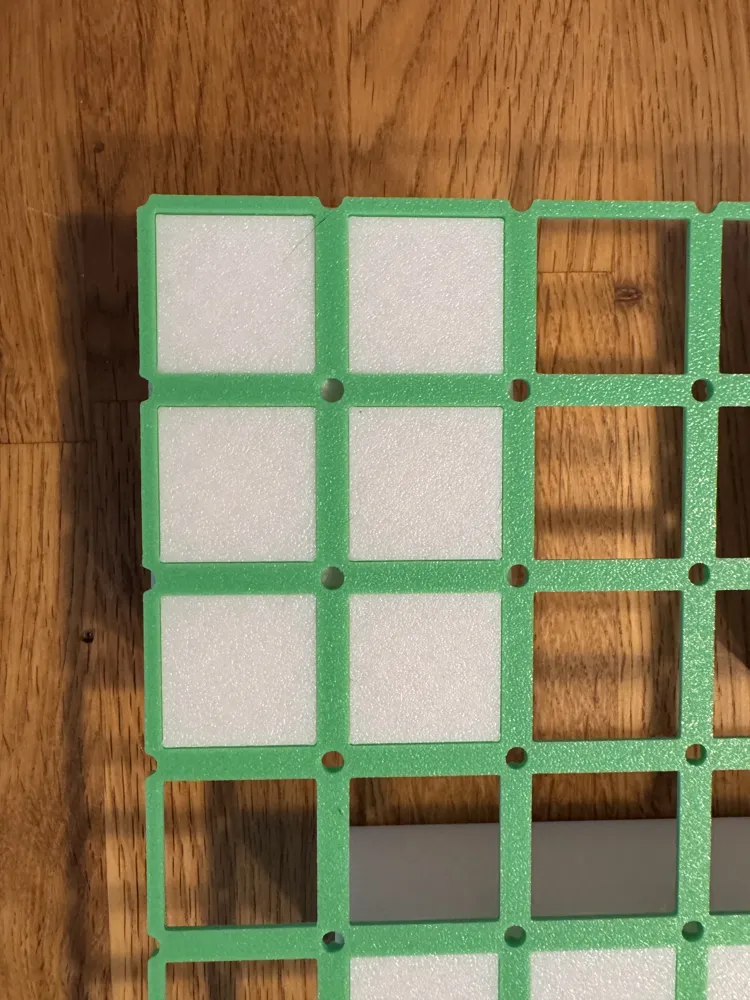
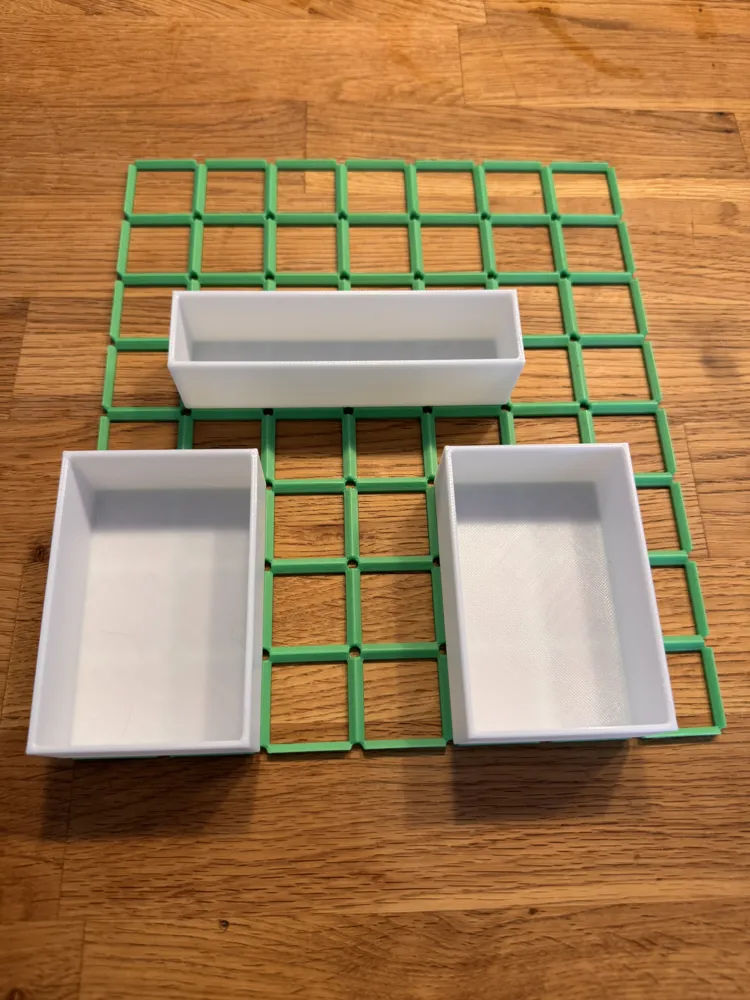
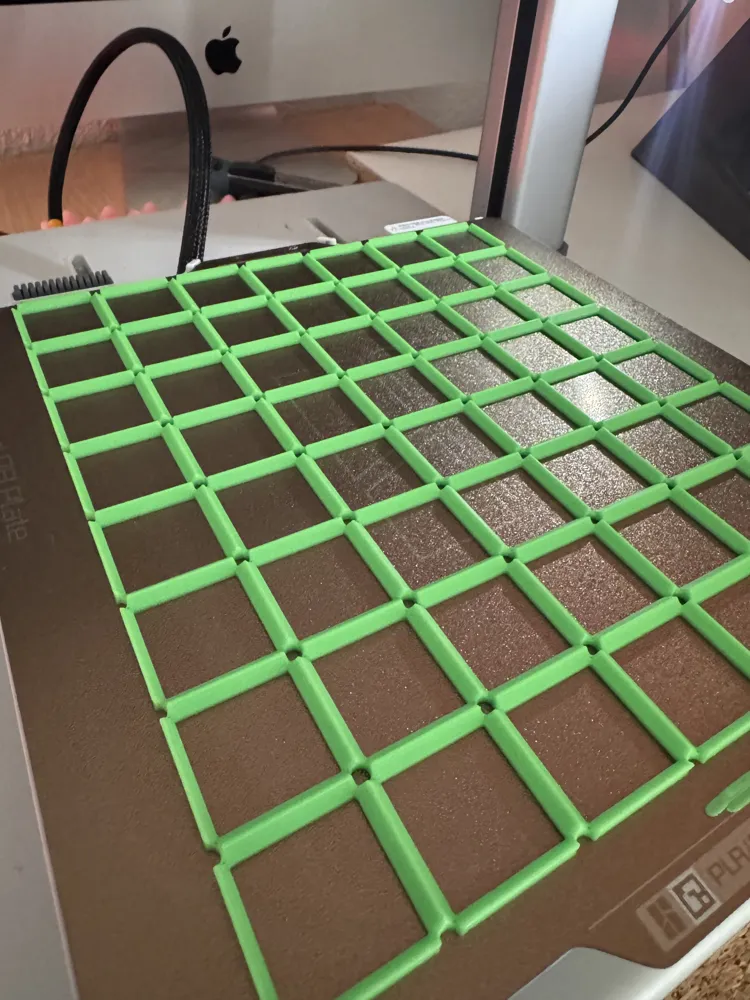
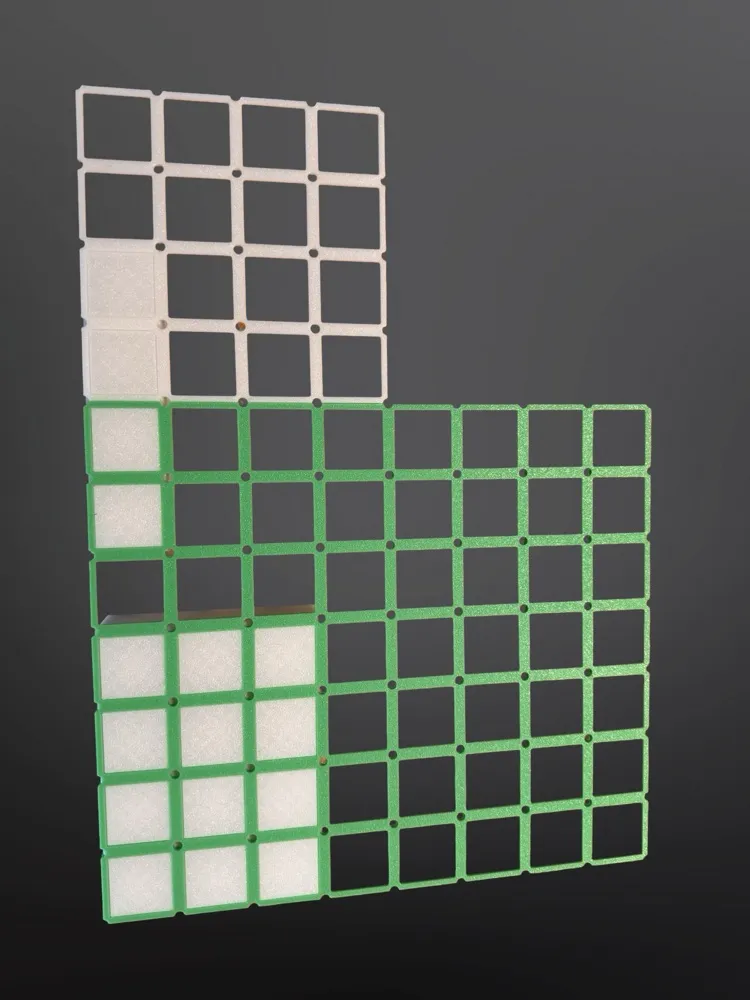
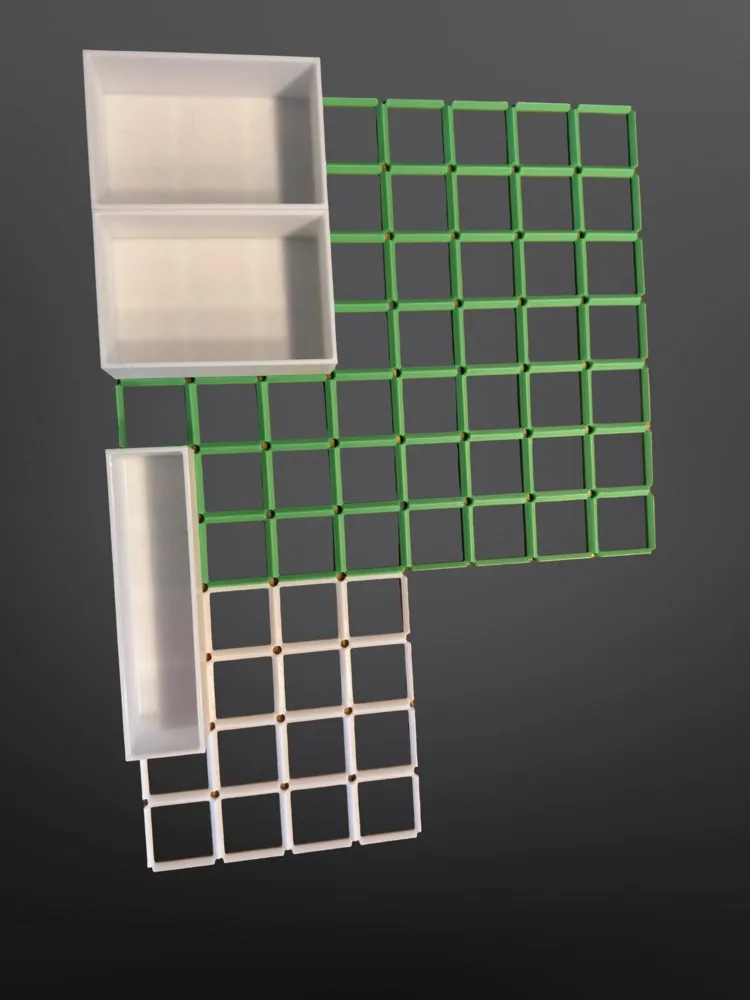
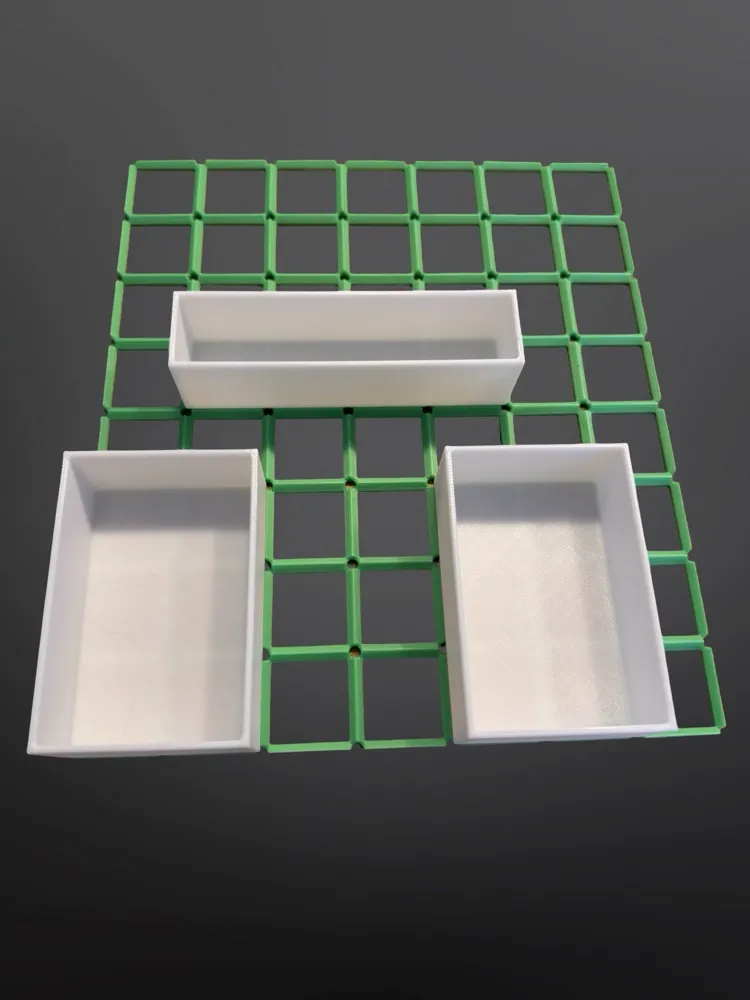
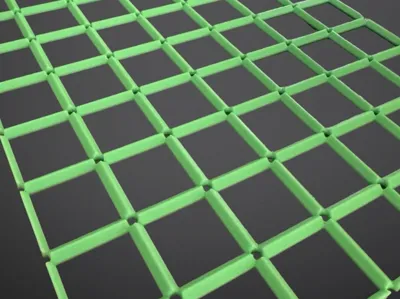
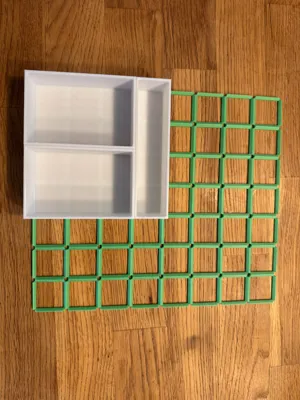
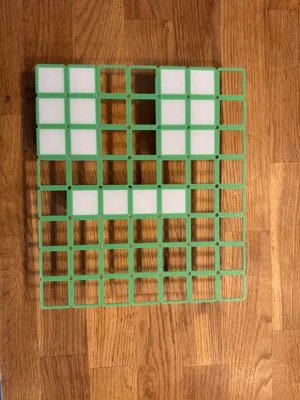
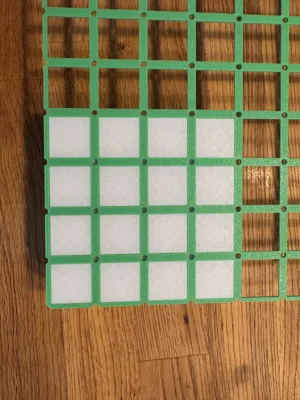
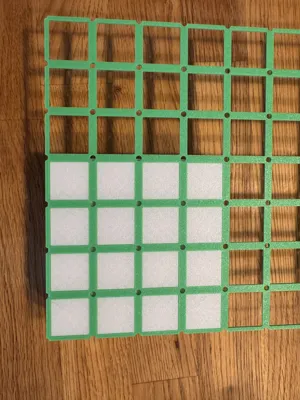
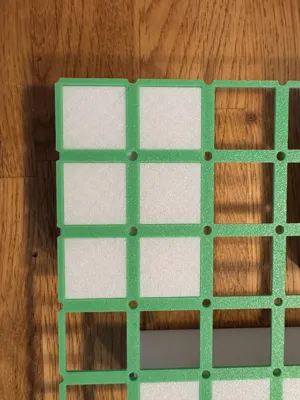
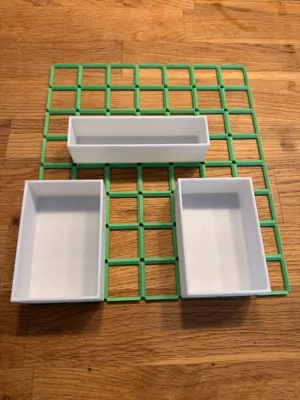
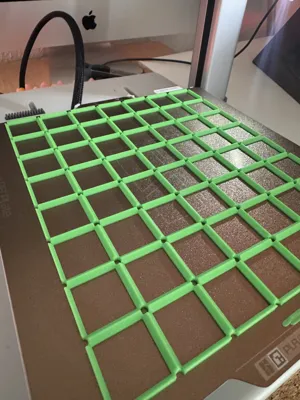
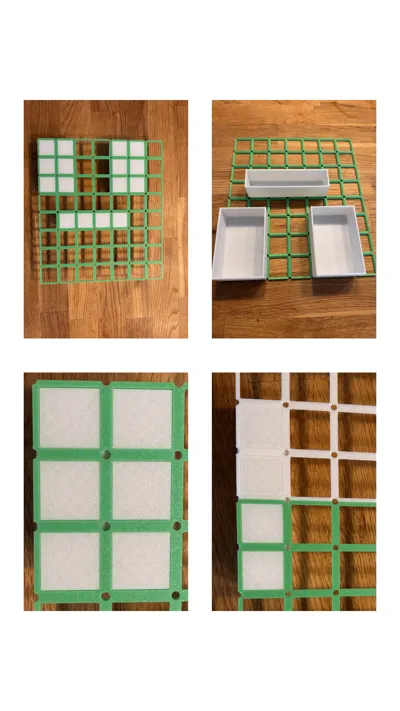
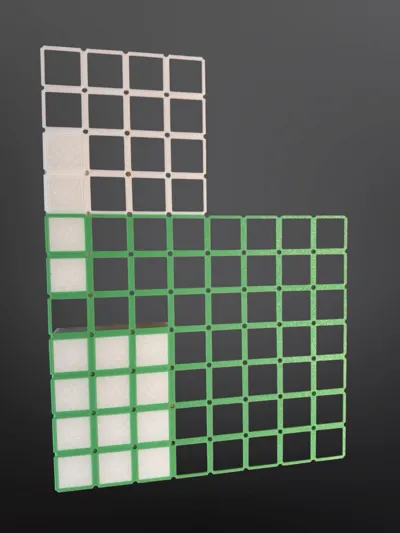
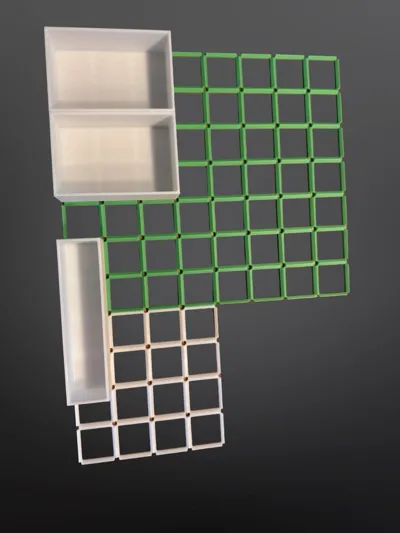
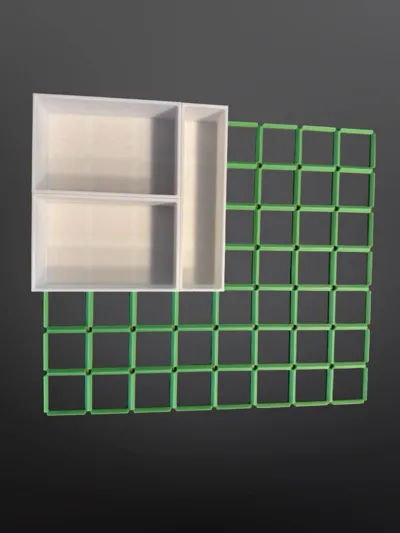
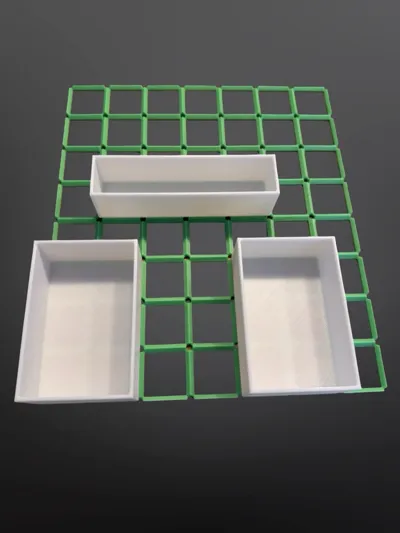
Fully Customizable Gridfinity Baseplate
Create the perfect organization for your workshop, studio, or office with this fully customizable Gridfinity baseplate. Adjust the size, height, and mounting holes to fit your exact needs. No more searching for the right size – just create it yourself!
Key Features
- Fully Parametric: Adjust every detail to match your project.
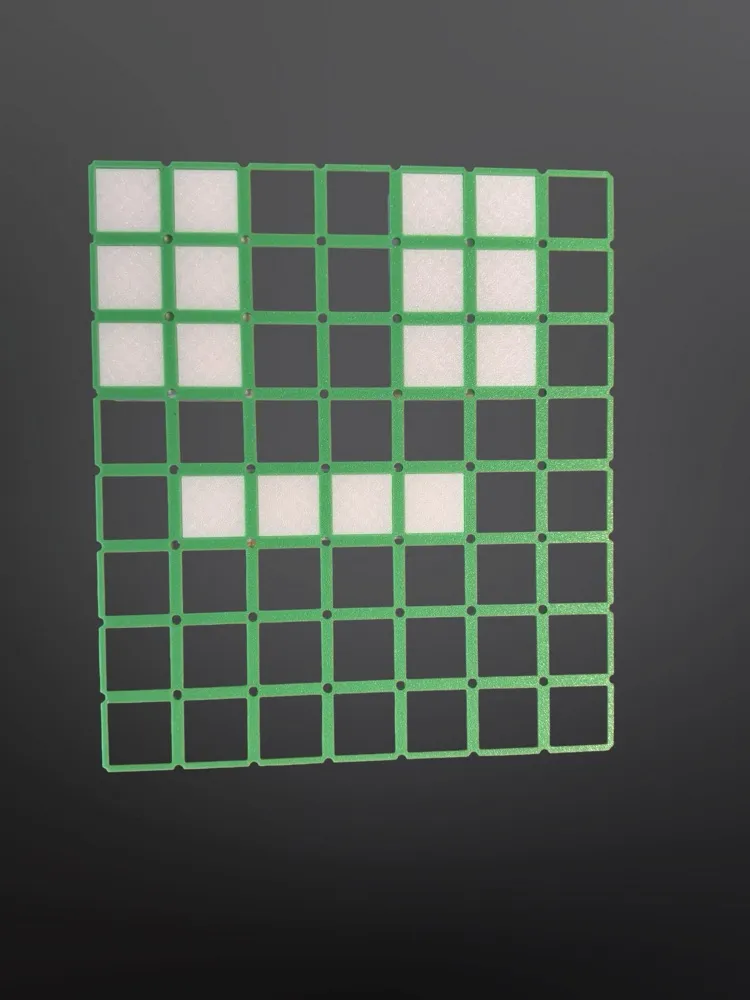
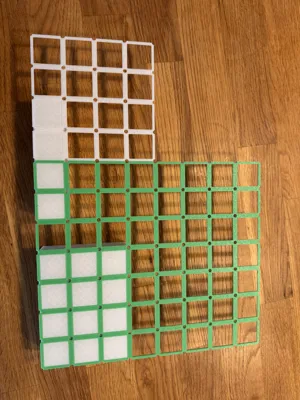
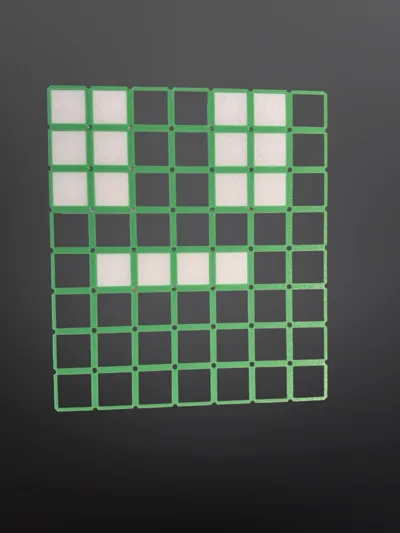
- Flexible Size: Define the exact number of rows in the X and Y directions.
- Adjustable Height: Control the thickness and stability of your plate.
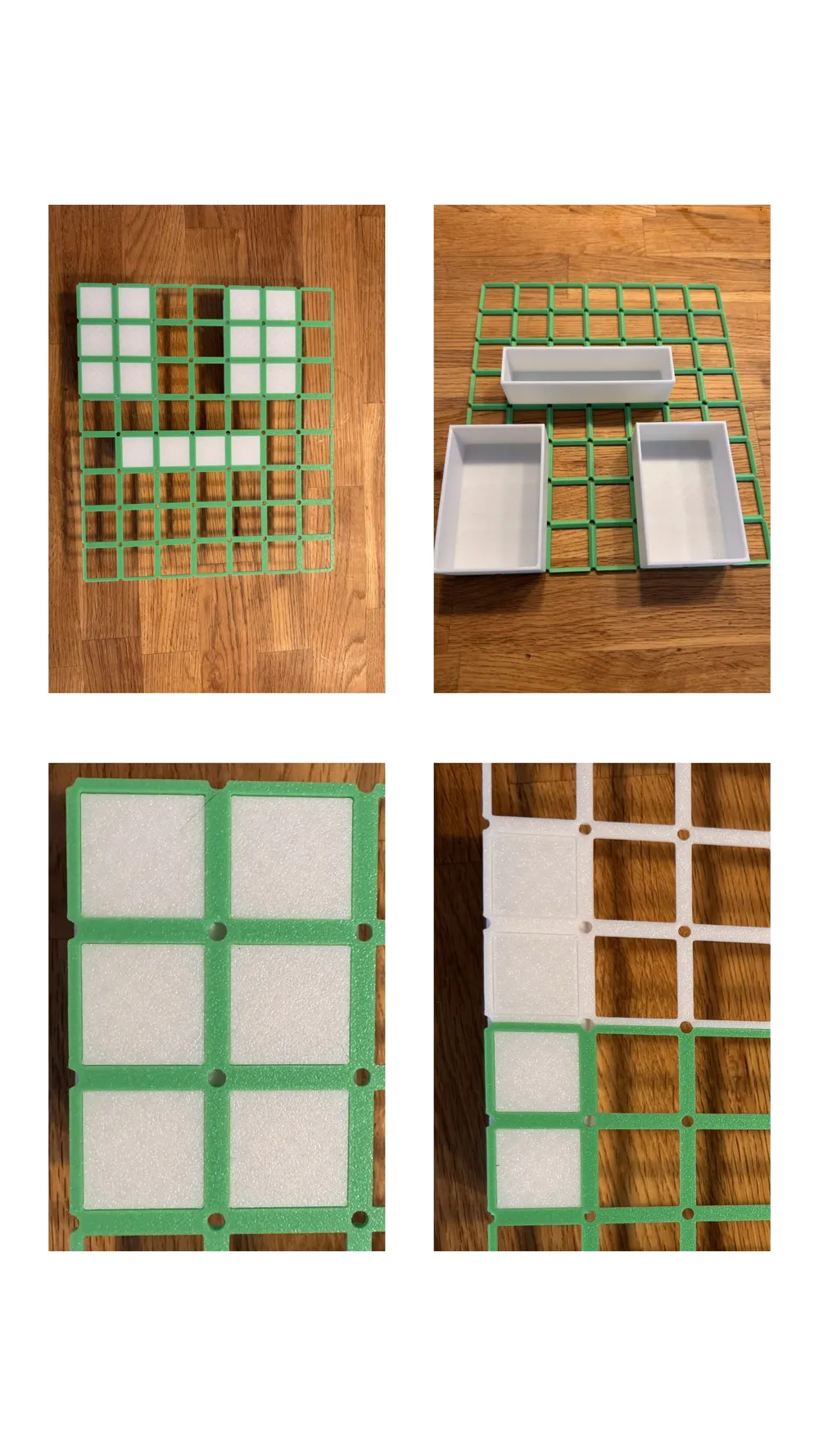
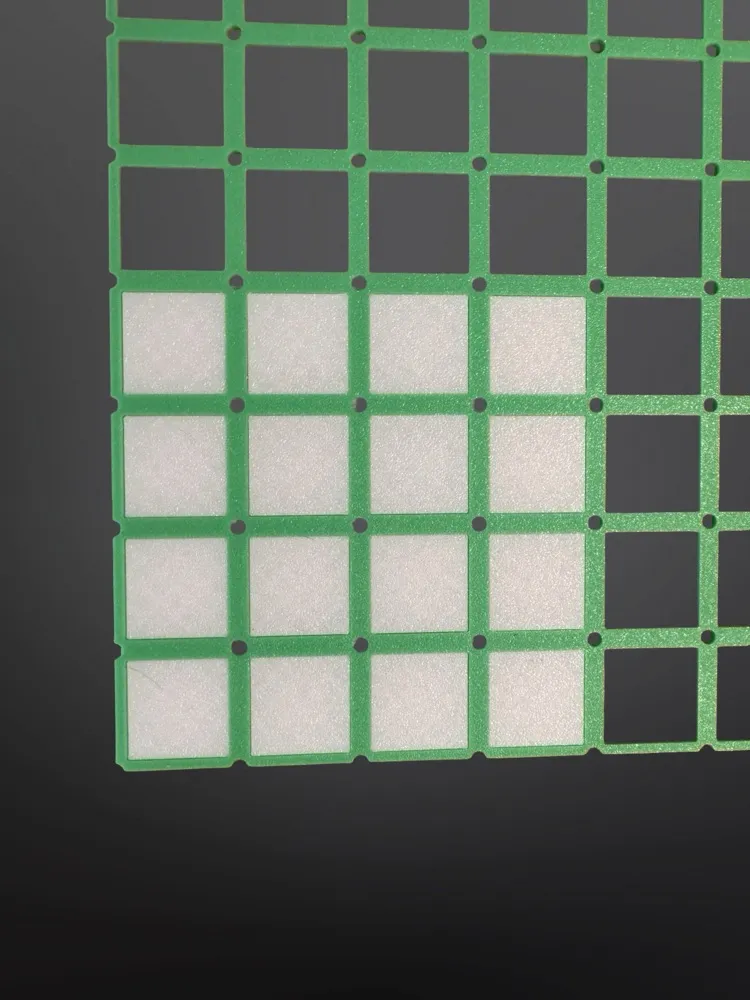
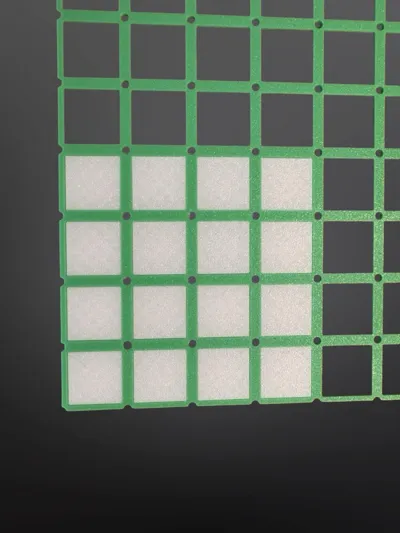
- Integrated Mounting Holes: Add holes with a perfect chamfer for countersunk screws.
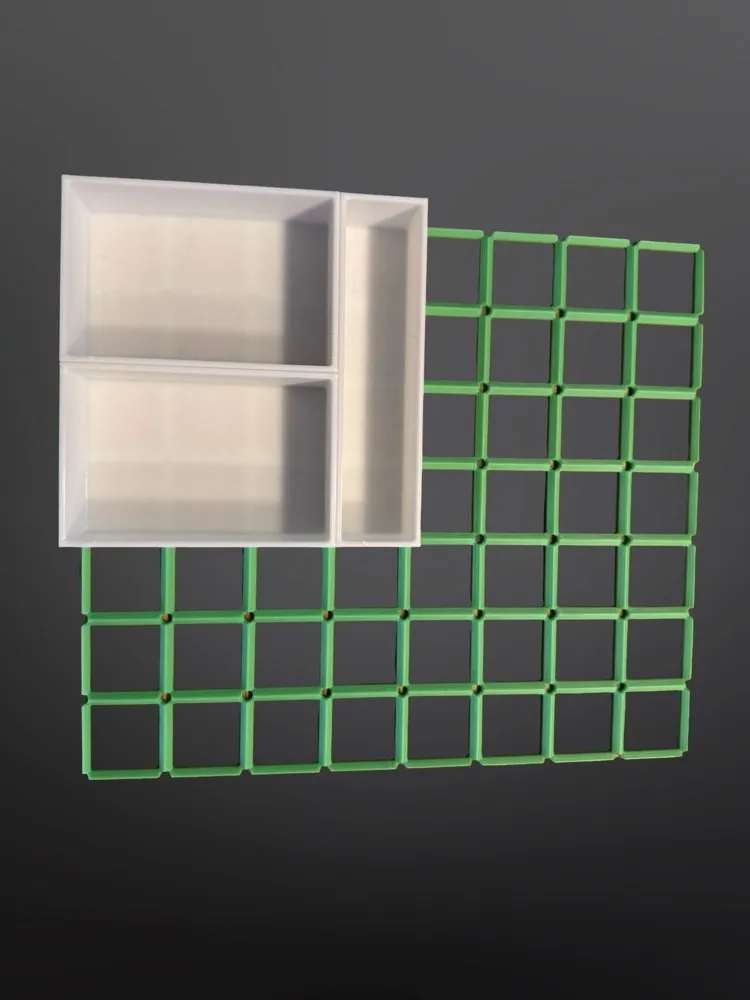
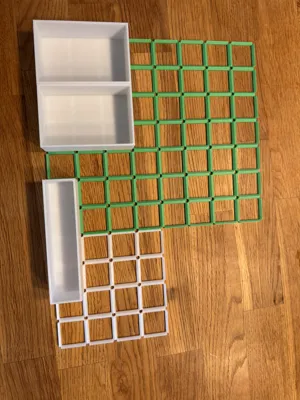
- 100% Compatible: Fits all standard Gridfinity bins and accessories.
Customization Guide
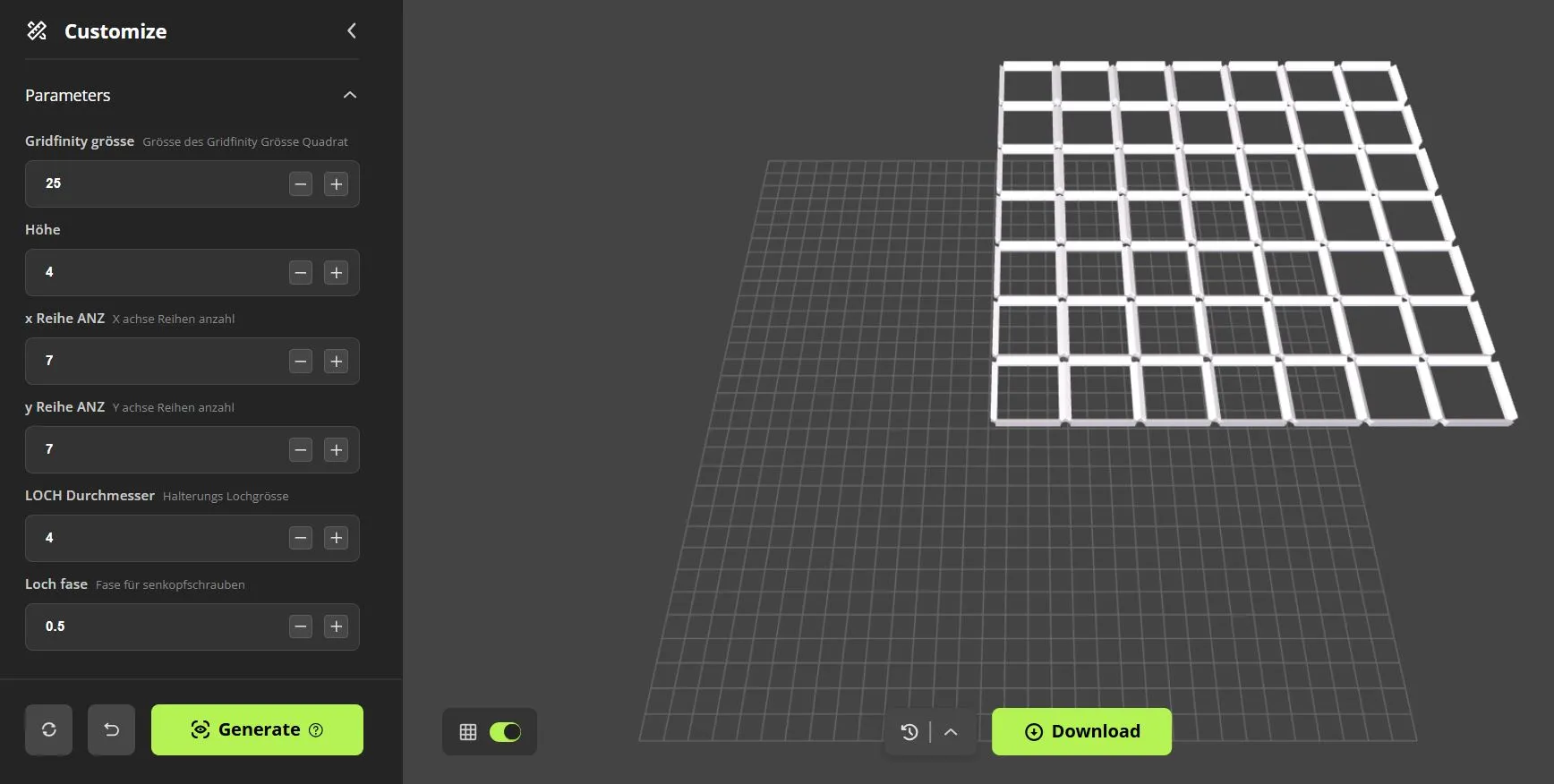
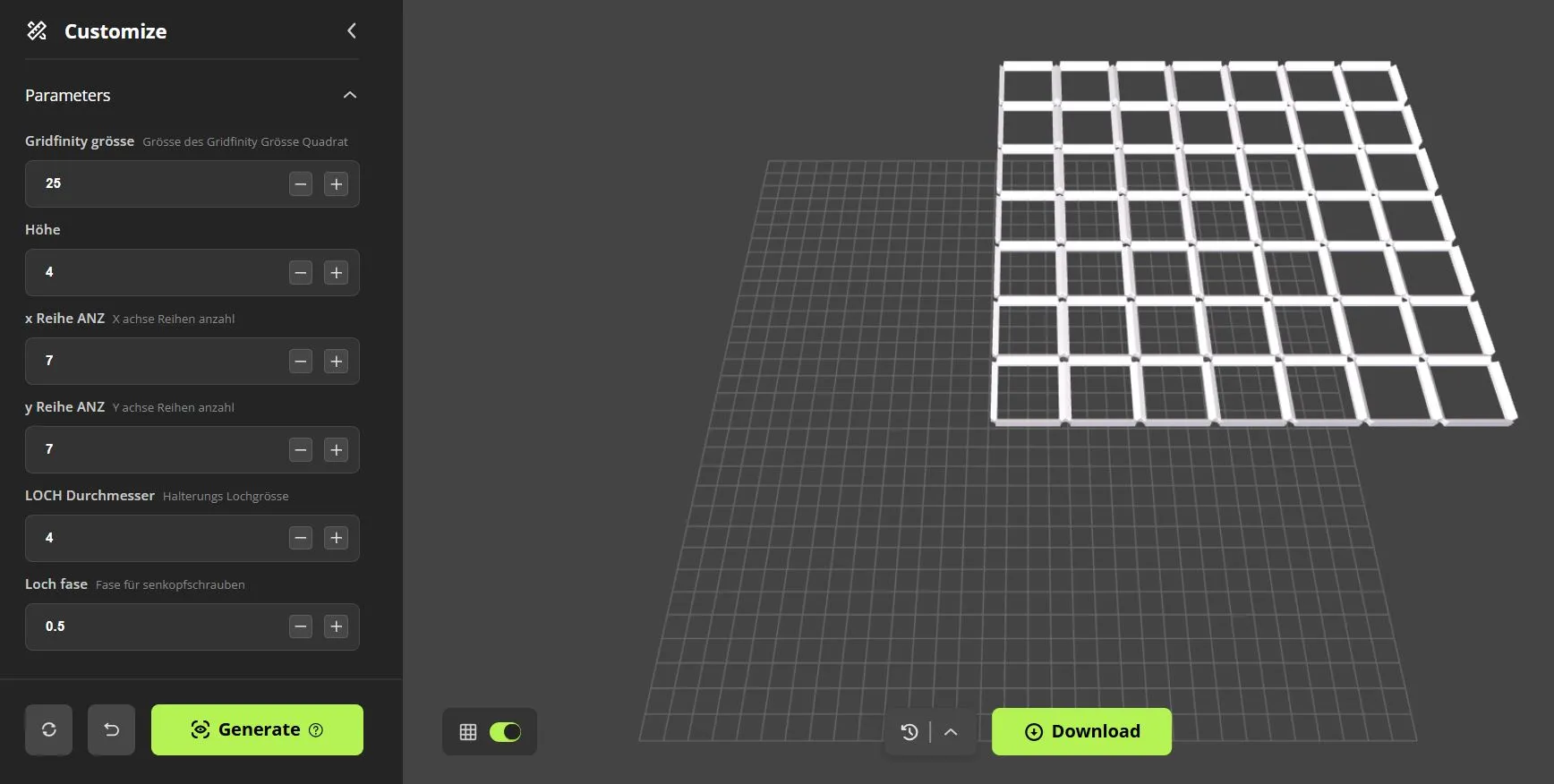
Use the "Customize" tab on this page to create your individual baseplate. Here is an explanation of each parameter:
| Parameter | Description |
|---|---|
| Gridfinity grösse (Gridfinity Size) | Defines the size of a single grid square (default: 42 mm). Only change this if you are using a non-standard system. |
| Höhe (Height) | Sets the total height or thickness of the baseplate. A value of 4-6 mm is usually ideal. |
| x Reihe ANZ (x Row Count) | The number of grid units on the X-axis (left to right). |
| y Reihe ANZ (y Row Count) | The number of grid units on the Y-axis (front to back). |
| LOCH Durchmesser (Hole Diameter) | The diameter of the mounting holes. Measure the shaft of your screws for the correct value. |
| Loch fase (Hole Chamfer) | The size of the chamfer for the holes. Ideal for allowing countersunk screws to sit flush with the surface. |
How to use it:
- Enter your desired values into the fields.
- Click "Generate" to update the 3D model preview.
- When everything looks perfect, click "Download" to get your personal STL file.
Print Settings
I recommend the following settings for a sturdy and accurate print:
- Material: PLA, PETG, or similar
- Layer Height: 0.2 mm or 0.3 mm for faster prints
- Infill: 15-25%
- Supports: Not required
Assembly
After printing, you can mount the baseplate to a workbench, inside a drawer, or on a wall using screws that match your specified hole diameter.
Happy organizing! Please share your makes – I'd love to see how you use this model!
ENGLISH
Boost Me (for free)
Support us with a boost!
Fully Customizable Gridfinity Baseplate
Create the perfect organization for your workshop, studio, or office with this fully customizable Gridfinity baseplate. Adjust the size, height, and mounting holes to fit your exact needs. No more searching for the right size – just generate it yourself!
!
Key Features
- Fully Parametric: Adjust every detail to match your project.
- Flexible Size: Define the exact number of rows in the X and Y directions.
- Adjustable Height: Control the thickness and stability of your plate.
- Integrated Mounting Holes: Add holes with a perfect chamfer for countersunk screws.
- 100% Compatible: Fits all standard Gridfinity bins and accessories.
Customization Guide
Use the "Customize" tab on this page to create your individual baseplate. Here is an explanation of each parameter:
| Parameter | Description |
|---|---|
| Gridfinity grösse (Gridfinity Size) | Defines the size of a single grid square (default: 42 mm). Only change this if you are using a non-standard system. |
| Höhe (Height) | Sets the total height or thickness of the baseplate. A value of 4-6 mm is usually ideal. |
| x Reihe ANZ (x Row Count) | The number of grid units on the X-axis (left to right). |
| y Reihe ANZ (y Row Count) | The number of grid units on the Y-axis (front to back). |
| LOCH Durchmesser (Hole Diameter) | The diameter of the mounting holes. Measure the shaft of your screws for the correct value. |
| Loch fase (Hole Chamfer) | The size of the chamfer for the holes. Ideal for allowing countersunk screws to sit flush with the surface. |
How to use it:
- Enter your desired values into the fields.
- Click "Generate" to update the 3D model preview.
- When everything looks perfect, click "Download" to get your personal STL file.
Print Settings
I recommend the following settings for a sturdy and accurate print:
- Material: PLA, PETG, or similar
- Layer Height: 0.2 mm or 0.3 mm for faster prints
- Infill: 15-25%
- Supports: Not required
Assembly
After printing, you can mount the baseplate to a workbench, inside a drawer, or on a wall using screws that match your specified hole diameter.
Happy organizing! Please share your makes – I'd love to see how you use this model!
License

You shall not share, sub-license, sell, rent, host, transfer, or distribute in any way the digital or 3D printed versions of this object, nor any other derivative work of this object in its digital or physical format (including - but not limited to - remixes of this object, and hosting on other digital platforms). The objects may not be used without permission in any way whatsoever in which you charge money, or collect fees.


Comment & Rating (10)