
Clock and ON AIR Lightbox
Print Profile(2)


Bill of Materials


- AAA Battery x 6: Each light puck requires 3 AAA batteries
- AA Battery x 1: The Clock Kit requires one AA Battery
Description
Quality 3D Prints
“Would you like to be notified when the next model becomes available?
Just click Follow "
Custom Lightbox & Clock
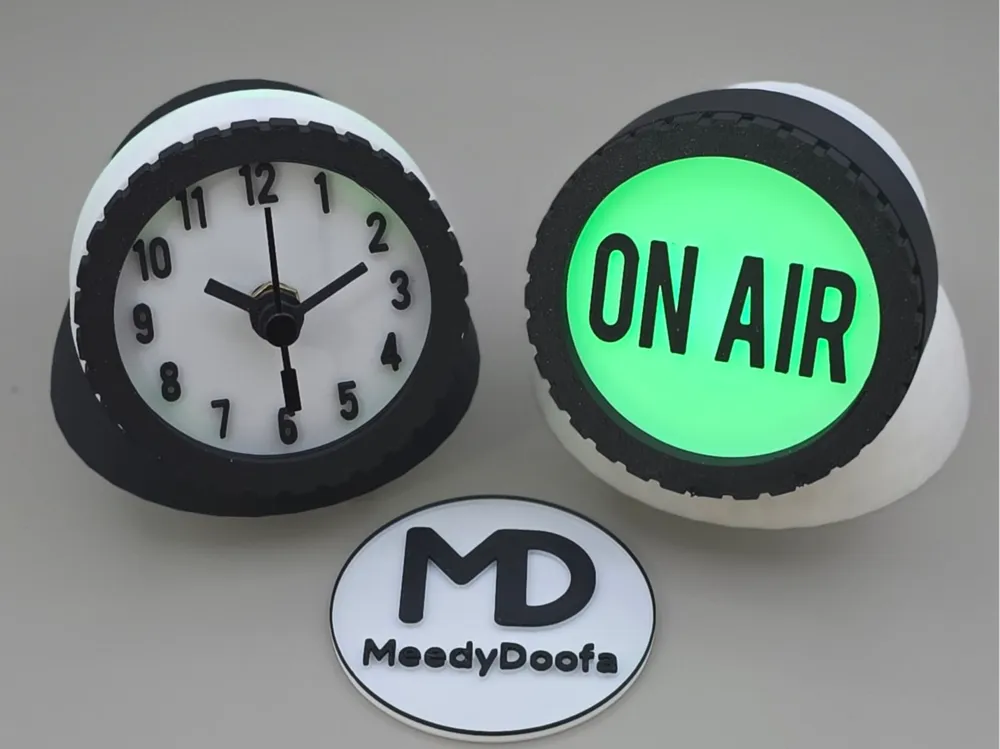
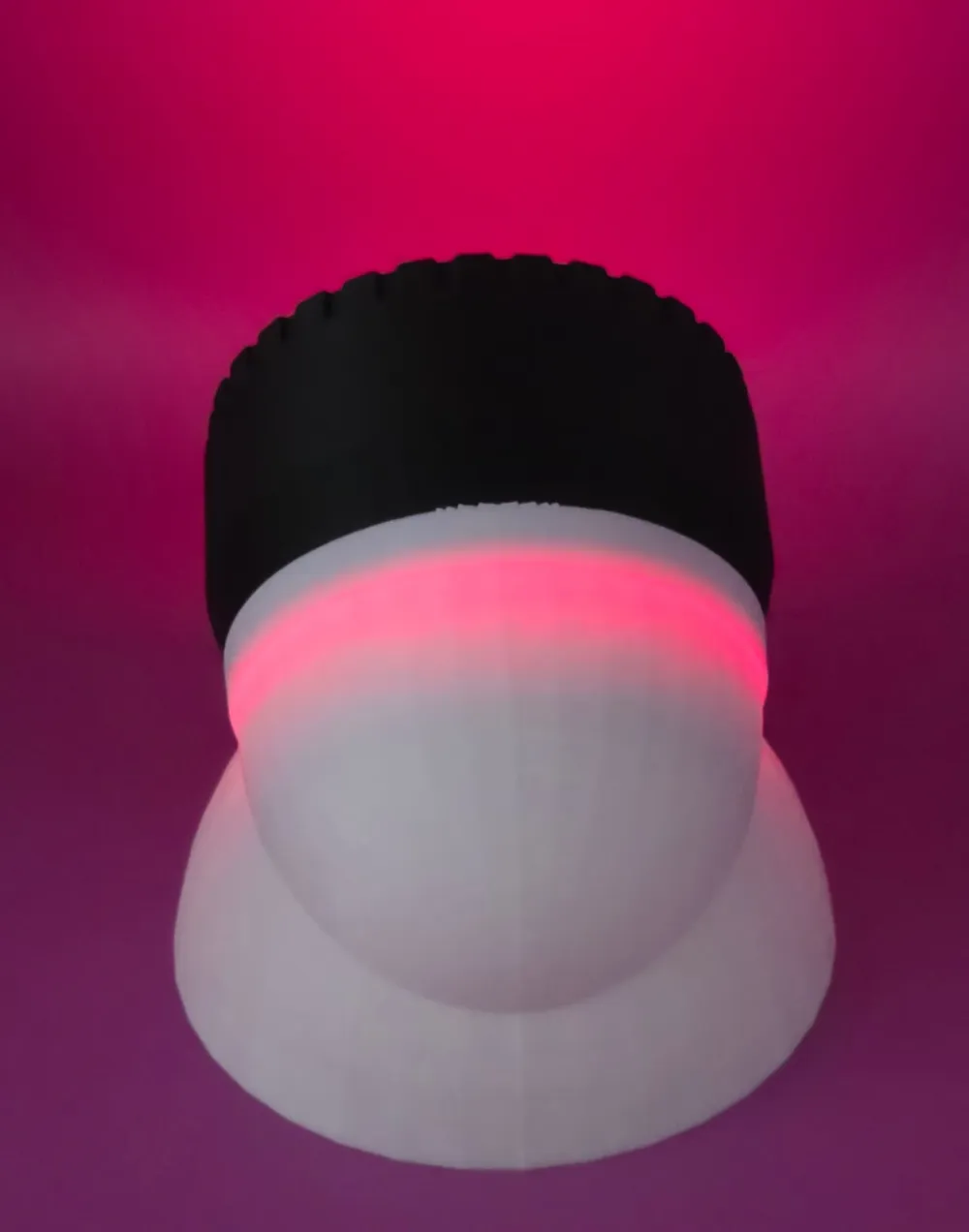
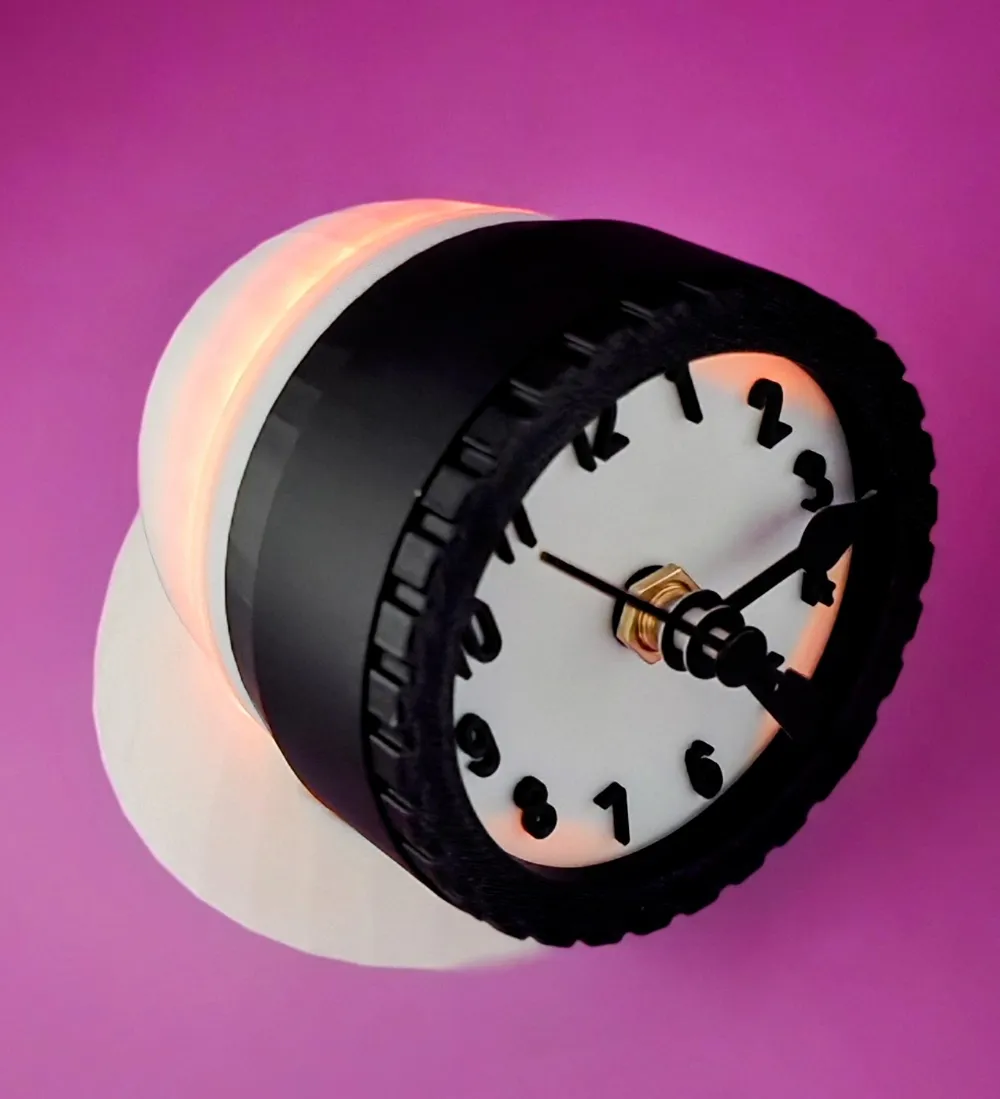
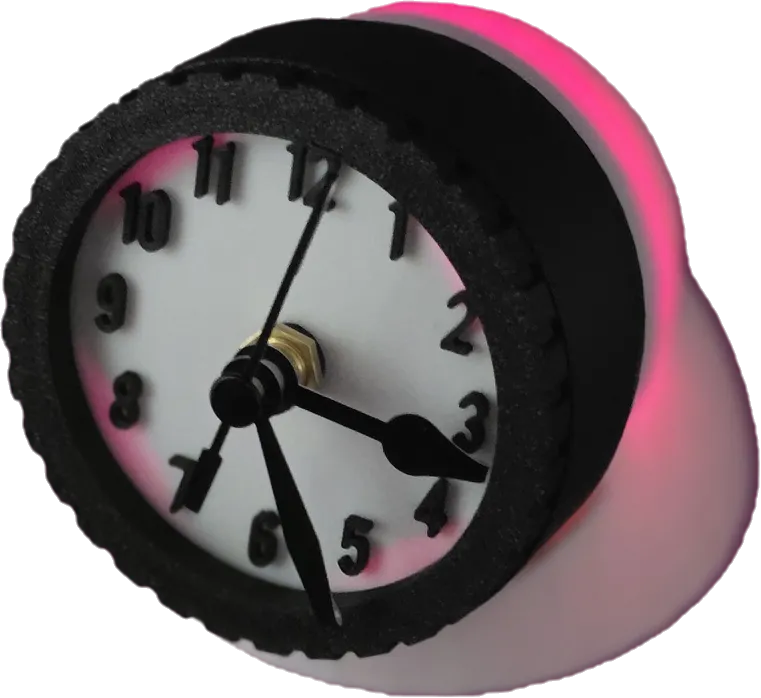
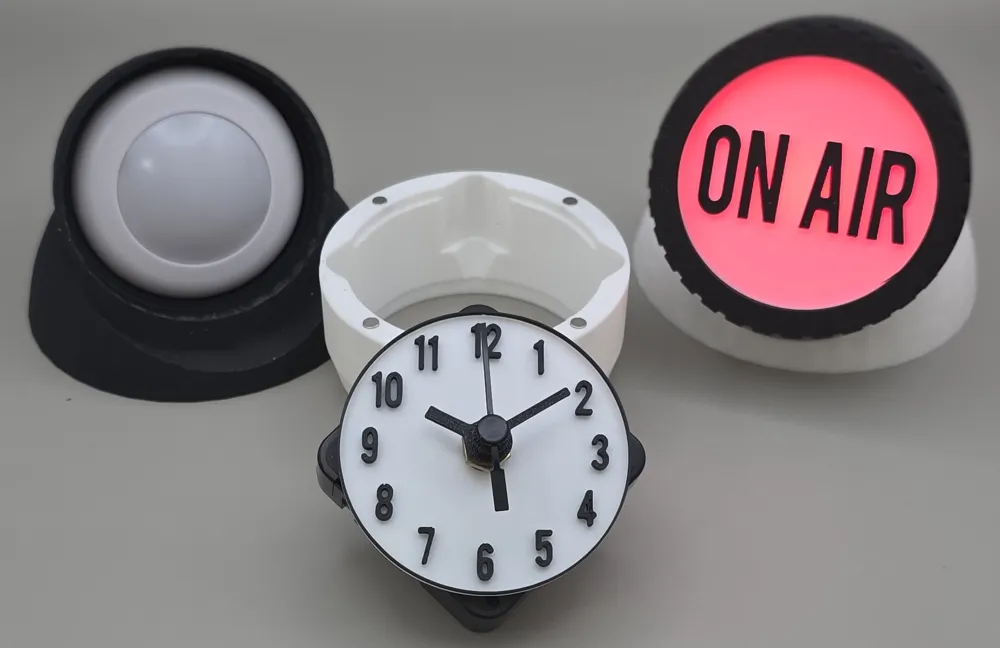
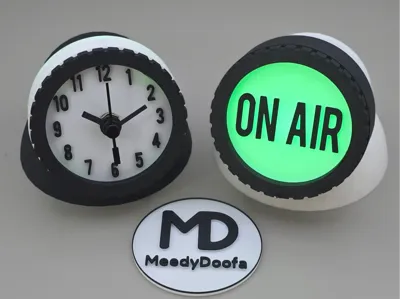
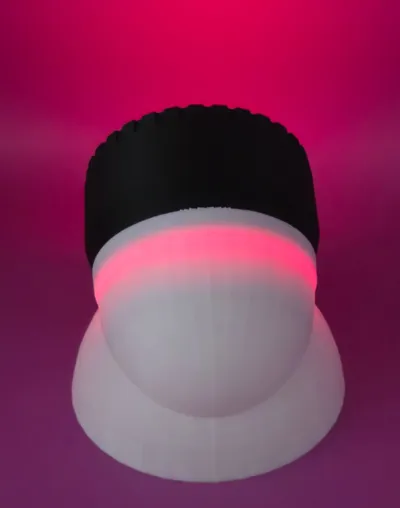
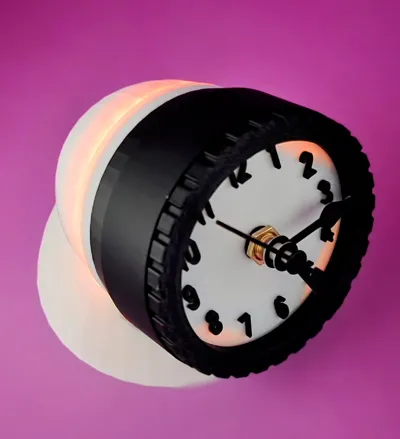
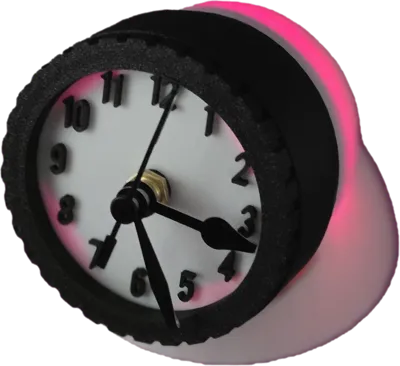
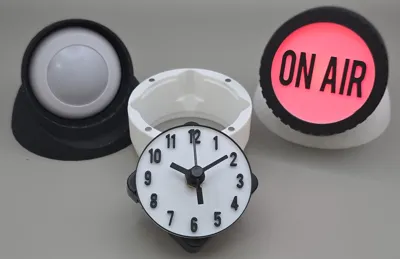
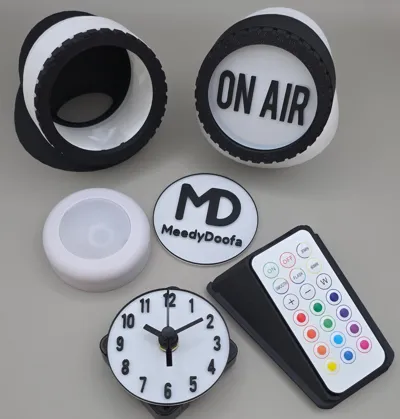
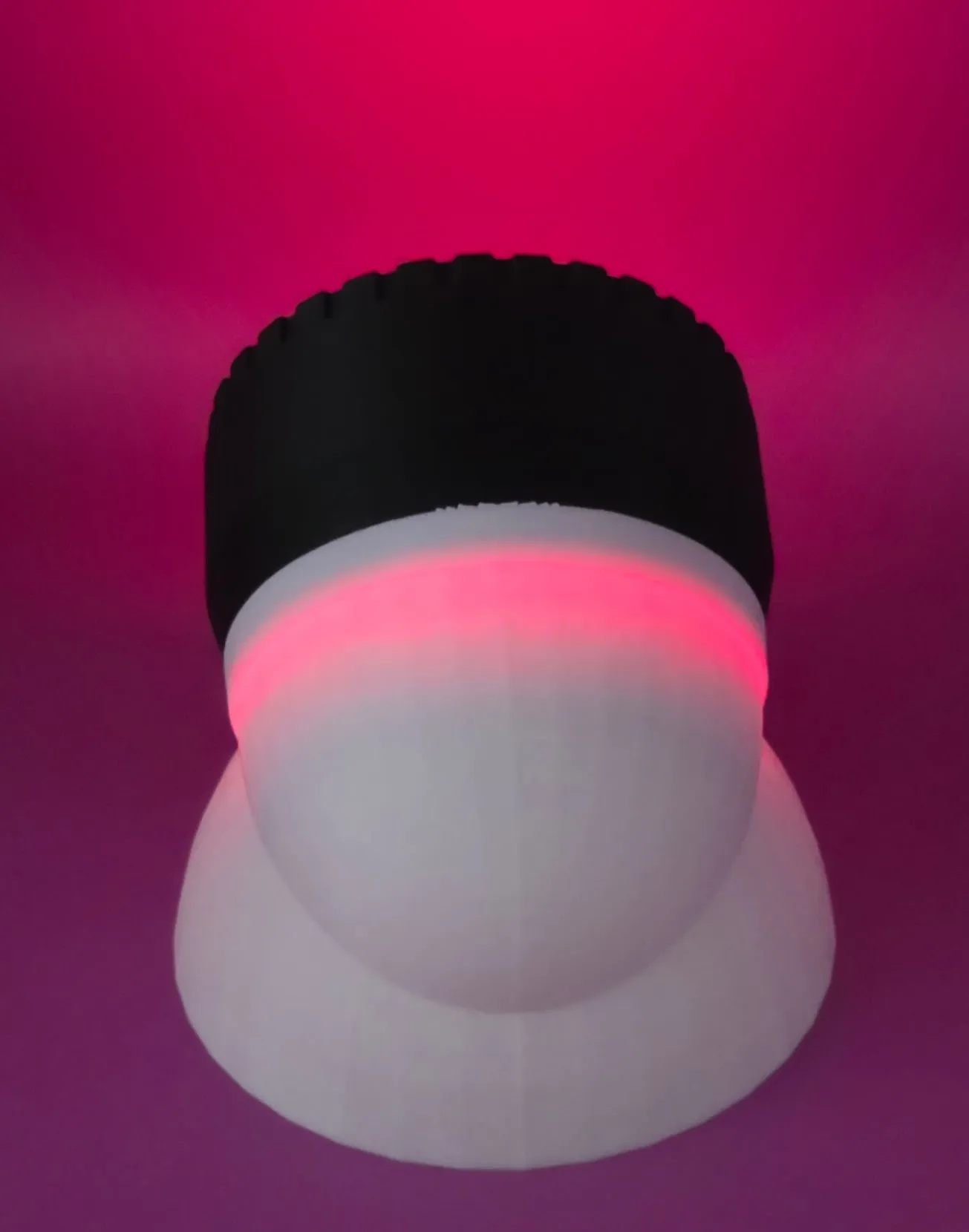

This is a customisable lightbox that can be used to light up a litho, or it can be used as a stylish night glow clock, print 2 and have one of each!
It uses components from Bambu's Makers Supply, check out the Bill of Materials listed below
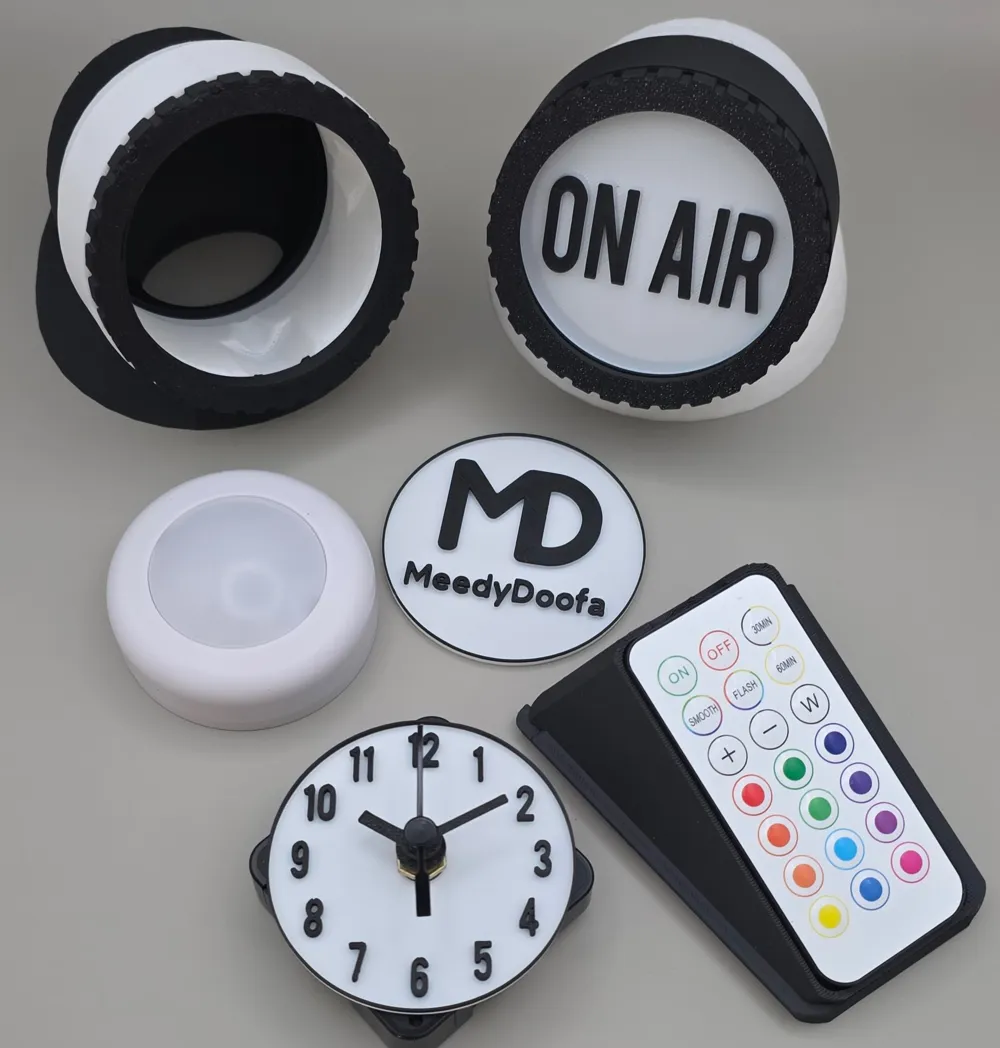
The download includes an ‘On Air’ Litho and within the Print Profile (.3mf) there is a customisable litho which you can add your own text onto. To do this, within Bambu Studio just double click ‘Your Text’ on the Custom Litho in the Prepare tab and enter your preferred text
The component that holds the clock in this download can also be fitted to my Telescope Night Light Lamp, if you are interested in this, it can be downloaded via this link:
How Does It Work?

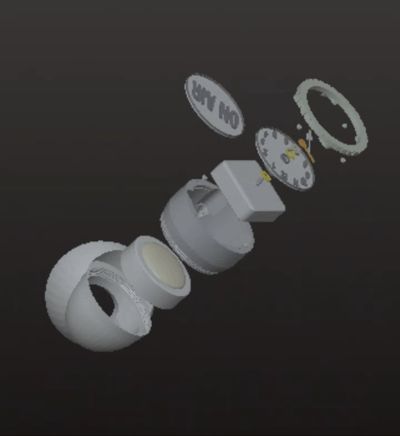
Download the Assembly Guide first, and follow the visual instructions
If you decide to buy the Cogsworth Clock kit it will come with 20x 4x2mm magnets which can be used on this model
If you do not want the clock, I have designed the endcap to slot in using friction. This means it will work without them, using magnets will just make it a stronger fit
When inserting the magnets, be sure to insert them in a uniform manner so that the end cap magnetizes to the shade
The LED Puck kit comes with two pucks and a Remote Control. I have included a stylish Remote Control holder which also holds a spare Litho
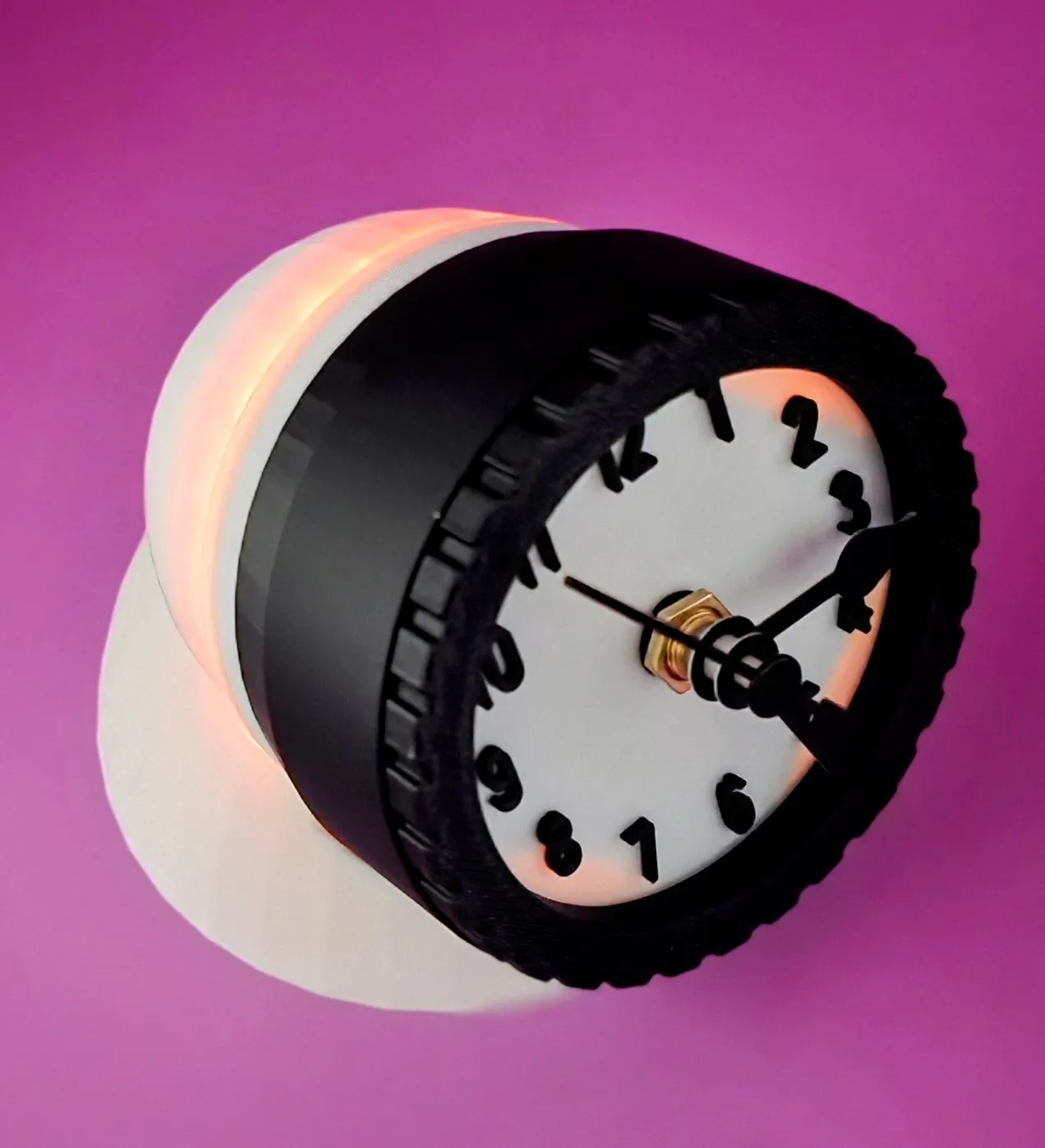
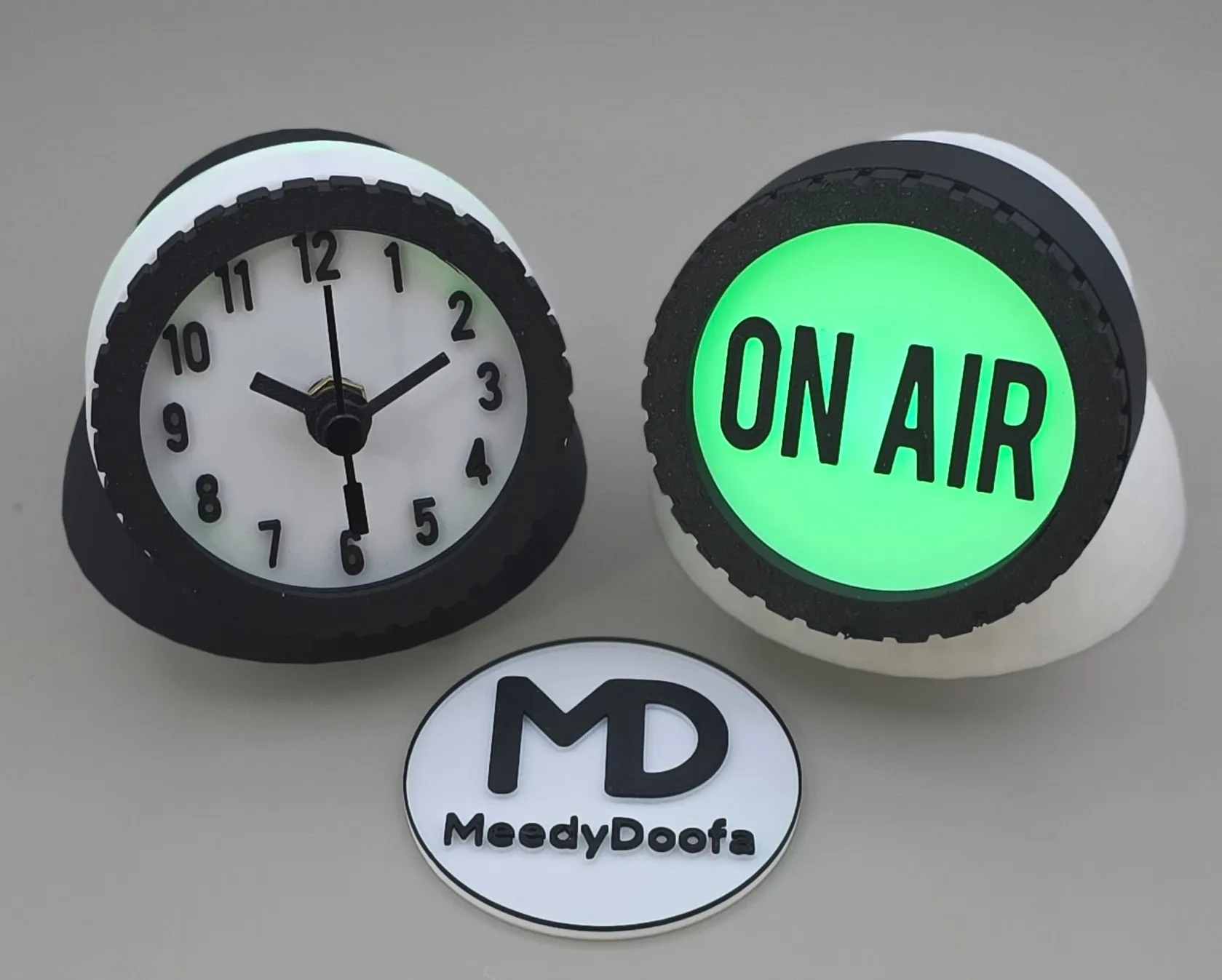
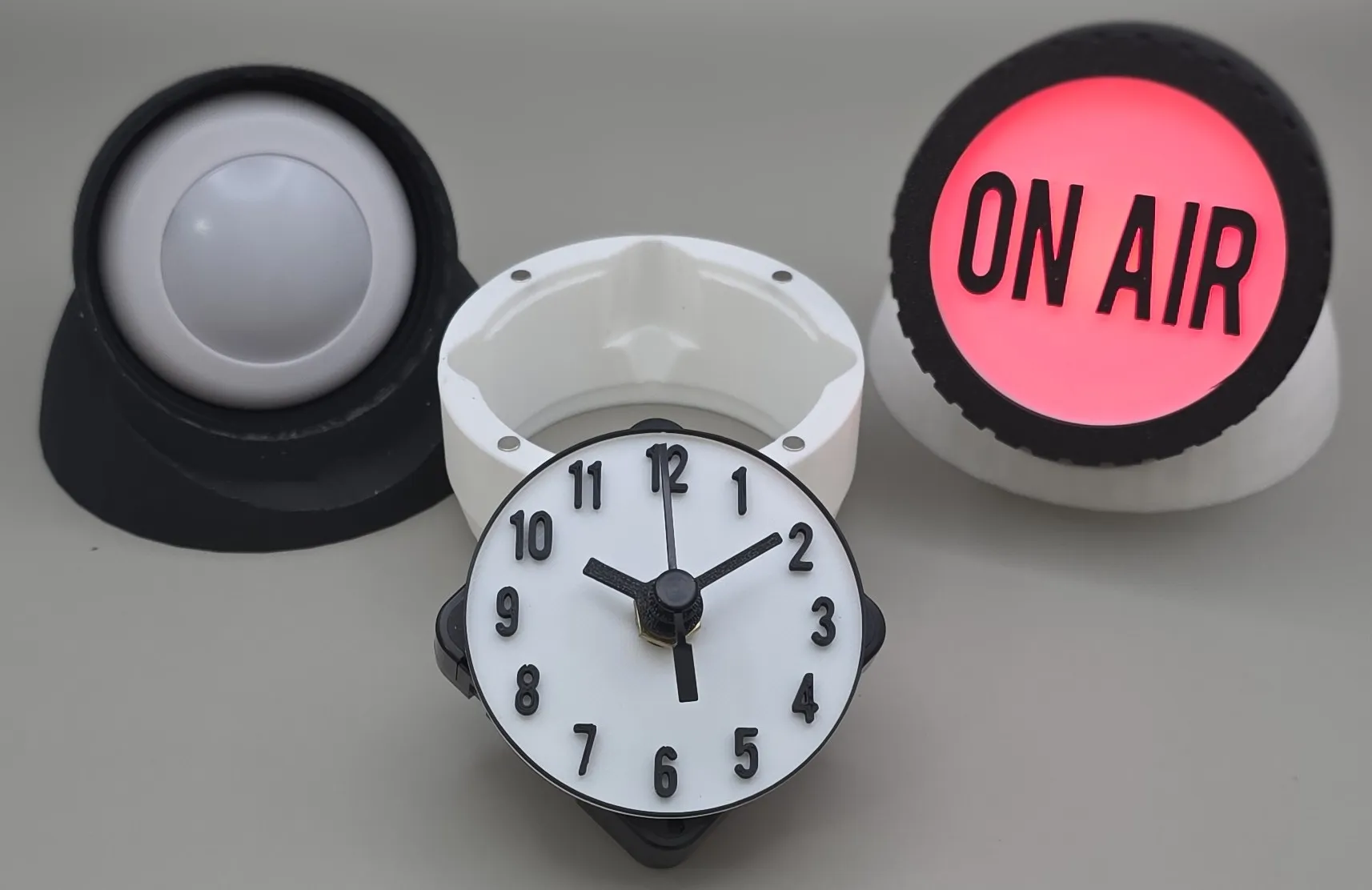
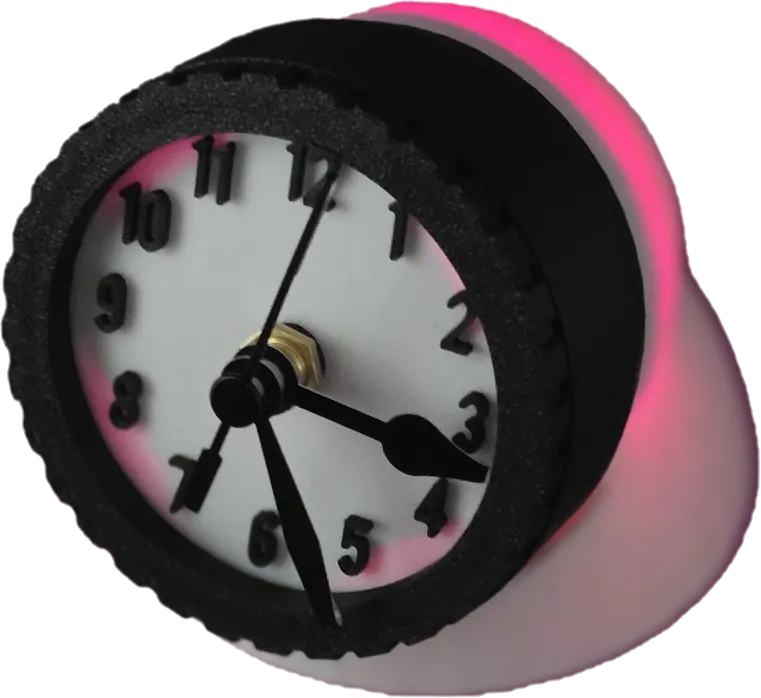
My growing collection of 3D models can be viewed here @MeedyDoofa
⭐https://makerworld.com/collections/6115283⭐
Do you know what a Boost Token is?
If you download models from MakerWorld.com it is likely that you've got some boost tokens in your account
They are awarded for completing certain tasks, such as downloading a model
It's likely that you have quite a few, but may not be aware of them
Tokens typically have an expiry date and many ppl do let them expire and don't use them - its a shame, but they're easy to overlook ;)
When you see a ‘Boost Me’ section, like the one below and click it, you will be able to gift a creator a boost of points, you can boost several times too
After a period of time these build up and the grateful receiver can exchange them for a growing list of rewards, such as filament, maker kits and more
Its a great way to say thank you!
Boost Me (for free)
Please consider a Boost if you've got some spare, click THUMBS UP and SHARE if you'd like to show some Love! Boosting a model greatly helps creators, and encourages us to keep on creating Free prints for you Follow for all the latest updates
Documentation (1)
License

You may create derivative works based on this object, provided that all such derivative works are published exclusively on the MakerWorld platform and include proper attribution to the original creator. You may not share, upload, host, distribute, or publish this object—or any derivative work of this object—on any other digital platform, marketplace, or distribution channel. Commercial use of this object and any derivative works is strictly prohibited. This includes, but is not limited to, selling, renting, sublicensing, or using the object in any context in which you receive monetary compensation or other financial benefits.


Comment & Rating (0)