
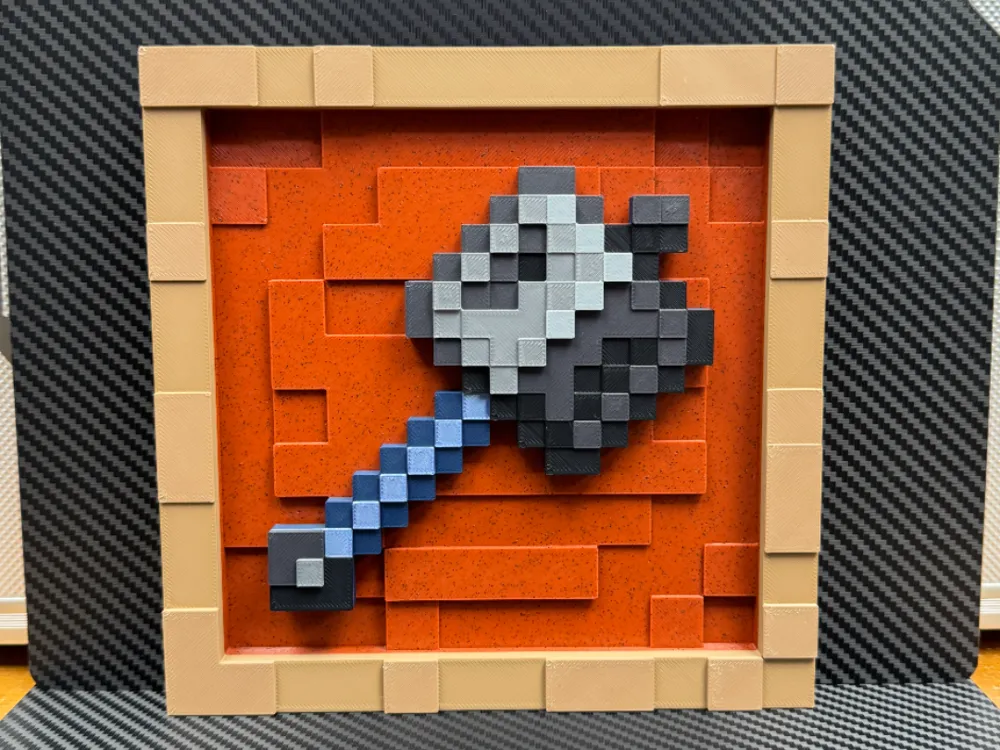
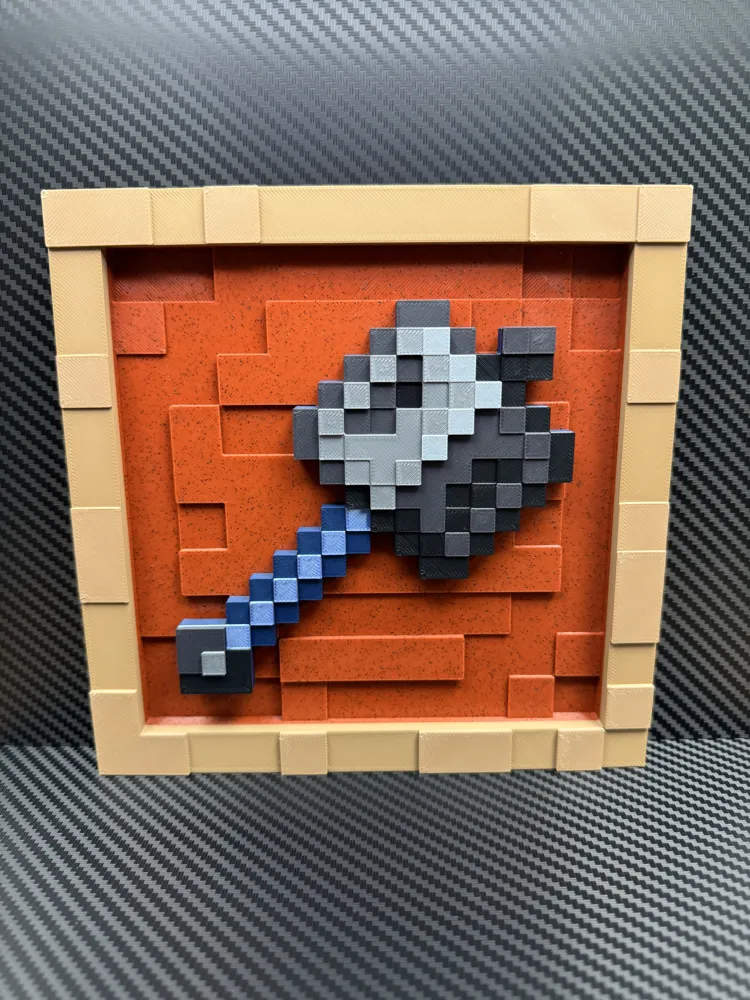
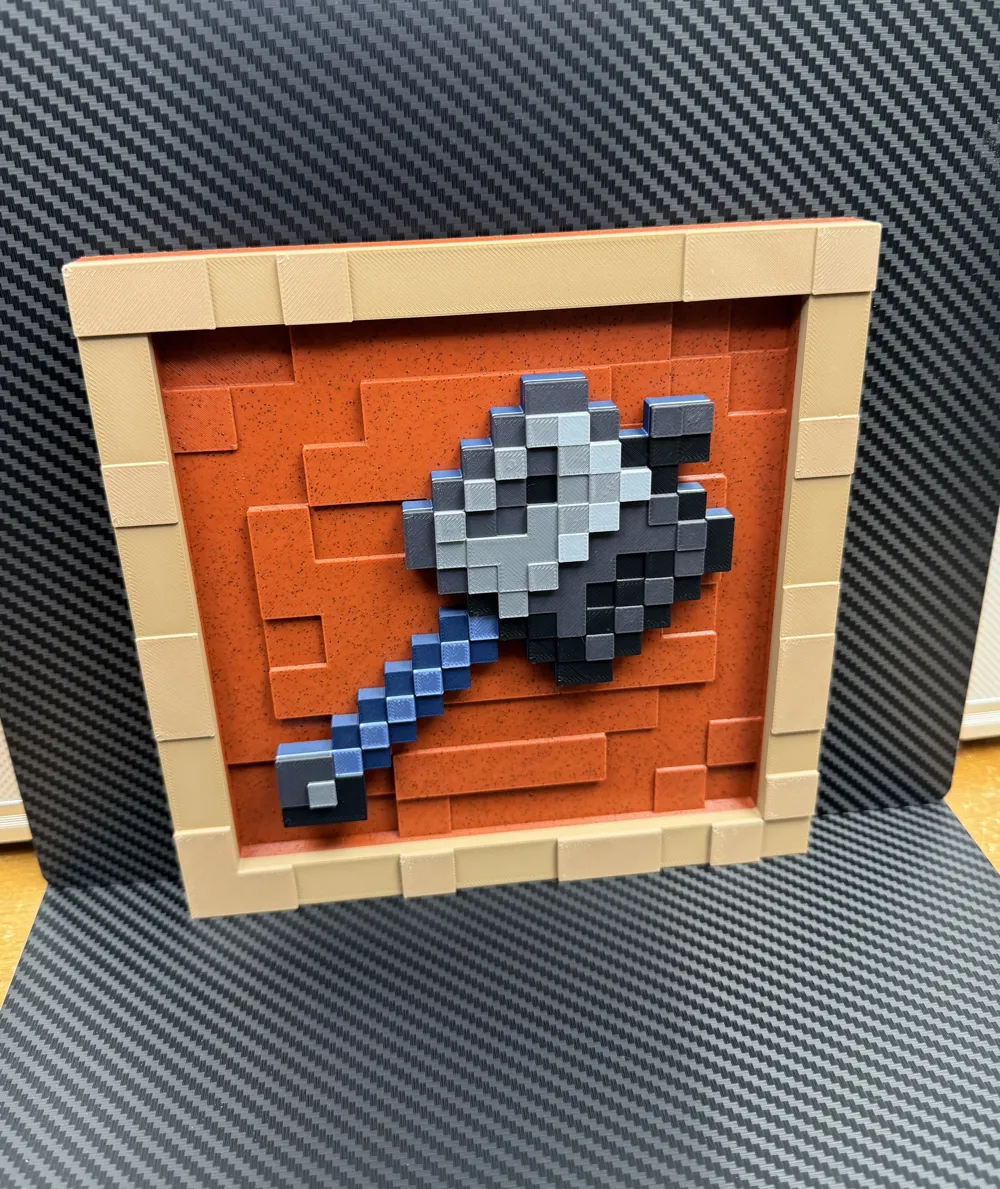
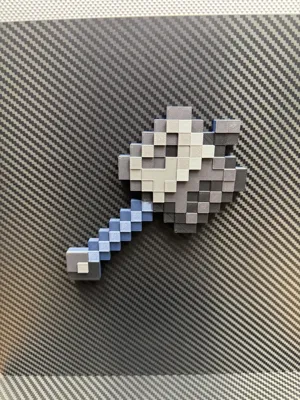
Mace - Minecraft Item Frame
Print Profile(2)


Description
Boost Me (for free)
Boosts are appreciated so I can continue to make more items!
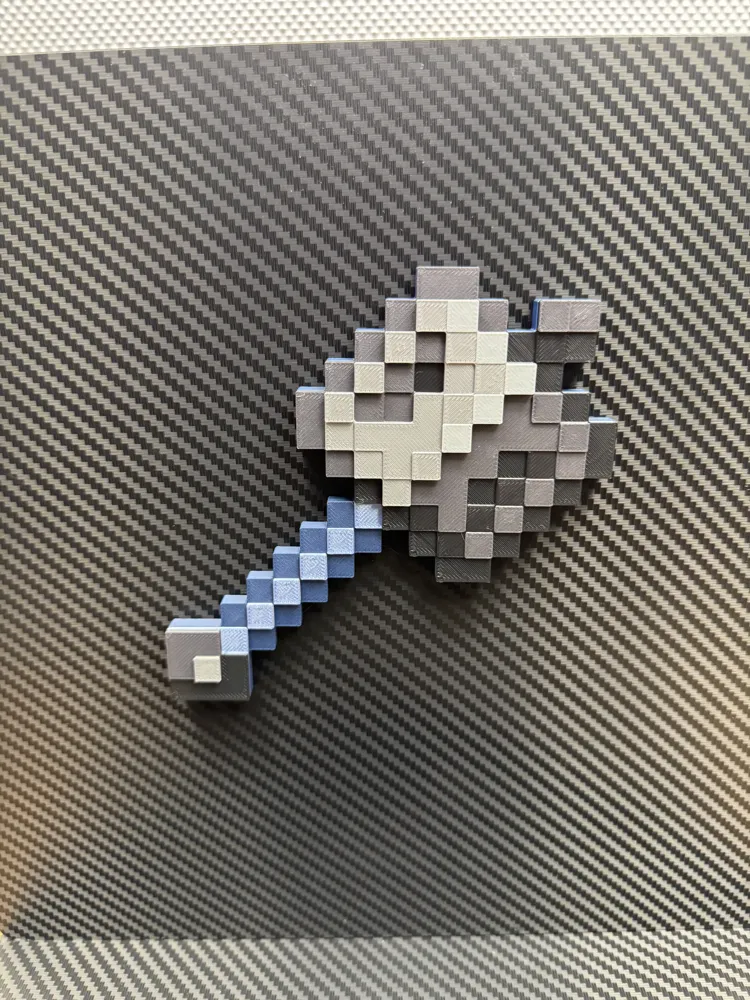
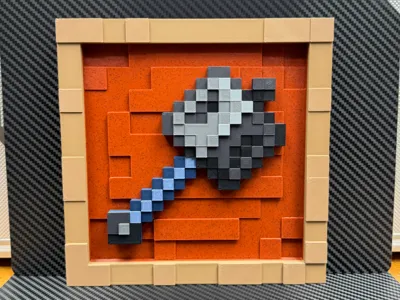
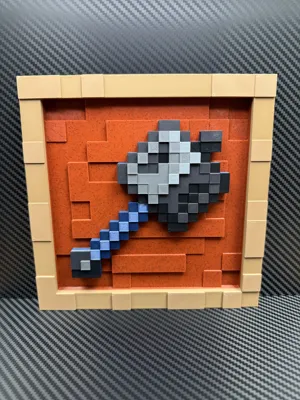
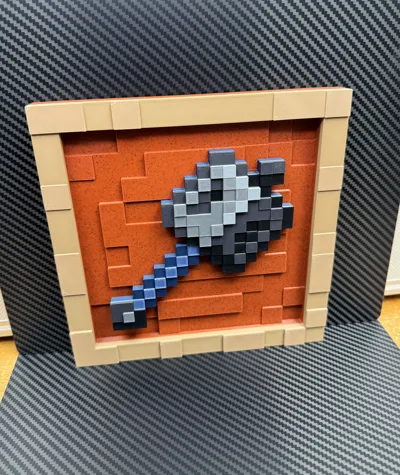
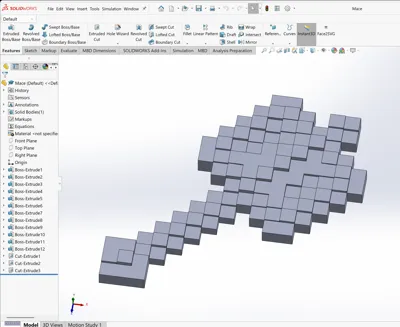
A mace for the item frame I designed. This item uses two of the neodymium magnets (check the bottom of the description for the link). I have also included two additional magnet holes, in case you wanted to add two extra magnets after the model is finished printing. The profile will have the pause necessary to insert the magnets at the right time. The magnets should fit snug, so no super glue is required to hold them in place. Just be sure to insert the magnets in the right direction so they attach to the item frame correctly!
This model is support free and does not require the AMS. If you are not using the AMS, just be sure to add color switch pauses at the same layers as in the print profile.
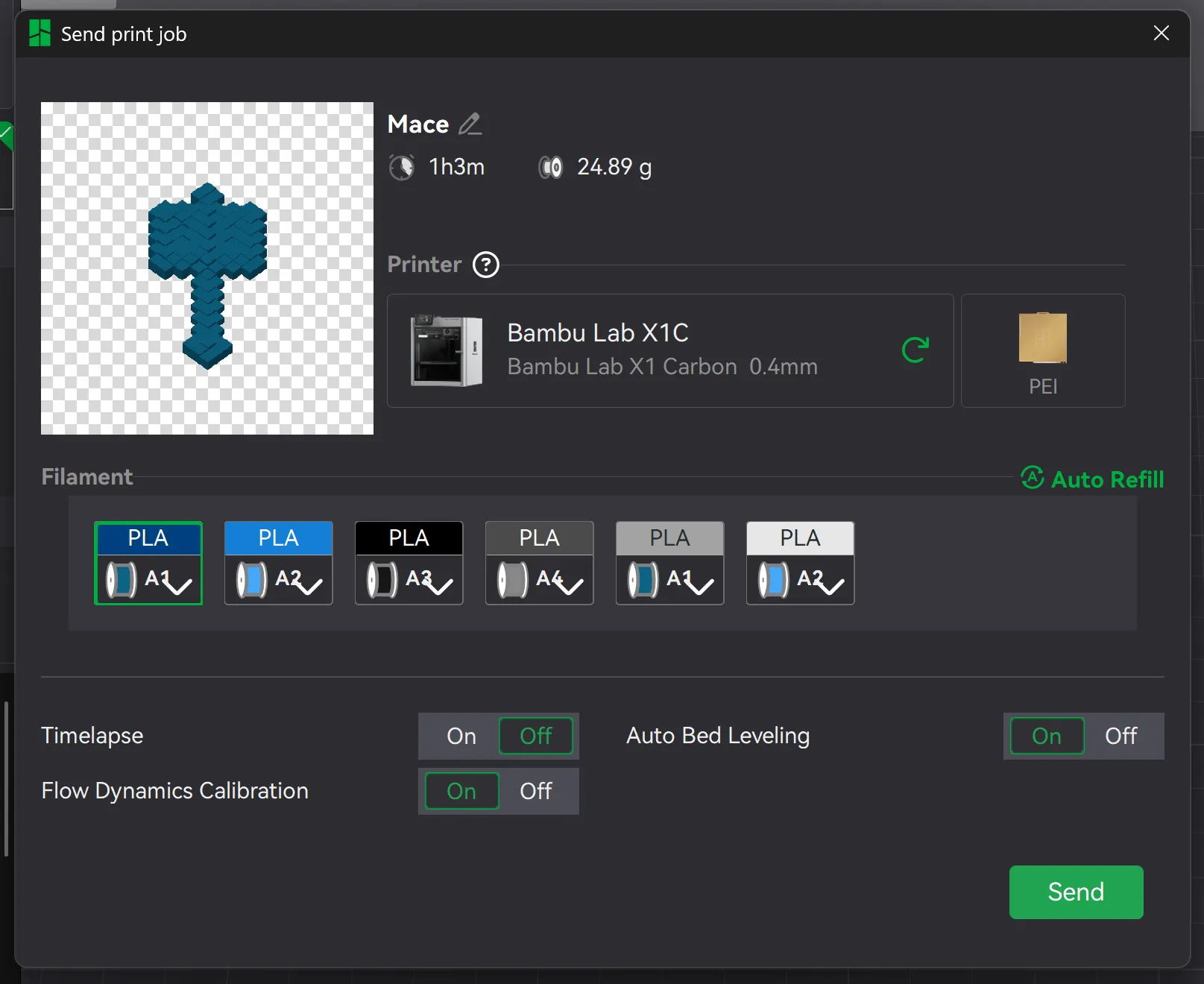
I have included two pauses in this profile, since this model uses six colors total. The first pause is where you will insert the two magnets, and the second pause is to take the two filaments out of slots 1 and 2 of the AMS, which is the army blue and silk blue, and insert silver filament into slot 1, and light gray filament into slot 2. When sending the file, you should map the silver filament to use Slot A1, and the light gray filament to use Slot A2. I have included a screenshot for better understanding:
The six filament colors/brands I used in sequence are:
Panchroma Matte Army Blue PLA
CC3D Silver Blue Silk PLA
El3goo Black Rapid PLA+
FlashForge Volcanic Rock Gray PLA-CF
El3goo Silver Rapid PLA+
Inland Light Gray Tough PLA
The link for the magnets is included in the item frame model on my page:
License

You shall not share, sub-license, sell, rent, host, transfer, or distribute in any way the digital or 3D printed versions of this object, nor any other derivative work of this object in its digital or physical format (including - but not limited to - remixes of this object, and hosting on other digital platforms). The objects may not be used without permission in any way whatsoever in which you charge money, or collect fees.


Comment & Rating (25)