
Goku Hueforge - Dragon Ball Z
Print Profile(1)





Description
Boost Me (for free)
Membership
Concept
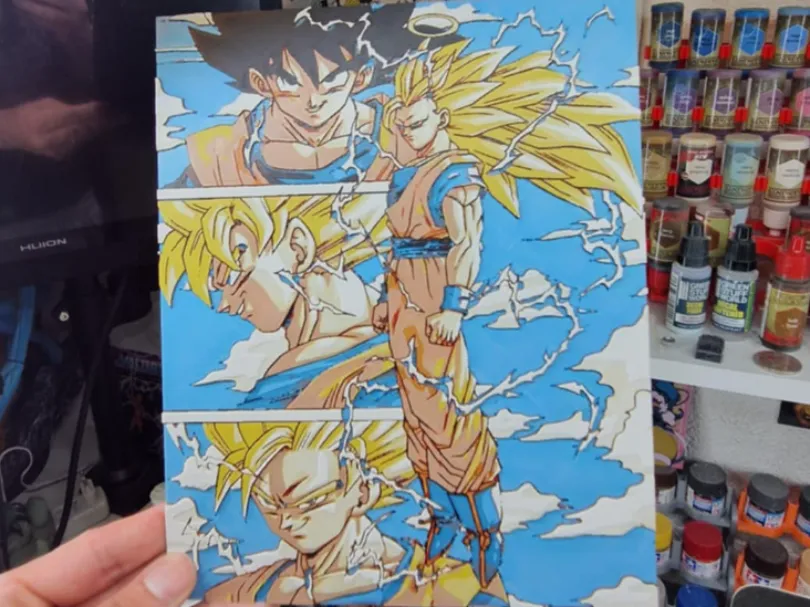
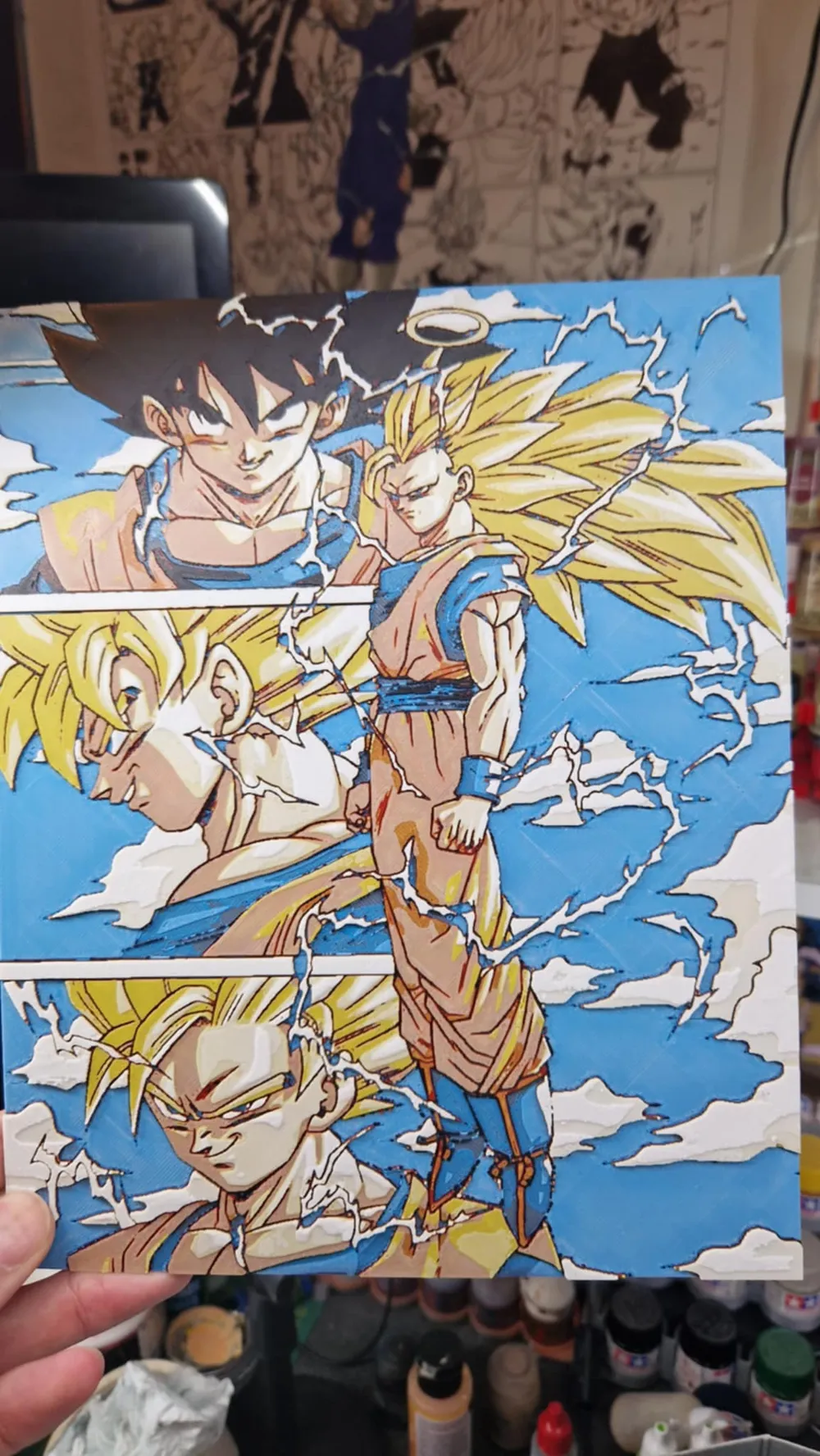
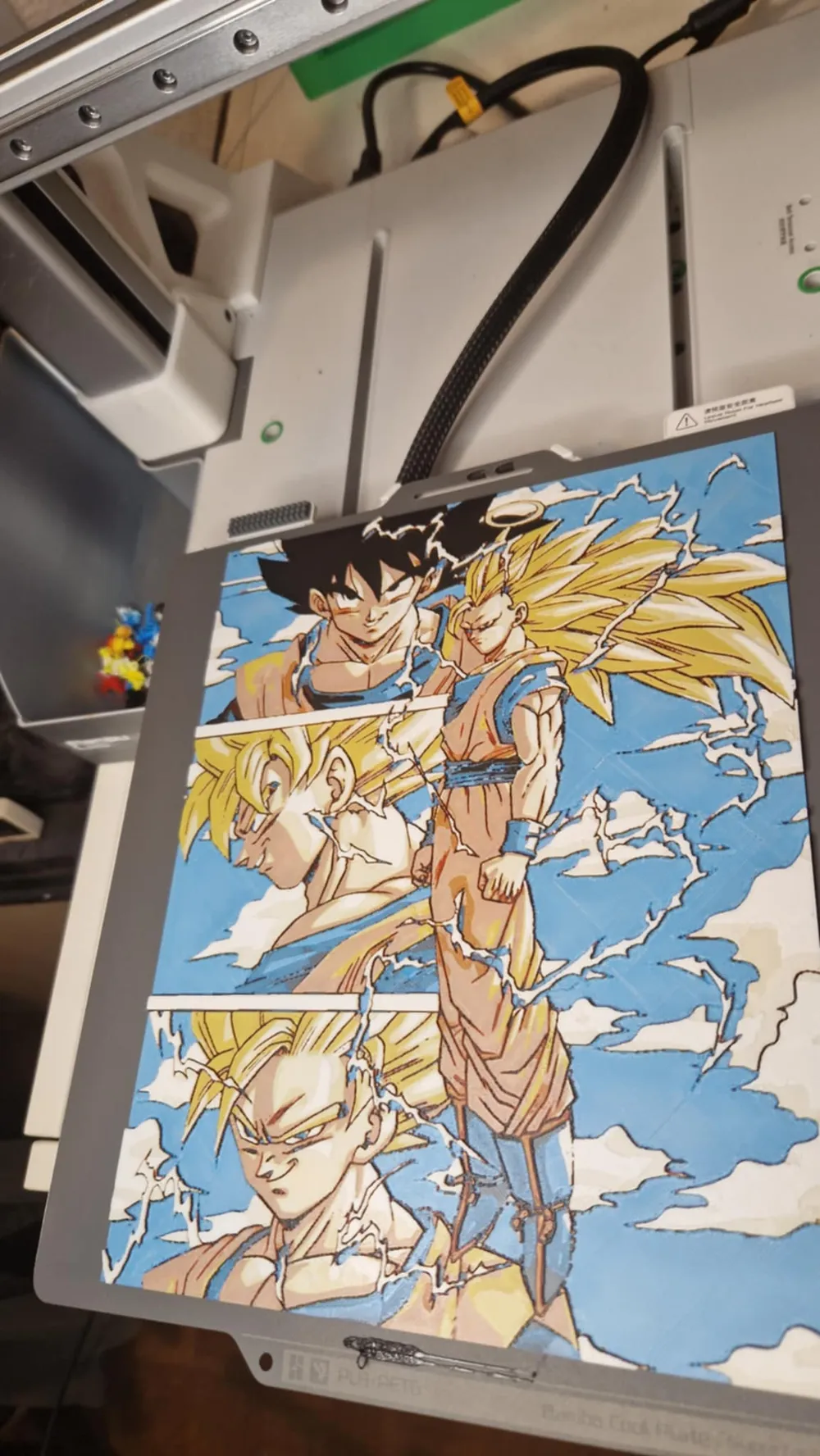
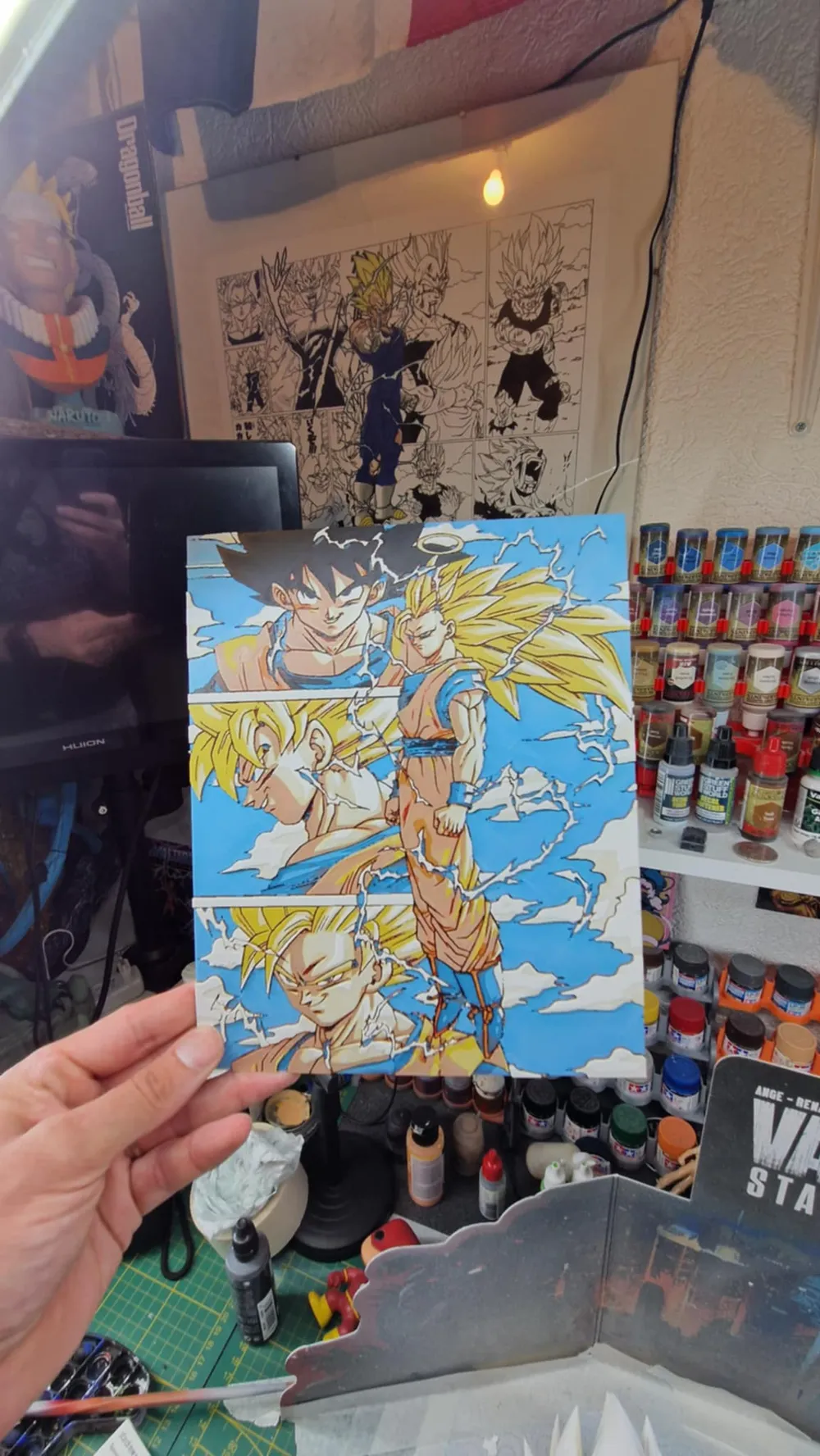
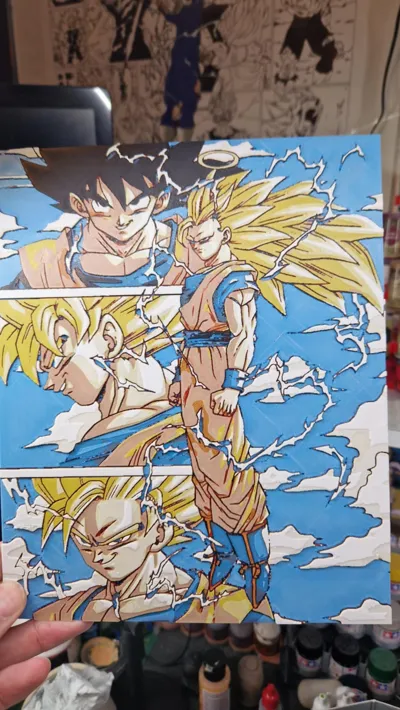
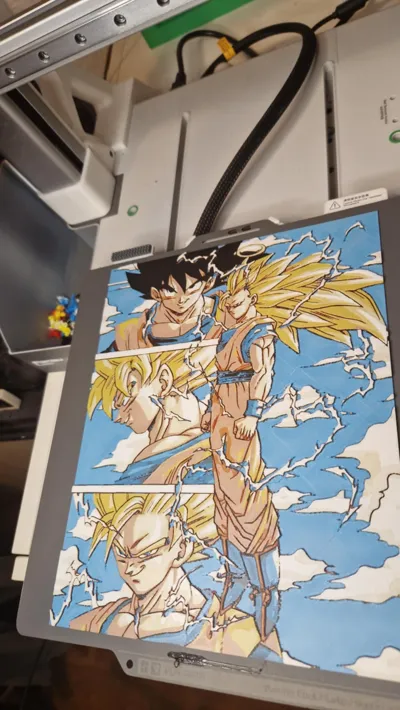
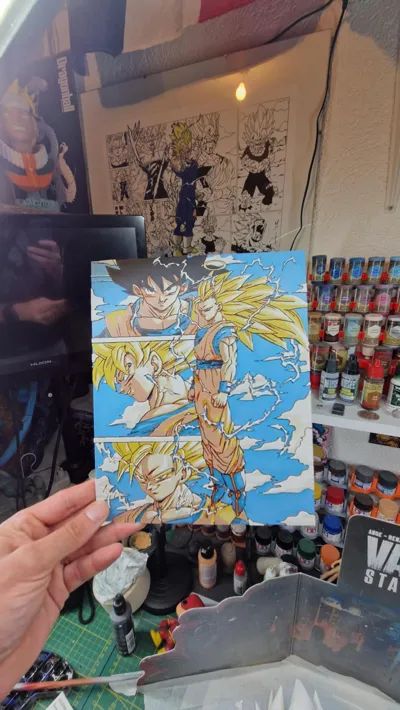
This 3D model draws inspiration from the Dragon Ball Z universe, depicting Goku in various transformations. It evokes power and dynamism through well-defined forms and captivating details.
Application
Ideal for anime enthusiasts seeking to adorn their personal space or expand their Dragon Ball Z figurine collection.
Printing Recommendations
PLA filament is recommended.
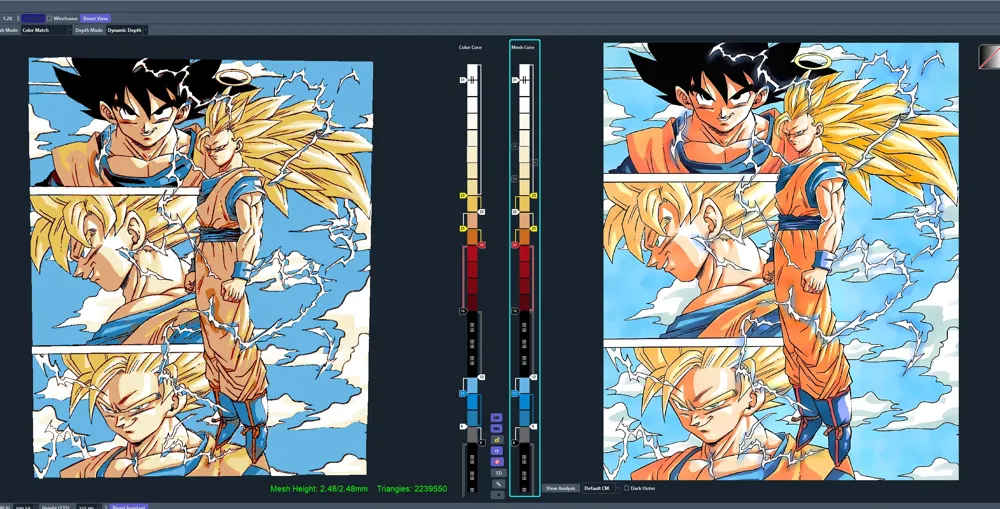
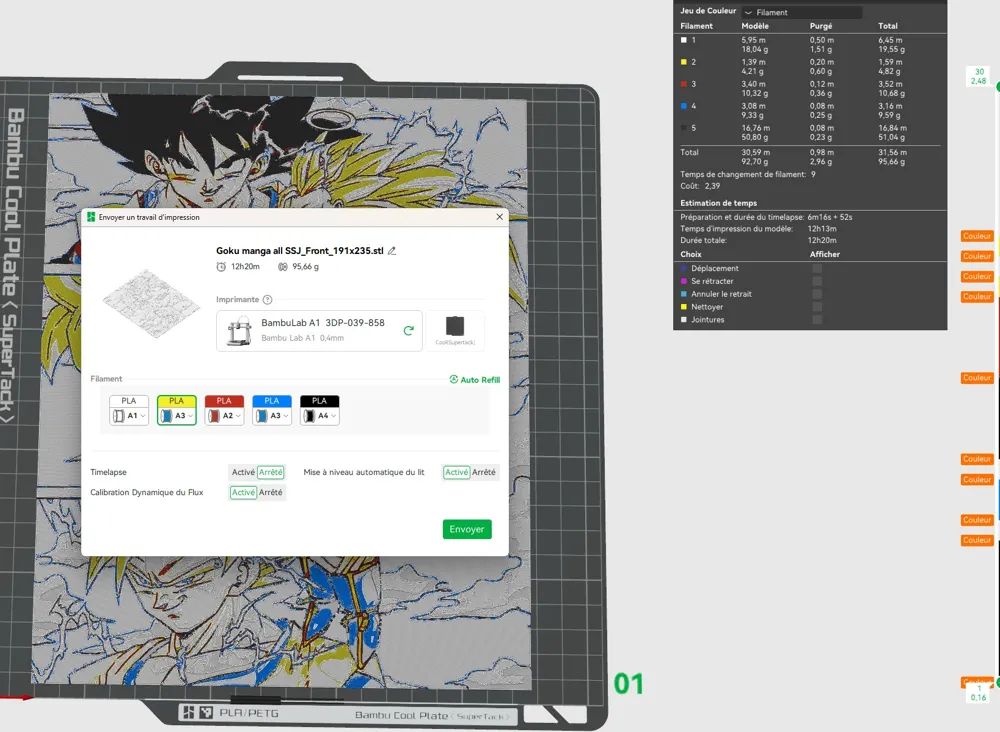
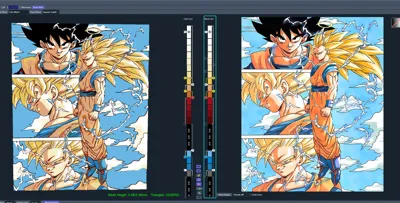
Project: Goku manga all SSJ.hfp
Print at 100% infill with a 0.08mm layer height and a 0.16mm base layer
The model measures 190.58x235mm
Higher layer heights may be used, provided they remain below the 0.48mm base thickness
Maximum allowable thickness is 2.48mm, and the actual thickness is 2.48mm
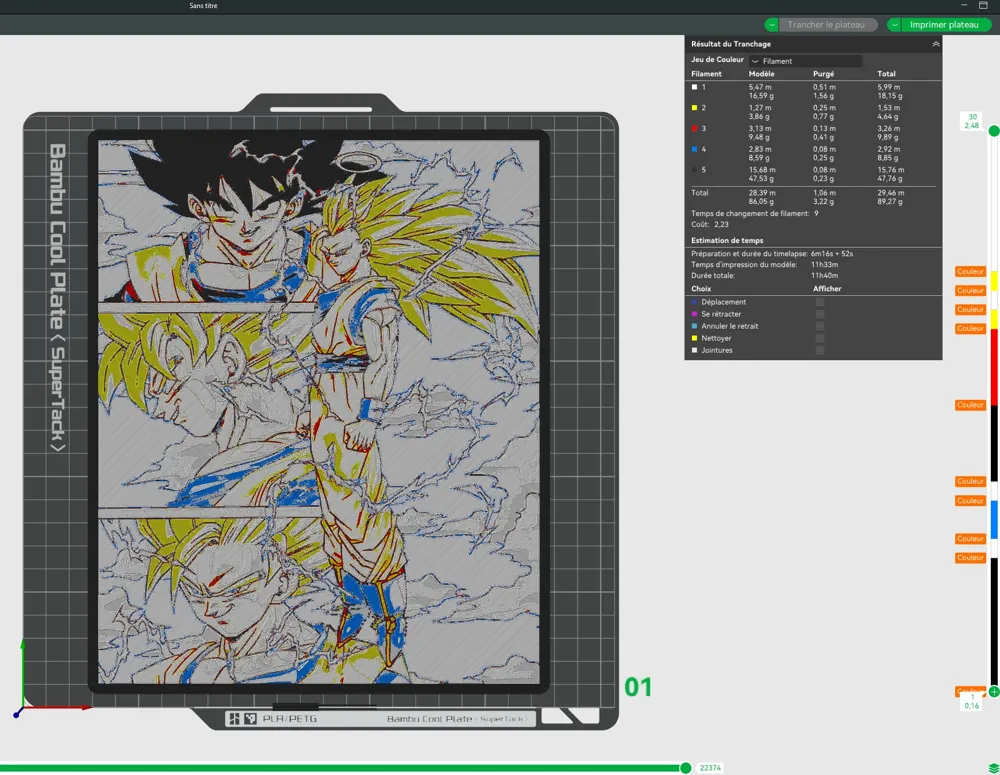
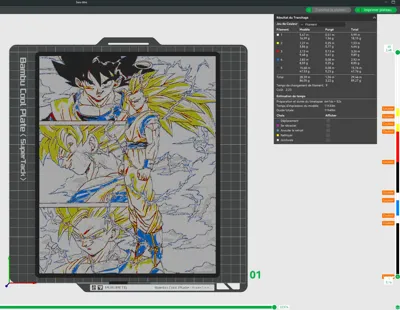
Filaments Used:
Bambu Lab PLA Basic Black Transmission Distance: 0.6
Bambu Lab PLA Basic Jade White Transmission Distance: 5
Bambu Lab PLA Basic Cyan Transmission Distance: 1.7
Bambu Lab PLA Basic Red Transmission Distance: 4
Bambu Lab PLA Basic Yellow Transmission Distance: 4.5
This print utilizes five distinct filaments
Filament Swap Instructions:
Begin with Black
At layer #8 (0.72mm), switch to Jade White
At layer #9 (0.8mm), switch to Cyan
At layer #11 (0.96mm), switch to Jade White
At layer #12 (1.04mm), switch to Black
At layer #16 (1.36mm), switch to Red
At layer #20 (1.68mm), switch to Yellow
At layer #21 (1.76mm), switch to Jade White
At layer #22 (1.84mm), switch to Yellow
At layer #23 (1.92mm), switch to Jade White for the remainder.
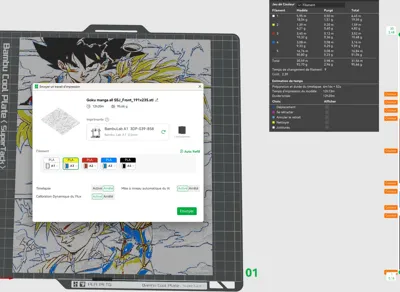
Printing with more than four colors using a single AMS: Instructions begin at 42 seconds in the video
How to print more than 4 colours with a single AMS: from 42 sec onwards in the video
License



Comment & Rating (31)