Search models, users, collections, and posts

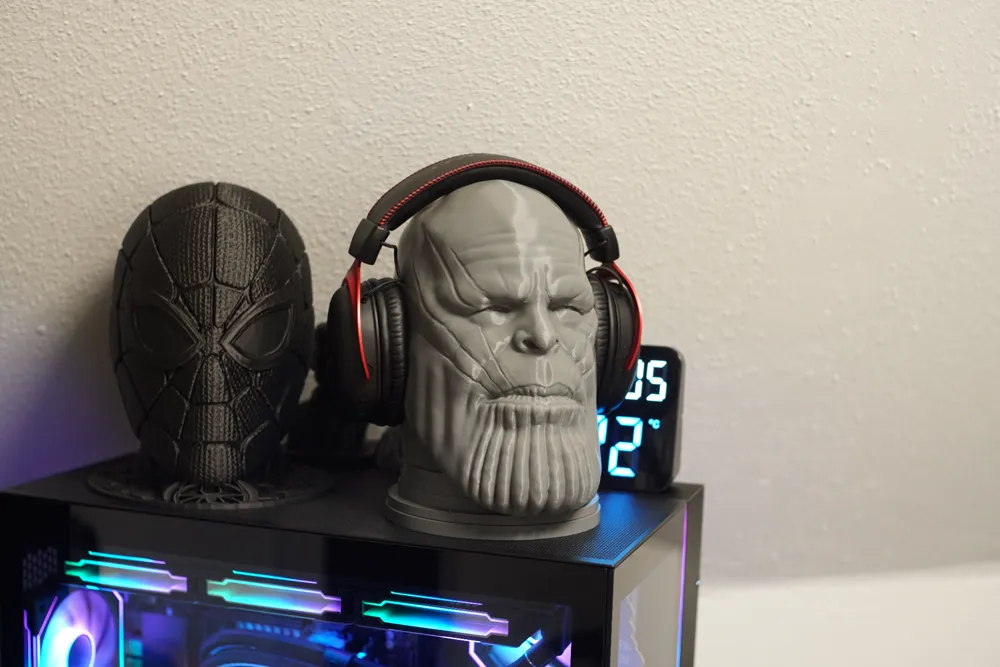
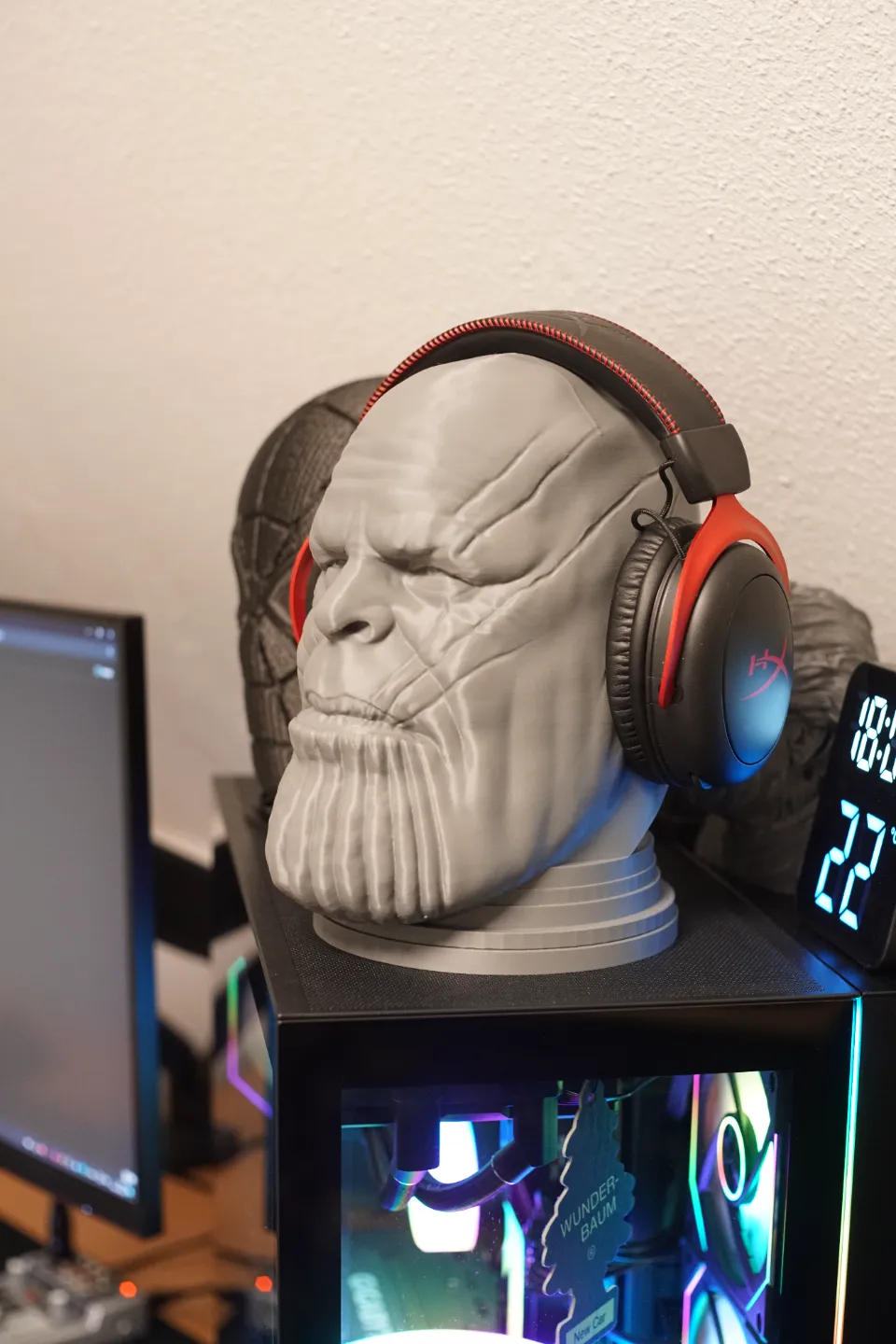
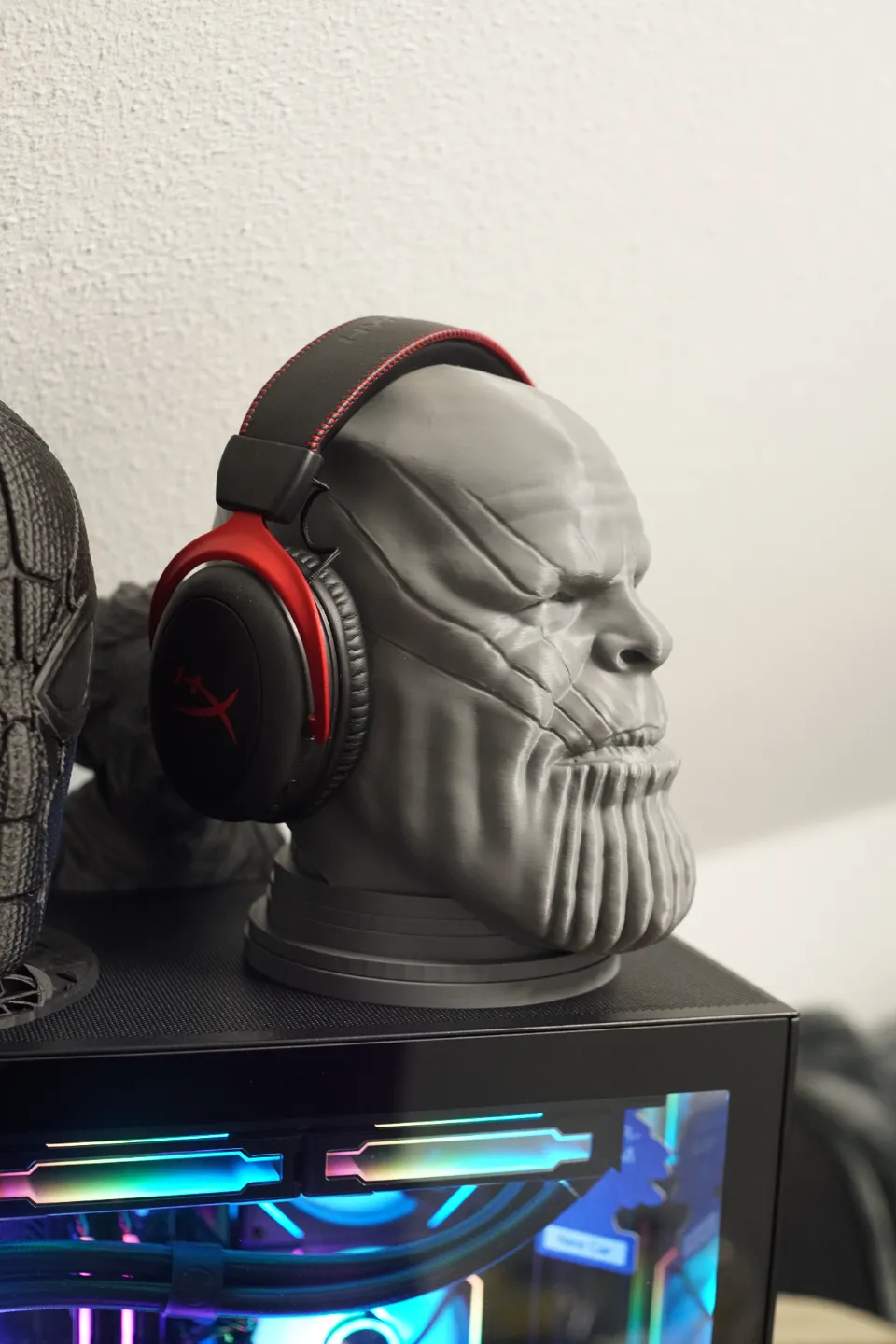
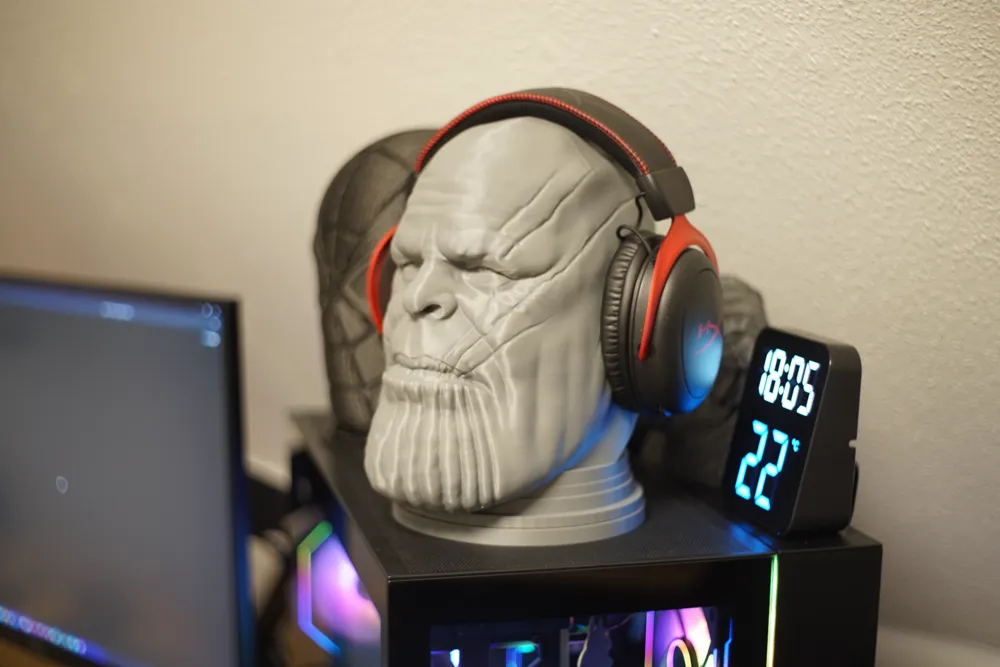
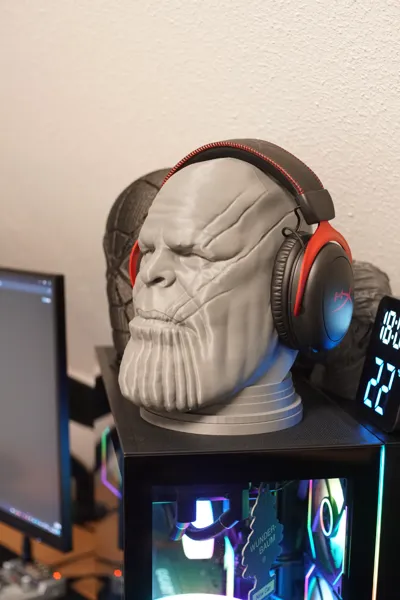
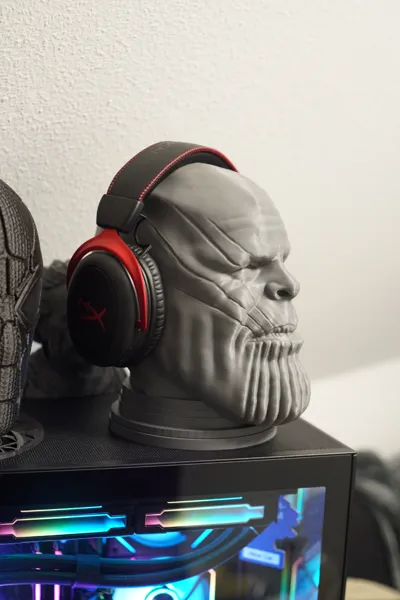
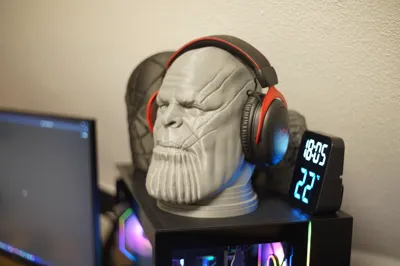
Thanos Headset stand

IP Report

Print Profile(4)

All
P1S
P1P
X1
X1 Carbon
X1E
A1
H2D
H2D Pro
H2S
P2S
H2C
X2D
A2L

0.16mm layer, 2 walls, 45% infill
Designer
11 h
1 plate
5.0(122)

0.2mm layer, 2 walls, 45% infill
Designer
10.2 h
1 plate
5.0(31)

0.2mm layer, 2 walls, 45% infill
Designer
19.2 h
1 plate
5.0(7)

(PLA Profile) 0.2mm layer, 2 walls, 8% infill
15.3 h
1 plate
5.0(5)

Open in Bambu Studio
Boost
827
1231
261
180
2.3 k
874
Released 

Description

Support me by joining the Commercial Membership! 🚀 Your support helps me create more 3D designs, and as a member, you’ll get exclusive benefits, including licensed use of my models. Let’s grow together! 🔥

Please consider supporting me with a boost on the new system, would love to have more recourses available to make and share Models!!

Thanos Headsets stand!
remember to have your printer and filament tuned in for best result.
Also the 0.16 profile is better for the overhangs.

Remember to check the other headset stands
*black Panther headset stand - https://makerworld.com/en/models/176323#profileId-193839

enjoy :-)

Comment & Rating (261)

(0/1000)

print came out super cool done in Galaxy Purple!
The designer has replied
designer
10
Reply
great choice of color. :) and pretty with the hat. thanks for the rating
2
Reply
thank you for posting the color
0
Reply
Print Profile
0.16mm layer, 2 walls, 45% infill
love it! stoped the print half way with 0% infil so could use as a pot
profile
9
Reply
Genial!!
The designer has replied
designer
1
Reply
what is the change in the model you just posted? it looks the same as mine also print settings is the same ?
0
Reply
Replying to @eenig3d :
Yes, it's the same, I didn't know how to publish normally, and it became a remix Which option do I select to publish that I used your profile
Show original
0
Reply
Replying to @eenig3d :
That is, how do I make it appear like this.... and not appear as "Model Comment"? Nor appear as "Remix"
Show original
0
Reply
Boosted
Hey! the print went super well! this model is incredible, I gave you 2 boosts and I mentioned you in my Tiktok if you don't mind 🤩 really thank you
The designer has replied
Show original
designer
1
Reply
thanks for the support and boost mate, really appreciate it. what is your tiktok ?
1
Reply
Boosted
Replying to @eenig3d :
Show original
designer
1
Reply
Replying to @PrintX88 :
thanks , liked and commented ❤️
1
Reply
The top layer is really bad I don't understand why In the slicer it looks just as bad By the way I cut it into 4 parts because I only have an A1 mini I didn't change anything in the print settings
The designer has replied
Show original
0
Reply
can you please translate that into english ? regards
0
Reply
you can try to use adaptive layer to migrate the "ugly" layers. or just print in smaller layer hight if this is a problem. hope you figure it out! round top surfaces are hard to get clean on FDM printers. Regards
0
Reply
Replying to @eenig3d :
okay i will try it. thank you
0
Reply
this is the best print ever i really loved it. everything is tweaked perfect in the slicer my advice is dont change anything in the print setting just choose your filament color and enjoy
The designer has replied
designer
3
Reply
thanks for the comment. it should be the best print settings for the model :-)
0
Reply
Print Profile
0.16mm layer, 2 walls, 45% infill
Best Thanos model of all platforms !!! Thanks to the Maker! But I have a question. Any idea why the seam marked with the red arrow appears in the middle of the printout? I will try again with another filament.
The profile uploader has replied
profile
1
Reply
thanks mate. this is not seam, but uneven layer. its not the print profile or model. filament calibration? clean lead scews etc etc. this dont happen when I printet and also not on other prints. regards :-)
0
Reply
Replying to @eenig3d :
I didn't say it was due to the print profile, I just asked if there is any idea what the problem is ;-)
0
Reply
Replying to @kaelte1703 :
Sure, it was just to clarify :) but yeah my guess will be the thing i already mentioned. hope you get it fixed mate
0
Reply
Print Profile
0.16mm layer, 2 walls, 45% infill
Great model. Feels a bit cheap cause its too light for its size but i will use it to display not for headset, so its very good overall. Printed it with Uzy Pla Galaxy Purple
The profile uploader has replied
profile
1
Reply
it can hold a headset easy! made light to reduce filament use :-) but thanks anyway for the rating and support ❤️
(Edited)
1
Reply
Replying to @eenig3d :
Yes, only 250~ gr of filament is great for this size of model. Again, great model. Followed you. Probably print Vader too :D
(Edited)
profile
1
Reply
Print Profile
0.16mm layer, 2 walls, 45% infill
it's a very good model to print.
(Edited)
profile
3
Reply
Print Profile
0.2mm layer, 2 walls, 45% infill
this print is insane
The profile uploader has replied
profile
1
Reply
thanks for rating! enjoy
0
Reply
no need suports on the eyes\nose?
0
Reply

License

This user content is licensed under a Standard Digital File License.

You shall not share, sub-license, sell, rent, host, transfer, or distribute in any way the digital or 3D printed versions of this object, nor any other derivative work of this object in its digital or physical format (including - but not limited to - remixes of this object, and hosting on other digital platforms). The objects may not be used without permission in any way whatsoever in which you charge money, or collect fees.
