
Parametric Gridfinity Bin Label Generator
Print Profile(1)


Description
Boost Me (for free)
If you like my models and want to support my work, I would be very happy about a boost. Otherwise, I'd still be super happy about a like :)
Thank you for your support! 😊🙏
ℹ️ Many thanks to @3DLG, who inspired me to design my own Gridfinity Label Generator with his version (Link). I’d also like to thank him for making his code open source, which allowed me to reuse part of the batch generation logic and the Torx symbol from his implementation.
That’s why I decided to make my own code open source as well — so others can find inspiration in it, and to help those who might not know how to implement certain features themselves.
📋 If you are interested in more Parametric Generators, check out my Collection.
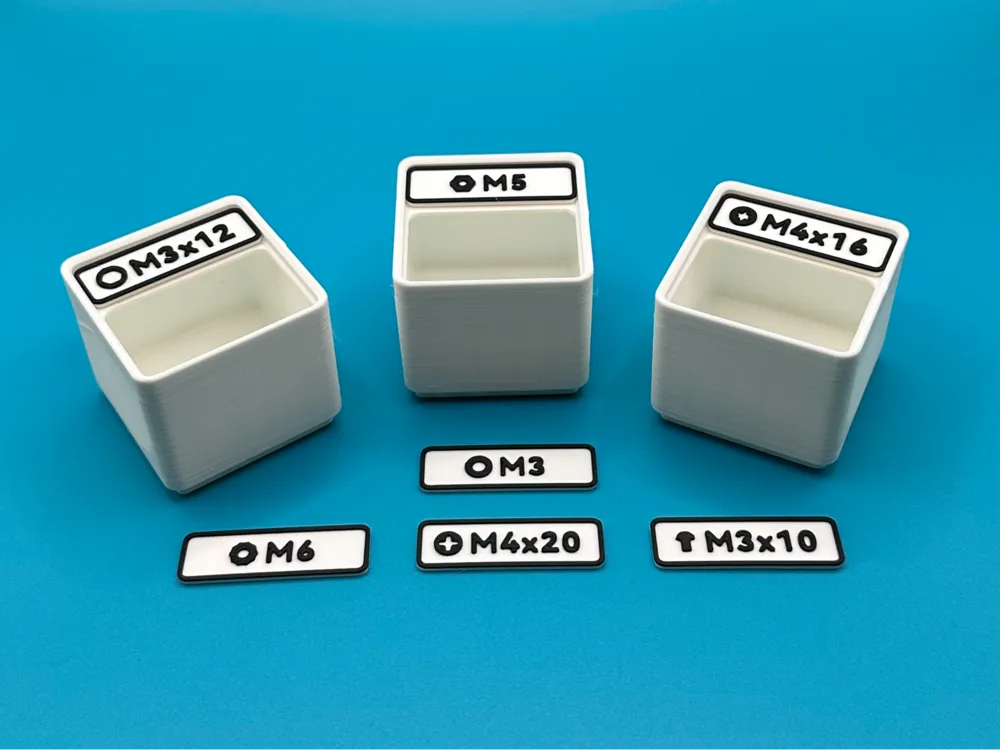
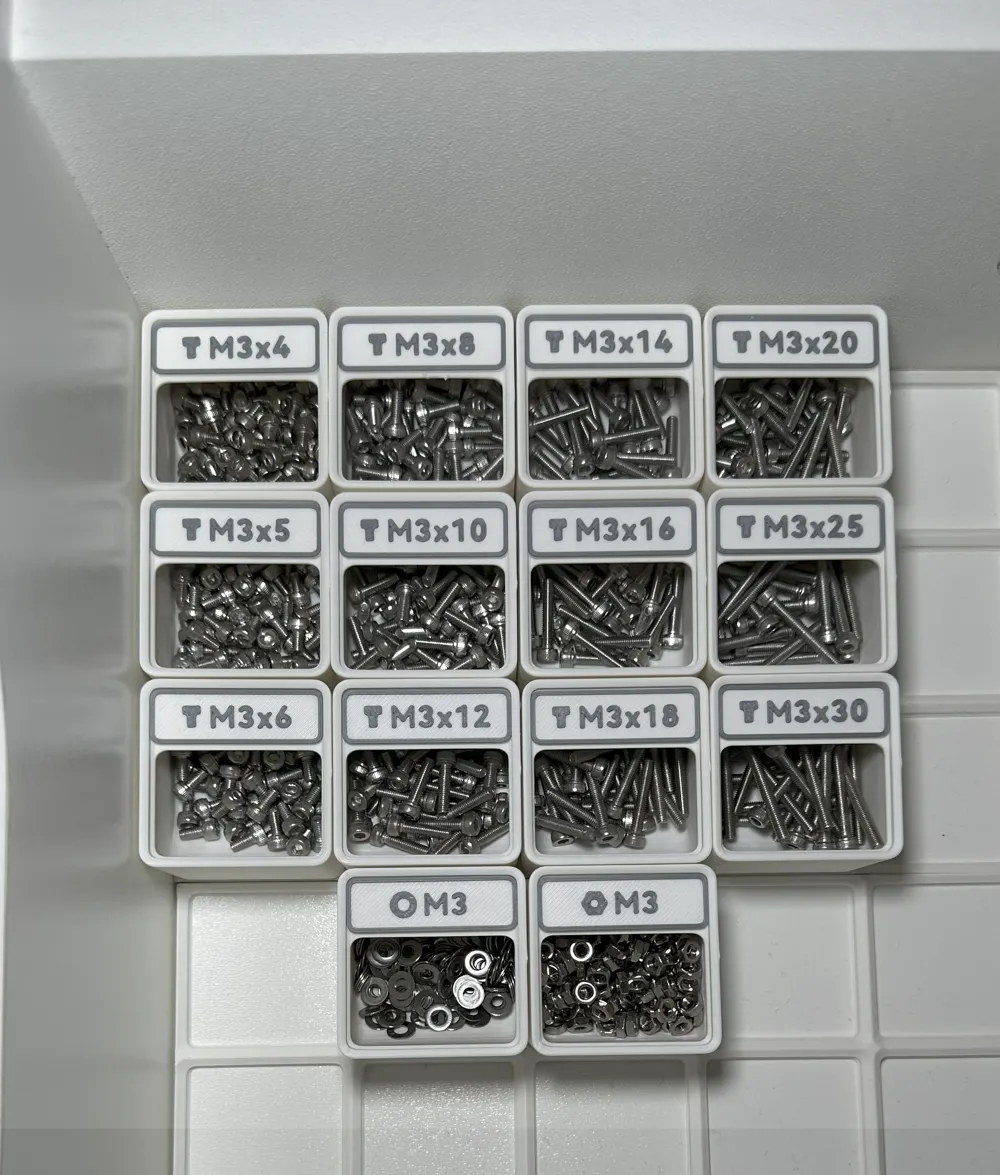
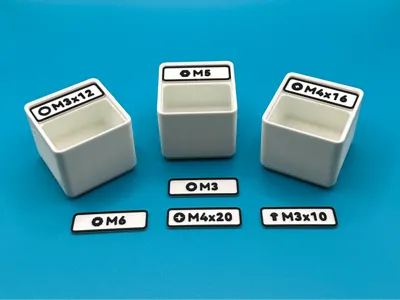
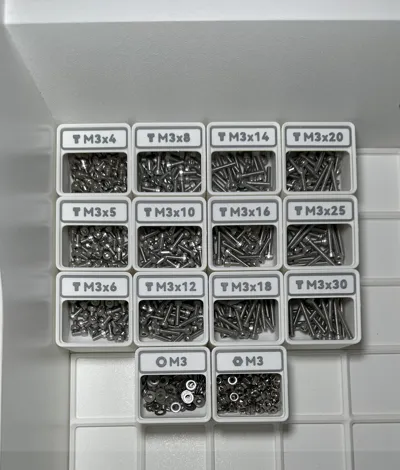
Label your Gridfinity Basic Bins with this simple Label Generator.
The labels should snap-fit in the bins (maybe you need to adjust the width a little bit).
Personally, I secured them with some double-sided tape or UHU patafix, to be on the safe side.
Compatible with standard Gridfinity Basic Bins: https://gridfinity.perplexinglabs.com/ and Bins by Pred: Gridfinity Bin with Printable Label by Pred (parametric)
⚠️ Attention:
When generating Labels for Bins by Pred, you need to adjust some values:
| Example Dimensions | 1x1 | 2x1 | 3x1 |
| Width | 37.8mm | 79.8mm | 121.8mm |
| Depth | 11.5mm | 11.5mm | 11.5mm |
| Baseplate Thickness | 0.4mm | 0.4mm | 0.4mm |
| Text Thickness | 0.4mm | 0.4mm | 0.4mm |
For bigger Bins: Width = measure the inside cutout for the Label + 1.5mm.
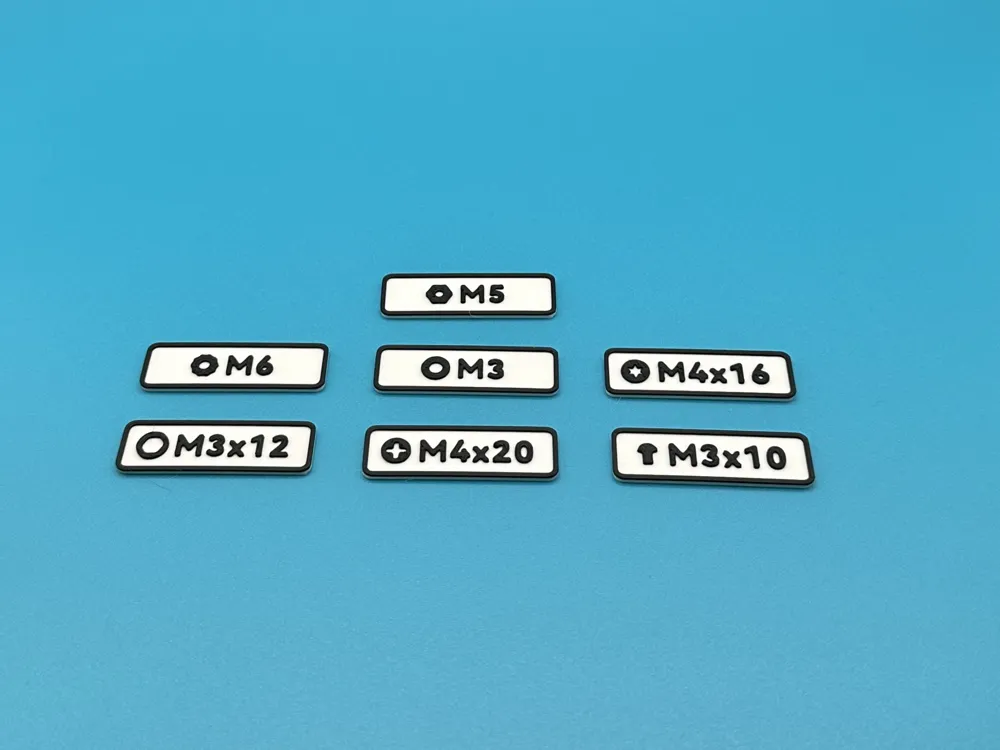
Available Icons:
- Countersunk Head Screws (Side View)
- Socket Head Screws (Side View and Top View)
- Phillips Head Screws (Top View)
- Slotted Head Screws (Top View)
- Torx Head Screws (Top View)
- Lens Head Screws (Side View)
- Hexagon Head Screws (Top View)
- Grub Screws (Side View)
- Nuts (Top View)
- Washers (Top View)
- Heat Set Insert (Top View)
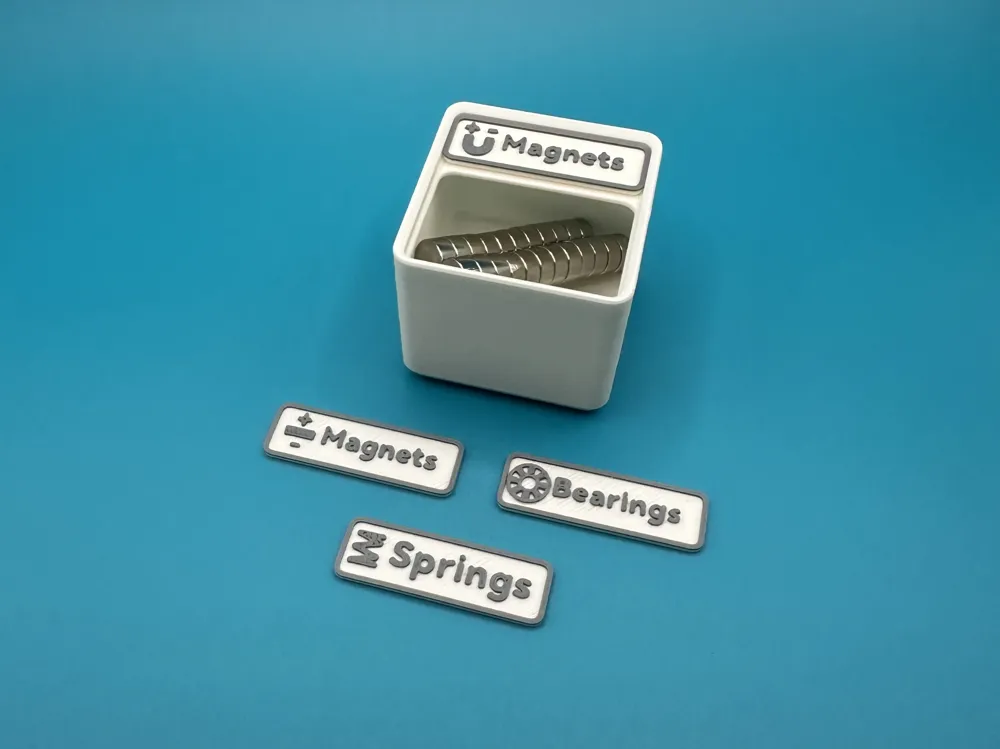
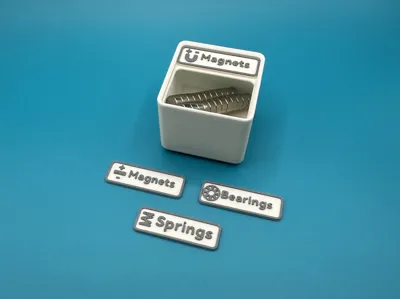
- Magnets (Side View with +/- and U-Shape with +/-)
- Ball Bearing (Side View)
- Spring (Side View)
- Resistors
- Capacitors
- LED's
- Motors
- Connectors
- Heat Shrink Tubes
Batch Export:
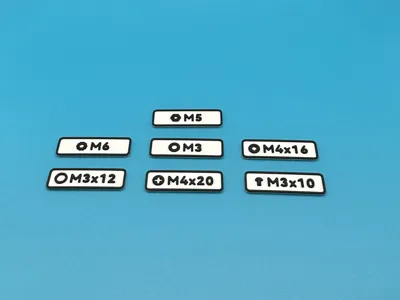
Export multiple Labels in one File, by seperating your Texts with the seperator character (by default: ",").
Example: “M3x10,M3x12,M3x16,M3x20”
🔄 Changelog:
v1.1.0 – New Icons:
- Slotted Head Screws, Ball Bearings, Springs and Magnets (you can switch the color of the magnet poles under “Color”).
v1.1.1 – New Feature:
- Added an option under “Label” to add Pred Tabs.
v1.1.2 – New Icon:
- Grub Screws.
v1.1.3 – New Icons:
- Resistors.
- Capacitors.
v1.1.4 – New Icons:
- LED's.
- Motors.
- Connectors.
- Heat Shrink Tubes.
If you have any Ideas for new Icons or Features, feel free to send me a Message!
License



Comment & Rating (36)