
LayerBox - Fidget
Print Profile(2)


Description
Hello, Glad you're here!
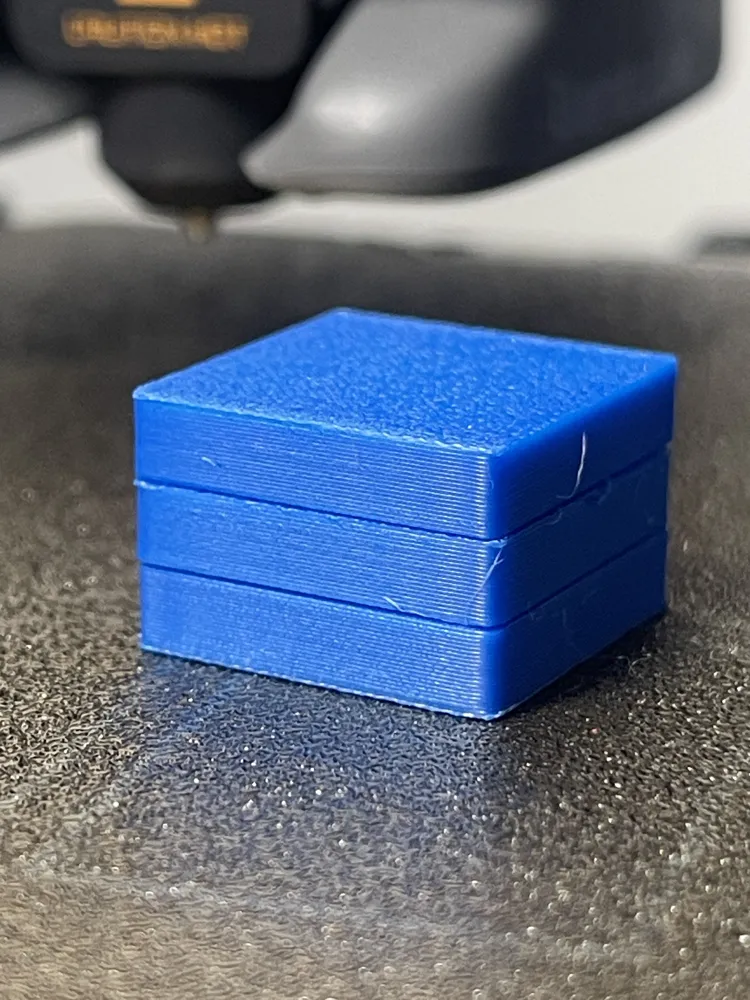
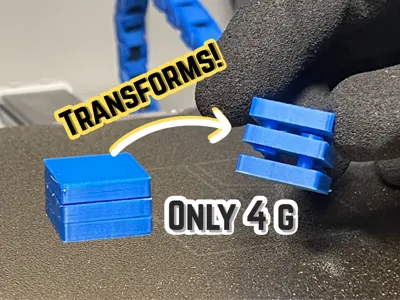
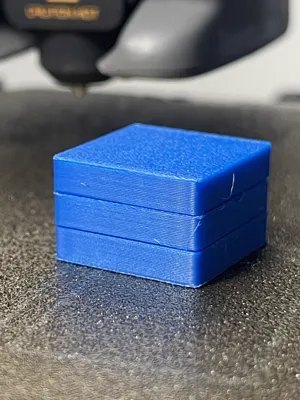
This is the LayerBox
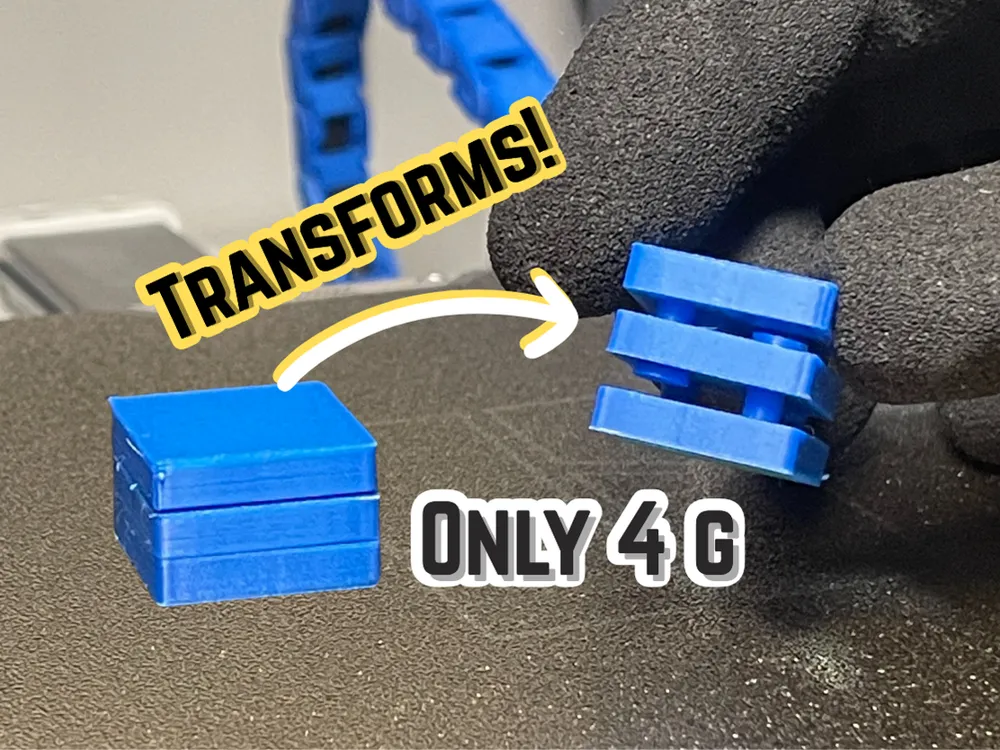

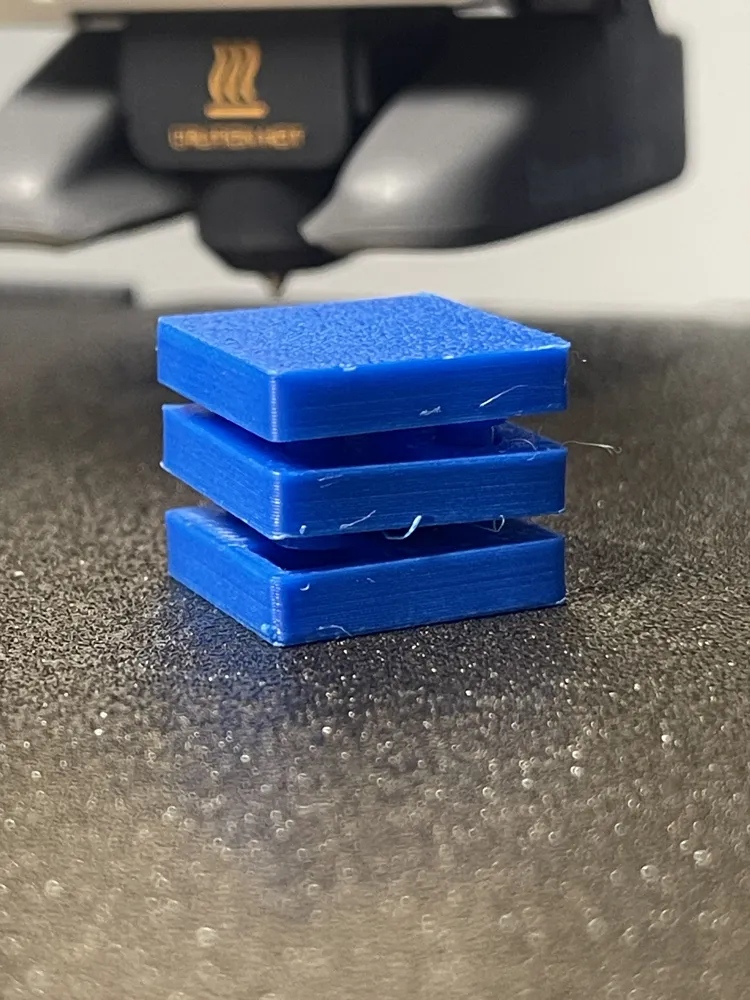
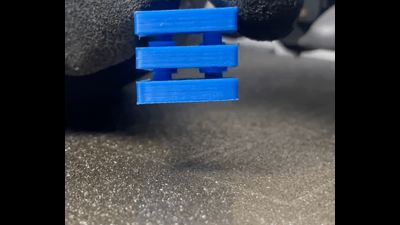
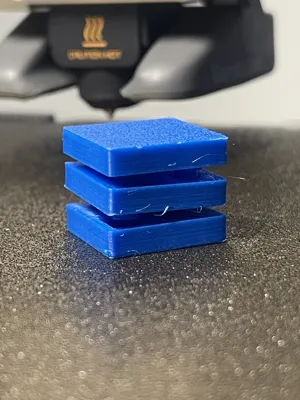
It is a simple fidget that is meant to represent and show the different layers when you pull it from either sides. It is a very easy print with nothing required other than what you already have, a 3d printer and filament.
- Assembly
- Take the piece with the 4 circular holes and hold it sideways
- Put the locking pins in with 2 of them spread diagonaly facing 1 direction and also put the other 2 facing the other direction. (Put 4 of them in at the same time)
- Then take 1 out of the 2 end pieces and push 2 of the locking pins into the circular hole.
- repeat the process with the other piece and the other 2 locking pins.
- Enjoy!
You're interest in my project helps me to keep growing!
Boost Me (for free)
Every boost counts, thanks for Yours!
License

You shall not share, sub-license, sell, rent, host, transfer, or distribute in any way the digital or 3D printed versions of this object, nor any other derivative work of this object in its digital or physical format (including - but not limited to - remixes of this object, and hosting on other digital platforms). The objects may not be used without permission in any way whatsoever in which you charge money, or collect fees.


Comment & Rating (24)