
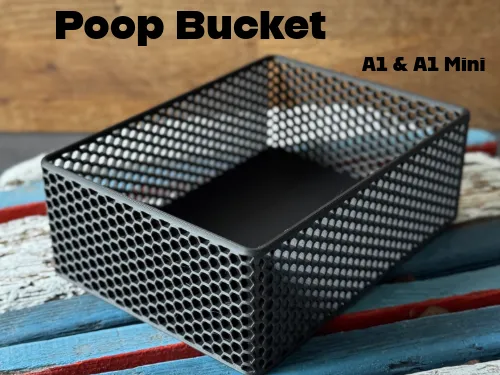
Box & Poop Bucket A1 / A1 Mini
Print Profile(1)

Description
Boost Me (for free)
If you found this model helpful or if you like it, I’d appreciate a Boost, Like, or even a comment with your printed result—it really supports me! Thank you :)
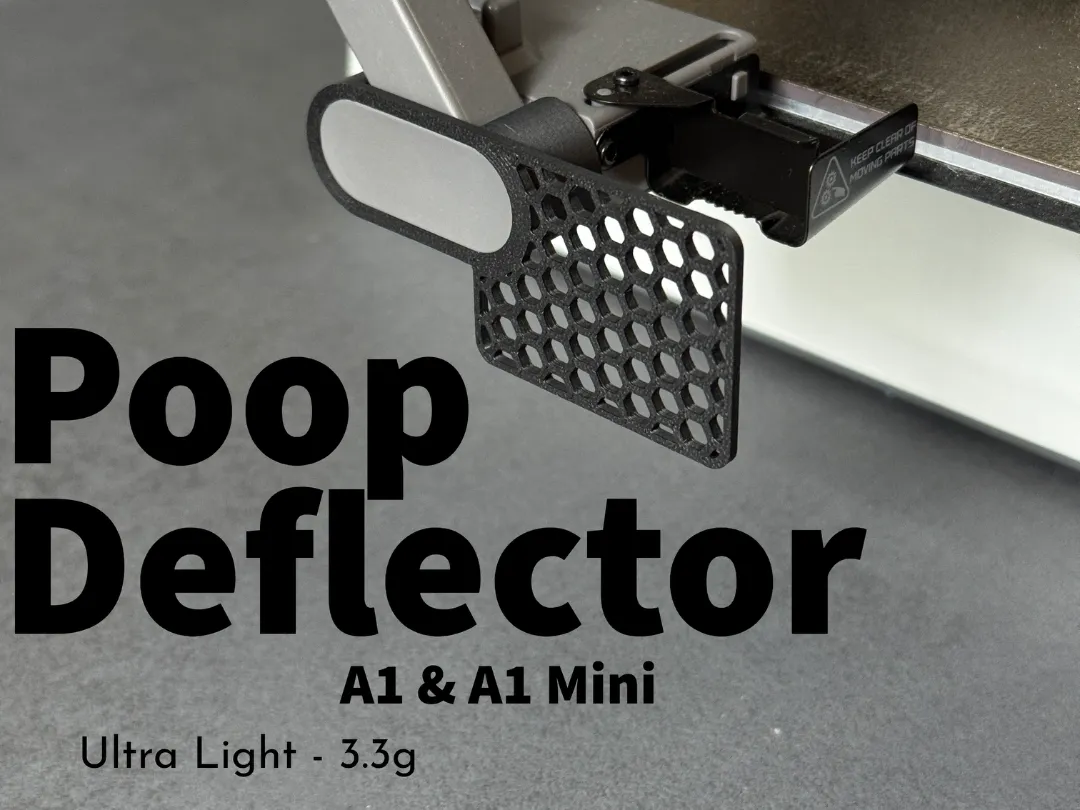
Compatible PoopDeflector (A1 & A1 Mini):
🎨 Design:
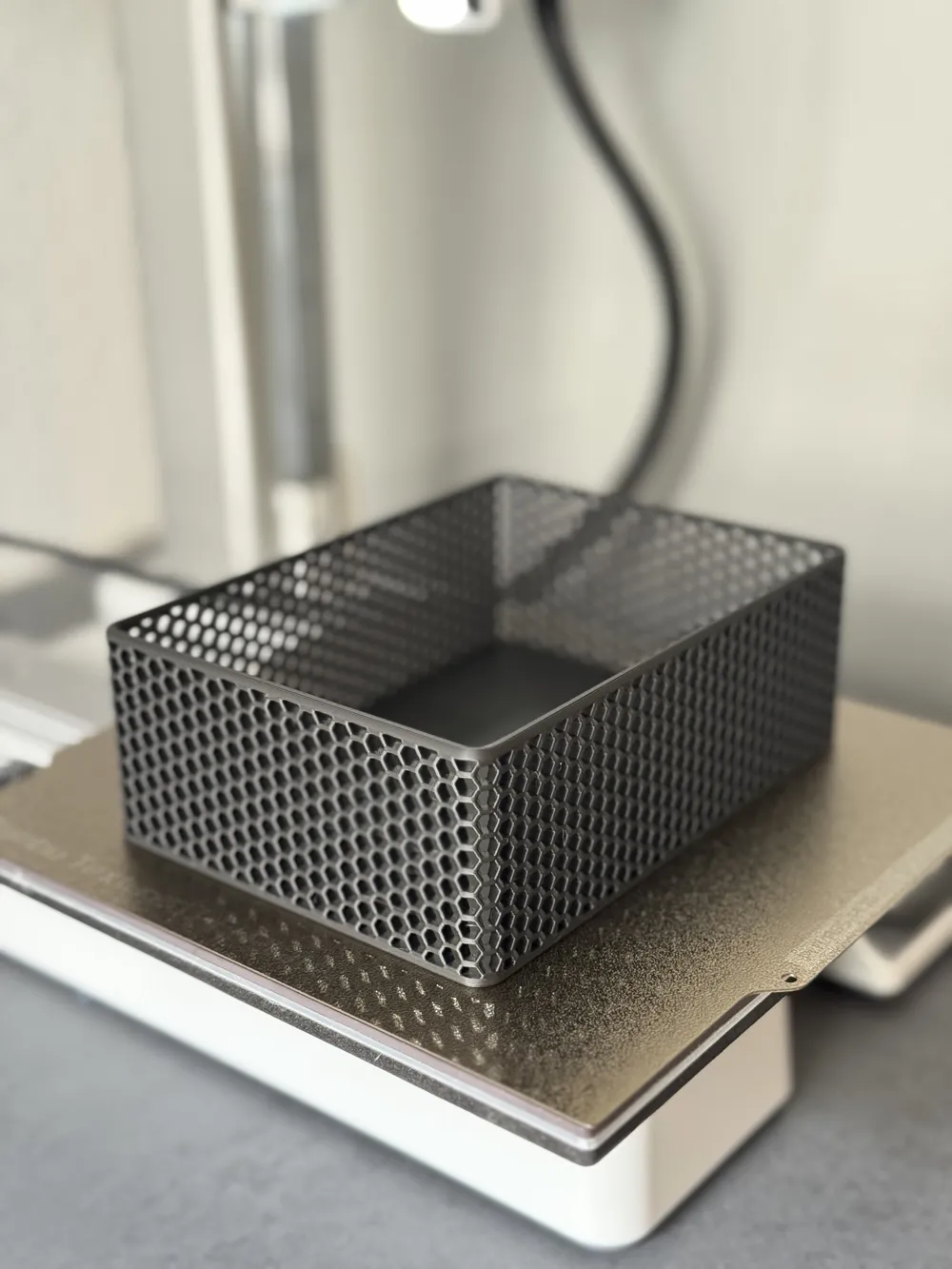
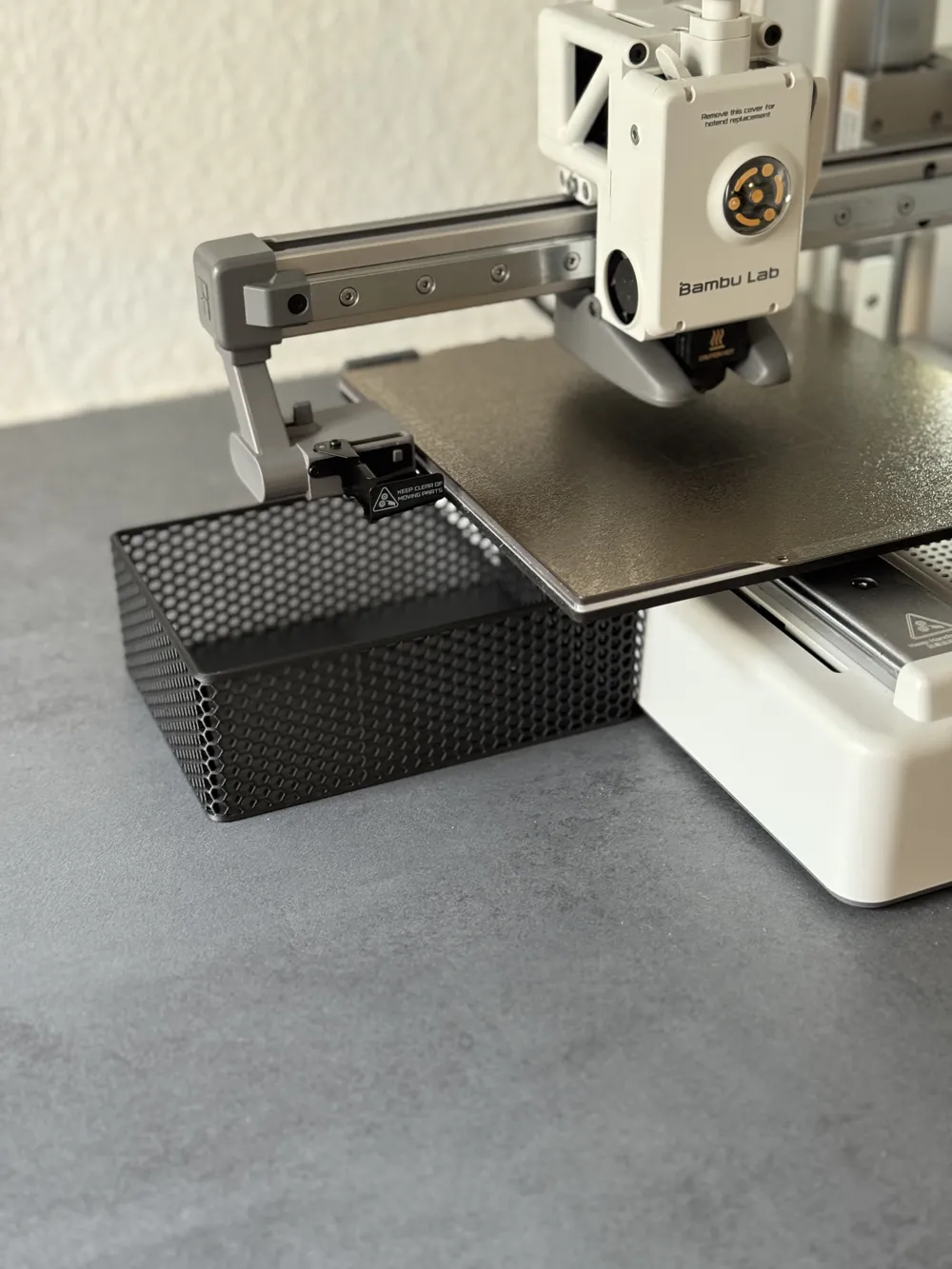
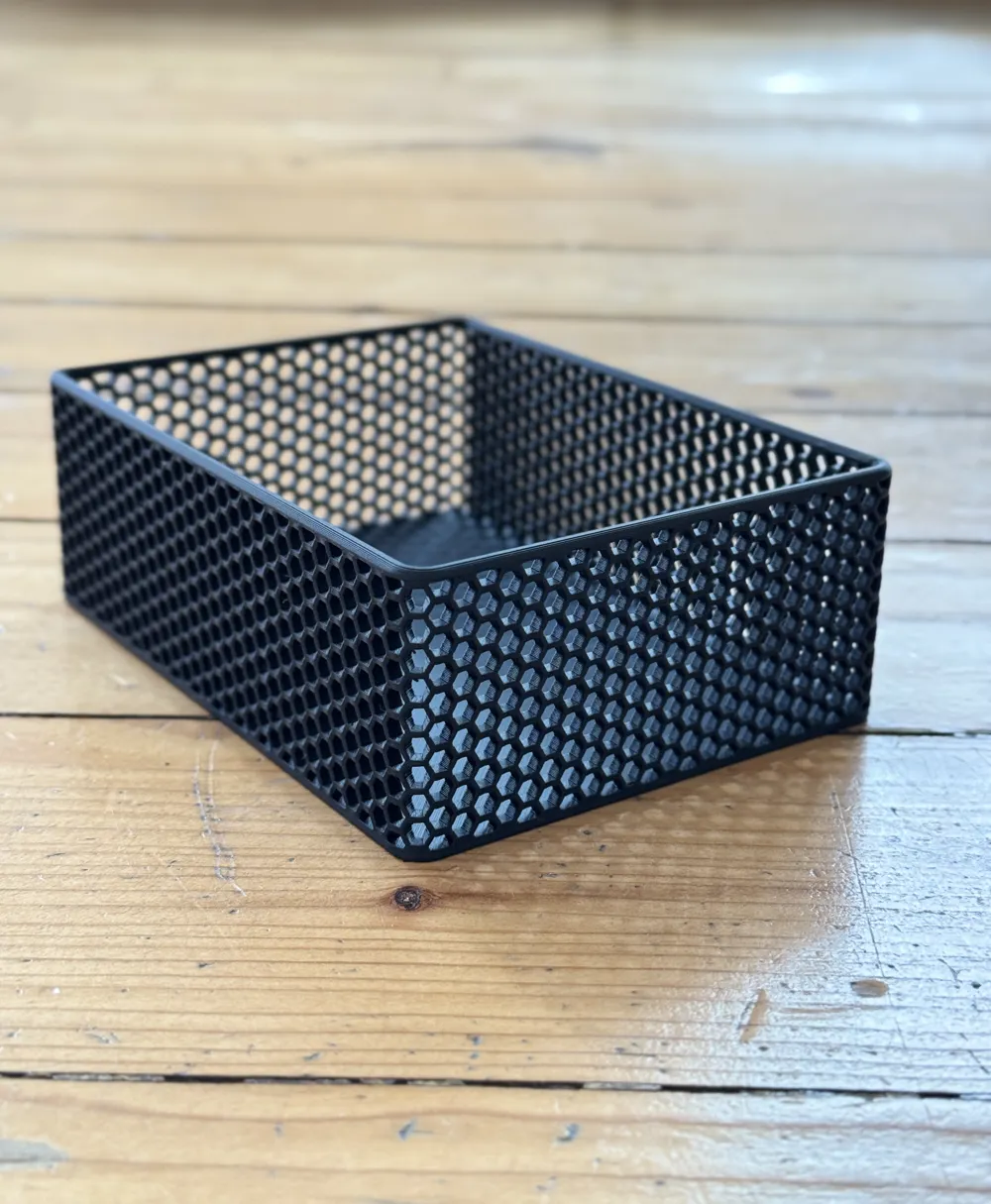
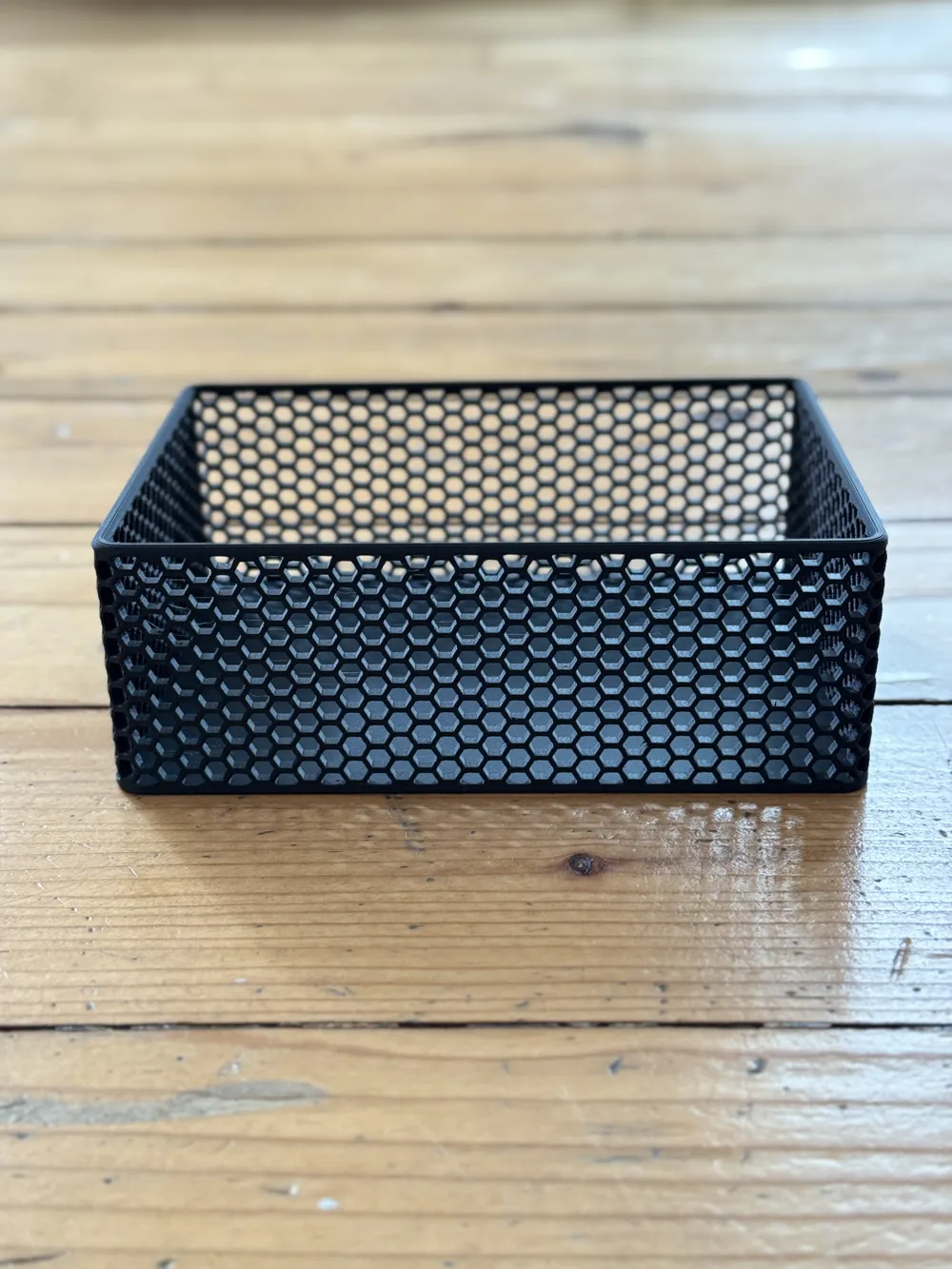
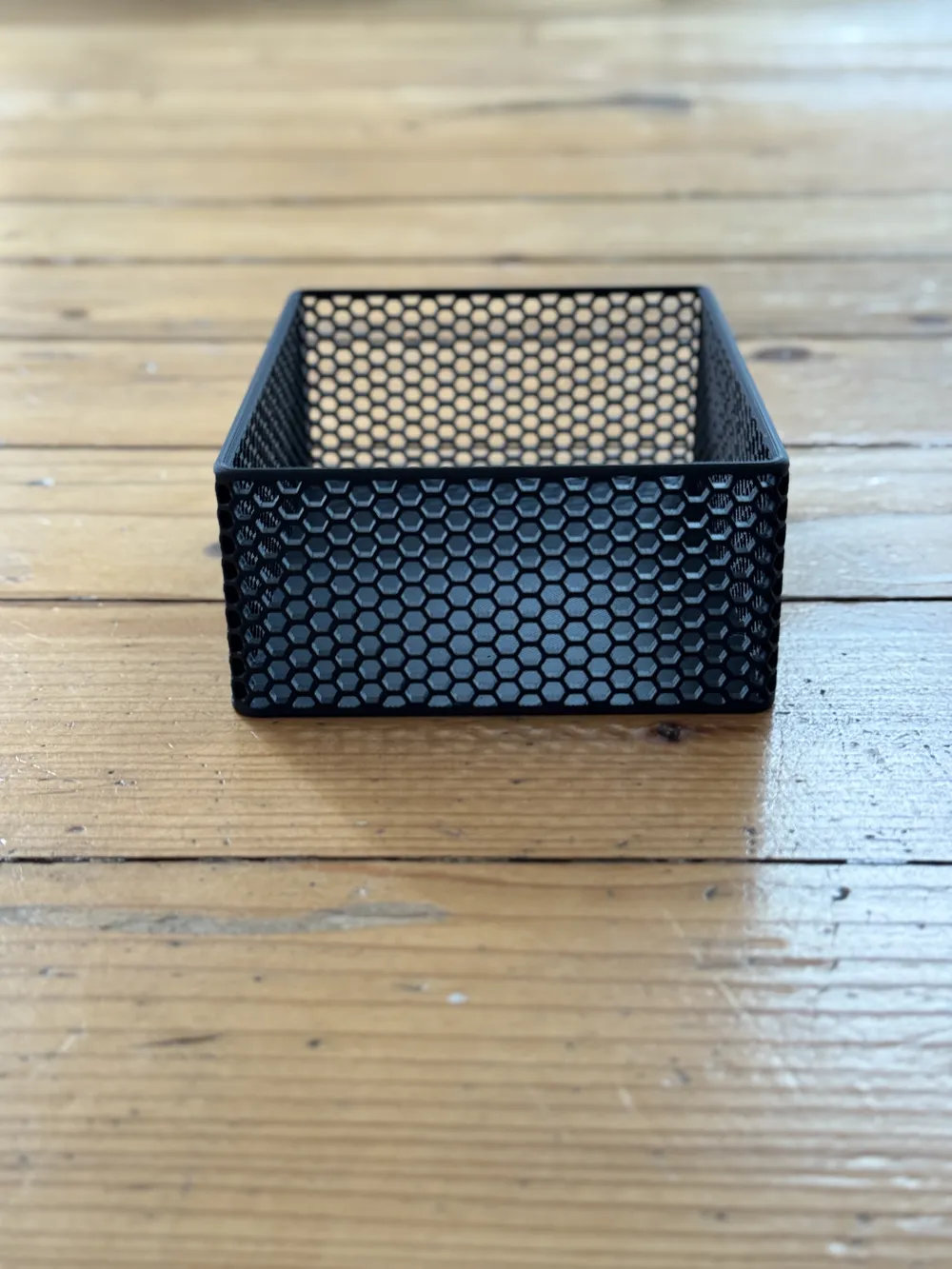
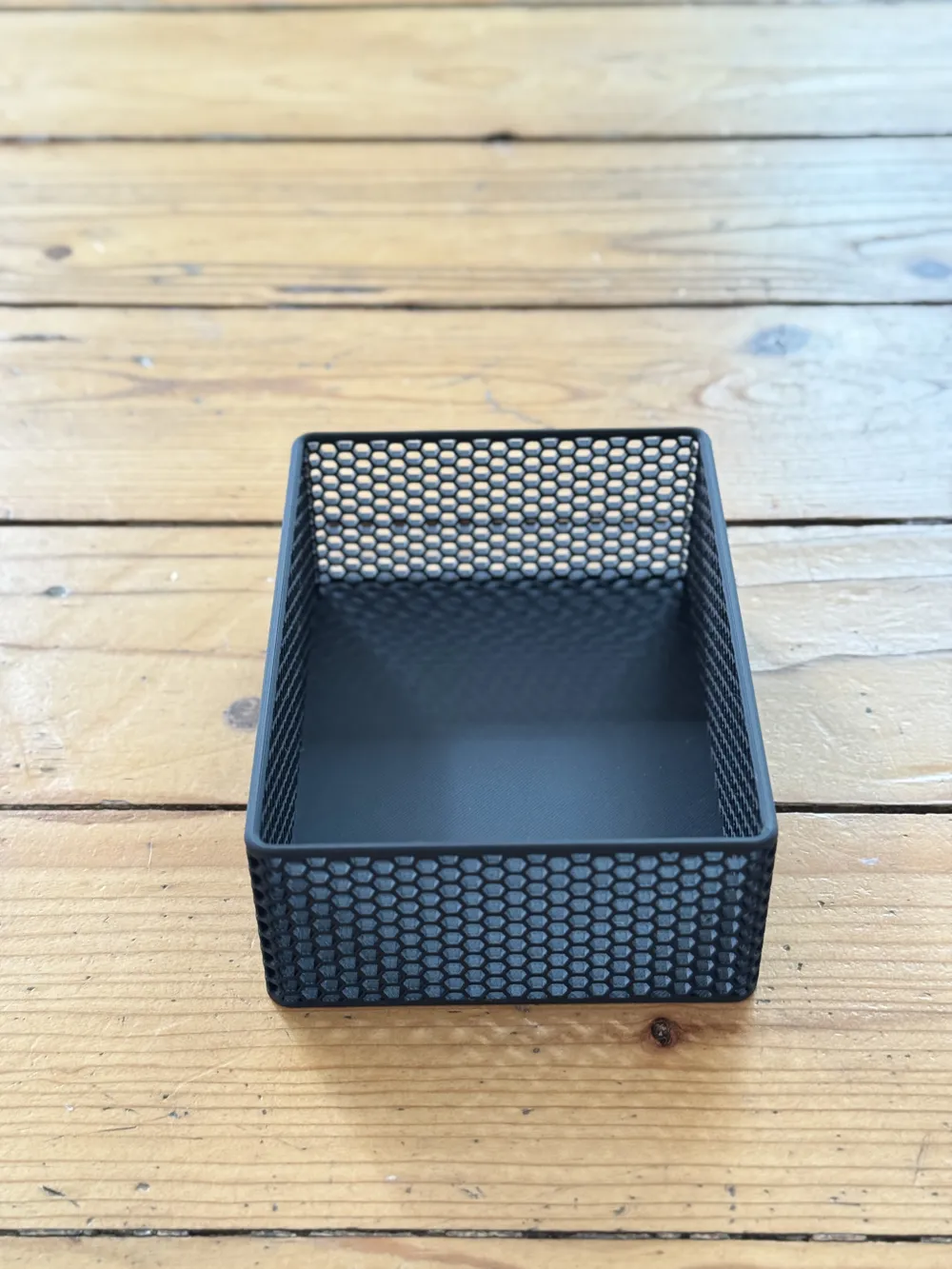
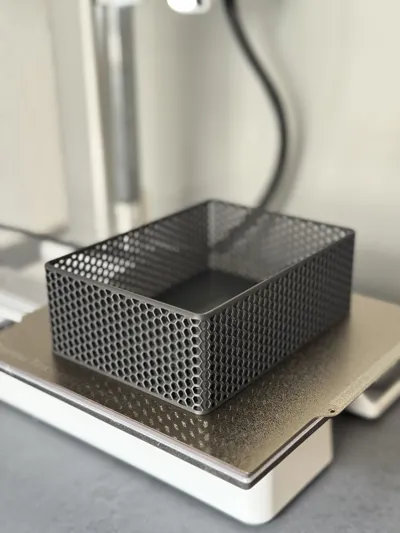
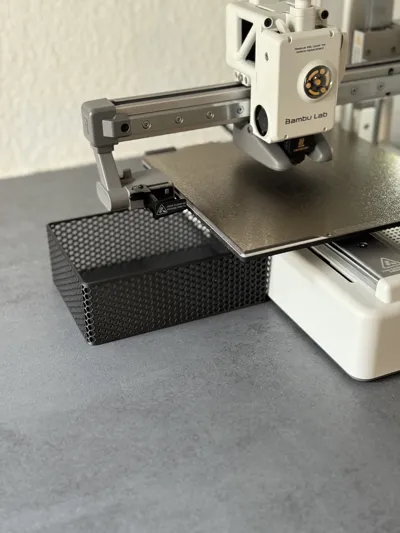
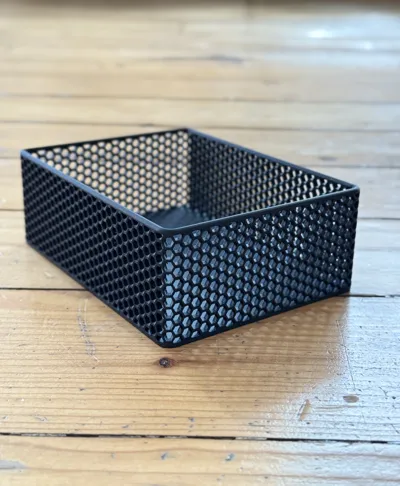
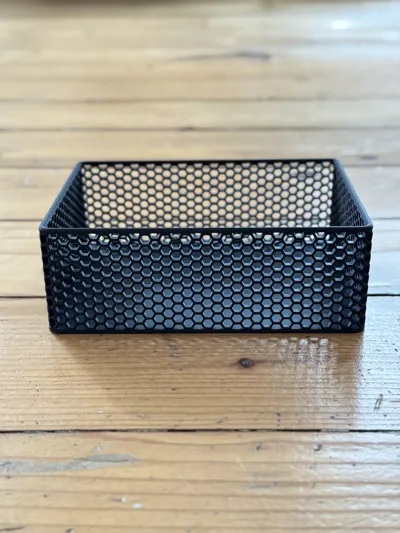
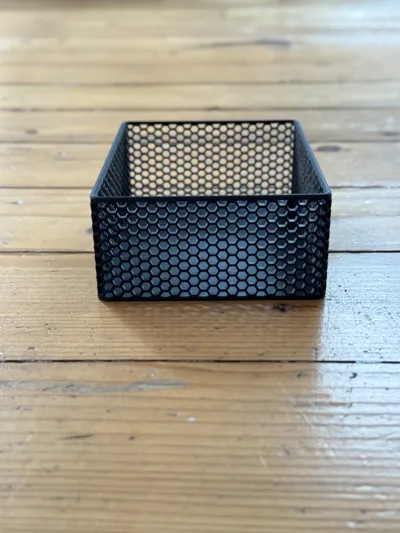
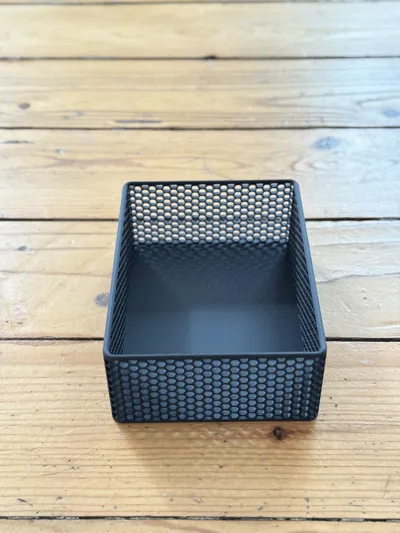
This minimalist box was specially designed as a waste container for the Bambu Lab A1 mini but is also perfect as a universal storage box or tray for various purposes. The simple, modern design with 3 mm wall thickness provides high stability, a pleasant feel, and a premium look. The clear lines and thoughtful geometry make the box a real eye-catcher on the desk, in the workshop, or at home.
→ Size: 143 x 106 x 50 mm ←
🖨️ Printability:
• The box can be reliably printed without support structures.
• Recommended settings: at least 2–3 wall lines, 4–5 top layers, and 2–3 bottom layers.
• An infill density of 10–15% (e.g., gyroid infill) offers a good balance between stability and material efficiency.
• The geometry is optimized for common layer heights (0.16–0.28 mm) and is easy to print even for beginners.
• Thanks to the 3 mm wall thickness, the box remains shape-stable even with frequent use.#
🧪 Material:
The box can be printed with all common filaments like PLA, PETG, or ABS. For use as a waste container on a 3D printer, PLA is completely sufficient. For higher durability or use as a tray, PETG or ABS is recommended for additional robustness. The wall thickness ensures a high-quality appearance and long-lasting durability regardless of material.
⚠️ Note on Print Preparation:
Due to the large base area, it is especially important — as with any 3D print — to have a clean build plate and well-dried filament to avoid warping. If adhesion problems occur, enable a brim in the slicer software. Please note: Due to the slightly rounded bottom edges, a brim may leave visible marks after removal that can be noticeable without post-processing.
License

You shall not share, sub-license, sell, rent, host, transfer, or distribute in any way the digital or 3D printed versions of this object, nor any other derivative work of this object in its digital or physical format (including - but not limited to - remixes of this object, and hosting on other digital platforms). The objects may not be used without permission in any way whatsoever in which you charge money, or collect fees.


Comment & Rating (172)