
Mega Brick Skeleton (10:1 scale)
Print Profile(3)



Description
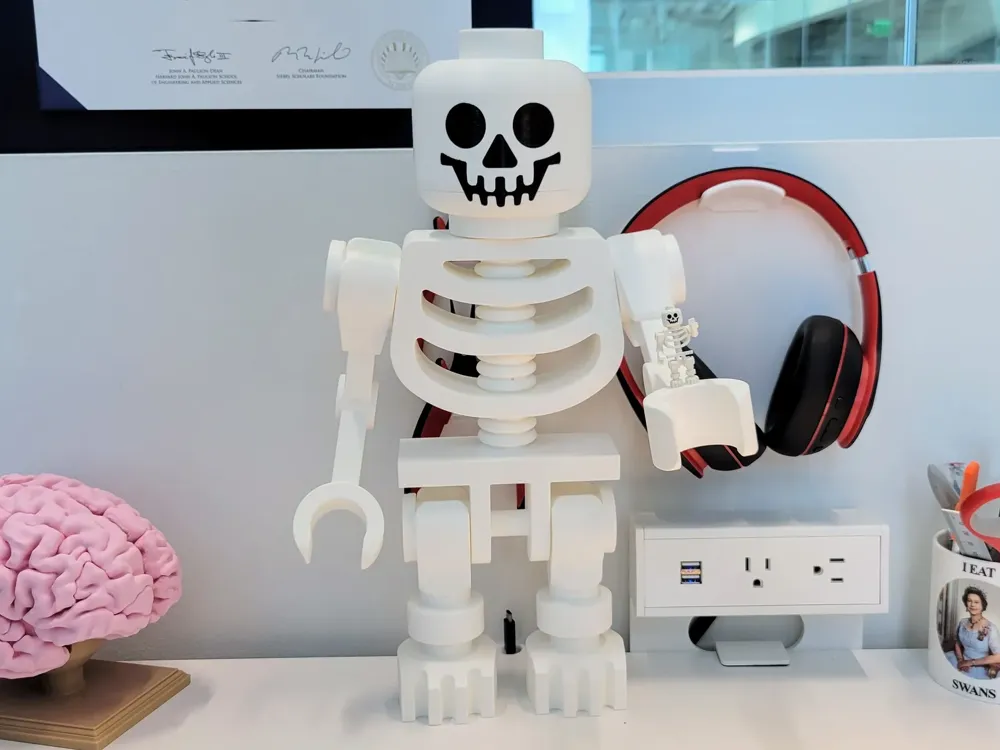
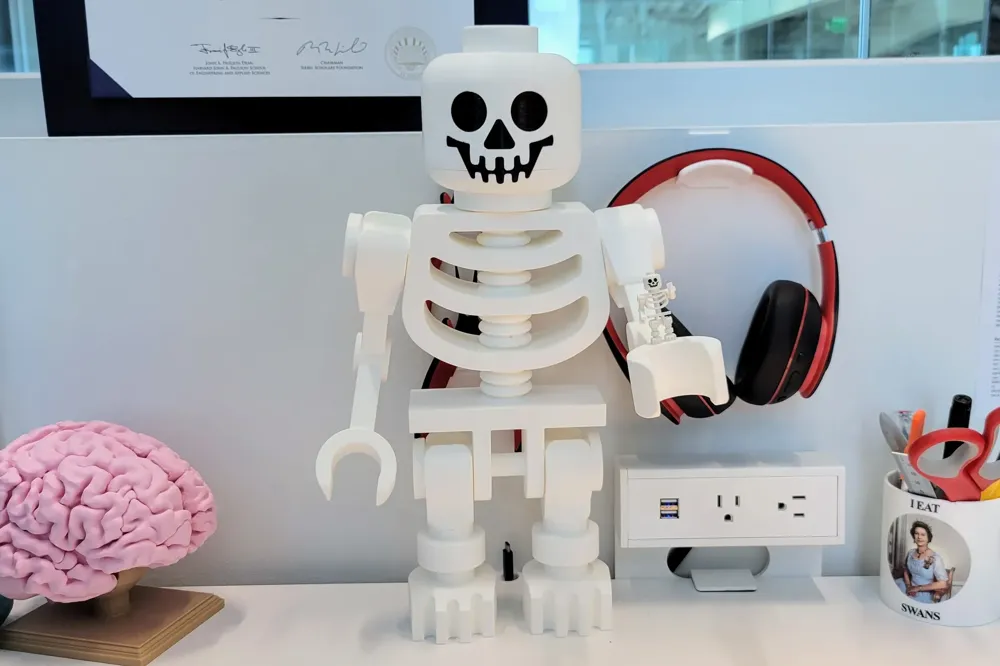
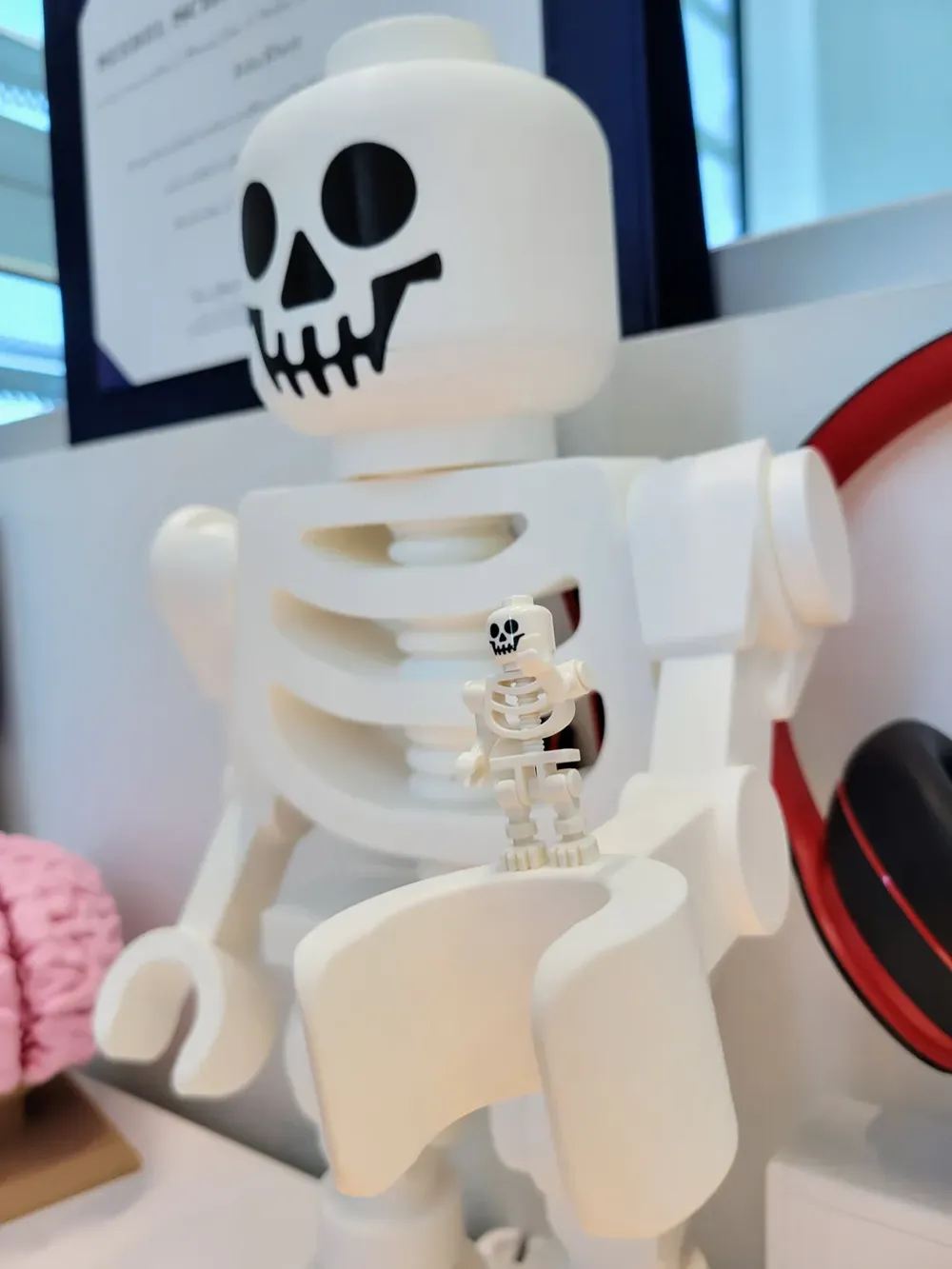
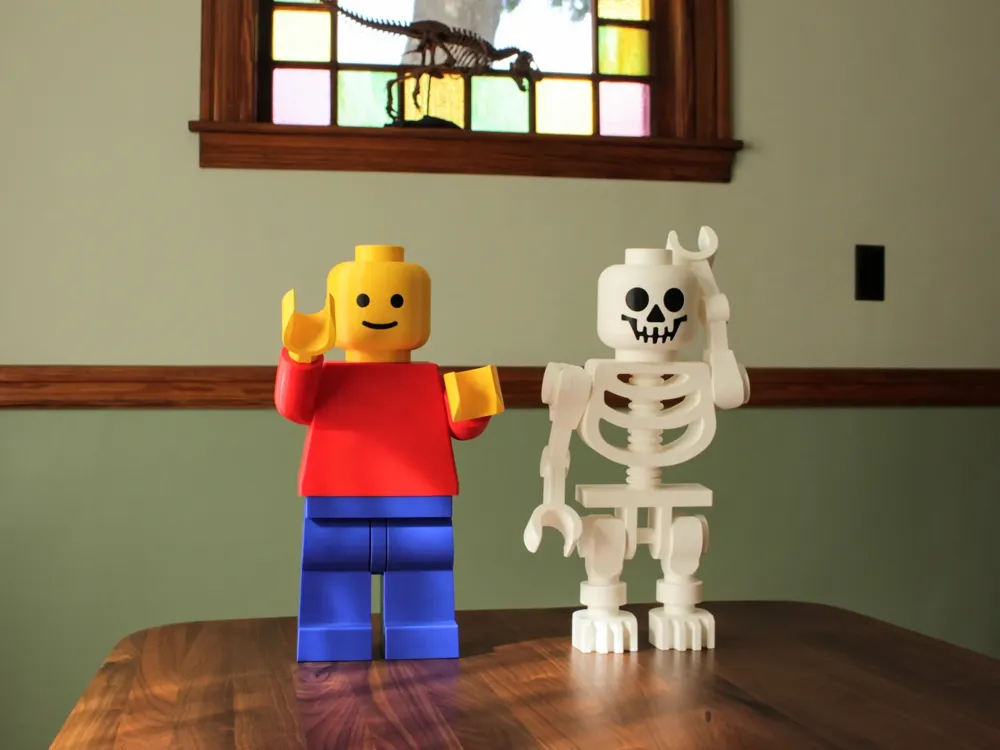
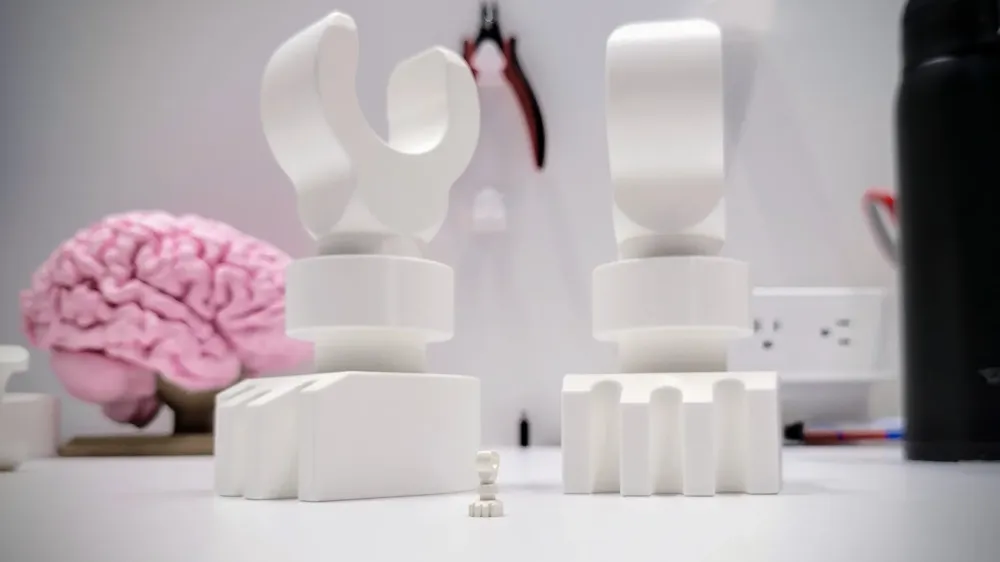
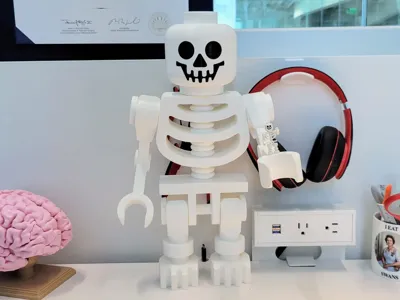
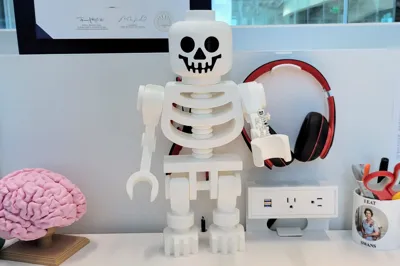
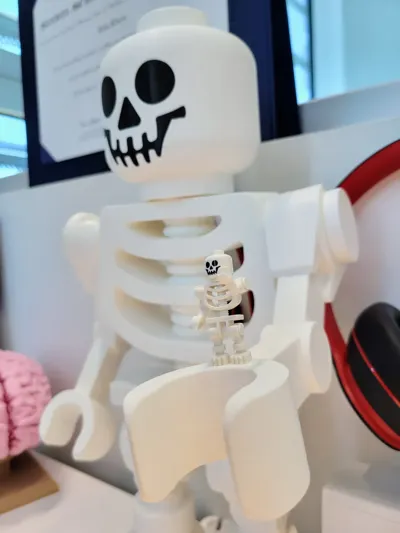
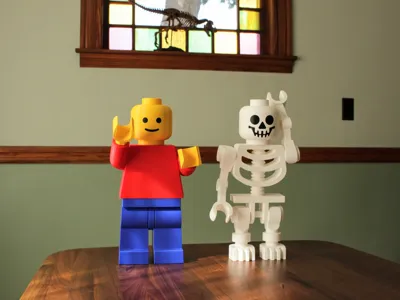
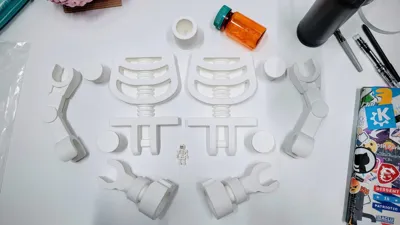
It's a big skeleton inspired by your favorite childhood brick toys. This is also available on Printables.
If you like this model, check out my other brick models.
I was unsatisfied with existing skeleton models online. There was a model on Thingiverse, but it had a very low resolution STL (circles had 16 sides, for example), and it was originally designed for a 1:1 model. I found a couple of great models on GrabCAD from Yauhen. (The links won't work on Makerworld for some reason.) These included the STEP and SLDPART files, so I could easily modify them and export with high enough resolution for printing.
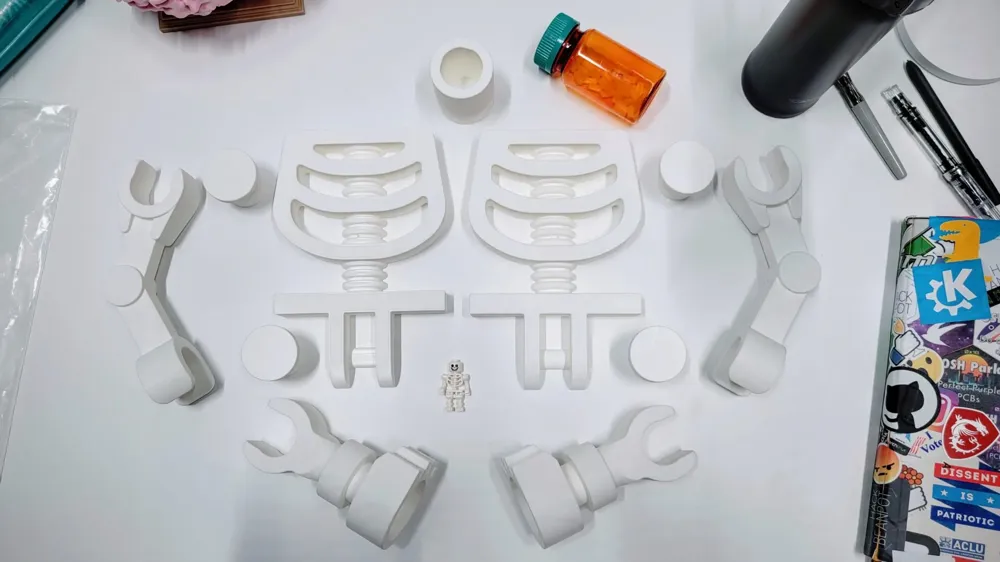
Brick toys are designed for injection molding, not 3D printing, so it's tricky to figure out how to break up the model to minimize the amount of support (and in turn, improve the surface finish of the parts). That's why there are so many parts to this print. I also tried to make sure parts could be printed in their strongest print orientation. Lastly, I had to adjust the tolerances of parts to make them snap together as big 3D printed pieces. I spent a lot of time prototyping this model, so I hope it works for you as well!
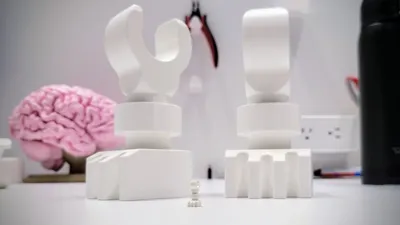
This is designed to be printed at the size of the given files: 10x larger than a brick figure. If you scale it up or down, I can't guarantee how the tolerances will hold up. If people are interested in other sizes, I can test the tolerances (and adjust the pin sizes) and make that available.
Printing Notes
There are print profiles provided for the P1S (should also work on X1C) and A1 mini (some parts needed additional splitting up for this.)
Each includes 2 options for printing the head: in 2 separate parts that are glued together (to avoid overhang supports on the chin), or as a single piece with more supports.
In addition, I've also included a separate profile for printing the head with an AMS.
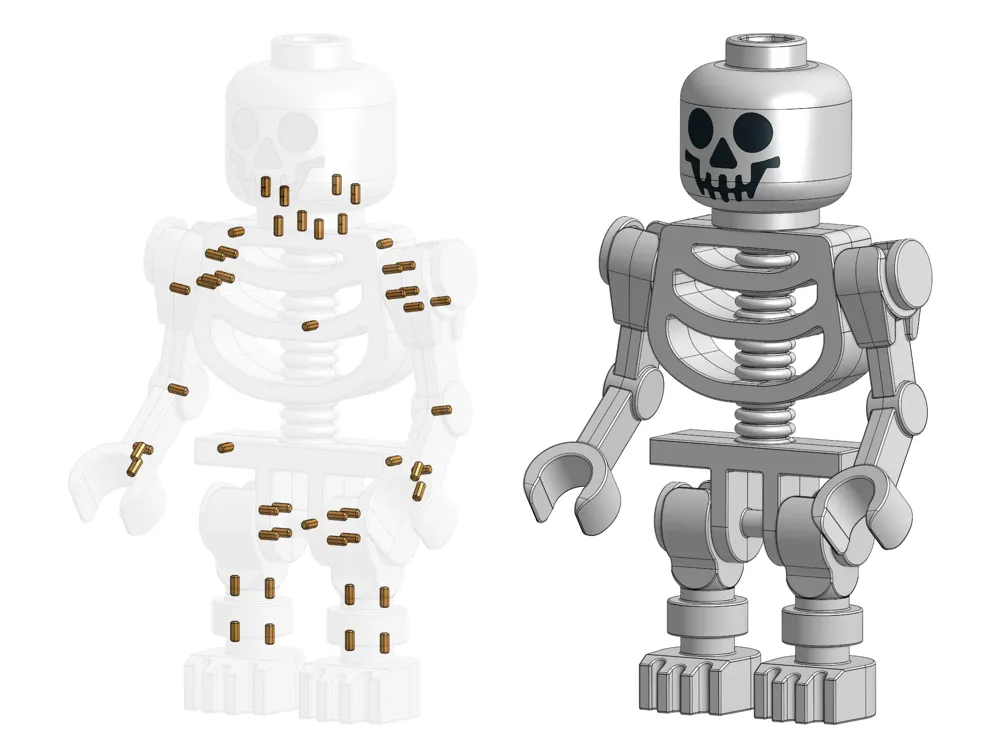
The model includes many connector pins to align parts when you glue them together. For this to work, the pins need to press fit into their respective holes. Before printing all the pins, check that they press fit! If not, scale the width and height up or down as needed to fit the holes. Don't scale the length, or your pieces might not sit flush together.
I recommend printing on a smooth bed. This will make for better seams when gluing together the body and arms.
Assembly notes
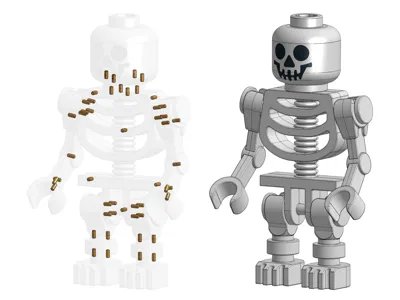
In general, there's only one way for pieces to fit together, so it should be fairly intuitive how to construct it. See the CAD picture above for that looks like with all the pins.
- Here's my suggested assembly procedure:
- Start by test fitting together the parts with no glue, to check for any misalignment or loose/tight pins.
- Glue all of the pins into one of the pieces you're fitting together.
- Put super glue on the mating surface of the other part. No need to put it in the pin holes; the pins are for alignment, not strength, and if you put glue in them here, it can cure before you get the pieces fully together.
- Line up the parts using the pins and carefully push the parts together. The thin layer of glue will cure very quickly, so there often isn't time for realignment!
- I recommend liquid super glue (as opposed to gel). When the pieces get very close together, capillary action will pull the glue to cover a larger area, and you'll get a better connection between the parts.
- Assemble the legs first. These are the most forgiving parts (less precise alignment required to look good), so they're best for getting the hang of things.
- The arms and legs are designed to snap onto the shoulder and hip pegs. Before attaching the shoulder and hip pegs to the body, check that you can snap on the arms and legs.
- If the arms/legs are too tight to snap on: Either (1) file/sand down the inside of the sockets until they fit on, or (2) slide the ams/legs on from the end of the pegs, then glue the pegs onto the body. The second option is easier, but make sure you don't use too much glue, or the arms/legs could end up glued in place instead of rotating freely. Also note that this option means you won't be able to take the arms and legs off.
- If the arms/legs are too loose to hold their position: Add something to line the inside of the arm/leg sockets, like tape. This extra thickness should help hold them in place.
License



Comment & Rating (334)