
Multiboard Label Generator

Print Profile(1)



Description
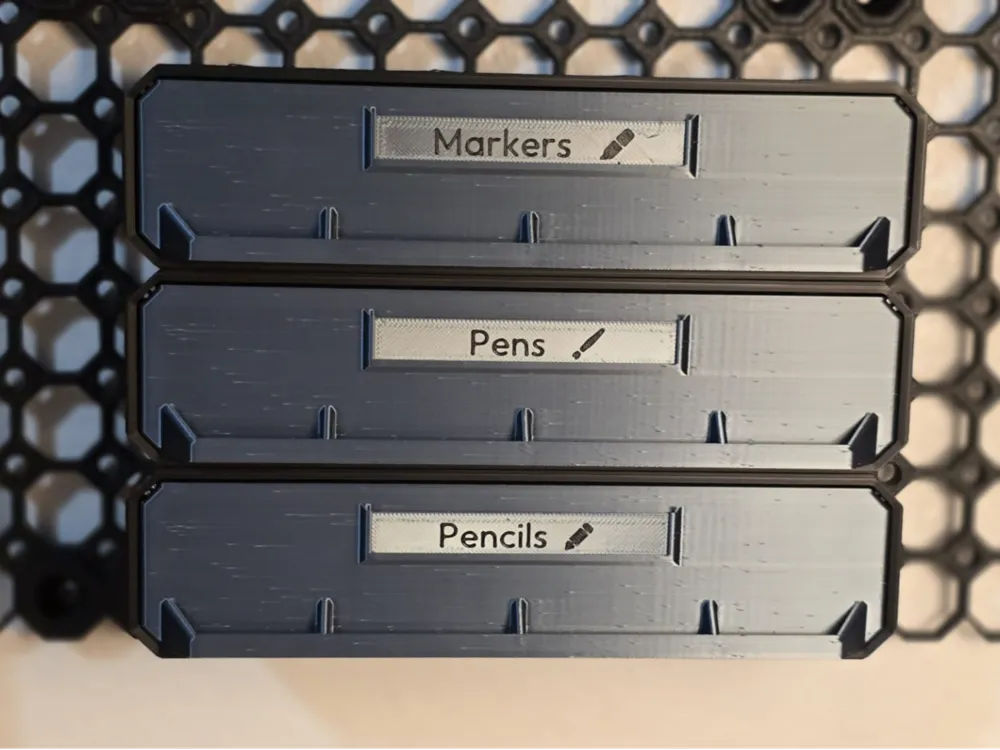
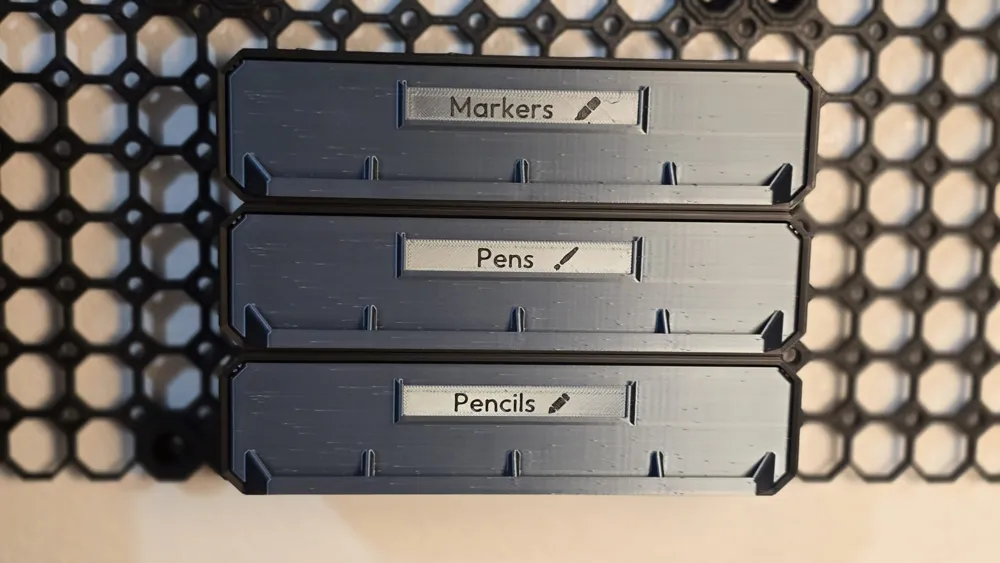
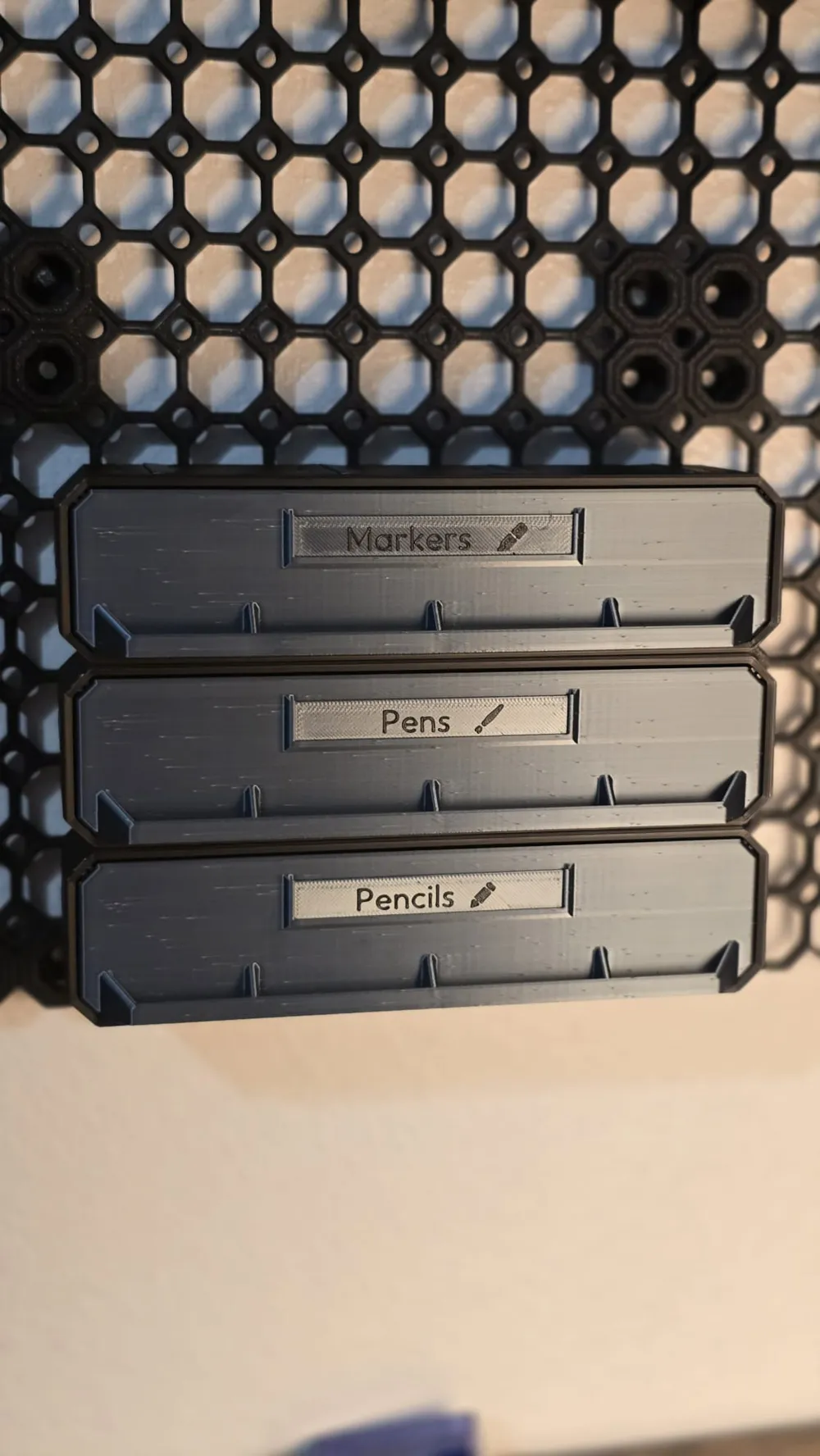
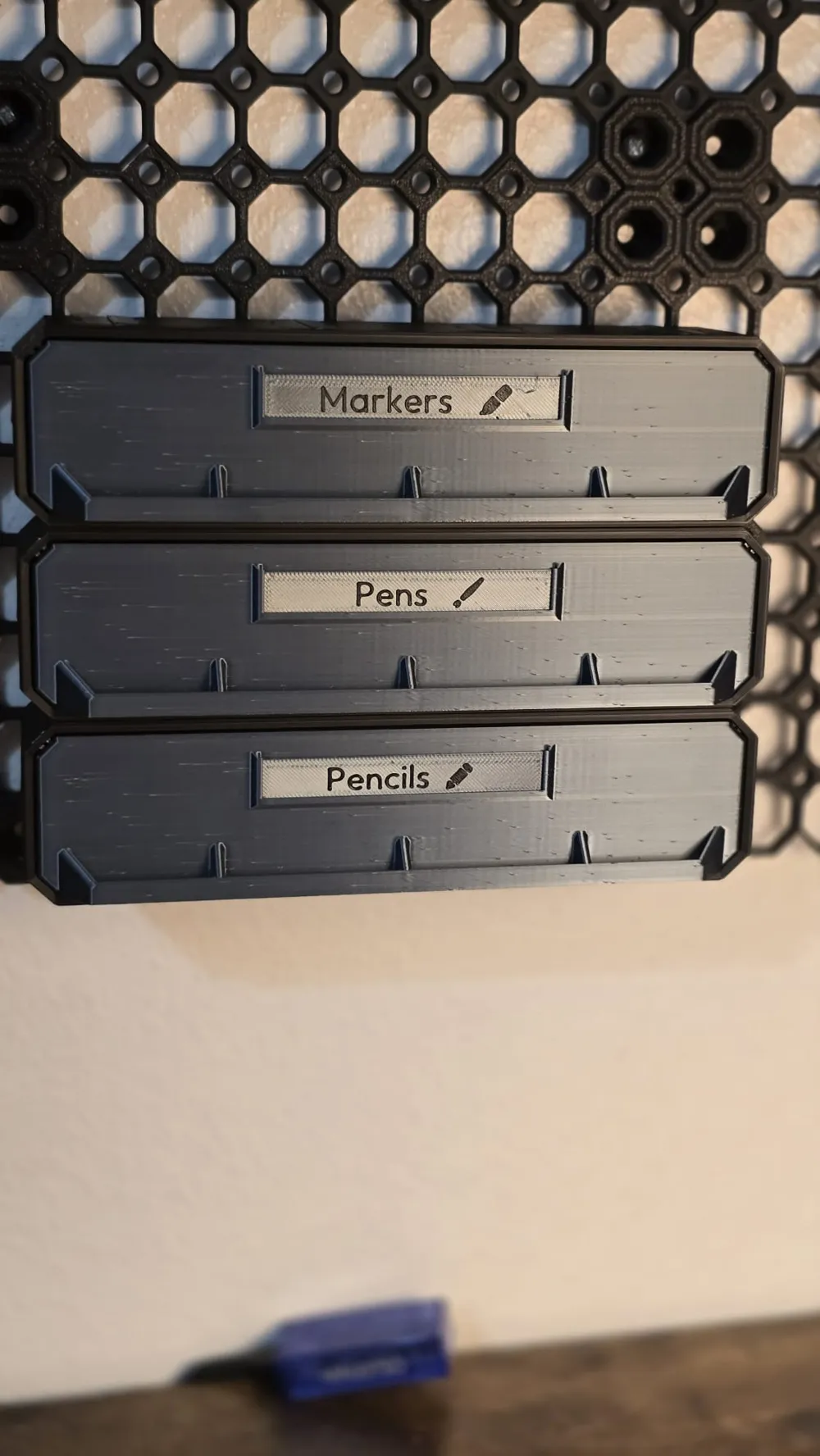
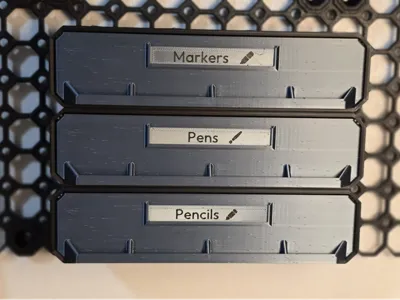
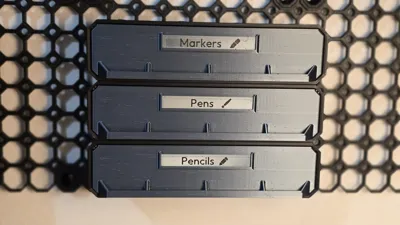
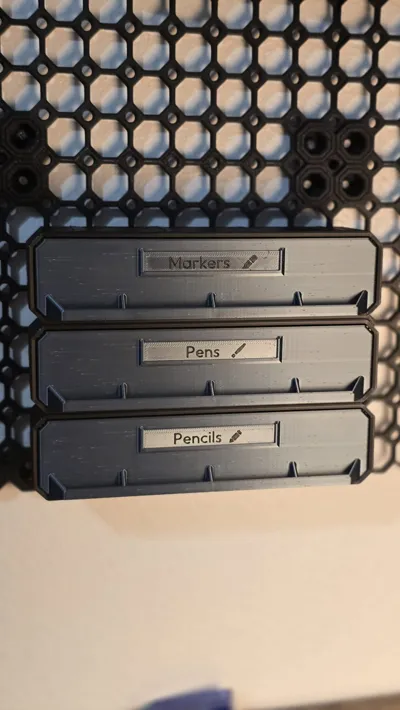
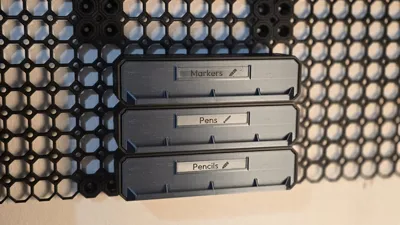
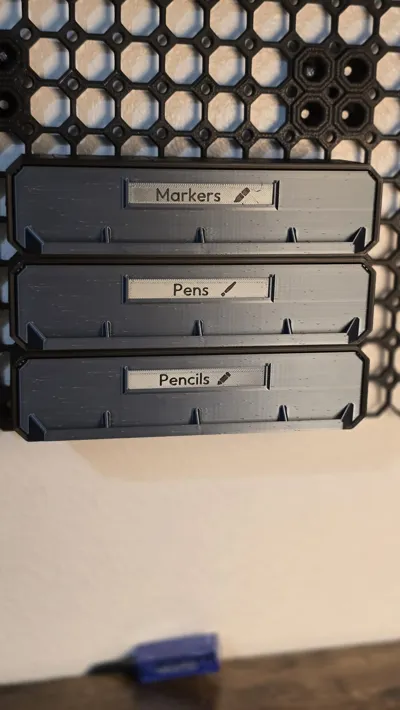
Create crisp, two-colour labels for your Multiboard drawers in seconds, right inside the MakerWorld Customizer.
📏 Supported Sizes
| Name | Drawer Fit | Width | Height | Thickness |
|---|---|---|---|---|
| Small | 1 × 1 × 1 drawers | 28 mm | 12 mm | 0.4 mm base + 0.4 mm text/icon |
| Large | All larger drawers (4 × 1 × 1 shown) | 78 mm | 12 mm | 0.4 mm base + 0.4 mm text/icon |
Large drawer example: https://thangs.com/designer/Multiboard/3d-model/4x1x1-Deep%20-%20Multibin%20Simple%20Drawer-1128811
Small drawer example: https://thangs.com/designer/Multiboard/3d-model/1x1x1-Deep%20-%20Multibin%20Simple%20Drawer-1128787
🛠️ How the Customizer is organized
1️⃣ Label Settings
- Size – pick Small (28 mm) for 1×1 drawers, Large (78 mm) for everything else.
- Font – Roboto, Arial, Liberation Sans, Times New Roman or Courier New.
- Label Text – the characters you want on the tag (e.g. “M3”, “USB-C”, “BAT”).
- Text Size Override – leave at 0 for auto-fit (two perimeters). Use a value only if you need the text bigger/smaller.
2️⃣ Icon Settings
- Icon Type – choose from checkmark, circle, square, ruler, pen, pencil, marker, etc.
- Arrow Direction – appears only when arrow is selected.
- Icon Position – left, right or both sides.
- Icon Size Override – 0 = auto size (two perimeters). Adjust for custom thickness.
3️⃣ Icon Positioning
- Offset Method – Center-based (move both icons together) or Separate.
- Left Icon Offset – shift the left icon horizontally.
- Right Icon Offset – shift the right icon horizontally.
4️⃣ Advanced Settings
Quick-print defaults:
- Base layers: 0.4 mm (two × 0.2 mm)
- Text/Icon layers: 0.4 mm (two × 0.2 mm)
Change these only if you want a thicker tag or deeper emboss.
🎨 Two-Colour Printing Guide (Bambu Studio)
- Generate and download the STL/3MF from MakerWorld (it’s a single mesh).
- Load into Bambu Studio and set the model’s primary colour (background).
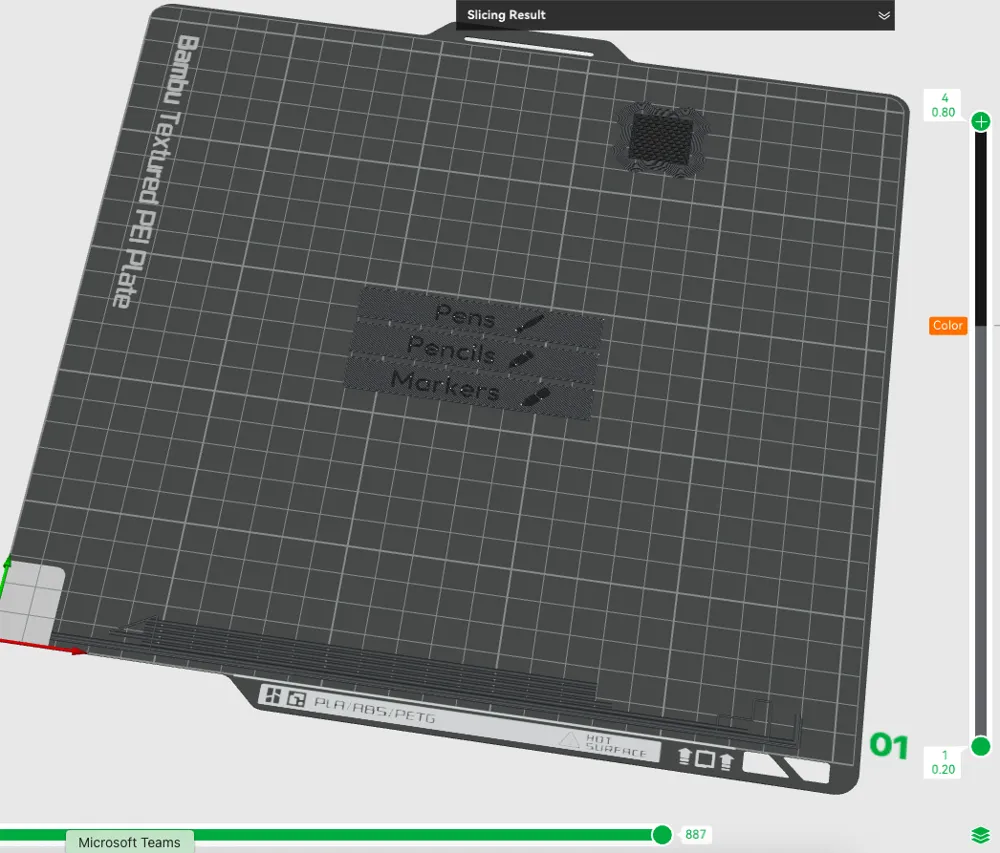
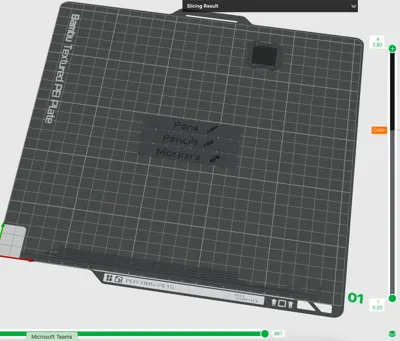
In the layer preview, drag the vertical slider down one layer (there are only 4).
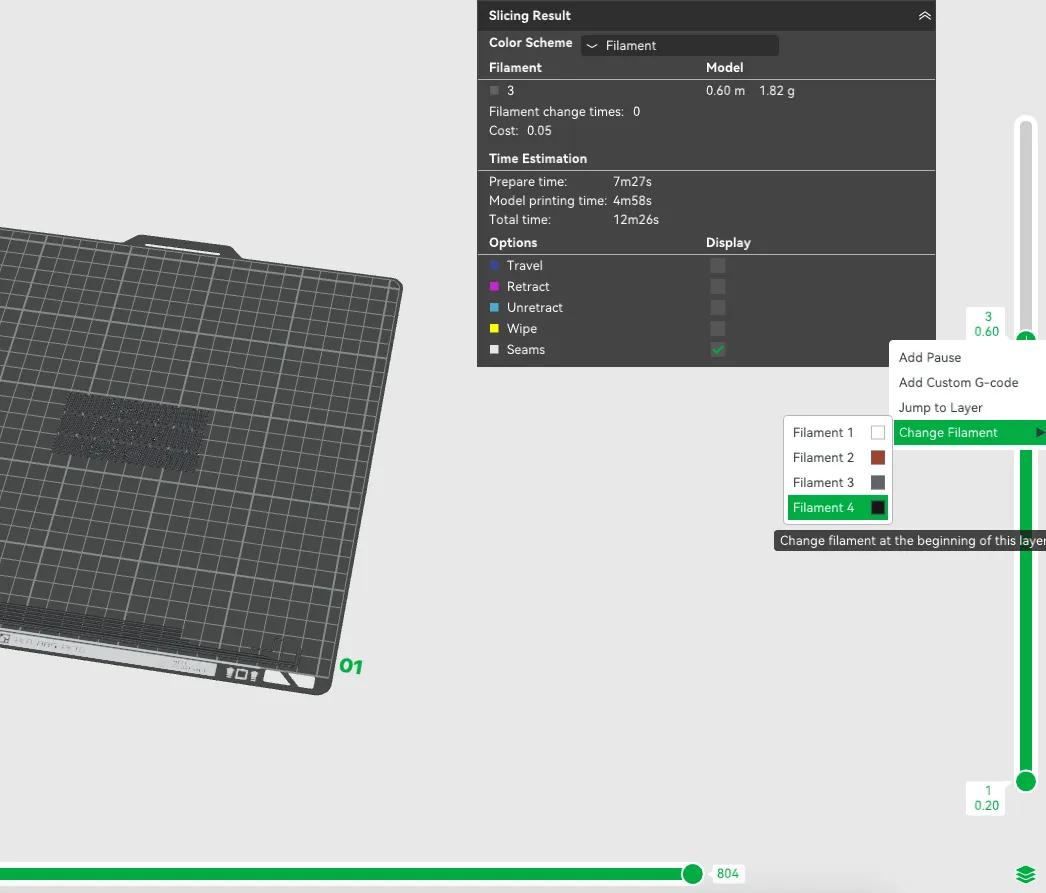
- Right Click “+” → Change Filament and pick your second filament for the text/icons.
Slice (Important Slice again so it would look like the following picture) & print – the printer will pause automatically after layer 3 for the color swap.
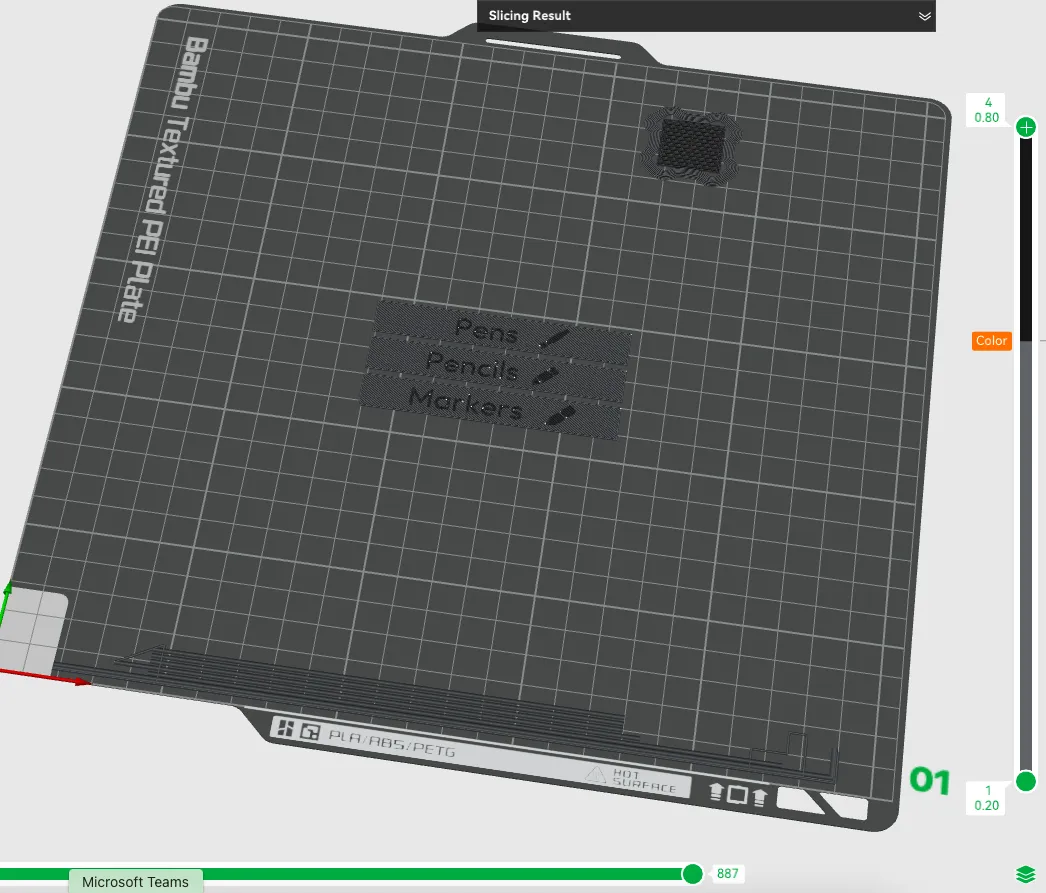
(On other slicers, insert a filament-change at Z = 0.4 mm.)
💡 Why this remix?
Inspired by the original full-featured generator by Multiboard
https://thangs.com/designer/Multiboard/3d-model/Multiboard%20Label%20Generator-1135329
I created a lightweight, quick-label version that focuses on the most common needs – two standard sizes, basic icons, and super-fast prints you can churn out in minutes. Kudos to the Multiboard team for the idea!
Hardware & consumables I use
(Affiliate links—using them won’t change your price but helps me keep designing, thank you!)
📝 Print Settings (recommended)
- Layer height: 0.20 mm
- Nozzle: 0.4 mm
- Infill: 15 % (Grid or Gyroid) – or 0 % since it’s only 0.4 mm thick
- Material: PLA
- Supports: none
- Build plate adhesion: skirt or none
🔄 Change Log
- v1.0 – initial MakerWorld release (Small & Large, basic icons, two-colour ready)
Im working on a .4mm height embedded text label generator next. If this post gets enough support, I will release that other version once its finished. Please support me by rating and boosting if you enjoyed this model and found it usefull. - V2.0 - Checkout the Flush version of this here: https://makerworld.com/en/models/1568211-multiboard-simple-drawer-label-generator-flush#profileId-1648875
Have fun labelling your drawers – and share your makes!
Boost Me (for free)
If you enjoyed this model, you can boost me, to support future designs, Thanks!
🔧 Want to level up your 3D printing setup? I’ve compiled a list of essential tools, filaments, and accessories I personally use and recommend:
👉 🛠️ MS 3DPrints Essentials – Amazon Buying List (Affiliate link – helps support the project at no extra cost to you!)
💬 Feedback, remixes, and makes are always welcome. Let’s build smarter, together!
You can buy me a coffee here, any support is much appreciated!
License

You shall not share, sub-license, sell, rent, host, transfer, or distribute in any way the digital or 3D printed versions of this object, nor any other derivative work of this object in its digital or physical format (including - but not limited to - remixes of this object, and hosting on other digital platforms). The objects may not be used without permission in any way whatsoever in which you charge money, or collect fees.


Comment & Rating (3)