
Ferrari
Print Profile(3)


Description
Boost Me (for free)
Do you like my Projects? I spend a lot of time on my projects to make them easy to print, support my work with a Boost or a coffee and by liking the project Thanks!!!
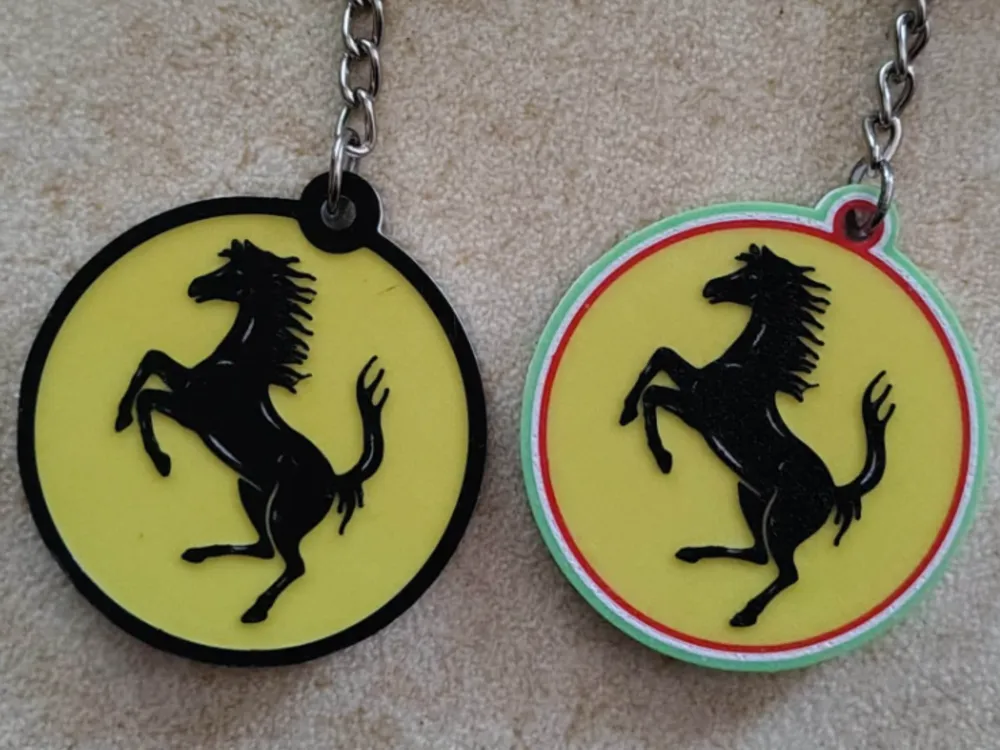
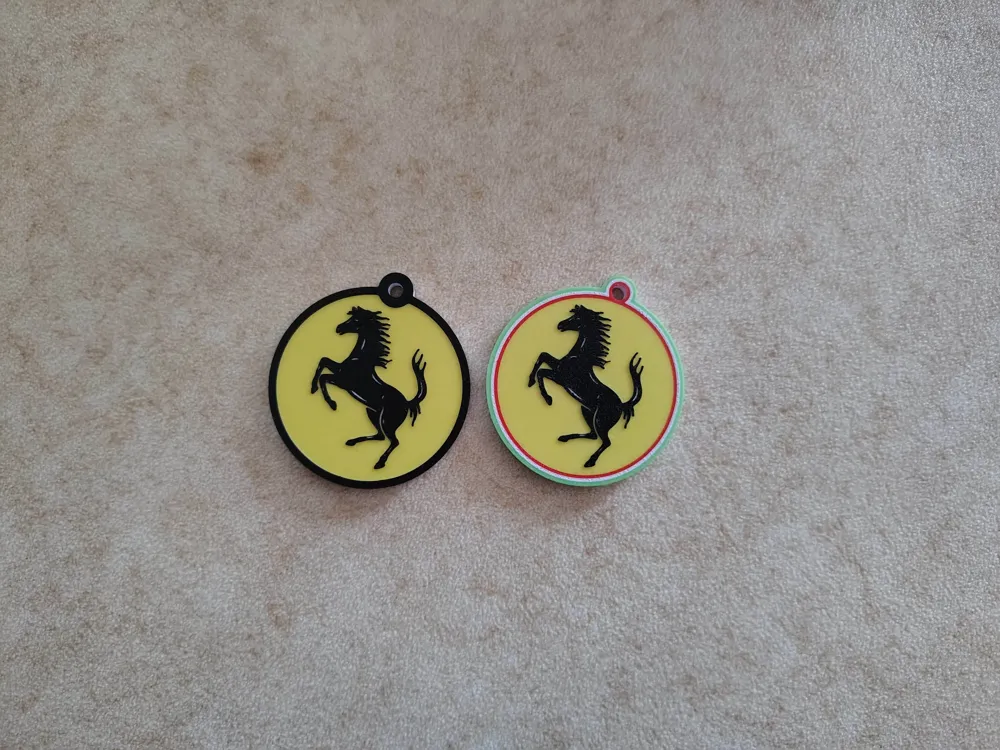
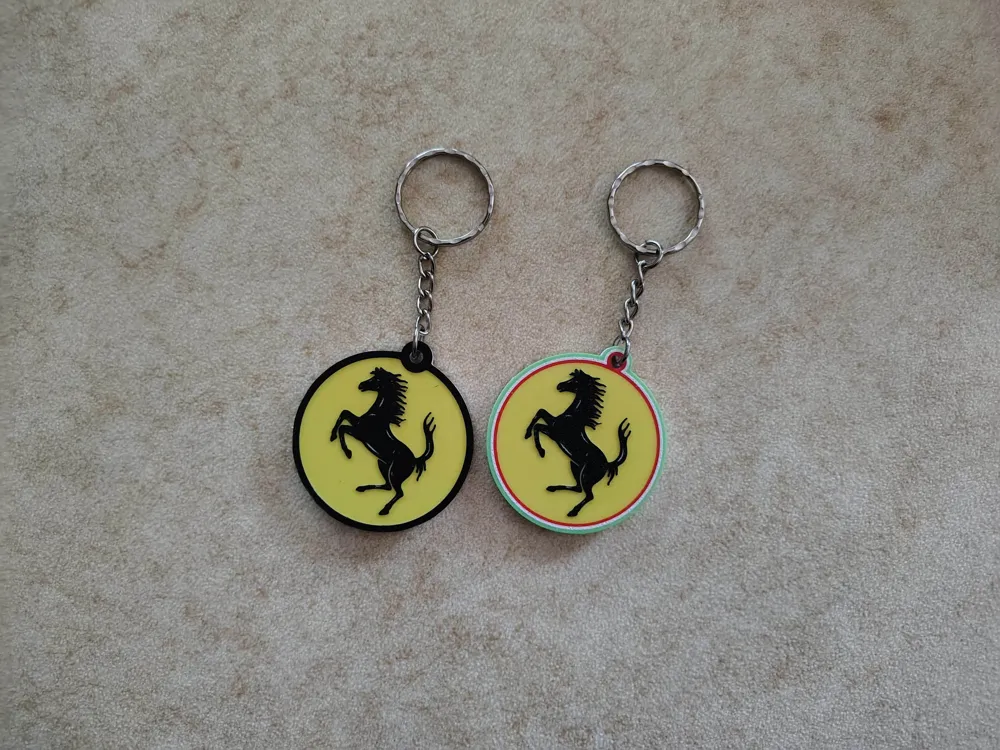
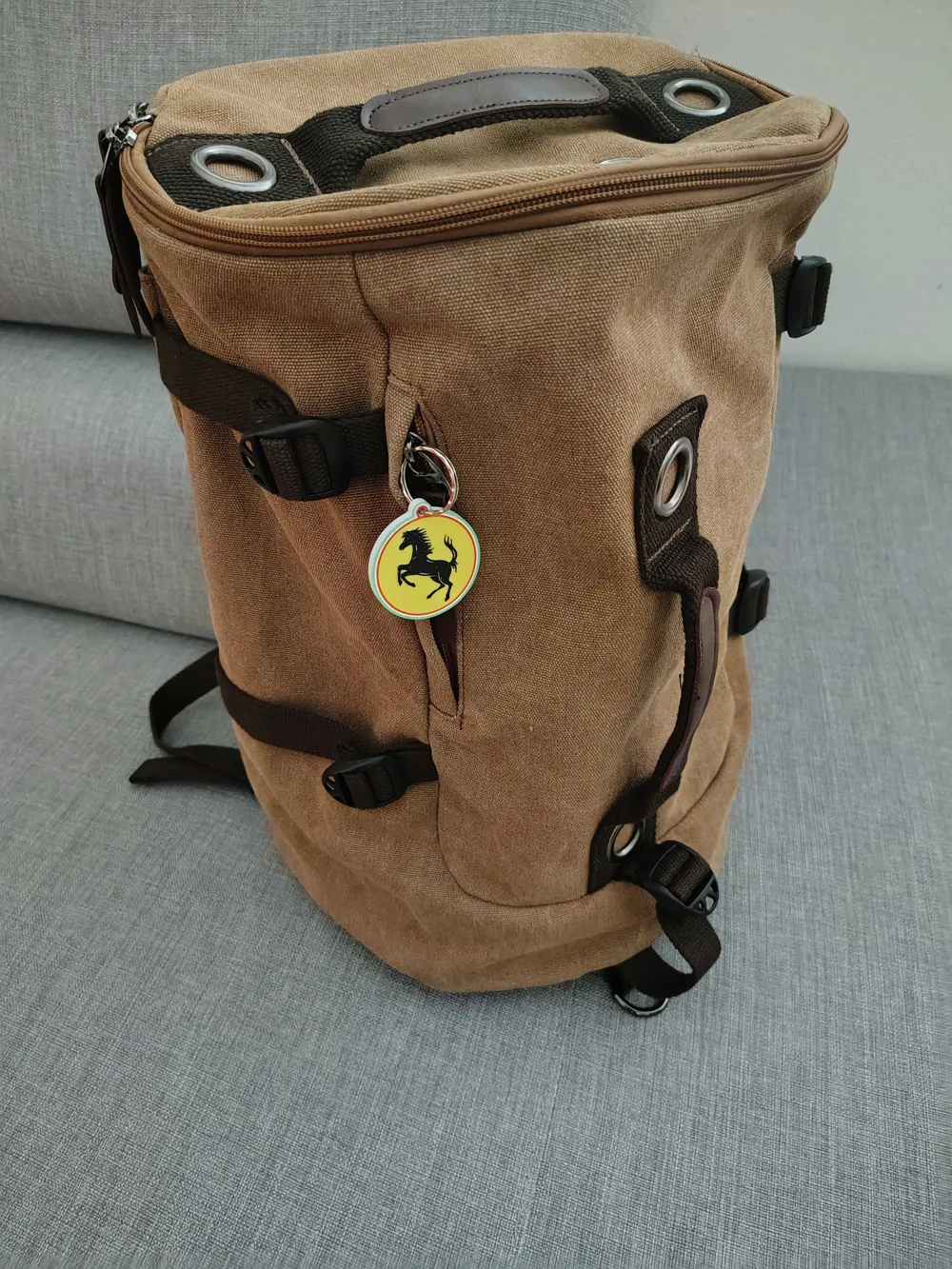
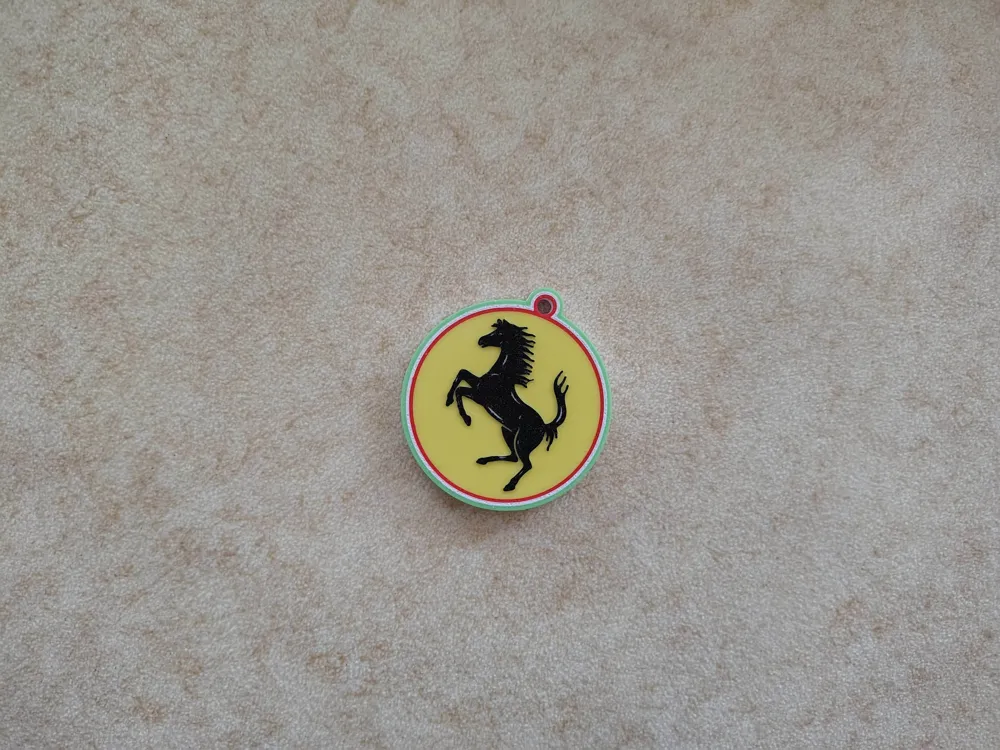
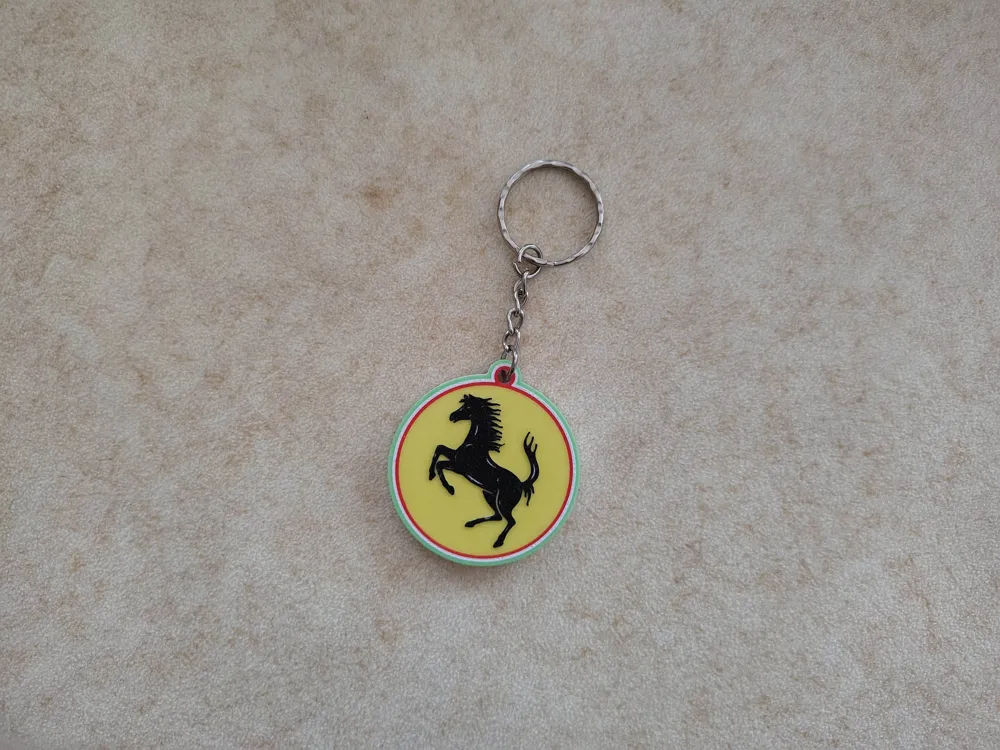
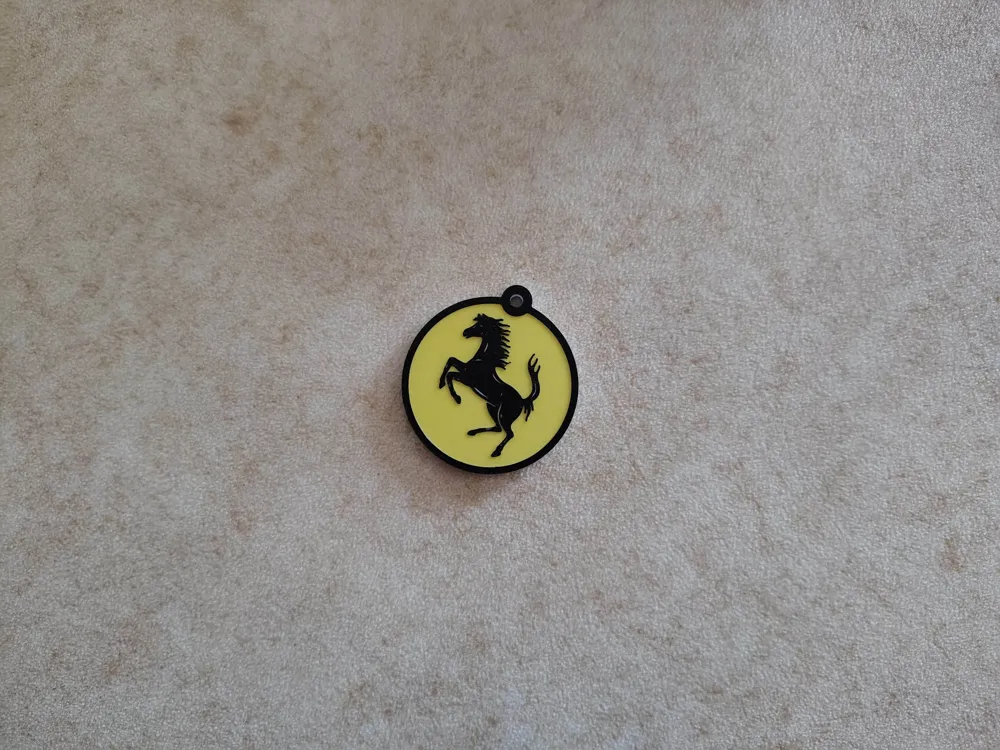
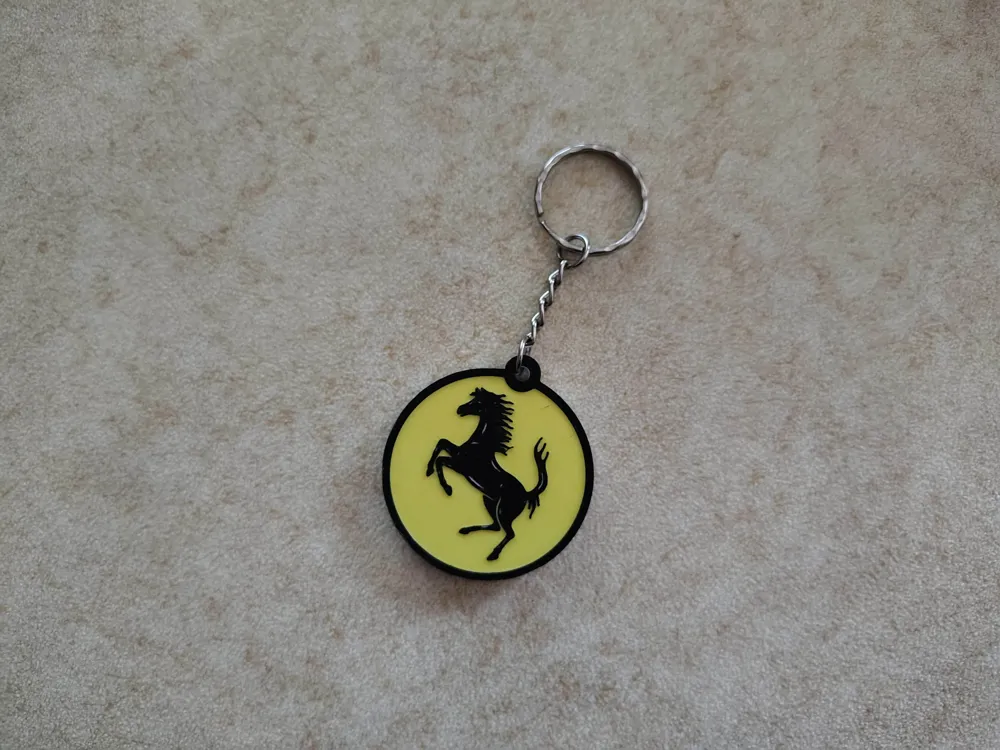
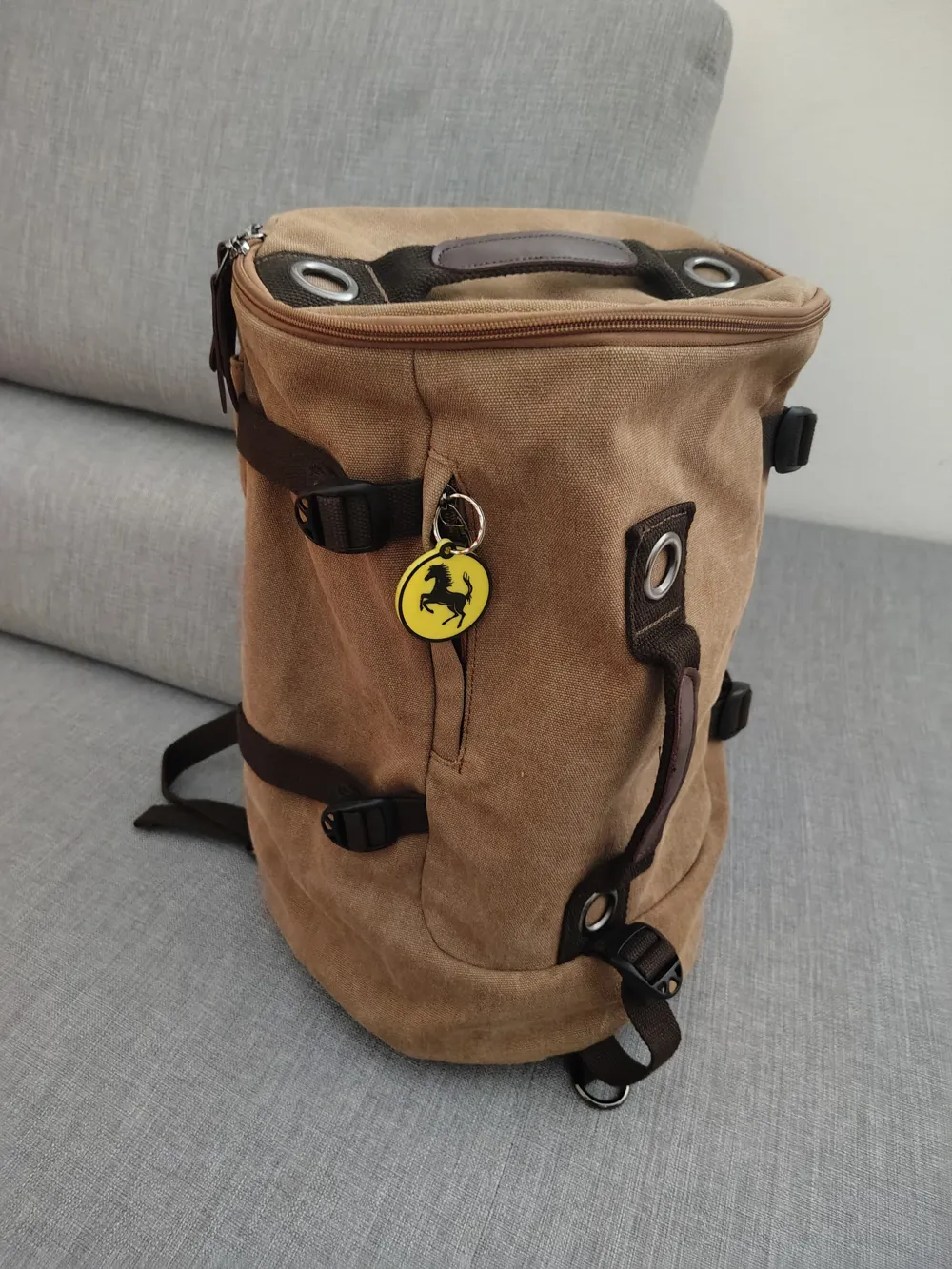
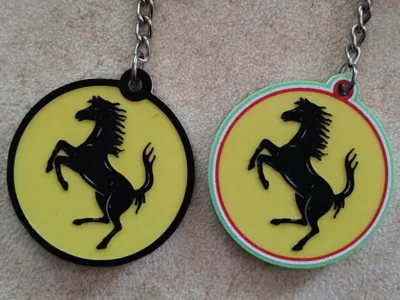
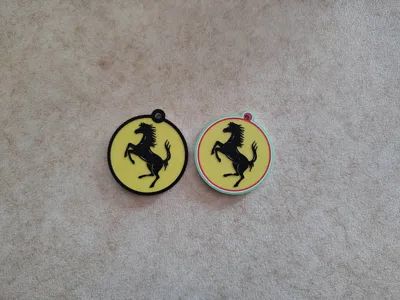
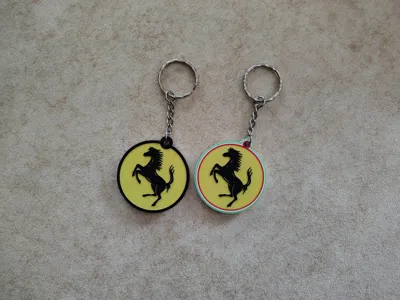
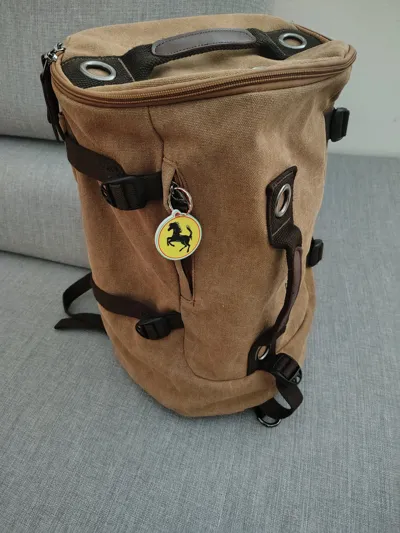
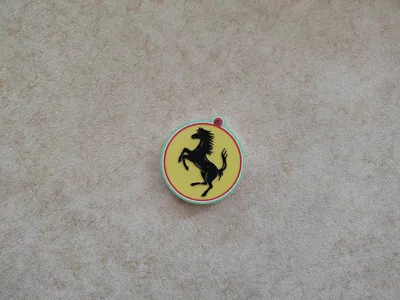
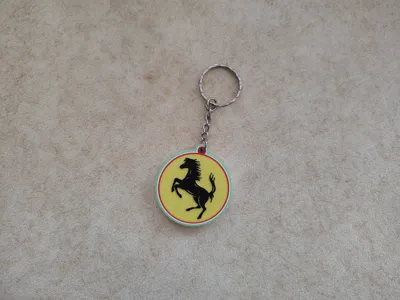
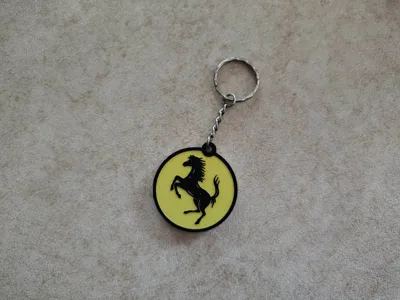
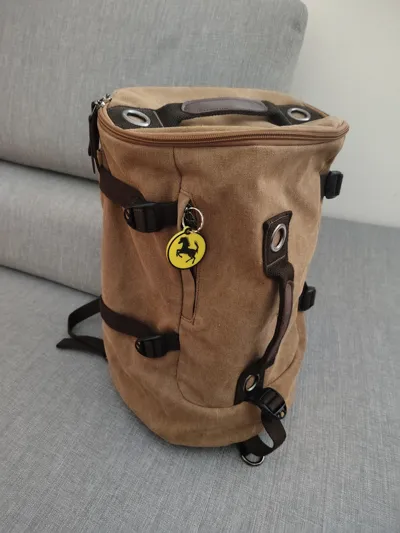
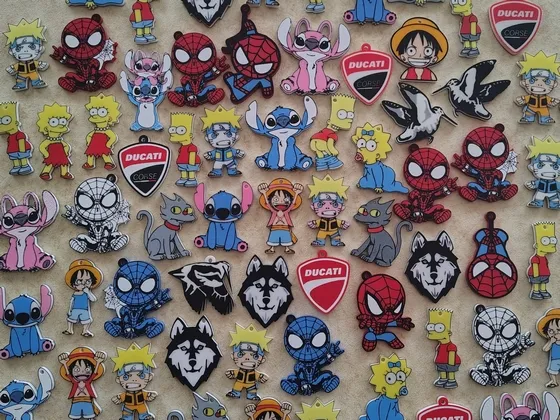
Keychain or Clip for Backpack/Bag, of Ferrari.
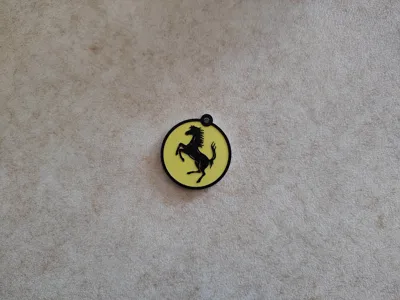
The image is Printed on both sides of the keychain (Front/Back), easy to print.


How to print the Ferrari keychain, with 5 Colors with AMS lite

1 - Start the Print.
2 - Select the Black color in slot 5 for the exchange with the Red Color.

3 - Send to the Printer.
4 - After the printer has finished printing the Black and Green color
5 - Pause the printer.
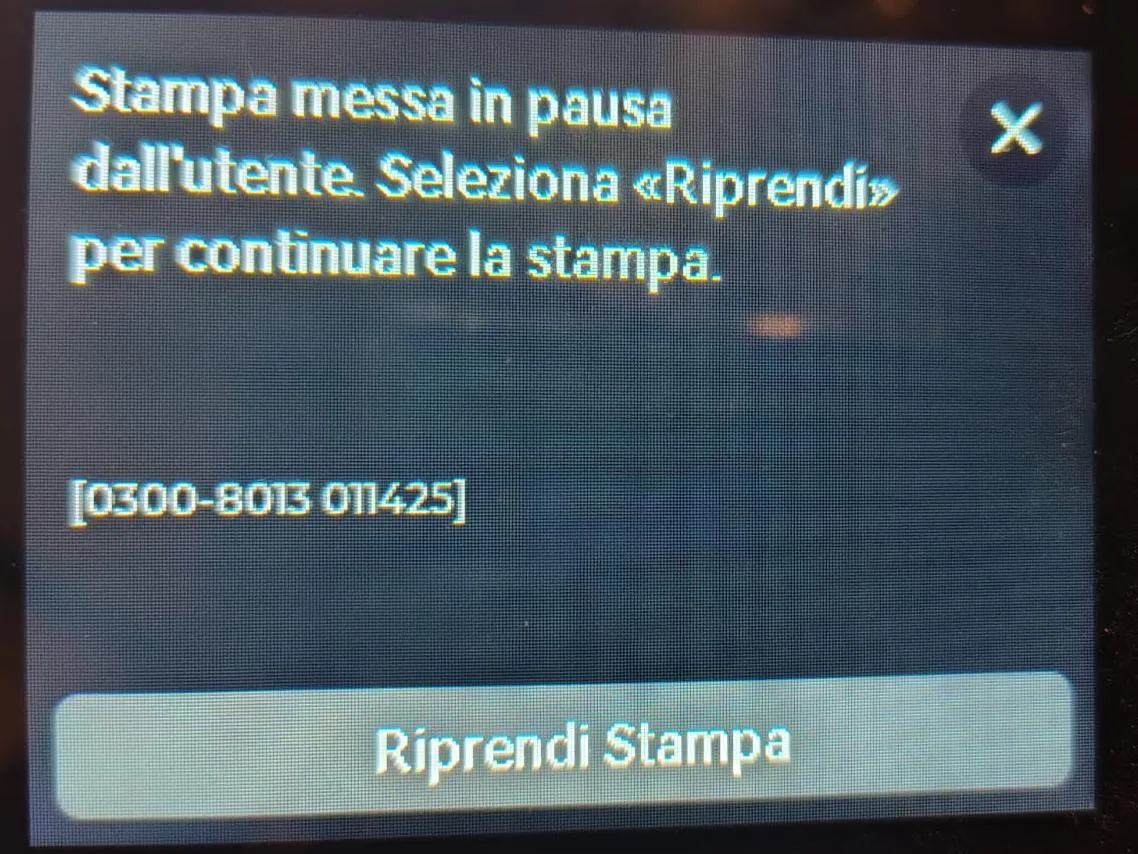
6 - When the Printer is Paused, change the Black color filament, with the Red Color Filament.
7 - After changing color, resume the Print.
8 - At layer 35 the printer will automatically Pause,
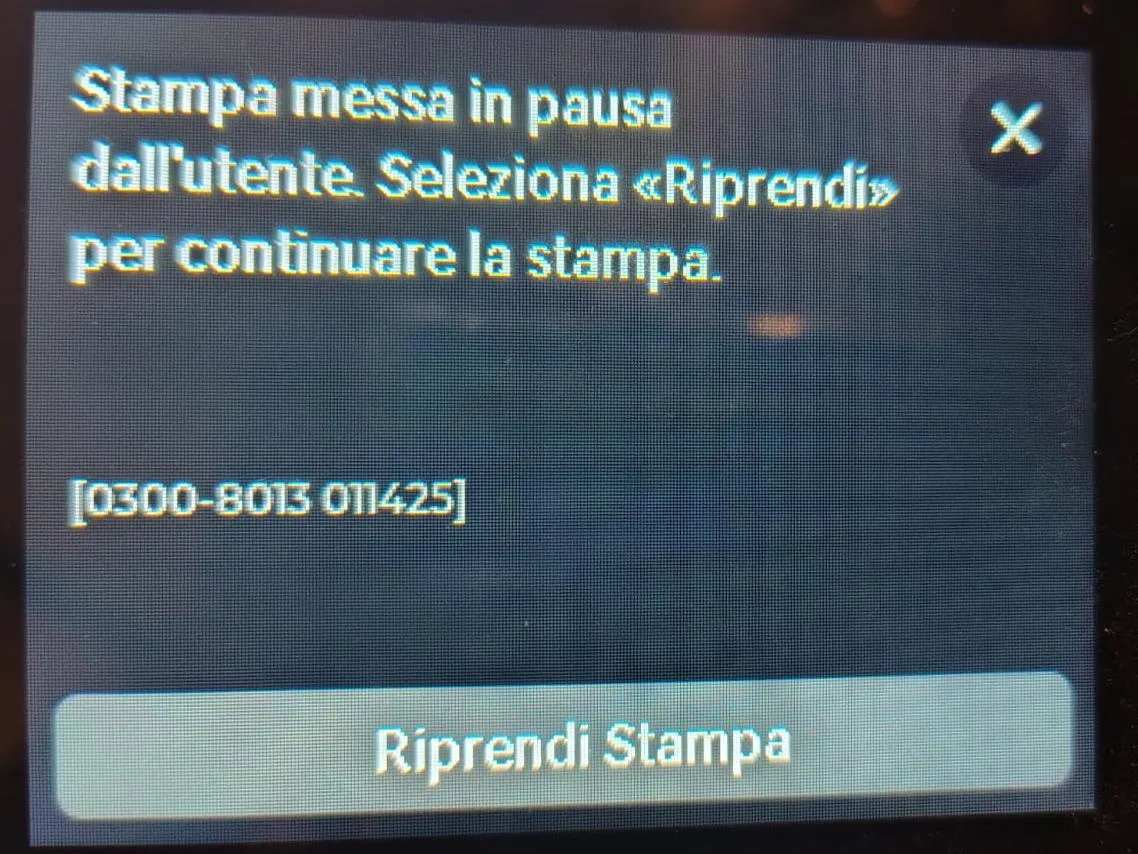
9 - When the Printer is Paused, change the Red color filament, with the Black color Filament.
10 - After changing color, resume the Print to finish printing.

License

You shall not share, sub-license, sell, rent, host, transfer, or distribute in any way the digital or 3D printed versions of this object, nor any other derivative work of this object in its digital or physical format (including - but not limited to - remixes of this object, and hosting on other digital platforms). The objects may not be used without permission in any way whatsoever in which you charge money, or collect fees.


Comment & Rating (0)