Search models, users, collections, and posts

Ultimate Printer Testing Crown
IP Report
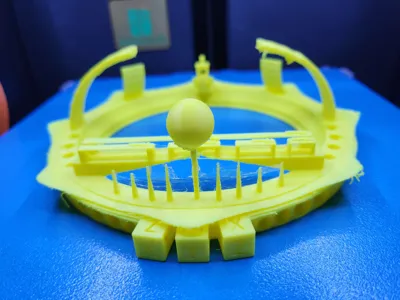
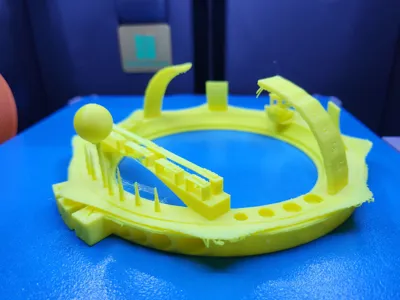
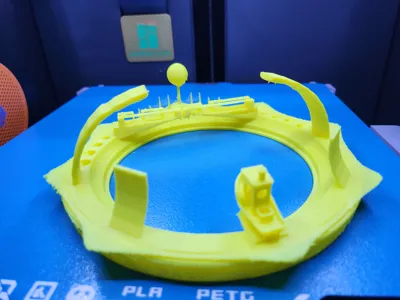
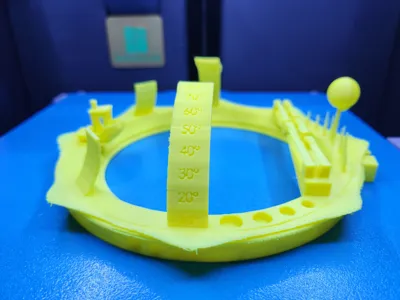
Print Profile(1)

0.2mm layer, 2 walls, 10% infill
Designer
2.3 h
1 plate
Open in Bambu Studio
Boost
5
8
0
0
3
1
Released
Description
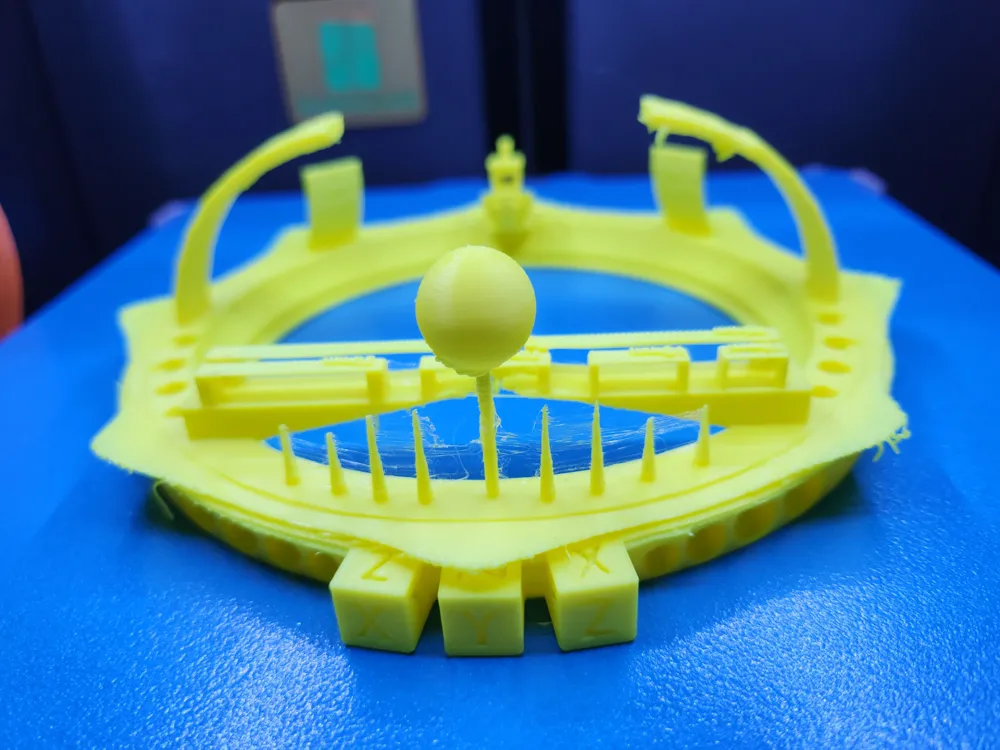
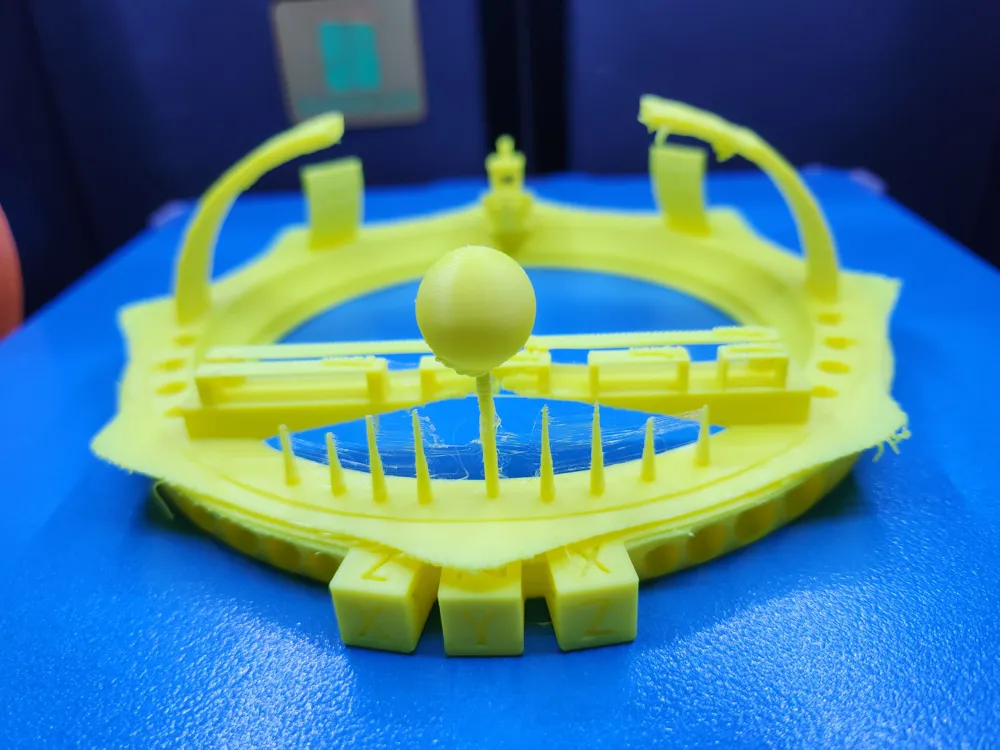
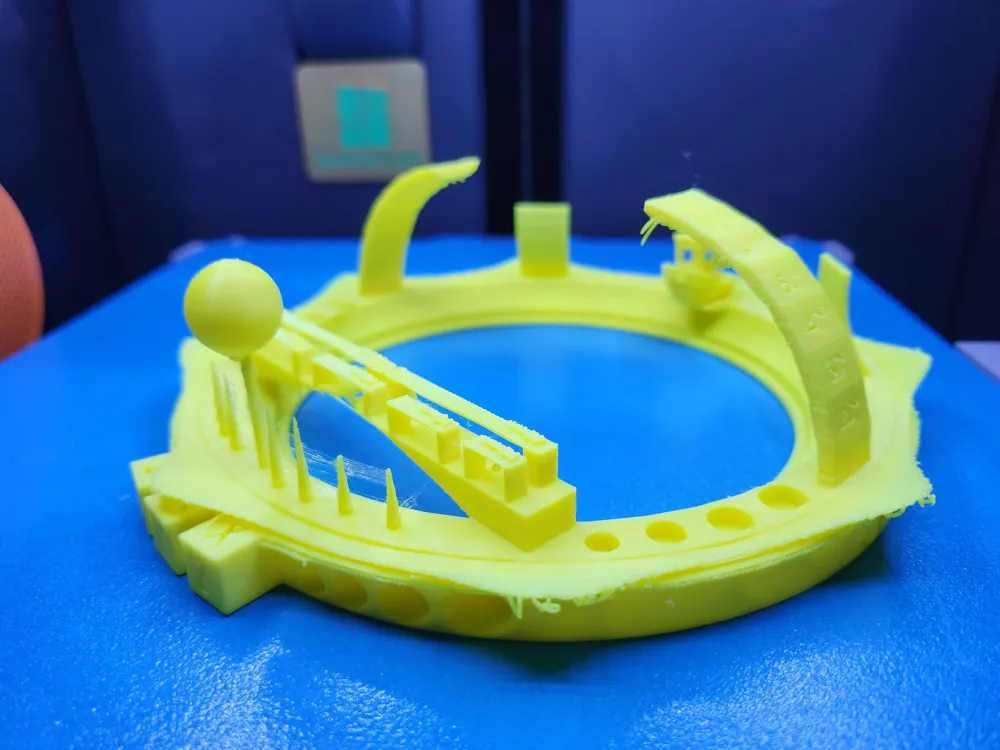
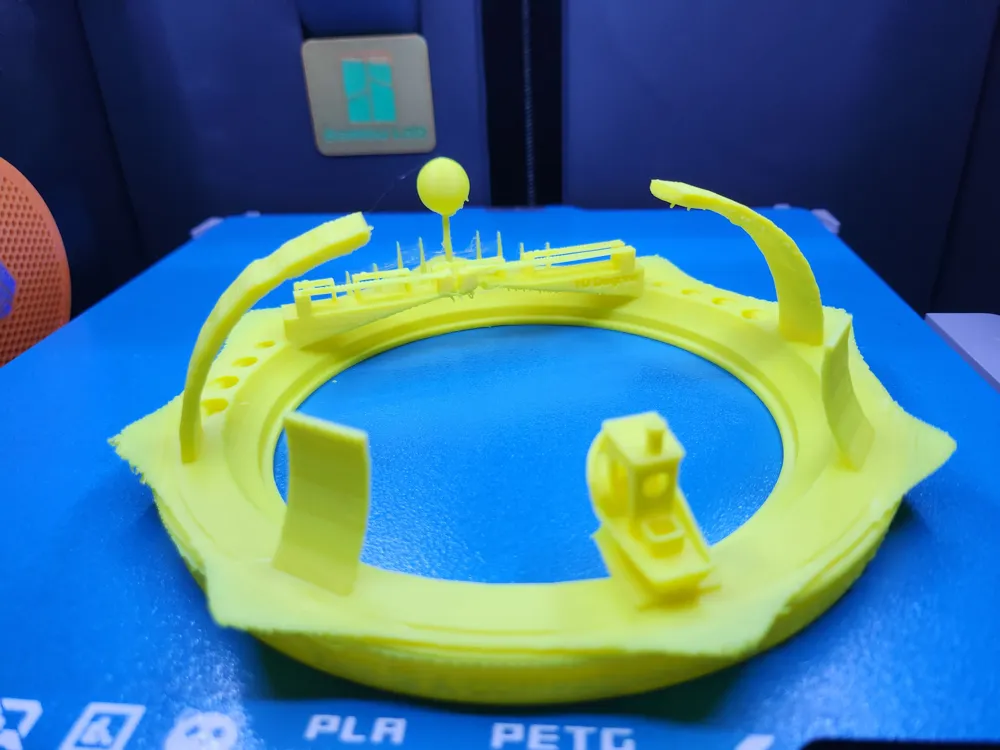
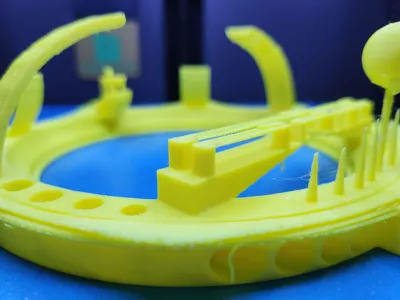
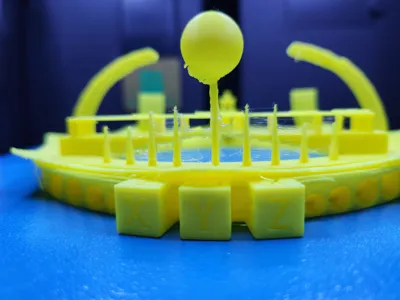
Printing Testing Crown – The Ultimate Calibration Challenge
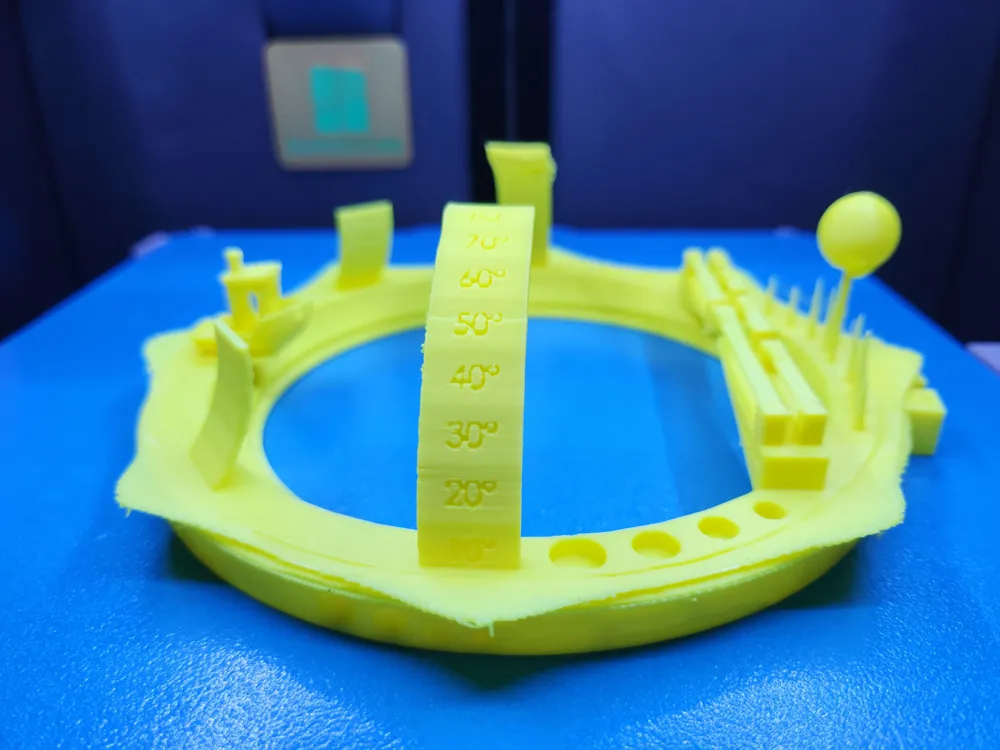
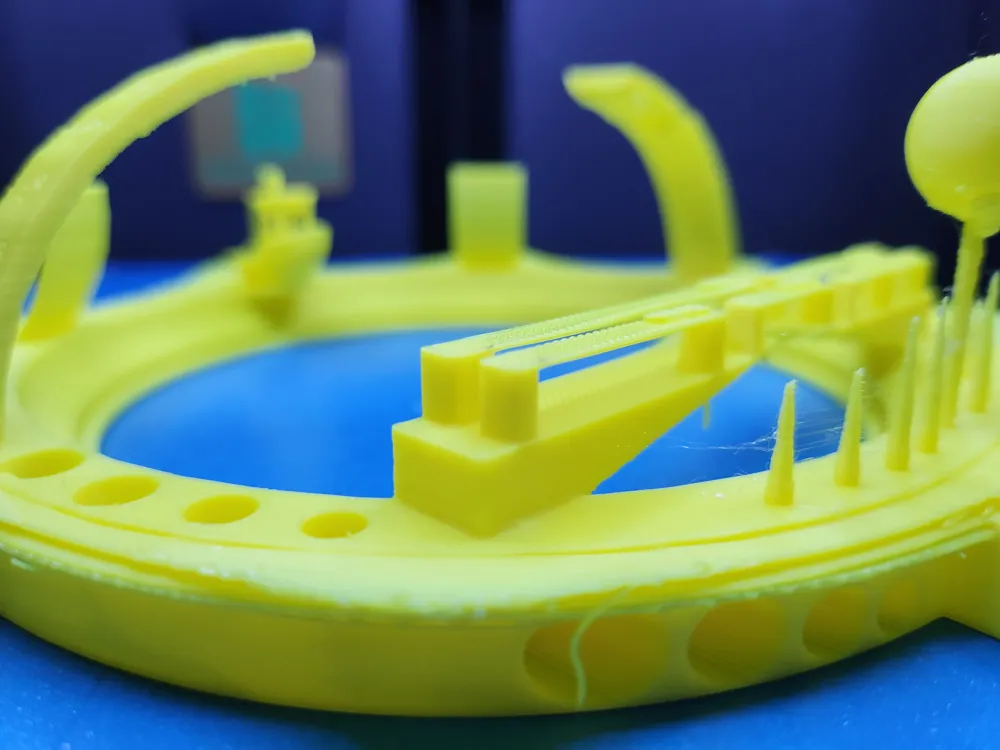
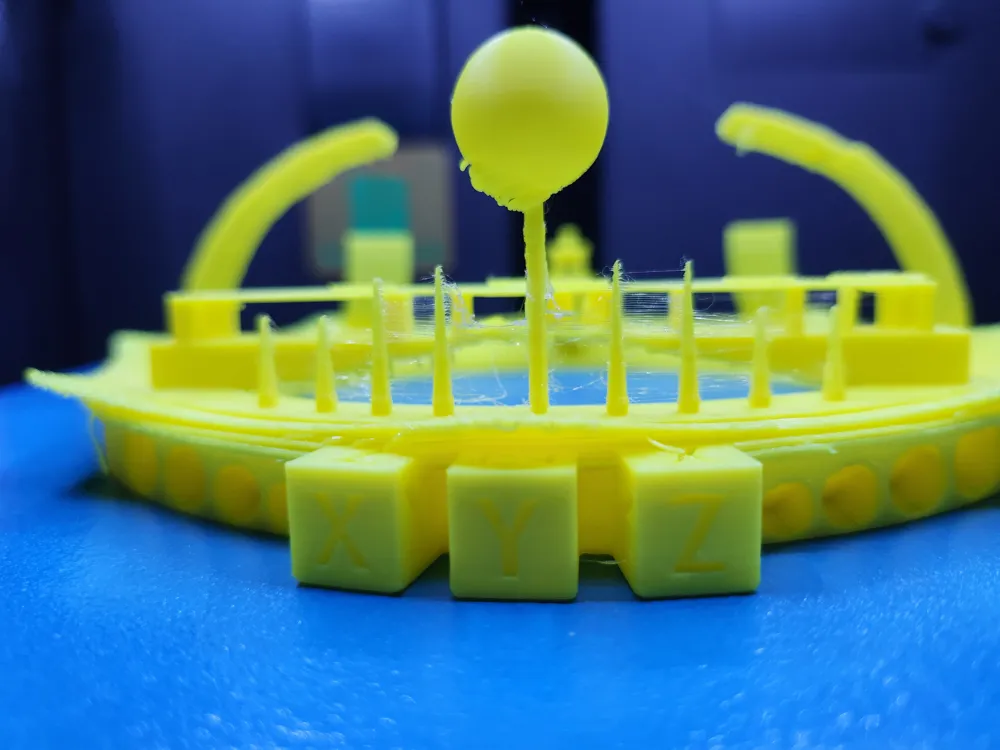
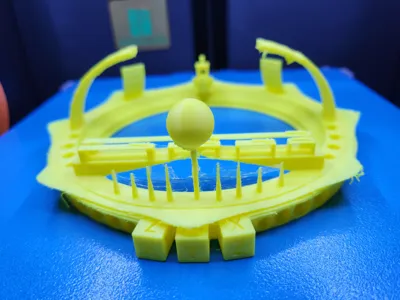
Crowned for a reason. This all-in-one FDM calibration model is designed not only to push your 3D printer to its limits but also to symbolize printing excellence. Shaped as a crown, it represents the pinnacle of print quality—a model that both challenges and celebrates your machine’s performance.
Whether you're dialing in a new printer or perfecting a slicer profile, the Ultimate Printing Testing Crown is your definitive benchmark. It compresses a suite of rigorous tests into a compact, stylish form that’s as functional as it is symbolic.
🧪 What It Tests
- Retraction Test – Detects and eliminates stringing with proper settings.
- Spring Test – Evaluates flexibility and interlayer adhesion.
- Overhang Test – Features progressive angles to stress cooling and extrusion control.
- Fillet & Chamfer Test – Verifies the printer's ability to render curves and sharp transitions.
- Text Detail Test (Side & Bottom) – Assesses fine resolution for horizontal and vertical text.
- Hole Diameter Test – Ensures precision in circular geometry.
- Thin & Tall Wall Test – Examines wall strength, vibration resistance, and extrusion uniformity.
- Bridging Test – Tests quality and sag resistance over unsupported spans.
- Dimensional Ruler – Measures scale accuracy across axes.
- Bed Adhesion & Warping Test – Reveals first-layer and warping issues.
- XYZ Cube Integration – Tests for dimensional accuracy, angles, and surface consistency.
- Sphere Test with Supports – Inspects detail rendering on complex geometries.
- Infill Pattern Visibility – Shows how well the infill type is rendered.
- Mini Benchy Feature – Built-in micro Benchy to assess fine detail, overhangs, and surface finish.
⚙️ Recommended Print Settings
- Layer Height: 0.2 mm
- Initial Layer Height: 0.2 mm
- Wall Count: 2
- Infill: 3–10%
- Supports: Enabled (recommended for overhang zones)
- Cooling: 100% fan speed (for PLA)
- Estimated Print Time: ~190 minutes
🔍 How to Interpret the Results
- ✅ Crisp details all around? Your printer is finely tuned.
- ⚠️ Overhangs look rough or droopy? Improve cooling, reduce print speed, or add supports.
- ⚠️ Bridges sag? Recheck your extrusion multiplier and fan performance.
- ⚠️ Thin walls break? Adjust flow rate and retraction settings.
License

This user content is licensed under a
Creative Commons Attribution


Comment & Rating (0)