Search models, users, collections, and posts

Framework Storage Expansion
IP Report
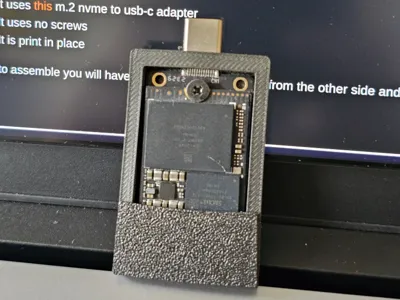
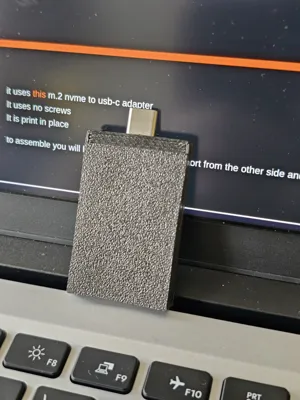
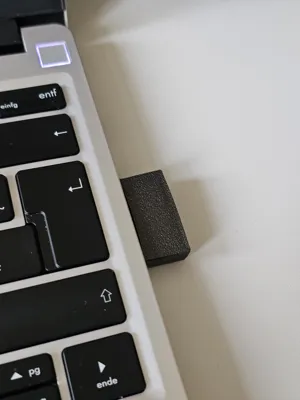
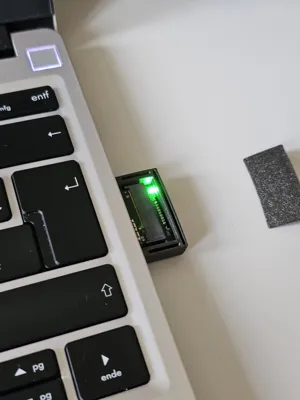
Print Profile(1)

0.16mm layer, 2 walls, 15% infill
Designer
24 min
1 plate
Open in Bambu Studio
Boost
20
60
2
2
40
22
Released
Description
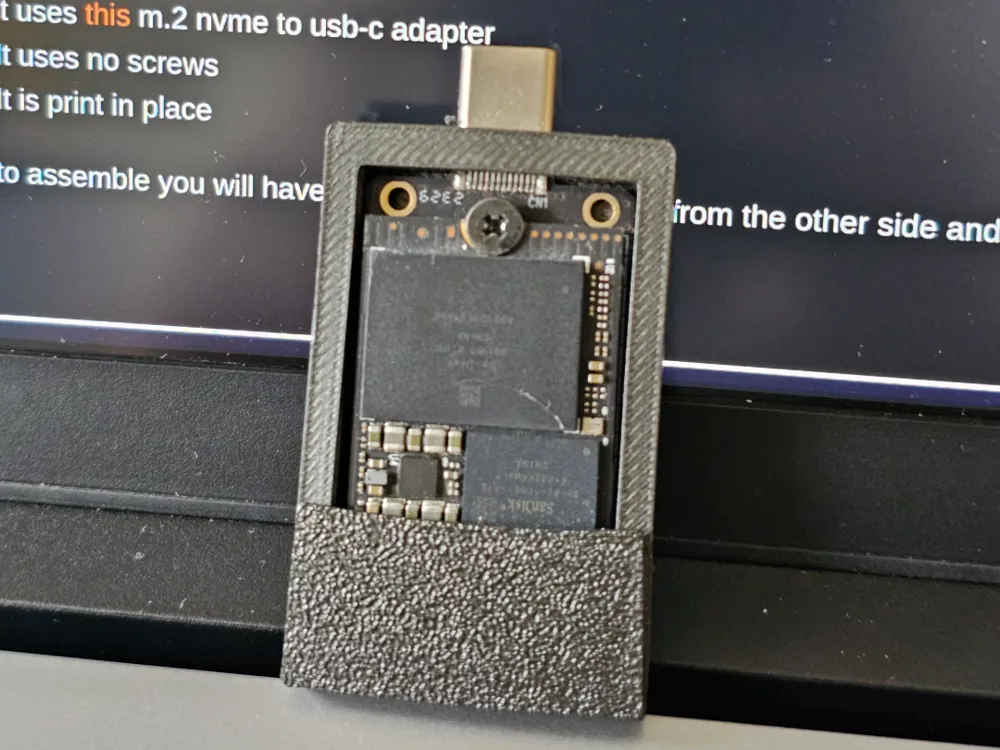
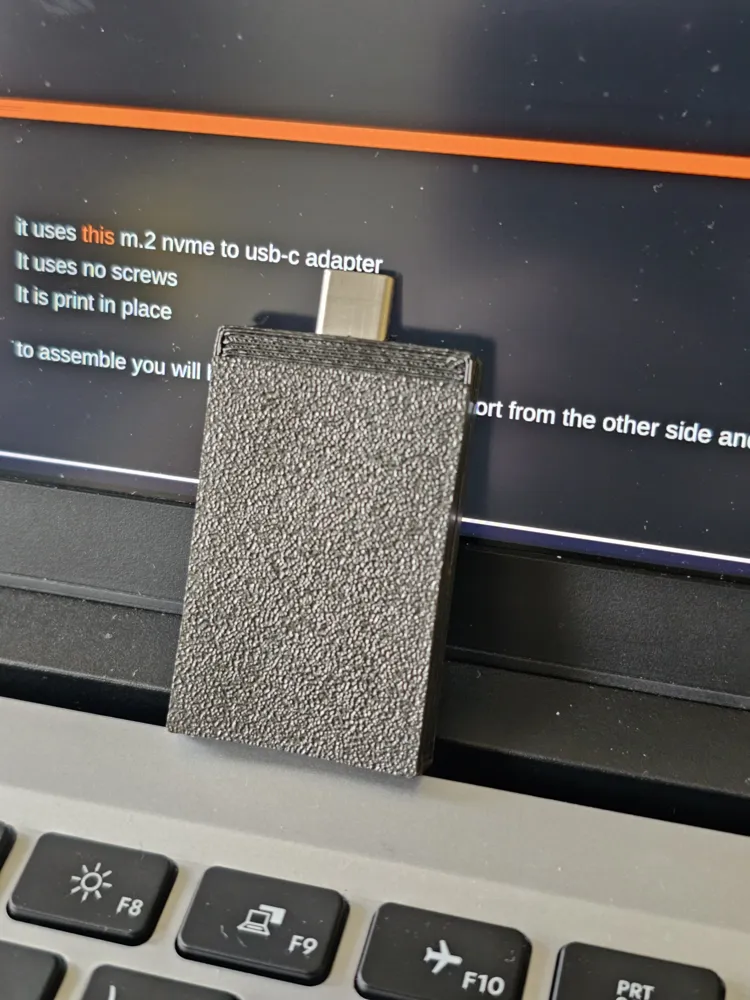
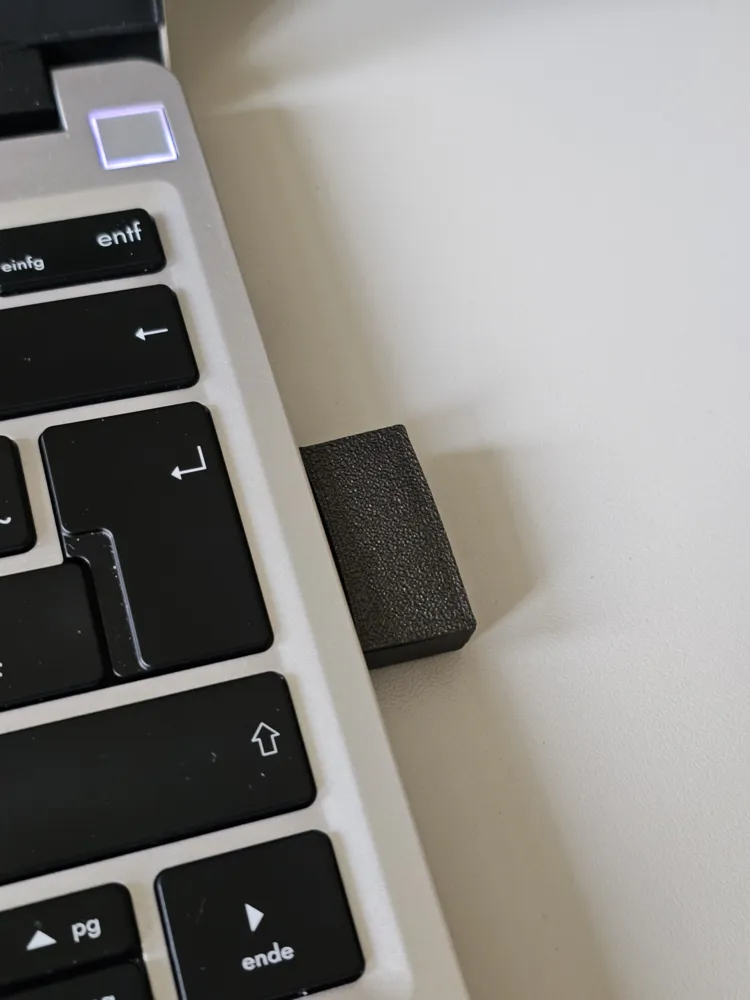
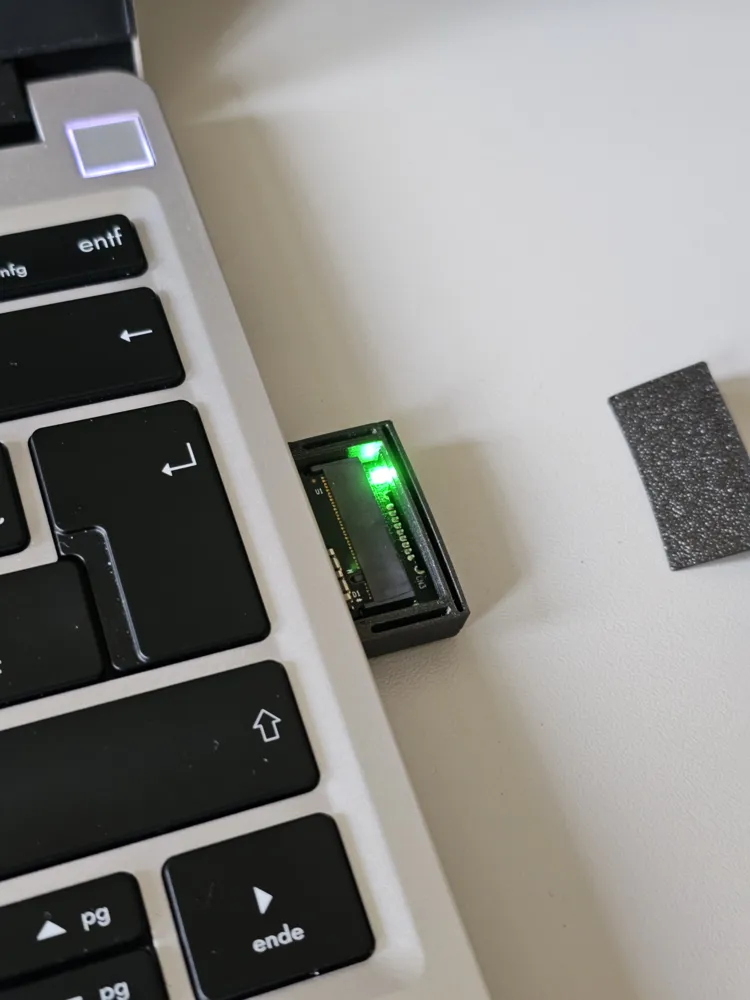
This is a simple, screw-less case designed for the Yominerr M.2 NVMe to USB-C adapter. It’s a print-in-place design, so there’s no need to mess with screws or extra part—just print it, snap the adapter in, and you’re good to go.
The case keeps everything compact and secure, with a snug opening for the USB-C port. It's designed to hold the adapter firmly without tools, making it easy to use and great for clean, portable setups.
🛠 Assembly Guide
To put it together just follow these steps:
- Remove the USB-A Port
The adapter has a USB-A plug on the other end, gently remove it. You won’t need it for this case. - Smooth the Edges
The fit is tight by design. Lightly file or sand the back end of the adapter where the USB-A plug was to make it slide in more easily. - Clean the USB-C Port Opening
Check the opening where the USB-C port goes. If there’s any leftover filament from printing, clean it up with a small knife or file. - Insert the Adapter
Line up the USB-C port with the hole in the case and press it through. It should click into place and sit flush. You might need to press firmly—it’s a snug fit. Add the top cover
Now just add the top cover (optional)
License

This user content is licensed under a
Creative Commons Attribution-Noncommercial-Share Alike


Comment & Rating (2)