
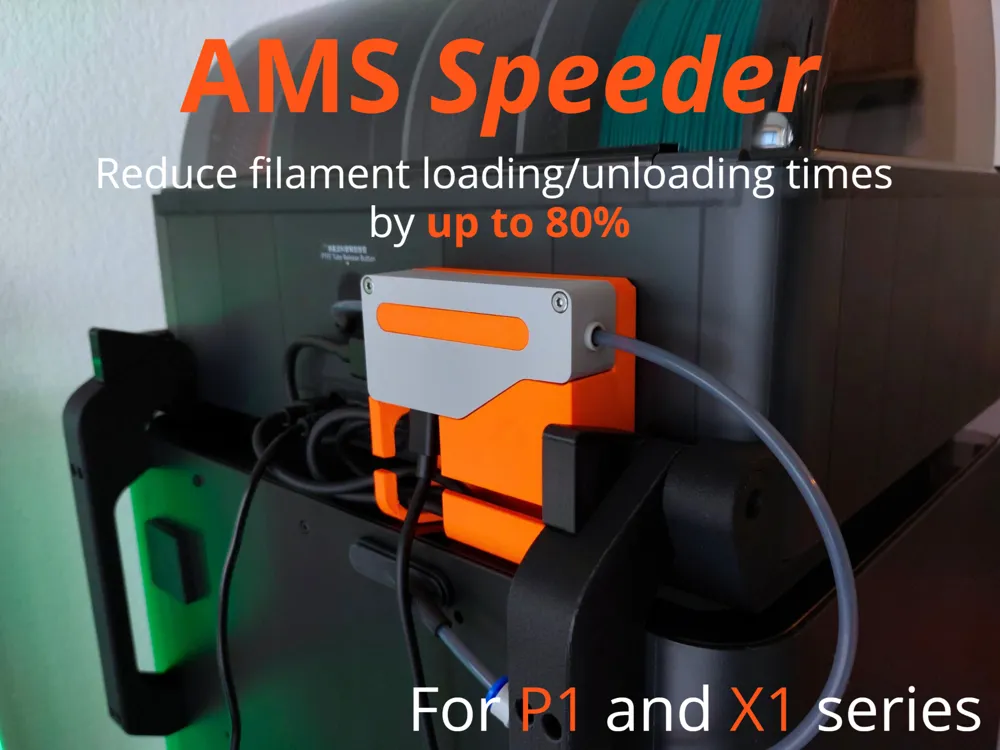
AMS Speeder - Reduce filament loading time !
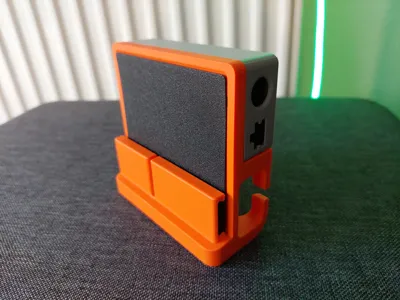
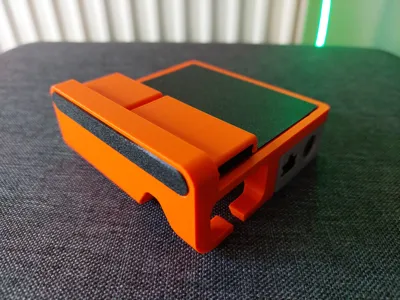
Print Profile(5)


Bill of Materials



Description
AMS Speeder V2 is here, thanks for all the feedback on the V1!
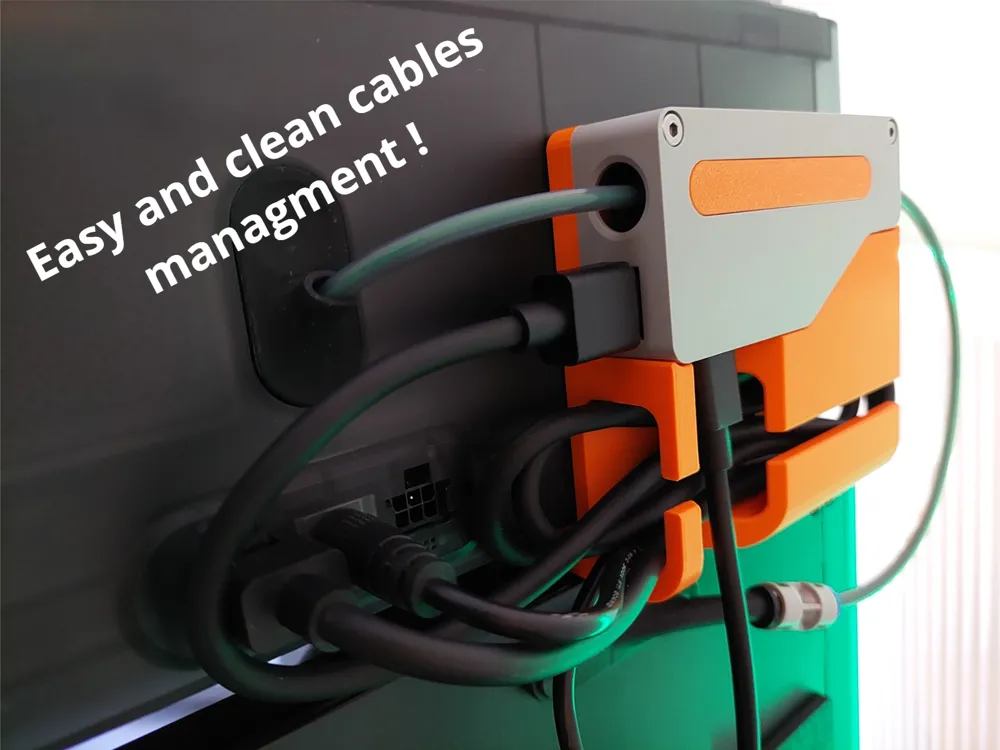
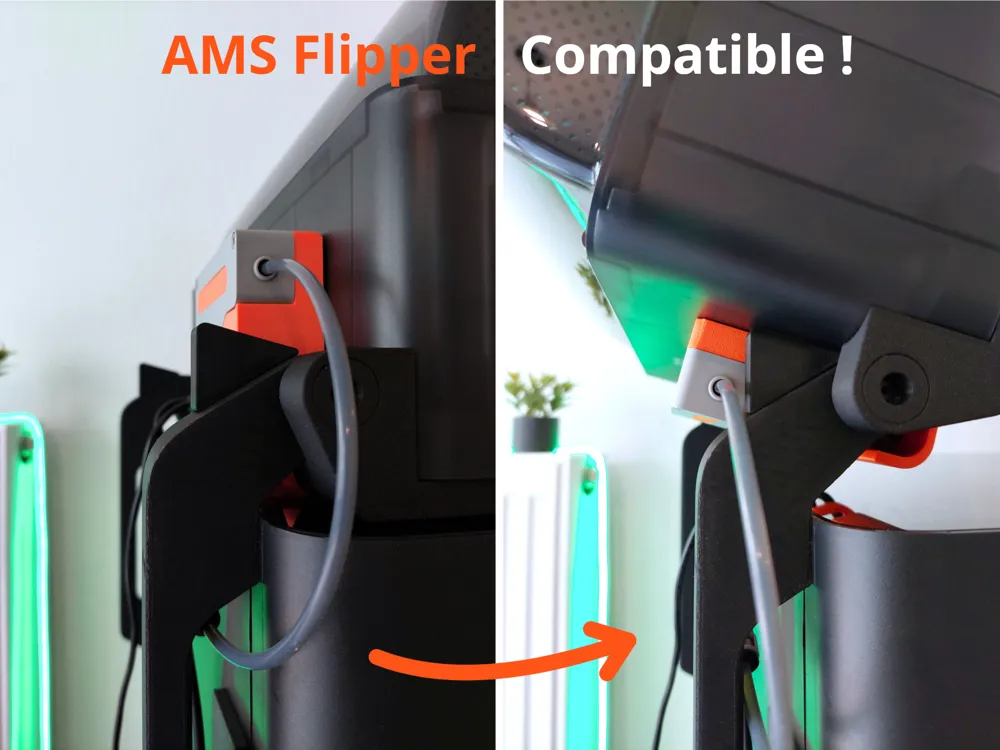
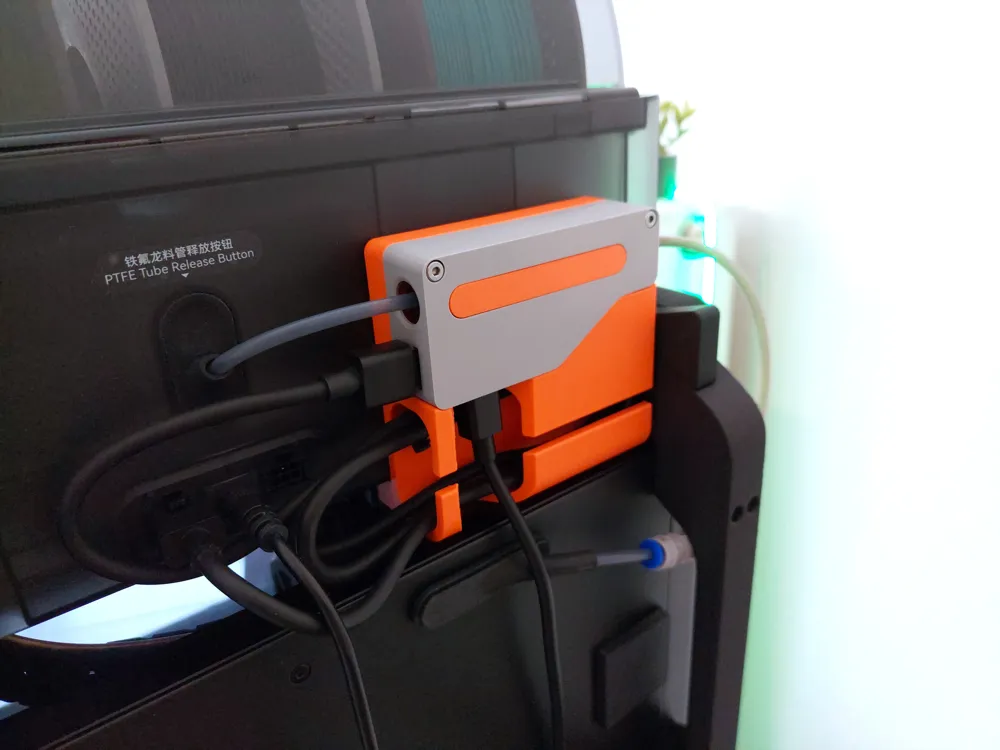
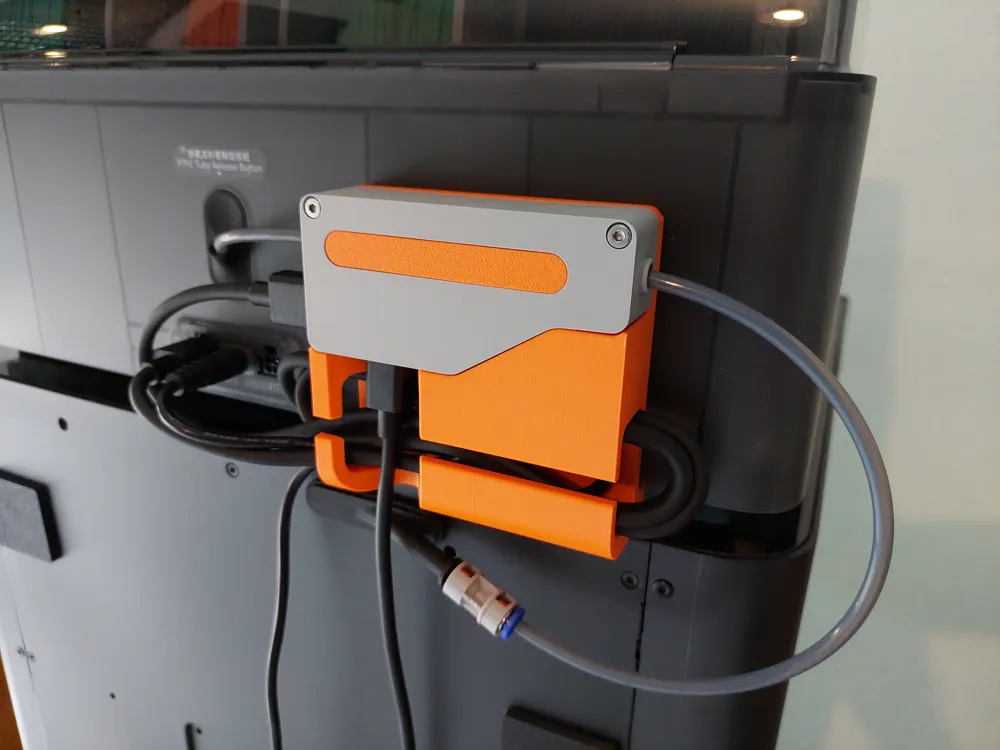
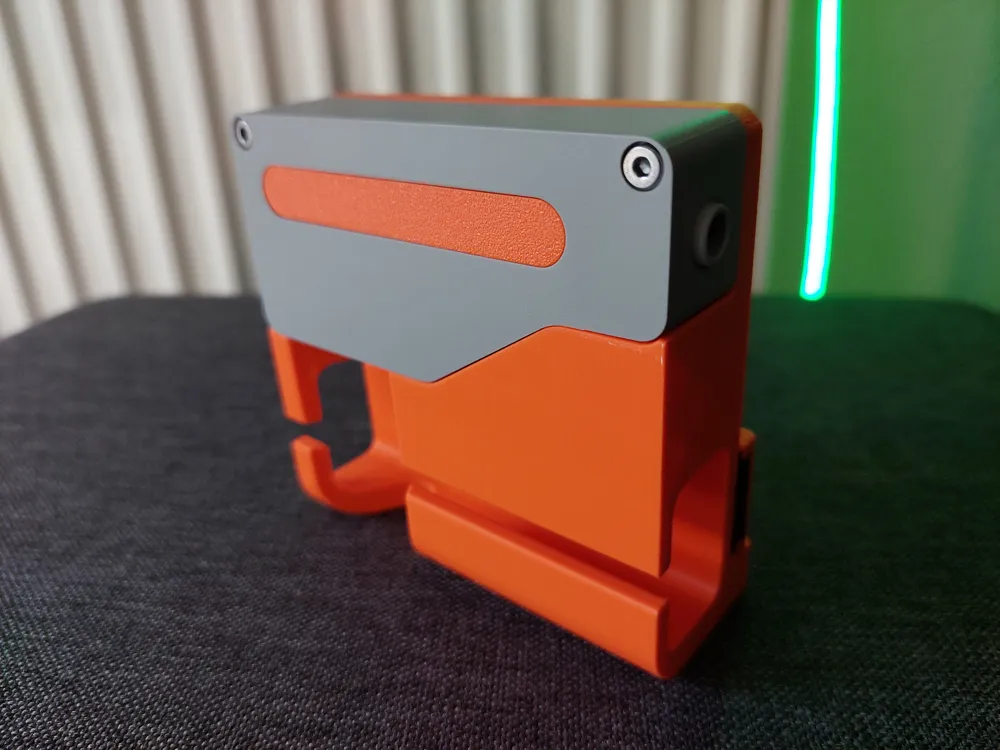
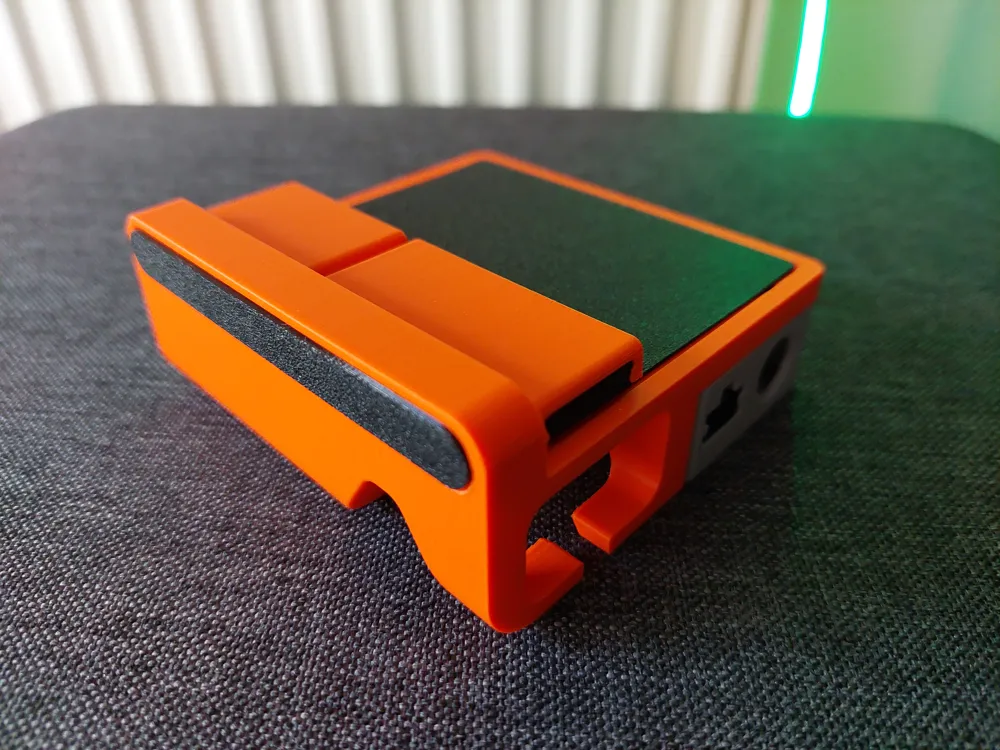
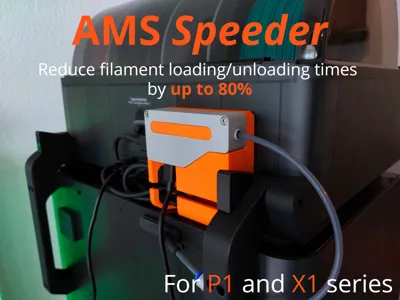
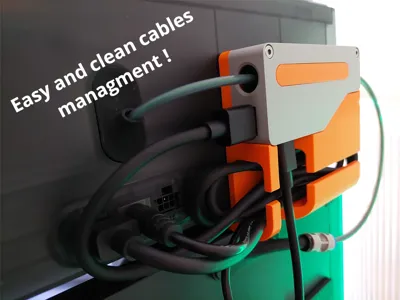
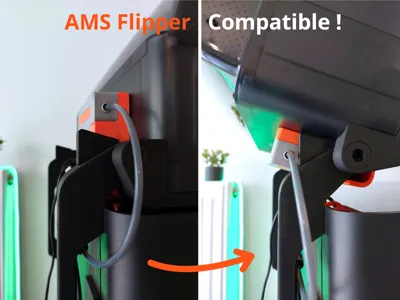
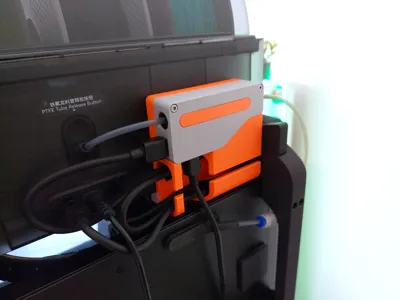
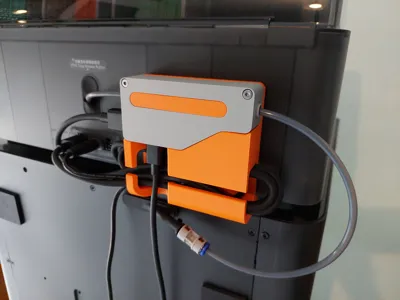
Designed to be compatible with the AMS, AMS 2 Pro, and the AMS Flipper by Jakob_K_Design, this simple mod aims to reduce filament loading times by shortening the PTFE tubes behind the printer, while also providing a simple way to manage the AMS cables.
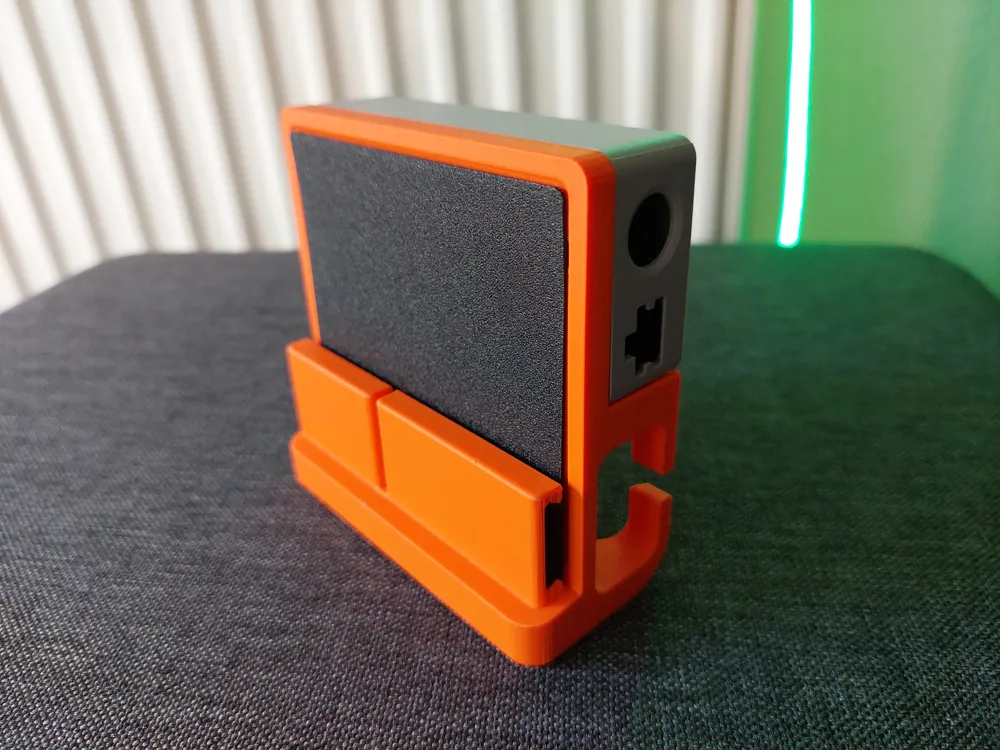
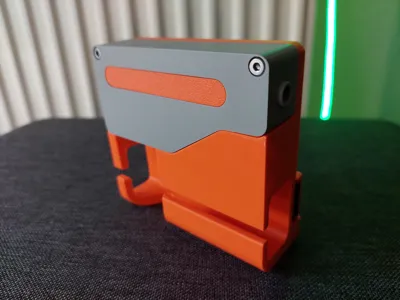
It will fit perfectly at the back of your AMS, and with its optional TPU inserts, it will not vibrate or scratch the AMS.
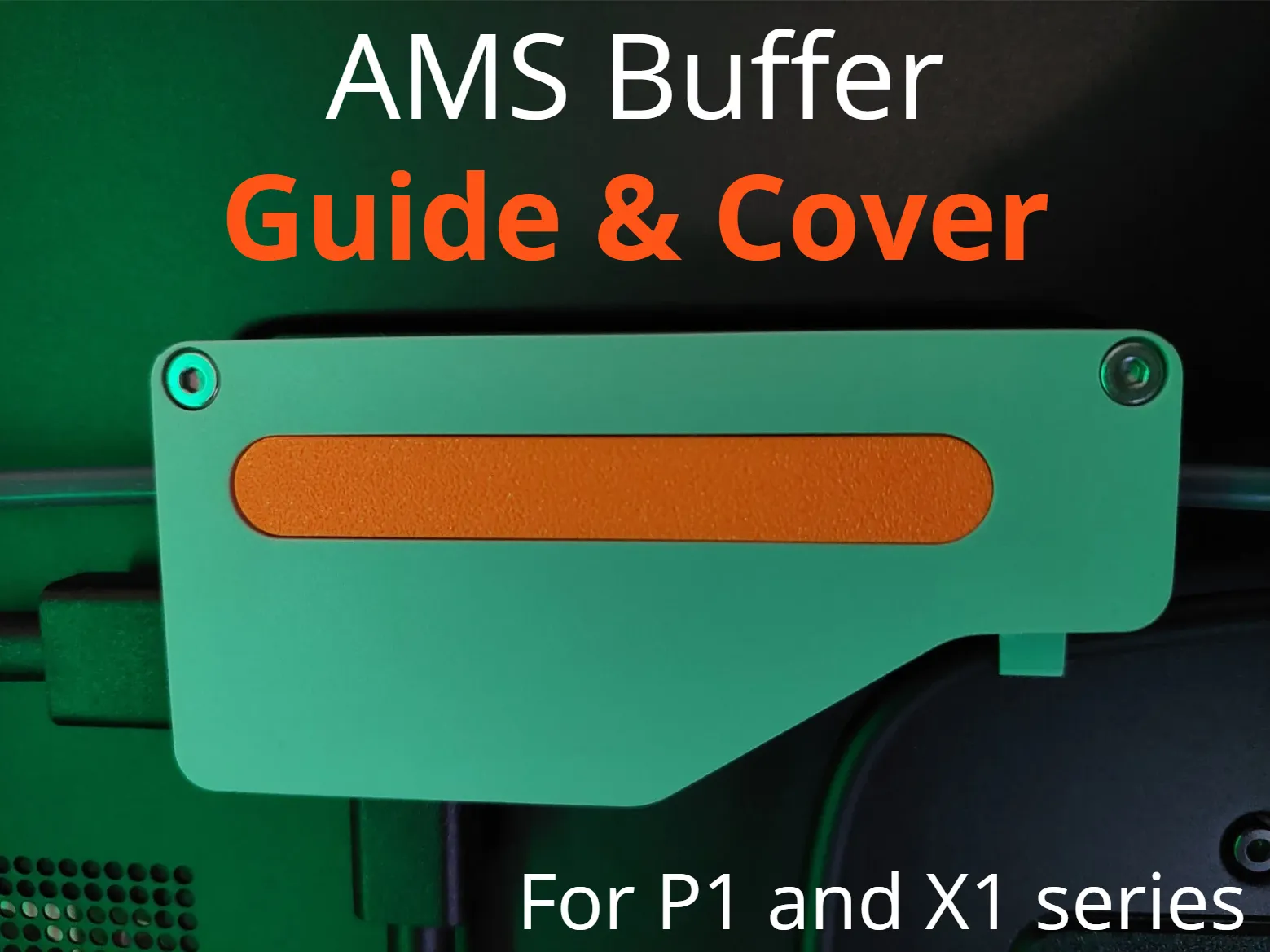
- I recommend using my AMS Buffer - Output Guide and Cover along with it, in order to keep the PTFE tube straight inside the buffer and avoid unwanted AMS errors.
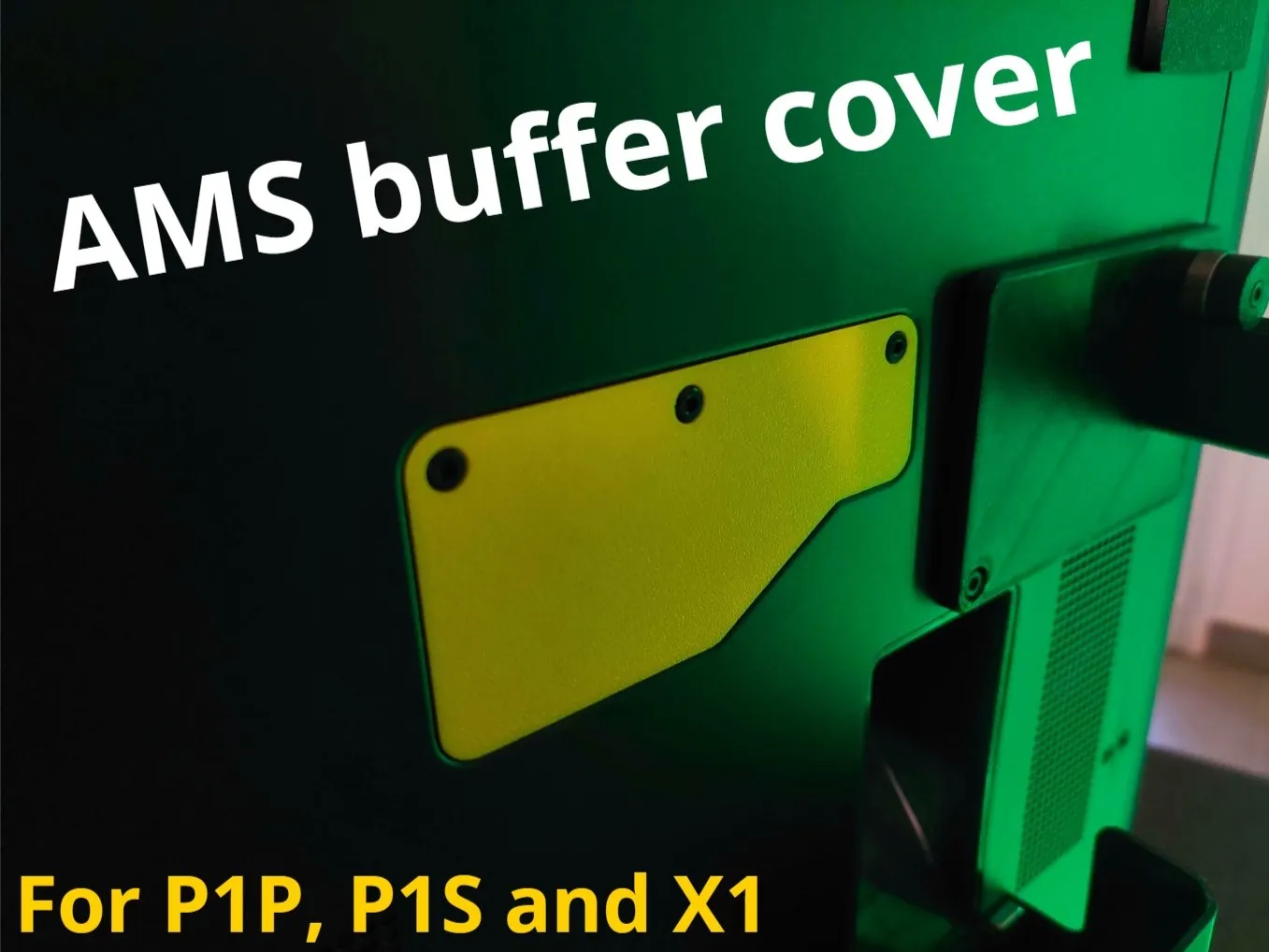
- You can also use my AMS buffer cover to make the back of your printer even cleaner !
Features

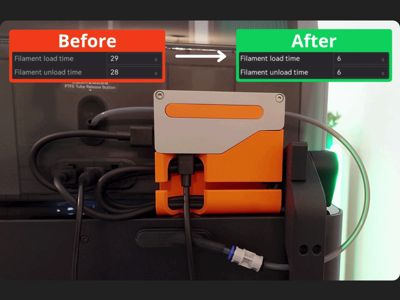
Faster Filament Changes: Used with shorter PTFE tubes, this holder cuts filament swap time by about 24 seconds, making your 3D printing process quicker and smoother.
Strong and Reliable: Although PTFE wear is slightly higher than usual, the better performance makes filament handling more efficient.
Easy Assembly: No external hardware parts required.
Printing and preparation
You can use the provided 3MF, with a minimal amount of supports for the model to print properly.
For the TPU inserts, I recommend using TPU 95 HF.
For the assembly, you will need to cut PTFE tubes. For that, carefully use a sharp cutter and make sure to cut it straight.
The lengths I recommend are ~10cm for the AMS output and more than 22cm for the buffer output.
Installation
If you use any model of AMS riser or the AMS Flipper, you will need to buy a 4-pin 0.5m extension cable like this one : BIQU Website
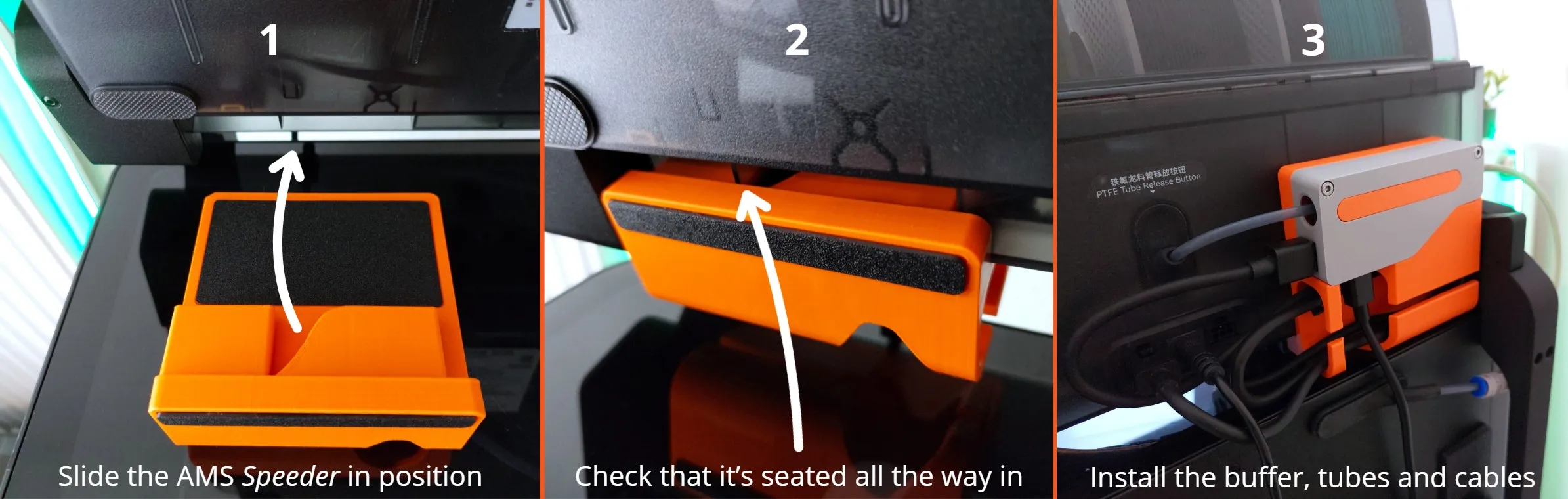
With AMS Flipper already installed
- Gently lift your AMS into the open position.
- Put the AMS Speeder on the glass cover, and slide it into place as shown. Make sure it's seated all the way in.
- Gently put the AMS back down and screw the buffer into its spot, plug everything back in, and manage the cables as you want ! (Tip : plug the 4-pin cable at the end)
Without AMS Flipper
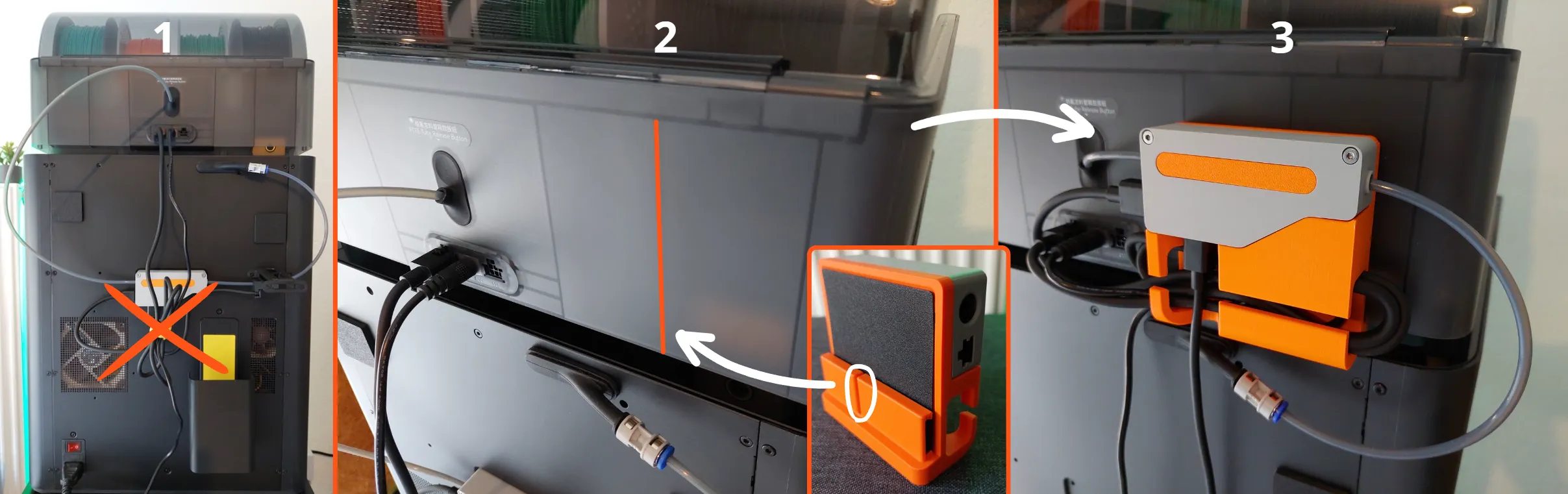
- Unplug and remove the buffer from the printer.
- Screw the buffer on the AMS Speeder, then gently lift the AMS or AMS Pro 2 and slide the AMS Speeder in position.
- Plug everything back in and manage the cables as you want ! (Tip : plug the 4-pin cable at the end)
Adjust Bambu Studio Settings: To see faster print times, update the Filament Load/Unload durations in the slicer (Bambu Studio → “Prepare” tab → Printer Settings → “Basic Information” tab → Filament Load/Unload Time).
You can adjust the load and unload times as needed, I personally use 6 seconds for each, which I’ve found to be optimal. You can go as low as 5s if you want.
Your AMS Speeder is now ready to reduce your print times !
Boost Me (for free)
Your support means a lot to me! If this model earned a spot on your build plate, consider leaving a free Boost 🚀
License

You shall not share, sub-license, sell, rent, host, transfer, or distribute in any way the digital or 3D printed versions of this object, nor any other derivative work of this object in its digital or physical format (including - but not limited to - remixes of this object, and hosting on other digital platforms). The objects may not be used without permission in any way whatsoever in which you charge money, or collect fees.


Comment & Rating (532)