Search models, users, collections, and posts

Create your own: Themed Headset Controller Stand
Print Profile(8)

All
P1S
X1E
A1 mini
H2C
X1
H2D Pro
H2D
A1
P1P
X1 Carbon
H2S
P2S
X2D
A2L

1a) Controller Stand Flat V3 PS5, XBOX, Switch 0.16mm layer
Designer
1.8 h
1 plate
4.9(14)

2) HeadphoneStandTemplate V4 0.2mm layer, 2 walls, 15% in
Designer
3.5 h
2 plates
4.8(9)

3) V4 Cable management 0.2mm layer, 2 walls, 15% infill
Designer
24 min
1 plate
4.5(2)

1b) Controller Stand DUAL PS5, XBOX, Switch 0.16mm layer
Designer
2.6 h
1 plate
5.0(2)
Click to see more

Open in Bambu Studio
Boost
315
786
89
40
760
268
Released 

Description

UPDATE V4: A user in the comments suggested the idea of cable management — so here it is!


The headphone stand has been updated with two 4 mm mounting holes on the back for optional cable management.
If you’ve already printed a previous version, a drill guide is included in the cable management print profile to assist with retrofitting.
Begin with a pilot hole and gradually increase drill size up to 4 mm for best accuracy.
The cable management component is designed to press-fit securely into place.


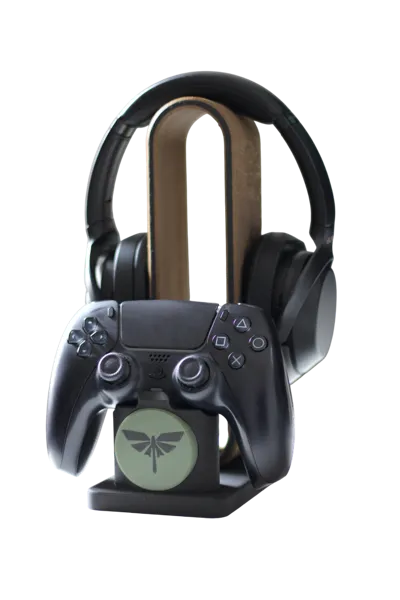
UPDATE V3: Now compatible to PS5, XBOX and Switch Pro Controllers and optional Dual Controller Stand!


FEEL FREE to upload your print profile here when your are done! You can collect Makerworld points for every download of your profile.


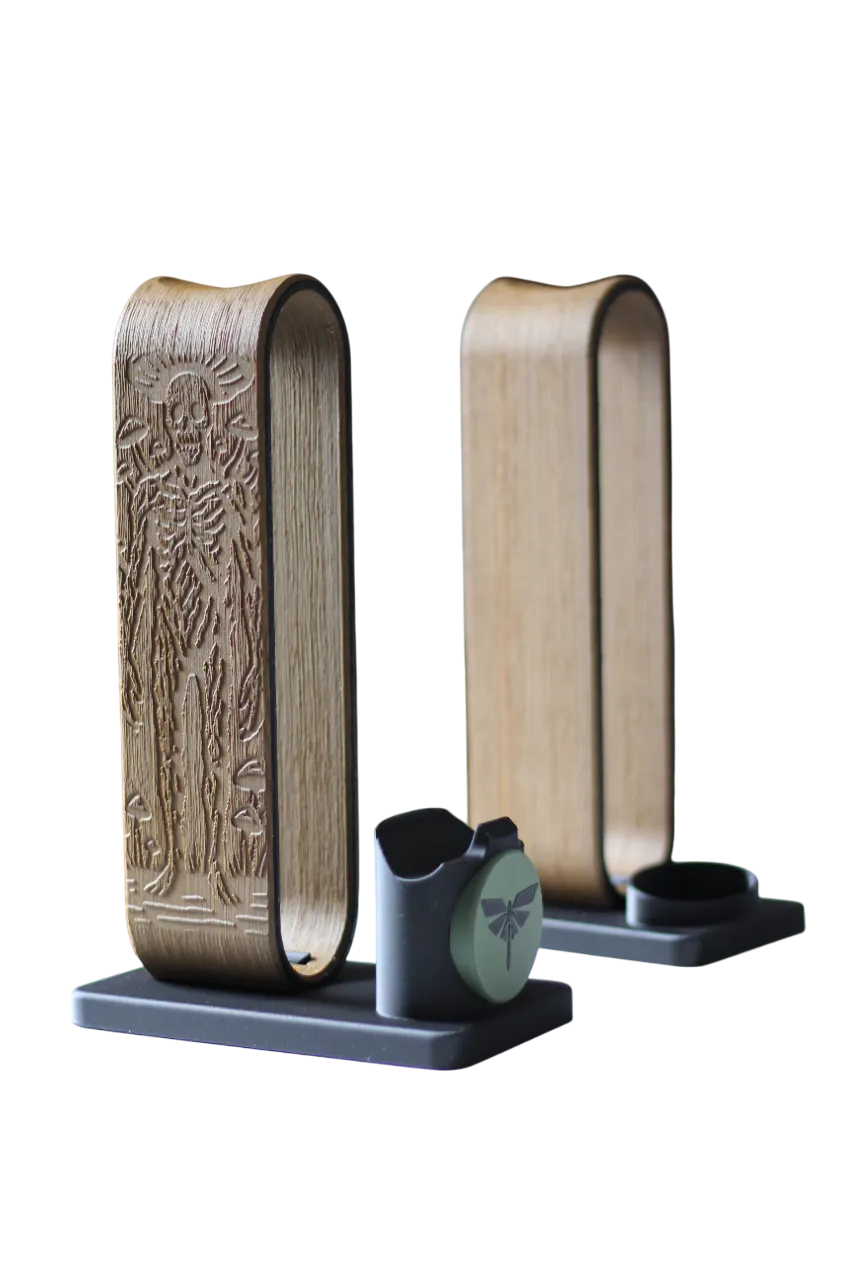
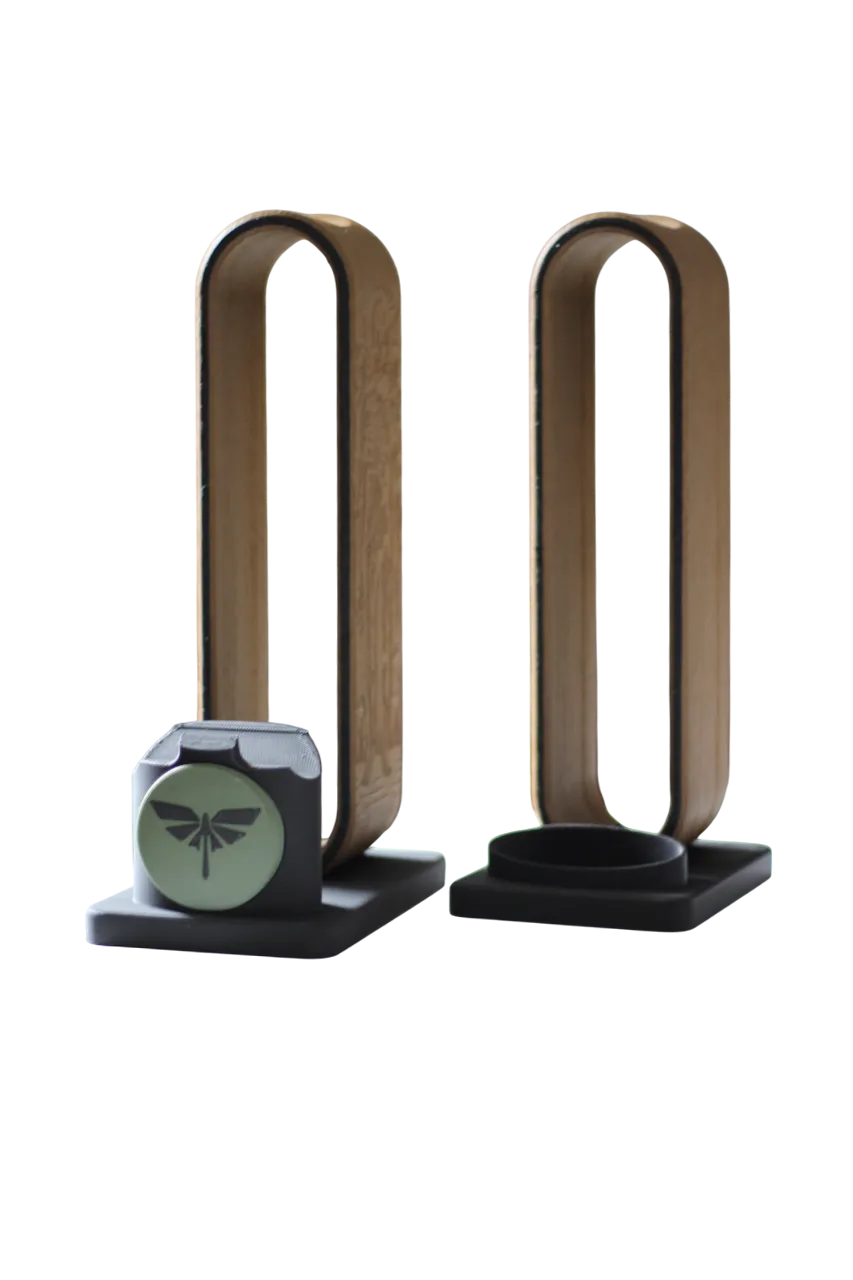
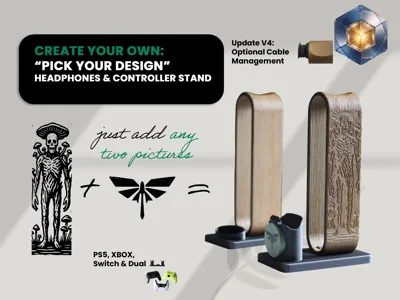
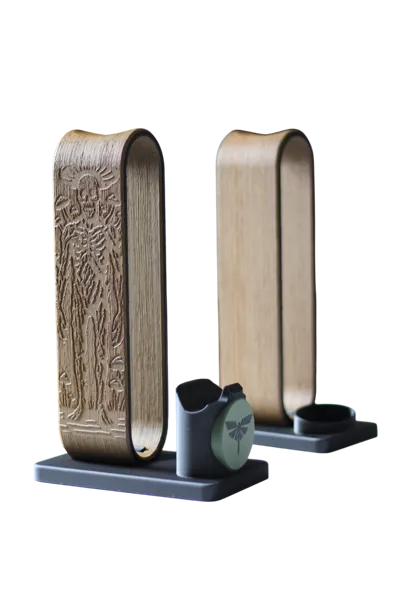
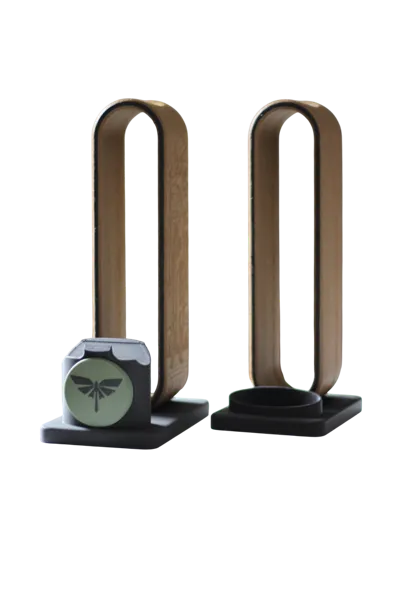
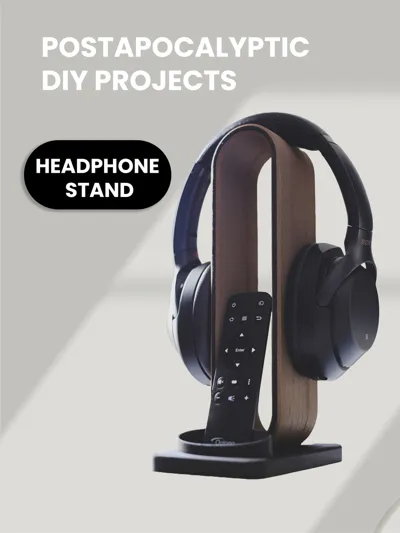
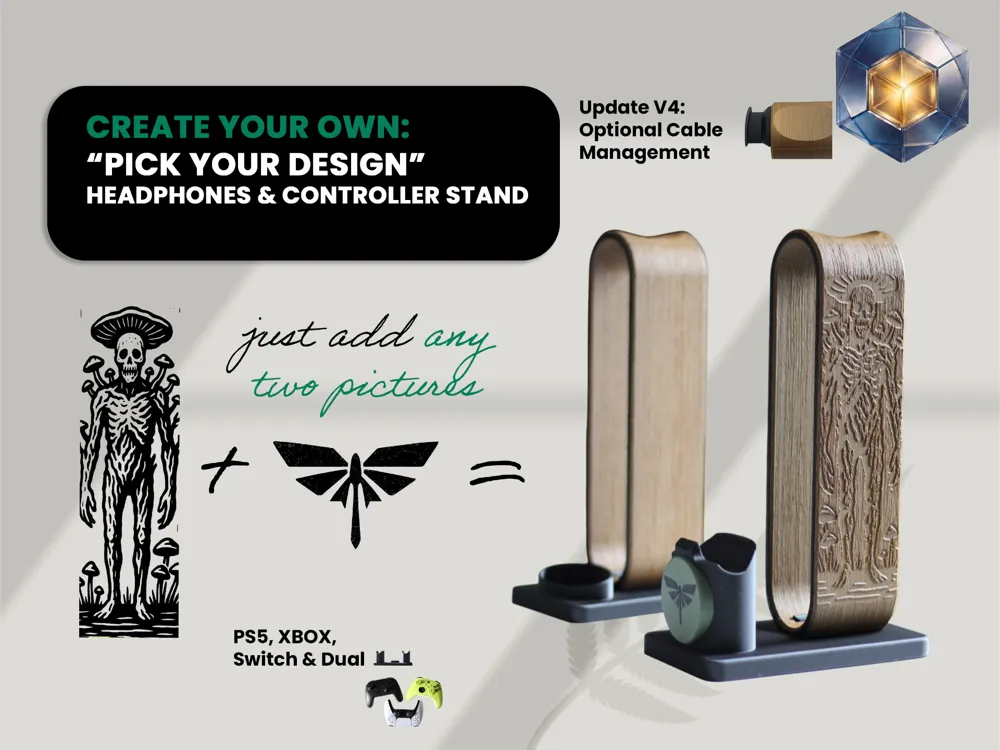
🎧 Create Your Own Carved Headset Stand 🎮 

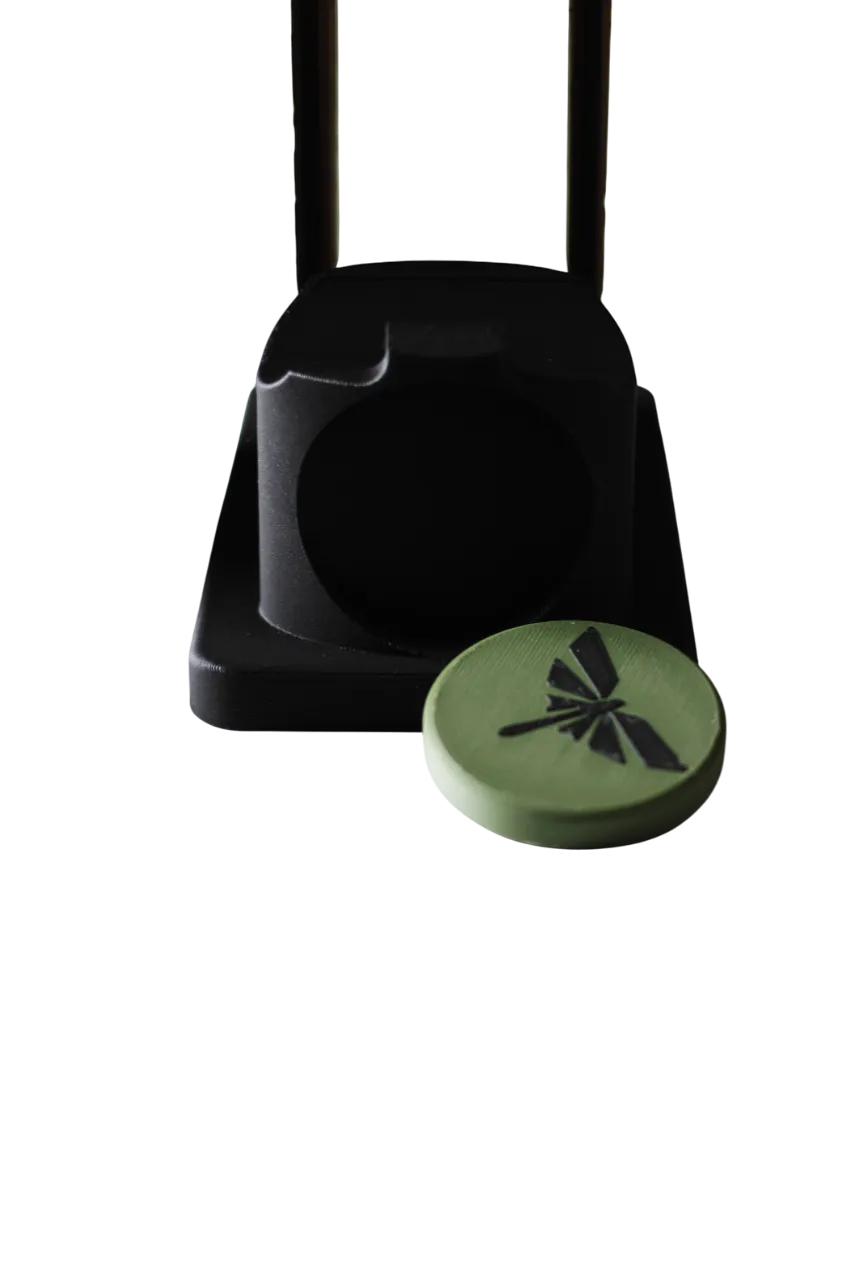
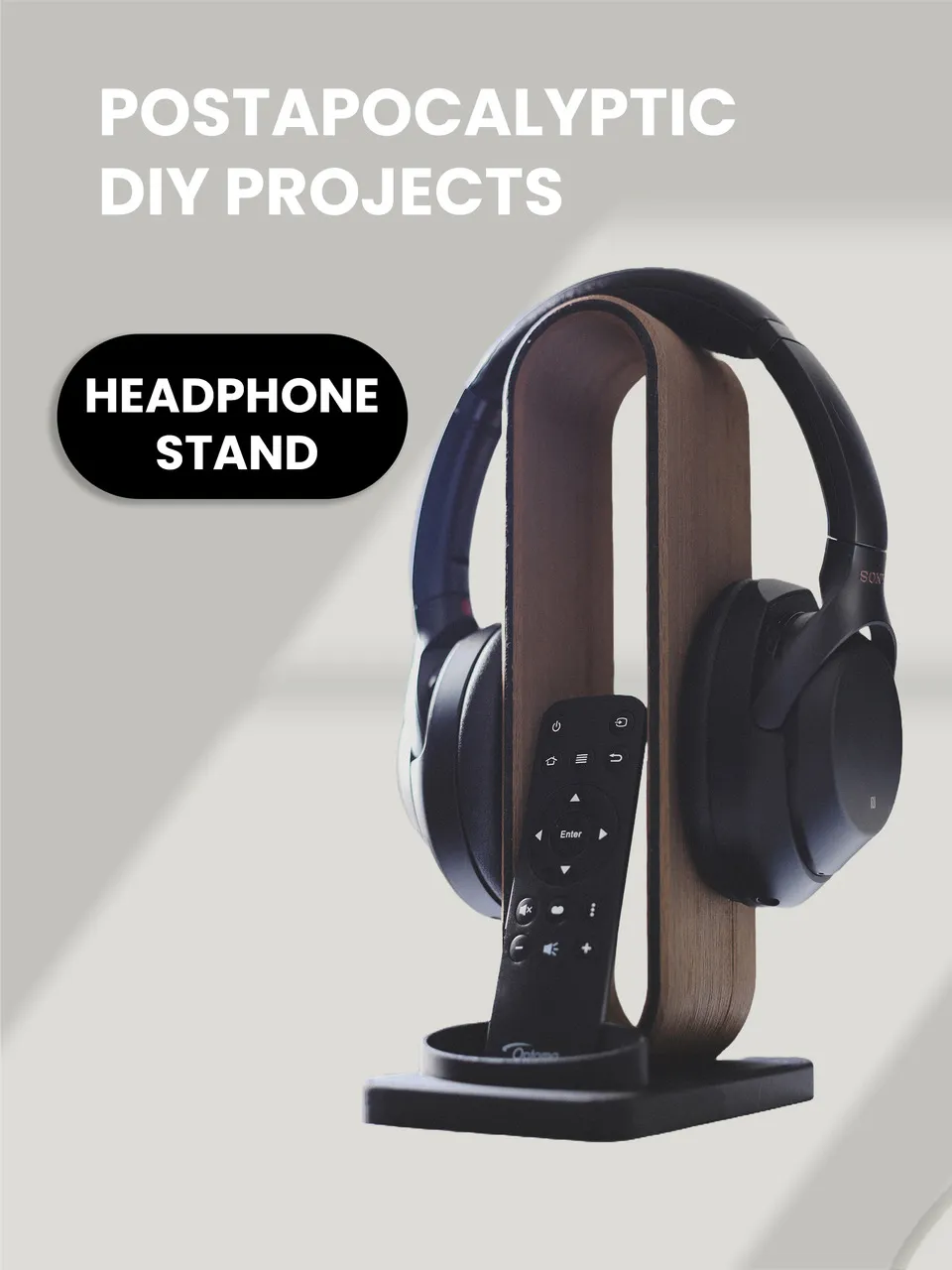
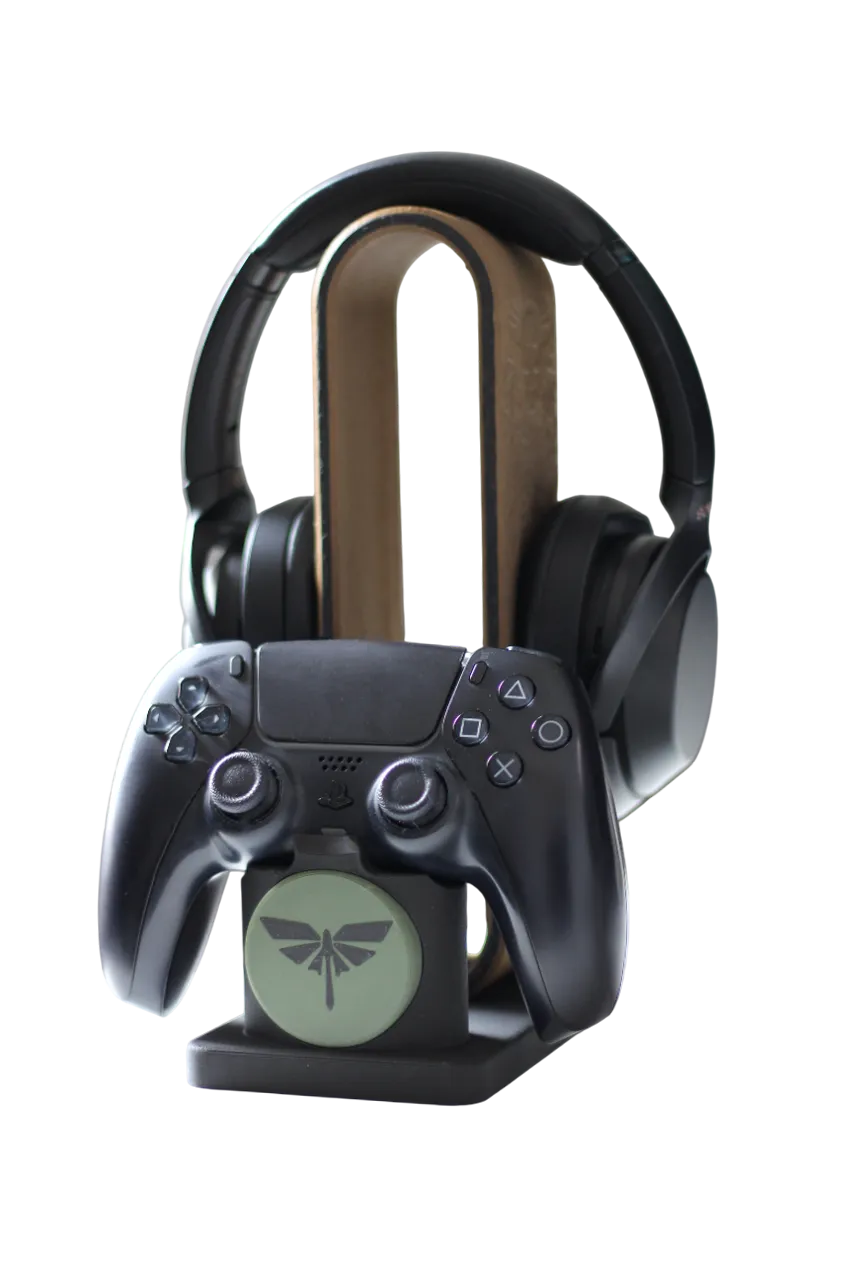
Following the positive feedback and suggestions from the comment section of my "Last of Us"-themed PS5 Headset & Controller Stand, I decided to create a customizable version that lets you design your own carved headset stand. You can even add an optional controller or remote holder!


✨ What's Included?

You can customize:

  • A carved headset stand
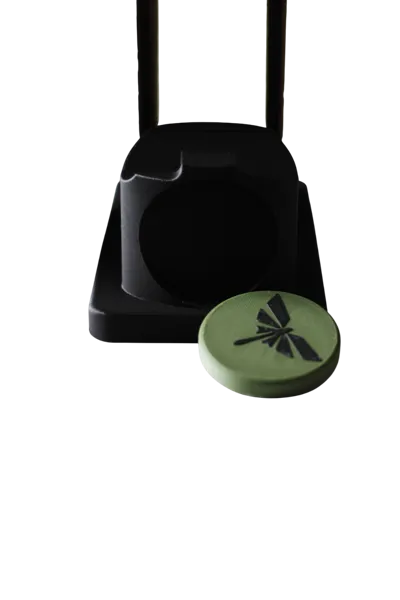
  • Optional  remote stand or dual controller stand

🛠️ How to Customize It

Just follow these simple steps:

  1. Download Your Parts:
    • 1 a) Controller Stand

      1b) Dual Controller Stand

      or

    • 1 c) Remote Stand 
    • 2) Headset Stand Template  / or use HeadsetStandTemplateOrca.zip with Orca 
    • 3) Additional Files.zip (unzip them)


      Make sure the svg files in Files.zip are located in the Folder c:\svg\

       / or use HeadsetStandTemplateOrca.zip with Orca, no need to put the svg files anywhere then.


      1b. For MAC Users

      You have to donwload HeadsetStandTemplateOrca.zip and use the included file with Orca, Orca doesn't need the orginal SVG Files.

  2.  
  3. Customize the Design:
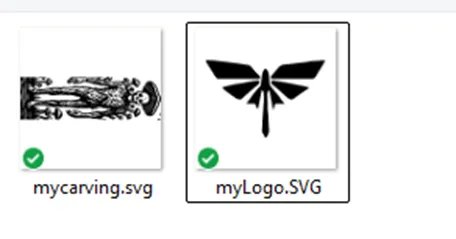
    • Open carving.png and logo.png in your favorite image editor.
    • Replace the artwork with your custom graphics.


  4. Convert Your PNG Files to SVG:
  5. Edit the 3D Model in Bambu Studio:

    • Open HeadsetStandTemplate.3mf.
    • Go to Process → Objects.
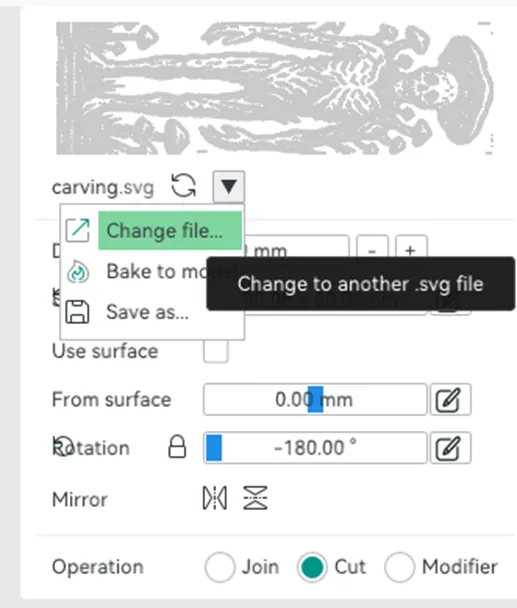
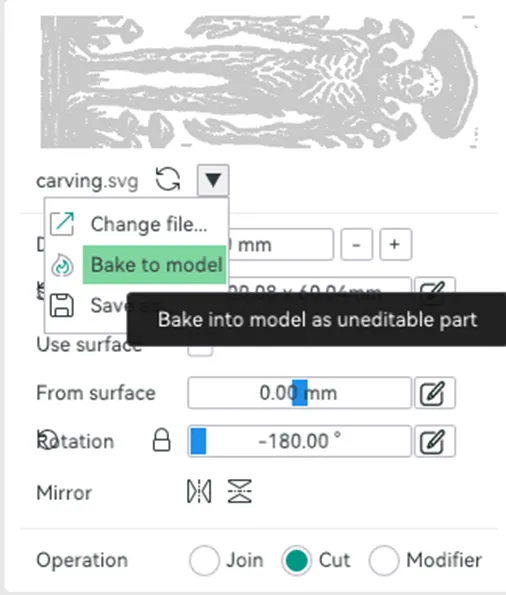
    • Right-click on the SVG files and choose Edit SVG.
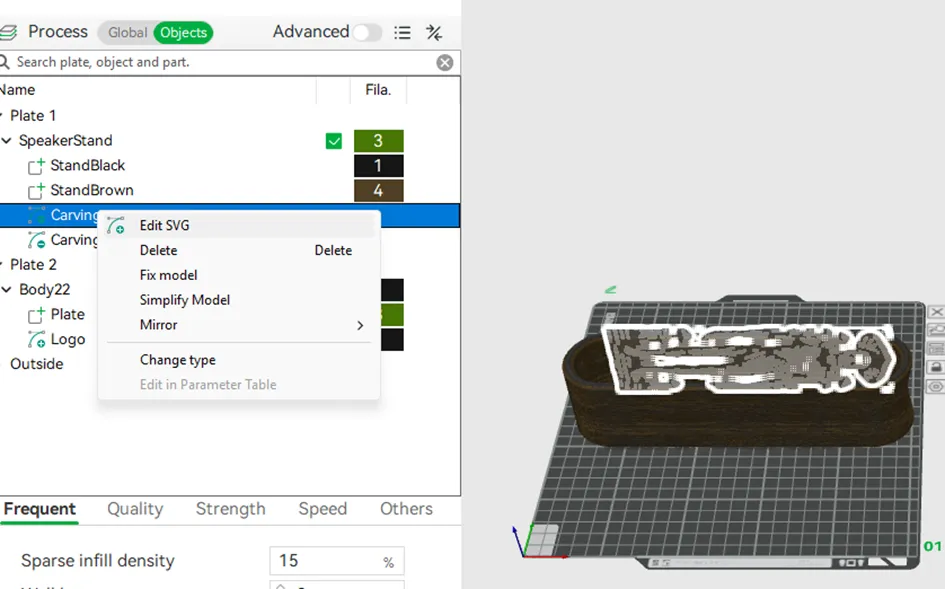


    • Click the arrow icon and select Change file.
    • Replace:
      • carving.svg with your custom carving SVG (there are two carvings to change, one for each side)
      • logo.svg with your custom logo SVG


Ready to Print!

  • If you'd like to upload your design as a print profile here, don’t forget to bake the updated SVGs into the model before sharing.
  • Slicer warning about floating regions can be ignored!


Happy printing! 🧑🎨🖨️


Documentation (2)

Other Files (2)
Files.zip
HeadsetStandTemplateOrca.zip

Comment & Rating (89)

(0/1000)

Loved the fact I could customize this print! I used hot pink, cobalt blue metal and light grey.
The designer has replied
2
Reply
Nice, thanks for the pic. Will you Upload your Version as print profile?
0
Reply
Replying to @DK71 :
How do I do that? I will if its okay with you (your original plans so I don't want to overstep any maker boundaries)
0
Reply
Replying to @user_2537619649 :
I thougt it is nice to collect some models here, 1st you have to bake your svg in the model, howto is in my model description. Then you can click on the 3 Points in the upper left on my modell page and click "Add print profile".. and fill out the form..
0
Reply
Print Profile
2) HeadphoneStandTemplate V4 0.2mm layer, 2 walls, 15% in
my Borderlands version 😊
Show original
2
Reply
3mf?? please
0
Reply
please please profile
Show original
0
Reply
Magnificent, bravo, a superb creation, but I haven't found the model with the skeleton
The designer has replied
Show original
1
Reply
Thank you! And here is the used print profile: 2) HeadphoneStandTemplate 0.2mm layer, 2 walls, 15% infill If you are working on a PC with Bambu Studio, you need to download the "Files.zip" file under Documentation and place it in the C:\svg\ folder Otherwise, you can also download "HeadsetStandTemplateOrca.zip" under Documentation and work with Orca Slicer, in this case you do not need additional files
Show original
0
Reply
Replying to @DK71 :
I've only had my printer for a month, so I'm a complete beginner, but I'll follow your recommendations and give it a try. Thank you again for your quick response; for now, I'm using Creality Print exclusively
(Edited)
Show original
0
Reply
Replying to @Soky69 :
You're welcome, and please do not hesitate to ask if you have any further questions
Show original
1
Reply
Print Profile
1a) Controller Stand Flat V3 PS5, XBOX, Switch 0.16mm layer
I made this for a Christmas present for someone and remixed it in my own way. I had some issues with the headphone holder but it was 100% my printer and user error. this file is amazing.
The profile uploader has replied
1
Reply
Thank you! Looks good! What printer do you use?
0
Reply
Bambu X1C. I had some clogging issues and it just needed a good cleaning and a cold pull.
0
Reply
Print Profile
3) V4 Cable management 0.2mm layer, 2 walls, 15% infill
Awesome model, easy to print, stand perfectly! Thanks!
The profile uploader has replied
1
Reply
Thank you! Looks good!
(Edited)
1
Reply
I had more trouble creating my SVG file than printing the parts 😂 It's perfect, thank you 👍
(Edited)
Show original
2
Reply
Unfortunately, the SVG cannot be edited for the logo
The designer has replied
Show original
0
Reply
Read the text? Does it actually say how to do it, files to c:/svg
Show original
0
Reply
Replying to @DK71 :
The other two also worked without me having to go into any files
Show original
0
Reply
Replying to @DK71 :
you can't even click it to edit it, or rather, nothing happens
Show original
0
Reply
Awsome! Thank you, I love it! Clair Obscur E33 version :)
1
Reply
Print Profile
1a) Controller Stand Flat V3 PS5, XBOX, Switch 0.16mm layer
added the Fortnite logo to mine. awesome print!
The profile uploader has replied
0
Reply
Looks cool, thank you for the rating!
0
Reply
perfect print, thank you for the availability
Show original
1
Reply

License

This user content is licensed under a Standard Digital File License.

You shall not share, sub-license, sell, rent, host, transfer, or distribute in any way the digital or 3D printed versions of this object, nor any other derivative work of this object in its digital or physical format (including - but not limited to - remixes of this object, and hosting on other digital platforms). The objects may not be used without permission in any way whatsoever in which you charge money, or collect fees.