
SmartTag





Print Profile(1)
Bill of Materials


Description
Introducing the SmartTag. You can now use the RIFD tags from Bambu Labs filament for something else.
Print Instructions.
- When the printer has paused place the RIFD tag into the area. ( make sure you only put 1 of the 2 that came with the spool. You will also have to trim it to fit inside of it. )
TIP: Glue the RIFD tag so it won’t fall out when printing.
Then after done printing remove gently from the build plate and let it cool down.
For Apple devices use Apple shortcuts. (use something similar on android devices.)
Video how to add RIFD tag (Shortcuts)

Boost Me (for free)
Please boost this model for more epic models.
Thank You For Supporting Master Gadget!! If you want to support me even more Smash that boost button!!
Boost Me (for free)
It's FREE to boost
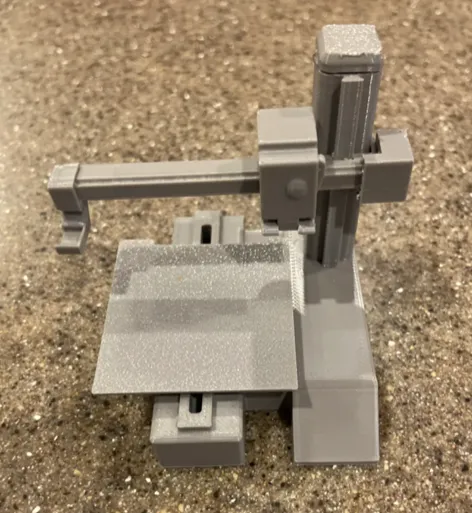
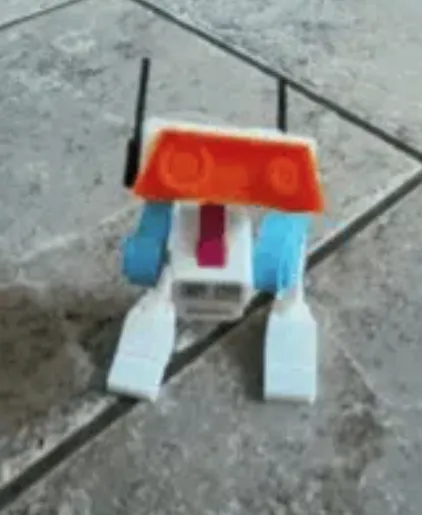
Having a hard time to find something to print?? Try some of these epic models.
License

You shall not share, sub-license, sell, rent, host, transfer, or distribute in any way the digital or 3D printed versions of this object, nor any other derivative work of this object in its digital or physical format (including - but not limited to - remixes of this object, and hosting on other digital platforms). The objects may not be used without permission in any way whatsoever in which you charge money, or collect fees.


Comment & Rating (0)