Search models, users, collections, and posts

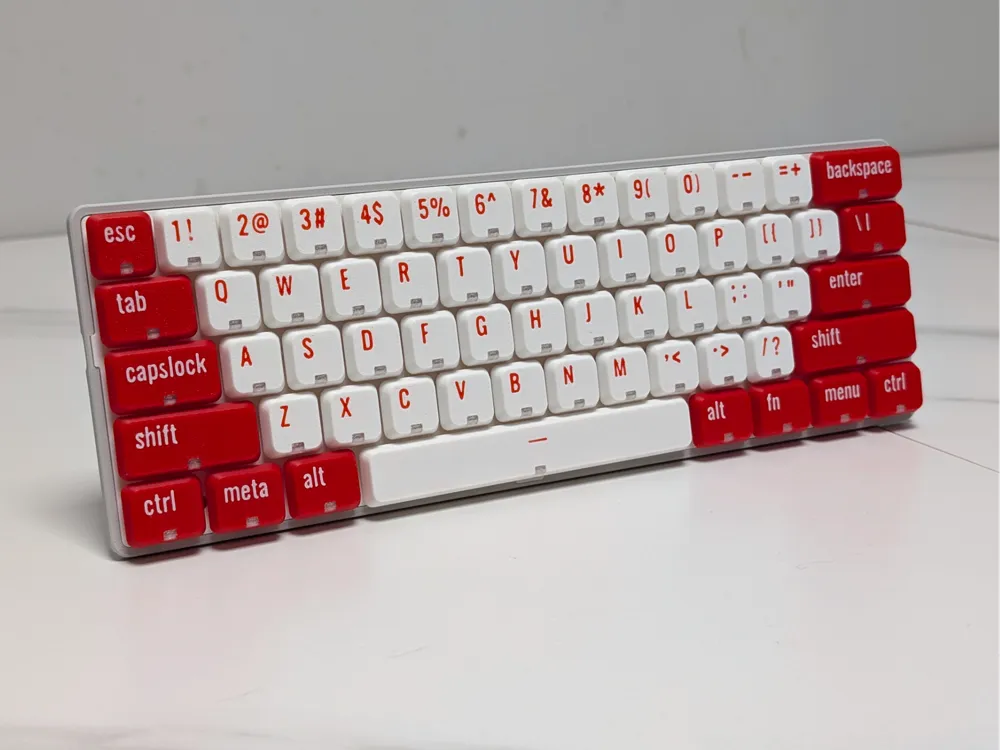
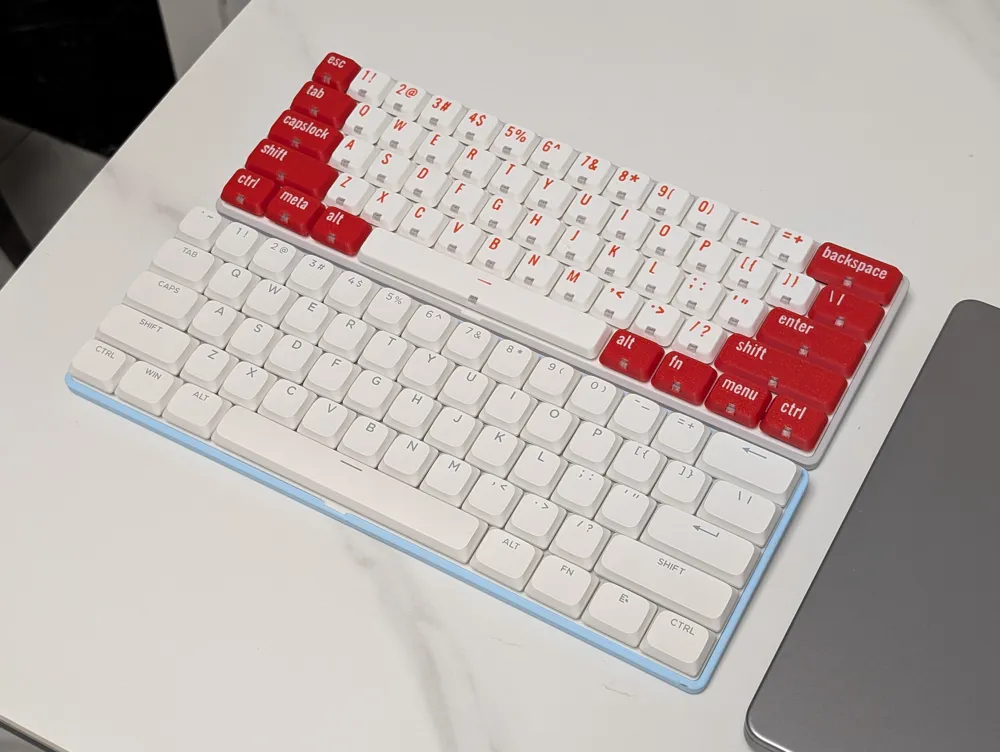
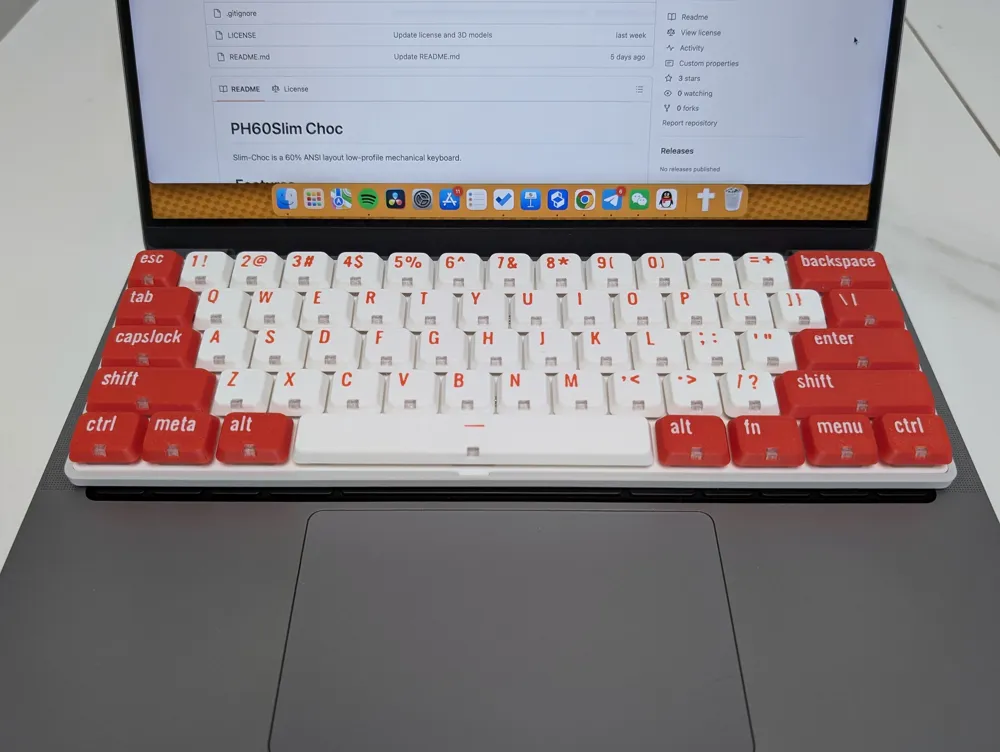
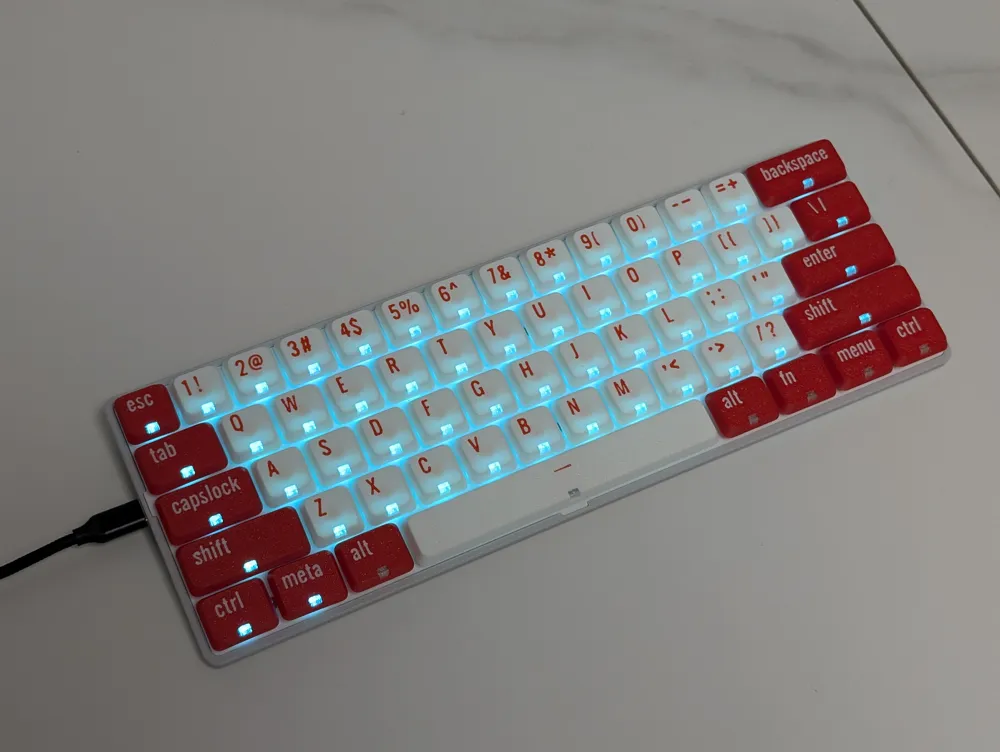
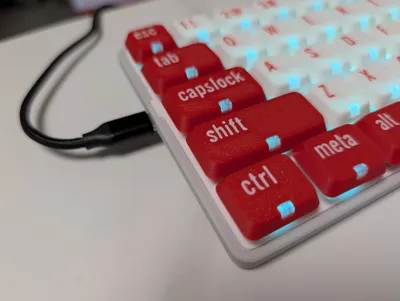
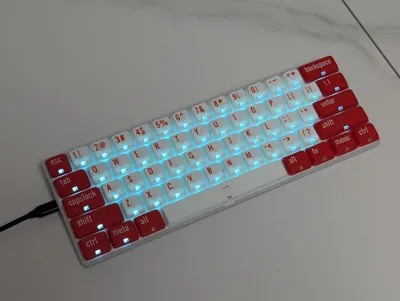
Backlit Low-Profile Keycaps | 60% ANSI
IP Report
Print Profile(1)

OG Red & White
Designer
5.2 h
2 plates
Open in Bambu Studio
Boost
308
649
23
15
600
158
Released
Bill of Materials
Bambu Filaments
Select all

Description
Brifeing
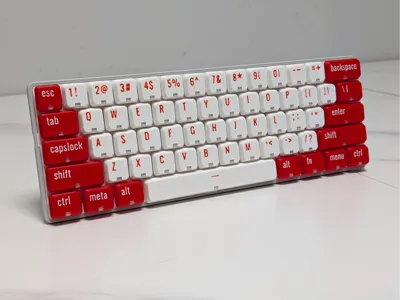
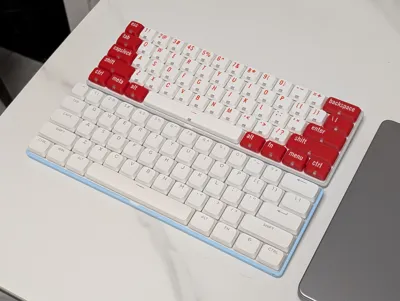
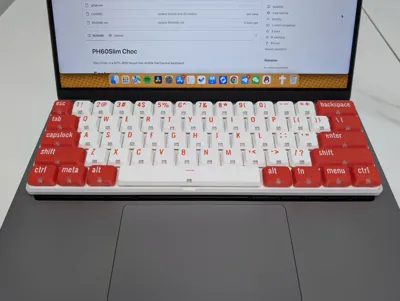
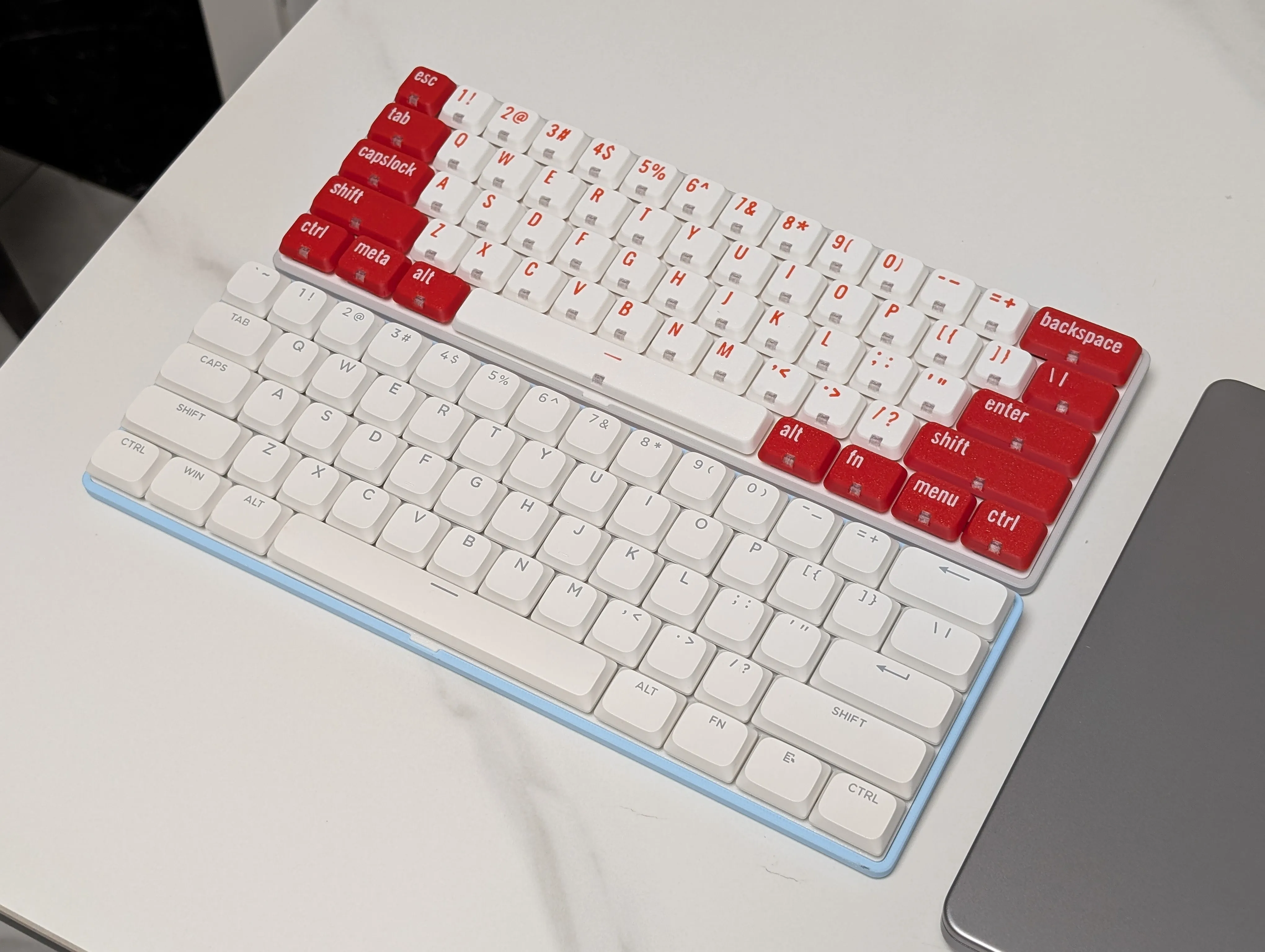
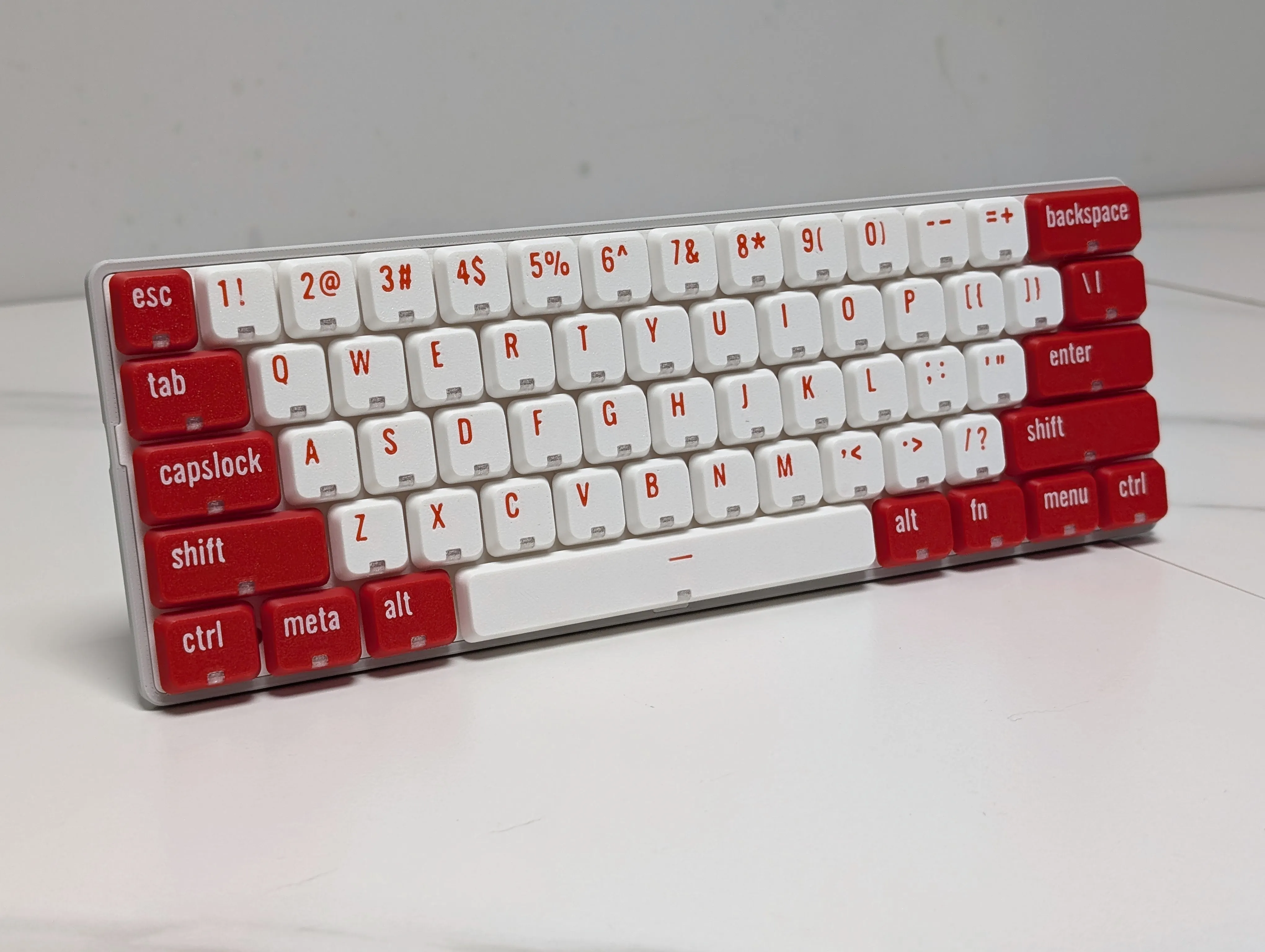
This set of keycaps is design for PH60Slim-Choc, but also compatible for most of the low-profile switches.
Boost Me (for free)
If you like our design, consider give us a boost💕
Join our Discord|Website | GitHub| YouTube | Bilibili|Taobao
Features:
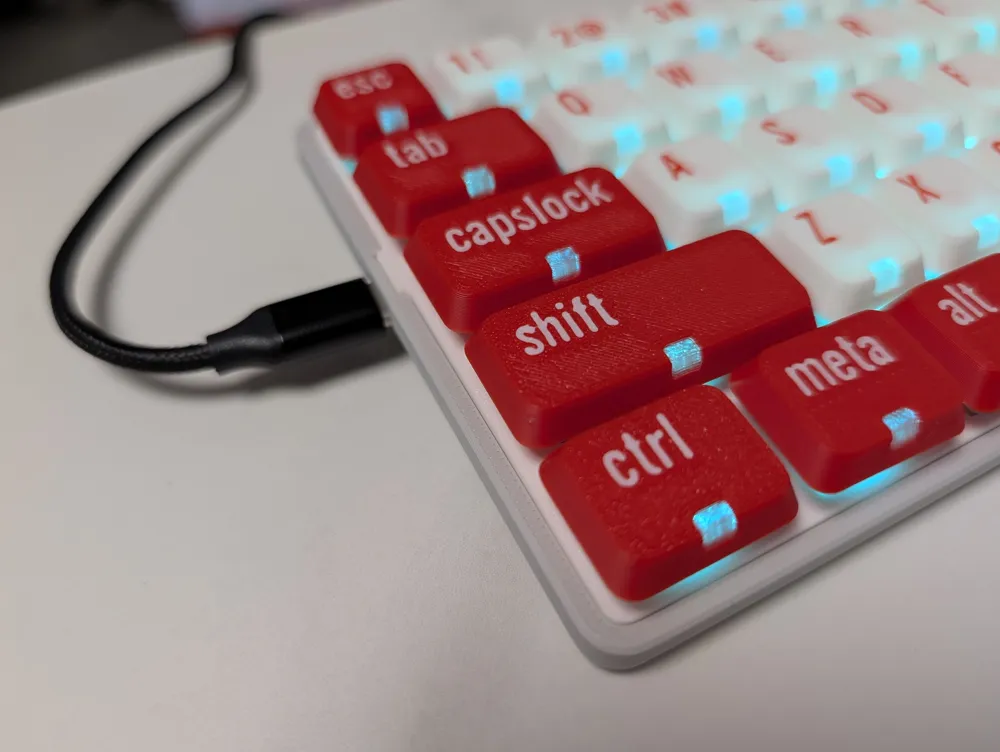
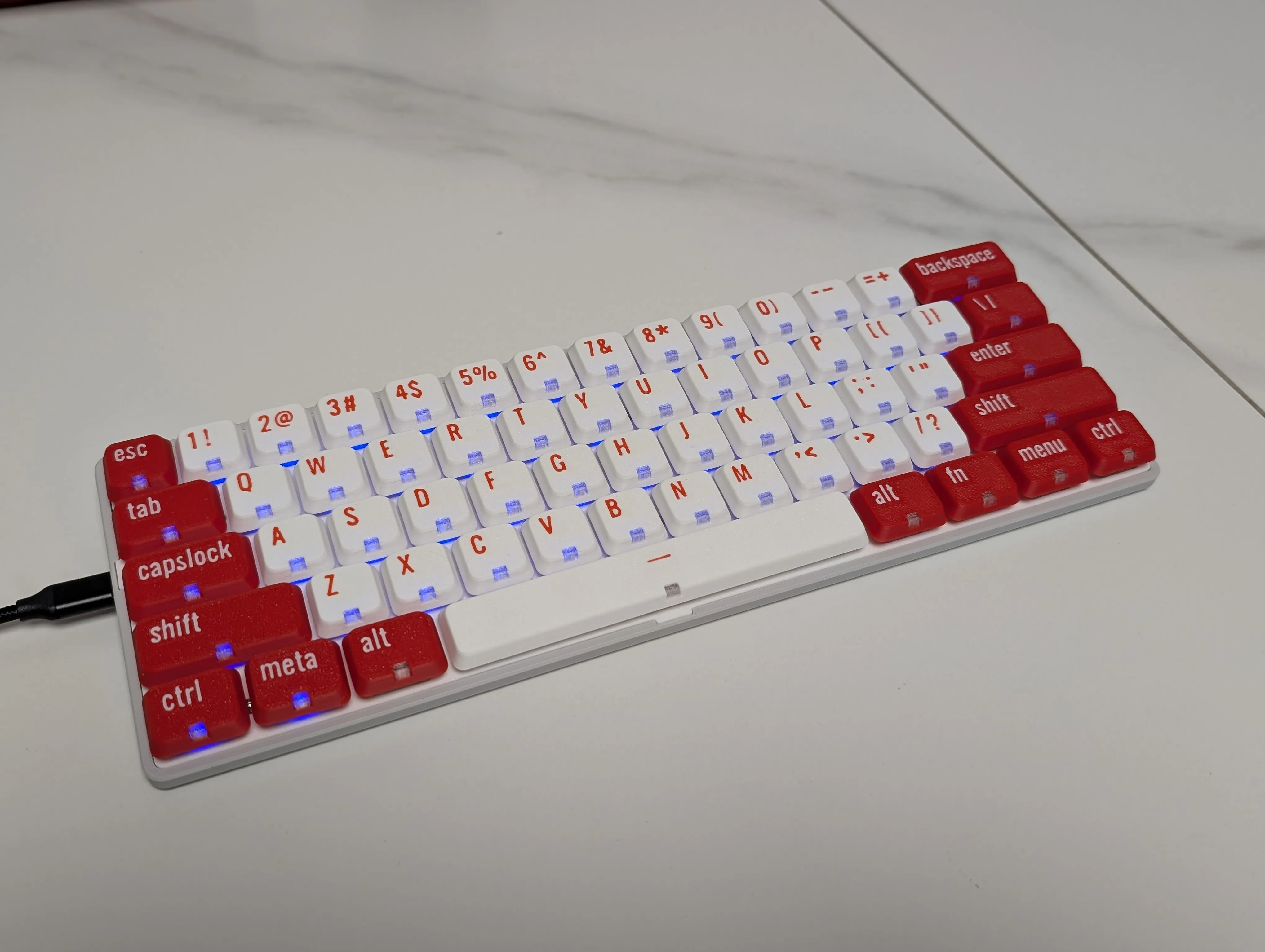
- 🔅Backlit design for south-facing LEDs
- ✒️Clear fonts and symbols
- 💕Easy to modify color palette
- 💯Containing all the 60% ANSI keys
Printing Guide
CLEAN THE BUILD PLATE BEFORE PRITING
- Open the profile in slicer application.
- Edit or synchronize the filament list.
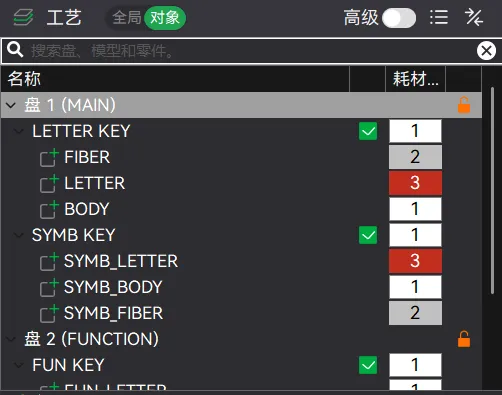
- In the left panel, adjust the color palette for each group of keycaps. The “FIBER” part should be printed with translucent filaments.
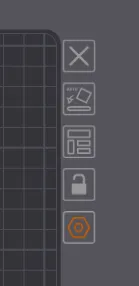
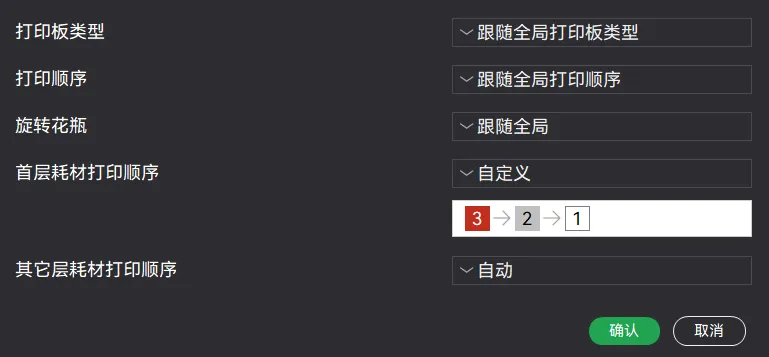
- ⚠️IMPORTANT ⚠️ Adjust the printing sequence by clicking the setting button at the right side of the build plate. Right sequence should be: FONT → FIBER → BODY.
- EASY when installing the kaycaps for they maybe break into the stem.
License

This user content is licensed under a
Creative Commons Attribution-Noncommercial-Share Alike


Comment & Rating (23)