
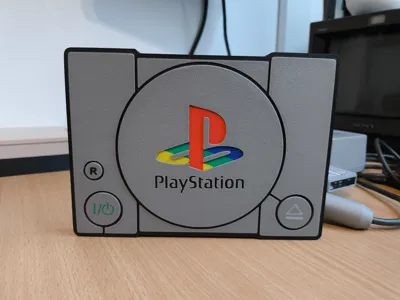
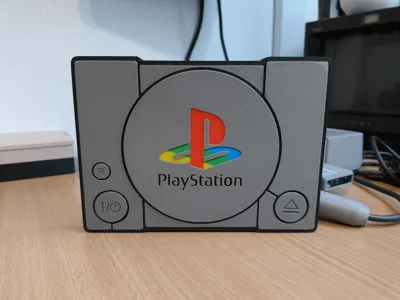
Print Profile(1)

Description
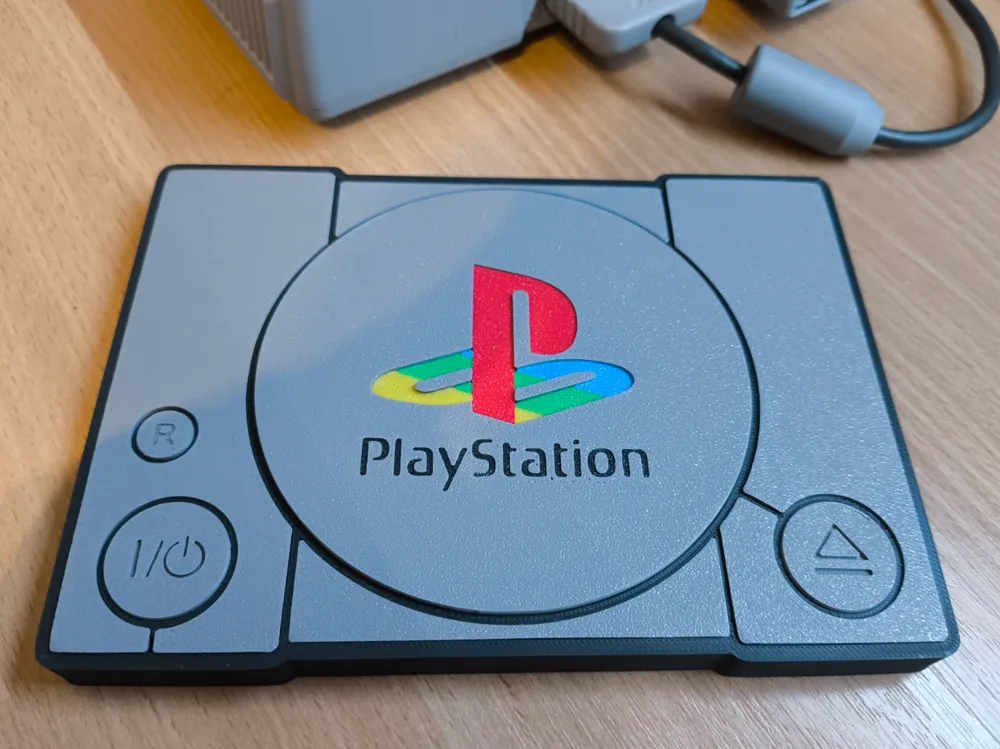
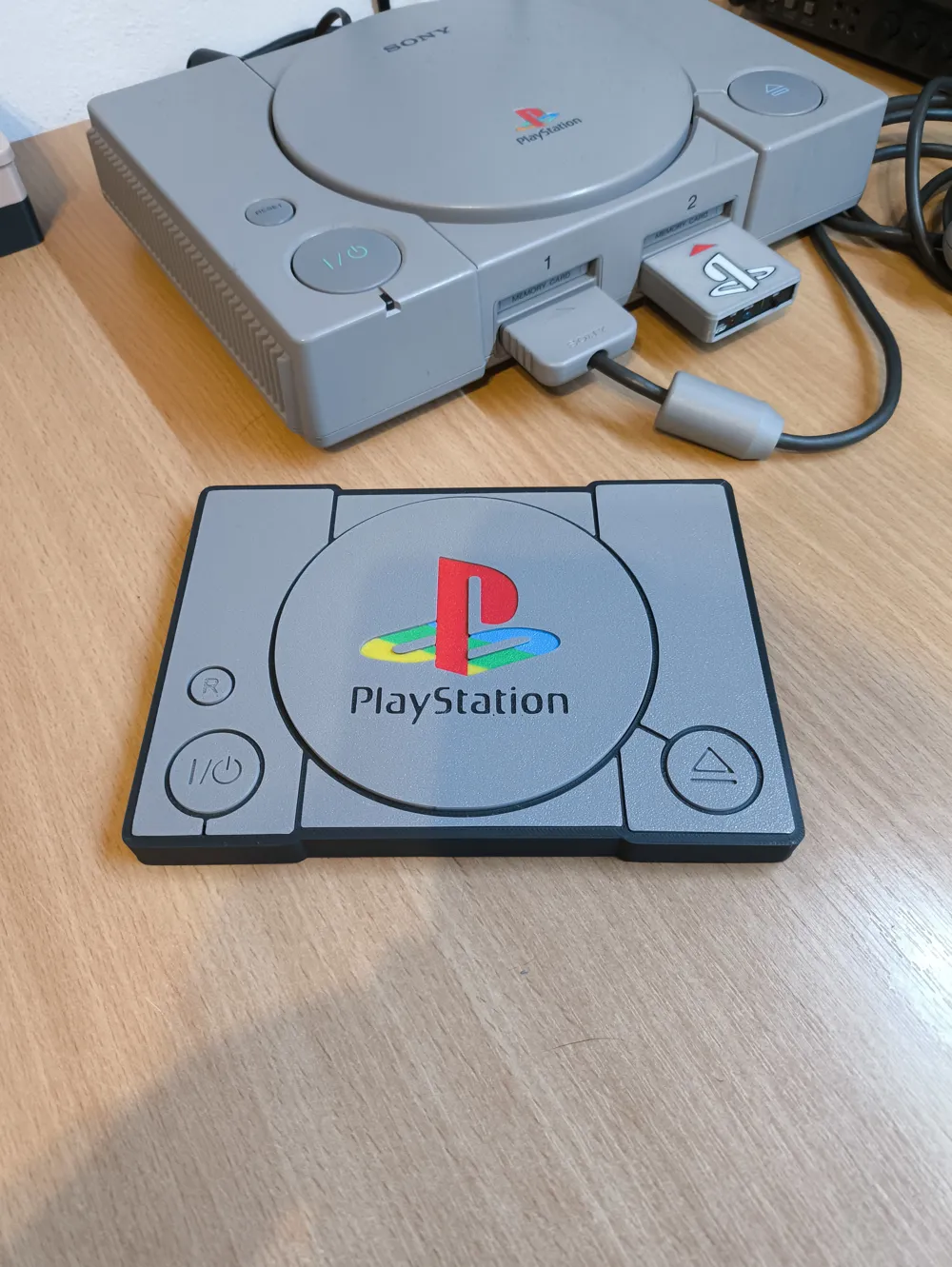
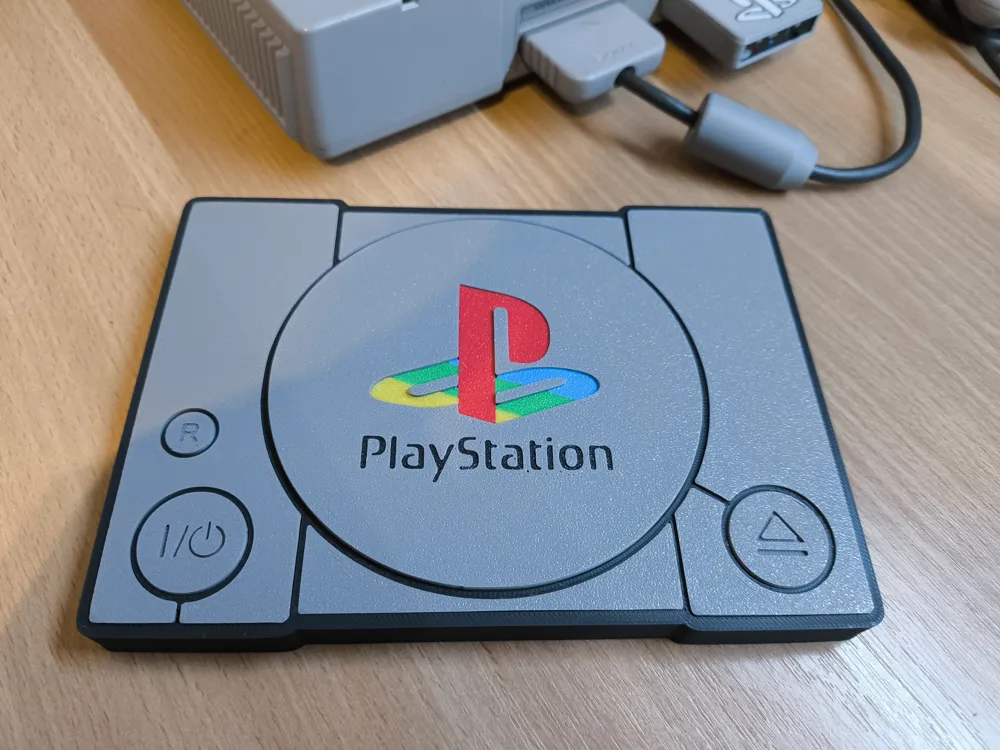
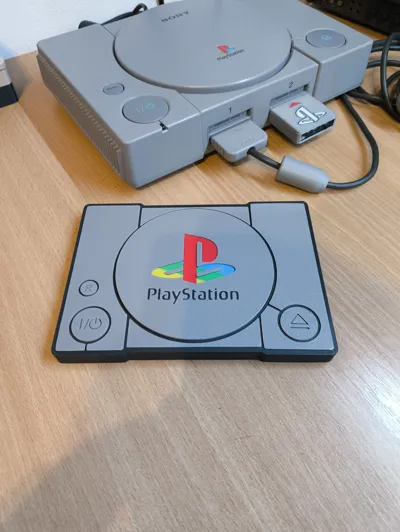
I don't know if I can describe exactly how to replicate my result but I will try. I apologize in advance. :)
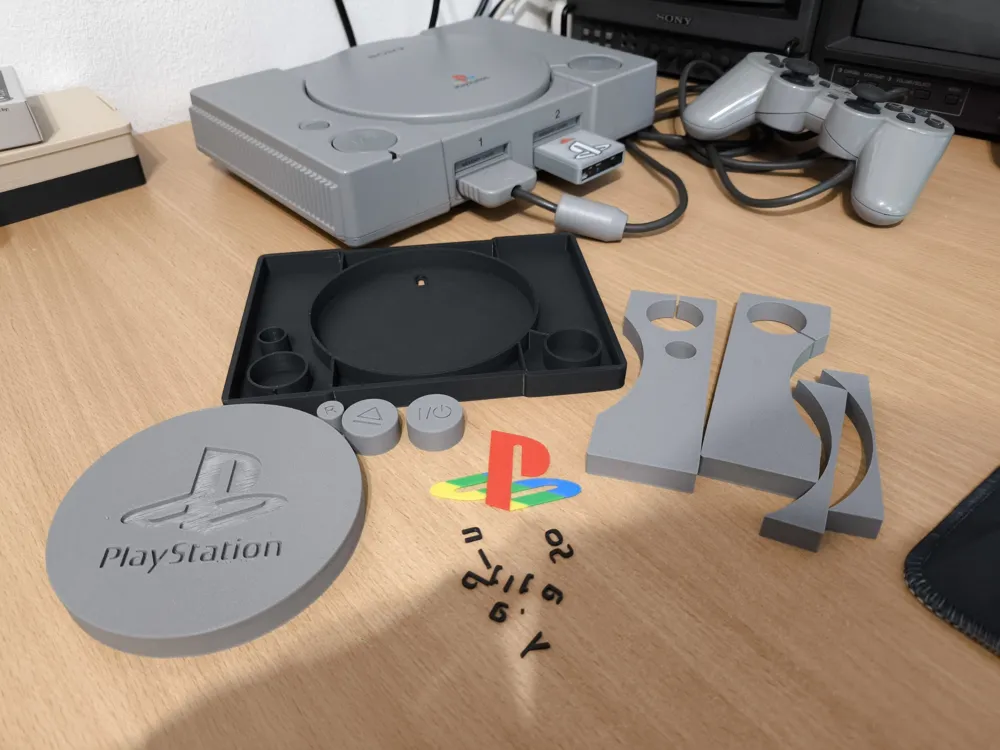
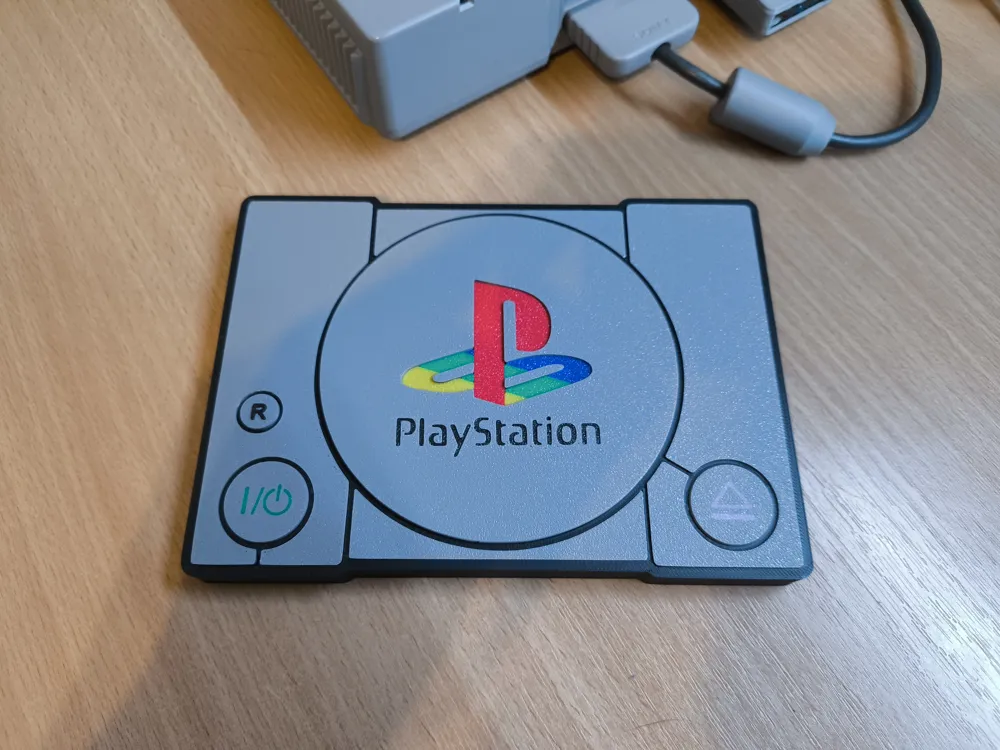
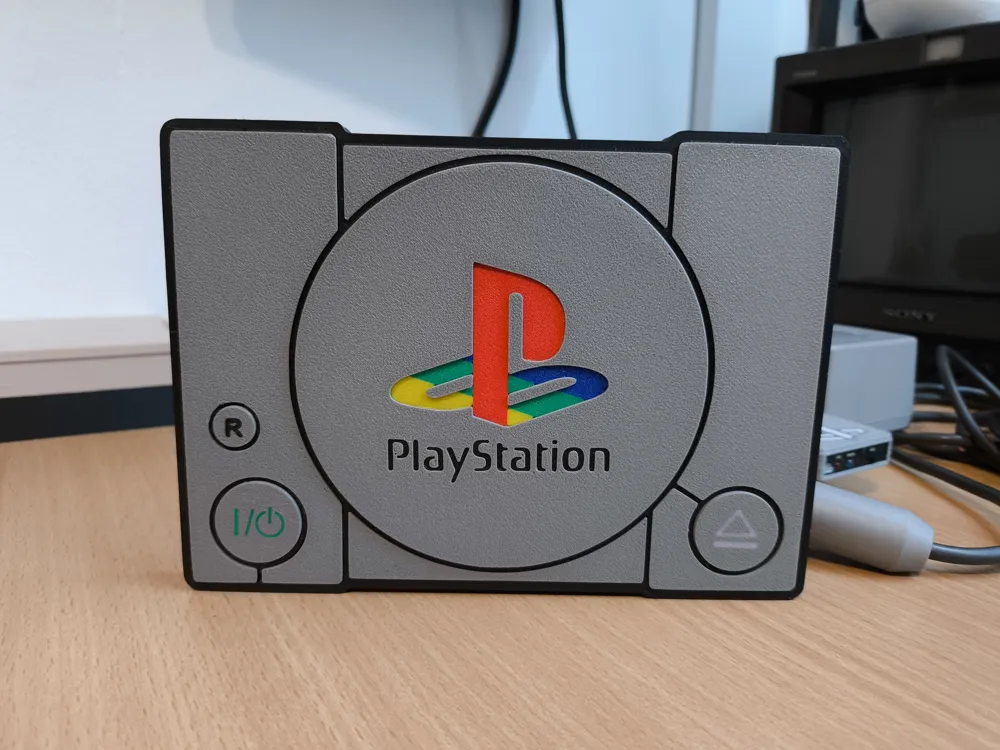
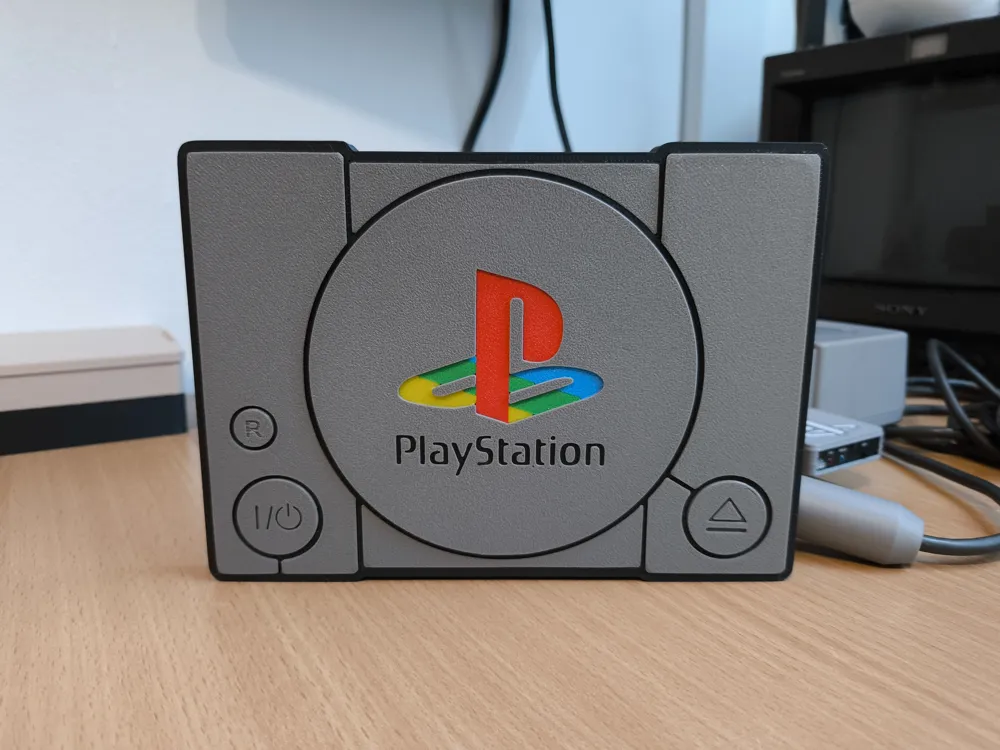
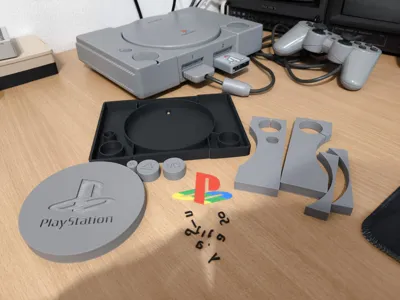
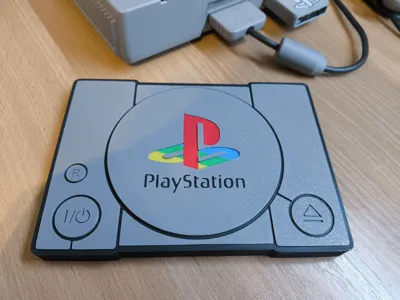
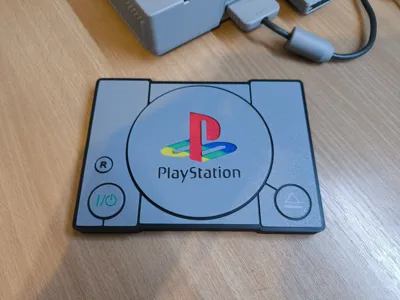
You simply print the base parts and insert them into the base, what you need to play with a bit is the logo. Possibly buttons if you want to have colored ones and don't have ASM like me.
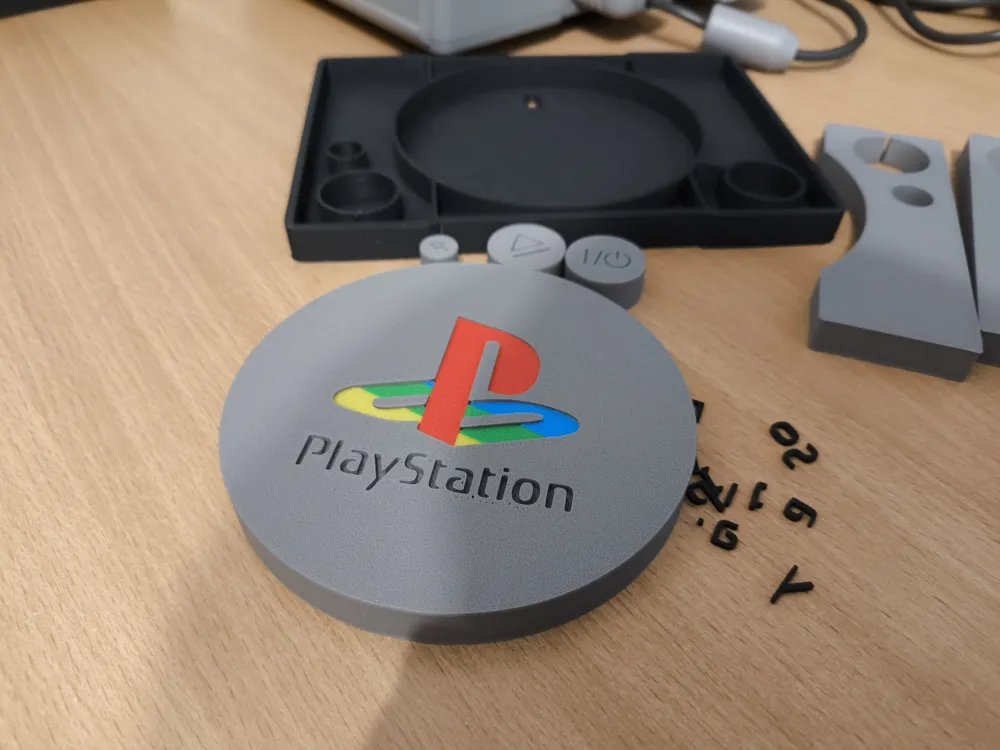
I'll start with the logo. Here you need to clean the base properly and prepare the first color. In the objects, deactivate the parts you don't need yet. After that, print the standard print preferably at 0,12. After printing, leave it on the pad, do not touch it and replace the filament with another color. Then deactivate the already printed part in the objects, and activate the following part. For these next parts, you need to deactivate “Auto Bed Leveling” in “Advanced settings” when sending the print. Repeat like this until you are done.
(!! never put prints directly in the middle of the pad. The printer always looks for “Auto Home” at this point if it hits an already printed model, the print will fail. !!)

As for the buttons. Here the procedure is exactly the same as for the logo.
First you print the button icon in the desired color. Then you leave the finished print on the backing. You replace the filament, and in BambuLab Studio you deactivate the button icon, and activate the button object itself. Deactivate “Auto Bed Leveling” in “Advanced settings” when sending the print. And just watch how it works.
I found that a height of 0.40 is enough to keep the printer from hitting the previous printed model when moving the nozzle.
Hopefully this helped someone both with this print and possibly with their other projects.
License



Comment & Rating (2)