Search models, users, collections, and posts

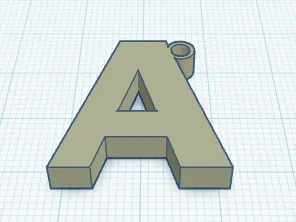
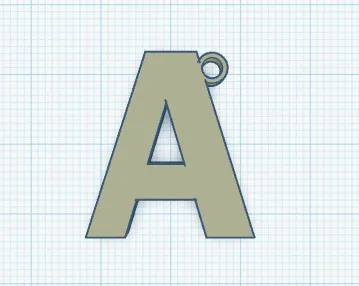
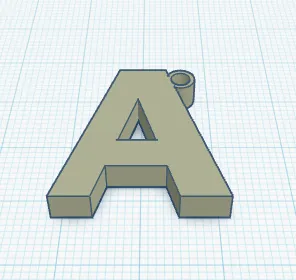
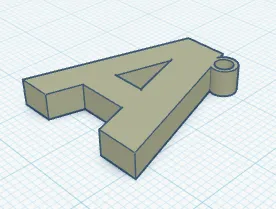
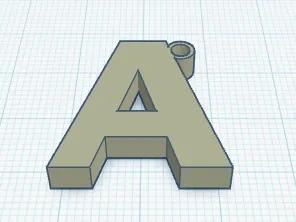
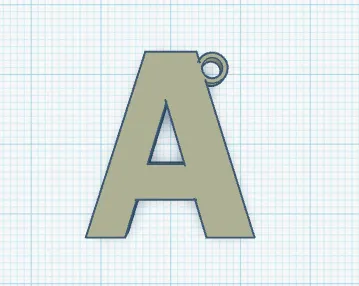
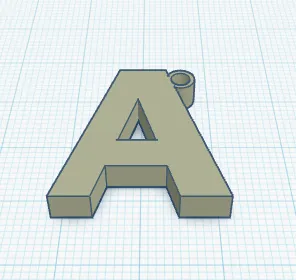
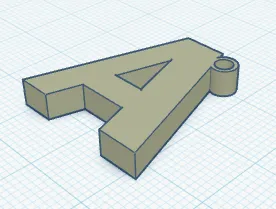
Basic Letter A
IP Report
Print Profile(1)

Standard - 0.2mm layer, 2 walls, 15% infill
Designer
10 min
1 plate
Open in Bambu Studio
Boost
2
3
1
0
18
10
Released
Description
This is something I made for my engineering class in AutoCAD a little while ago as a mini-project.
Here are the steps I took to make this:
- I created a 30x30 unit rectangle and put it in the DEFPOINTS Layer
- I used the MTEXT command to create that one letter and scaled it to fit in the box
- I then used TEXTEXP to turn the text into lines and trimmed the rogue ones
- I added a little keyring (forgot the diameter) to place on a keychain
- After that, I used the EXTRUDE command to make it a 3D solid
- Once it was all finished, I used the STLOUT command to save the 3D model as an STL file
So yeah, just some basic modeling on AutoCAD, nothing too special… Hope you enjoy!
License

This user content is licensed under a
Creative Commons Attribution


Comment & Rating (1)