Search models, users, collections, and posts

Mini 2 Digit Auto-Increment Counter
IP Report
Print Profile(0)
Add the first print profile to earn points
Boost
11
26
3
0
40
7
Released
Description
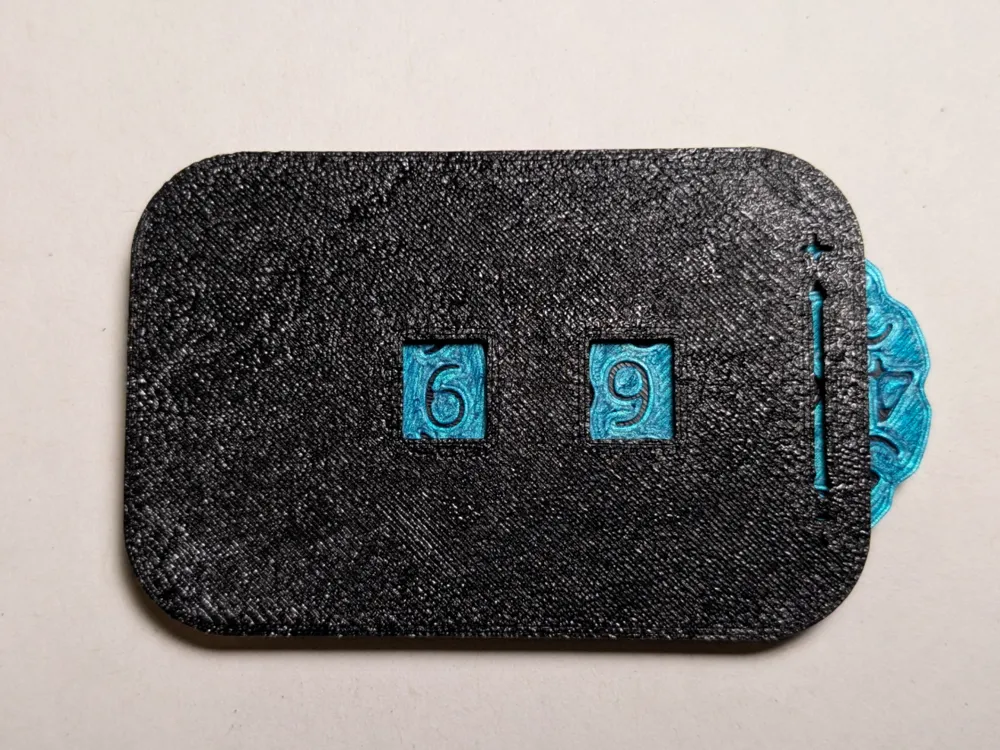
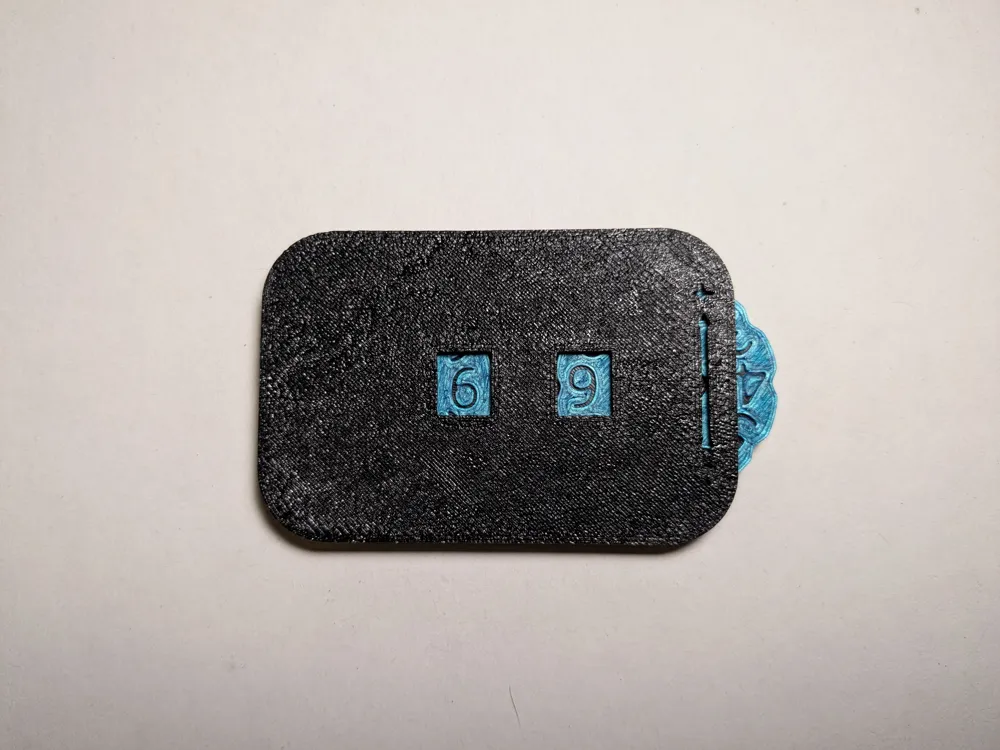
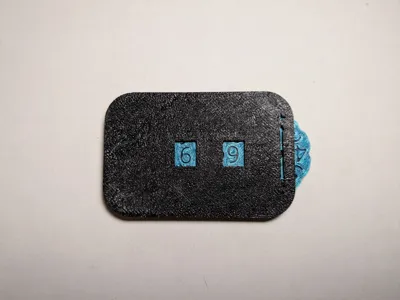
This is a simple print for a 2 digit counter (0-99) that has an auto-increment mechanism. After turning the dial past 9, the second dial automatically goes up by one. I printed it out and it works without issue.
Print Settings:
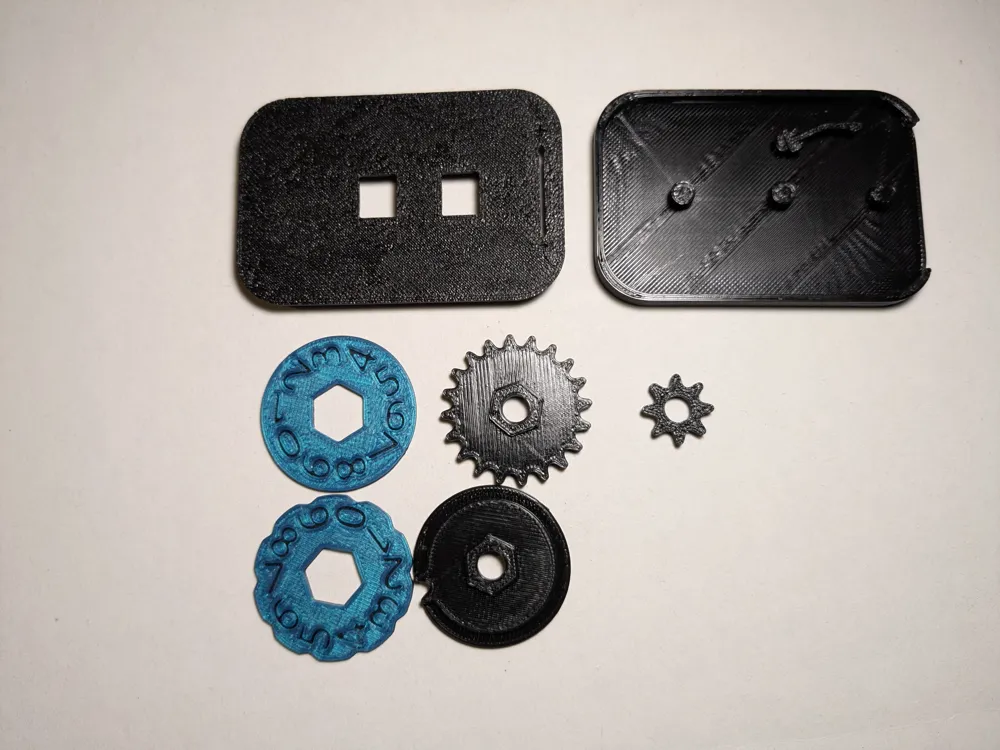
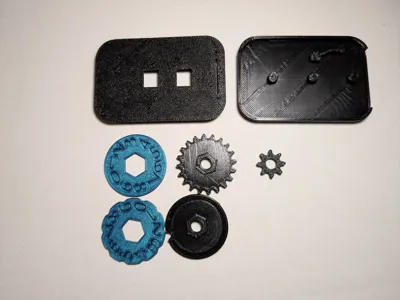
Case Back, Case Front, 1s Gear, 10s Gear, Spring, Small Gear:
- Print with 0.2mm layer height, 0.3mm for first layer.
- PETG will give a more durable part.
- 2 Walls, 4 top/bottom layers.
- Infill doesn't really matter.
1s Dial, 10s Dial:
- Print with 0.2mm layer height, 0.3mm for first layer.
- Print first 2 layers (Up until text) in one color, the rest in different color.
- 2 Walls, 4 top/bottom layers.
- Infill doesn't really matter.
Assembly:
If you have questions, please refer to the Onshape link of the model: Model. All the parts are oriented the correct way in the model. If it still doesn't make sense, feel free to leave a comment.
- Insert “Spring” into the 3 pegs sticking up at top of “Case Back”.
- Attach “10s Gear” on left peg of “Case Back” (When the slot on the case is one the right side). Orient small dot on the gear to the right.
- Attach “Small Gear” on the middle peg of “Case Back”. Orient where small dots are horizontal.
- Attach “1s Gear” on right peg of “Case Back”. Orient small on the gear to the left.
- Attach “1s Dial” to “1s Gear”. Align the small dot with the small dot on “1s Gear”.
- Attach “10s Dial” to “10s Gear”. Align the small dot with the small dot on “10s Gear”.
- Attach “Case Front” to “Case Back”.
- Done.
I am also a solo game developer, so if you want to support me check out my itch.io page: https://impy2eyes.itch.io/
Boost Me (for free)
Help support making more models like this!
License

This user content is licensed under a
Creative Commons Attribution-Noncommercial-Share Alike


Comment & Rating (3)