
Print Profile(1)

Bill of Materials

Description
Boost Me (for free)
If you like what you see, consider giving me a boost! they help out a lot. Don’t forget to like and follow for more 3D prints and creative builds!
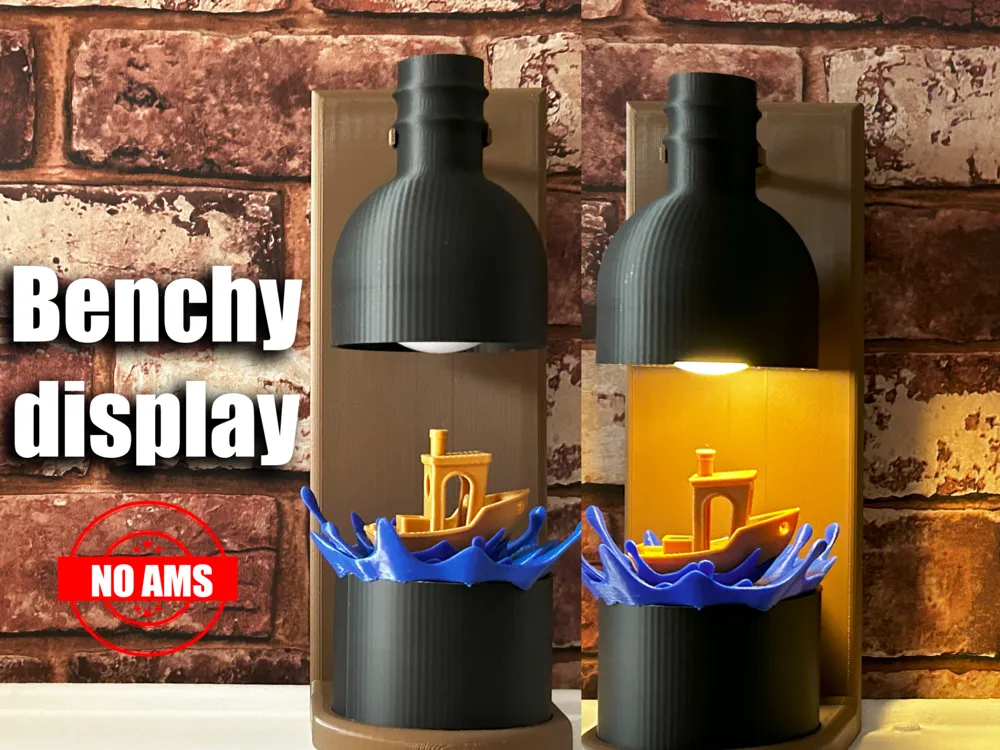
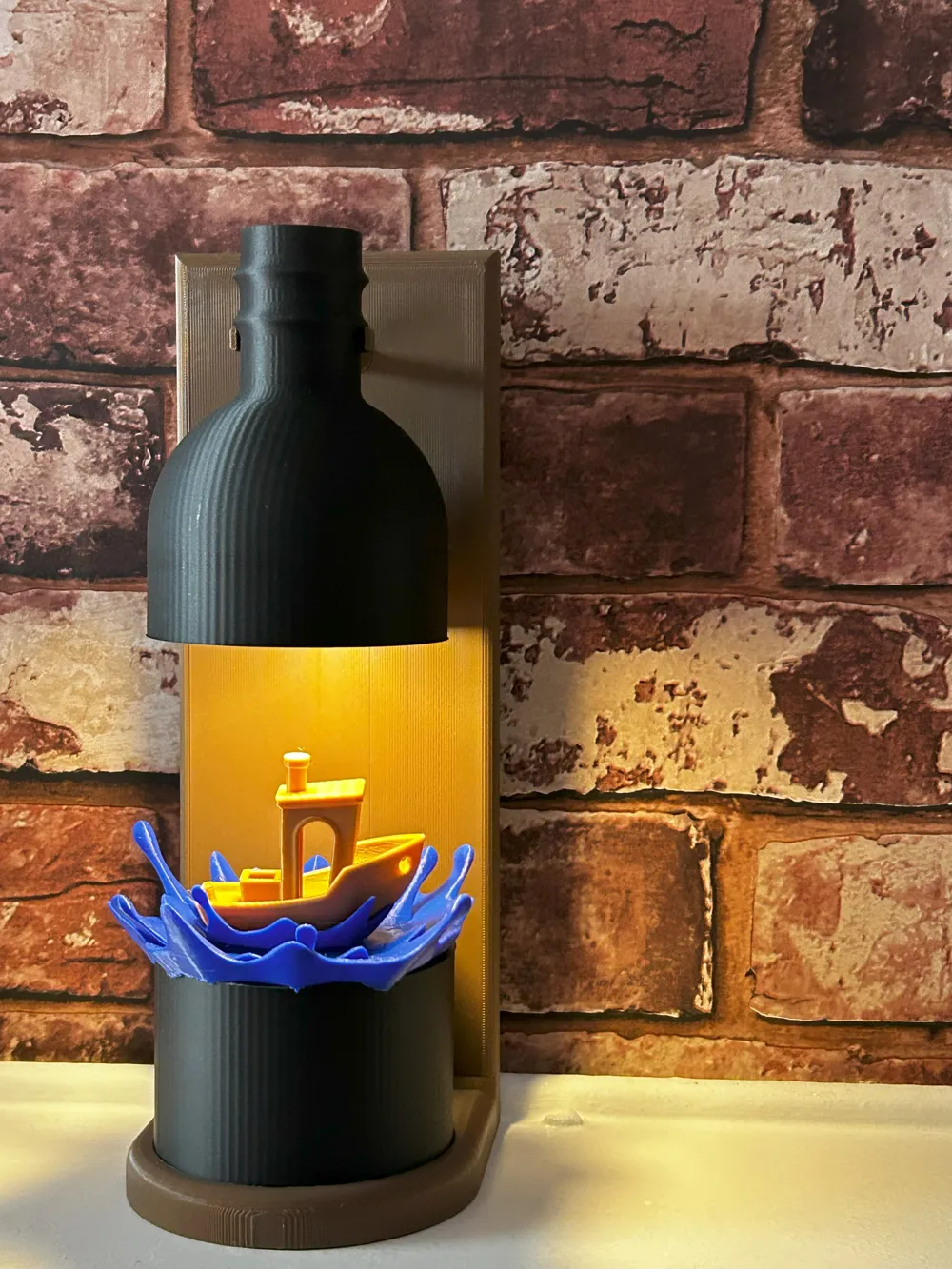
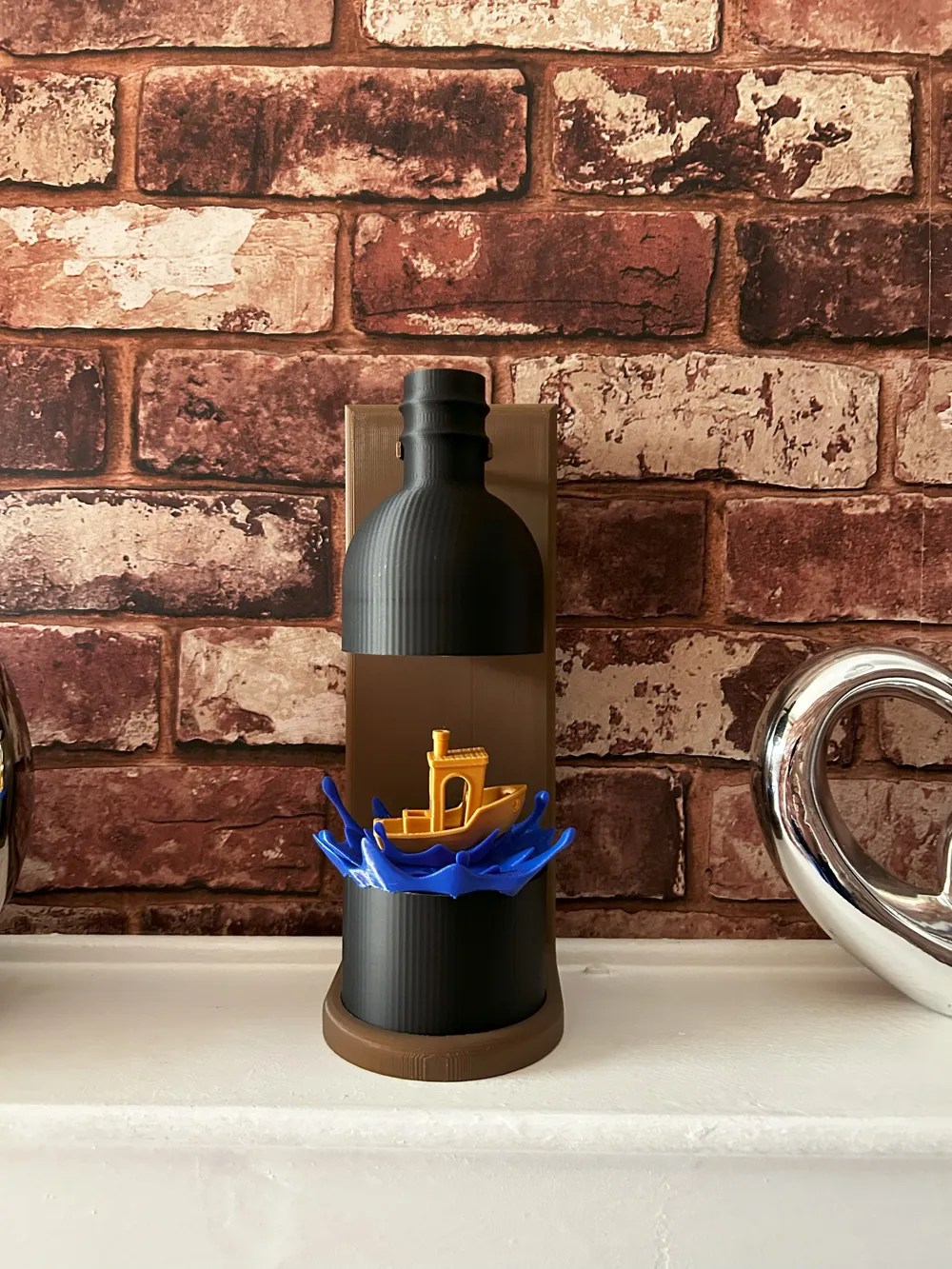
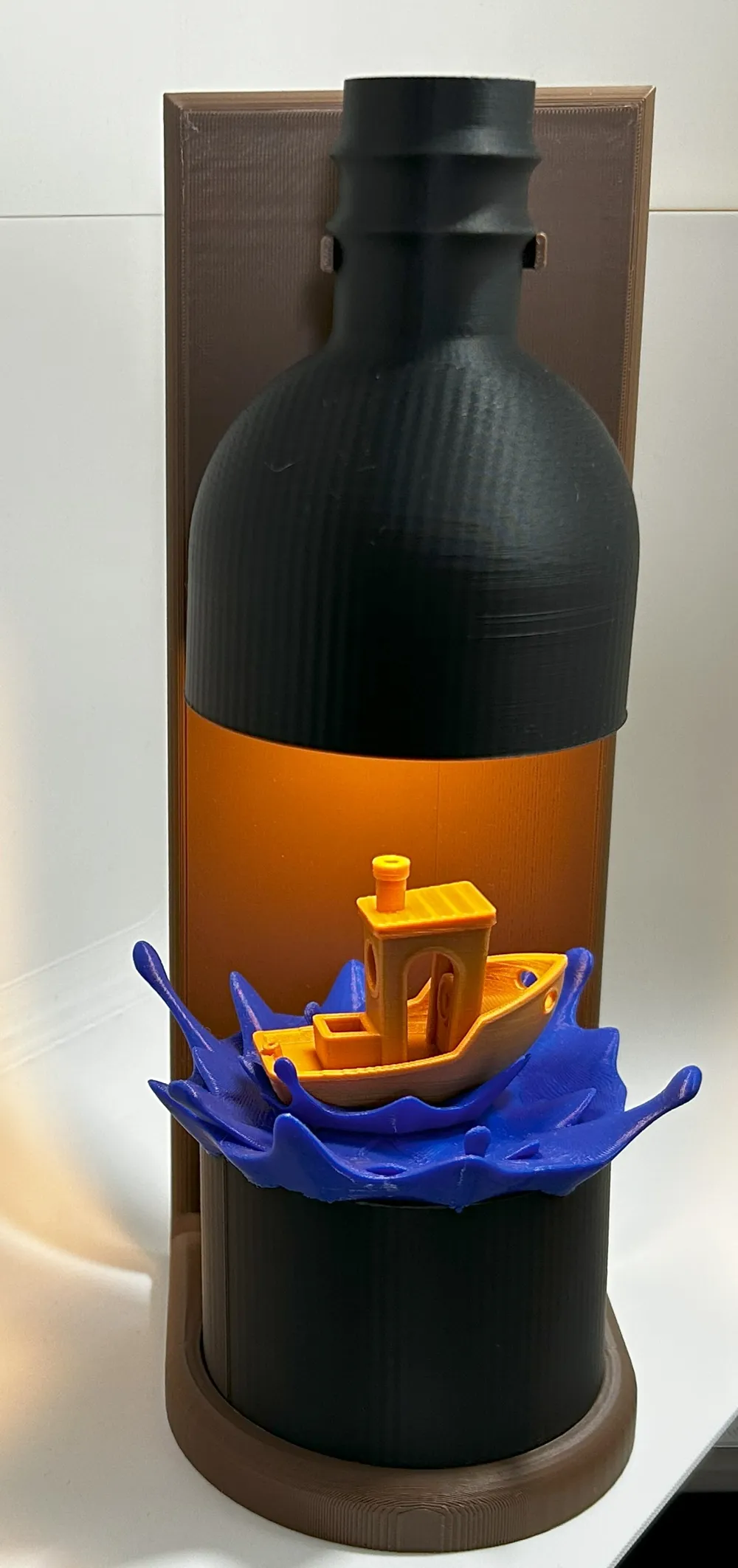
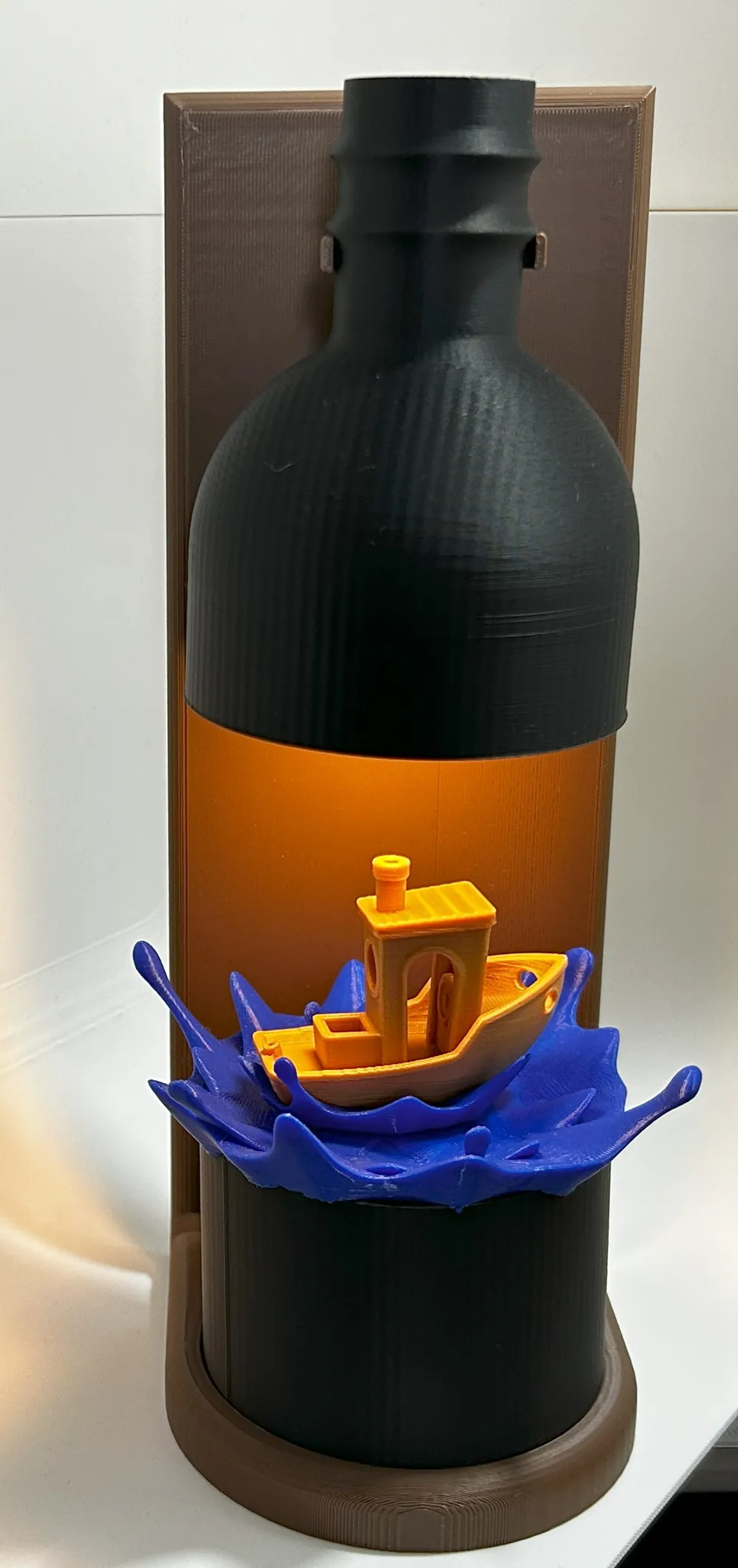
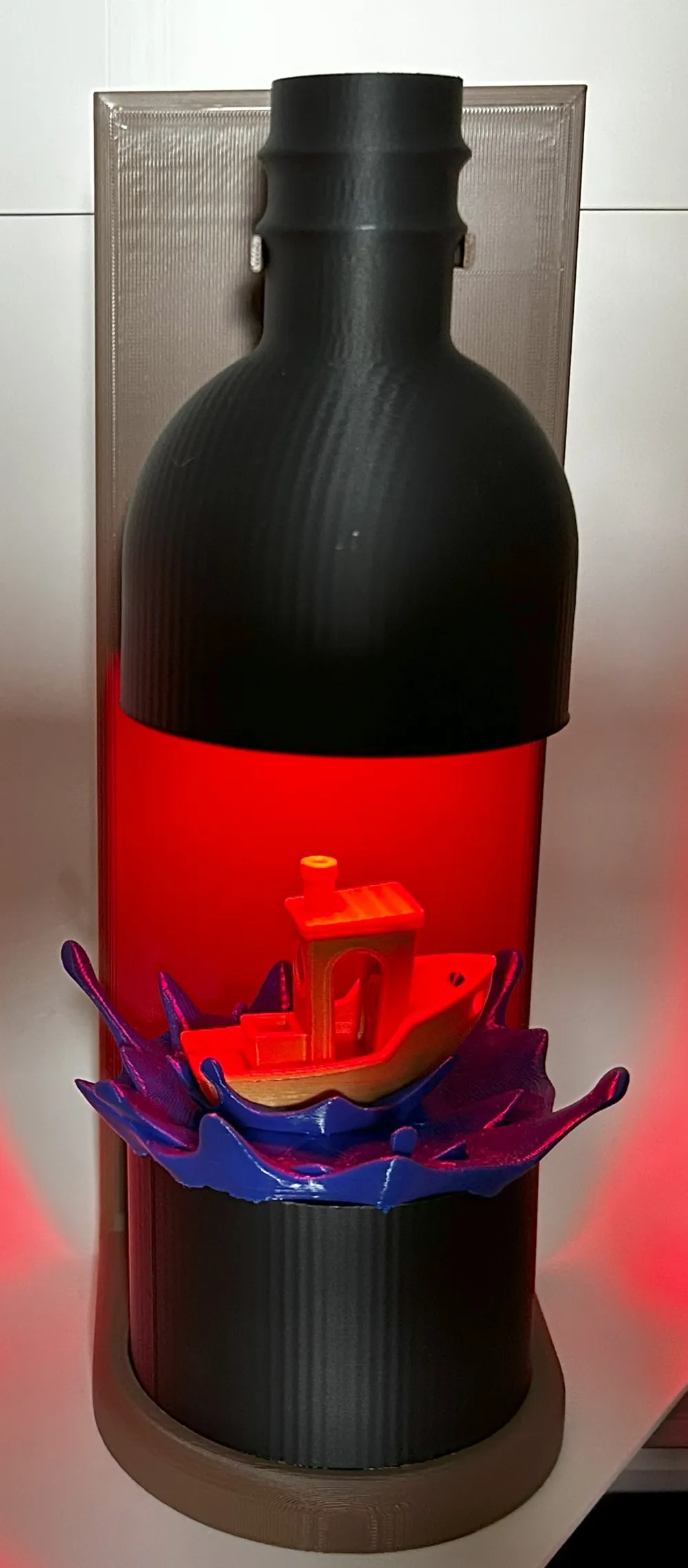
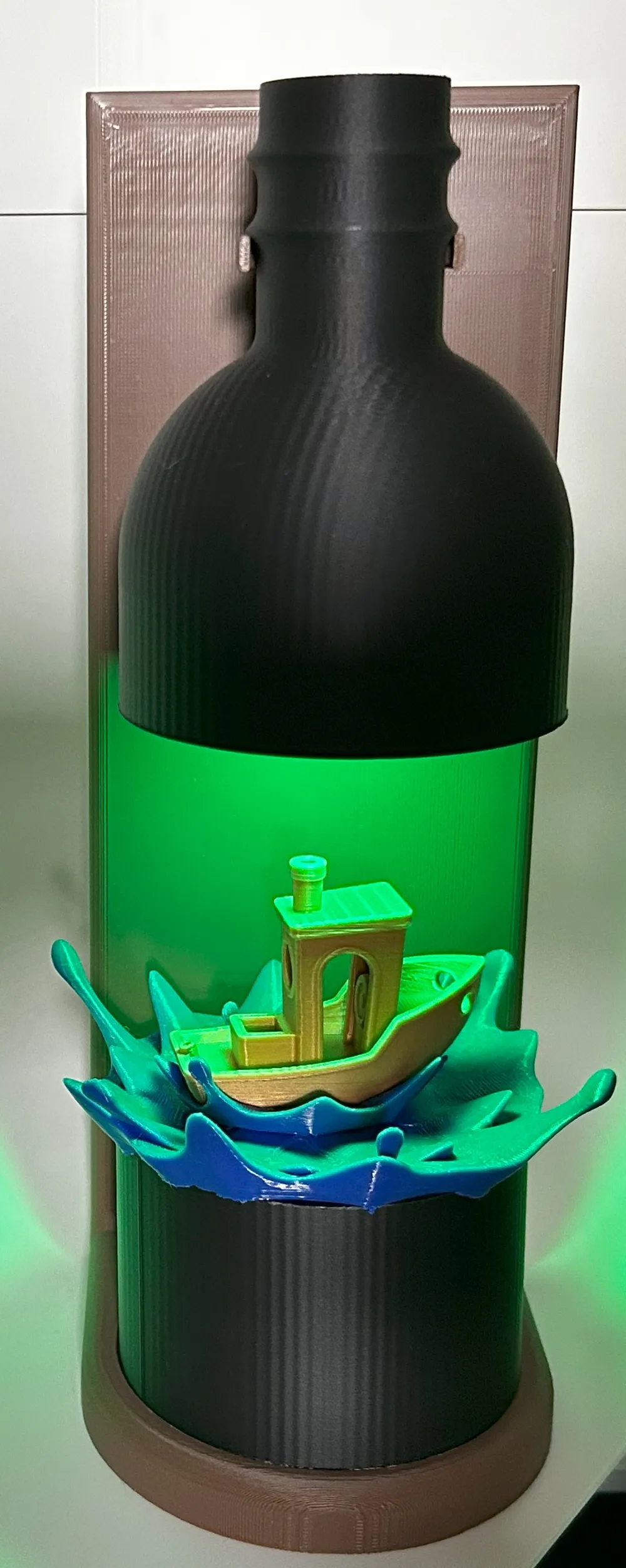
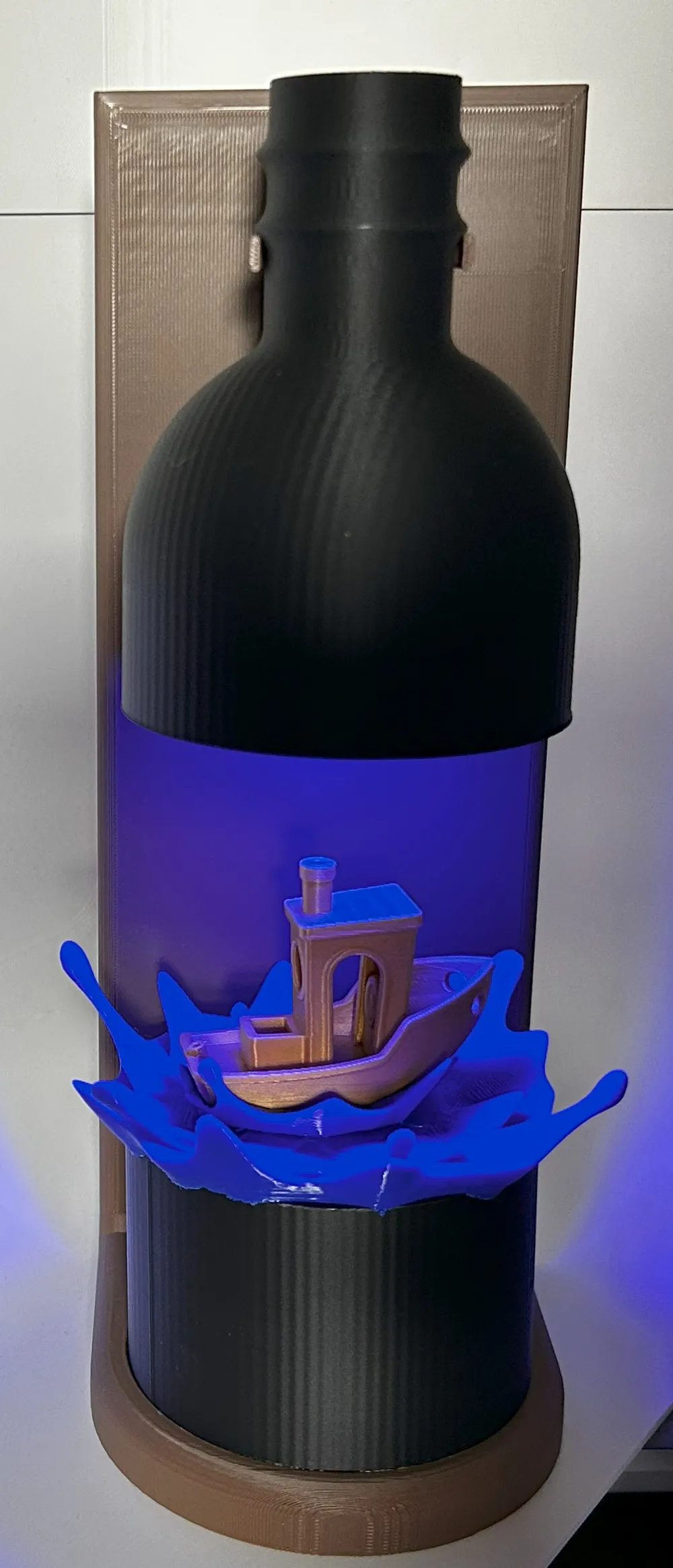
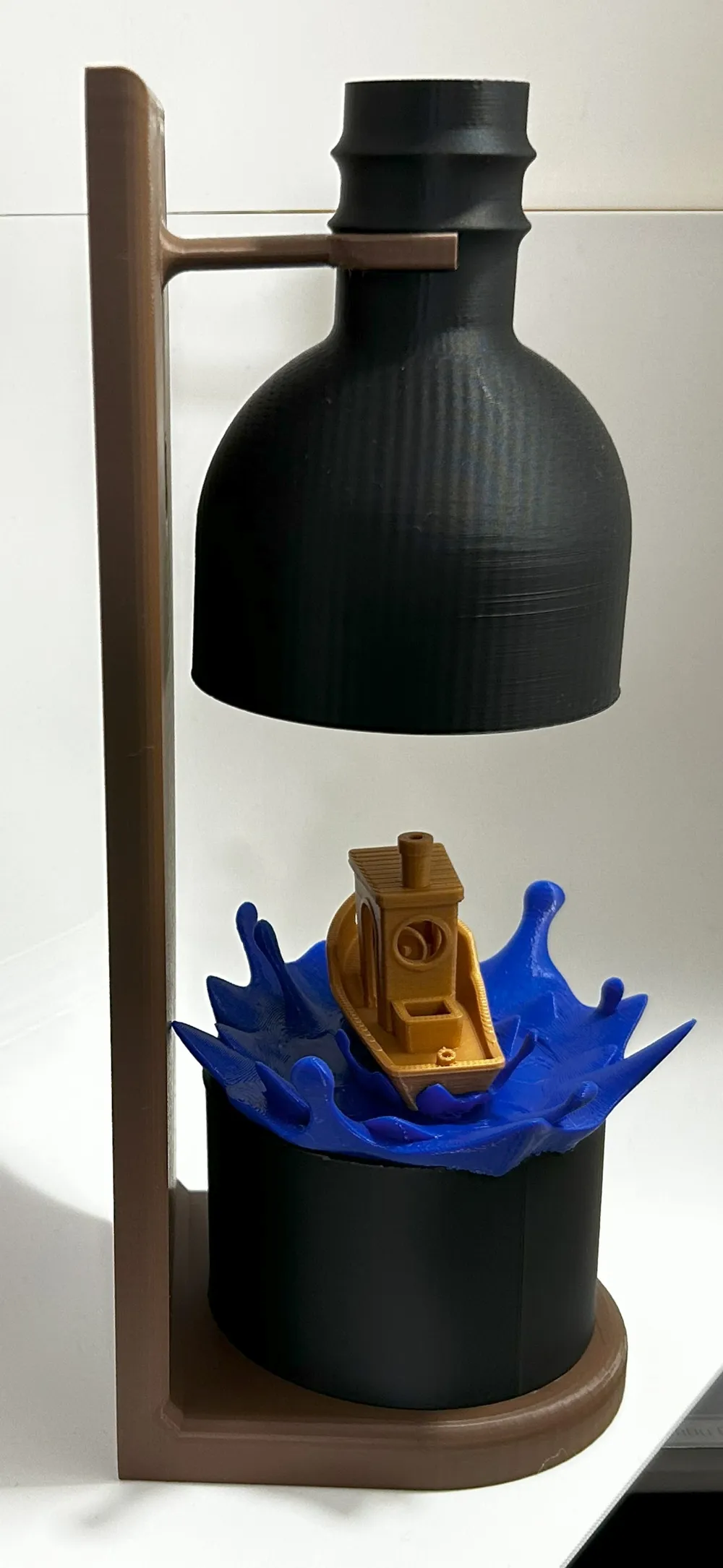
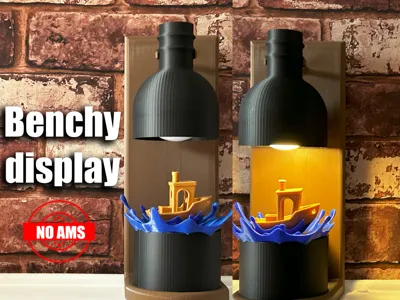
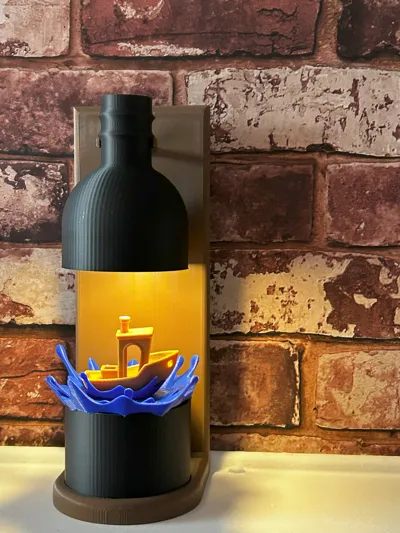
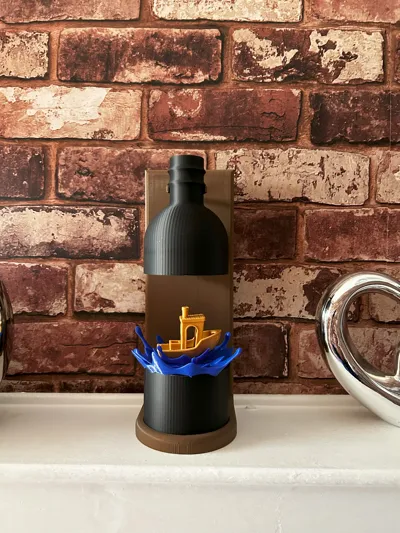
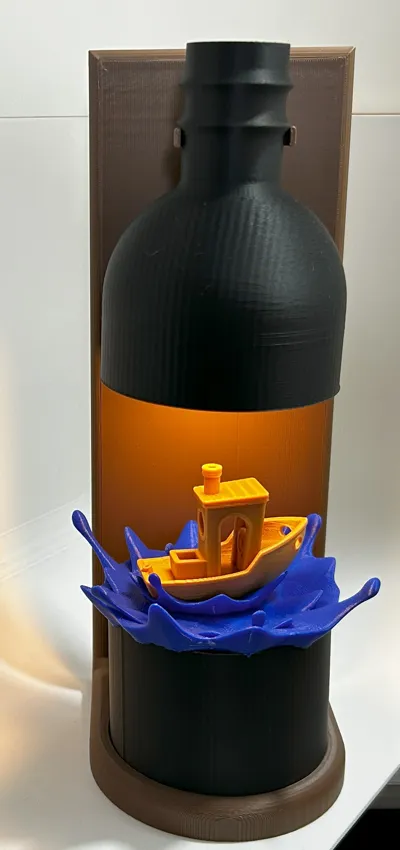
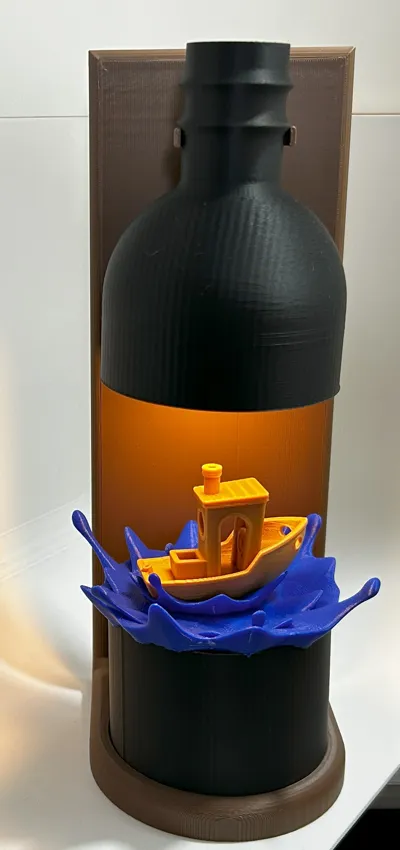
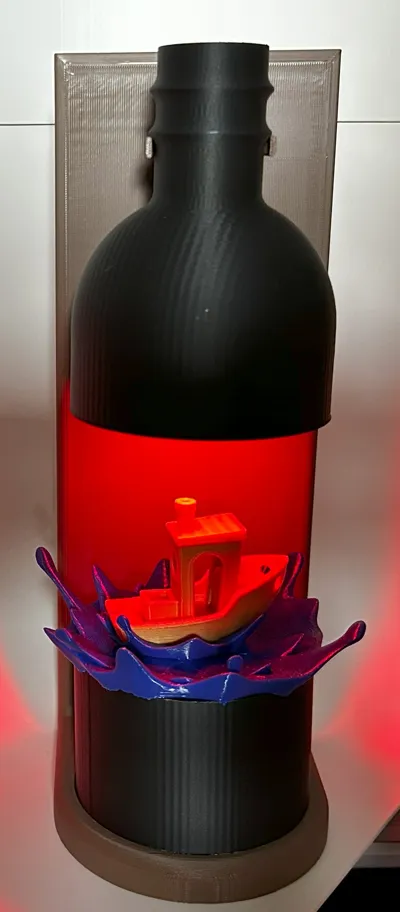
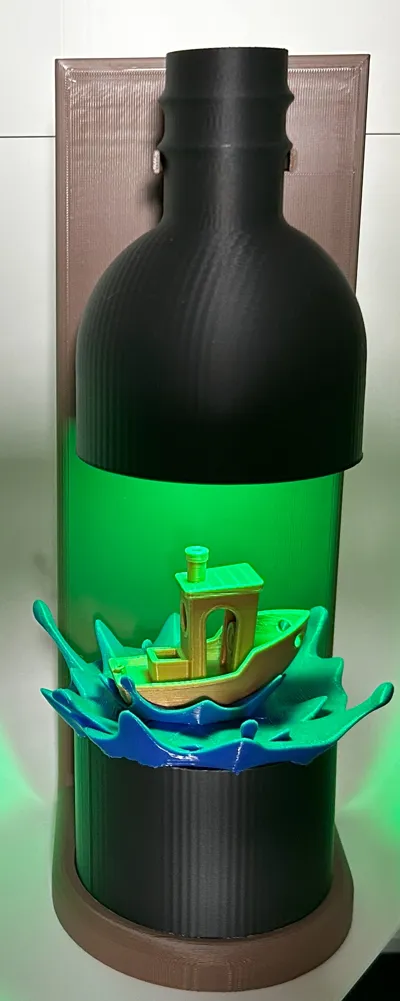
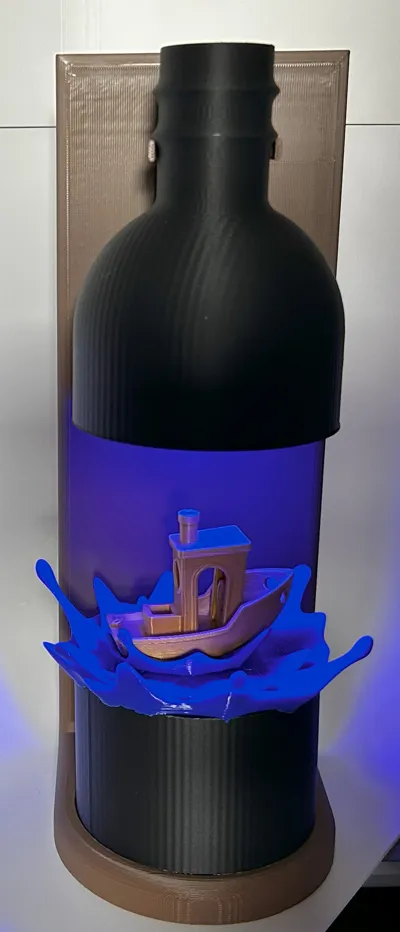
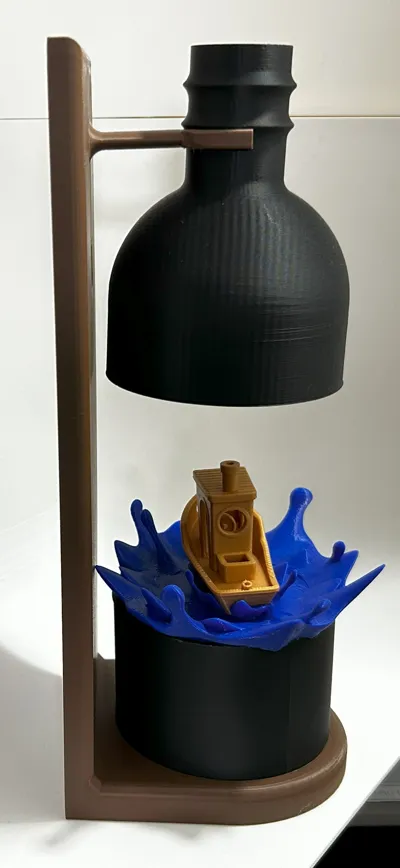
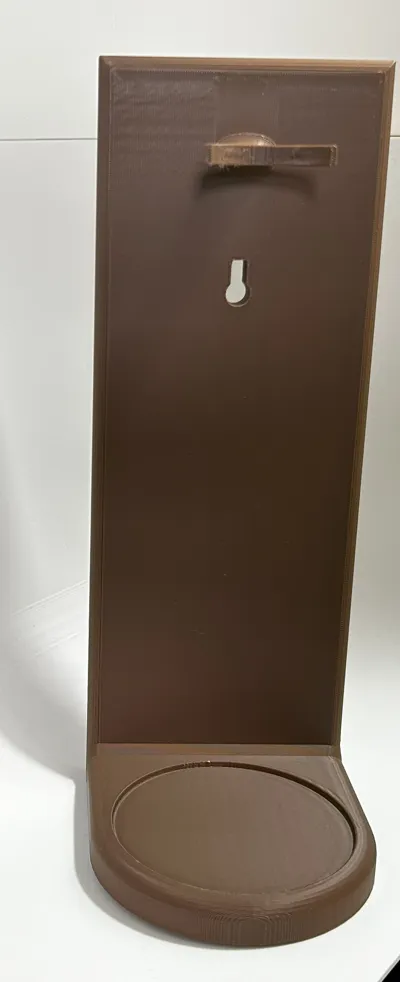
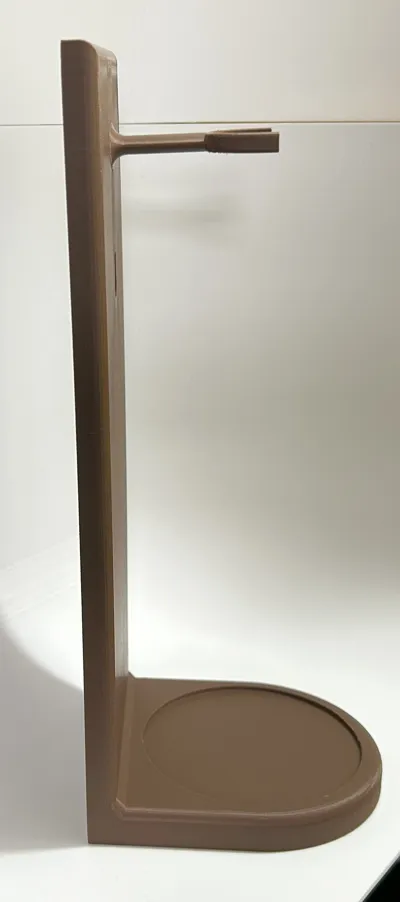
This creative Benchy bottle display is a stylish and unique way to showcase the iconic 3D Benchy model. Designed to resemble a bottle with a cutaway, the display features a vivid golden Benchy riding on dynamic blue splash-like waves, capturing the essence of the little boat’s journey through the world of 3D printing.
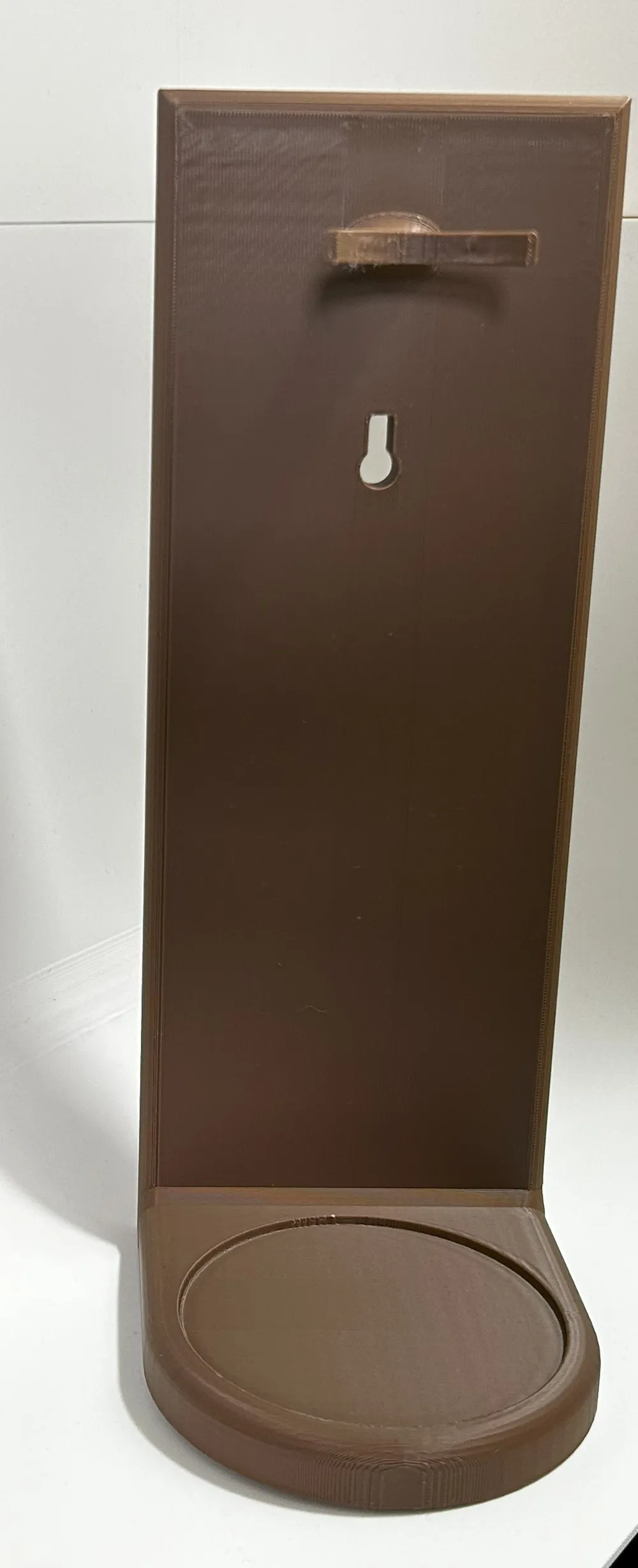
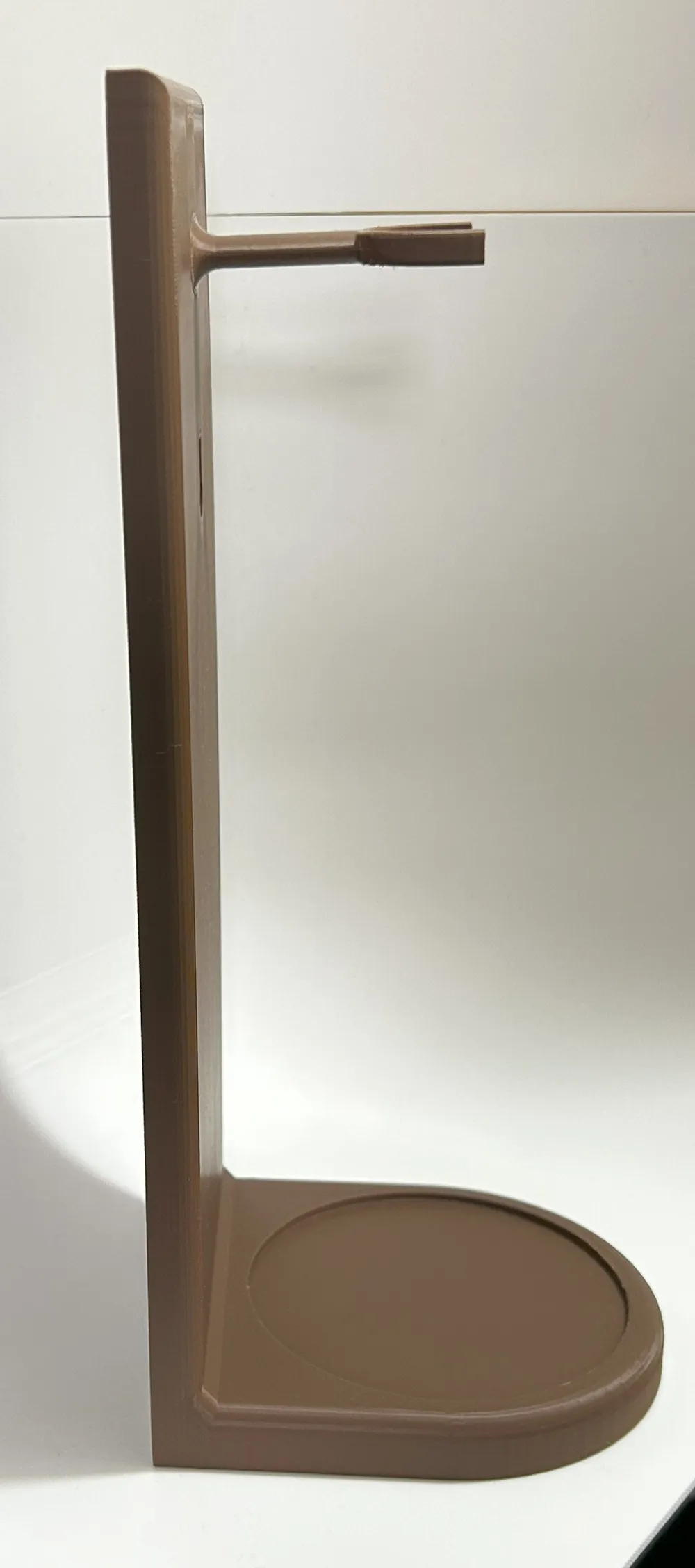
The backdrop is fitted with a warm puck light that highlights the model beautifully, making it perfect as a desk ornament or ambient wall decor. The structure includes a flat base for tabletop placement and a mounting section at the back for easy wall hanging. This piece blends art and functionality, making it ideal for makers, hobbyists, or anyone looking to add a splash of creative flair to their space.
in order to fix the puck light simply unscrew the back so that the batteries are exposed and then screw the puck light into the top of the bottle it should screw on the same as the back does so half a turn should be all that you need to fix it to the bottle.
i have only tested the fixing in the bottle with the puck lights from bambu https://uk.store.bambulab.com/products/remote-controlled-16-color-rgbw-puck-lights but if you are using other buck lights then any double sided tape should be fine.
you can download the original benchy from https://makerworld.com/en/models/1272656-original-3dbenchy-public-domain-cad-step-file#profileId-1336828
A Quick Note
Each model is tested before sharing, but every printer is a little different — sometimes a small tweak is all it takes for a perfect print. If you run into trouble, try:
- Giving your build plate a good clean
- Rechecking bed leveling or Z-offset
- Slowing down the first few layers
- Using a brim or raft for extra grip
Still having issues? Let me know in the comments — I’m always happy to help troubleshoot or improve the design!
License

You shall not share, sub-license, sell, rent, host, transfer, or distribute in any way the digital or 3D printed versions of this object, nor any other derivative work of this object in its digital or physical format (including - but not limited to - remixes of this object, and hosting on other digital platforms). The objects may not be used without permission in any way whatsoever in which you charge money, or collect fees.


Comment & Rating (5)