

Print Profile(2)

Bill of Materials
Description
Membership
Love this model? With my Commercial License tier, you can legally sell 3D prints of it! Join now to unlock over 80 designs and boost your shop. Start selling today! 🚀

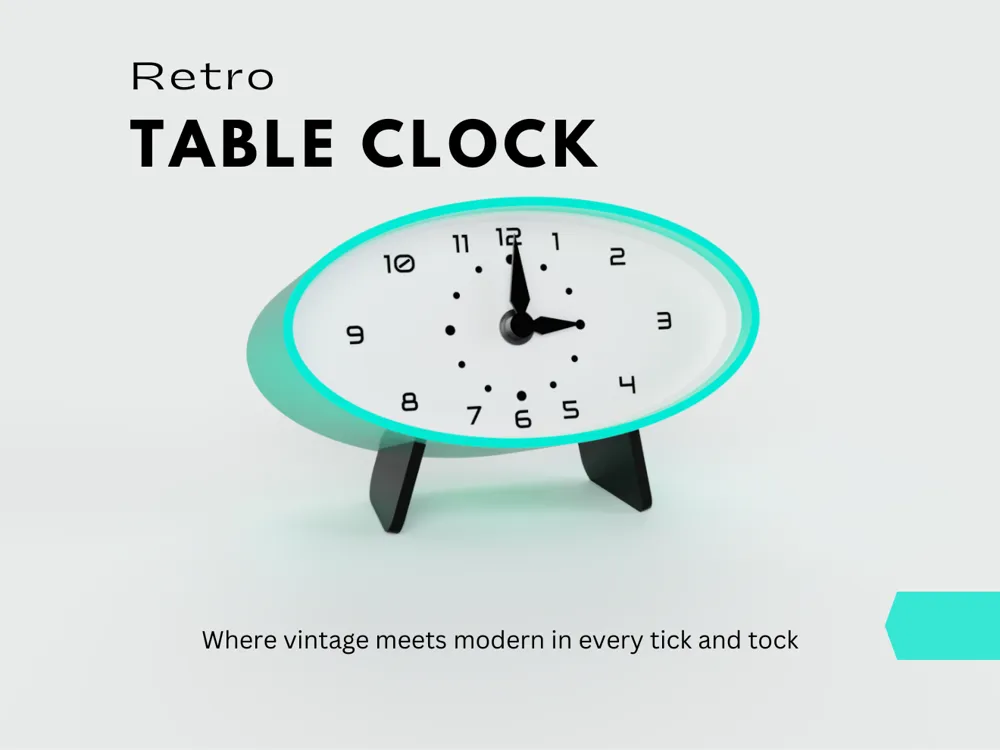
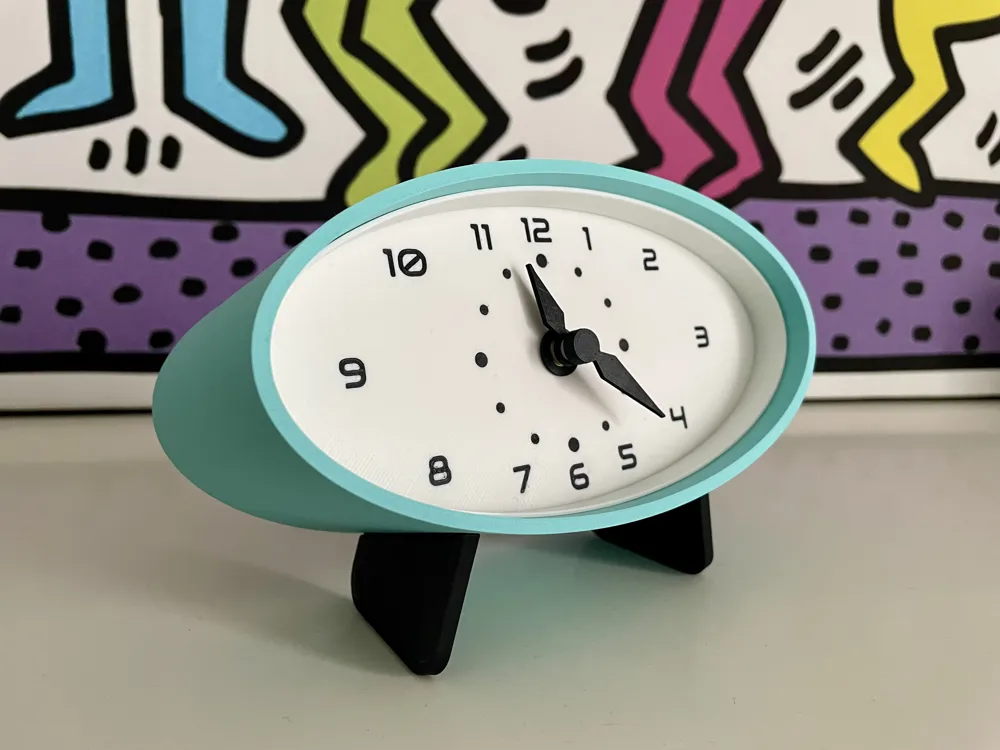
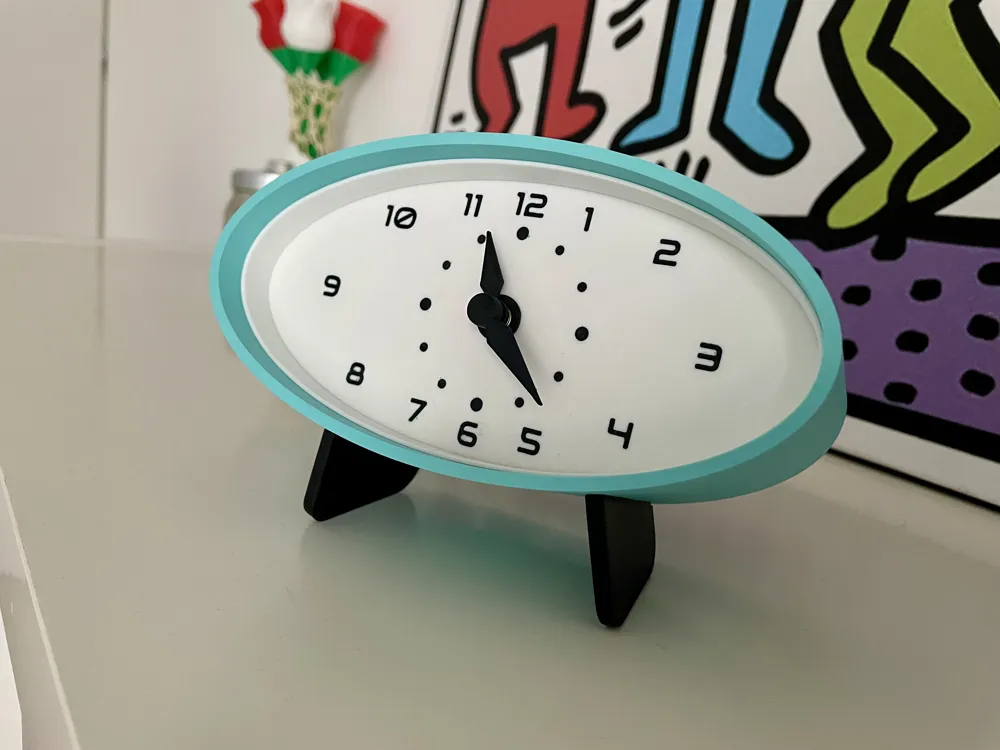
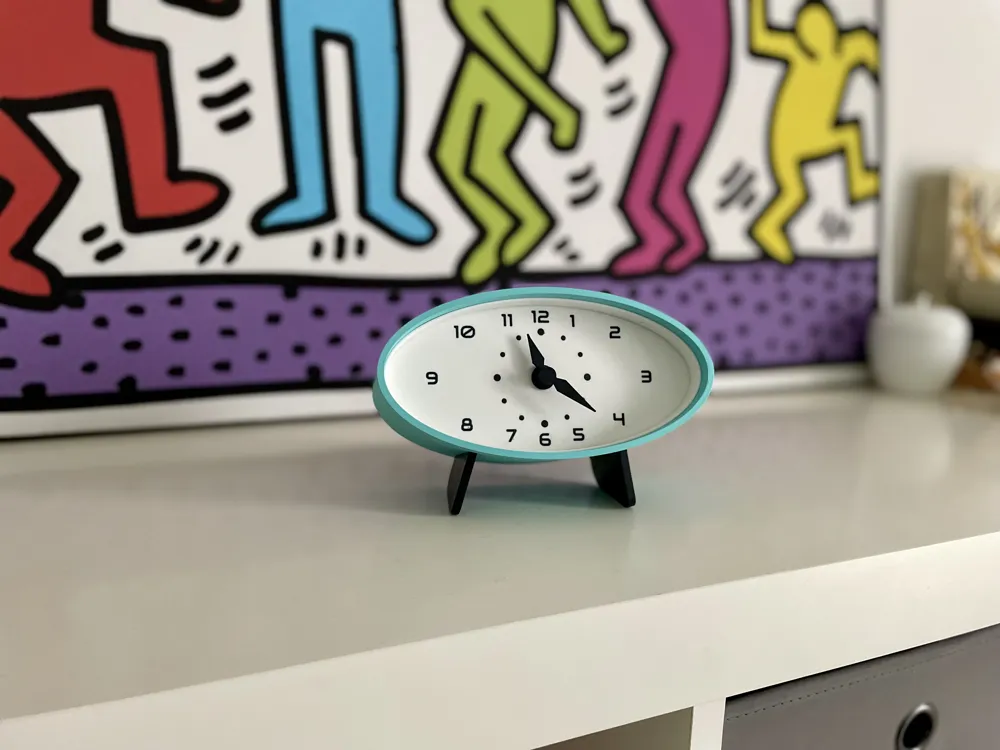
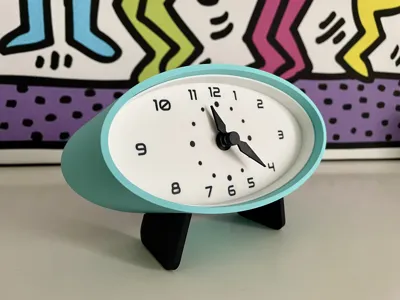
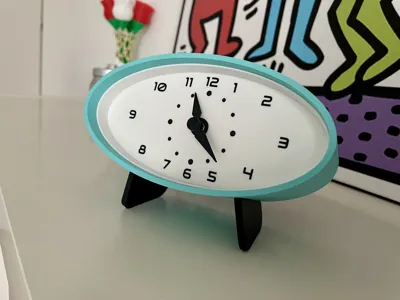
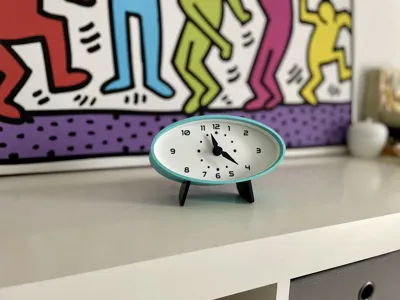
Introducing my Retro Table Clock – a delightful blend of vintage inspiration and modern customization.
With its charming oval shape and two adorable legs, this 3D-printable clock is a canvas for your creativity.
Personalize it with your favorite colors to match your style.
The printing process is simple, ensuring that the joy of crafting your unique timepiece is as timeless as its design.
Equipped with a standard wall clock mechanism, this charming clock brings a touch of vintage cheer to any space. Tick-tock your way to a personalized timekeeping experience!
There's no need of support.
Just print the display with numbers and dots with a higher resolution (0.16mm is good enough).
For the display there are two possibilities:
- if you have an AMS, load the Display STEP file and change colors for dots and numbers objects you will obtain a flat colored layer
- if you don't have an AMS, just load the Display STL file and do a manual filament change (pause) at the latest layers but you will obtain an embossed layer
BOM
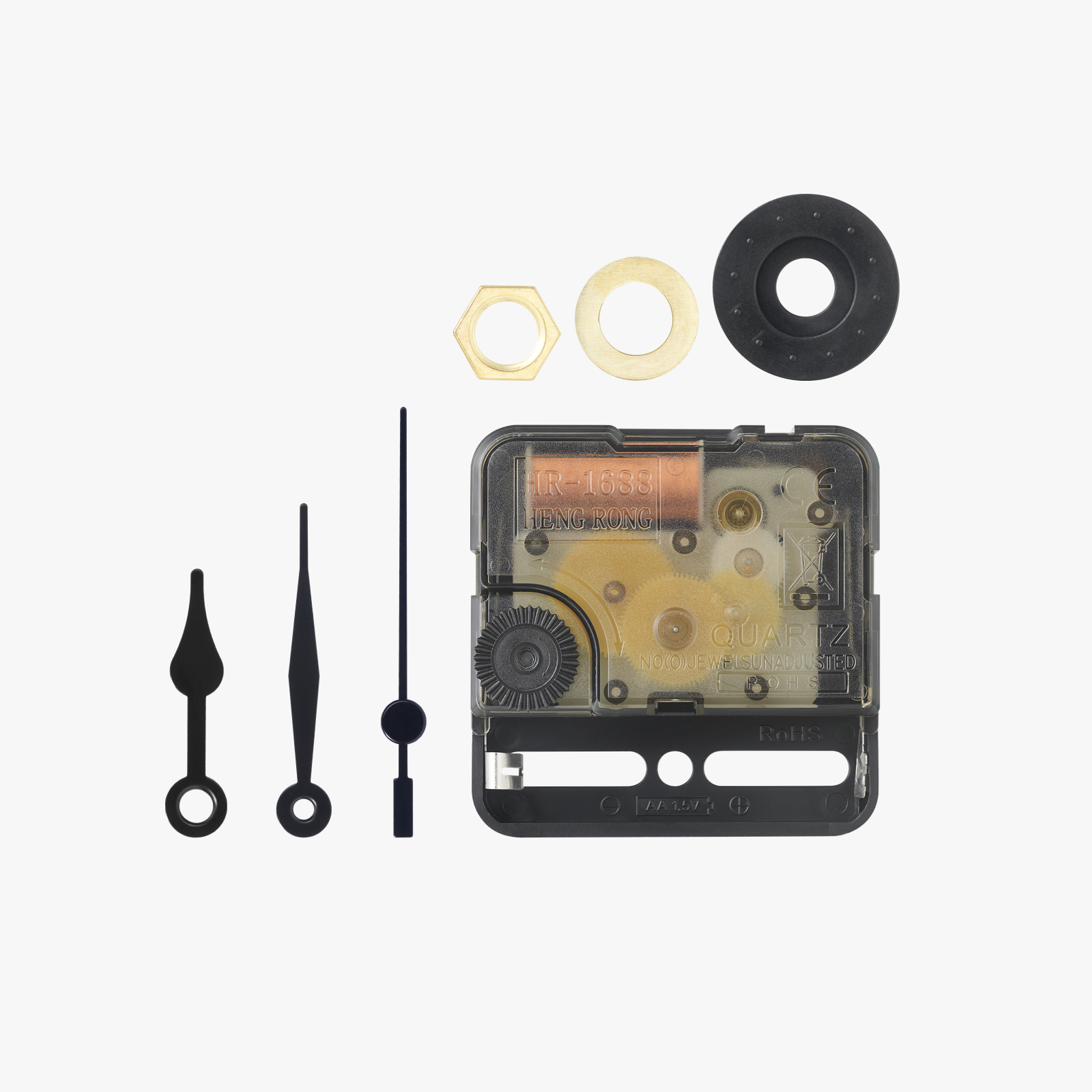
You will only require a common clock mechanism you can buy from Amazon
Assembly
To assemble it, insert the feet into the shell, then take the mechanism and screw the display onto it.
If the mechanism's shaft is long, use the "Washer back."
Complete the display with the hour and minute hands. Insert it into the shell, paying attention to the direction.
Put the insert on top (you can use a different color!), and finally, also insert the back cover.
Hour & Minute hands could not fit with latest BambuLab clock component. Download specific STL I uploaded.
Enjoy your time!
License

You shall not share, sub-license, sell, rent, host, transfer, or distribute in any way the digital or 3D printed versions of this object, nor any other derivative work of this object in its digital or physical format (including - but not limited to - remixes of this object, and hosting on other digital platforms). The objects may not be used without permission in any way whatsoever in which you charge money, or collect fees.


Comment & Rating (29)