
Magnet Insertion Tool
Print Profile(1)

Bill of Materials


Description
I have been making a lot of models that require a magnet to be installed mid-print and got sick of trying to use pliers or tweezers.
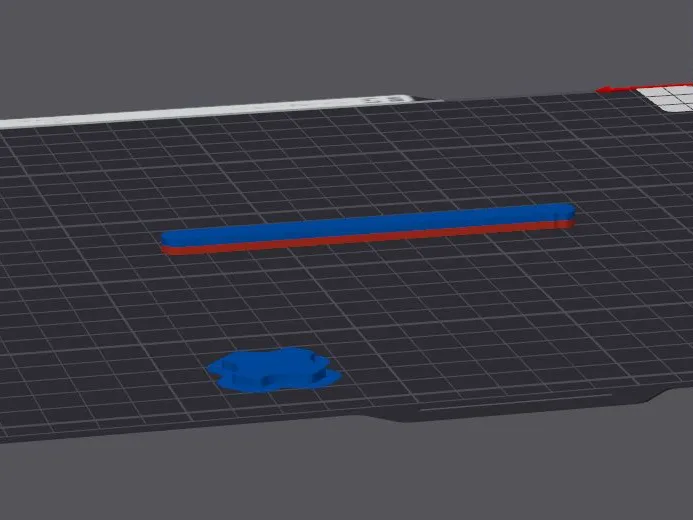
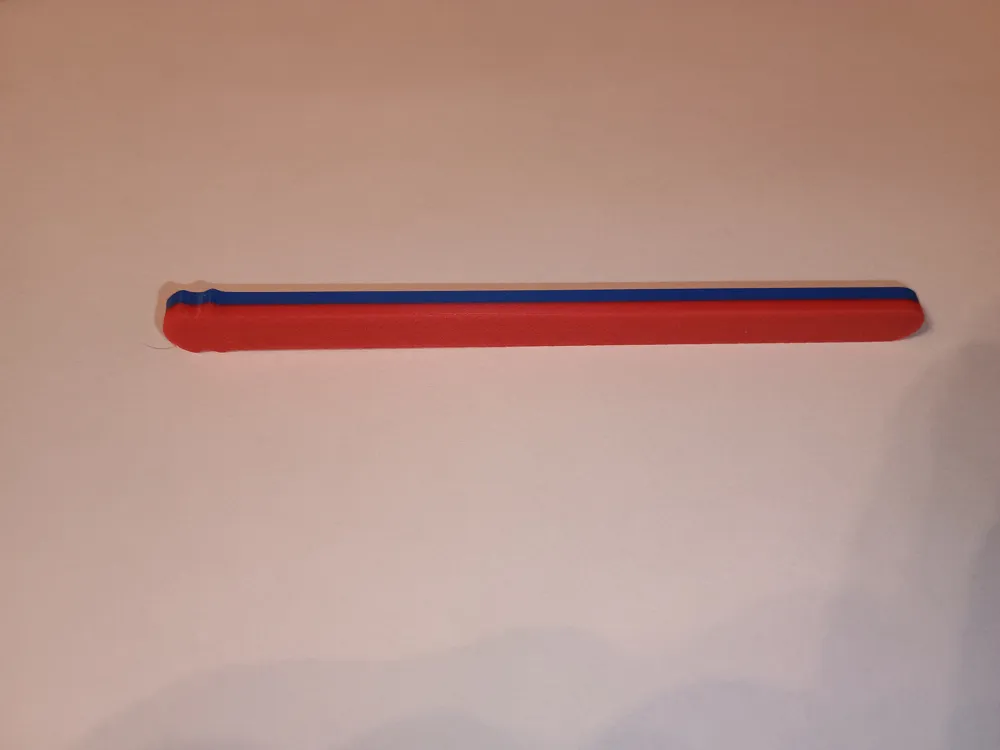
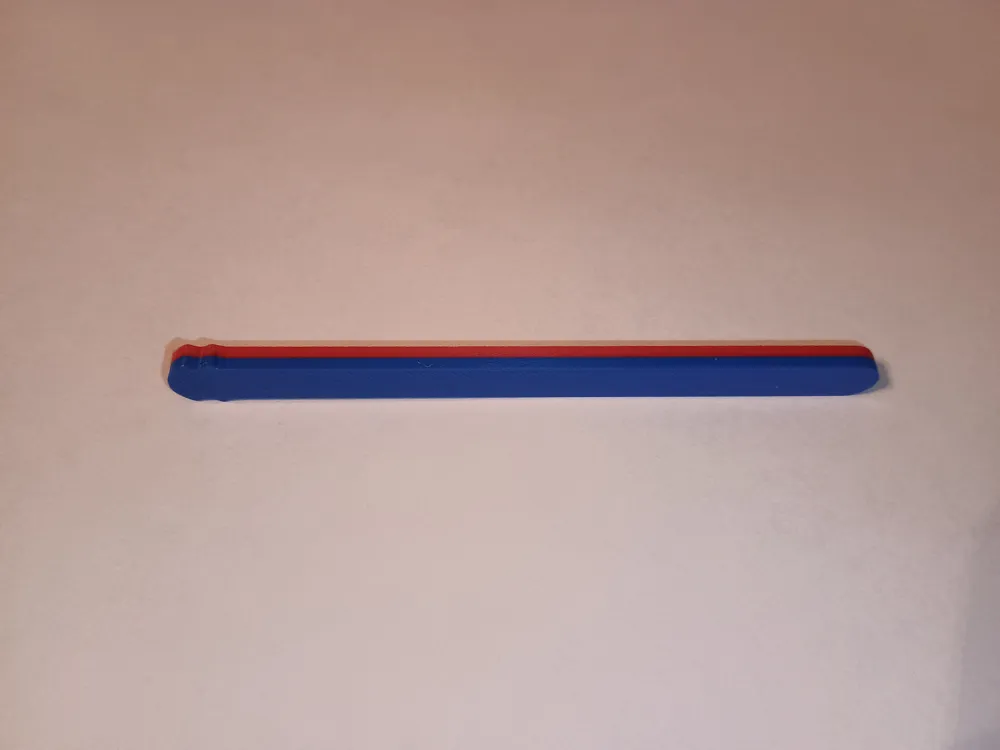
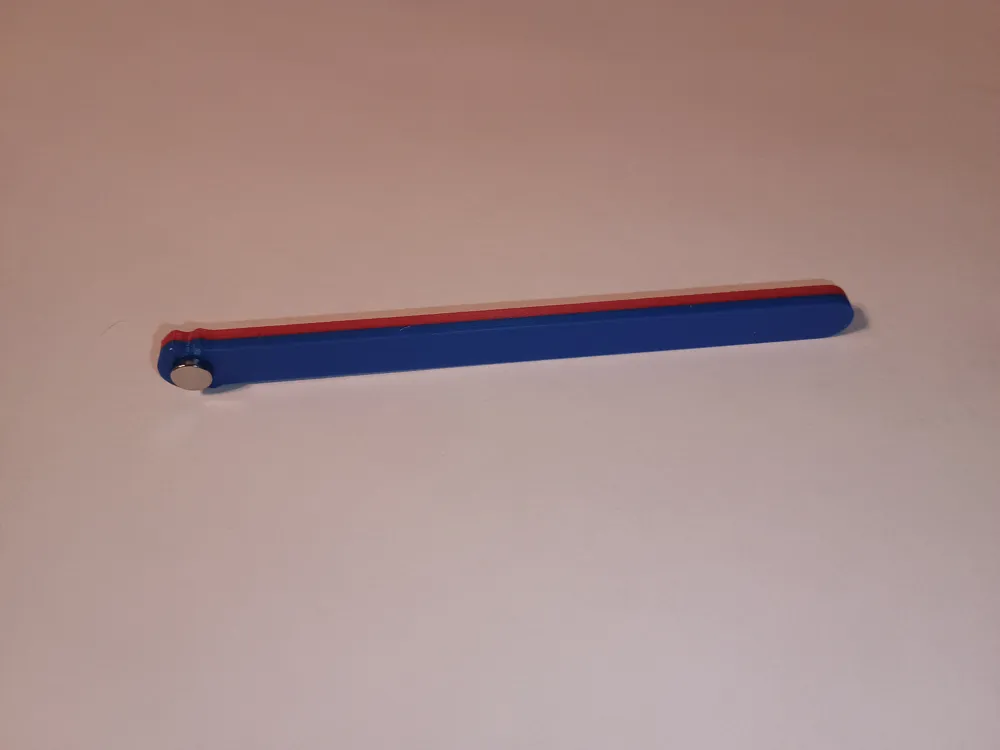
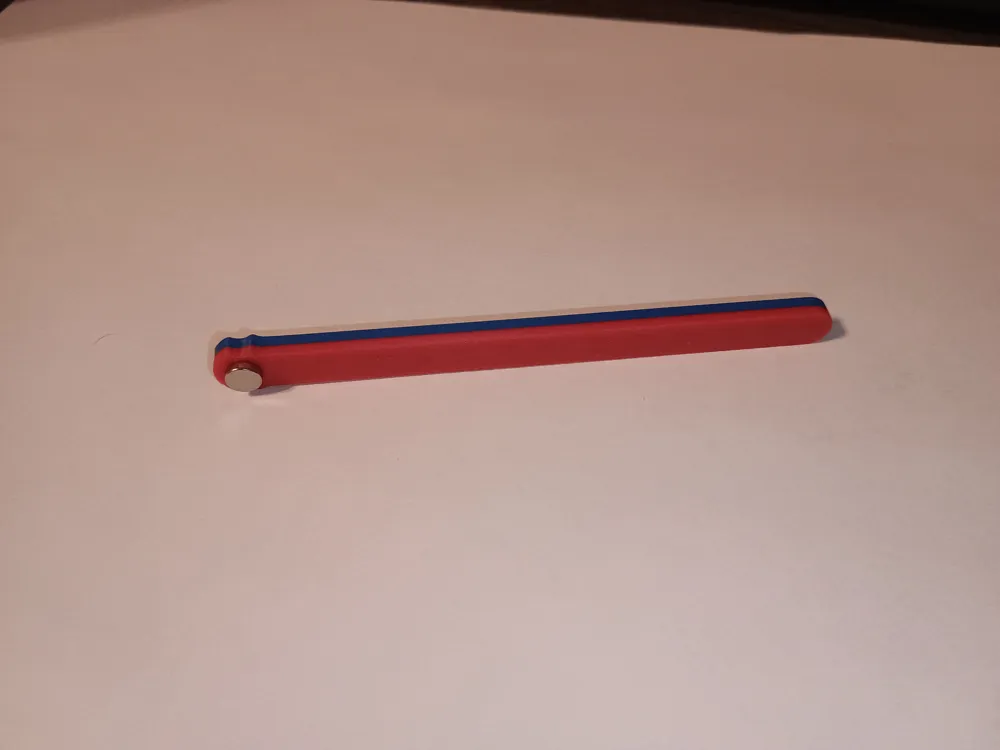
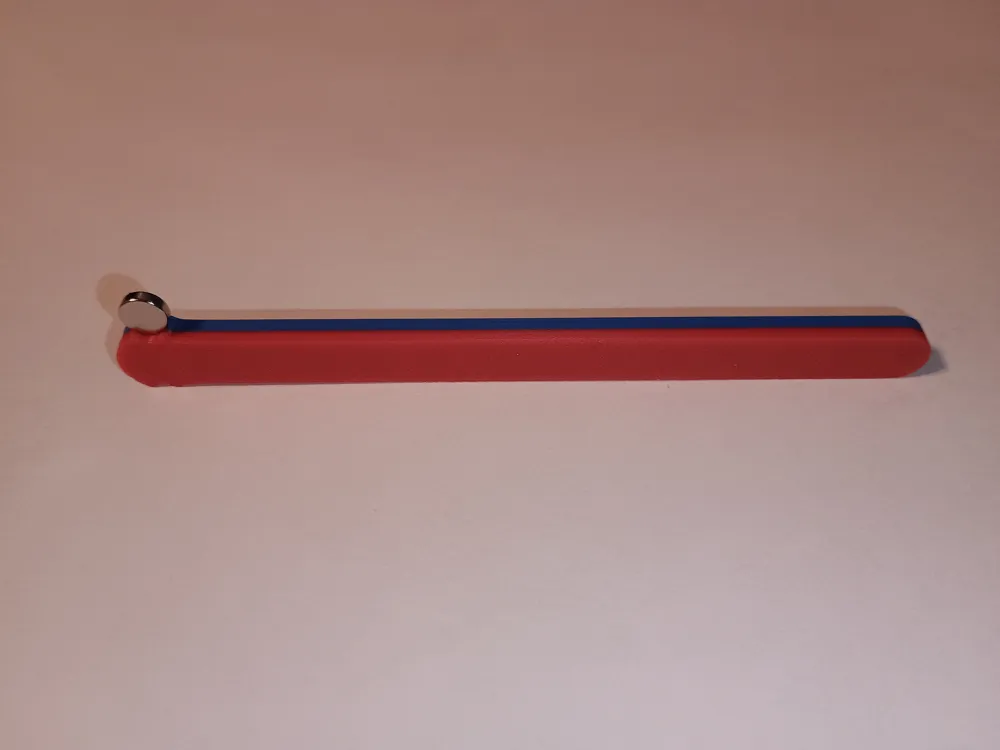
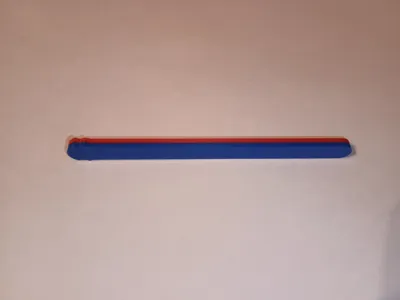
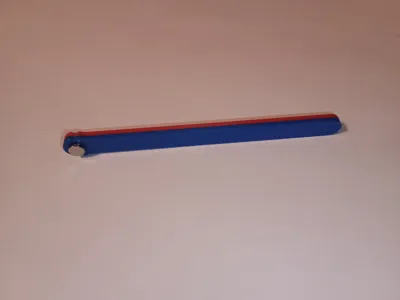
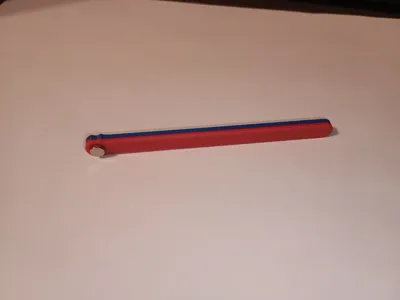
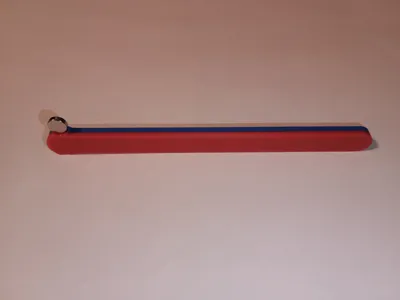
I designed this tool to easily reach into the printer and place a magnet into a cavity during a pause. Simply stick the magnet to the face with the desired polarity, insert the magnet into the cavity, and slide the tool off of the magnet. I also added indents on the side for the insertion of verticle magnets.
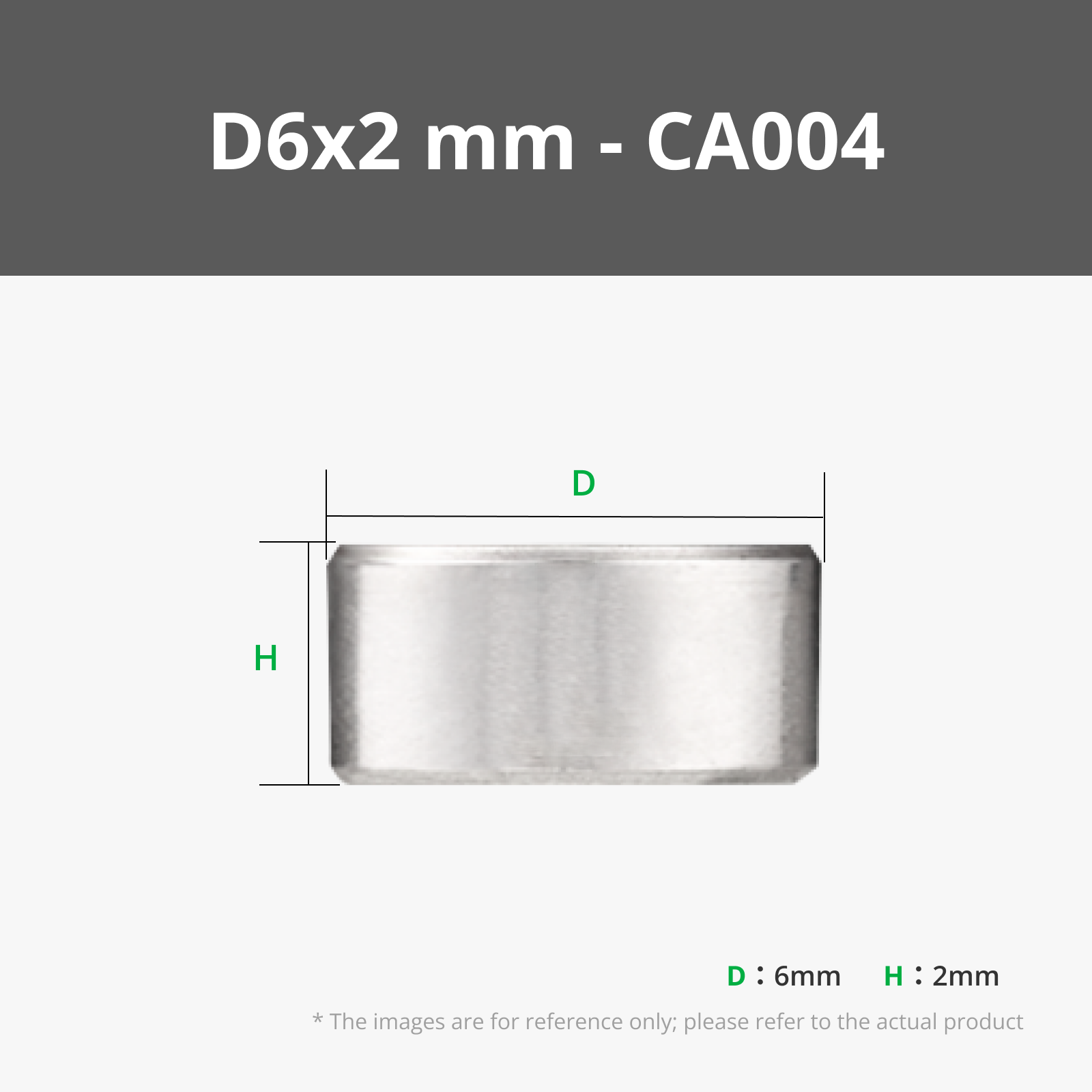
The design requires one 6x2 magnet.
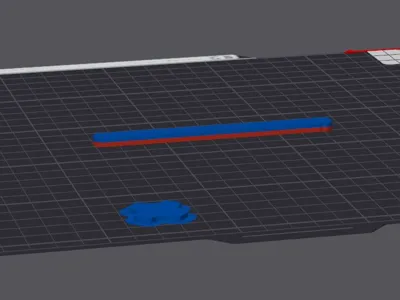
I have added a pause in the sliced model at layer 16. Just insert the magnet when the print pauses, then hit resume. If you have other magnet tools that are color-coded for polarity, double-check to make sure you insert the magnet the right way.
Note: If you are using a hardened steel nozzle, you can add a drop of super glue to the bottom side of the magnet to keep it from popping out when the nozzle passes by.
License



Comment & Rating (0)