
TigerTag.io Open Spool Pod for RFID Filament
Print Profile(3)


Description
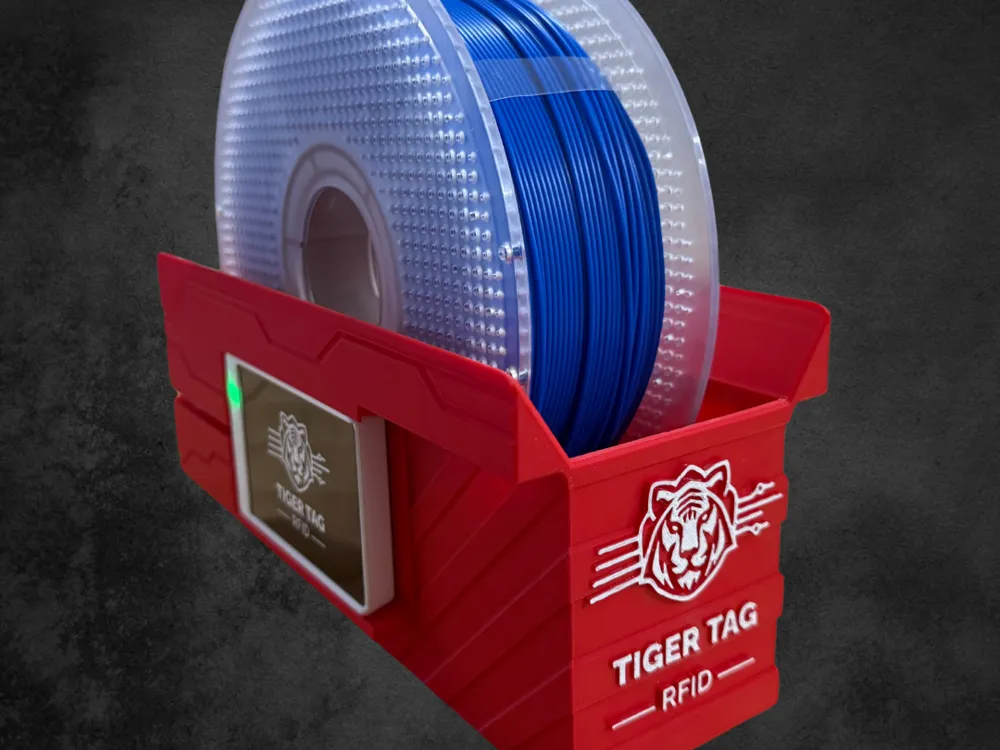
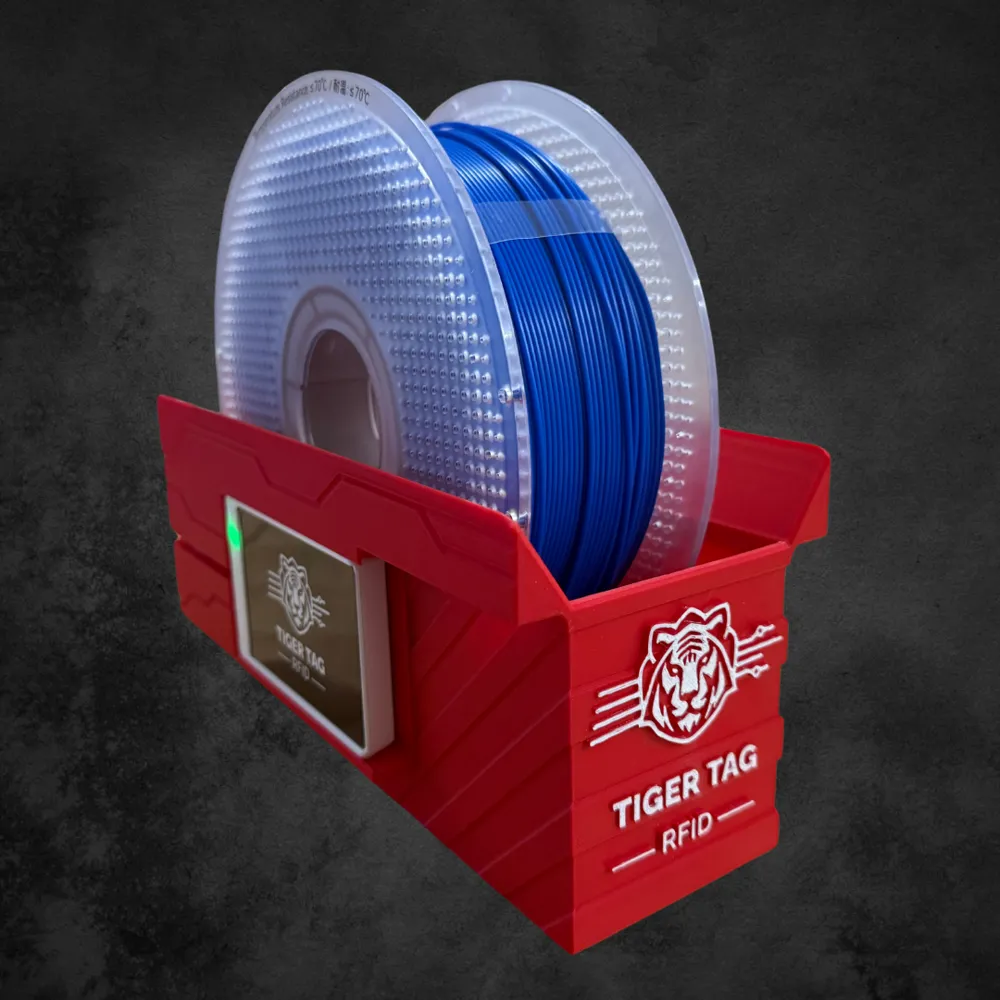

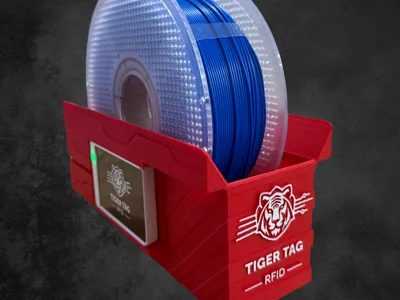
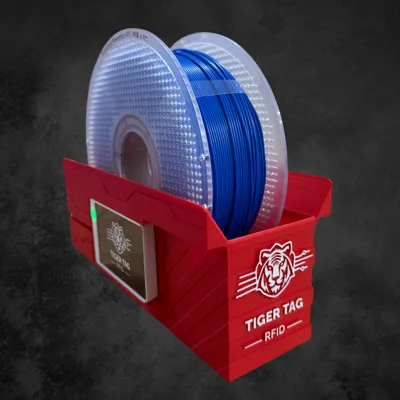
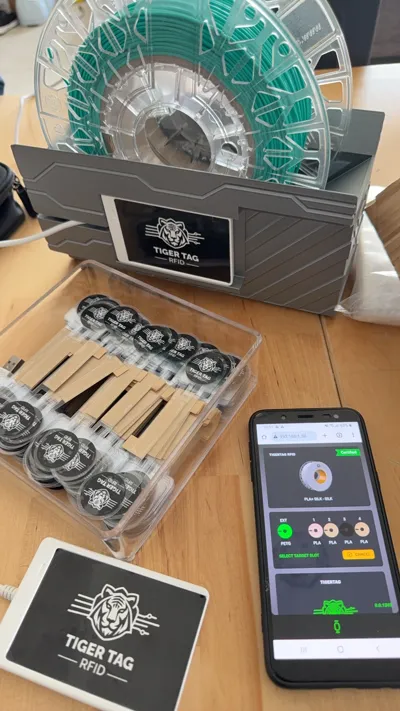
🐯 TigerTag Open Spool Pod — RFID Programming Stand for 3D Filament
Turn any 1 kg open spool into a smart, scannable, AMS-ready spool — in seconds. And manage every spool, every printer, every camera, every brand, from a single open desktop app.
🆓 100% free. 🌍 100% open-source. 🚀 Works even without RFID chips — try Inventory 2.0 today, no hardware needed. ♻️ NTAG213 chips are erasable and reusable infinitely. 🧑🤝🧑 Inventory shareable with your friends, your team, your clients.
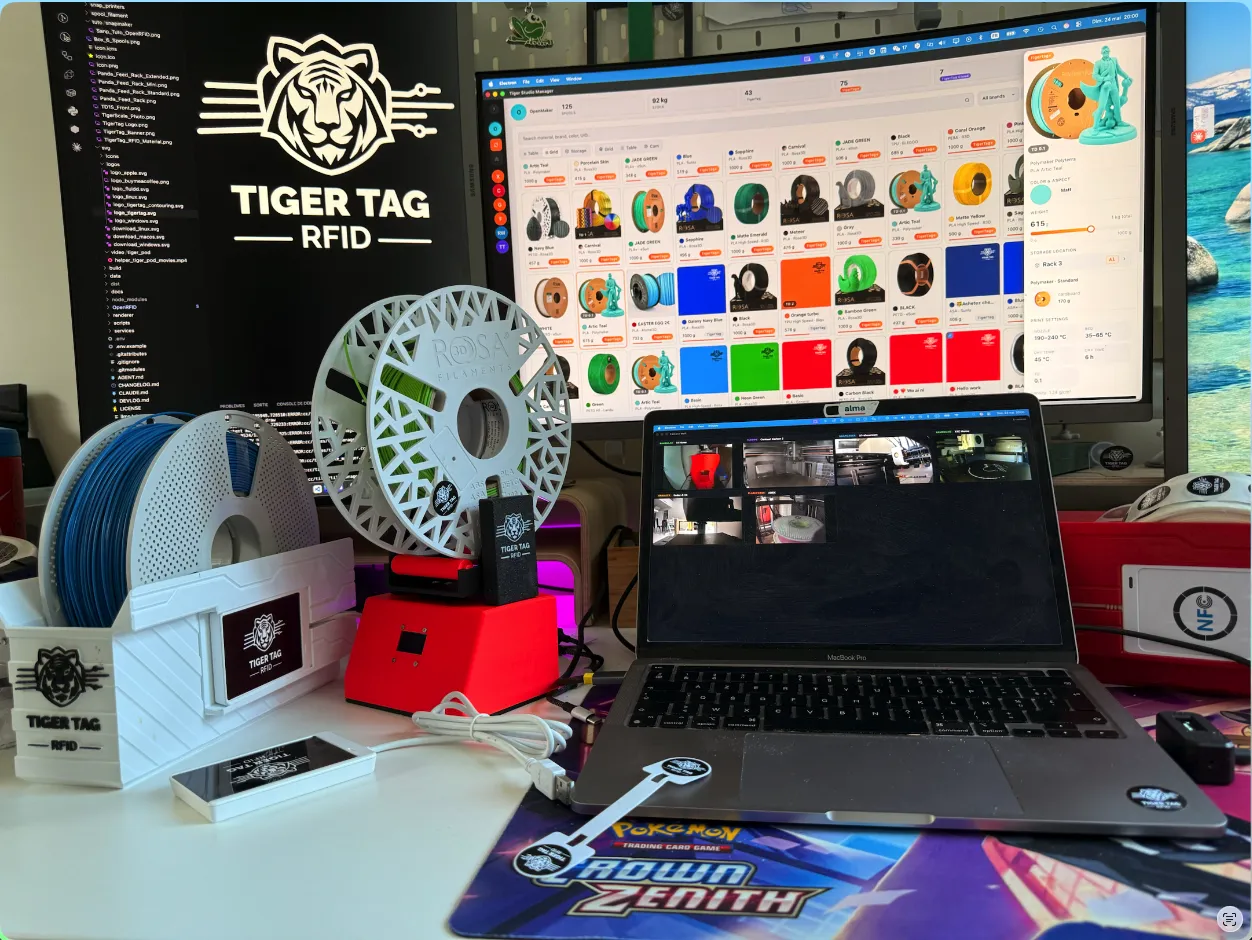
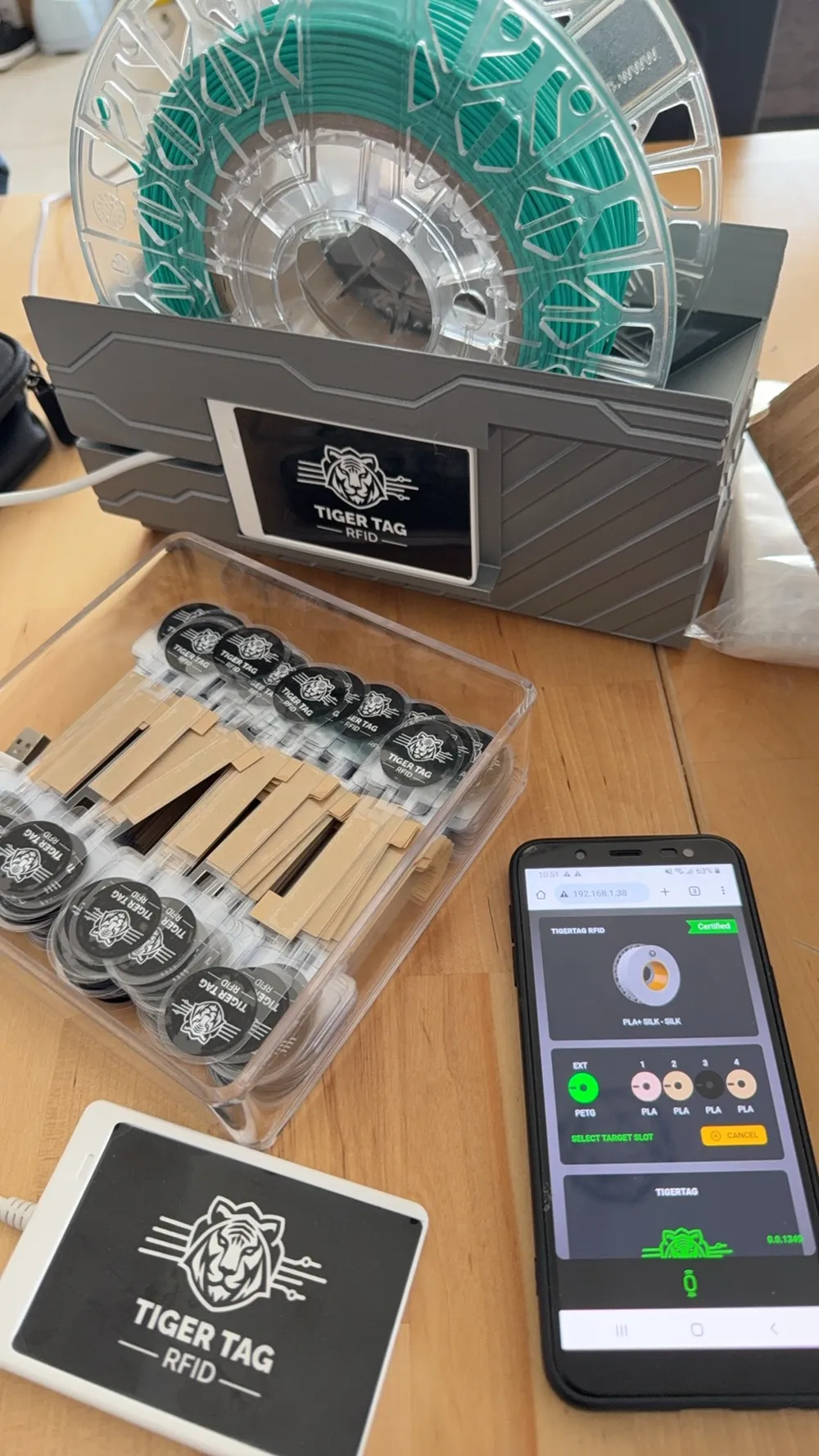
The TigerTag Open Spool Pod is a 3D-printable cradle that holds your filament spool perfectly still while you program TigerTag RFID chips on it. Plug in up to two standard ACR122U USB NFC readers — a.k.a. the "TigerTag Player" — (one on each side) and write both twin tags of a spool in a single shot — no juggling, no half-written chips.
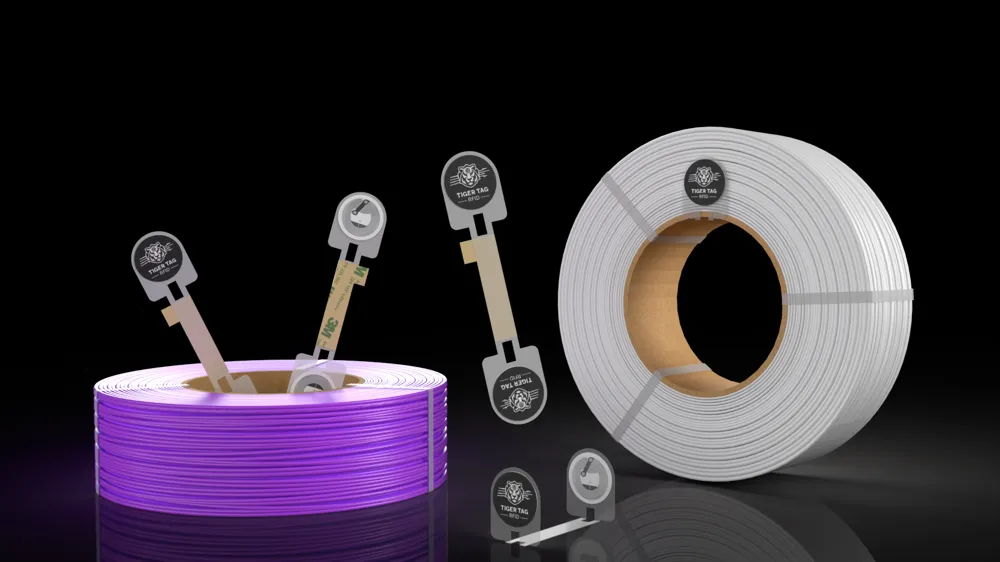
It is the missing piece of hardware between a blank NTAG213 sticker and a fully-described filament that your printer — or your AMS, your inventory app, your smart scale — can read automatically.
🚀 Try Inventory 2.0 today — even without RFID chips
The biggest barrier to "smart filament" has always been buying hardware first. Not anymore.
TigerTag Studio Manager works fully without any RFID chip. Add your spools manually, manage your full multi-brand inventory, connect your printers, supervise their cameras, share with your team — all of it, today, with zero hardware investment.
When you're convinced (and you will be), then you grab some NTAG213/215/216 chips and use this pod to write them. The chips upgrade the experience to fully automatic — but they were never the price of entry.
- ✅ Start free, with zero chips.
- ✅ Manage your existing brand-mix inventory immediately.
- ✅ Pilot your Bambu, Creality, Elegoo, FlashForge and Snapmaker printers + their cameras from day one.
- ✅ Add RFID later (TigerTag Maker chips, factory chips from partner brands, or any NTAG213/215/216 you already own).
⚡ Why you want the Pod
- Twin-tag programming in one move. Both chips written at the same time with the exact same data and the same timestamp — paired by a shared twinTag ID, exactly as the TigerTag protocol expects.
- Reliable reads & writes. The pod keeps the spool centered and motionless on the readers — no flaky NFC sessions.
- Open-spool by design. Cardboard, recycled, refillable cores. No proprietary cassette.
- Built-in redundancy. If one chip fails, its twin still describes the spool. Filament never goes "blind".
- Plays with the full TigerTag stack. Maker & Refill chips, Studio Manager (Win / macOS / Linux), Tiger Scale, TigerTag Connect mobile apps.
🛒 What you need to use the Pod
- 1 or 2 ACR122U USB NFC readers — generic, off-the-shelf, ~20€ each. Buy on Amazon.com, Amazon.fr, Amazon.de, Amazon.co.uk, or AliExpress. They are the same readers we ship as "TigerTag Player". No proprietary hardware required.
- NTAG213 / 215 / 216 stickers or cards — also generic, a few cents each. You can also recycle the chips already present on partner-brand filament spools.
- TigerTag Studio Manager (free, open-source, see download links below).
Plug, scan, write. Nothing else.
♻️ Erasable, reusable, recyclable forever
TigerTag chips use standard NTAG213 NFC technology — they are fully erasable and re-programmable, infinitely. No wear-out, no fees, no expiry, no subscription. Update them as your spool's color, weight or settings change.
👉 Already have RFID chips on your existing filament spools? If your filament brand is a TigerTag partner (Polymaker, Rosa3D, eSun, Sunlu, Azurefilm, BASF, FormFutura, Nanovia, Recreus, Smart Materials 3D, NinjaTek, R3D, and more), you can:
- ♻️ Reuse those existing chips for your personal needs — re-program them with the TigerTag Maker format.
- 🧠 Or convert them to NDEF — turn them into standard NFC tags any phone or NFC device can read (smart keychains, project IDs, NFC inside 3D prints, Home Assistant triggers…).
🧩 What is TigerTag, in 30 seconds
TigerTag is a 100% open-source, offline-first NFC standard for 3D printing. Every spool can carry a tiny NTAG213 chip that stores everything your printer needs to know — material, color, diameter, nozzle / bed temperatures, drying settings, weight, brand, even a HueForge TD value. No cloud required, no login, no lock-in. Any printer, any slicer, any AMS / CFS-like system can read it.
Brand-agnostic by design. Already supported across the industry: Polymaker, Rosa3D, eSun, Sunlu, Azurefilm, BASF, FormFutura, Nanovia, Recreus, Smart Materials 3D, NinjaTek, R3D and more — all read by the same chip, the same protocol, the same software.
💻 TigerTag Studio Manager — your filament and printer cockpit
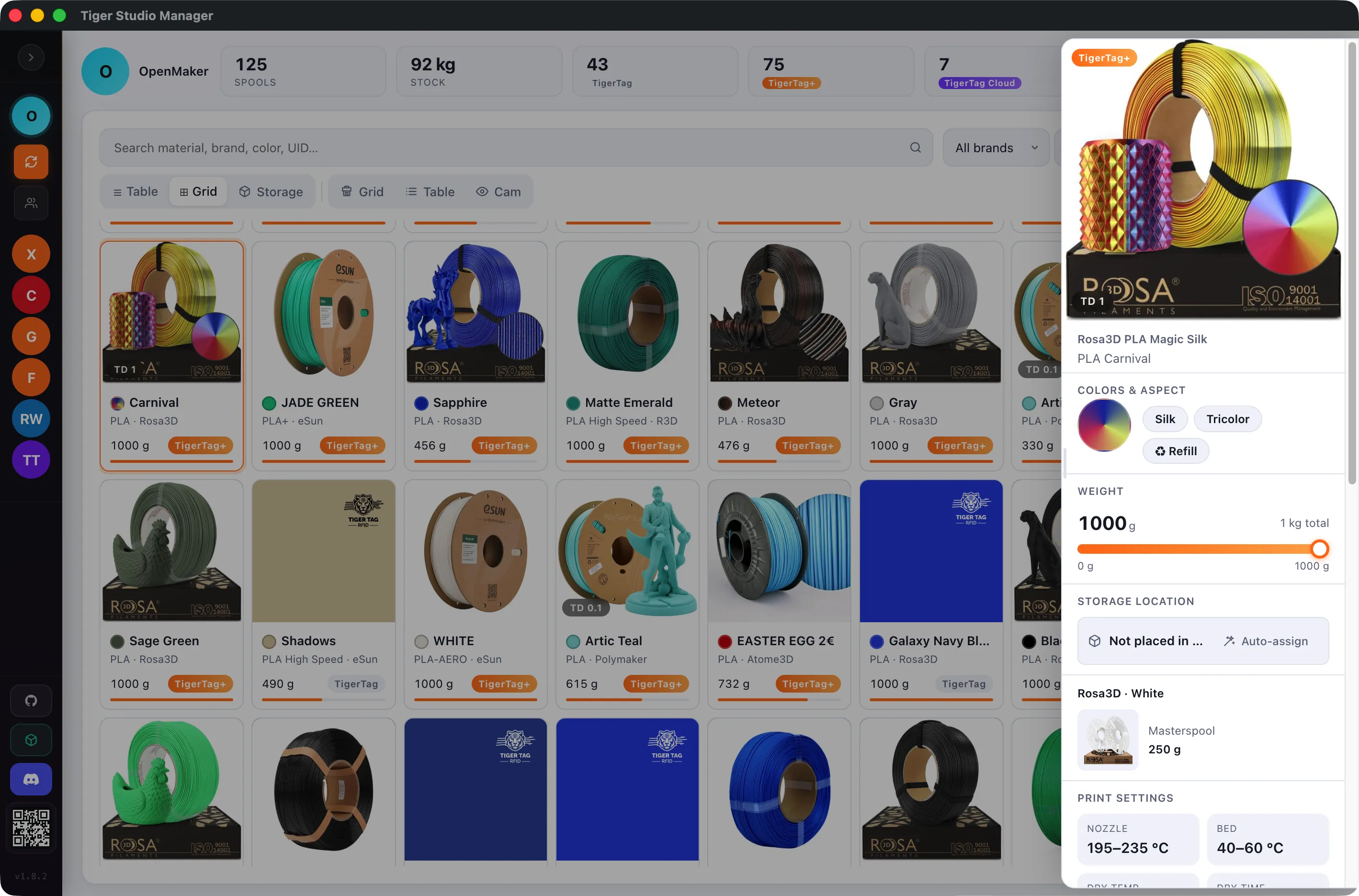
The free desktop companion app does two things in one place — works fully with or without chips — and lets you share everything with your team, friends or customers.
1. Universal, shareable filament inventory
Add spools manually or by NFC scan (ACR122U), track remaining weight live (with Tiger Scale), see print temperatures, MSDS / TDS links and full product info — for every supported brand, side by side, in one inventory.
🧑🤝🧑 Share your inventory across devices, accounts and friends. Perfect for makerspaces, print farms, schools and pro studios — everyone sees the same up-to-date stock, weights and colors in real time.
2. Multi-brand 3D printer manager & live camera supervision
Studio Manager is also a full multi-brand printer cockpit. Connect, monitor and supervise printers from 5 different manufacturers at once, in a single unified dashboard:
- 🟢 Bambu Lab — MQTTS 8883 (TLS) + AMS ✅
- 🟢 Creality — WebSocket 9999 + CFS ✅
- 🟢 Elegoo — MQTT 1883 + Canvas ✅
- 🟢 FlashForge — HTTP 8898 + matlStation ✅
- 🟢 Snapmaker — Moonraker WebSocket 7125 ✅
For every printer, in real time:
- 📡 Auto-discovery on your LAN (mDNS + port-scan), or add by IP
- 🌡️ Live status — hotend / bed temperatures, active job, progress, ETA
- 🎞️ Unified live-camera supervision — one panel, every printer's stream side by side
- 🧵 Filament per slot — edit and assign material per AMS / CFS / matlStation slot
- 🔄 Cross-device + multi-user sync — your team sees the same dashboard from any machine
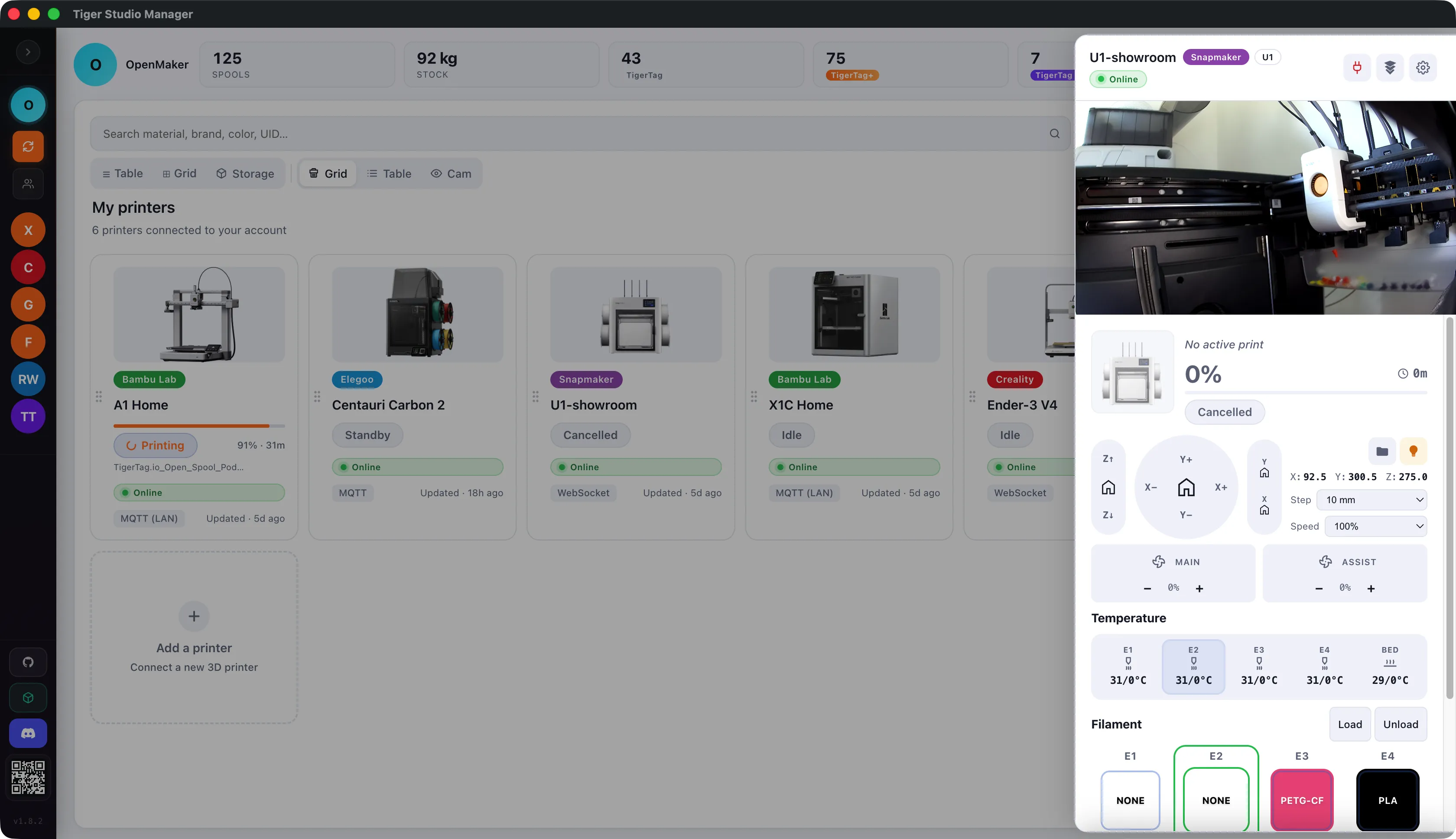
One open app instead of five proprietary ones — agnostic, free, and yours forever.
⬇️ Direct download (latest stable — v1.8.8)
- 🪟 Windows (.exe installer) — Tiger-Studio-Manager-Setup-1.8.8.exe
- 🍎 macOS — Apple Silicon (M1/M2/M3/M4) — Tiger-Studio-Manager-1.8.8-arm64.dmg
- 🍎 macOS — Intel — Tiger-Studio-Manager-1.8.8.dmg
- 🐧 Linux (AppImage) — Tiger-Studio-Manager-1.8.8.AppImage
- 🔄 Always-latest release page — github.com/TigerTag-Project/TigerTag-Studio-Manager/releases/latest
📱 Mobile companion — TigerTag Connect
- 🍏 iOS (App Store) — apps.apple.com/app/tigertag-rfid-connect
- 🤖 Android (Google Play) — play.google.com/store/apps/details?id=com.tigertag.connect
- 🚀 Universal store link (auto iOS / Android) — taap.it/DF1Aqt
✅ Key Features of the Pod
- 2 reader slots — fits up to 2 standard ACR122U USB NFC readers (a.k.a. TigerTag Player) — left + right
- Twin-tag programming in a single session — both chips written identically, paired by twinTag ID
- Stable cradle for any standard 1 kg spool (standard inner diameter)
- Compatible with TigerTag Maker, TigerTag Refill, partner-brand factory chips and any blank NTAG213 / 215 / 216
- Works hand-in-hand with the TigerTag Studio Manager desktop app
- 100% open ecosystem — no DRM, no account required, no fee, no expiry
🖨️ Print Settings
- Material: PLA or PETG (PETG recommended if your room runs warm)
- Layer height: 0.2 mm
- Walls: 2
- Infill: 8%
- Supports: None required
- Bed plate: 1 plate
Tuned profiles for X1 Carbon, P1S, P1P, X1, X1E, A1, H2D, H2D Pro, H2S, P2S, H2C and X2D are included — pick yours and slice.
🧠 Recommended workflow
- Try first, no chip needed. Install Studio Manager → add your spools manually → connect your printers → enjoy unified status & cameras.
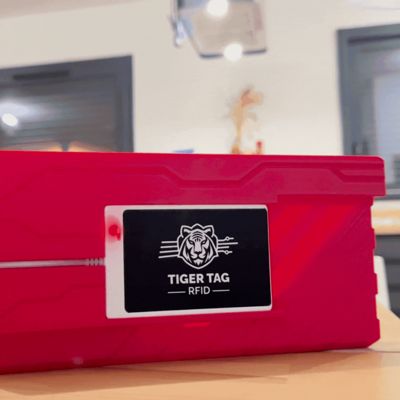
- Ready for full automation? Print this pod (any color — the red TigerTag look is optional but iconic 🐯).
- Snap one or two ACR122U USB NFC readers (~20€ on Amazon / AliExpress — same hardware as the "TigerTag Player") into the side slots.
- Drop your blank spool (or recycle the chips from a partner-brand spool — they're erasable) on the cradle.
- In Studio Manager / Connect mobile app, pick the material from the open database, hit Write → both chips encoded identically and paired by twinTag ID.
- Print. AMS, slicer, scale, Home Assistant, teammates — everyone knows exactly what's loaded.
💡 Pro tip — how twin tags really work
When you write two chips at once on the pod, they contain the exact same data (material, color, temps, weight, message…) and they are linked by a shared twinTag ID (the same timestamp value, used as a pairing identifier by the protocol).
Why two identical chips? Three reasons:
- 🛡️ Redundancy — if one chip is damaged, dirty or unreadable, the twin still describes the spool.
- ⚡ Fast reads from either side — your printer / scale / app reads whichever chip is closest, no flipping the spool.
- 🔁 Automatic twin recognition — every TigerTag-aware app detects the pair via the shared twinTag ID and treats them as a single spool.
And remember: chips can be erased and re-written infinitely. Nothing ever wears out.
🔗 Useful links
- 🌐 Project & docs — tigertag.io
- 📖 RFID protocol spec — github.com/TigerTag-Project/TigerTag-RFID-Guide
- 💻 Studio Manager source — github.com/TigerTag-Project/TigerTag-Studio-Manager
- ⚖️ Tiger Scale (DIY smart RFID scale) — github.com/TigerTag-Project/Tiger-Scale
- 💬 Discord — discord.gg/3Qv5TSqnJH
🤝 Free, open source, by makers, for makers
The entire TigerTag project is free and open source — protocol, JSON databases, desktop app, smart scale firmware, mobile apps, sample code. Free for end users, developers, filament manufacturers, printer manufacturers. No license fee, no subscription, no gatekeeping. Works without chips. Chips are erasable forever when you do use them. Inventory shareable with your team or clients.
📣 Share your build
Print it, mod it, remix it — then tag it #TigerTag or #TigerTagSpoolPod. We re-share the best builds across the community.
If this model saved you time, a Boost is the best way to say thanks. 🐯🔥
License

You shall not share, sub-license, sell, rent, host, transfer, or distribute in any way the digital or 3D printed versions of this object, nor any other derivative work of this object in its digital or physical format (including - but not limited to - remixes of this object, and hosting on other digital platforms). The objects may not be used without permission in any way whatsoever in which you charge money, or collect fees.


Comment & Rating (4)