
Gridfinity Bins Plain - Ultimate Collection
Print Profile(15)



Description
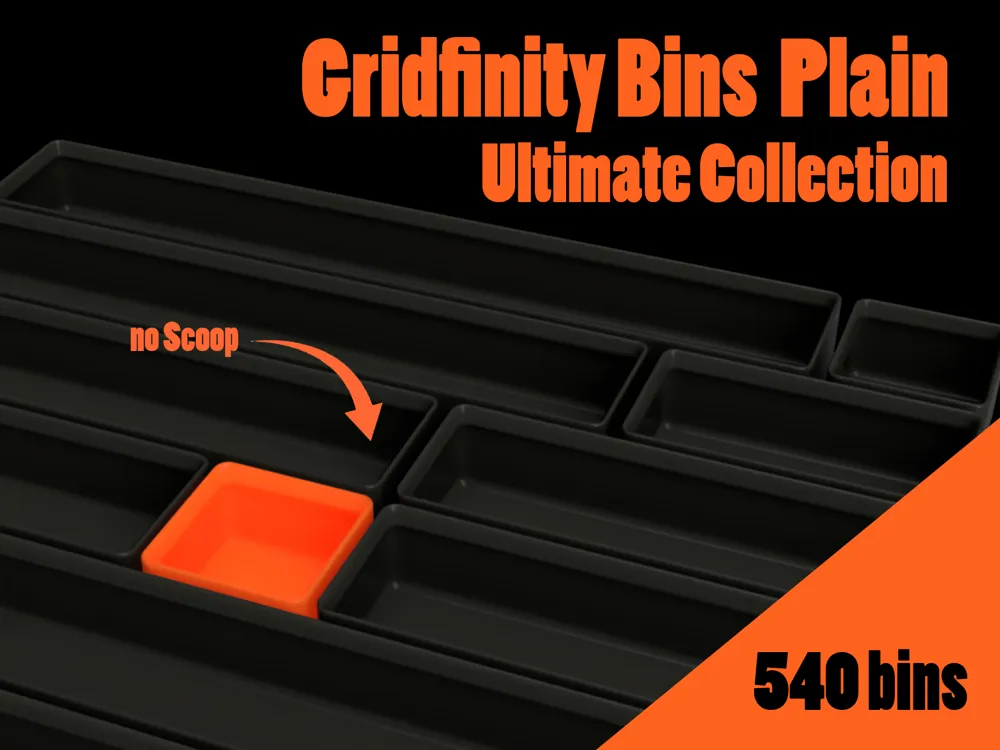
This is the plain version of my Gridfinity Bin Collection. This means it has no scoop and no tab.
If you want a version with a scoop, tab or any other combo check out my other bin collections linked below.
How to find your desired bin:
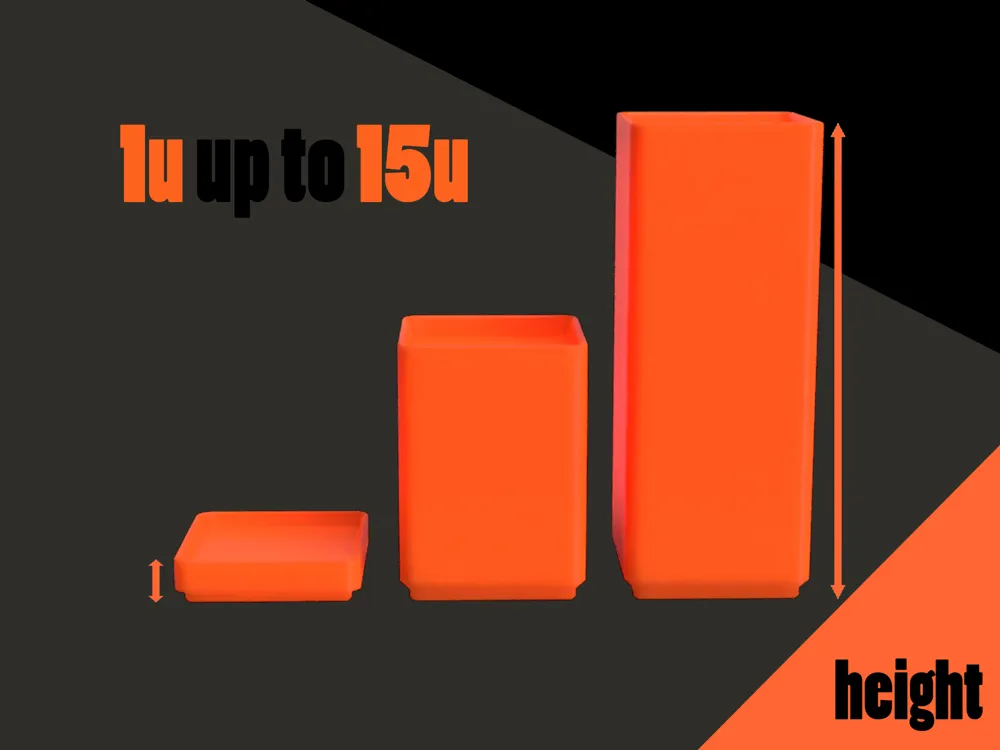
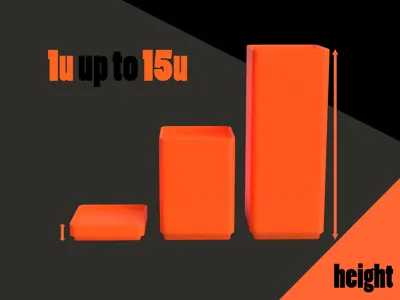
Step 1: First you have to choose the height of the bin. Gridfinity bins come in sizes of 7mm units thats what the folder is labeled by:
| Units | 1u | 2u | 3u | 4u | 5u | 6u | 7u | 8u | 9u | 10u | 11u | 12u | 13u | 14u | 15u |
| height in mm | 10,55 | 17,55 | 24,55 | 31,55 | 38,55 | 45,55 | 52,55 | 59,55 | 66,55 | 73,55 | 80,55 | 87,55 | 94,55 | 101,55 | 108,55 |
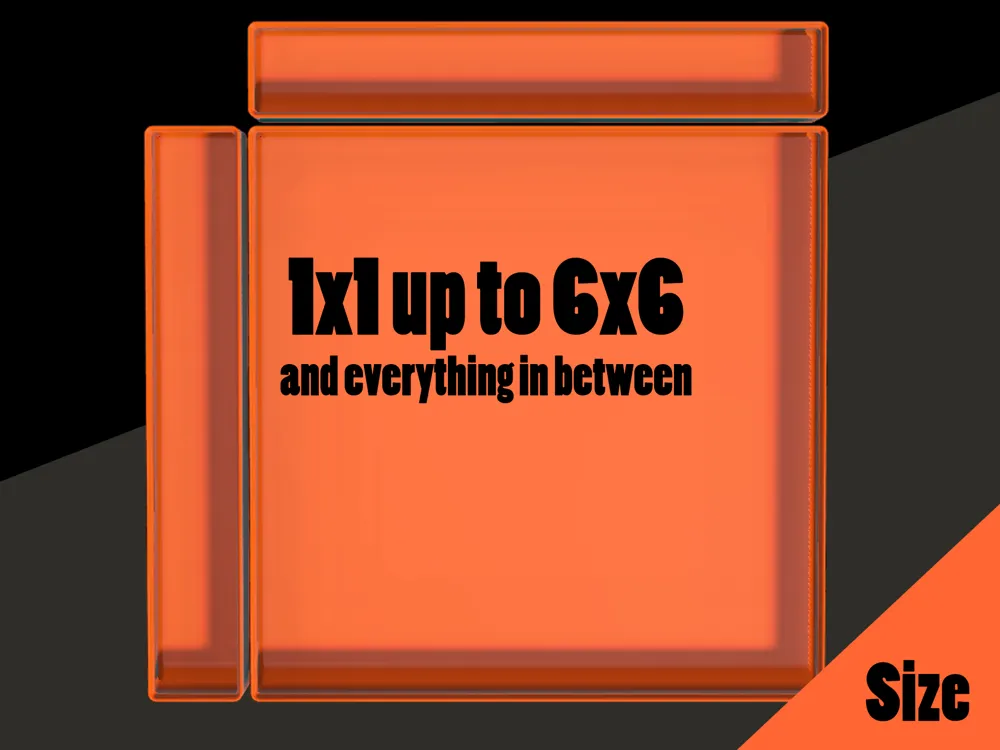
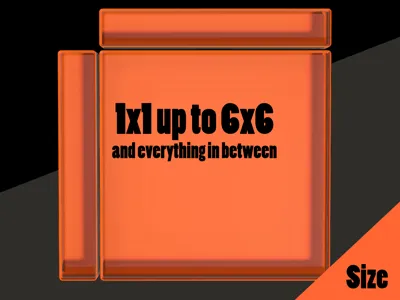
Step 2: Then you have to choose the correct size (Size units are 41.5 cm). Inside the folders all the bin will bei inside named with width along the X-axis, length along the z-axis and height. The file name then is width x length x height
→ a bin that´s 1x2x5 is one unit wide, two units long and 5 units high
Step 3: Thats all you should have found the correct bin and can print it out!
Additional:
These bins don't have any magnet/attachement holes. If you need them or a different additional feature, just use my Customize Model.
If you enjoyed this model, please consider supporting me with a boost 🚀, sharing your make or leaving a like.
Other Collections and Customizer:
No Scoop | Scoop | |
No Tab | 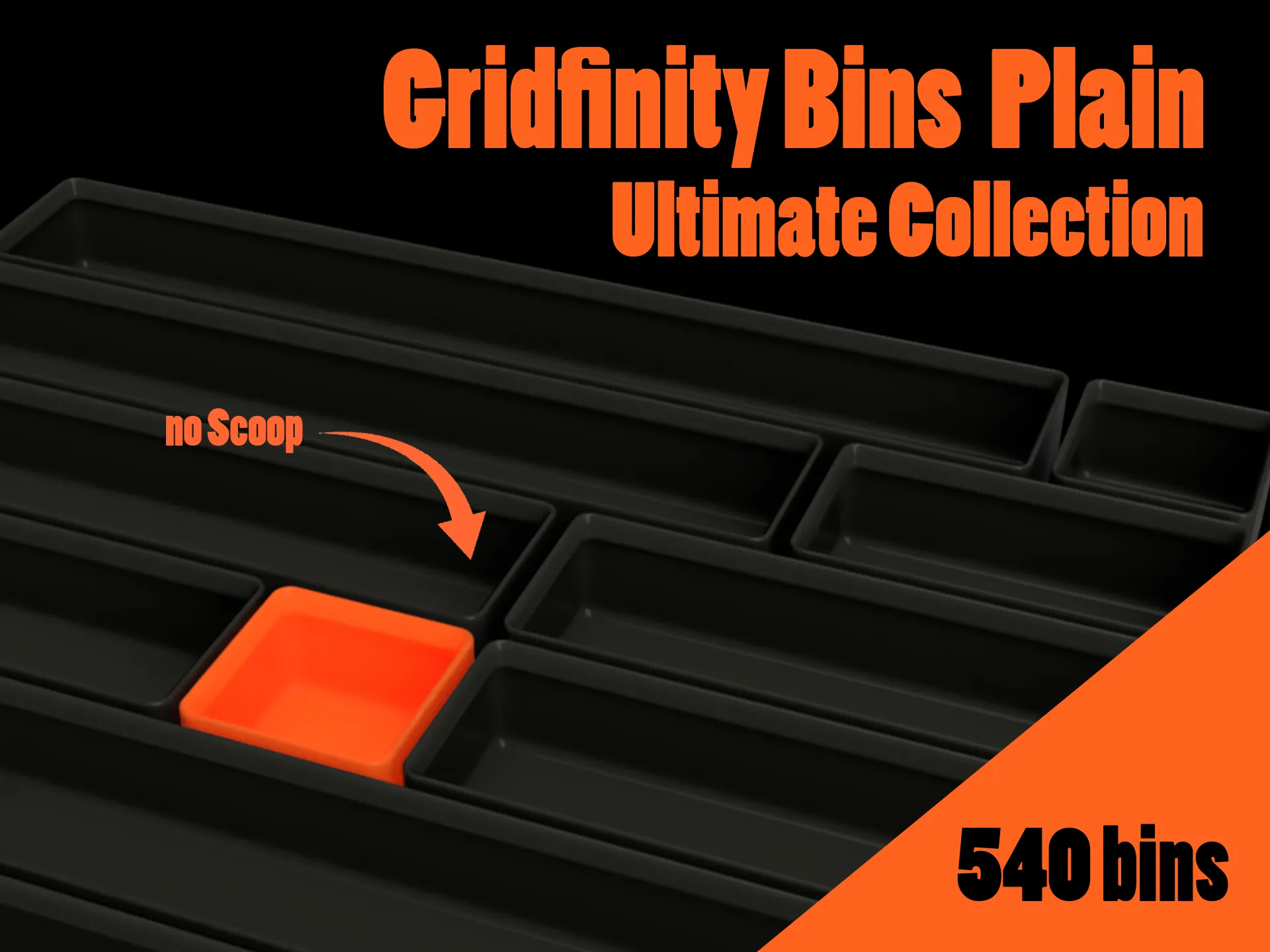 | 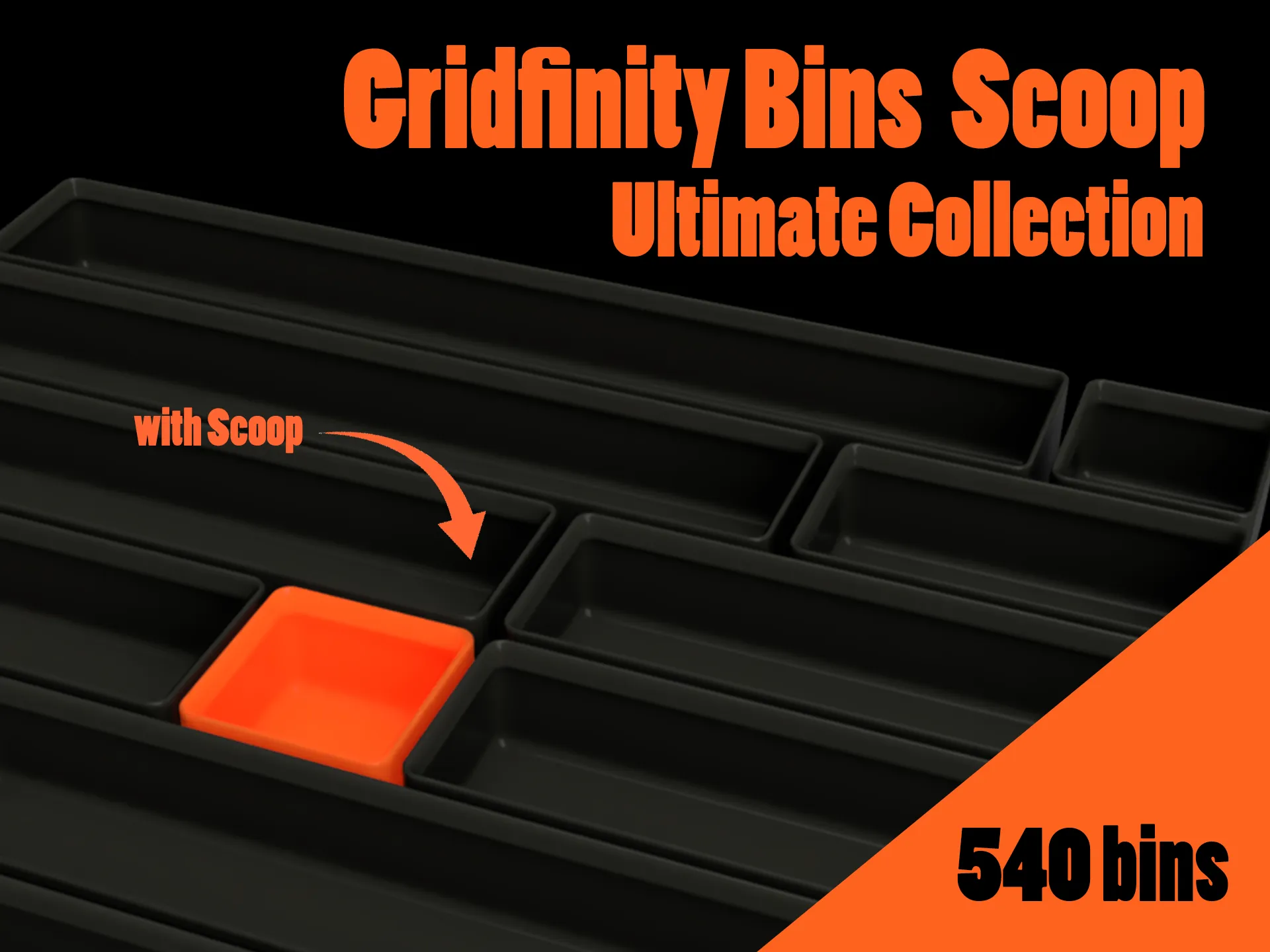 |
Tab - Left | 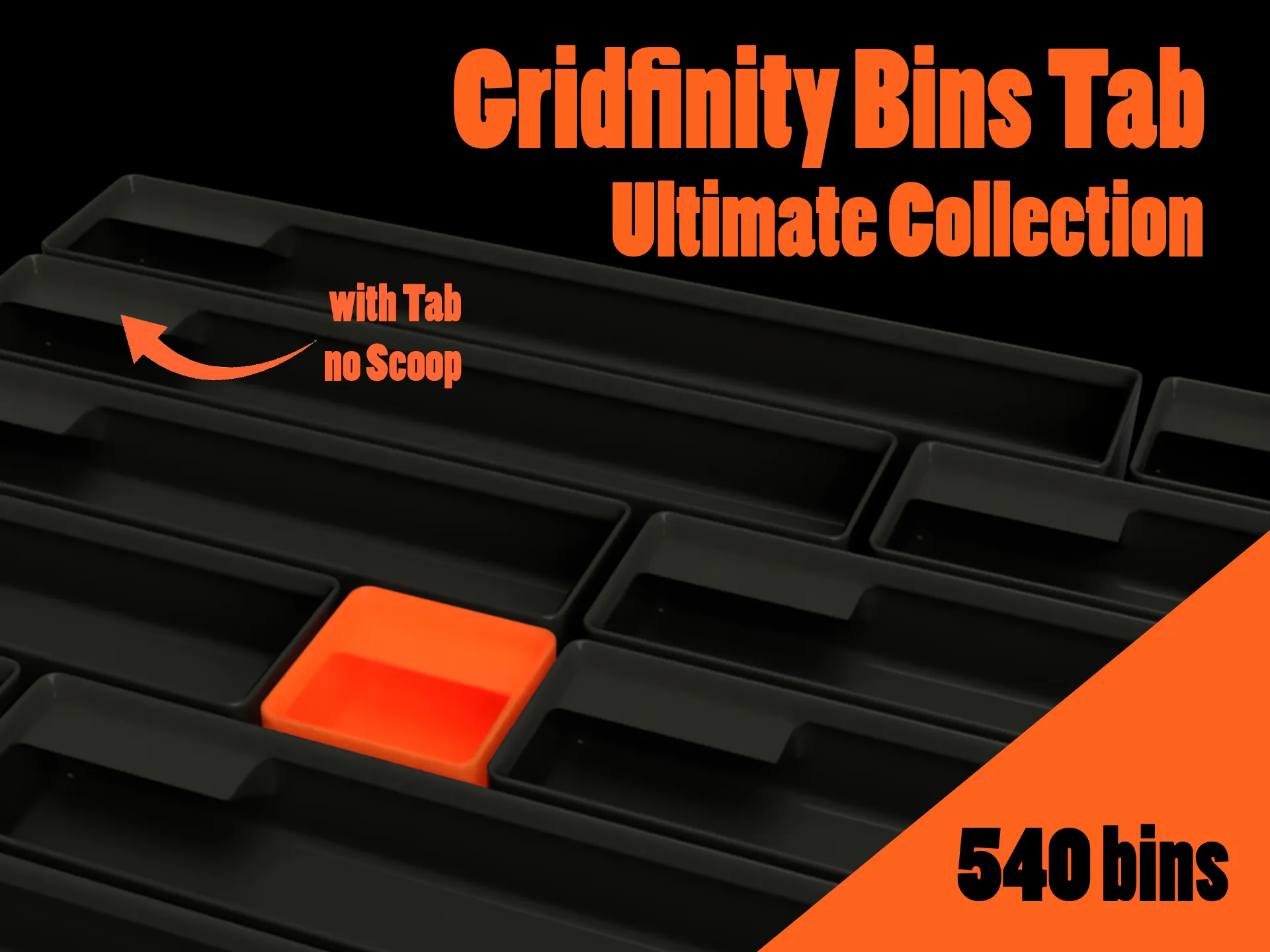 | 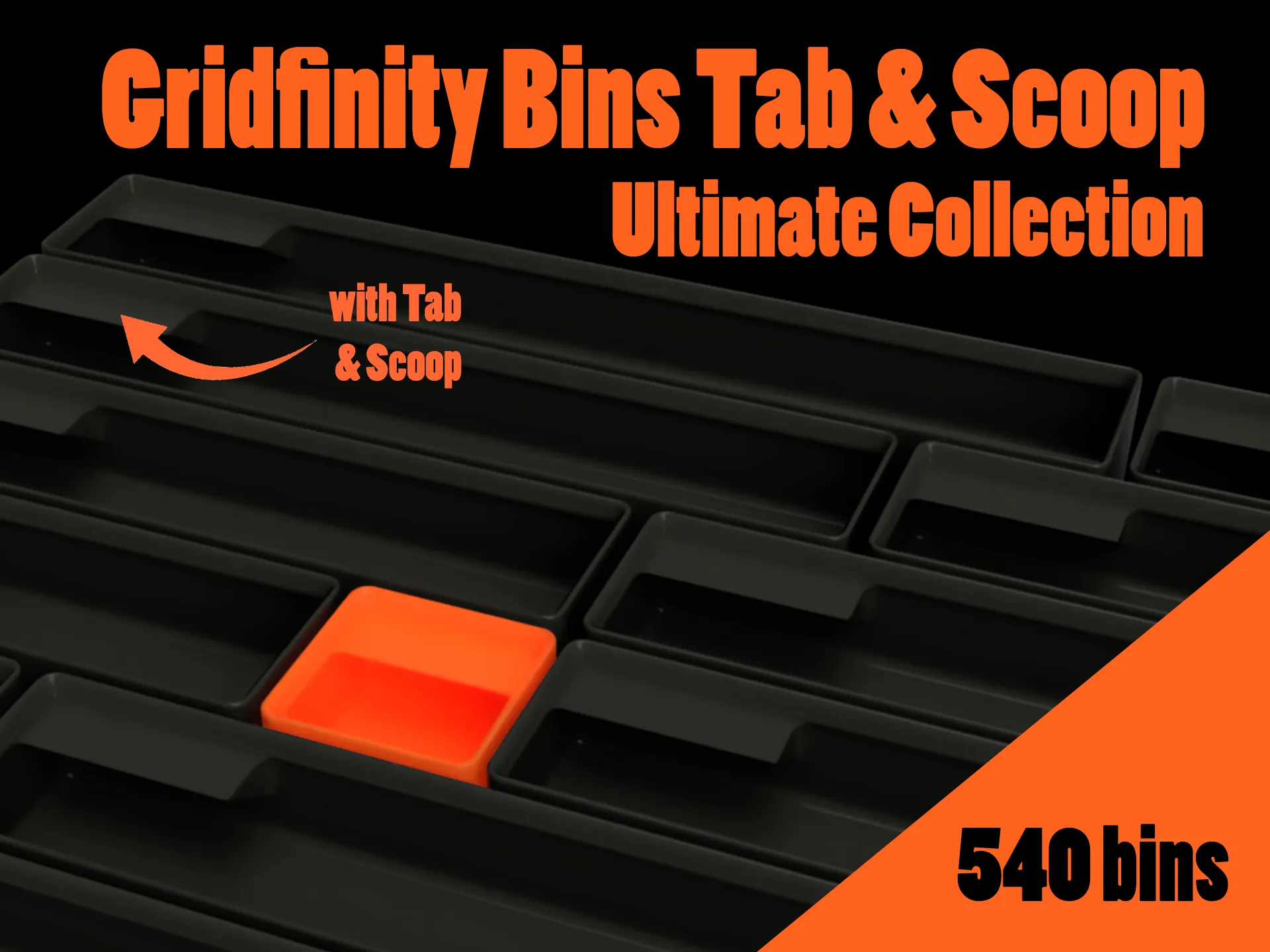 |
License



Comment & Rating (22)