
Hinge for multiboard
Print Profile(1)

Description
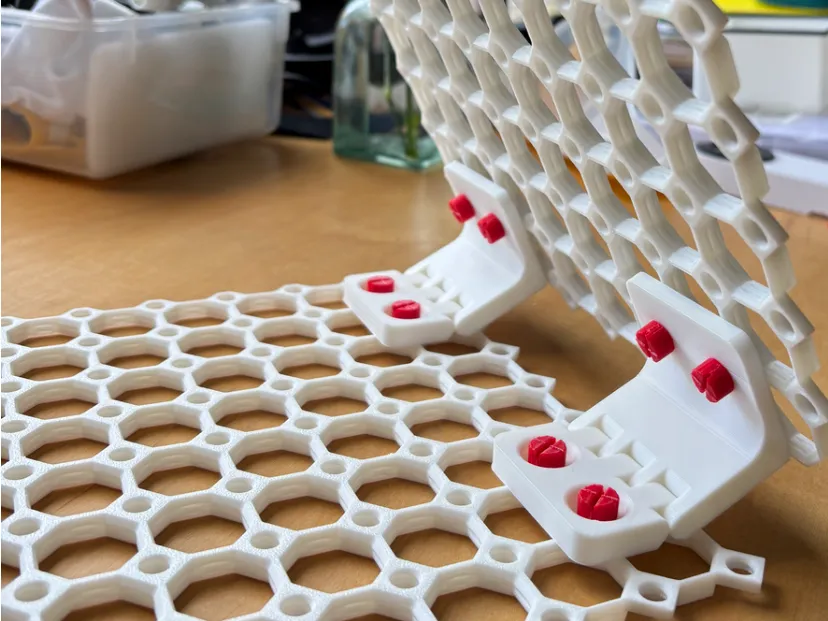
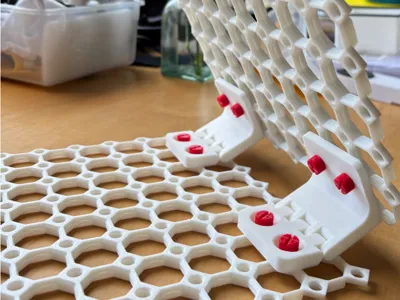
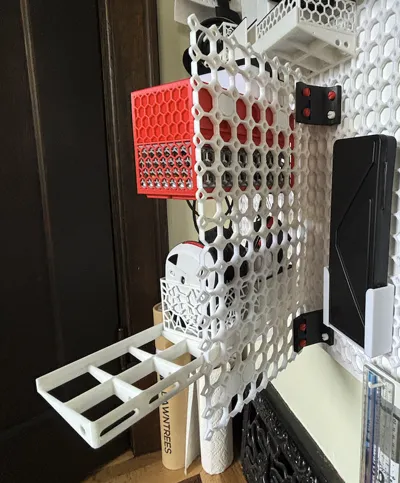
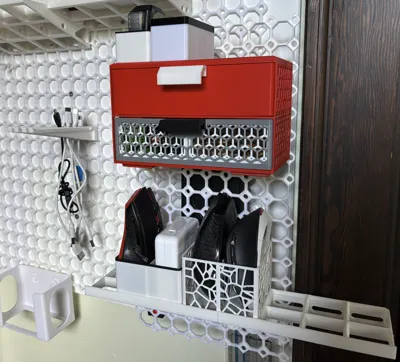
Have you run out of wall space for your multiboard, but wish you had more?
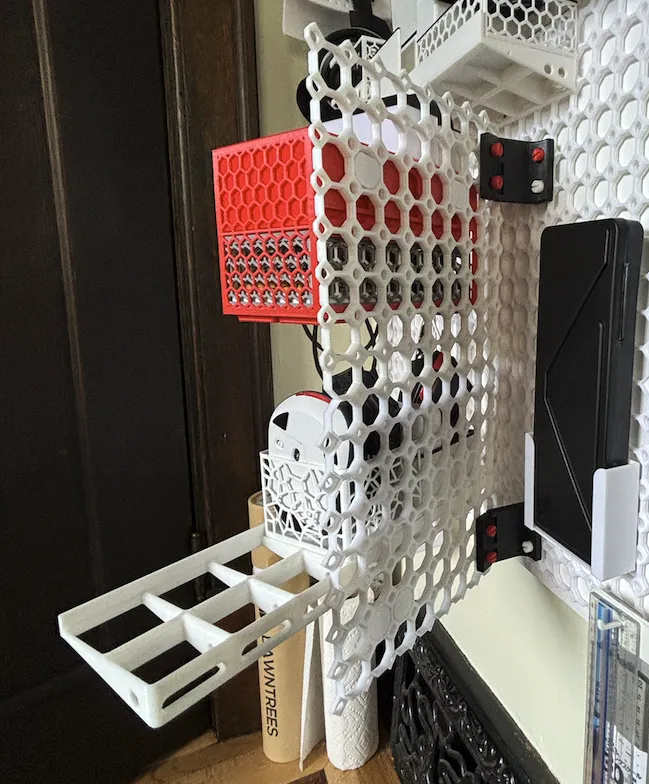
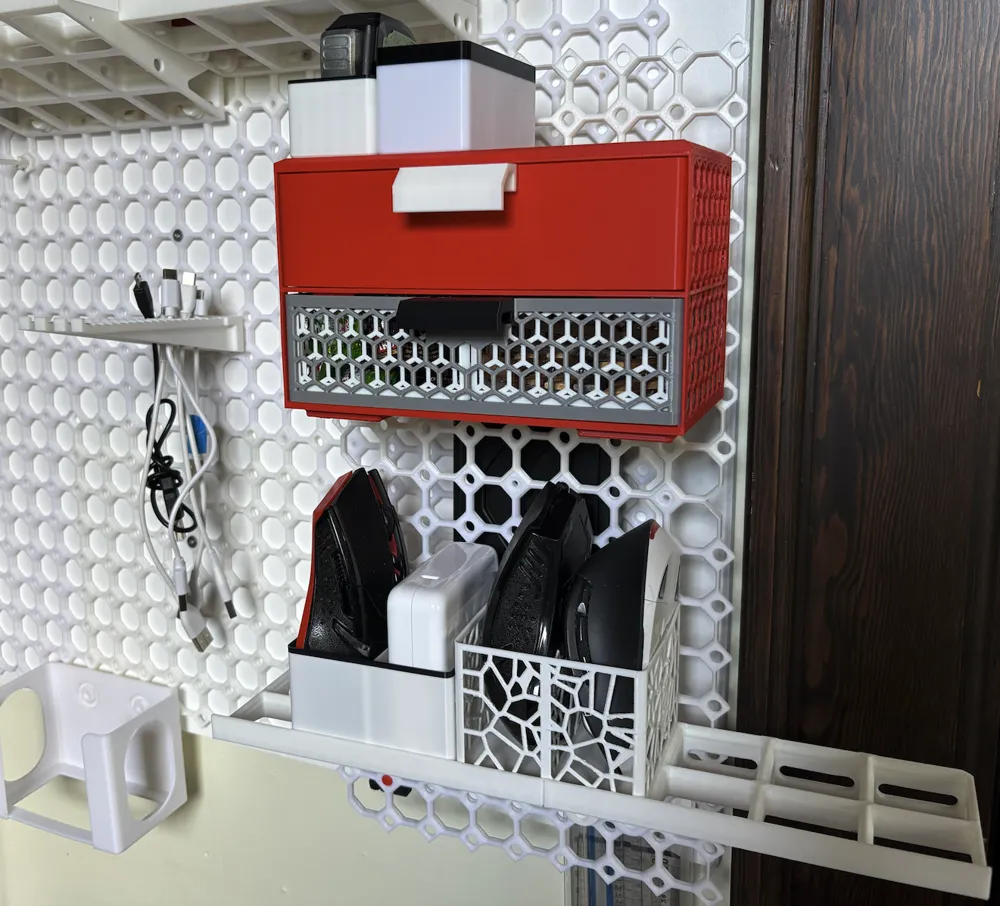
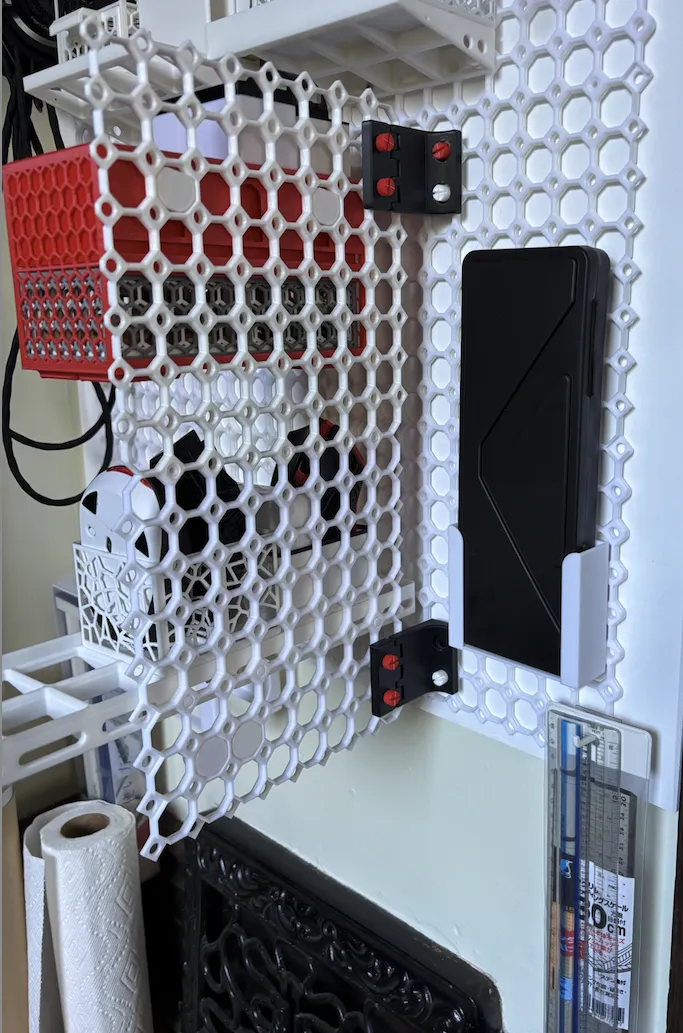
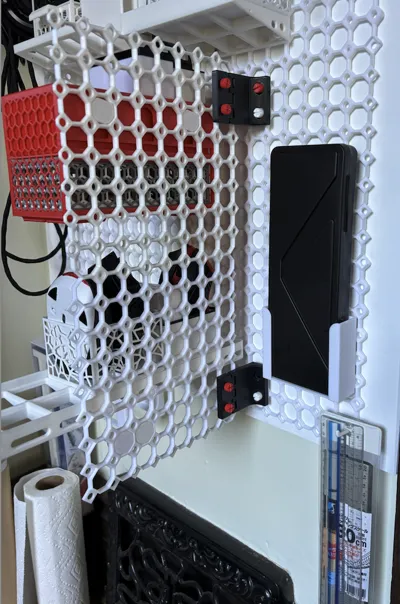
This hinge will allow you to create a second multiboard in front of the first (offset by 56mm). that will give you enough space to place some relatively flat objects behind the second multiboard (such as tools, rulers, etc).
The hinge is relatively strong. If you want to place a heavy load in the front multiboard, use several hinges to distribute the load.
How to print
Print with 3 layers. The hinge has a clearance of 0.2mm. You should be able to print it with any Bambulab printer without problems. Once you print it, “open” the hinge with your hands. It should break free. It might require a bit of force.
Once free, just keep moving it to make it smoother.
Print 2 of the bolts included per hinge.
Creating large panels
If you want to create a panel larger than what your printer can do, I strongly recommend you use Overlapping Multiboard: https://makerworld.com/en/models/749339 You can easily attach several panels into a single one.
Other multiboard designs
For other multiboard designs by me, please visit: https://makerworld.com/en/collections/4226278-by-tuo-mu-g-for-multiboard
License



Comment & Rating (22)