
Funny mini Floor Signs (caution, warning)
Print Profile(4)


Description
Boost Me (for free)
🚀 A BOOST is the spark powering my 3D projects and designs! 🚀 It costs you nothing, but your support keeps my creativity thriving. Deep thanks for your backing! 💪
Enjoyed this? Like 👍 and ➕ Follow for more designs from ZeroDev
Membership
✅ Commercial License Available Sell physical prints of this model legally via my ZeroDev Membership.
Recently Added
| 
|
Description
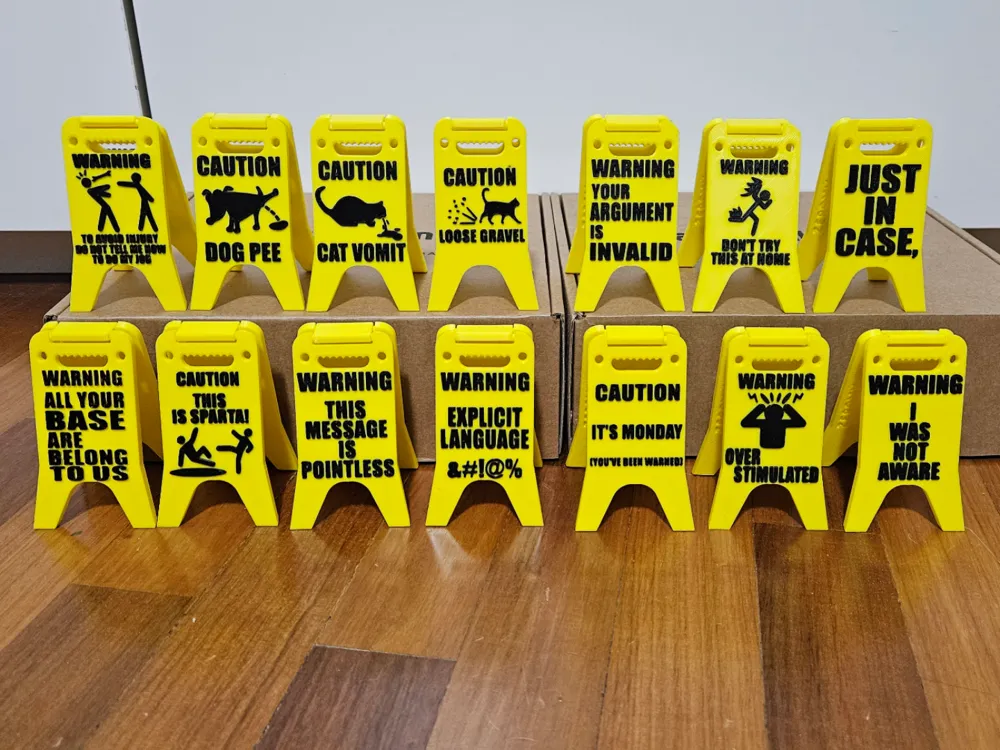
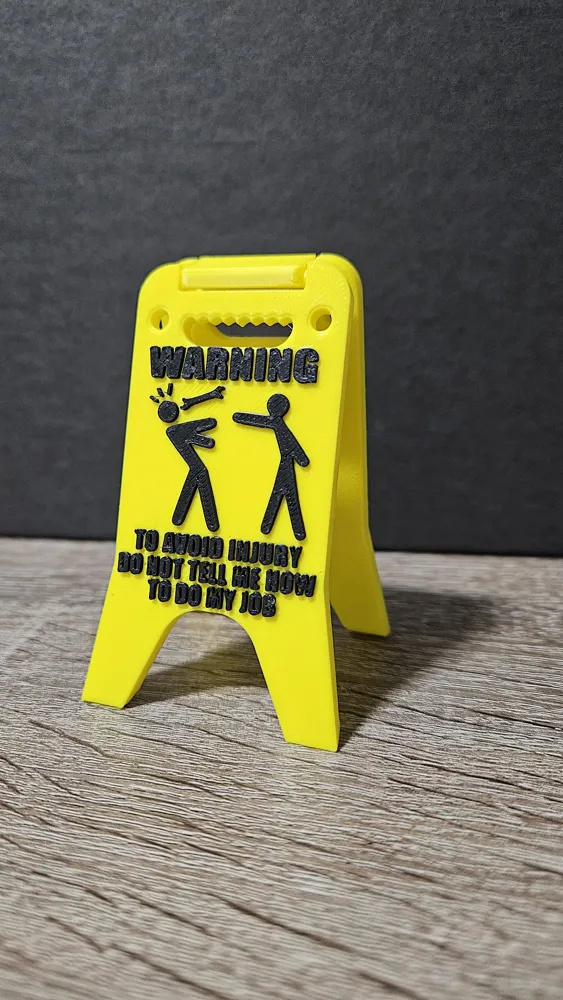
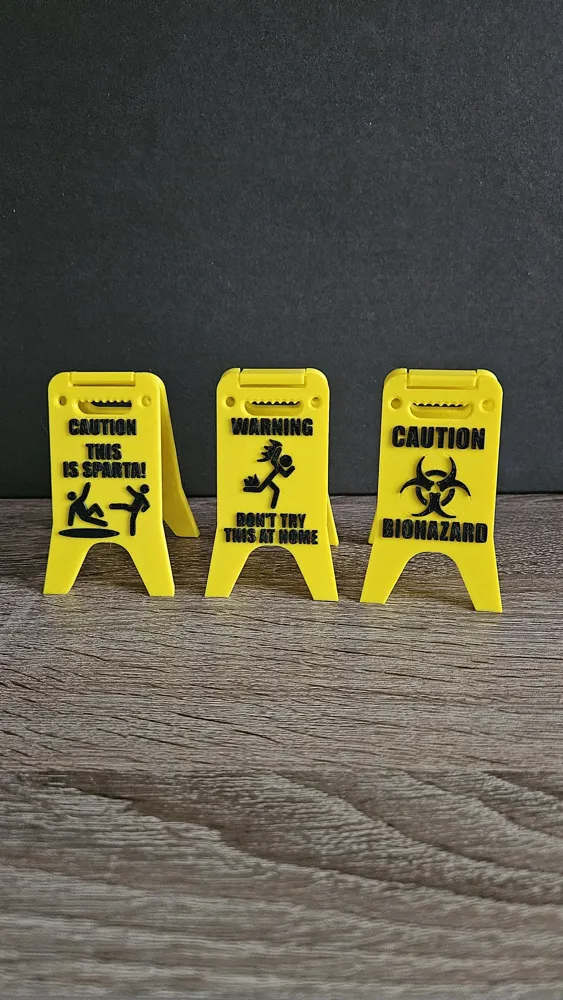
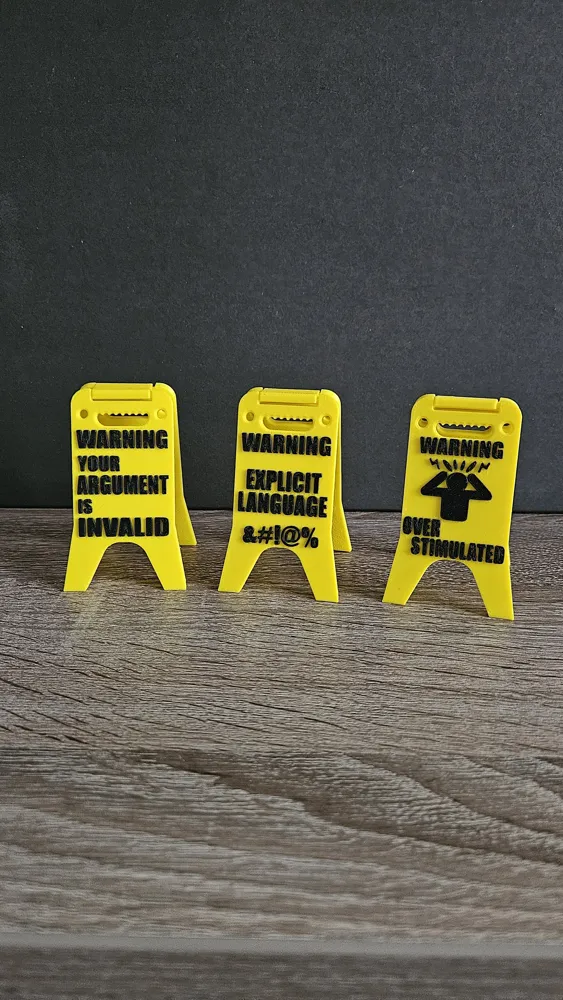
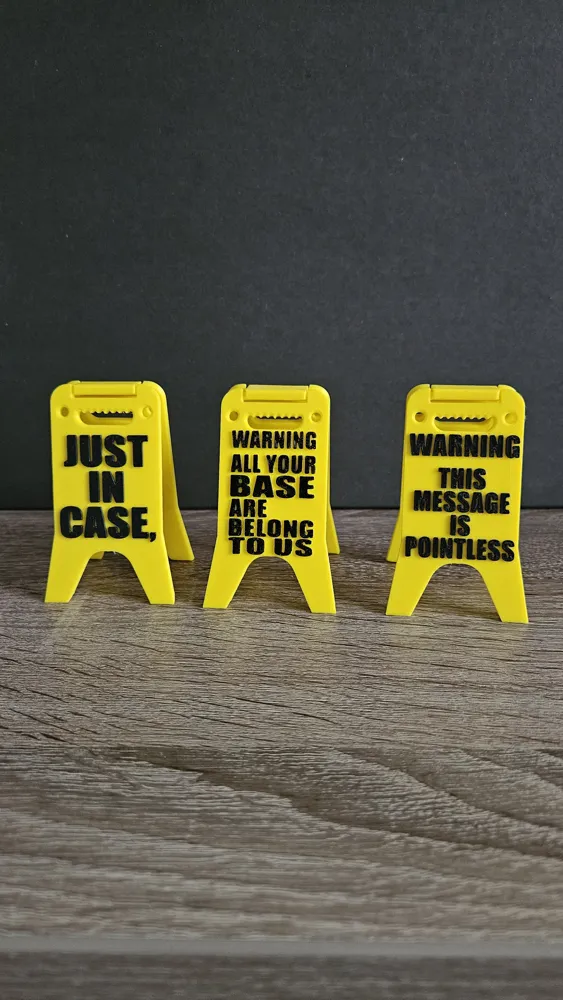
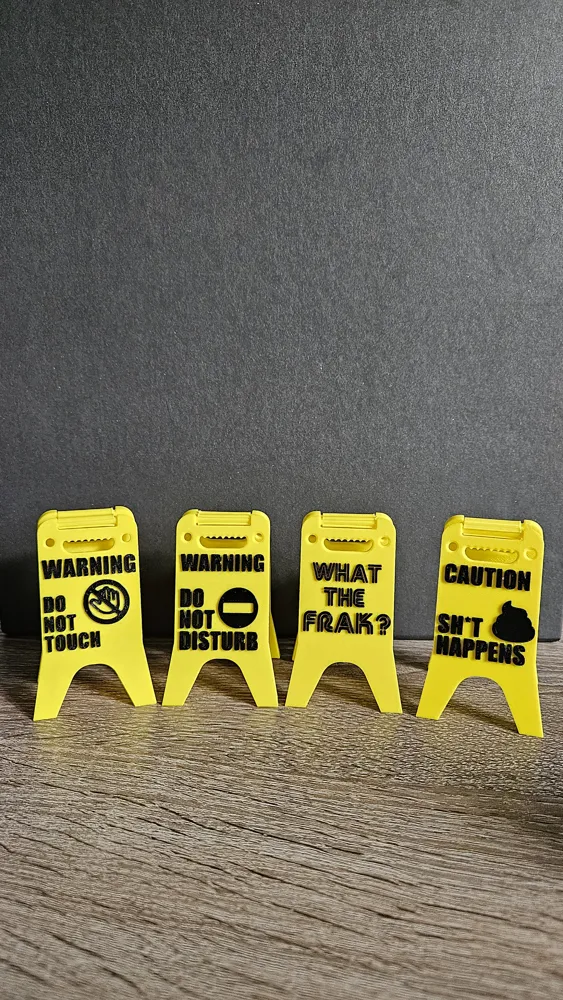
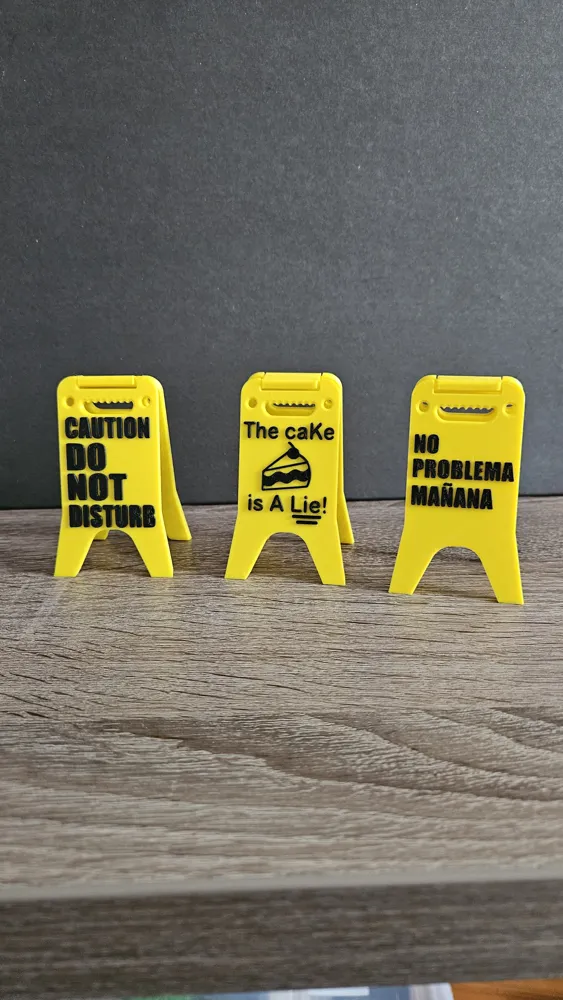
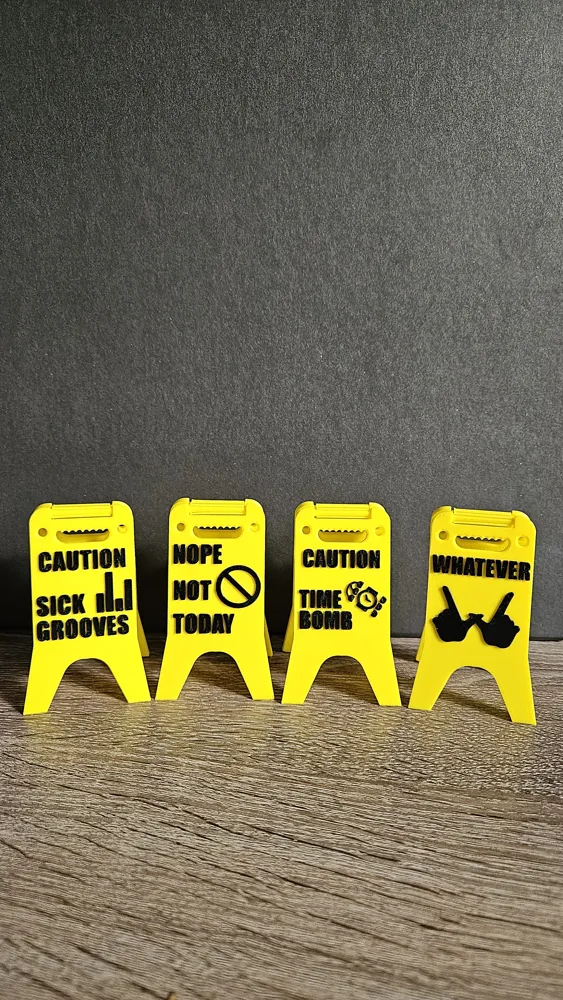
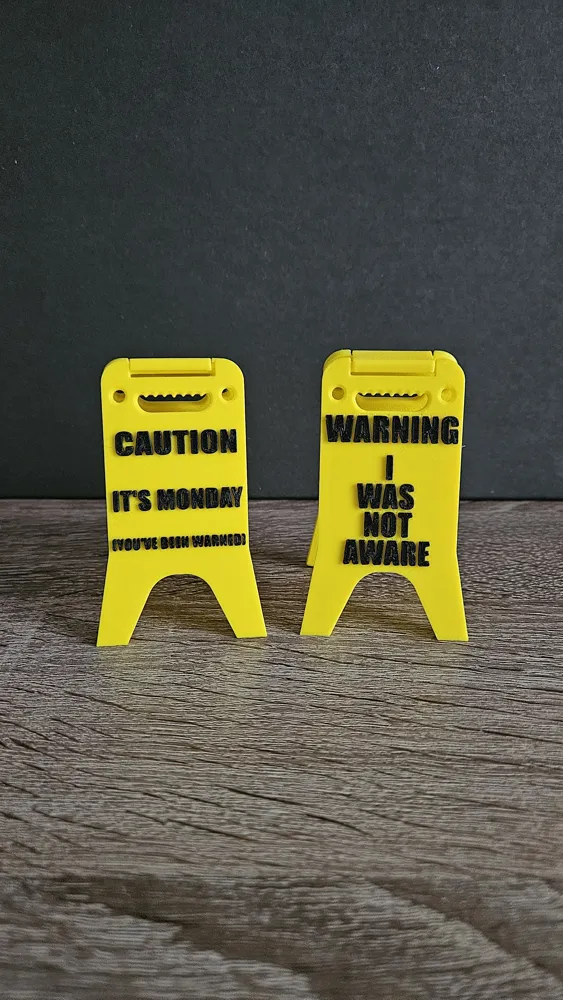
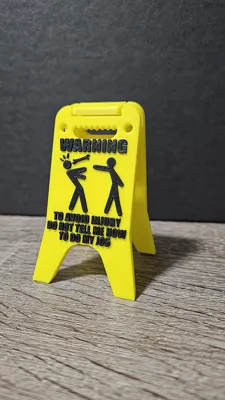
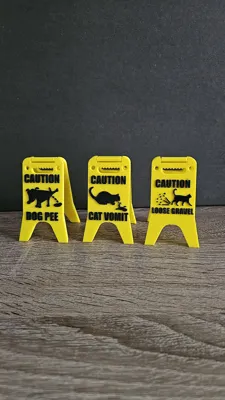
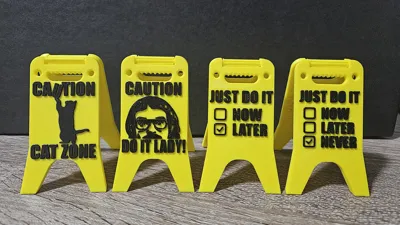
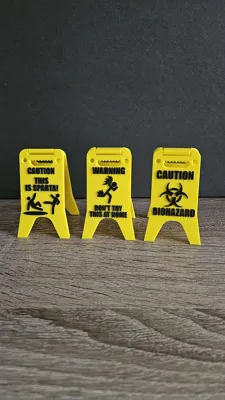
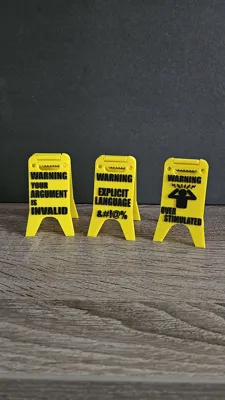
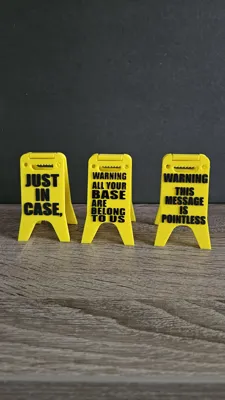
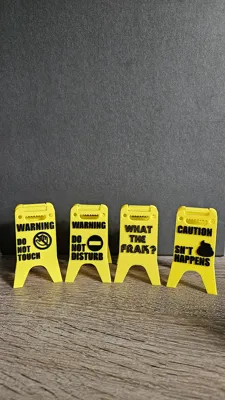
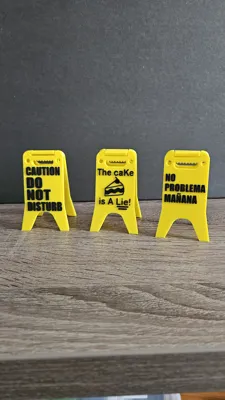
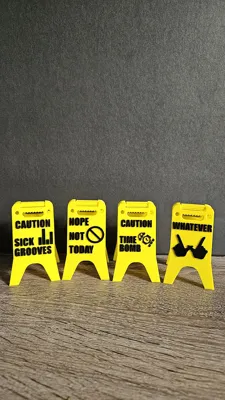
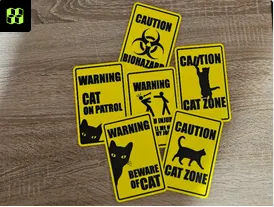
My version of the classic “caution wet floor” sign with intentionally funny statements and messages :D
I was looking for a specific shape but didn't found it, so I designed these from scratch!
Personal Use Only - See Details
Easy to print and assemble, surprise your friends and colleagues and make funny jokes.
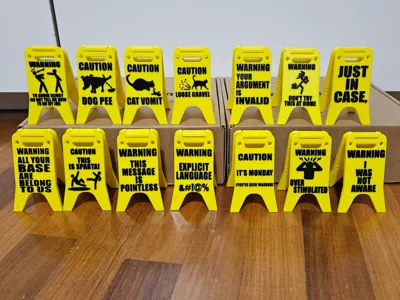
There are 30 different designs, each sign in a different plate just check them. enjoy!
=> Now includes blank templates for fully customizable signs, check out “Blank/Custom” print profiles.
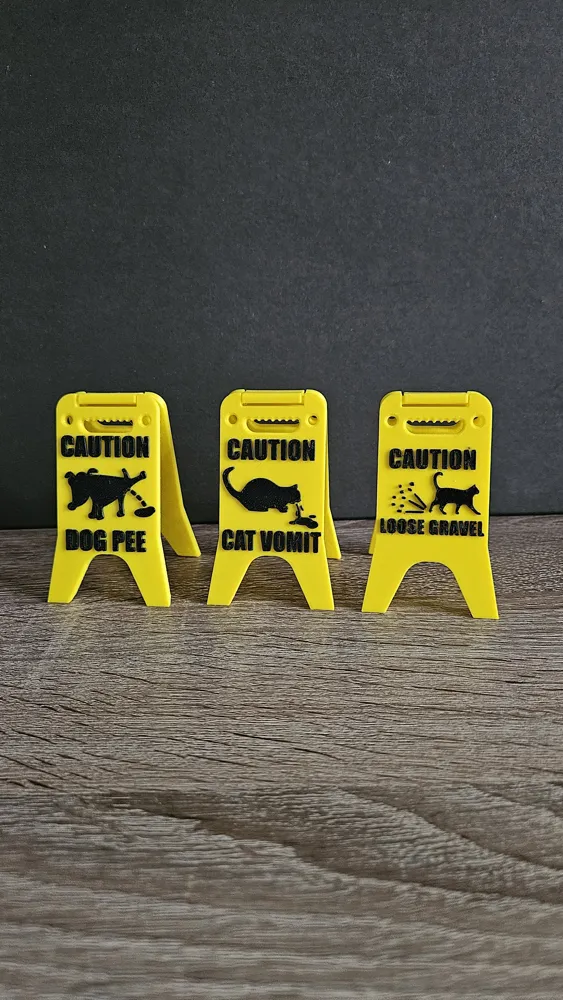
- Caution - Dog pee
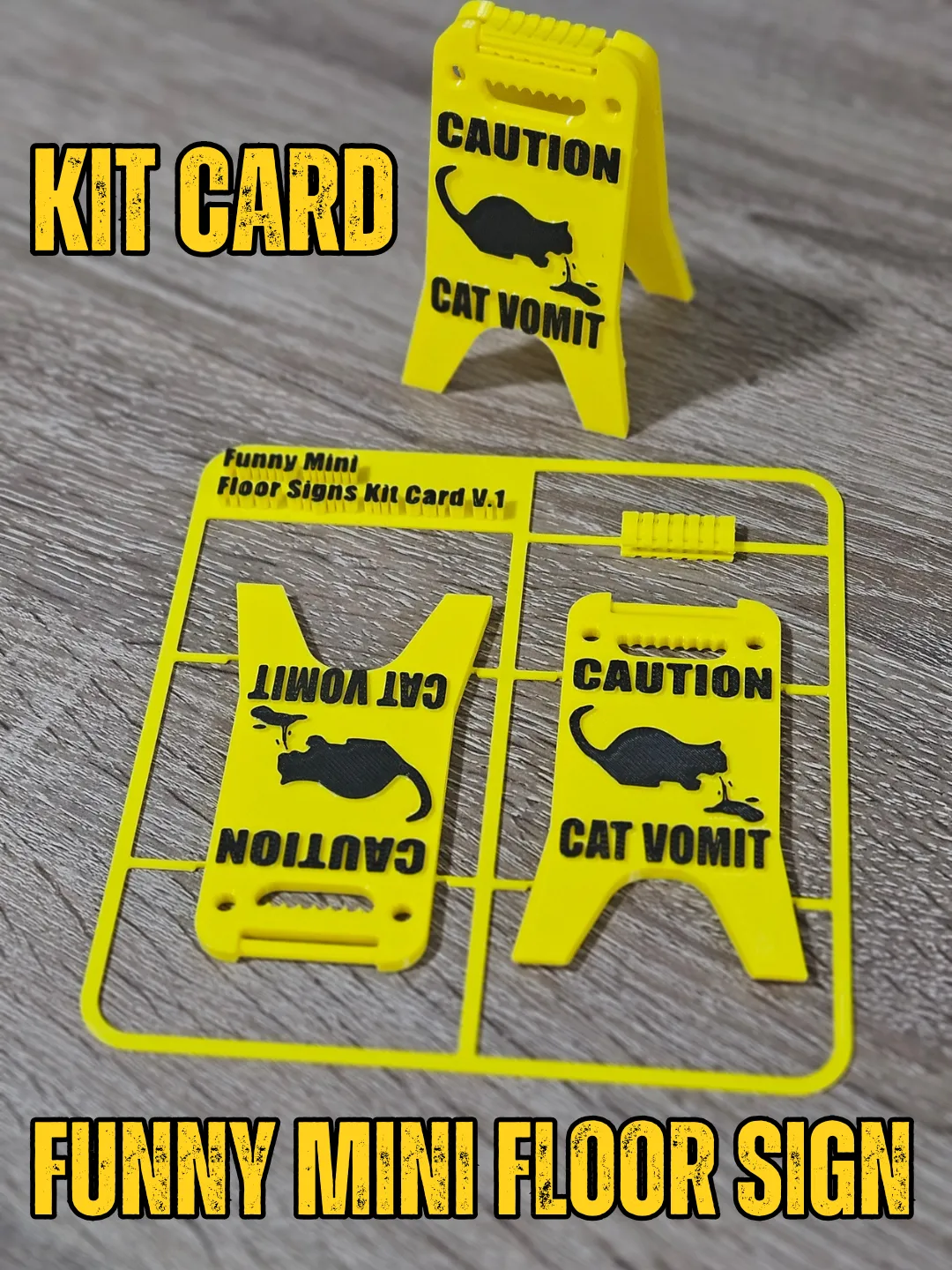
- Caution - Cat vomit
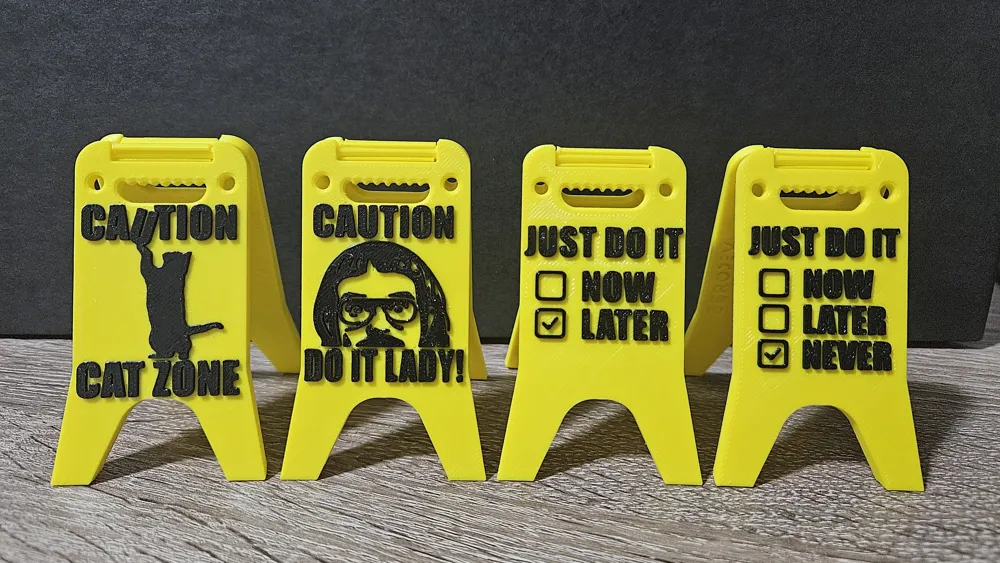
- Caution - Cat Zone
- Caution - Cat Zone (customizabile with your cat name!)
- Caution - Loose gravel
- Caution - This is Sparta
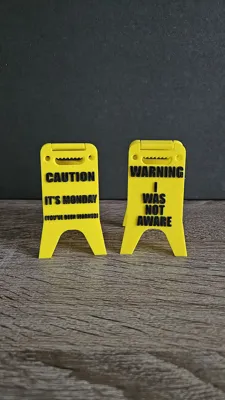
- Caution - It’s Monday
- Caution - Biohazard
- Caution - Do not disturb
- Caution - Time bomb
- Caution - Sh*t happens
- Caution - Sick grooves
- Caution - Do it lady!
- Warning - Don’t tell me how to do my job
- Warning - Your argument is invalid
- Warning - Don’t try this at home
- Warning - All your base are belong to us
- Warning - This message is pointless
- Warning - Explicit language
- Warning - Over stimulated
- Warning - I was not aware
- Warning - Do not touch
- Warning - Do not disturb
- The cake is a lie!
- No problema manaña
- Just in case
- Whatever
- What the frak!
- Not today
- Just do it ☑later
- Just do it ☑never
News / Changelog
20251203: enhanced printer profiles compatibility with A1 printers
20250819: added blank/custom print profiles!
20250817: 3 new designs added!
20250616: 8 new designs added!
20250615: new Connector! new profile for A1Mini Printers
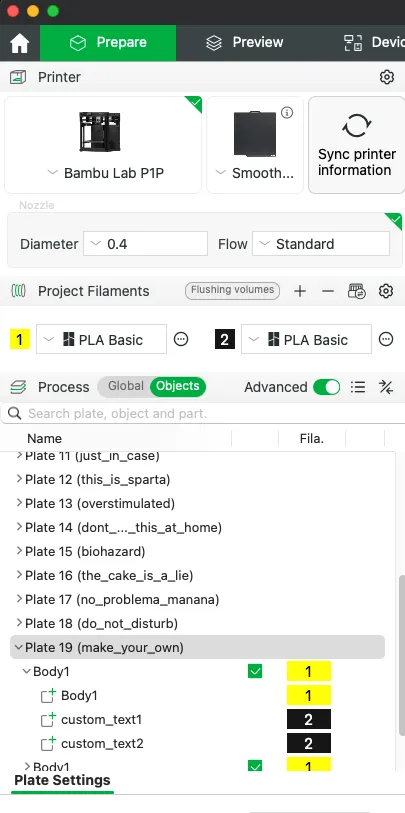
Customization (BambuStudio desktop app only)
To print with a customized message follow these steps :
- With BambuStudio open a blank/custom print profile.
- Select the desired plate.
- navigate to the Process section, then select the Object tab.
- Locate and expand selected Plate, on the left side.
- Right click on “custom_text1” to edit the message. Repeat this step for “custom_text2.”
- Perform the same edits on the other Body1 as needed.
Printing without an AMS (BambuStudio desktop app only)
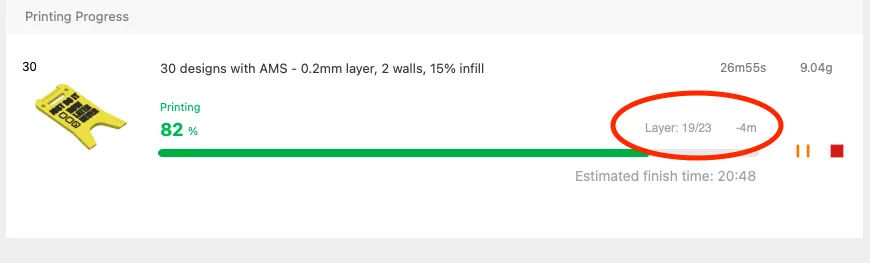
These profiles are intended to be used with an AMS,
however if you don't have one just add a pause at layer 19
From BambuStudio desktop app only:
- In preview tab after slicing, go to layer 19
right click the slider on the right and click “add pause”
Assembly

To ensure a successful assembly, follow these steps. This guide will help you properly connect all components.
Important Notes:
- Please allow all the components to cool down before assembly.
- Do not apply too much force; just press gently until the part 'snaps' into place.
Assembly Instructions:
- Hold one of the two parts in your hand.
- Carefully align the connector to the top part and gently push it.
- Repeat the process on the other one.
You May Also Like
 |  |
 |  |
Enjoyed this? Like 👍 and ➕ Follow for more designs from ZeroDev
Boost Me (for free)
🚀 A BOOST is the spark powering my 3D projects and designs! 🚀 It costs you nothing, but your support keeps my creativity thriving. Deep thanks for your backing! 💪
License

You shall not share, sub-license, sell, rent, host, transfer, or distribute in any way the digital or 3D printed versions of this object, nor any other derivative work of this object in its digital or physical format (including - but not limited to - remixes of this object, and hosting on other digital platforms). The objects may not be used without permission in any way whatsoever in which you charge money, or collect fees.


Comment & Rating (468)