
Custom Golfball marker

Print Profile(78)


Bill of Materials

Description
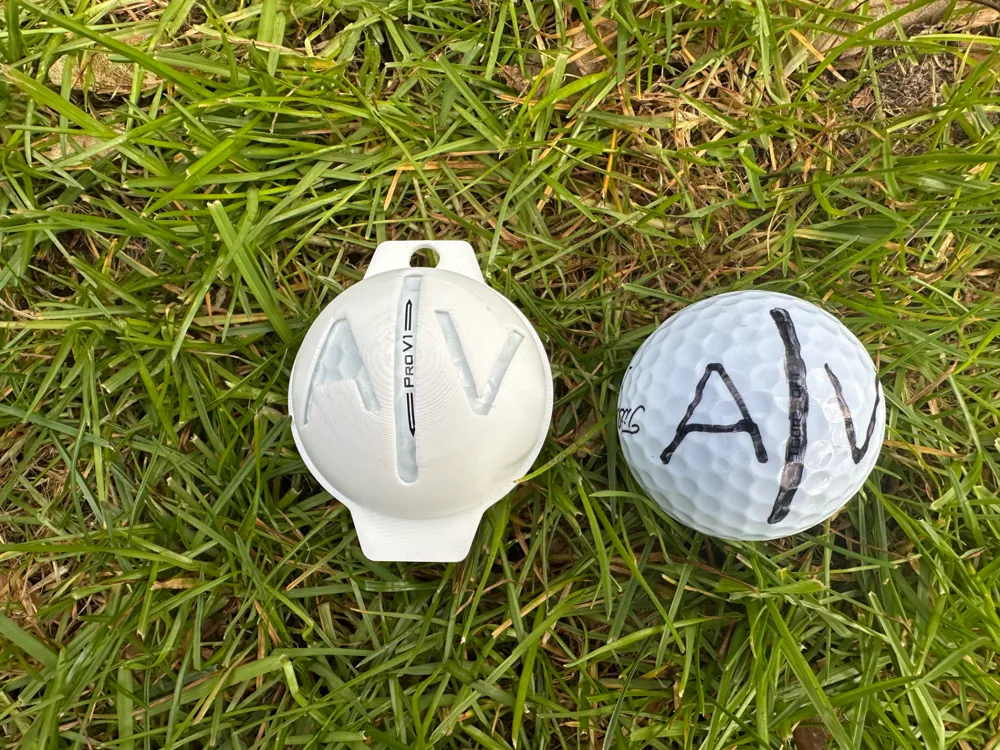
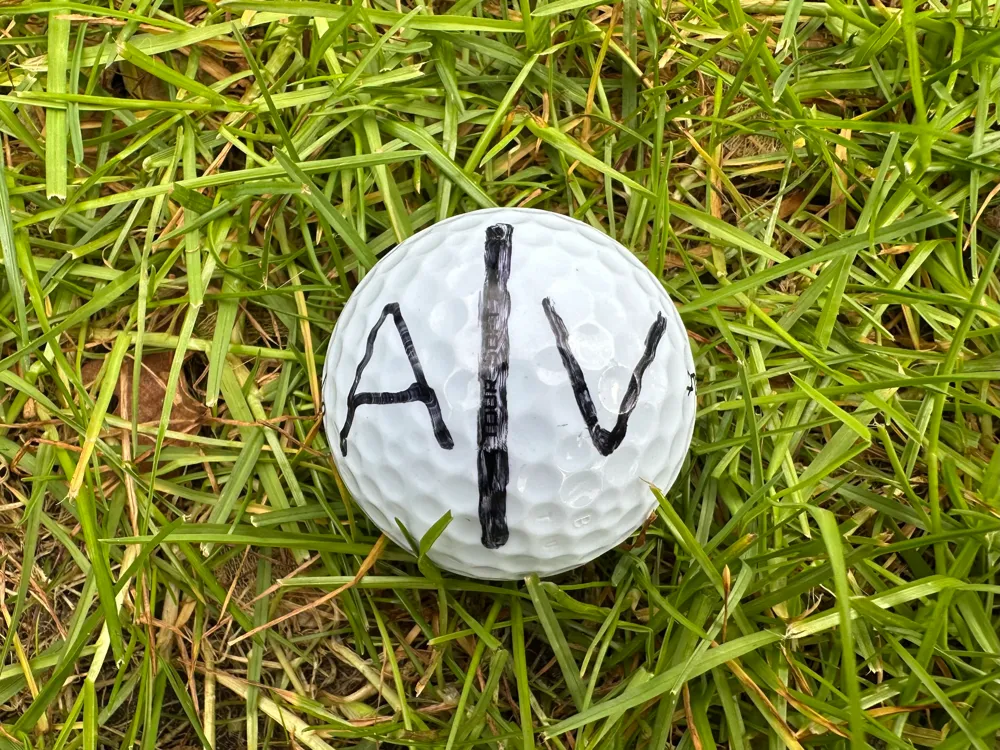
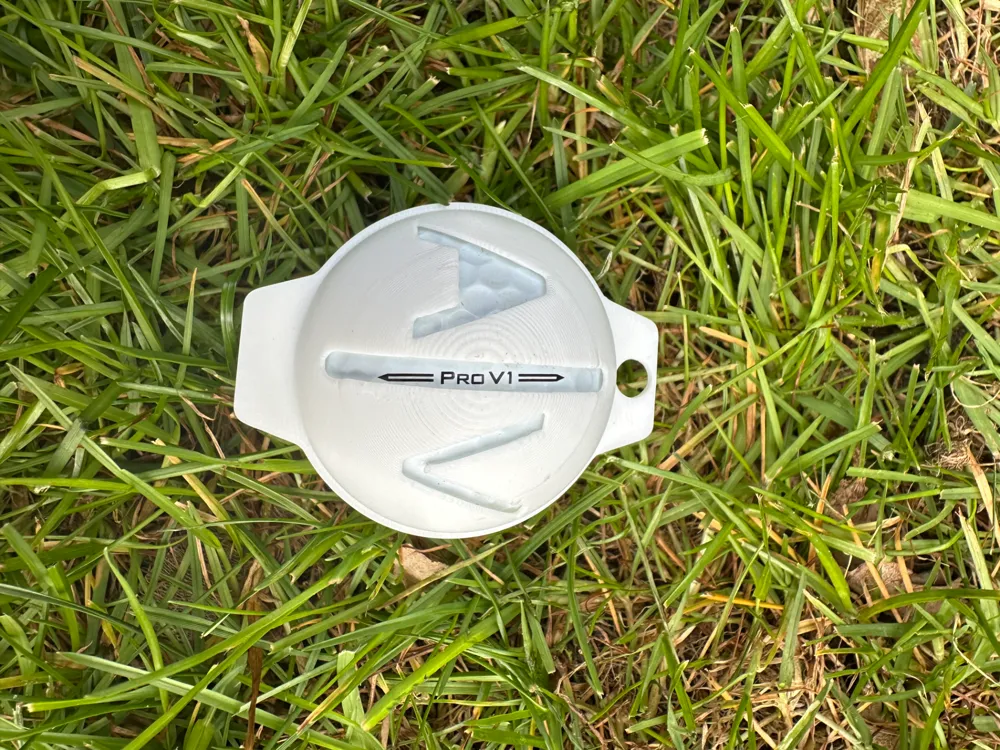
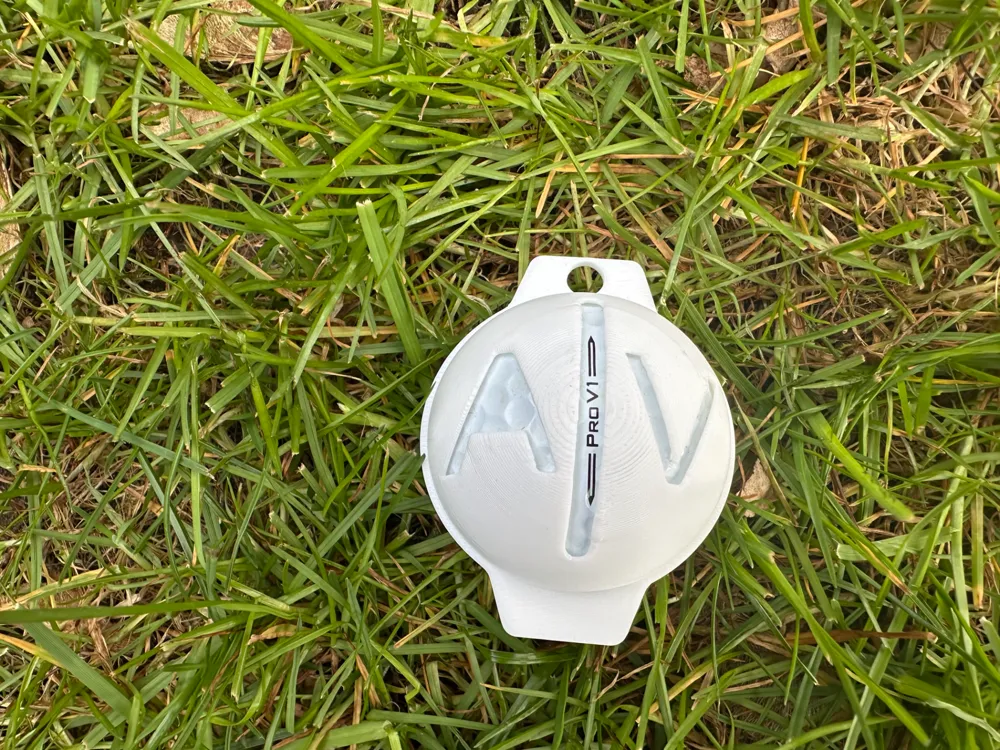
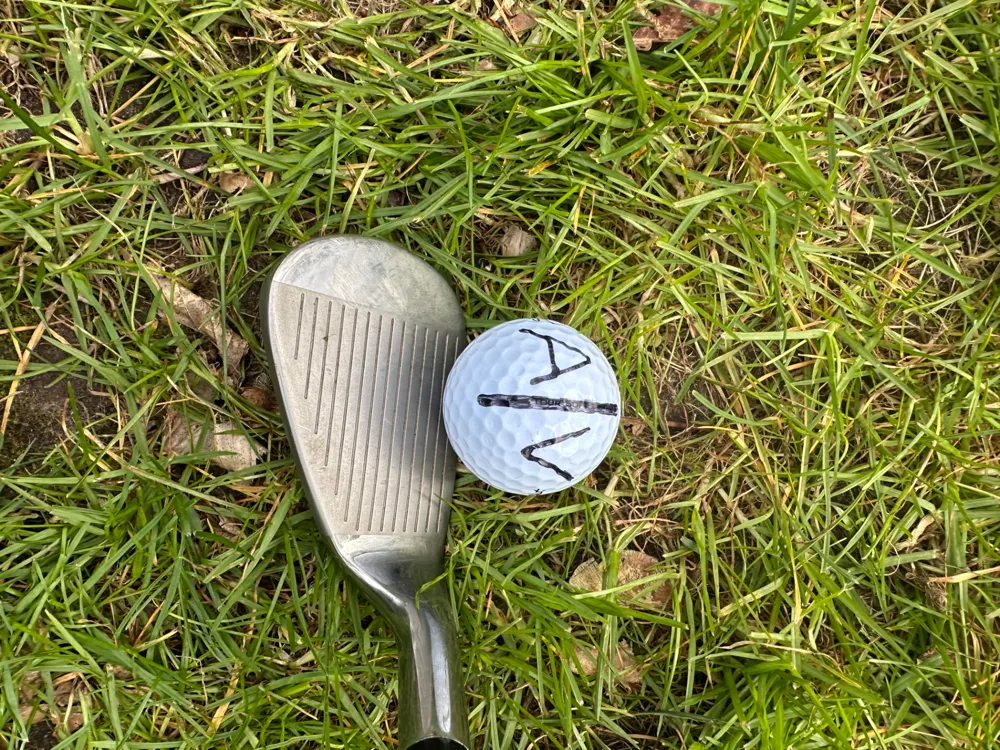
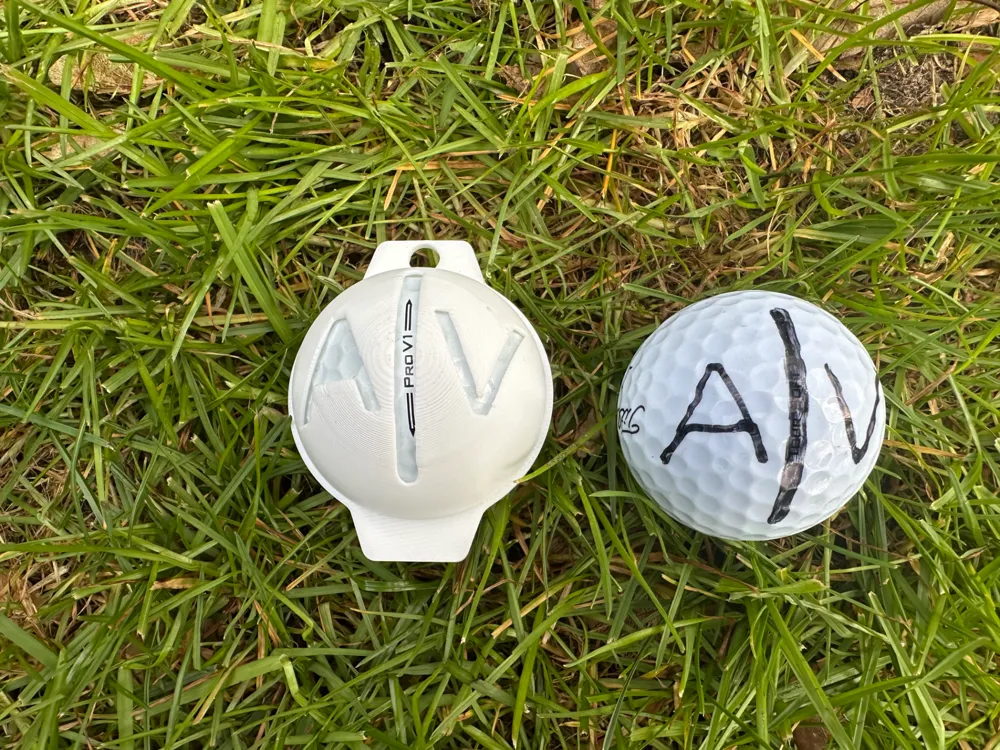
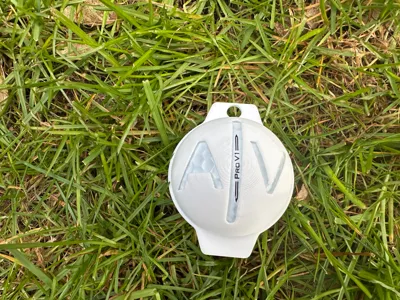
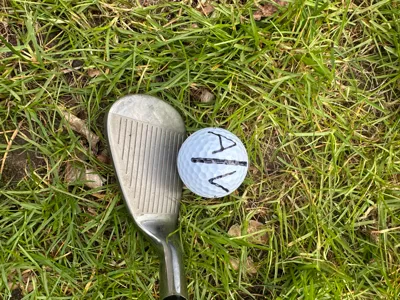
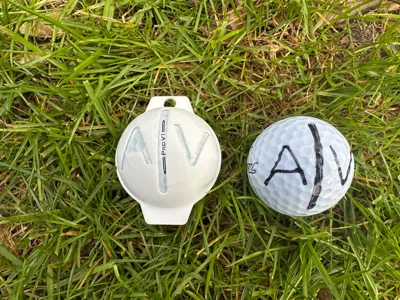
This is my version of a golf ball line marker, which you absolutely need to level up your golf game! It weighs only 5 grams, so it's perfect as a gift!
TL;DR: There are two ways to customise the marker:
- Give this model a boost and comment your initials. I will edit the file with these inititials and send it to you as soon as possible.
- If you know a bit of fusion, download the f3d file and do the following: Go into the text sketch and change it to your initials (the current letter size is for pretty slim markers, enlarge the size to allow for bigger markers. In bambu slicer, add auto-tree supports.
Boost Me (for free)
Like the model or do you want me to add your initials to it? Drop a boost! It helps me and it's free!
Long version:
This is my custom-designed golf ball line marker, a must-have accessory to improve your alignment and accuracy on the green. Whether you're a casual golfer or a seasoned pro, marking your golf ball with precision can help you visualize your shots and putt with confidence.
Customization Options
You have two ways to personalize this marker to make it uniquely yours:
- Let me customize it for you!
- Drop a boost and comment with your initials, and I’ll modify the model to include them.
- I’ll send you the updated file or upload it as soon as possible.
- Edit the model yourself (for Fusion 360 users)
- Download the provided .f3d file and open it in Fusion 360.
- Locate the text sketch and update it with your initials.
- Note: The default letter size is optimized for slim markers. If you want a bigger marker, increase the text size accordingly.
License

You shall not share, sub-license, sell, rent, host, transfer, or distribute in any way the digital or 3D printed versions of this object, nor any other derivative work of this object in its digital or physical format (including - but not limited to - remixes of this object, and hosting on other digital platforms). The objects may not be used without permission in any way whatsoever in which you charge money, or collect fees.


Comment & Rating (233)