
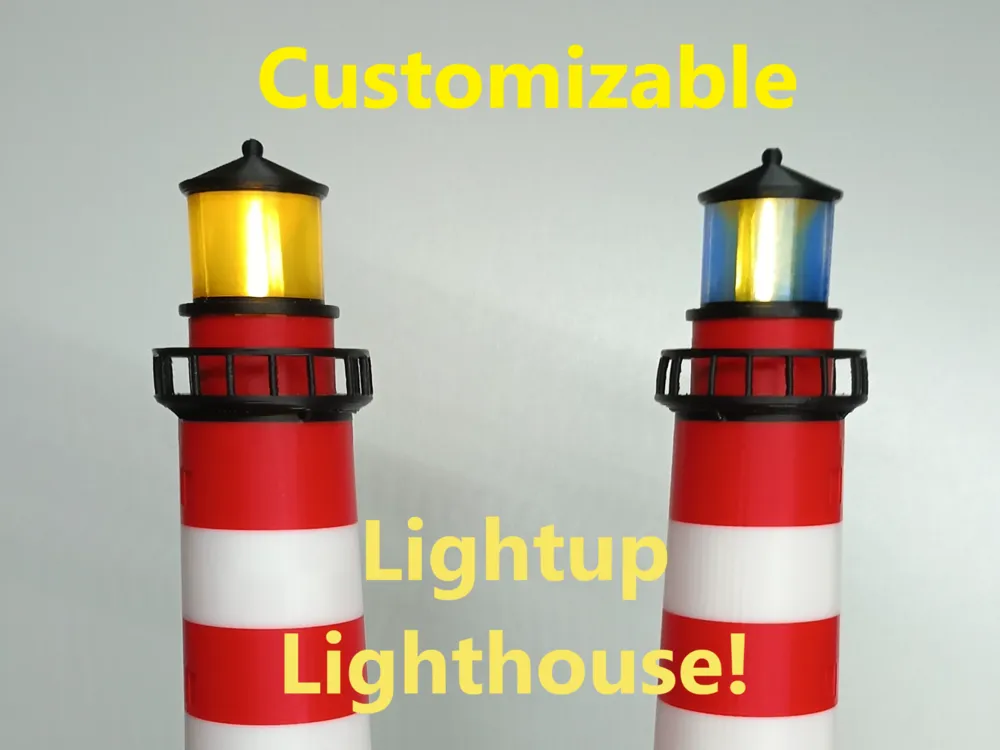
Customizable Lighthouse

Print Profile(1)

Bill of Materials







Description
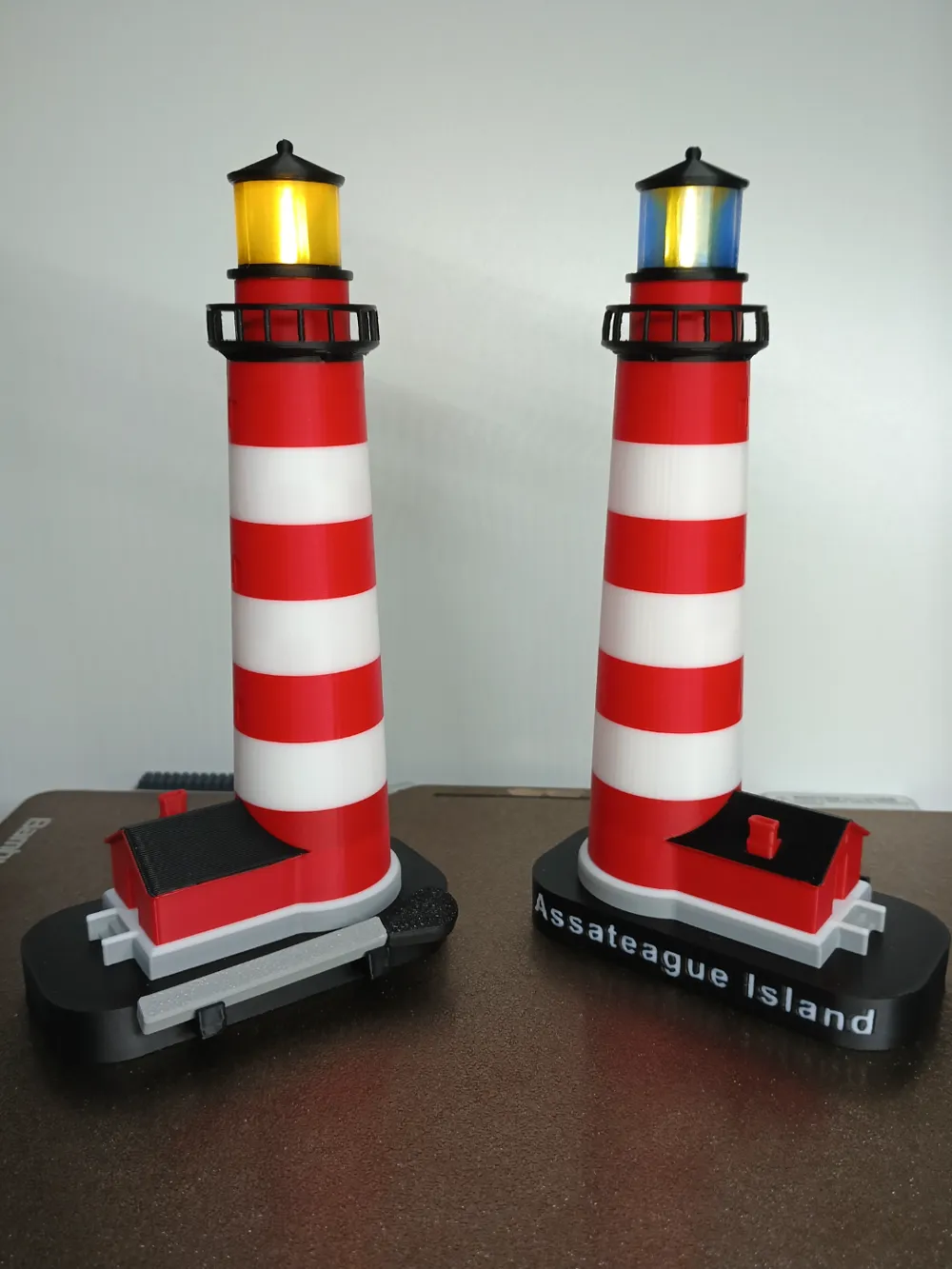
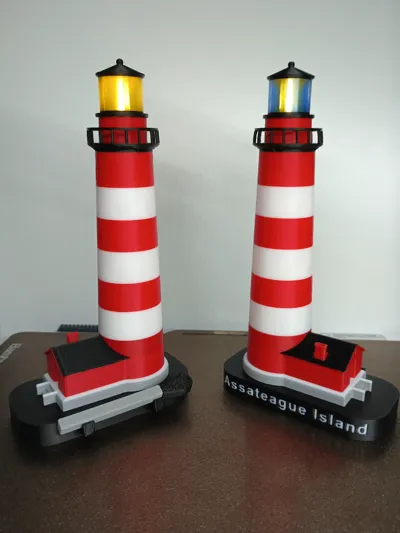
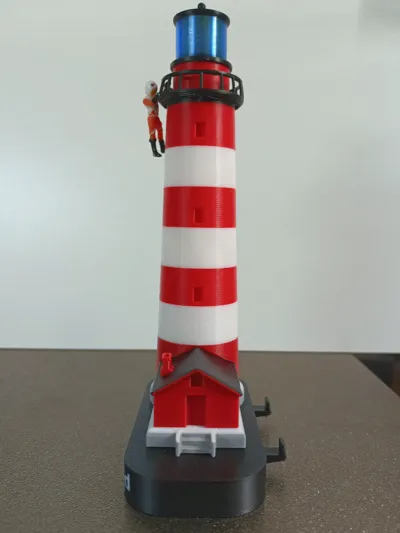
I am Pleased to share my project from the past two weeks, A Light up Lighthouse!
Utilizing the AMS To its full extent and easily customizable through the Bambu Slicer!
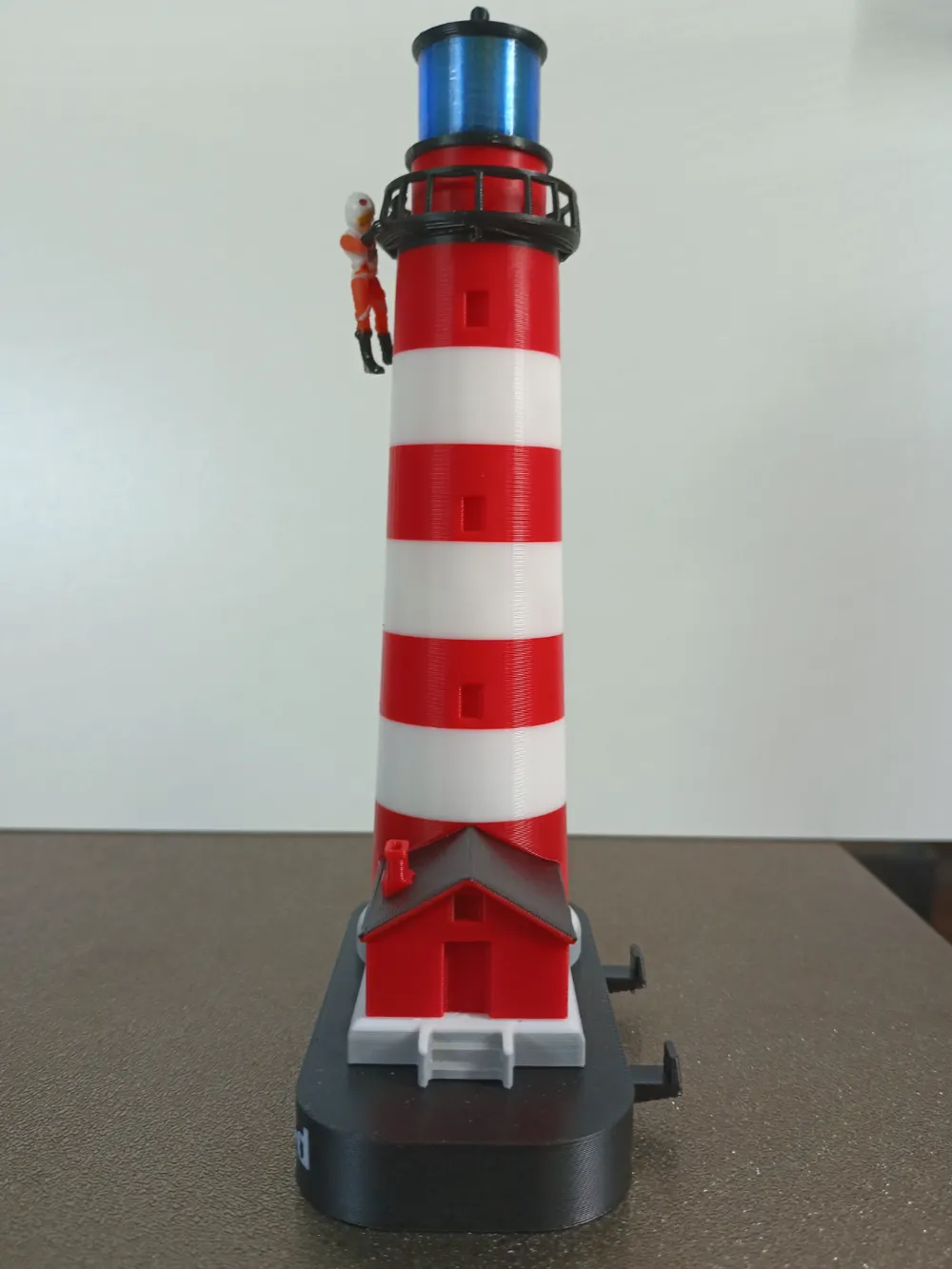
Standing at 15cm or just shy of 6 inches, using a magnetic toggled light found in makers supply, this thing is a neat little desk topper.
Print recommendations:
-This print uses the AMS Alot, I advise turning urge down half as it's not needed to much because the purge tower, and to reduce waste.
-Print at standard speed, the tower, and base without a name added (not the house at the base and up to the railing) can be printed at “sport” for faster printed if wanted!
-Do NOT Scale Down.
especially if your new to 3d printing and using slicers, it will mess up the tighter tolerances and the railing, will just make the thing a waste if your unfamiliar with how to scale things, however scaling up is fine so long as your familiar with the system and how tolerances scale.
Modding Tip
This is designed to be messed around with thus text, colors, mods, Windows it's all able to be changed and is all labeled and organized to hopefully make this easier, Just please note that moving window or changing colors the mods to that layer around the window must also be changed and moved to ovoid unnecessary color changes (this dose not apply to AMS slot 1 since that's the base model color)
Material and Hardware
You can OfCourse use any colors you want, this is what is used in the photos:
Bambu PLA:
Jade White
Black
Grey
Red
Bambu PETG-HF:
Translucent Light blue
Black
Sunlu Pla:
Transparent yellow
(left lighthouse in photo) May be found on amazon
Hardwar:
Single Light Led Warm White
("match head" uses the magnet that comes with this)
Assembly help:
Lighthouse
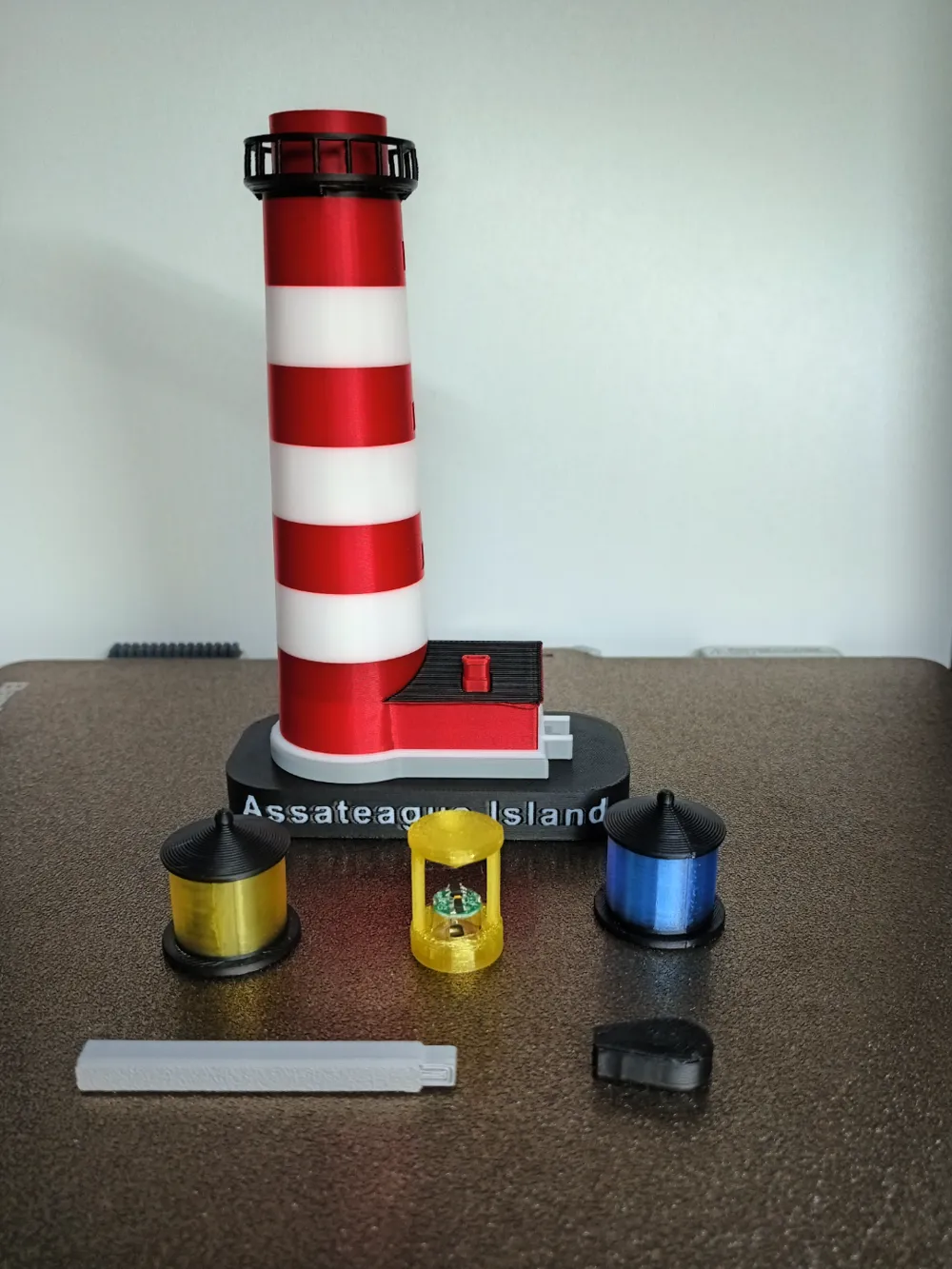
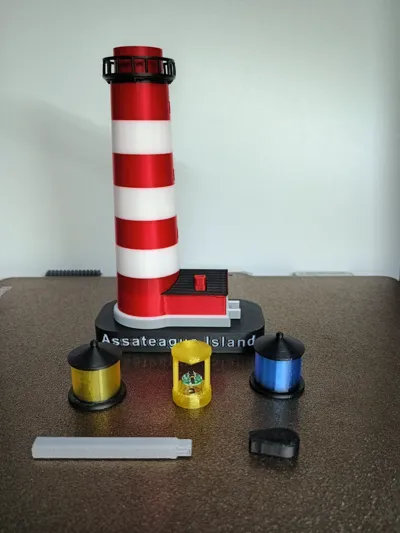
-First, print out your desired Lighthouse, Beacon, And lense.
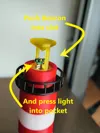
take your Led light and align the two metal ‘poles’ on the side of the light and align them with the beacon's two poles, and push the light into the pocket, should fit snugly!
-Now Insert beacon into the lighthouse's top hole, I recommend glueing it in place as it can fall out.
-Gently drop and push the lense into place, it should fit snuggly but not tight enough to remove or loose enough to fall out.
lighthouse is complete!
the lense should be removeable to provide access to the beacon, for when the battery dies you can remove the light and replace the battery!
Match
The matchhead is set to pause before covering the hole for the magnet, drop the magnet in and press resume!
-Simply insert the match stick firmly into the match head pocket, glue is not needed unless you want it.
Boost Me (for free)
Help's Guide me into port!
Documentation (2)
License

You shall not share, sub-license, sell, rent, host, transfer, or distribute in any way the digital or 3D printed versions of this object, nor any other derivative work of this object in its digital or physical format (including - but not limited to - remixes of this object, and hosting on other digital platforms). The objects may not be used without permission in any way whatsoever in which you charge money, or collect fees.


Comment & Rating (3)