
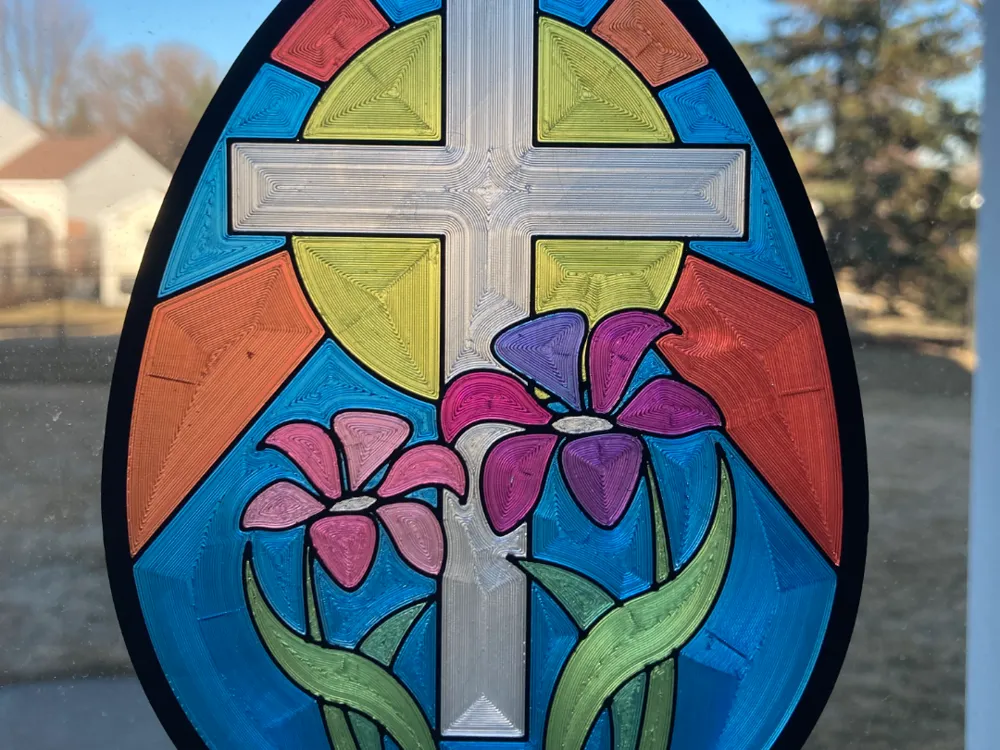
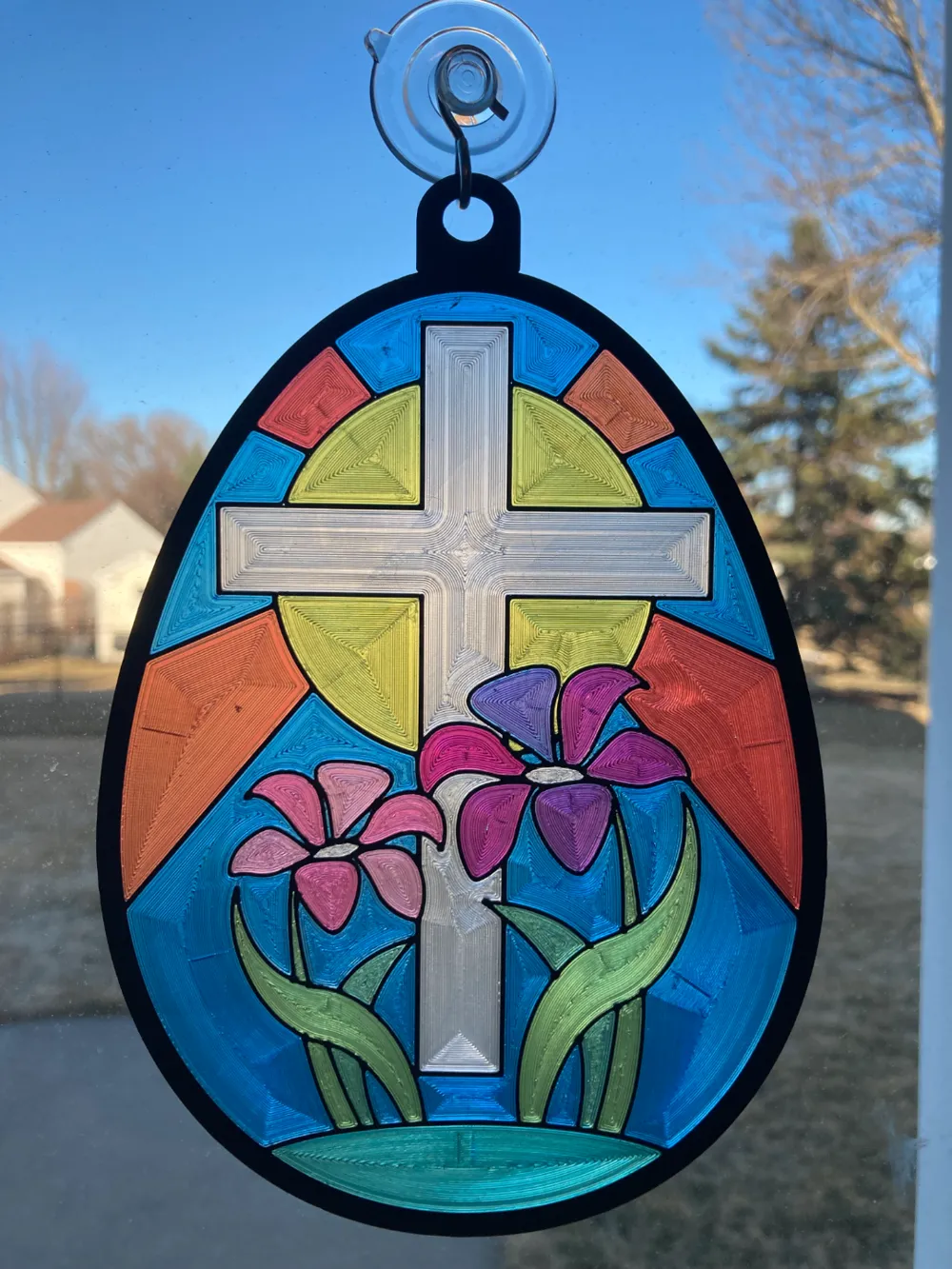
Easter Suncatcher
Print Profile(1)

Bill of Materials


- 1 ¼ -inch Heavy Duty Suction Cup Hooks for Glass Windows x 1: https://www.amazon.com/dp/B0951NCR9Z?ref=ppx_yo2ov_dt_b_fed_asin_title&th=1
- Sunlu Transparent Clear PETG Filament x 1: https://www.amazon.com/SUNLU-Filament-Transparent-Dimensional-Accuracy/dp/B085TGGV3L?ref_=ast_sto_dp&th=1&psc=1
- Sunlu Transparent Red PETG Filament x 1: https://www.amazon.com/SUNLU-Filament-Transparent-Dimensional-Accuracy/dp/B0DDT87DHF?ref_=ast_sto_dp&th=1
- Sunlu Transparent Yellow PETG Filament x 1: https://www.amazon.com/SUNLU-Filament-Transparent-Dimensional-Accuracy/dp/B0DDT12Y3Y?ref_=ast_sto_dp&th=1
- Sunlu Transparent Blue PETG Filament x 1: https://www.amazon.com/SUNLU-Filament-Transparent-Dimensional-Accuracy/dp/B0DDSPMFTQ?ref_=ast_sto_dp&th=1
Description
This model was created in MakerLab using the "keychain from image" tools online. I used a simple coloring page from iheartcraftythings.com, cropped and monochromed it to .bmp in MS Paint, and added the desired colors to each area and saved as .png to bring into MakerLab keychain from image. I loaded the .png file into Makerlab, removed the background, set the image to double sided, image thickness to 1mm, contour width 2mm x thickness 1mm, facedown mode, attachment “hook”, then exported *.3MF to BambuStudio for use on A1Mini. Once in Bambu Studio, I spit the model into objects, rotated to best fit on print bed with print tower, then added layer modifiers for changing base colors red, yellow, blue into shades of purple, orange, and green. I set the order of filament use as 1 black, 2 blue, 3 clear/white, 4 yellow, and 5 red… Using my AMS Lite, I mapped black to 1, blue and red to 2, clear to 3, and yellow to 4.
License



Comment & Rating (0)