
GitHub token chain
Print Profile(2)


Description
NOTE: DON'T PRINT THIS TOKEN DIRECTLY, CHANGE THE DISPLAY NAME IN THE SLICER FIRST!
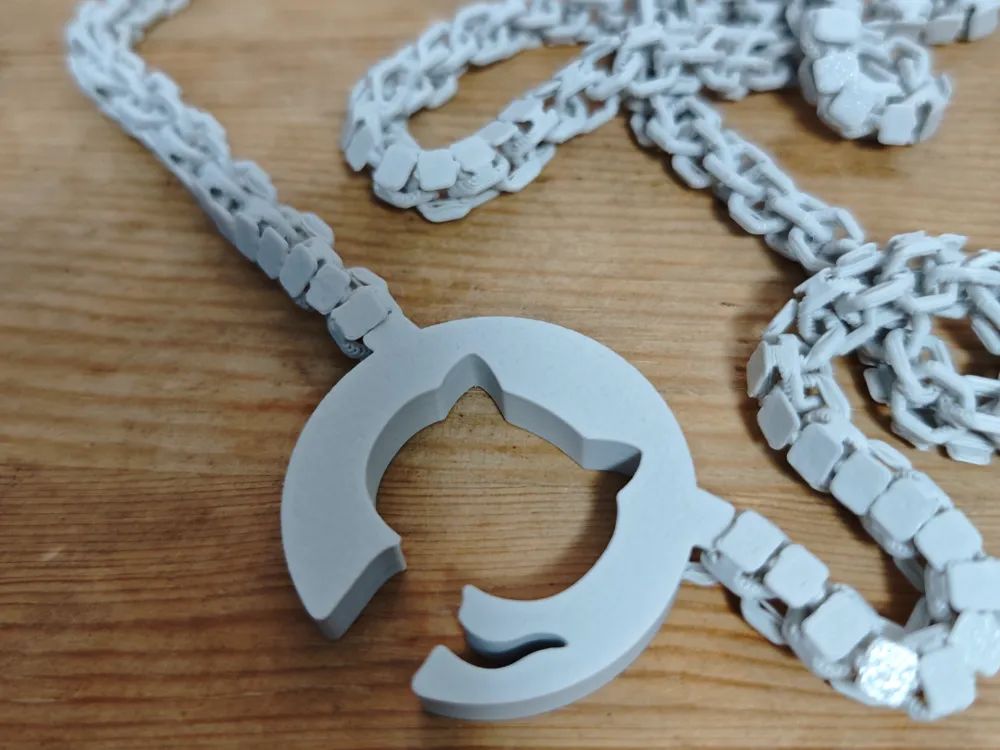
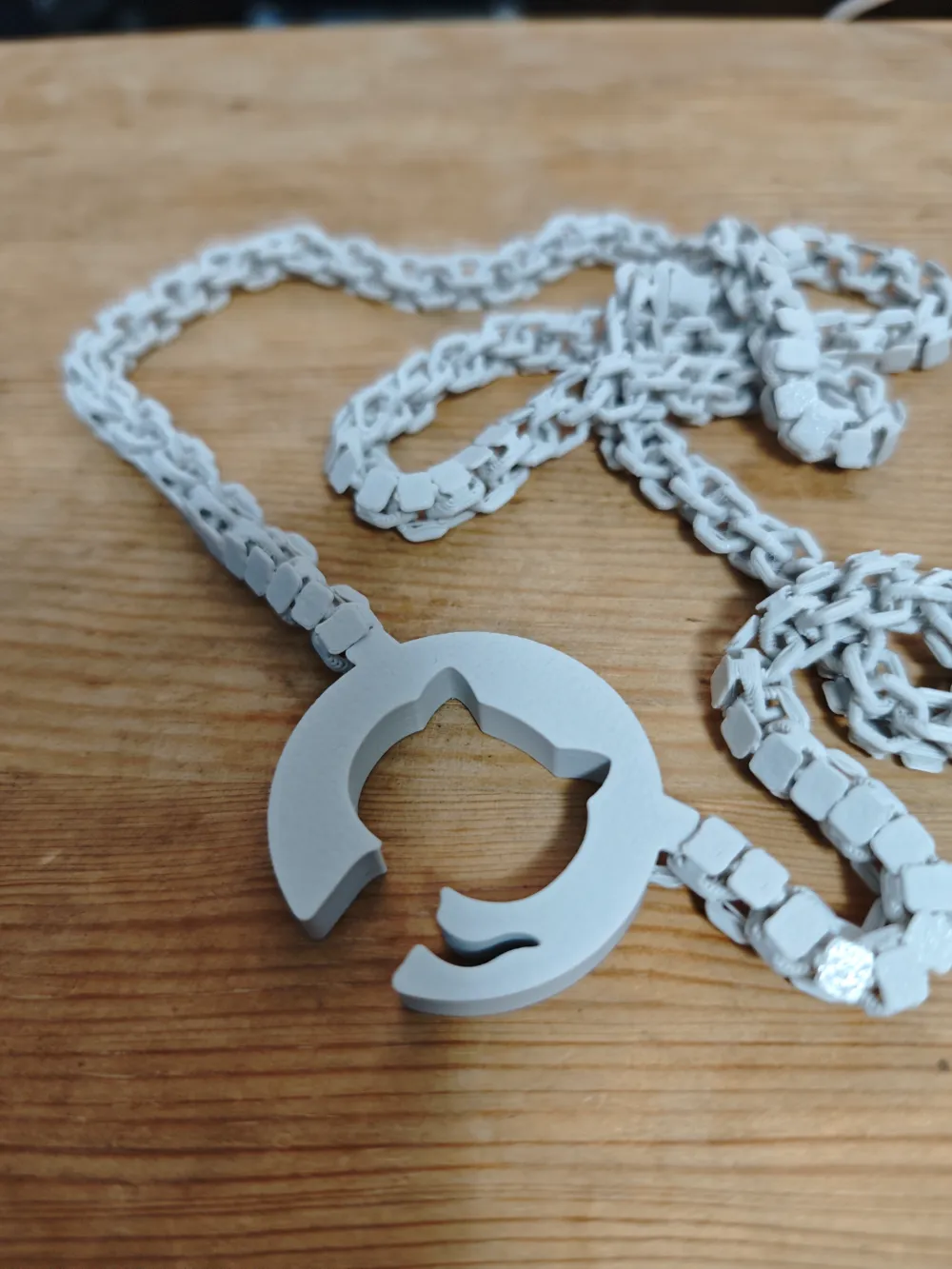
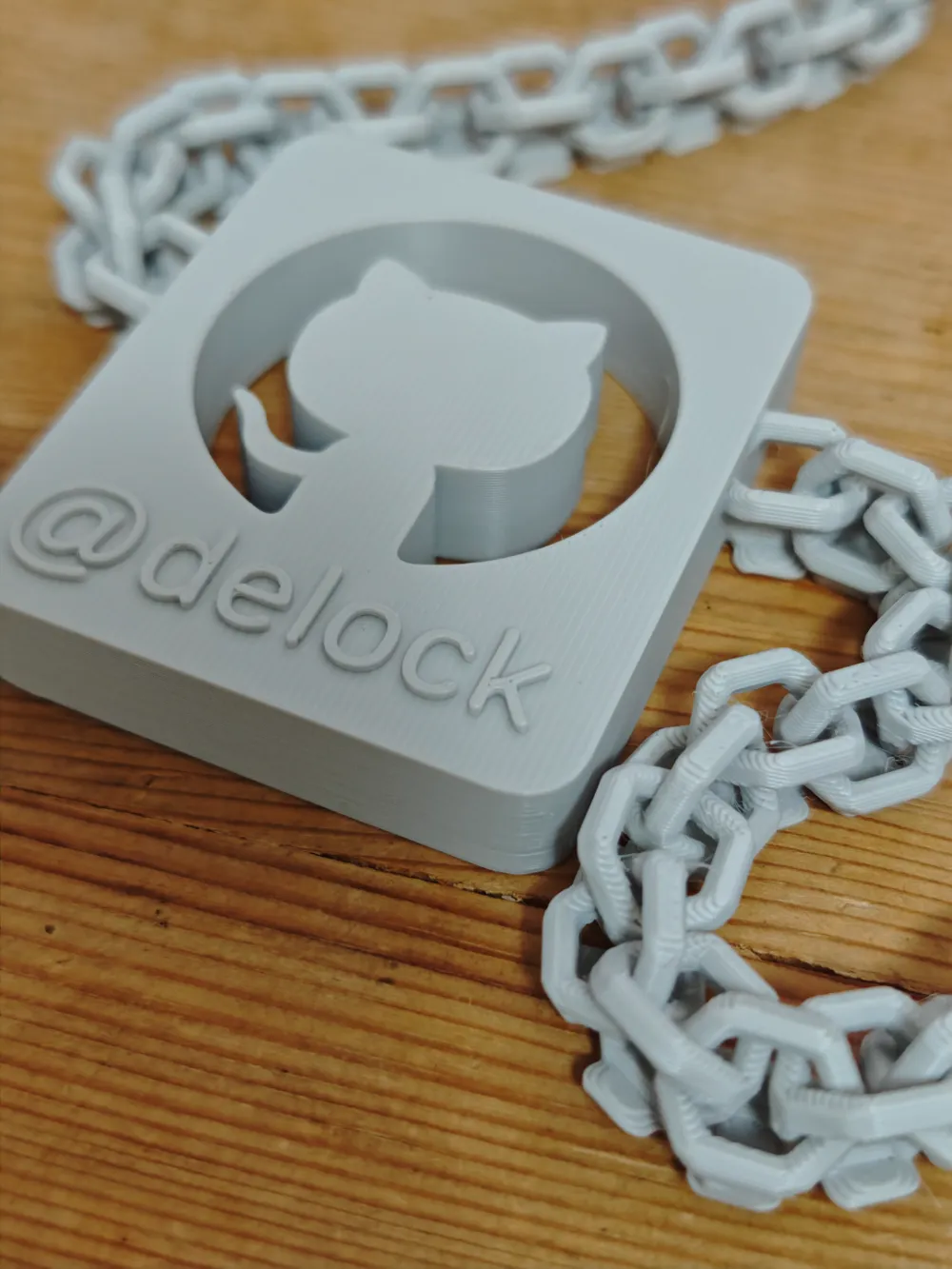
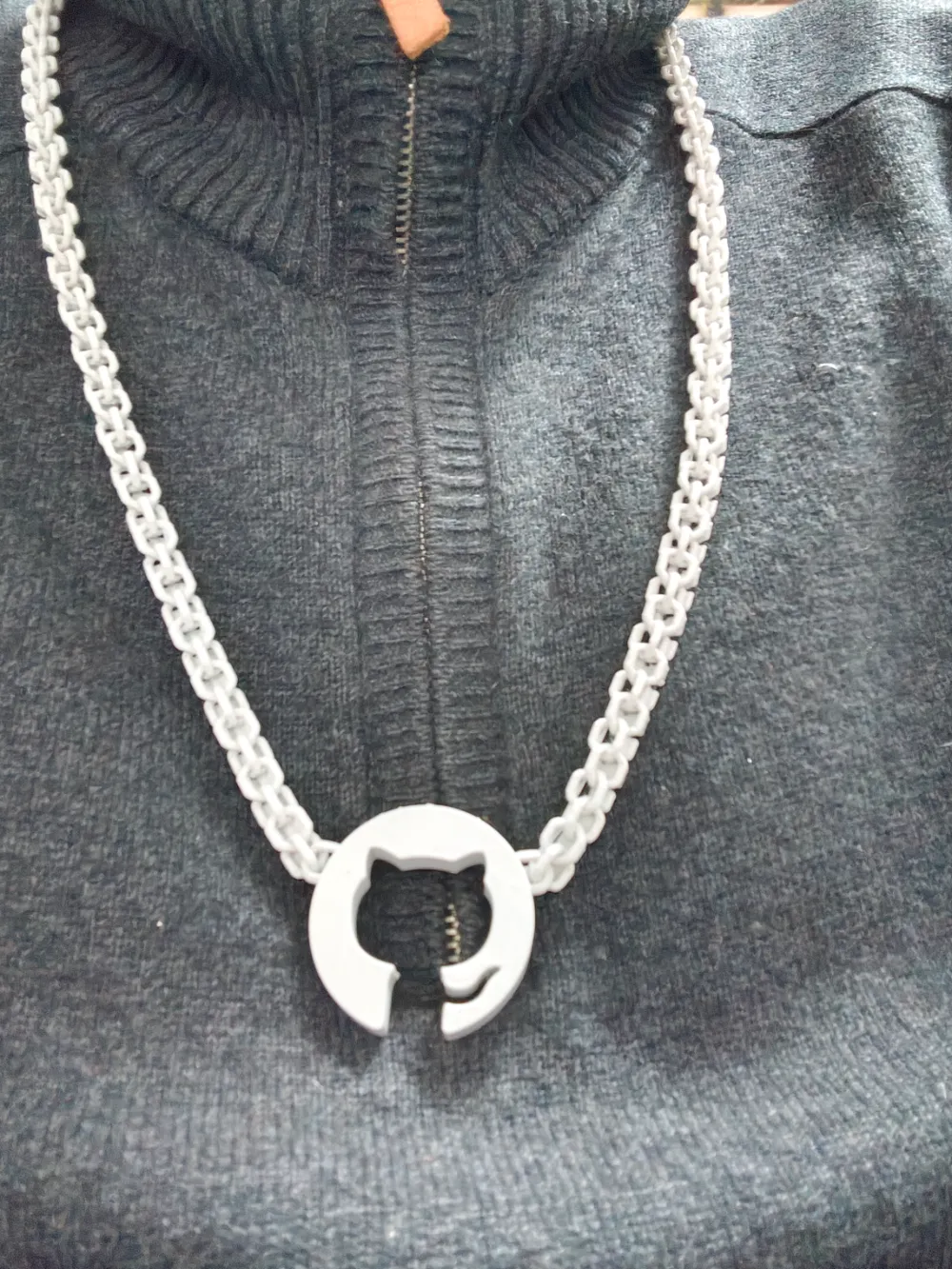
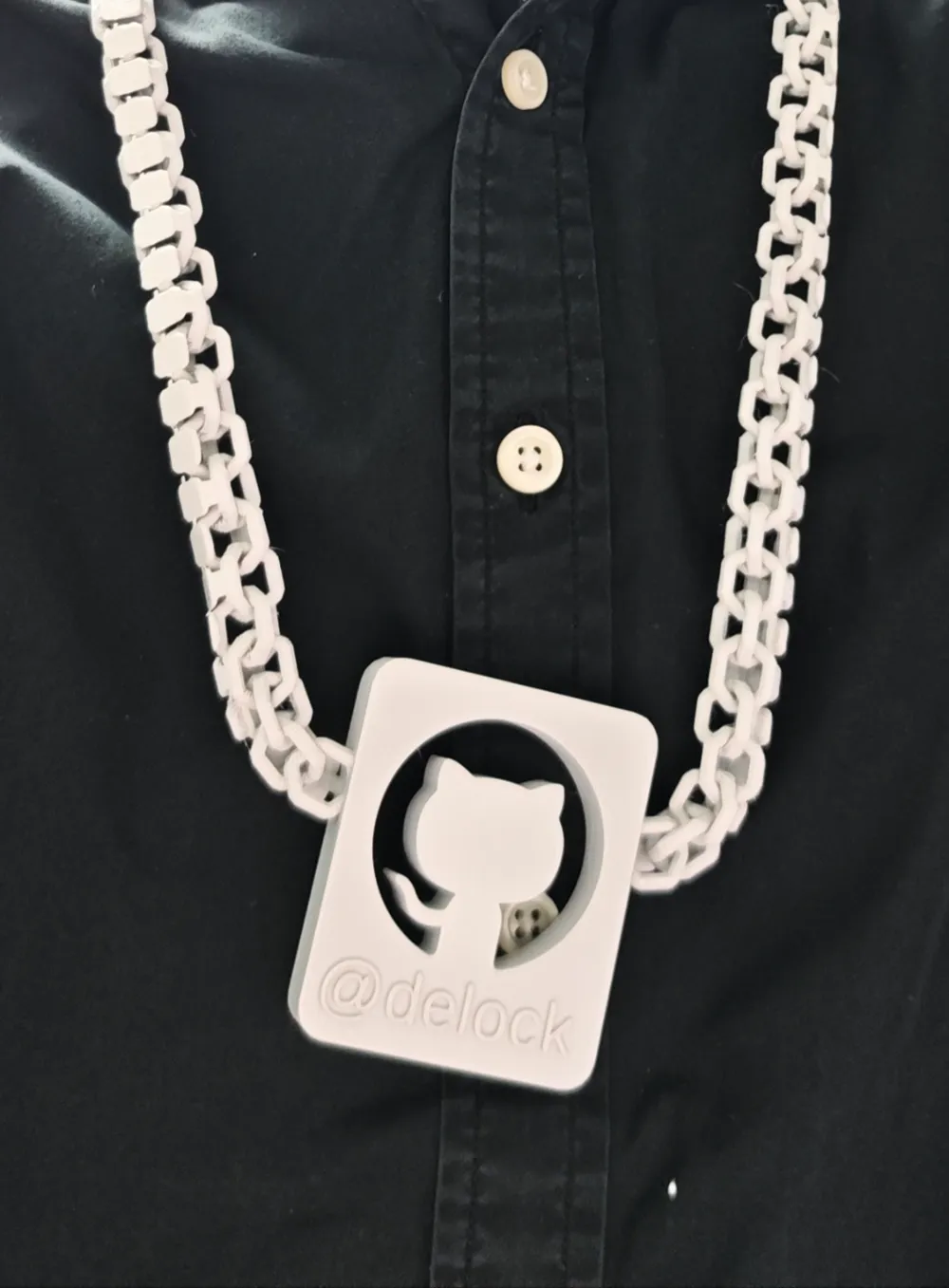
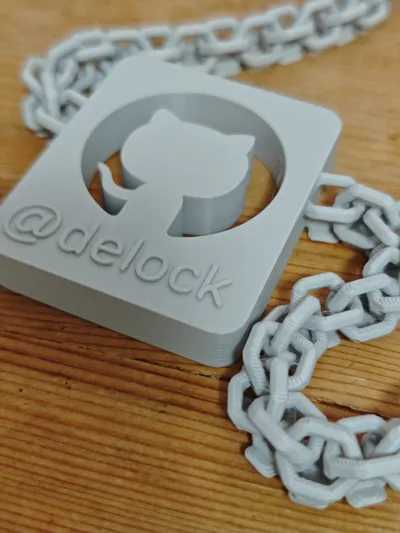
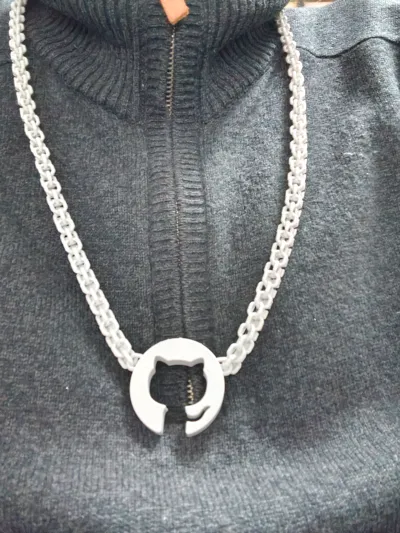
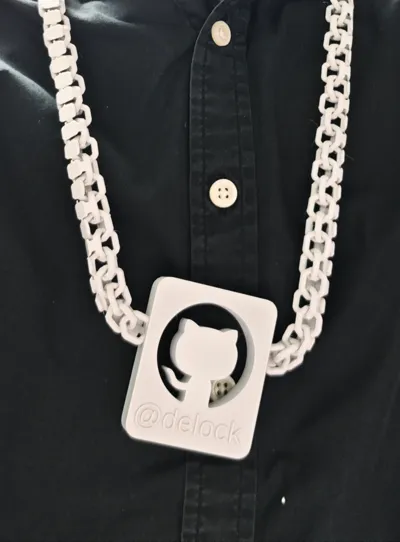
I always want to make some ‘tangible’ contribution to the community. Here is a necklace and a keyring for a proud community contributor. No matter how many stars, commits, code reviews, merges, and endless daysn'nights of debugging you have, you can always print this necklace or keychain and display your name on it.
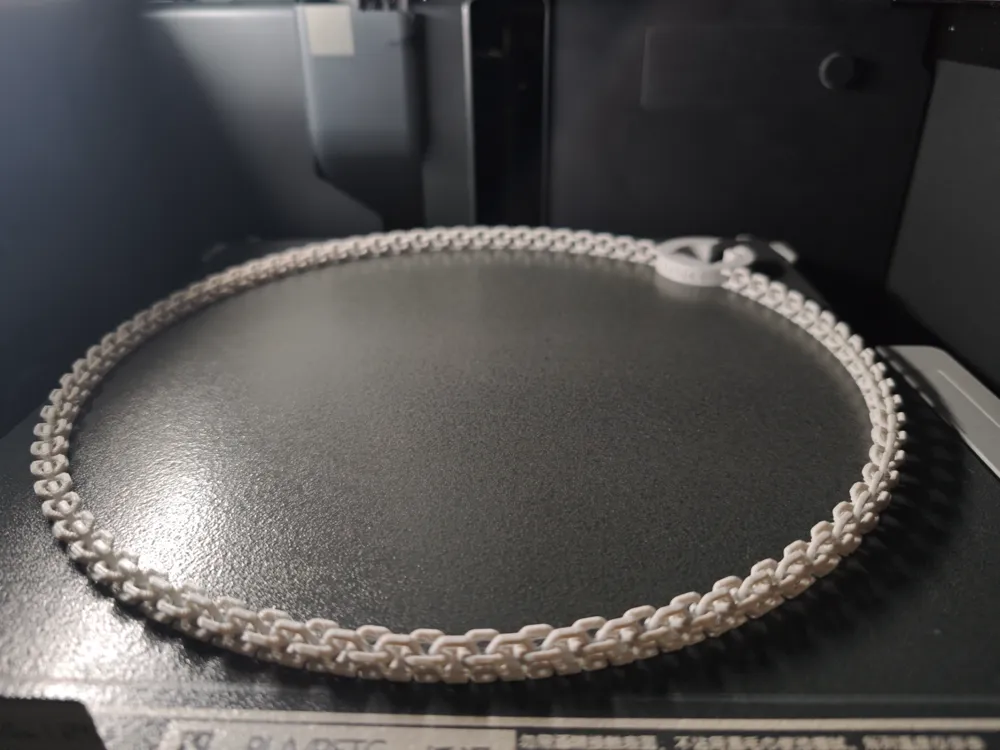
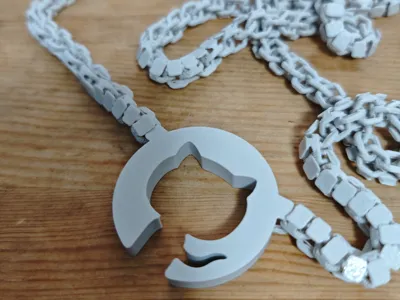
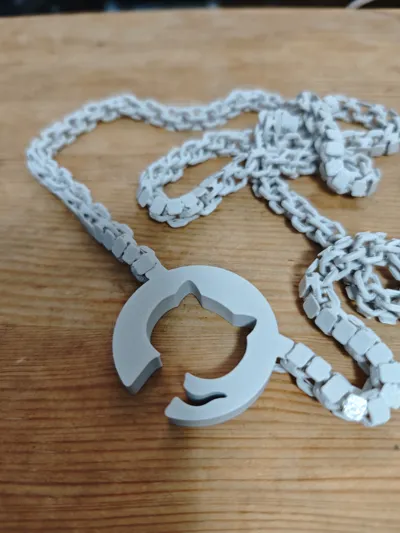
The chain is a special design I made for accessories of my Flex Fabric bag collection. Different from other chain which has two loops link together, this chain link two trident together interlockingly, which makes it has unique look and feel.
This chain also uses a modified version of @mkasberg's 3d-logo project(https://github.com/mkasberg/3d-logo).
Make sure you follow Github logos do's and dont's https://github.com/logos. Especially, when adding your name or other ornaments to the token, always add it as a seperate part and don't blend it into the logo.
Display name instructions:
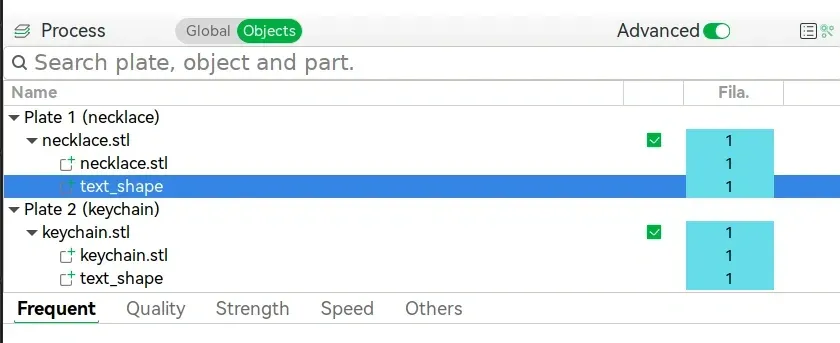
- Download and open the 3mf file with Bambulab Studio.
- Click ‘Objects’ under ‘Process’.
- On the plate you want to print, right click ‘text_shape’ and select ‘Edit Text’.
- Change the text content to your name, change font size and font name, and gap between characters if you need.
- Now its ready to print.
- You can optionally add other personal ornaments on the token. i.e. stars, achievements, etc. Side or back of the token would be a good place.
Print instructions:
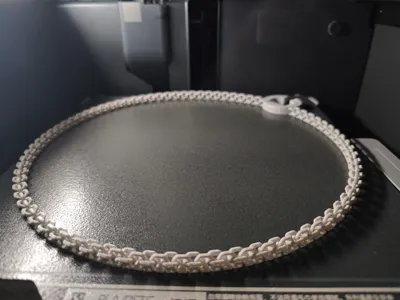
- Always keep your build plate clean, you need bed adhesion!
- Wait until build plate cool down and take your token off.
- I made a tiny string along the chain to aid bed adhesion, they are designed to be broken when peel off from bed, if some still not broken, wiggle adjacent links to break them apart.
- Some links might be rough to touch, they might happen here and there, like the red crosses in our workflow. Don't panic, use a file to smooth it, or wear it out.
License



Comment & Rating (0)