Search models, users, collections, and posts

Cable Holder Cable Management for xTool RA2 Pro - V2
Print Profile(1)

All
P1S
H2D Pro
H2C
P1P
X1E
H2S
H2D
A1 mini
A1
X1 Carbon
X1
P2S
X2D
A2L

Improved model - 0,08mm layer, 6 walls, 25% infill - PETG C
Designer
30 min
1 plate
4.5(17)

Open in Bambu Studio
Boost
46
173
53
2
294
187
Released 

Description

Content has been automatically translated.
Show original

For an ideal and stable print, I recommend Bambu PLA Tough or a carbon fiber reinforced filament, such as Tinmorry PETG CF.

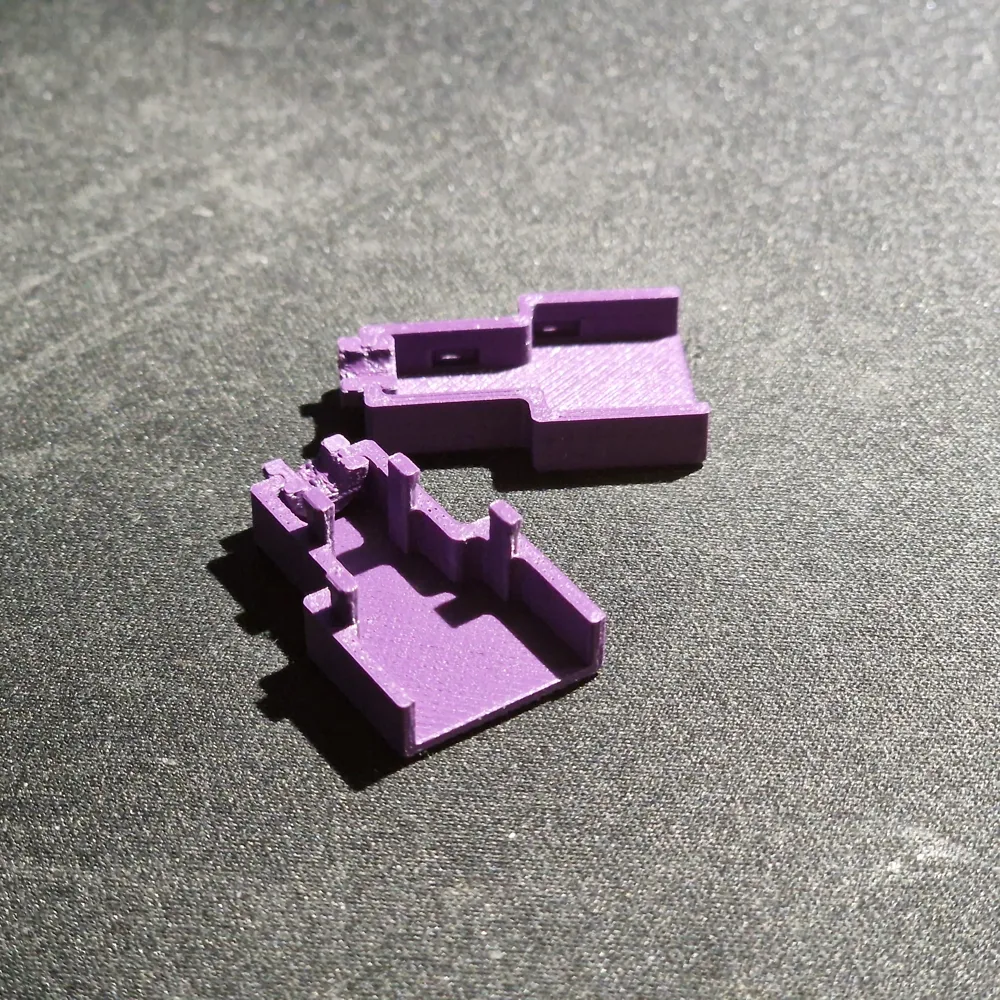
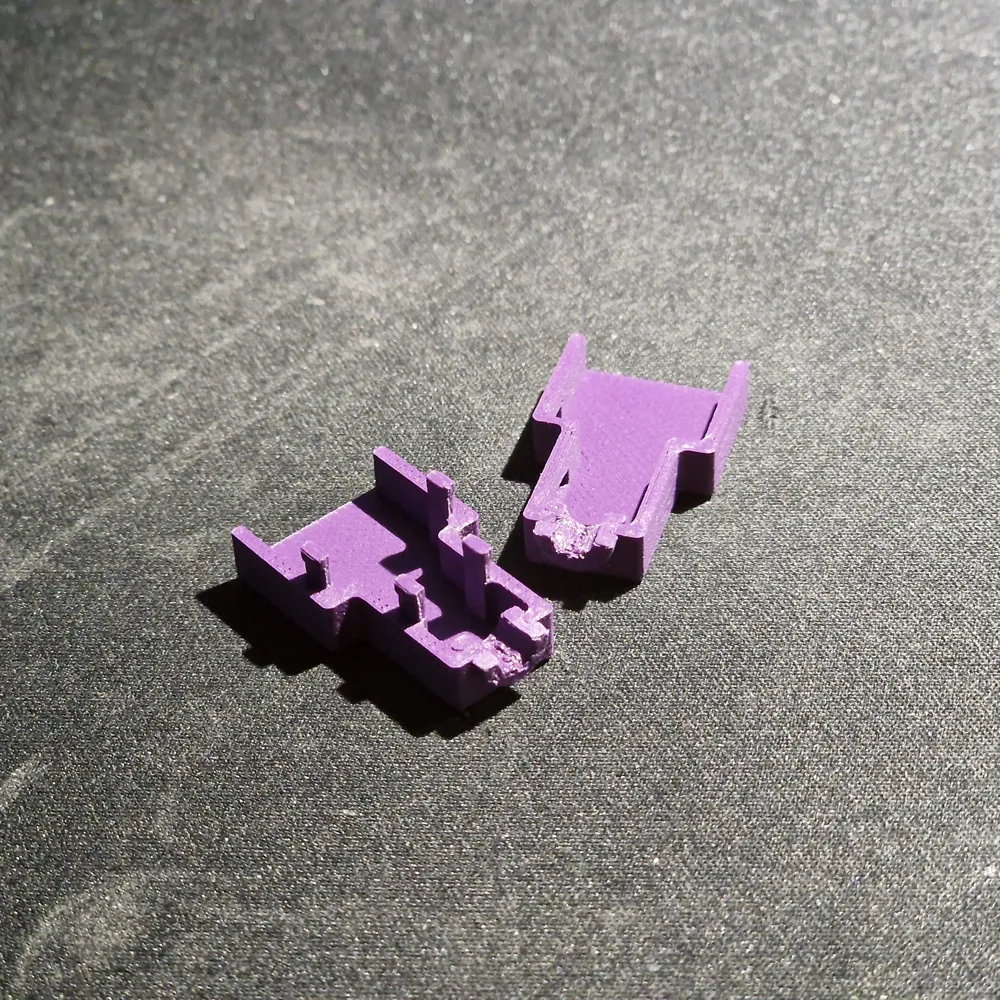
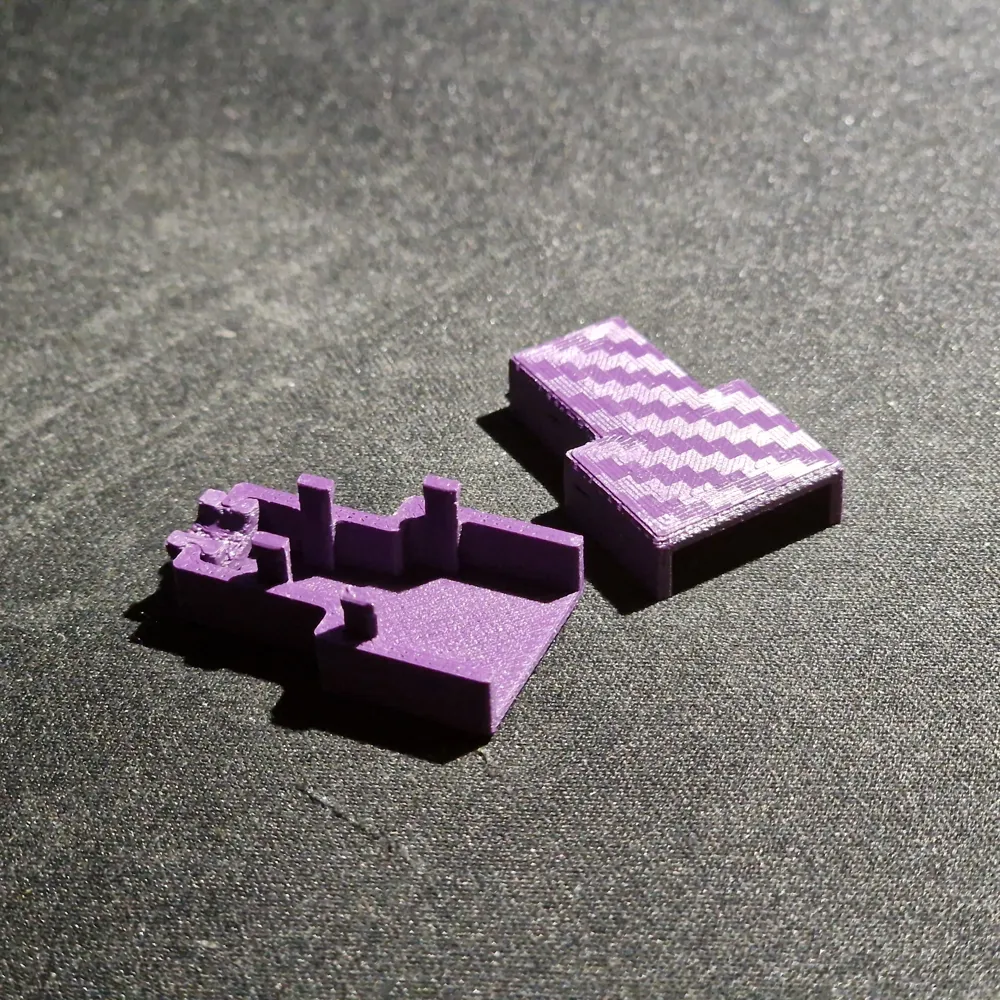
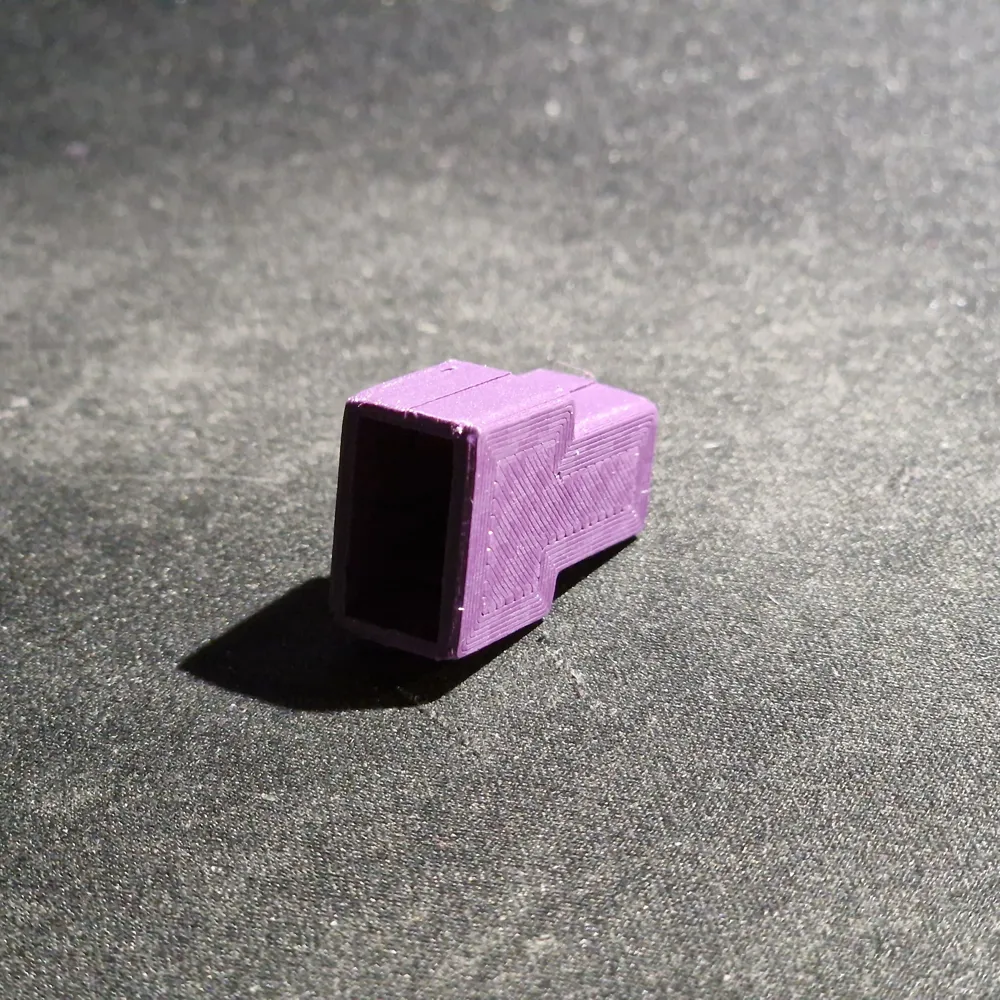
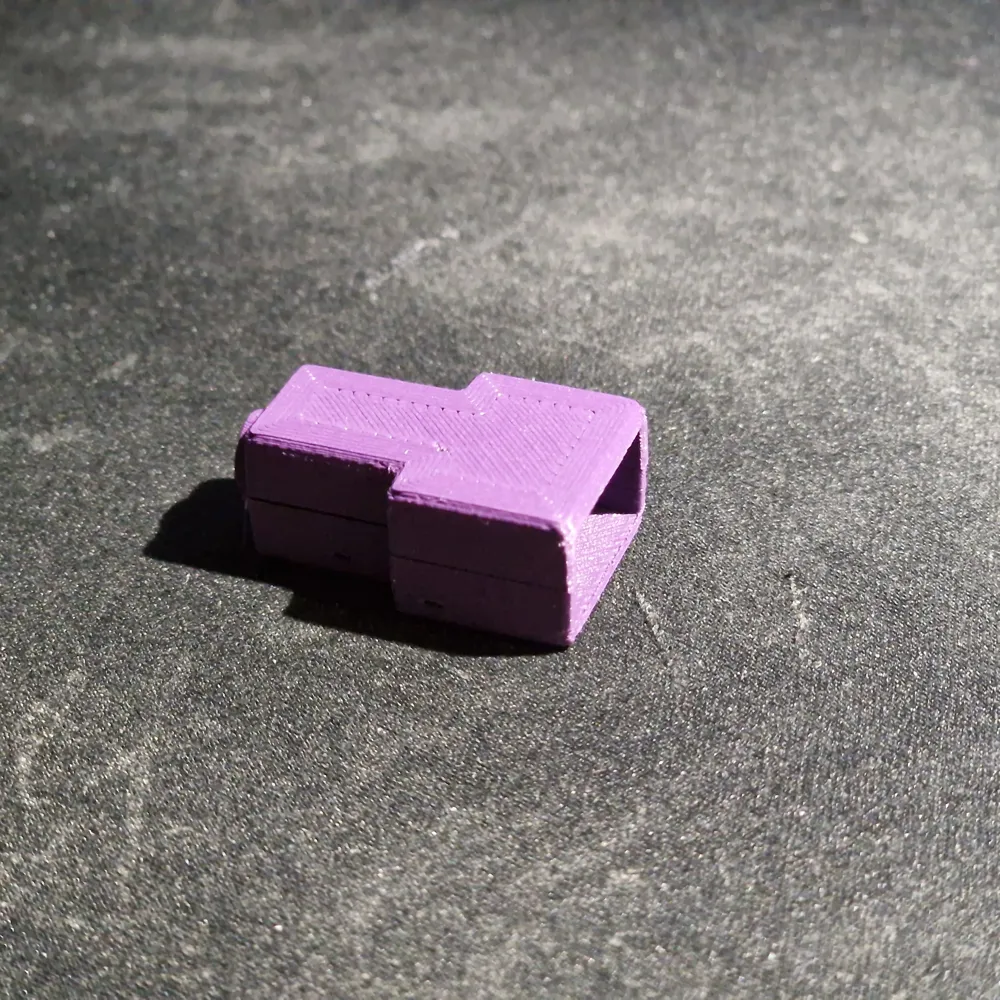
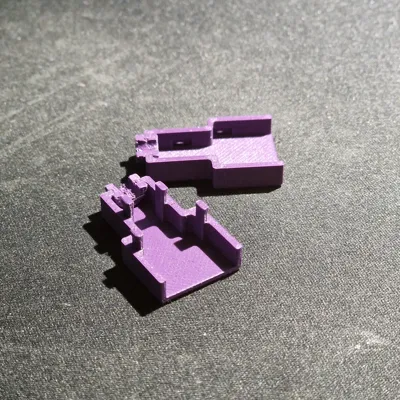
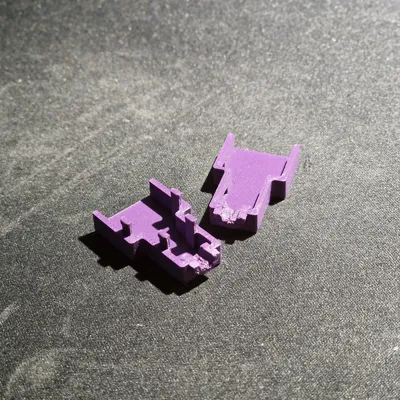
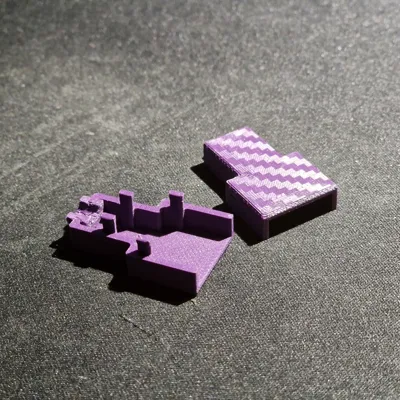
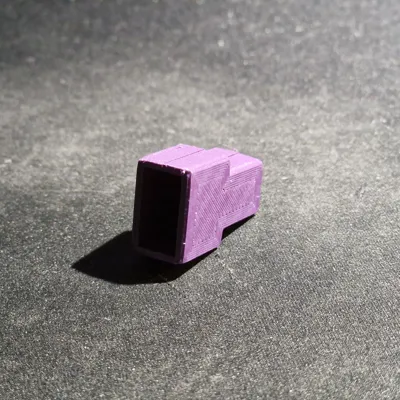
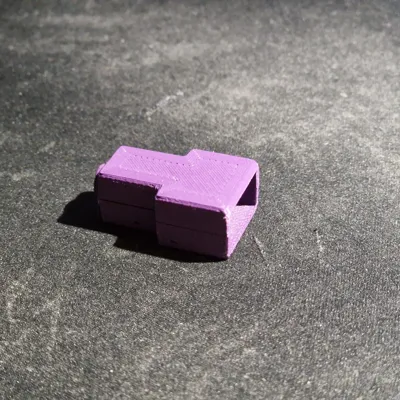
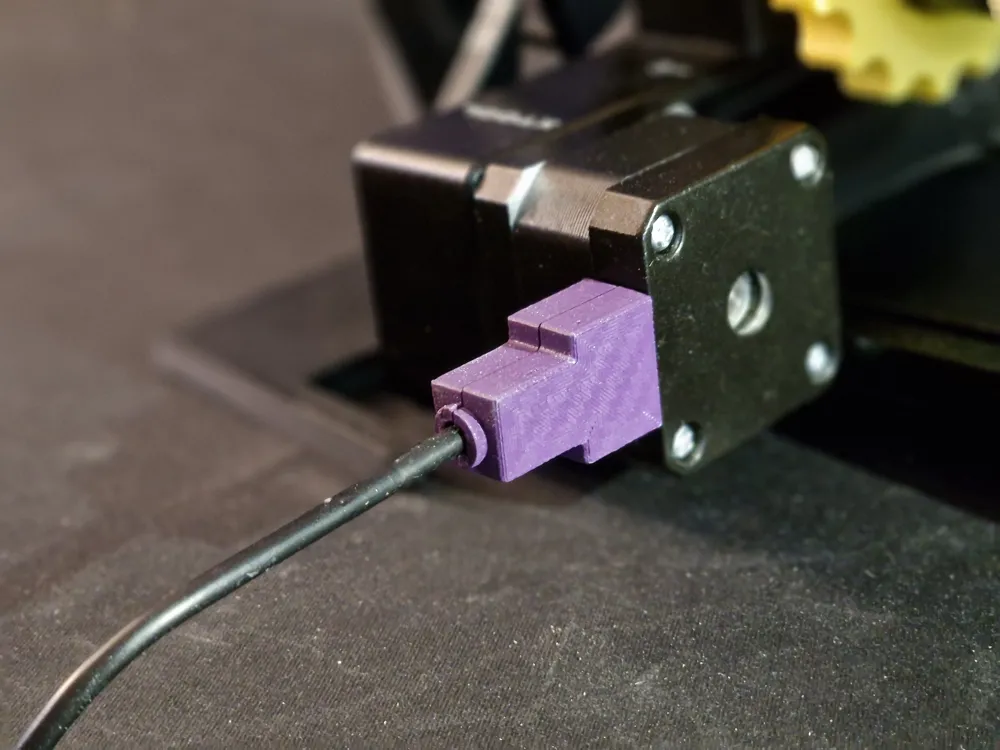
This is a new version with a snap closure!
The small slots on the sides are for opening the closure. You can easily get a small screwdriver in there to reopen the holder.

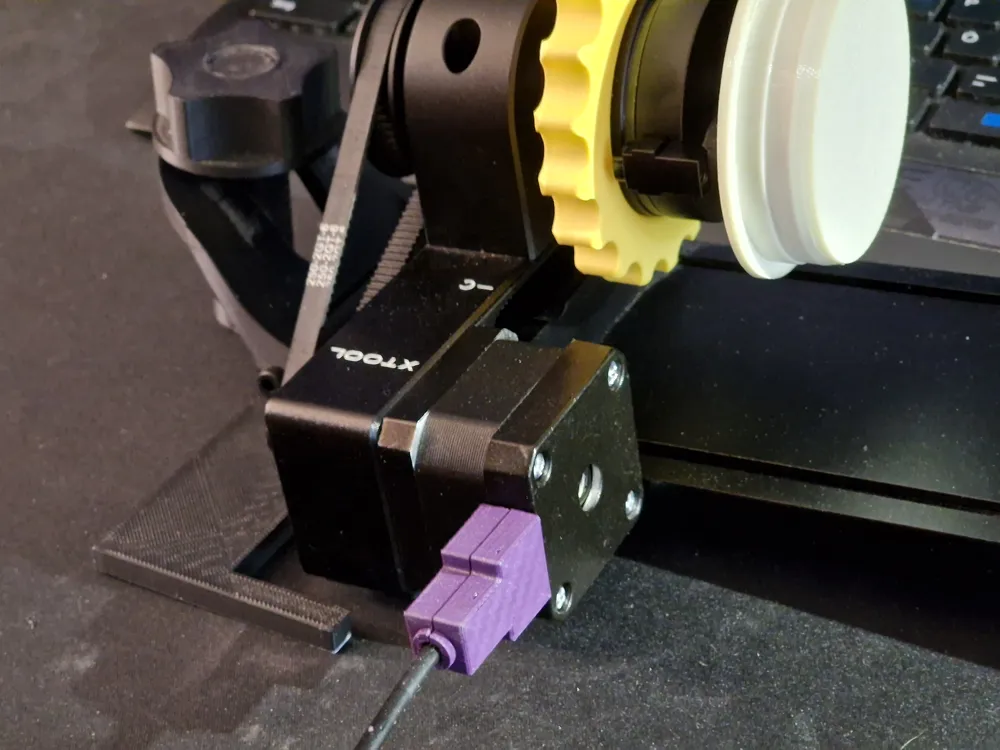
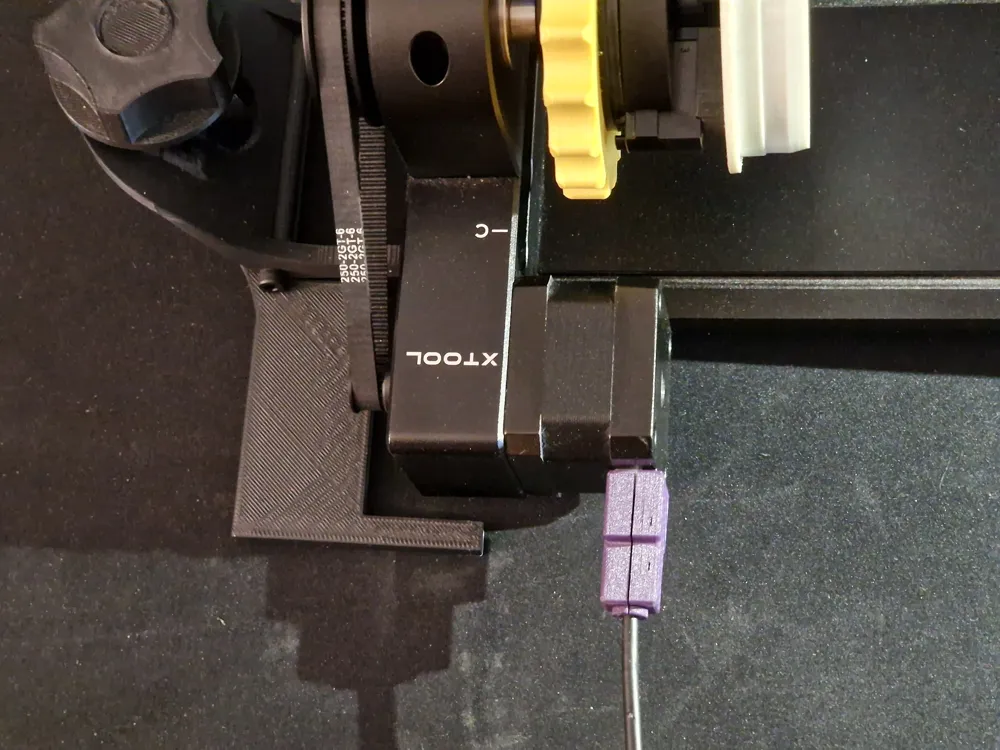
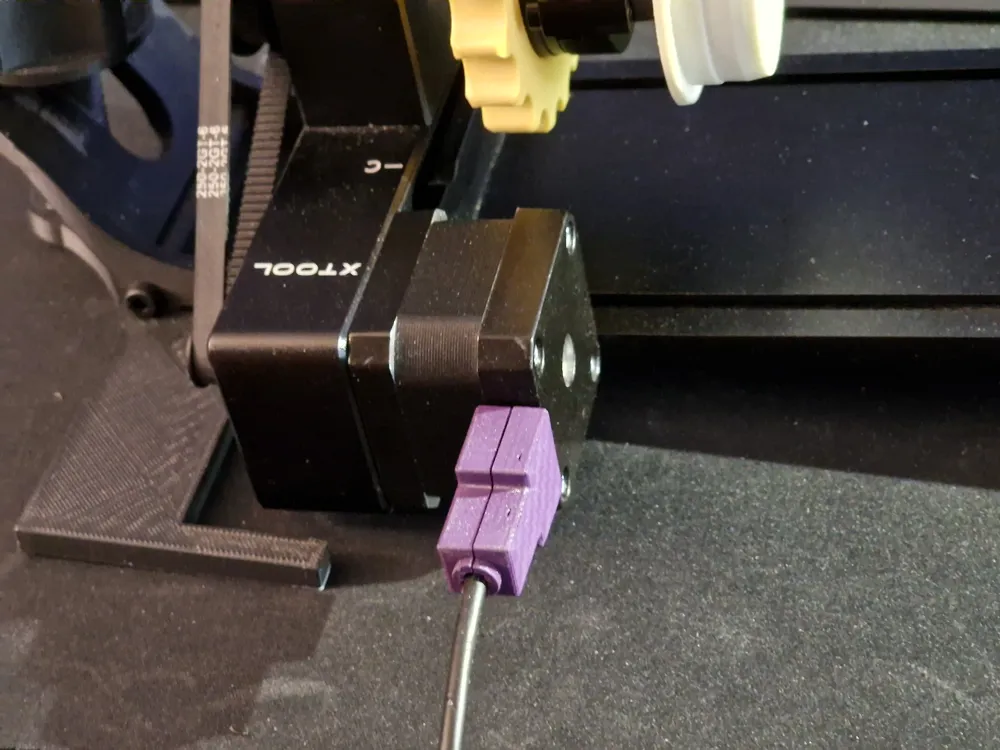
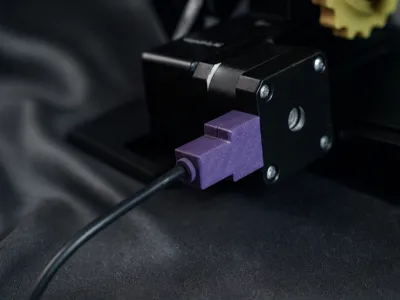
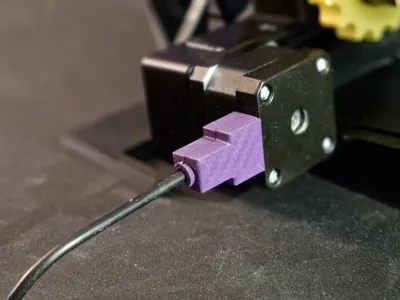
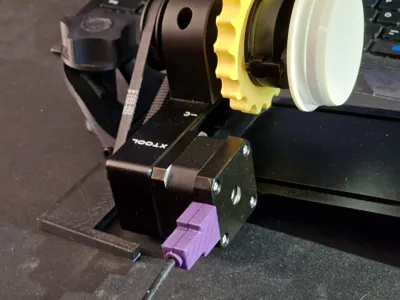
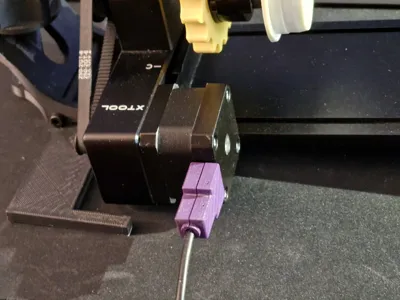
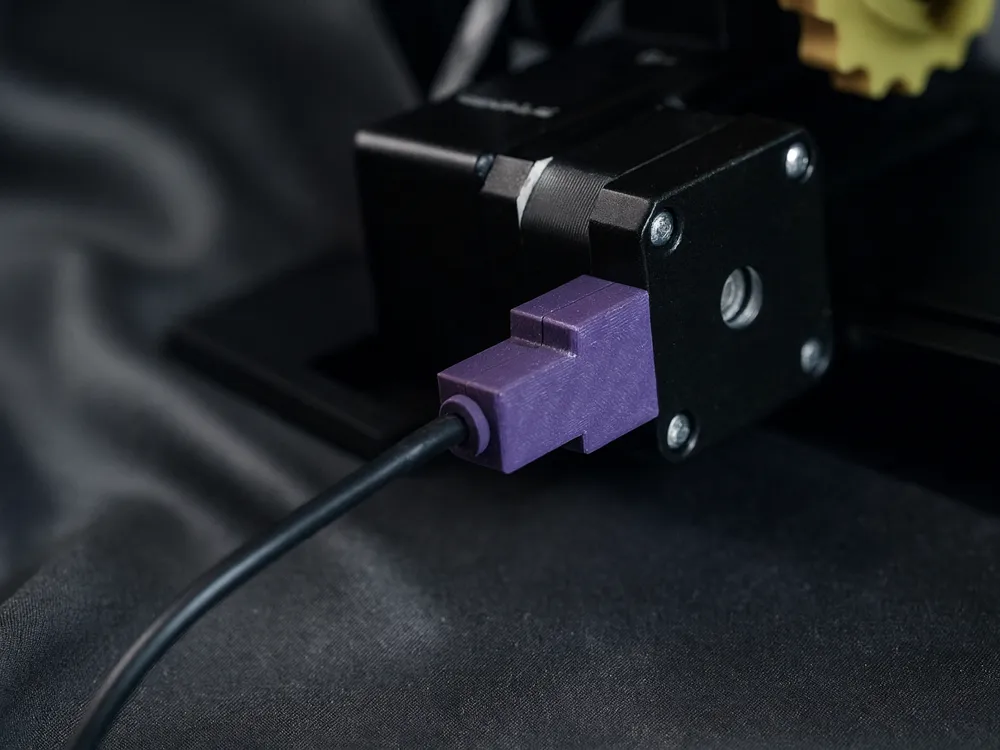
The cable of the xTool RA2 Pro Rotary unit is connected to the rotary itself with a multi-pin connector and exposed cable ends. This has worked quite well so far - but it still causes “headaches” whether it will last forever.
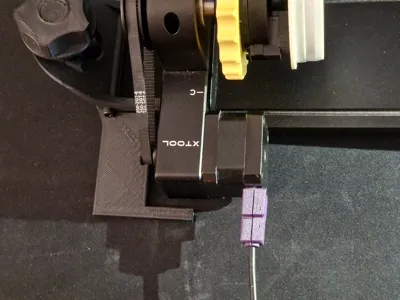
That's why there is this cable lock for the xTool RA2 Pro.
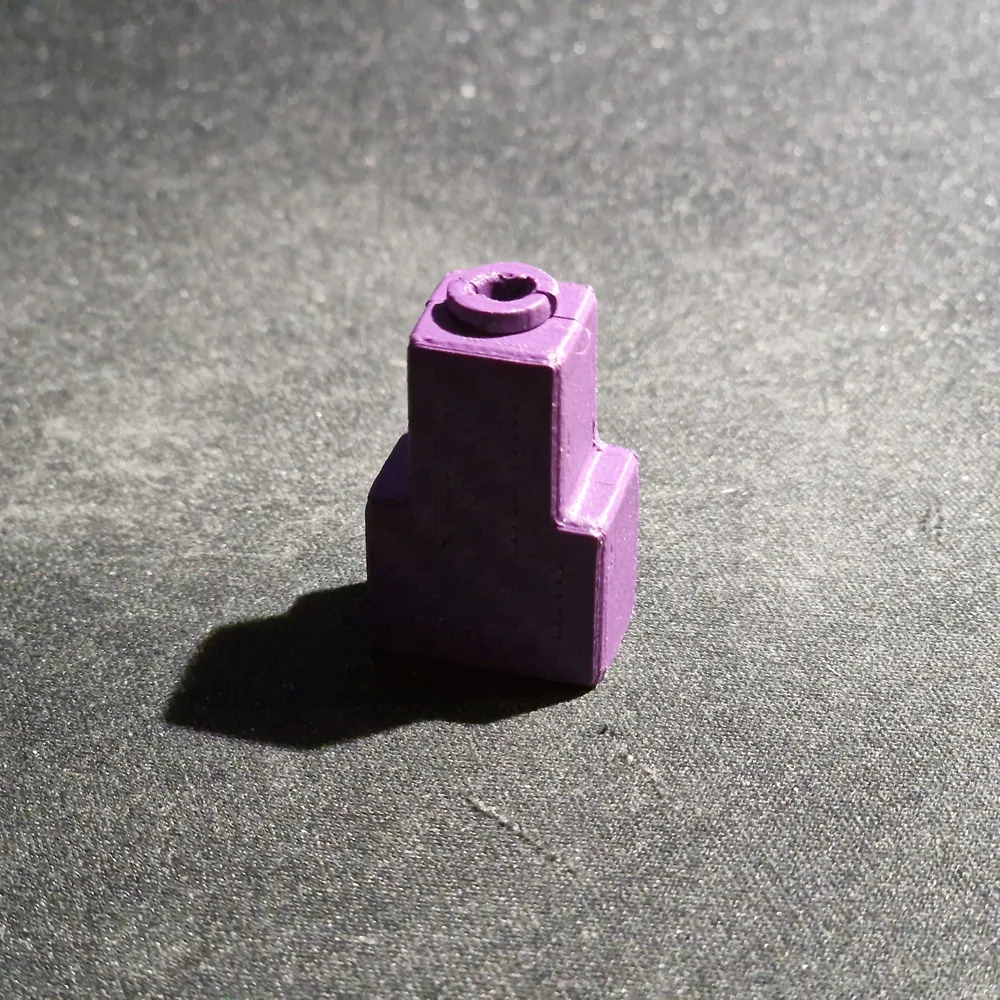
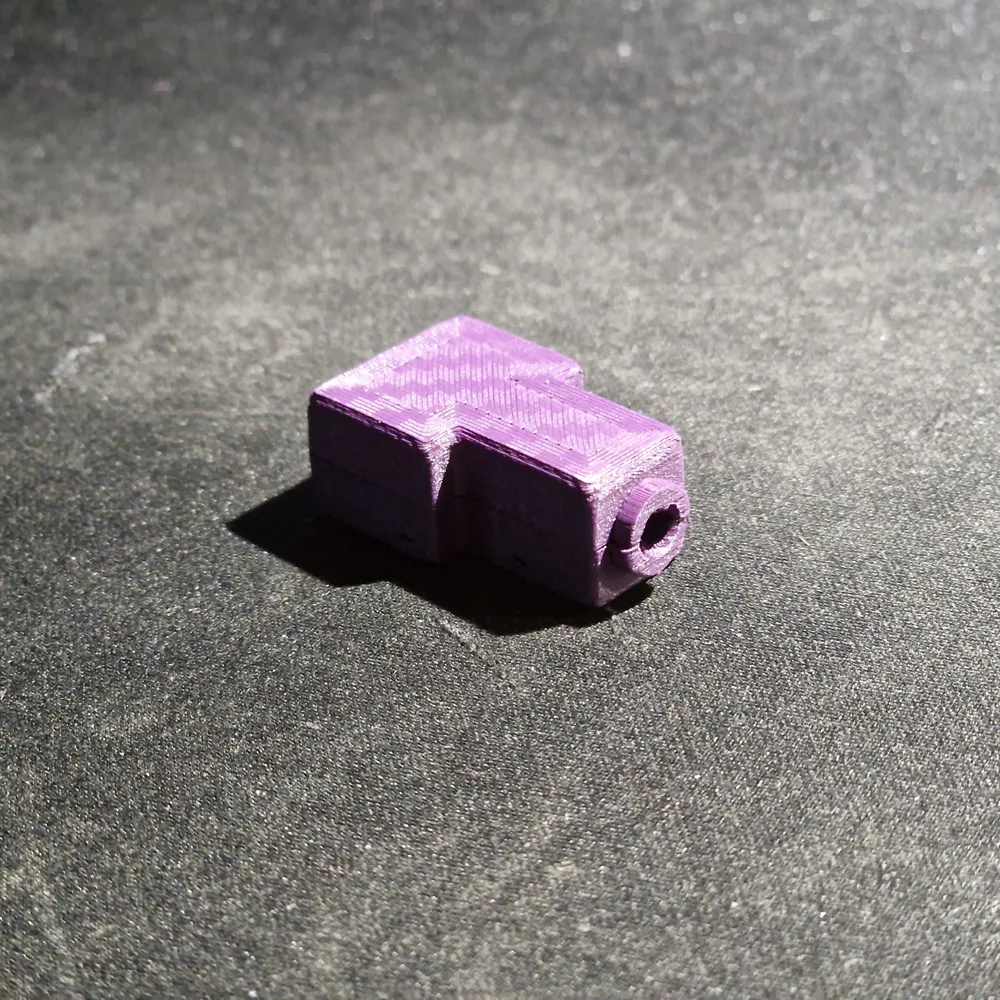
Quickly printed and easily assembled, this part can reduce the movement of the connection cable and thus prevent possible damage.
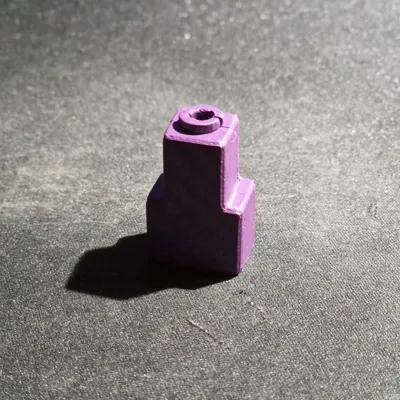
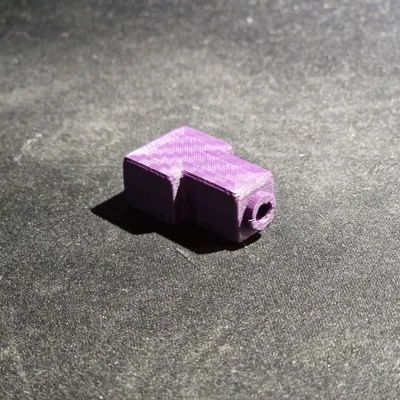
The recess for the cable is currently still designed so that it remains slightly movable.

There is an improved model. The new print profile (the one with the purple print) includes a stretched model with rearward-set locking lugs and a cable clamp.
For an ideal and stable print, I recommend Bambu PLA Tough or a carbon fiber reinforced filament, such as Tinmorry PETG CF.


***** A star rating and a comment help me develop more 3D printing files. *****
 

Membership

For commercial use of my files, you need a license, which you can obtain with a commercial license membership.

Join

Boost Me (for free)

If you like the file and the print, feel free to leave a boost for it. Thank you very much.

Comment & Rating (53)

(0/1000)

I don't know why, but the printed parts and their print preview appear completely different
The designer has replied
Show original
0
Reply
Did you leave the slicer settings as they were? That is, 0.08 mm layer height, 6 walls, and 100% infill? If so, the photo suggests a filament calibration issue.
Show original
0
Reply
Replying to @ankodesign :
The first image shows the import into the slicer, something is already missing from the file, the length is incorrect and the cable nubs are also not included. The print was okay, but the part doesn’t quite fit the rotary
Show original
0
Reply
Replying to @ankodesign :
Hello, the first image shows the file import in my slicer; some length and the cable nubs are already missing. The second image is the print; it's OK and it also fits on the connector, only not on the rotary. I have no idea why the file is displayed like this.
Show original
0
Reply
Print Profile
Improved model - 0,08mm layer, 6 walls, 25% infill - PETG C
Aborted immediately
The profile uploader has replied
Show original
0
Reply
Did you also print the part with carbon fiber PETG Really Or (which I haven't tried yet) print with Bambu PLA Tough I'll do that right after when the current print is finished
(Edited)
Show original
0
Reply
Replying to @ankodesign :
Also with Bambu PLA Tough it works perfectly as well
Show original
0
Reply
Print Profile
Improved model - 0,08mm layer, 6 walls, 25% infill - PETG C
great idea I never understood why the left these exposed
The profile uploader has replied
profile
1
Reply
Thanks for your review and the boost
Show original
0
Reply
Print Profile
Improved model - 0,08mm layer, 6 walls, 25% infill - PETG C
Strength Issue:did not hold, too small dimensions, broke after installing
The profile uploader has replied
0
Reply
What material did you use for printing? Did you use the settings from the print profile?
0
Reply
Replying to @ankodesign :
Yes i did, tried PLA and PETG both failed in strength.... I printed with a 0.4 nozzle instead of 0.2 (since i do not have a 0.2 at the moment)
0
Reply
Replying to @thedutchmcrae :
To ensure it holds up really well you should use PETG CF or PETG GF I specifically recommended this because I also tried different filaments but none of the "normal" ones were good for this print For printing GF or CF filament you will need a hardened nozzle and a hardened extruder
(Edited)
Show original
0
Reply
The print profile is no longer public
Printed with Generic PLA on a P1S using a 04mm nozzle in black
The profile uploader has replied
Show original
0
Reply
Try PETG CF – it's considerably more flexible, and the locating lugs will hold. I previously tried PLA, PETG, ABS, and ASA – only with PETG CF did I achieve the result I had hoped for from the other filaments
Show original
0
Reply
The print profile is no longer public
Flawless print
The profile uploader has replied
Show original
0
Reply
Danke für die Bewertung
0
Reply
Print Profile
Improved model - 0,08mm layer, 6 walls, 25% infill - PETG C
The profile uploader has replied
profile
1
Reply
Vielen Dank.
0
Reply
Print Profile
Improved model - 0,08mm layer, 6 walls, 25% infill - PETG C
The profile uploader has replied
profile
1
Reply
Thanks for your review
Show original
0
Reply
Print Profile
Improved model - 0,08mm layer, 6 walls, 25% infill - PETG C
The profile uploader has replied
profile
1
Reply
Thank you for your rating 
Show original
0
Reply
Print Profile
Improved model - 0,08mm layer, 6 walls, 25% infill - PETG C
The profile uploader has replied
profile
1
Reply
Thank you for your review
Show original
0
Reply

License

If you want to use this model commercially, please join my membership.
Join Now
This user content is licensed under a Standard Digital File License.

You shall not share, sub-license, sell, rent, host, transfer, or distribute in any way the digital or 3D printed versions of this object, nor any other derivative work of this object in its digital or physical format (including - but not limited to - remixes of this object, and hosting on other digital platforms). The objects may not be used without permission in any way whatsoever in which you charge money, or collect fees.