
Hexagonal Shelf
Print Profile(0)
Description
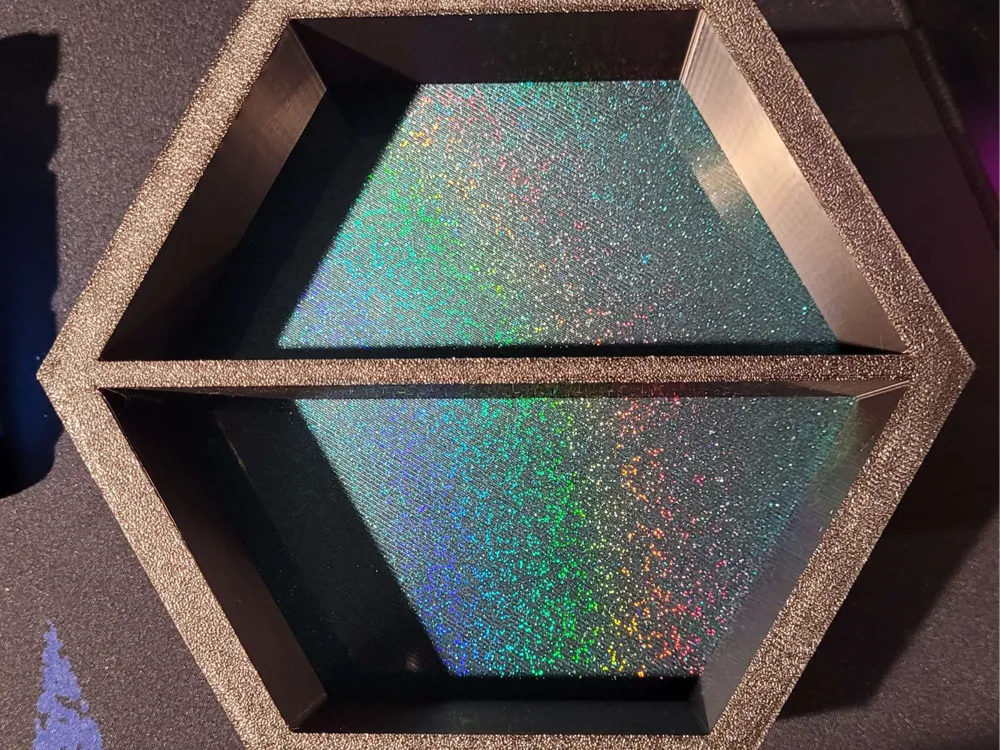
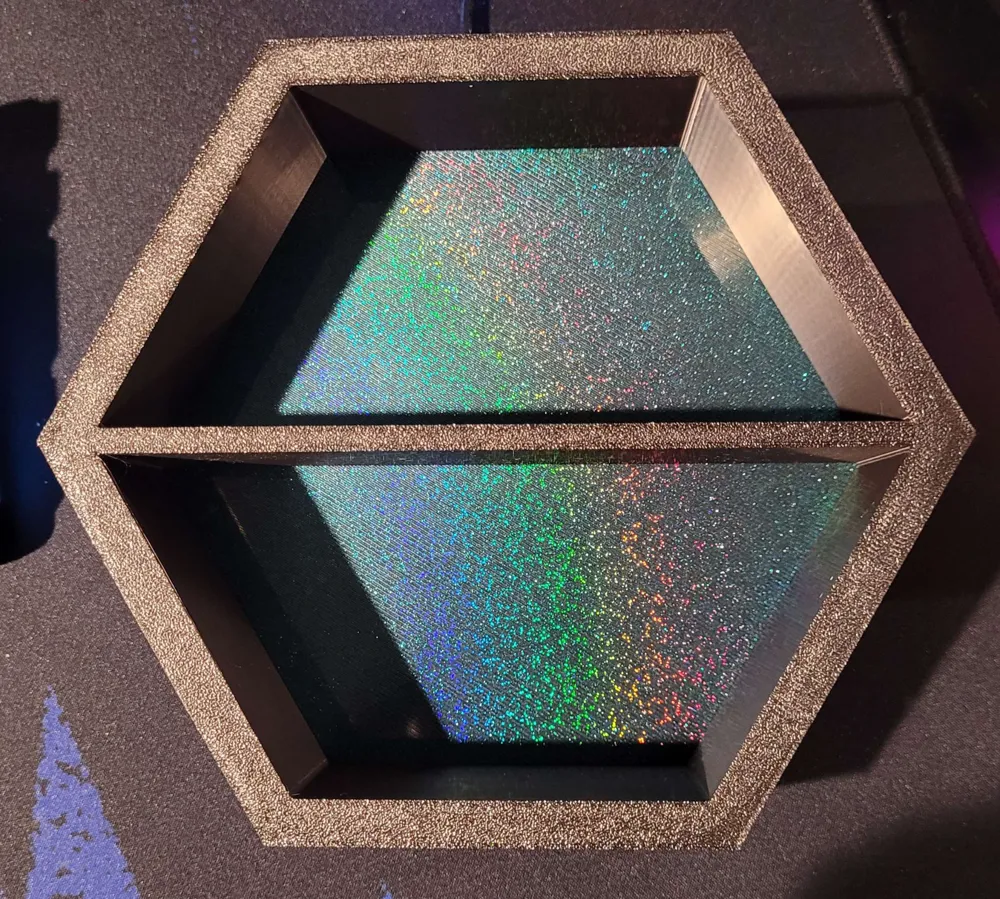
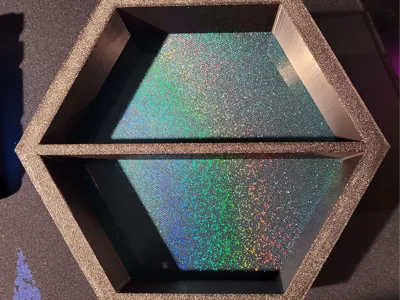
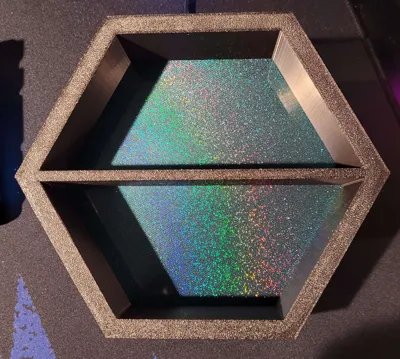
This was my first project I have created in Onshape that actually saw an end product! Coming from zero cad experience, this was a very good learning tool for me. Not only is it a simple shape, but it gave me the ability to learn more detailed functions other than just extruding a shape and cutting a through hole.
Print Order:
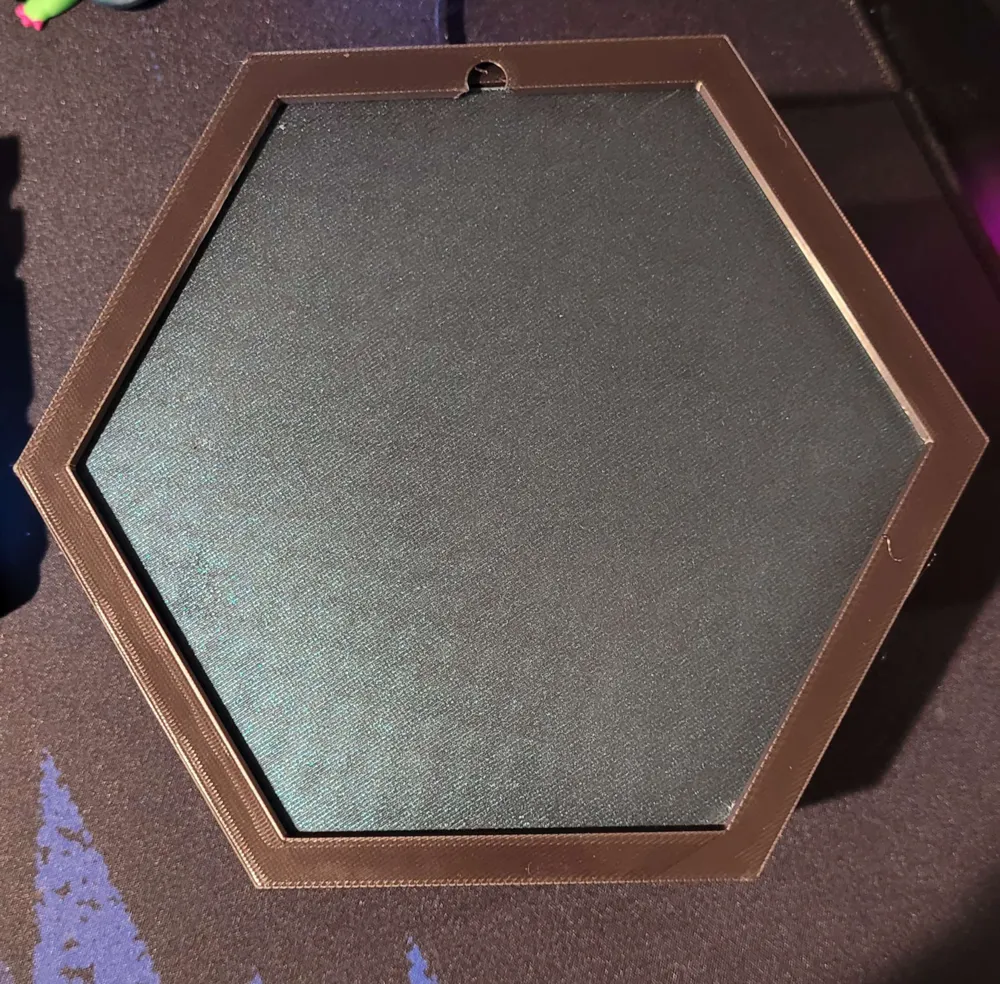
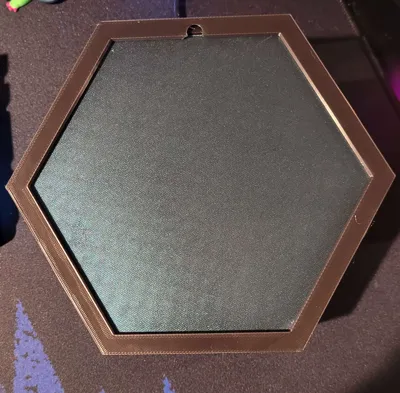
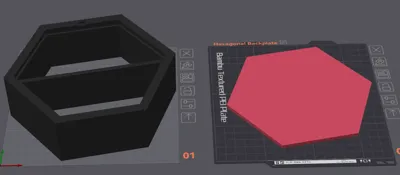
1.) You MUST print the Hexagonal Backplate file BEFORE you print the Hexagonal Shelf file. This is important as how I have created this you will need to drop in the backplate during the shelf printing process.
2.) Print the hexagonal shelf file. (See print instructions before sending shelf print!)
Print Instructions:
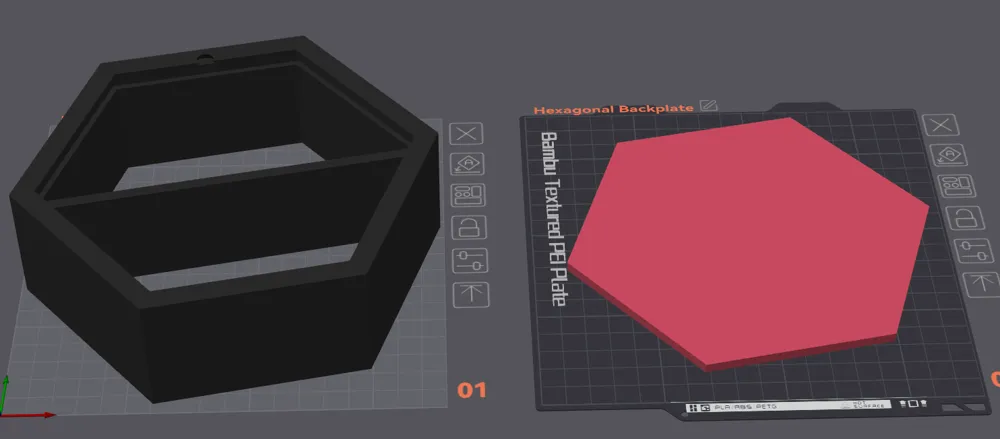
- The shelf file must be placed face down on the build plate (my 3mf file should load in correctly.)
- Add a negative part - cone. This will act as your hole that will allow you to hang this.
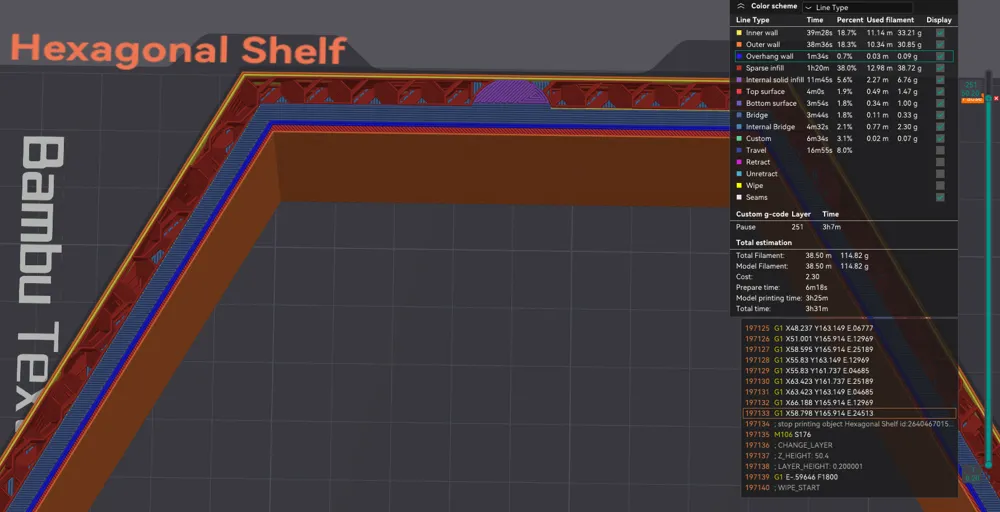
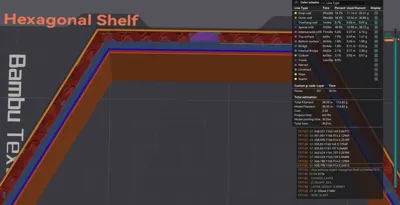
- When you slice the shelf file add a pause at the start of the overhang. (should already be in my 3mf but also can see picture above). Then send and have your printer start the hexagonal shelf.
- The pause you added will pause the printer and allow you will drop in the backplate.
- After you drop in the backplate hit resume. The backplate will serve as the support needed for the lip to hold the plate in. This also has allowed me to make this 100% support free print!
NOTE:
If you scale this be sure you are scaling both pieces together or you will have mismatched sizing and the backplate will not fit! Be sure to scale the cone accordingly.
License



Comment & Rating (0)