
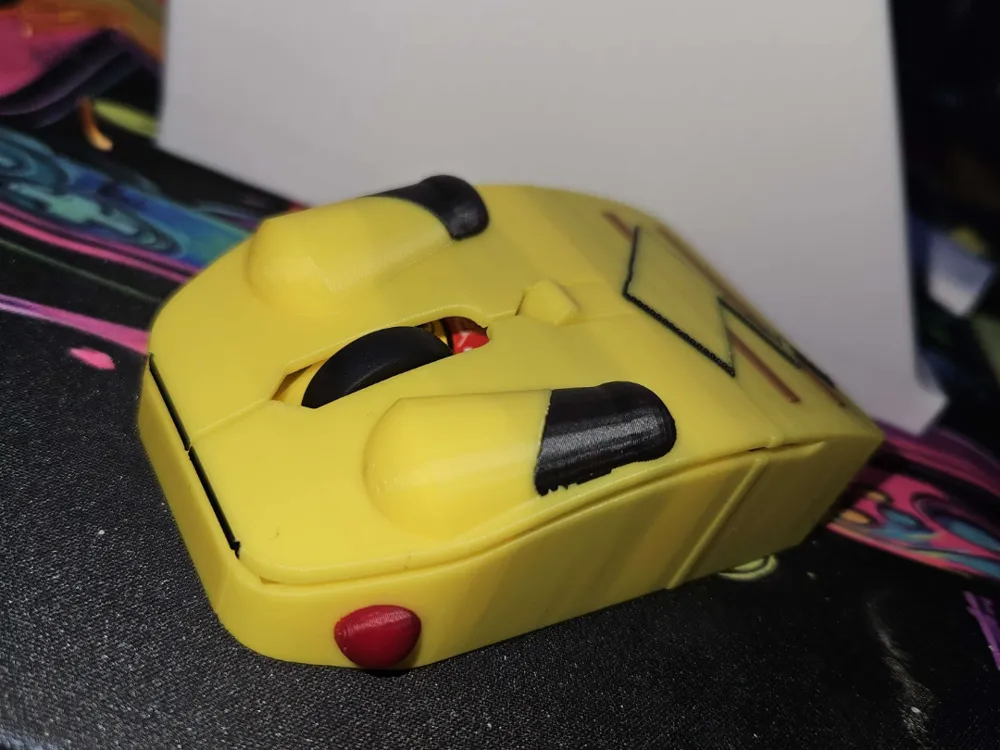
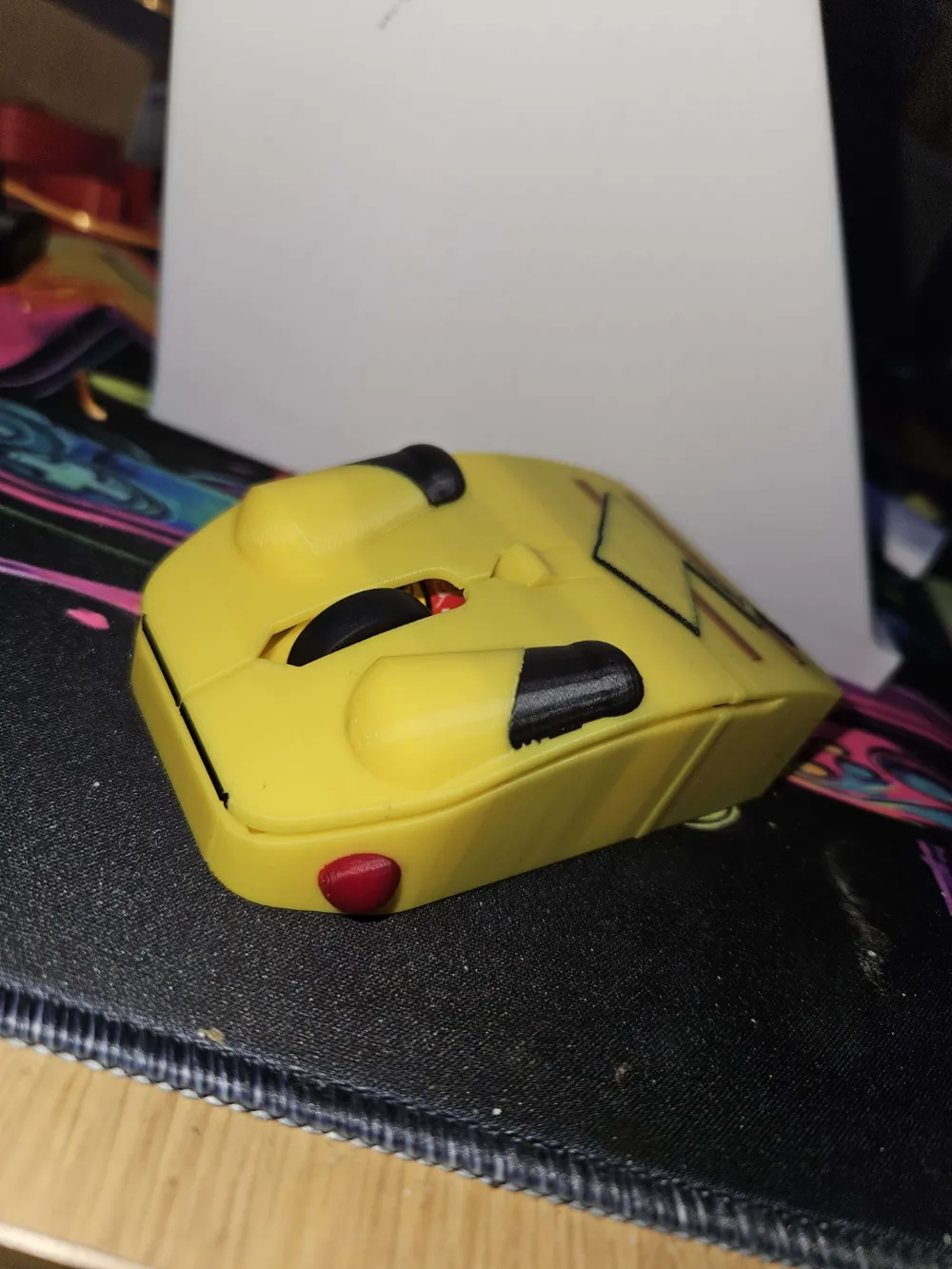
pikachu mouse

Print Profile(1)

Bill of Materials
- 1.5alankey x 1:
Description
hello i made this because i wanted a pikachu mouse and if you guys like it i may make more
instructions
step 1
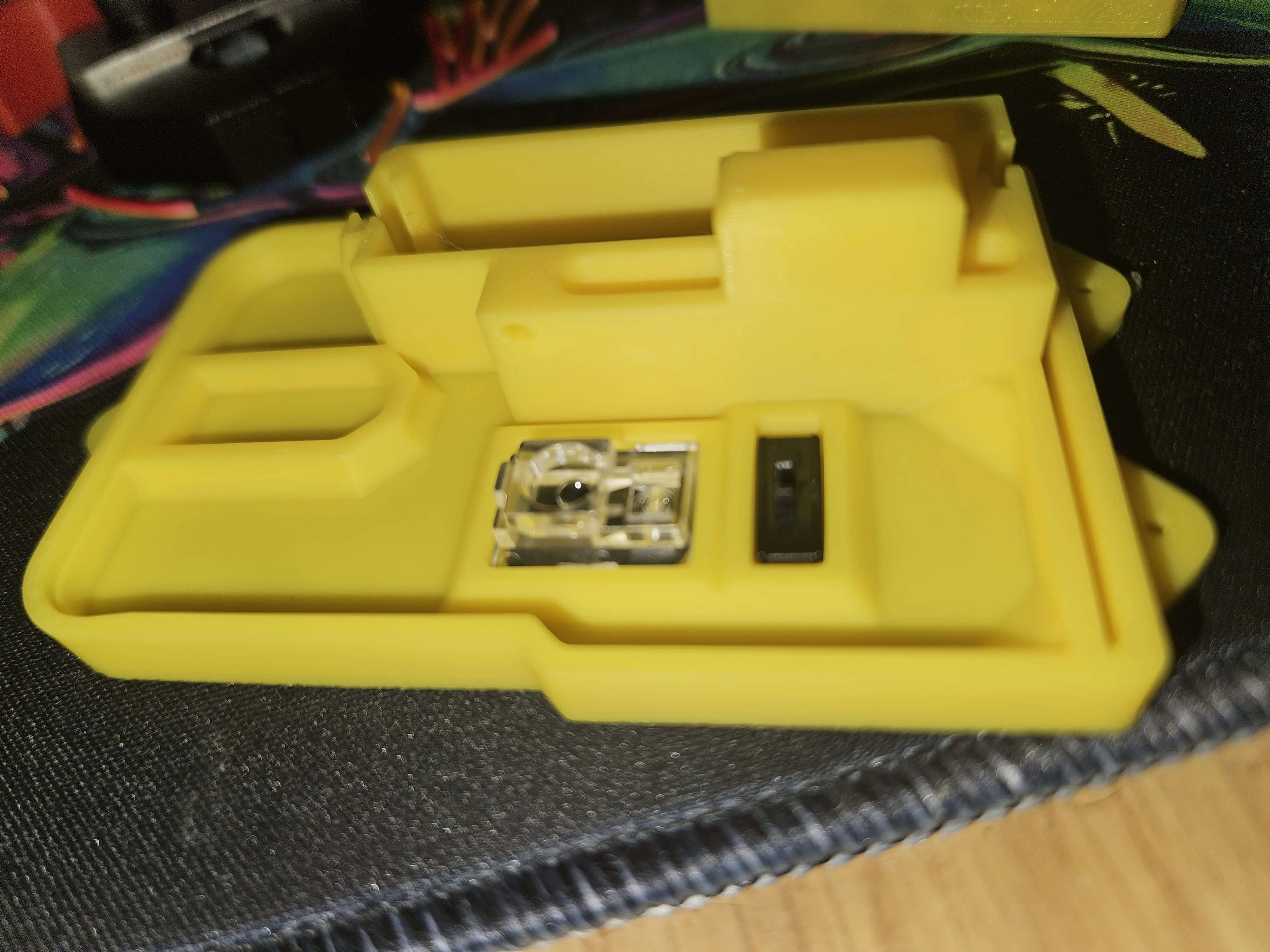
place the clear part as shown in the pic and put the black part in with the clip facing up
step 2
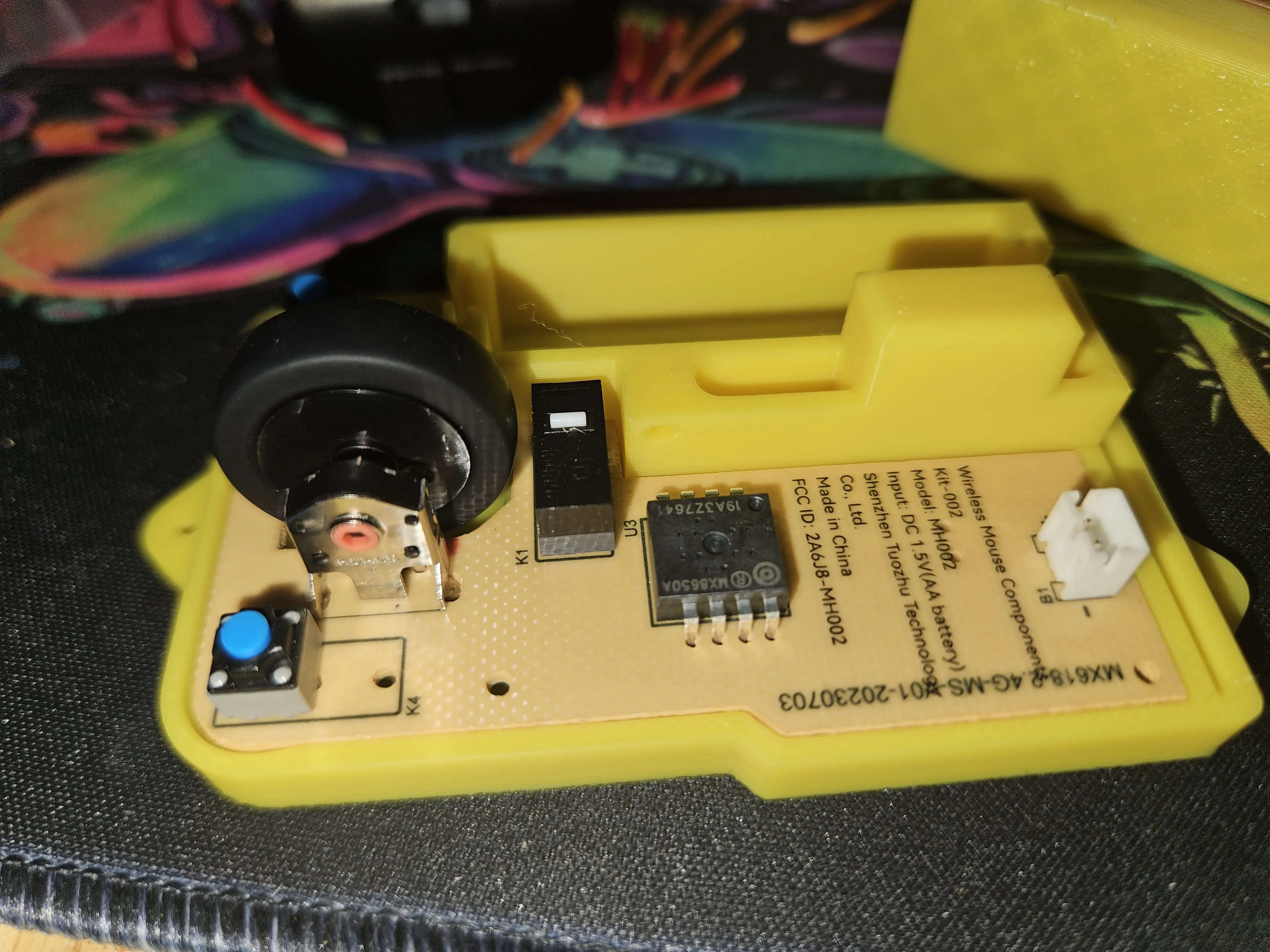
put the wheel on the joint and place in the bace as shown hold the board down and make sure the black clip is attached to the power switch
step 3
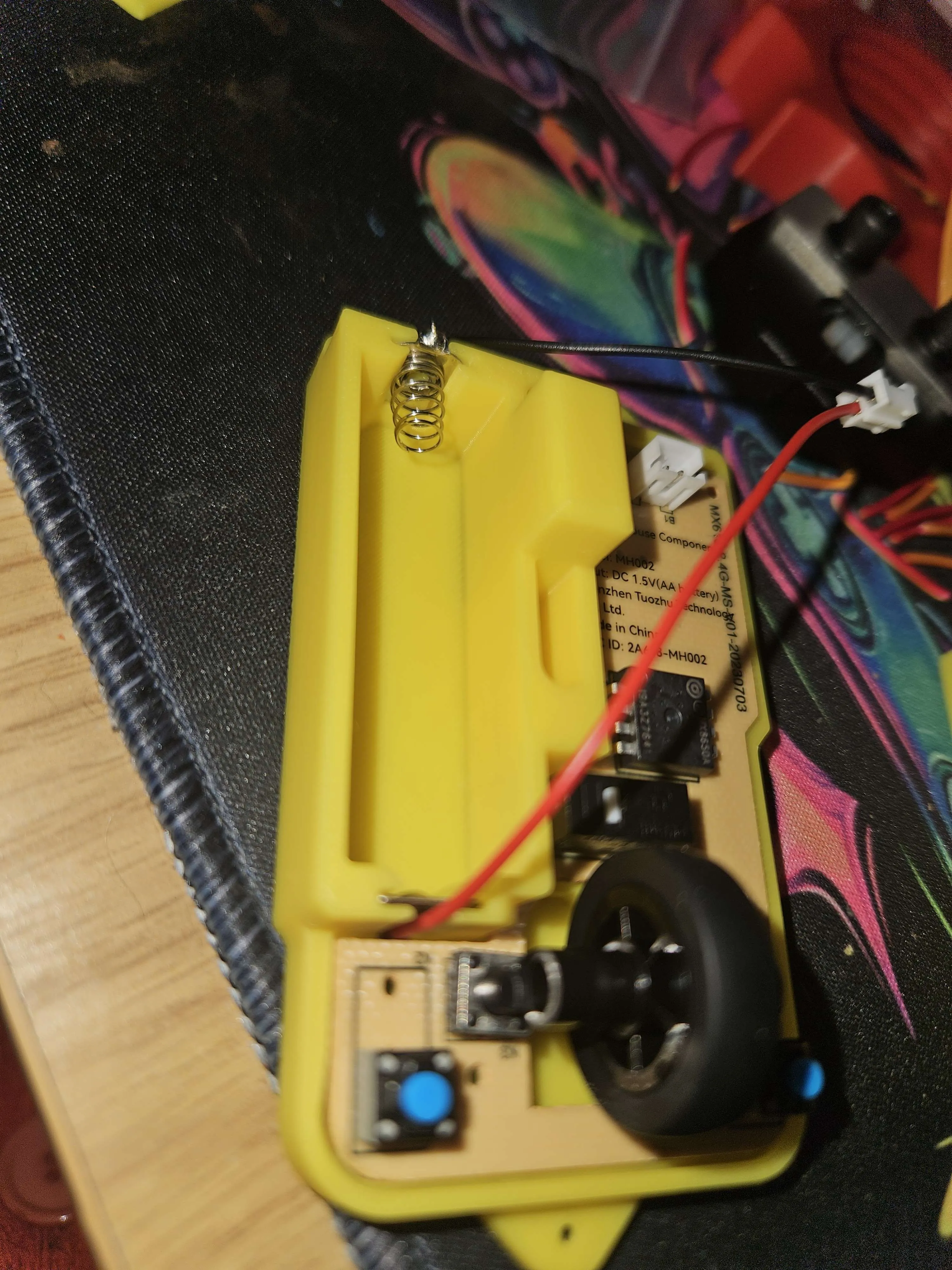
put the red wire in with the solder joint facing down and make sure to press the clips in so it can fit in then put the black wire in with the solder facing up and agan press the clips so it can fit in this step is a bit difficult
step 4
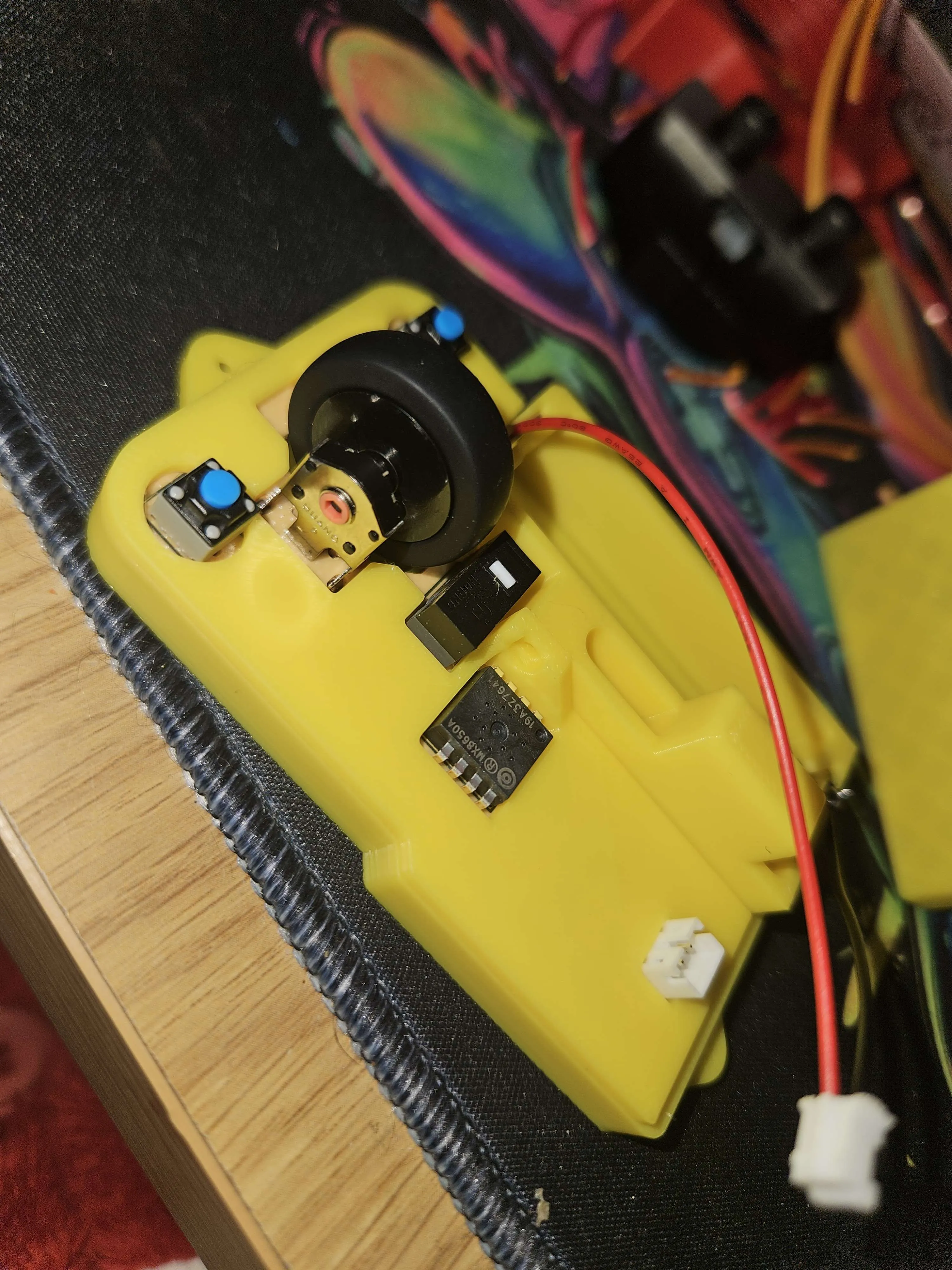
place the cover over the board
step 5
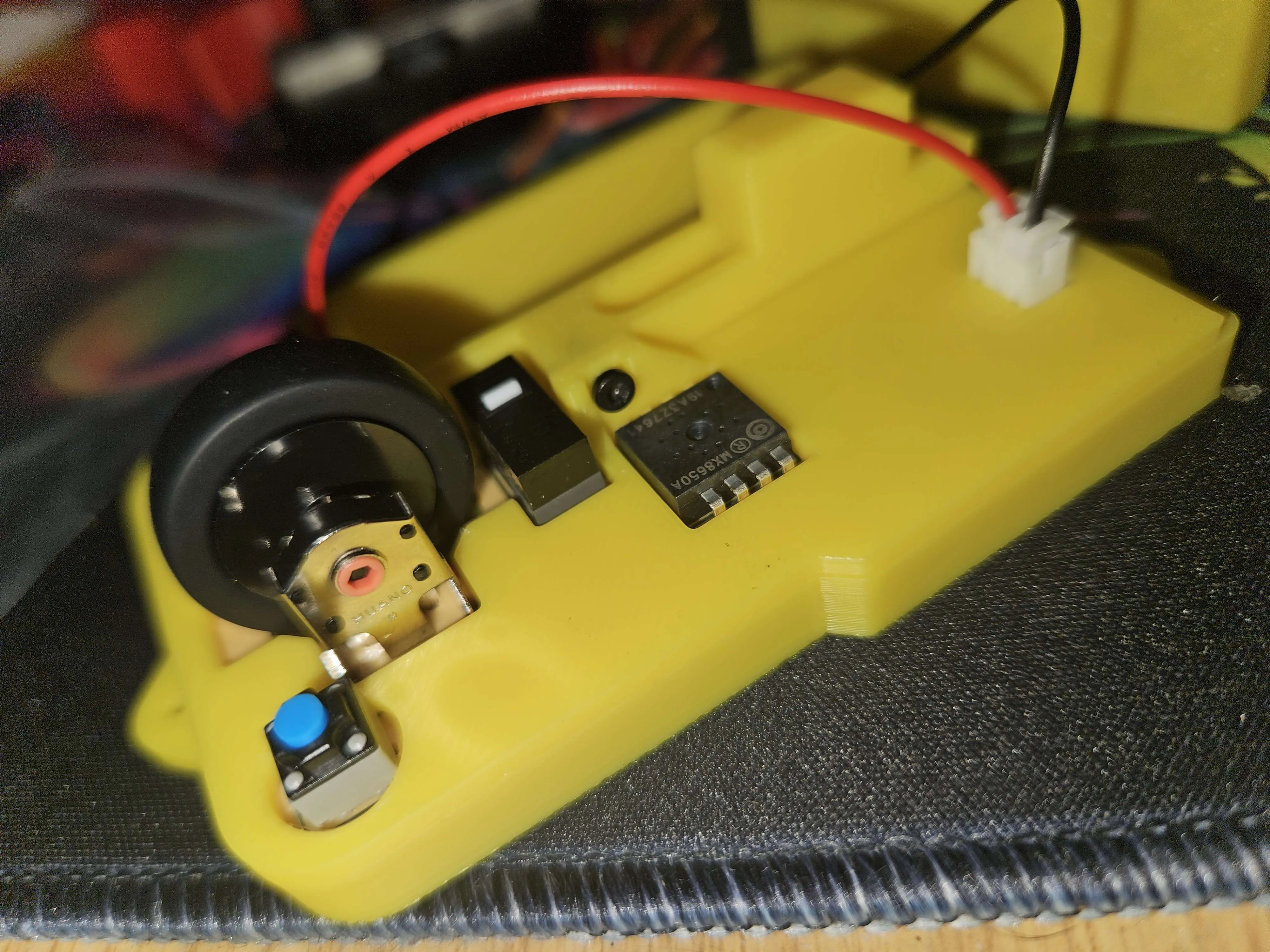
plug in the power cable and scew in the support scew
step 6
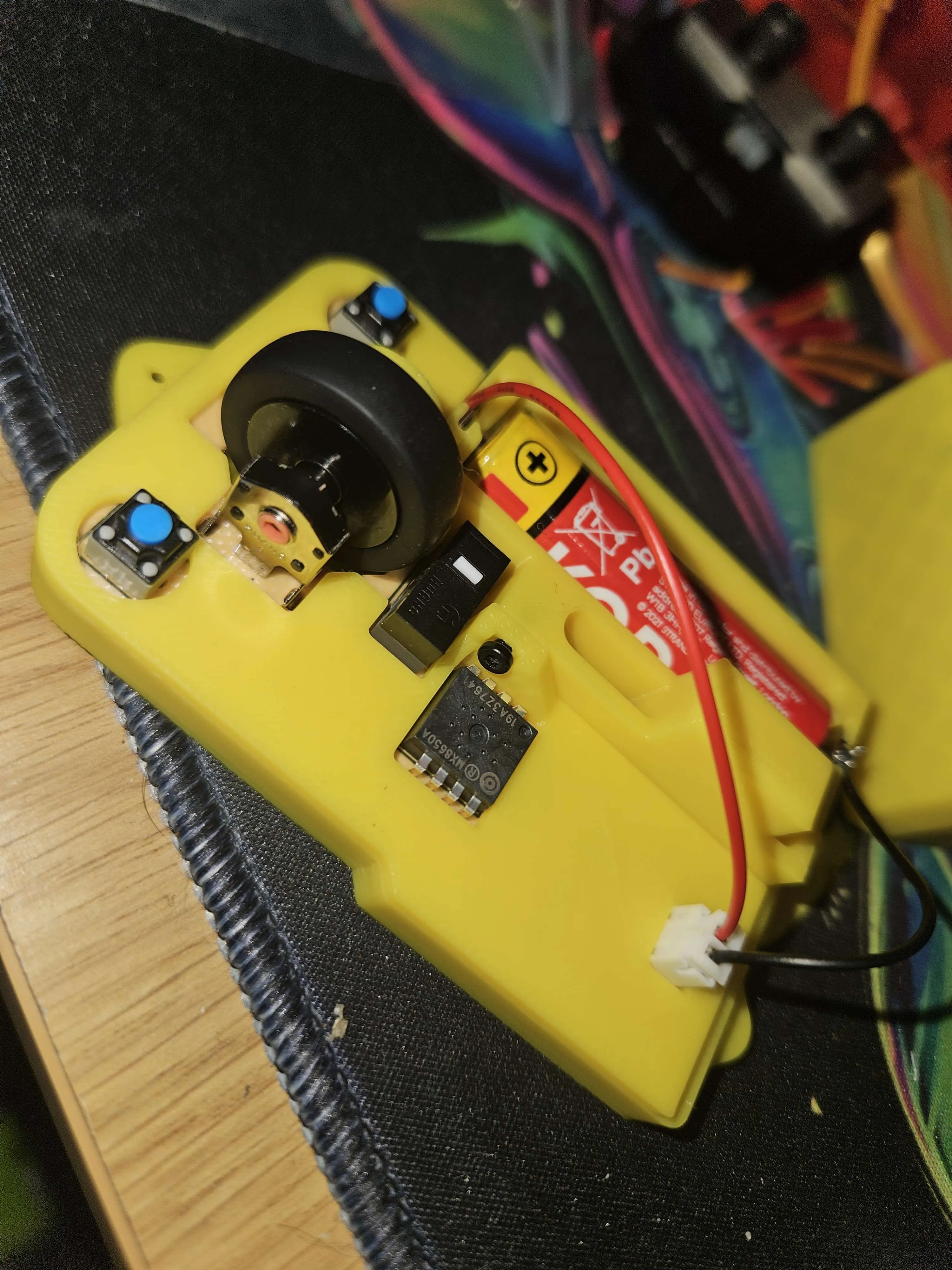
place a AA battery in and turn it on to make sure it is working turn off if it is working
step 7
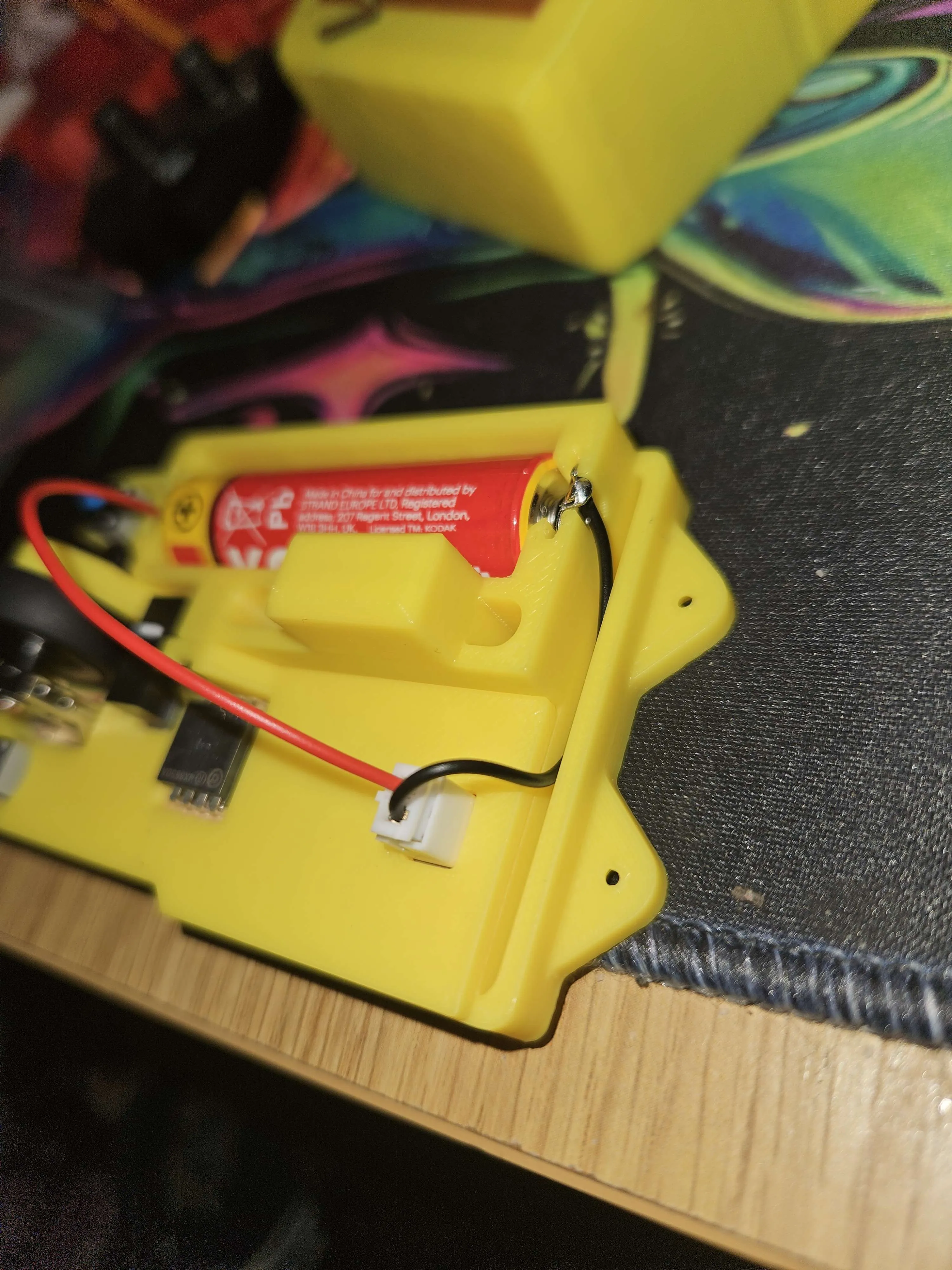
took the black wire in the gap shown in the pic
step 8
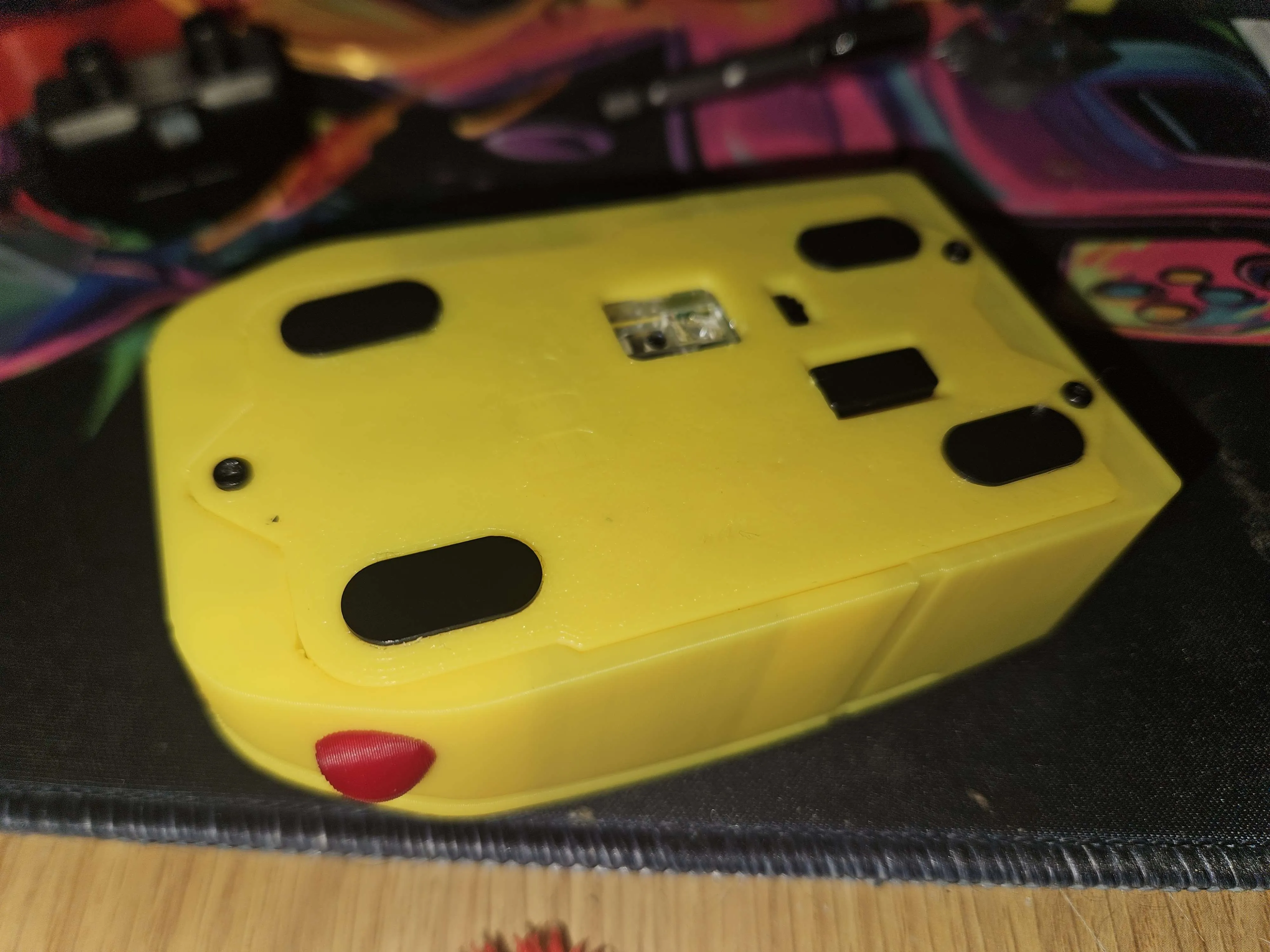
put the case togeather and scew it down put the black feet in the slots as shown in the pic the gap is for the usb to sit when not needed
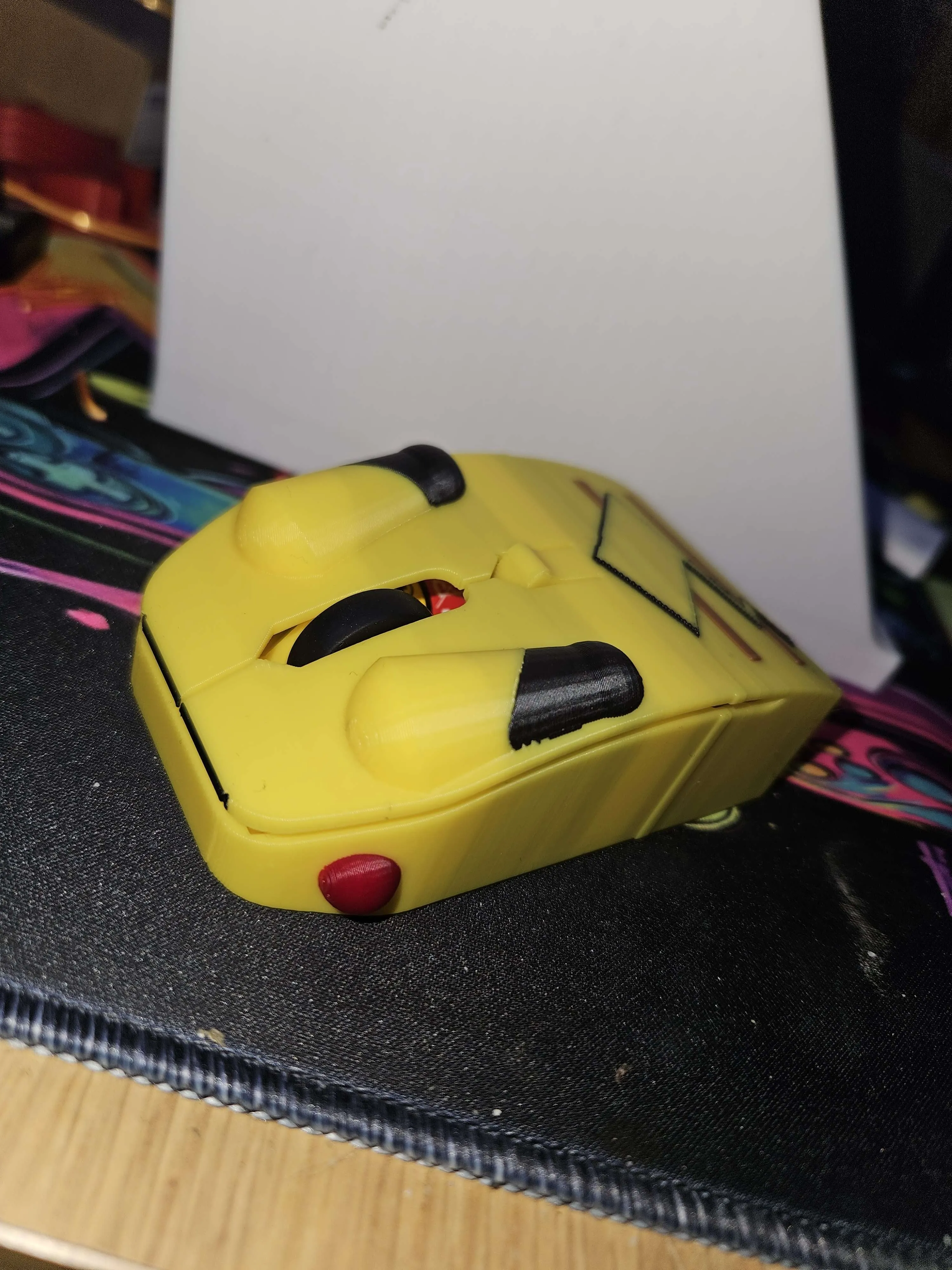
all done and enjoy
License

You shall not share, sub-license, sell, rent, host, transfer, or distribute in any way the digital or 3D printed versions of this object, nor any other derivative work of this object in its digital or physical format (including - but not limited to - remixes of this object, and hosting on other digital platforms). The objects may not be used without permission in any way whatsoever in which you charge money, or collect fees.


Comment & Rating (0)