
Serbot
Print Profile(0)
Bill of Materials


Description
Boost Me (for free)
Your support for my projects would be deeply appreciated
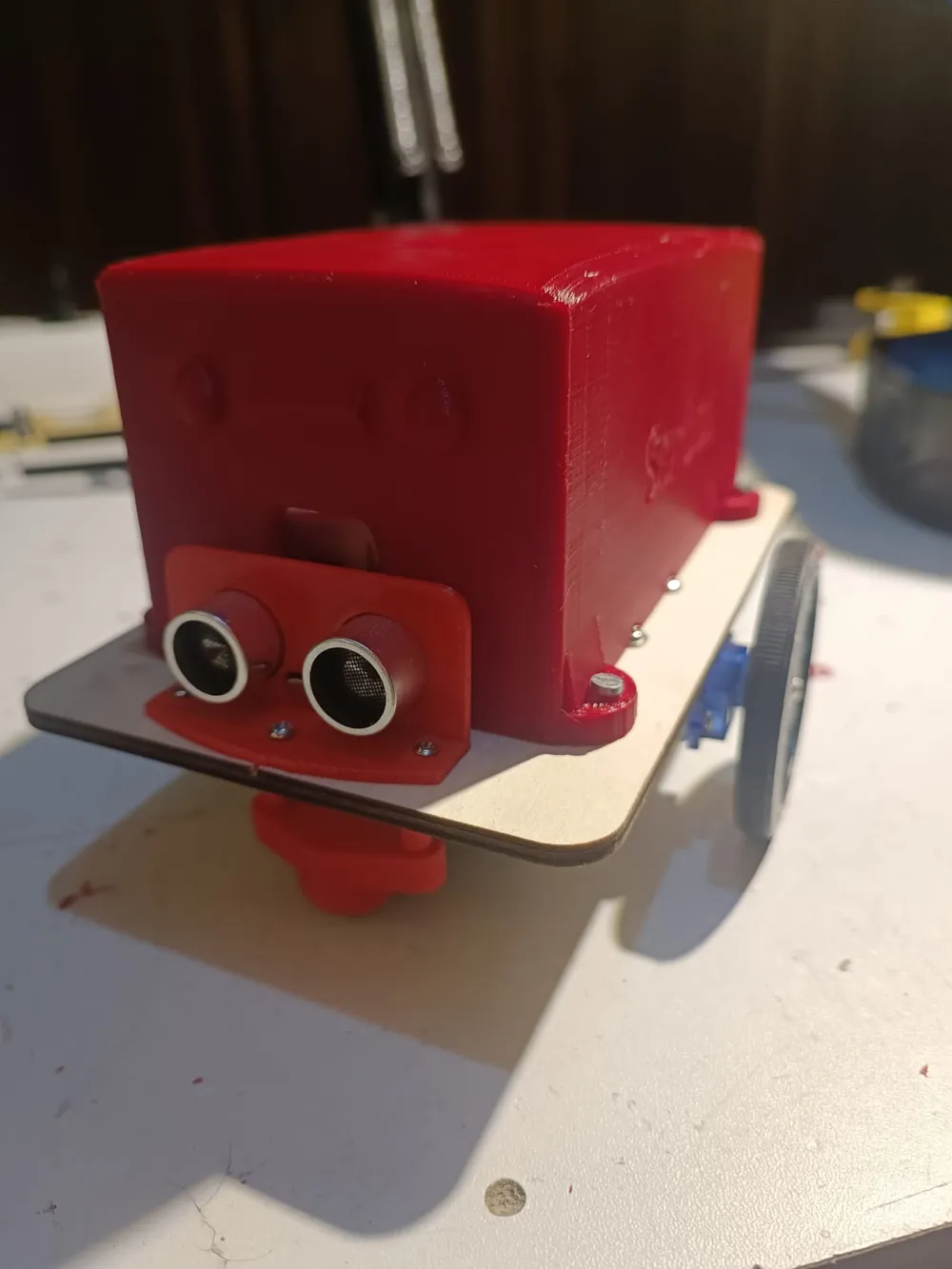
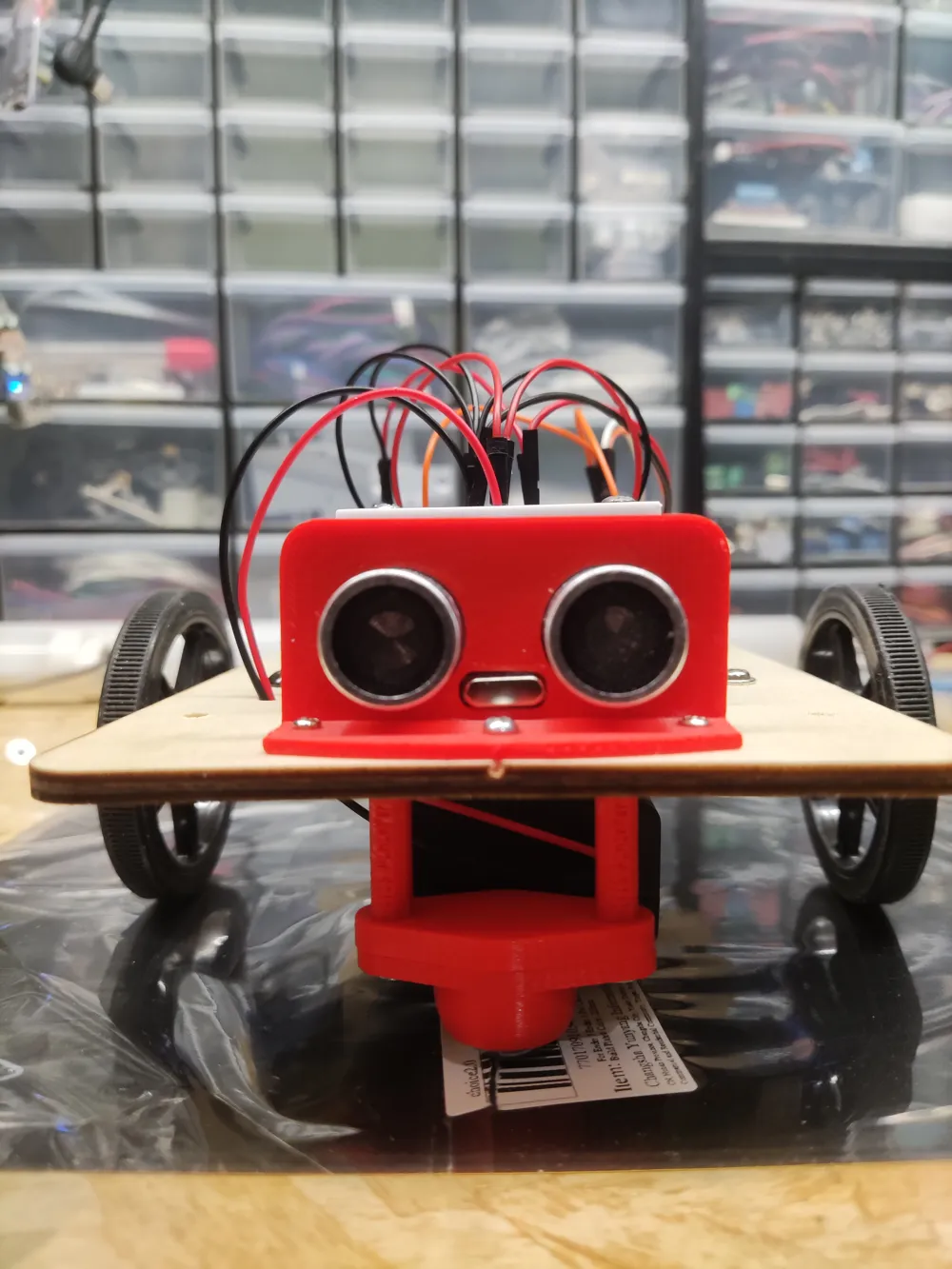
This project can be constructed using an Arduino Uno, two continuous rotation servo motors, an ultrasonic sensor, and a healthy dose of enthusiasm :-)
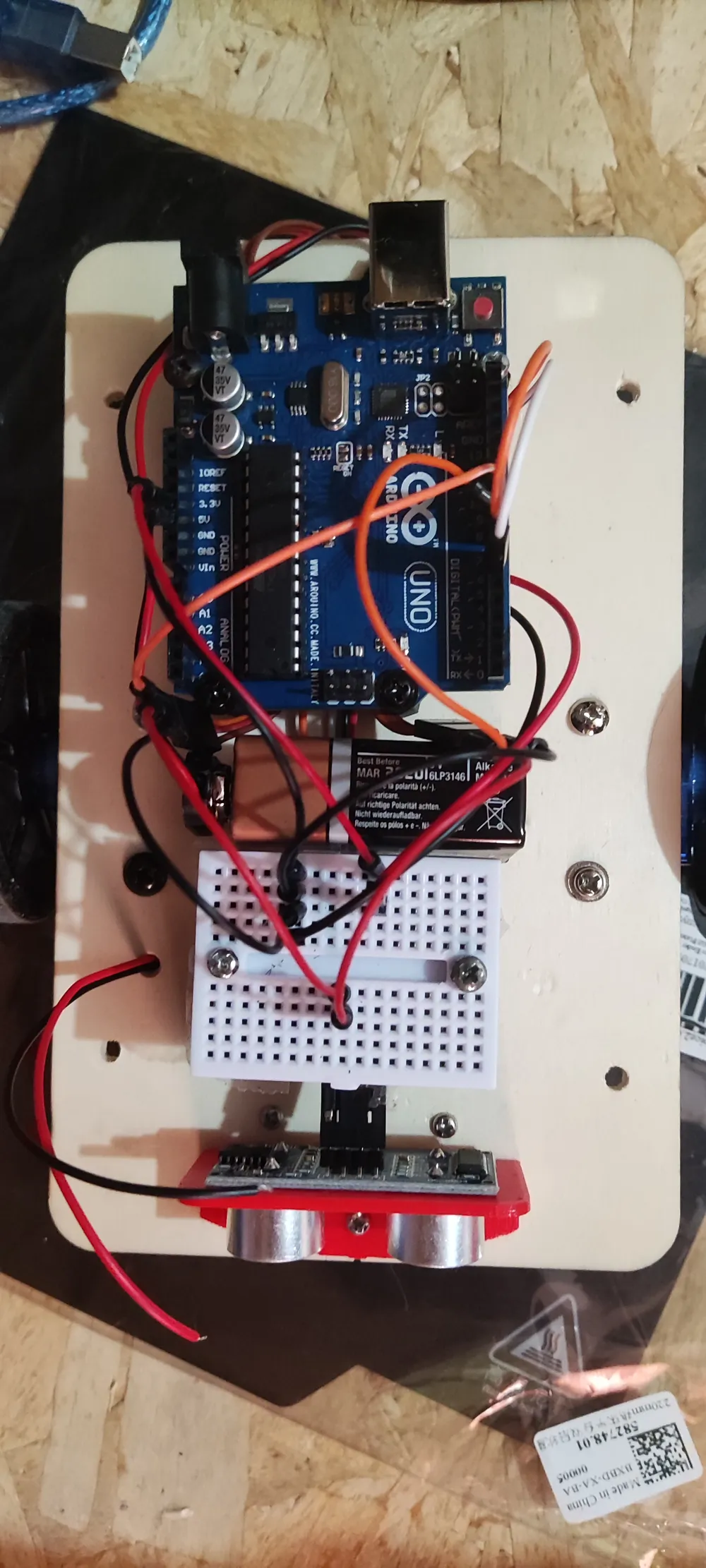
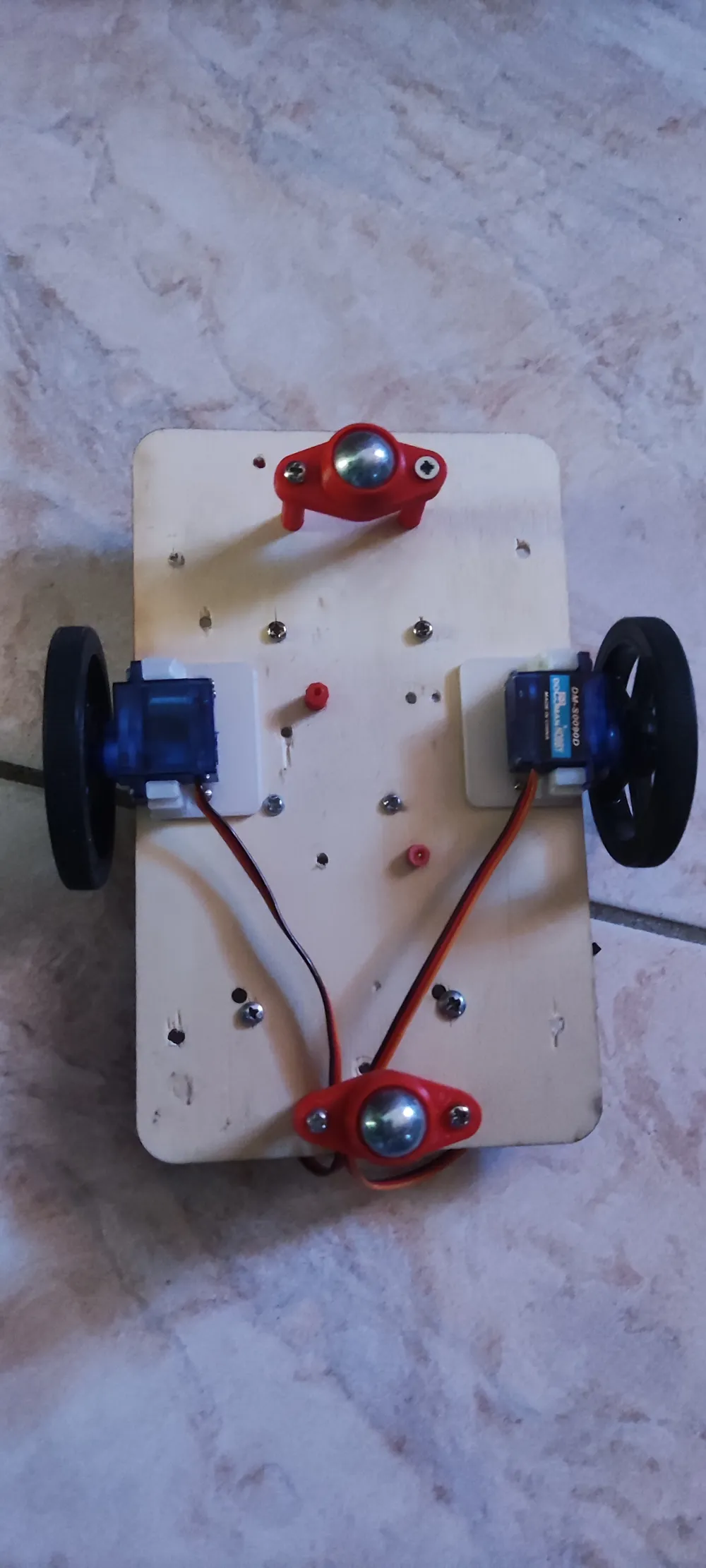
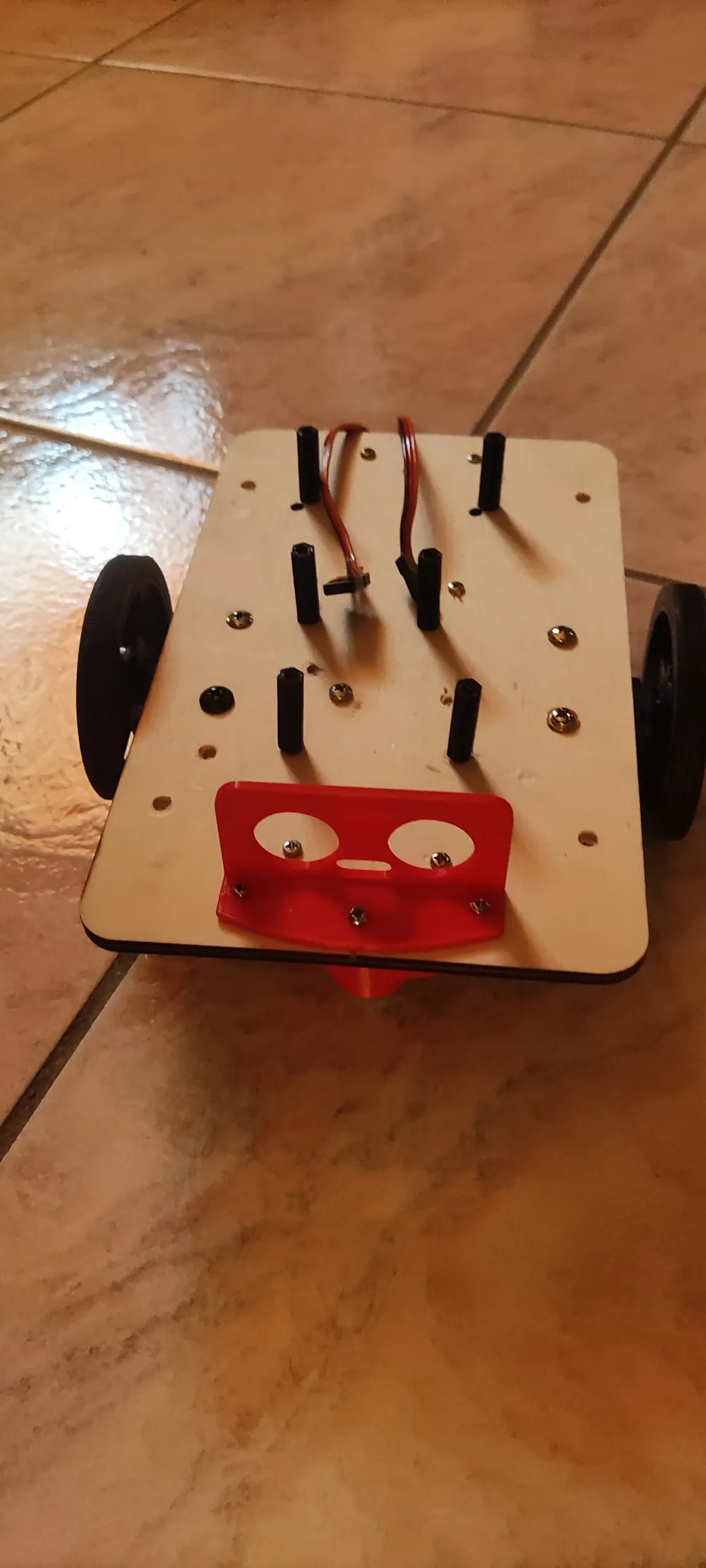
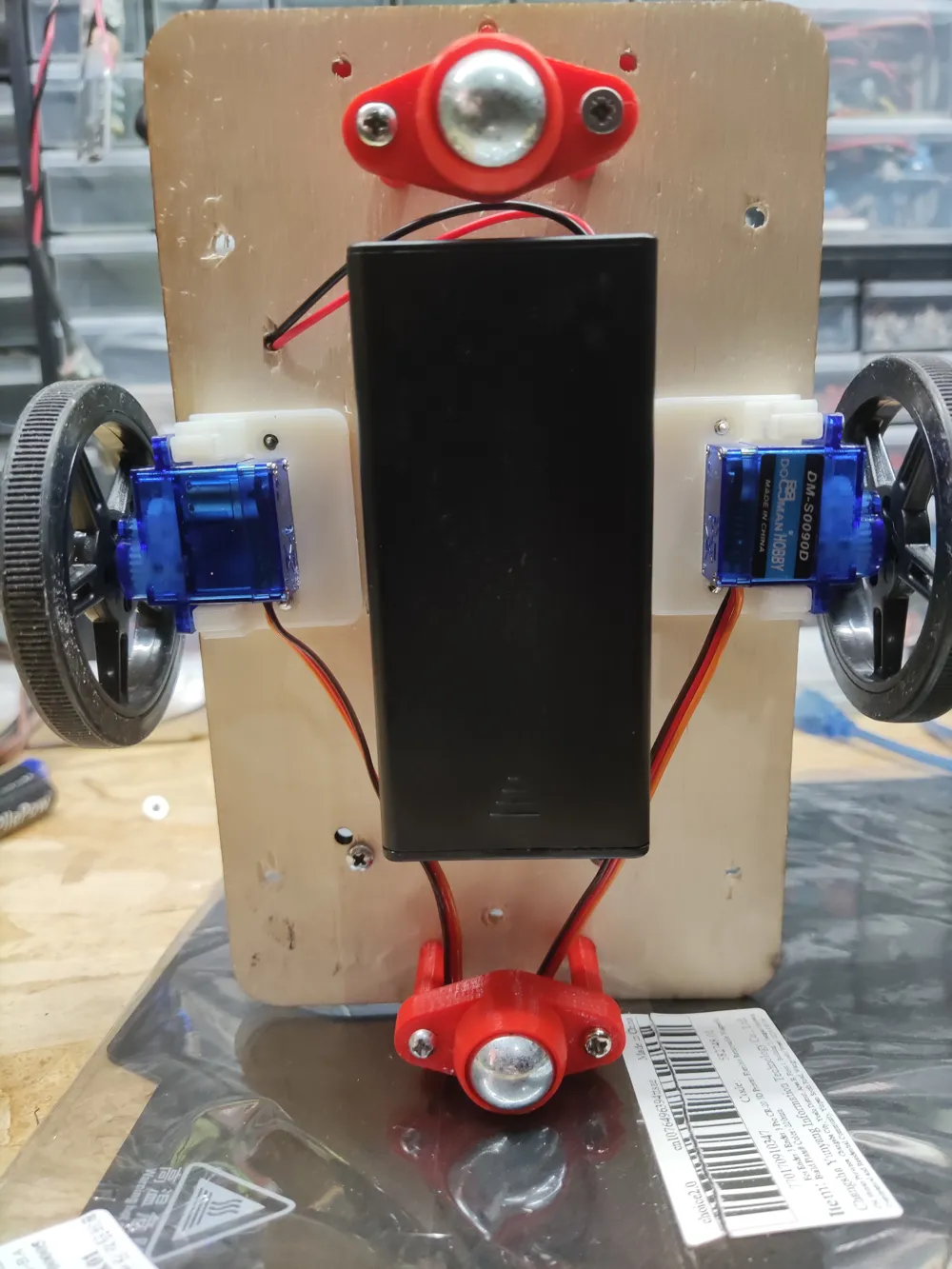
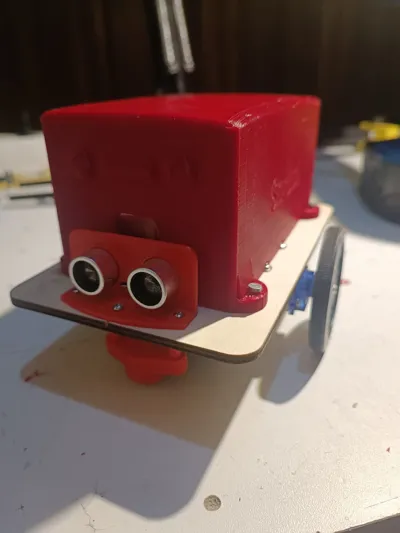
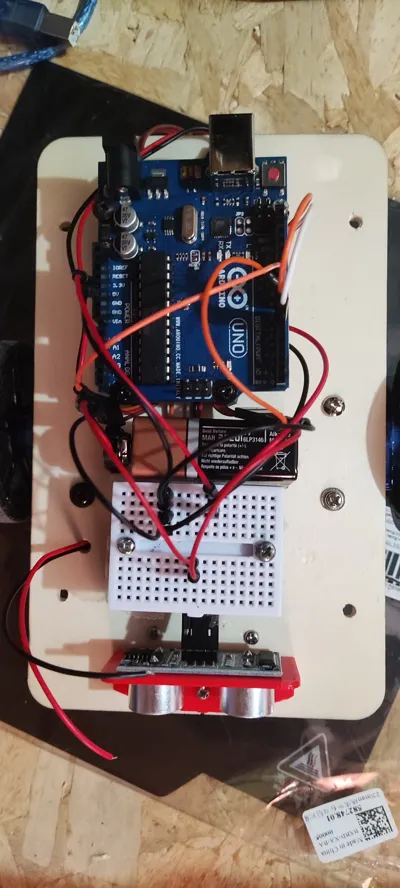
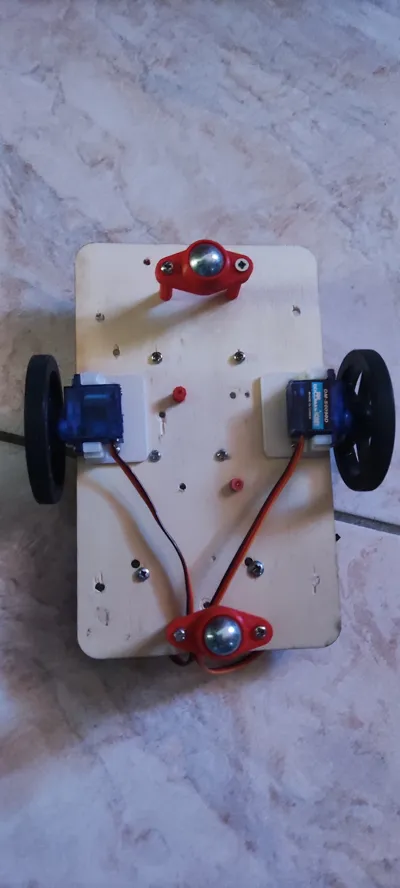
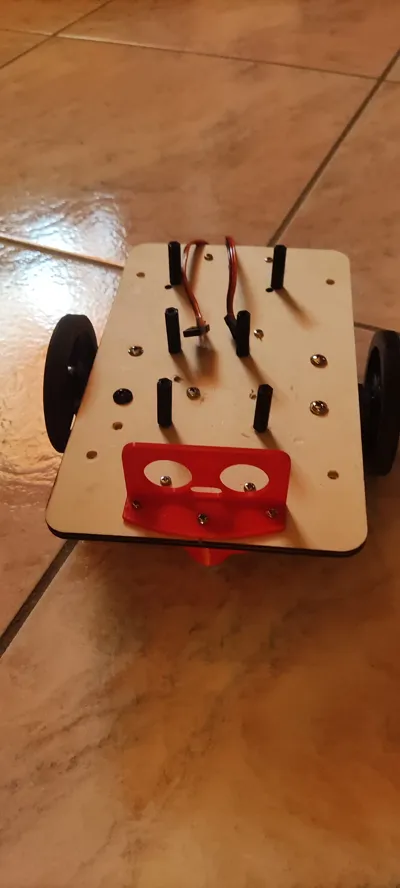
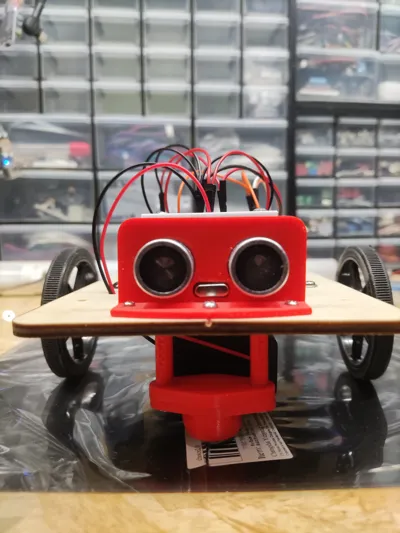
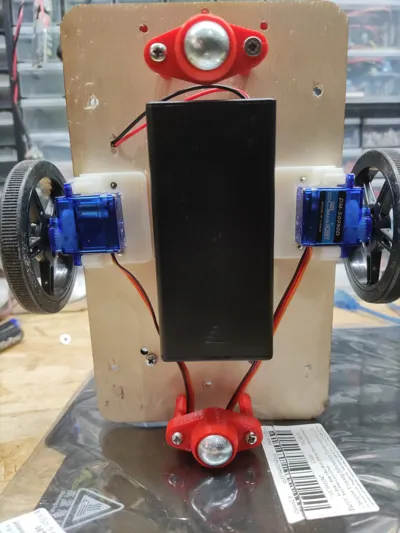
I assembled everything on a 4mm thick, 11x18cm laser-cut plywood base. I screwed circuit board holders (3D printable) onto this base, then attached the Arduino, mini-breadboard, and ultrasonic sensor with its holder (3D printable). On the underside, I similarly screwed circuit board holders to ball-caster mounts (3D printable containers for marbles), then attached the servo motors with their holders (3D printable). If you wish to power the robot with batteries, as I did, you must separate the servo power supply and attach a battery pack of at least 6V to the battery holders (3D printable). Finally, I made all the connections according to the diagram, powered the Arduino with a 9V battery, and attached the servo cover (3D printable). For more experienced builders, feel free to customize it; for example, using an Arduino Mini and a single marble, or adding a start/stop button with indicator LEDs. The key is to have fun building it.
Enjoy watching your Serbot navigate your home, avoiding obstacles!
Here is the connection diagram:
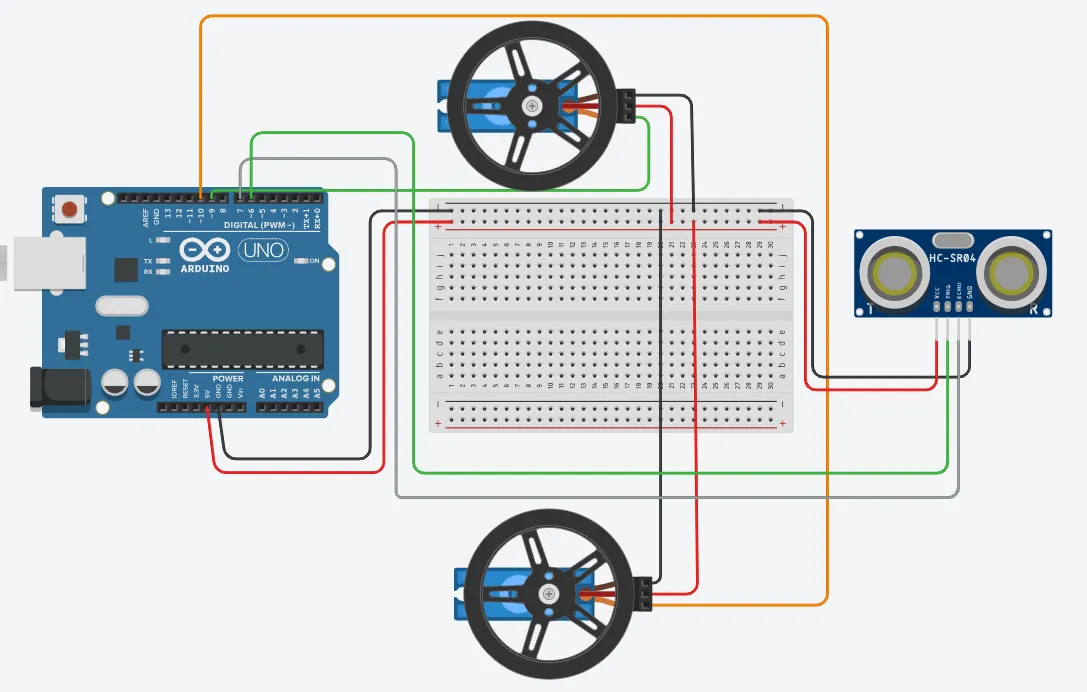
Should you choose to power it with a battery pack of four AA batteries or two 3.7V lithium batteries, simply connect only the red motor wires to the positive terminal of the battery pack (connecting all negatives/grounds to the Arduino, of course).
This is the Arduino sketch:
/* Arduino Uno-controlled robot with two continuous rotation servo motors and an ultrasonic sensor. The robot moves forward until it encounters an obstacle using the sensor. Upon encountering an obstacle, it reverses for 1 second, then rotates right and left before resuming forward movement. */ // Servo object creation #include // Ultrasonic sensor settings const int distanceThreshold = 30; // Minimum obstacle distance (in cm) int leftDistance, rightDistance; // Left and right distances int distanceMeasurement = 0; int distance; long duration; // Pulse duration long forward; // Object distance int backward = 400; int signalPin = 7; // Arduino pin connected to the SR04 sensor int trigPin = 6; // Arduino pin connected to the SR04 sensor byte rightPin = 9; // Initialize pin 4 connected to the right servo signal pin byte leftPin = 10; // Initialize pin 5 connected to the left servo signal pin int time = 300; // Movement duration (clockwise/counter-clockwise/backward) int stopTime = 1000; // Stop duration int interruptTime = 5000; // Pause duration Servo rightMotor; // Right servo motor initialization Servo leftMotor; // Left servo motor initialization void setup() { // Servo motor pin settings rightMotor.attach(rightPin); // rightPin connected to the right motor leftMotor.attach(leftPin); // leftPin connected to the left motor // Ultrasonic sensor SR04 pin settings pinMode(trigPin, OUTPUT); pinMode(signalPin, INPUT); } void loop() { distanceMeasurement = measureObstacleDistance(); if (distanceMeasurement > distanceThreshold) // Go forward { moveForward(); // If no obstacles, go forward } // Evaluation of the obstacle at the greater distance // If the obstacle is at a distance less than "distanceThreshold" // a direction must be chosen else { stopRobot(); // Stop rotation for a fixed time (see variable stopTime) chooseDirection(); } } // Robot pause void pauseRobot(void) { rightMotor.write(90); // Stop right motor leftMotor.write(90); // Stop left motor delay(interruptTime); // Stop duration } // Robot counter-clockwise rotation void counterClockwiseRotation(void) { rightMotor.write(60); // Clockwise rotation of the right motor leftMotor.write(60); // Counter-clockwise rotation of the left motor delay(time); // Duration: rotation duration } // Robot clockwise rotation void clockwiseRotation(void) { rightMotor.write(120); // Counter-clockwise rotation of the right motor leftMotor.write(120); // Clockwise rotation of the left motor delay(time); // Duration: rotation duration } // Robot stop void stopRobot(void) { rightMotor.write(90); // Stop right motor leftMotor.write(90); // Stop left motor delay(stopTime); // Stop duration } // Robot moves backward void moveBackward(void) { rightMotor.write(30); // Counter-clockwise rotation of the right motor leftMotor.write(150); // Clockwise rotation of the left motor delay(backward); // Duration: rotation duration } // Robot moves forward void moveForward(void) { rightMotor.write(170); // Counter-clockwise rotation of the right motor leftMotor.write(10); // Clockwise rotation of the left motor delay(forward); // Duration: rotation duration } // Returns the distance in cm of the detected obstacle long measureObstacleDistance() { digitalWrite(trigPin, LOW); delayMicroseconds(2); digitalWrite(trigPin, HIGH); delayMicroseconds(10); digitalWrite(trigPin, LOW); duration = pulseIn(signalPin, HIGH); distance = (duration / 2) / 29.1; delay(100); return distance; } // Checks the distance of the obstacle furthest from the robot void compareDistances() { if (leftDistance > rightDistance) // Go left because the left obstacle is further away { counterClockwiseRotation(); moveForward(); } else if (rightDistance < leftDistance) // Go right because the right obstacle is further away { clockwiseRotation(); moveForward(); } else // If the distances of the obstacles to { // the left and right are equal, go backward moveBackward(); stopRobot(); chooseDirection(); compareDistances(); moveForward(); } } // Chooses the direction to take based on the distance at which the obstacle is located void chooseDirection() { moveForward(); clockwiseRotation(); rightDistance = measureObstacleDistance(); // Read right obstacle distance counterClockwiseRotation(); leftDistance = measureObstacleDistance(); // Read left obstacle distance compareDistances(); }
License

Comment & Rating (0)