
Wire Shelf Riser (Customisable)
Print Profile(1)

Description
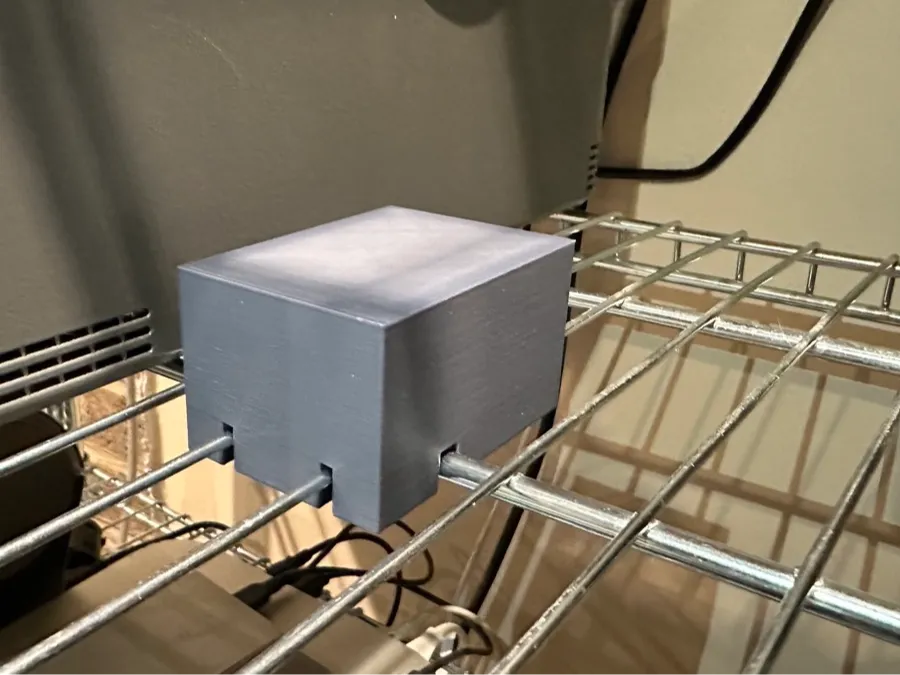
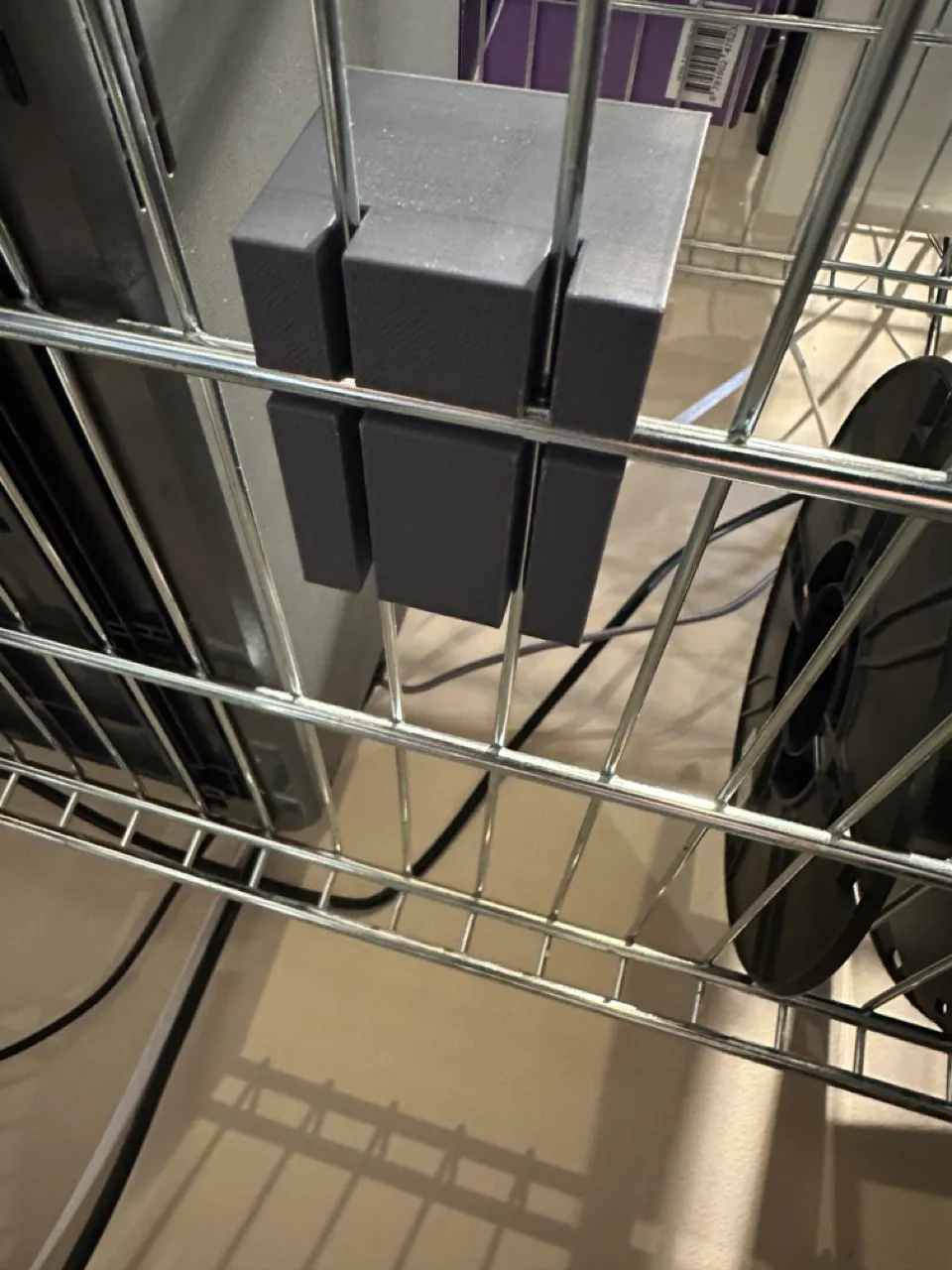
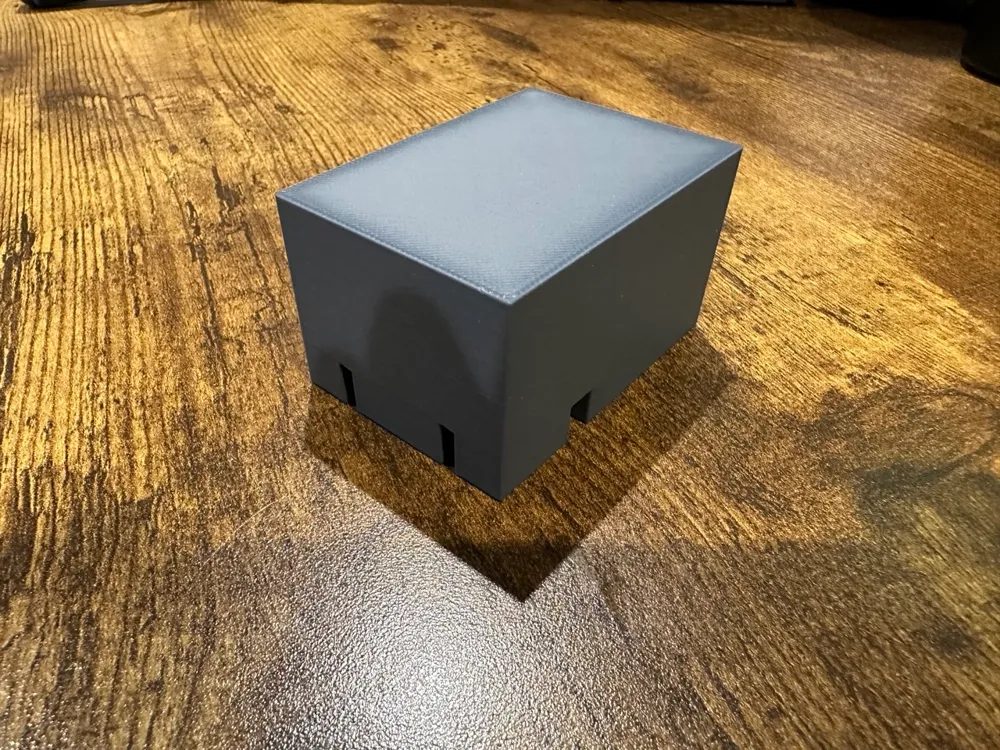
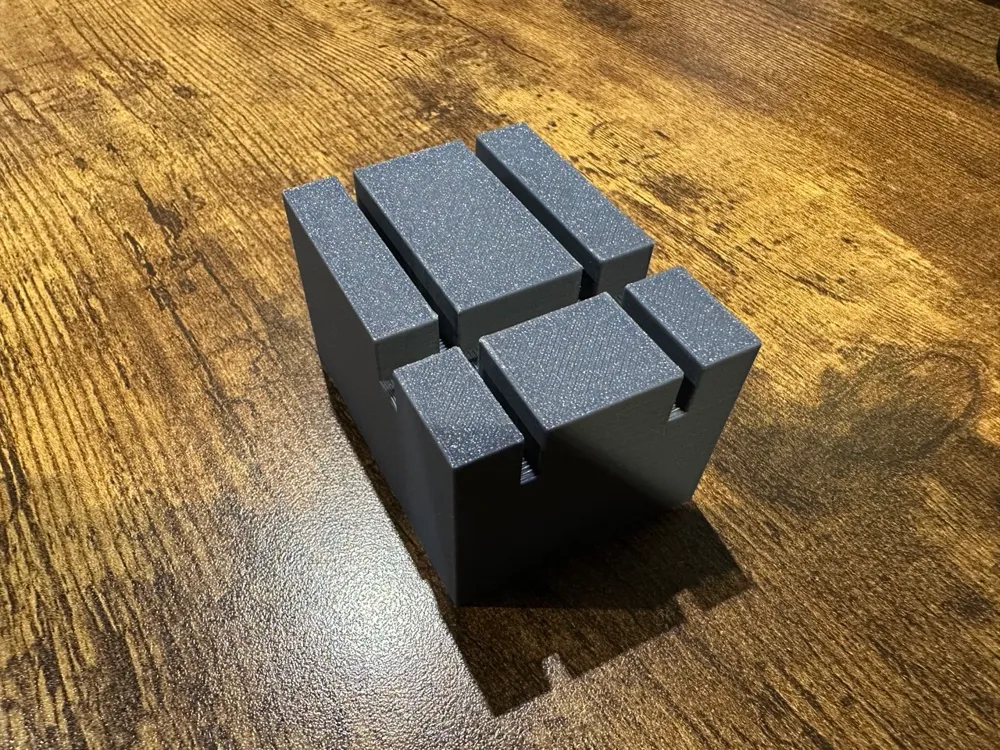
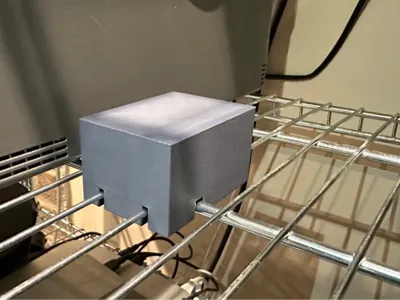
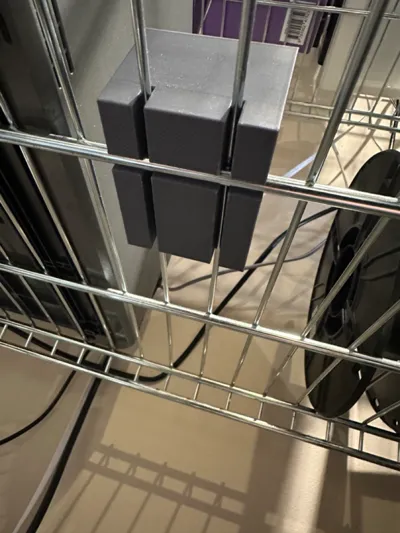
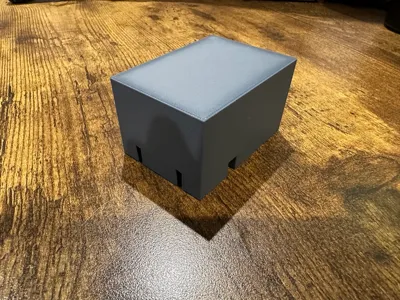
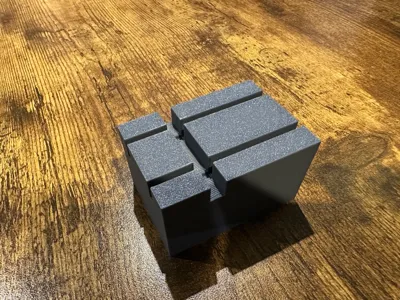
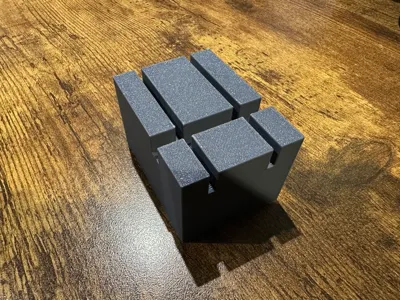
This model is a customisable generator for riser blocks that can be added to wire shelving (such as the widely available Ikea Omar set of shelving). These blocks lock over intersections of wiring to form stable , level platforms, on which other things can be placed such as a board, a storage crate, etc.
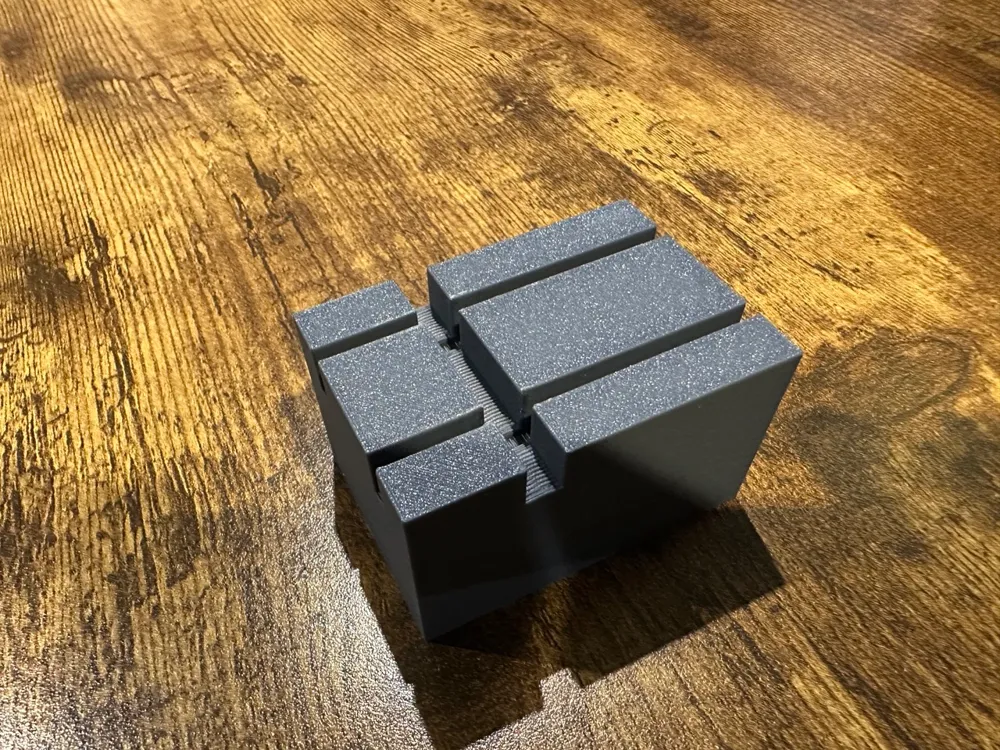
The riser blocks can not only accommodate different wire gauges, numbers, and positions, but also includes provisions for adding recesses to the upper surface allowing you to place in elements such as rubberised grips to provide additional friction to whatever is being supported.
Printing
- When printing, typically you would want to print with the block inverted and the top surface on the build plate. There may be exceptions to this based on any customisations you may make.
- If you have any grip slots on the upper surface (which may be then on the print bed), you may wish to enable supports. If you have numerous small slots, this will not be necessary, but depending upon your printer the likelihood is once you reach a couple of centimetres, you may experience stringing if you do not enable supports.
Customisation
This is an OpenSCAD-based model and you may customise a variety of parameters to suit your own needs, and set of examples for an Ikea Omar shelf have been provided. The sections for customisation are as follows.
- Block - these settings specify the overall dimension of the riser block.
- X-Wires - these settings specify the slots for any cross wires (parallel to the x-axis of the model).
- Length Wires - these settings specify the slots for any length-wise wires (parallel to the y-axis of the model).
- Grips - these settings determine the size and number of any recessed slots to add rubber grips on the upper surface.
- Export - the single “Invert for Export” option should be set at the point you wish to save/export the file for printing. It will invert the block for printing.
License

You shall not share, sub-license, sell, rent, host, transfer, or distribute in any way the digital or 3D printed versions of this object, nor any other derivative work of this object in its digital or physical format (including - but not limited to - remixes of this object, and hosting on other digital platforms). The objects may not be used without permission in any way whatsoever in which you charge money, or collect fees.


Comment & Rating (0)