
Simple monitor-top tray stand
Print Profile(3)


Description
Technical Update — 2025.10.26
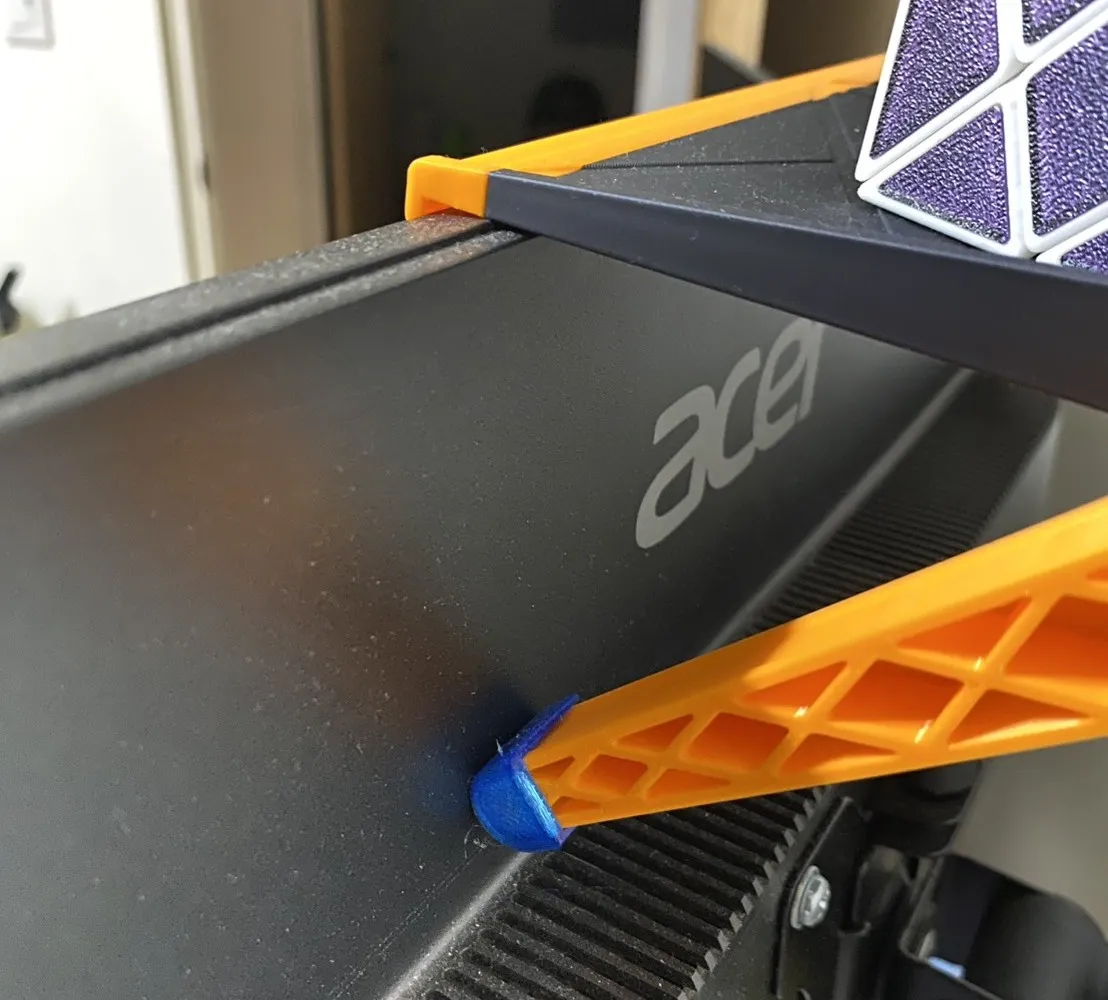
Based on user feedback and personal experience, it was found that the tray would gradually slide down over time, even when the mounting bolts were fully tightened.
To improve overall stability and reliability, a set of TPU anti-slip pads has been designed, which can be directly installed onto the existing support frame.
After more than three months of continuous use, no slippage has been observed. Preliminary results show that the new design effectively prevents movement caused by vibration or sustained load.
This improvement aims to provide a more secure and dependable experience. Thank you for your continued support and feedback.
- Introduce
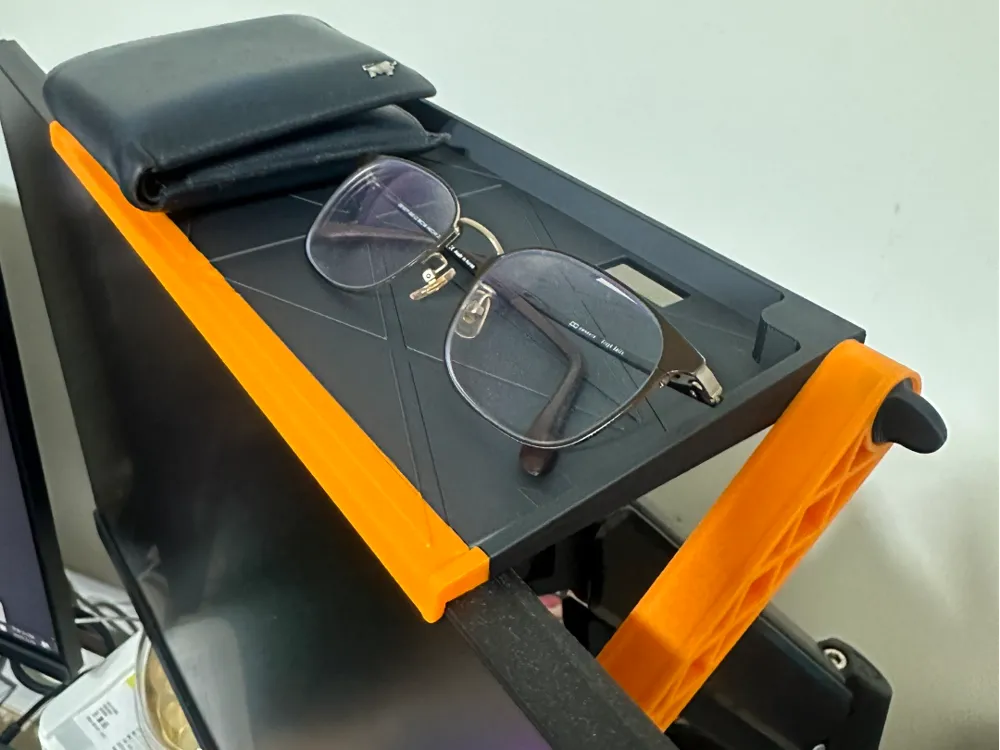
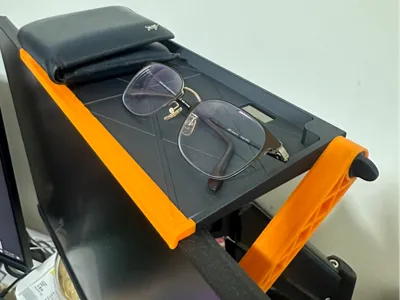
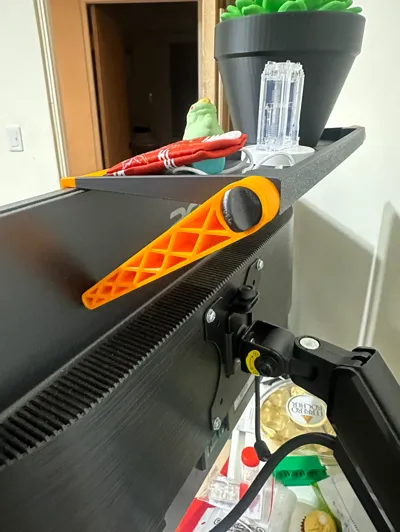
Due to my increasingly cluttered desk and limited room space, I designed this monitor-top tray stand to make the most of the available space. Creators can use it to store routers, personal items, stationery, and other productivity tools, or place decorative items like photo frames and small plants for a touch of relaxation. I hope this design helps you organize your thoughts and brings a good mood to your workspace!
Key Features
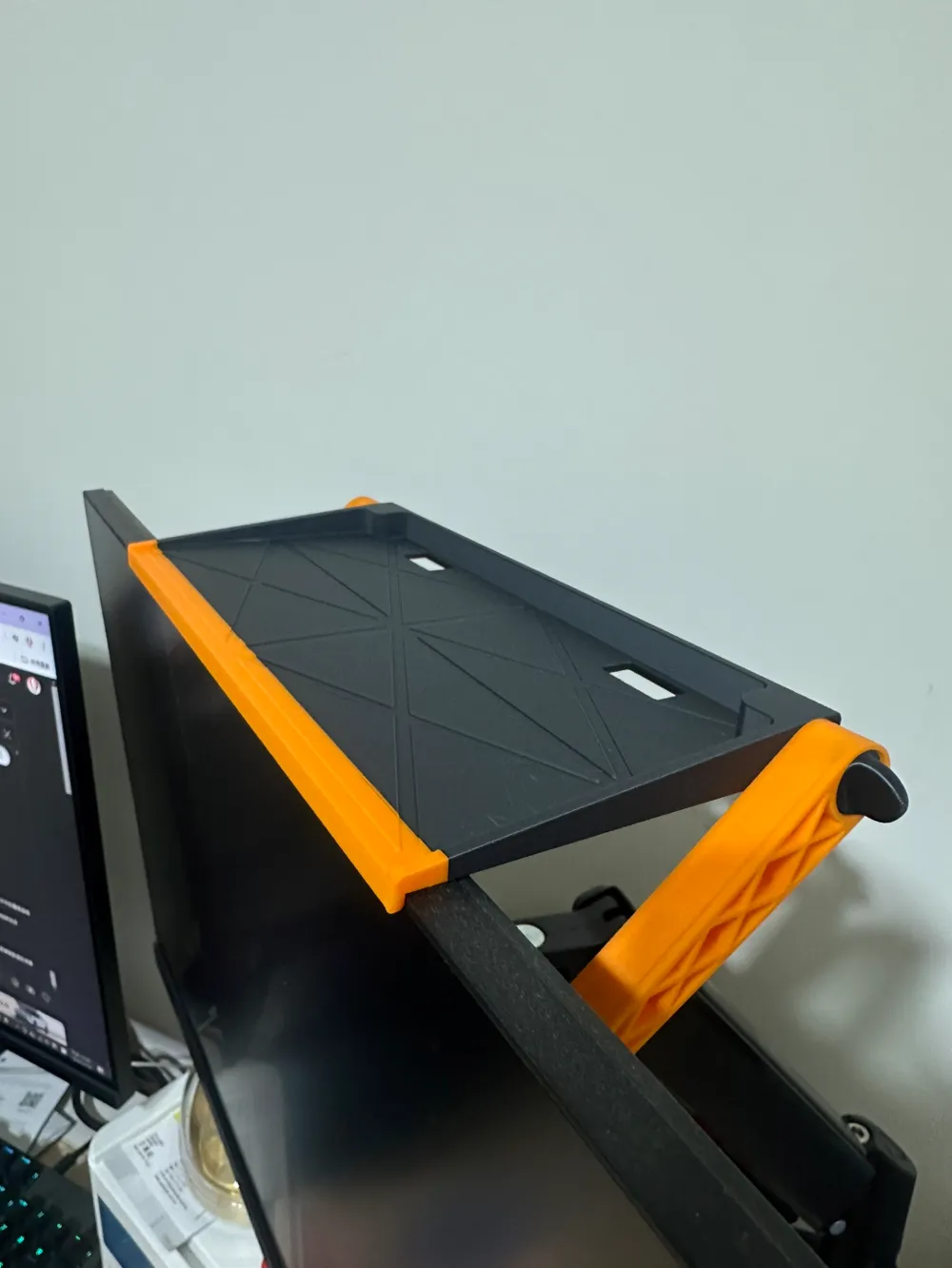
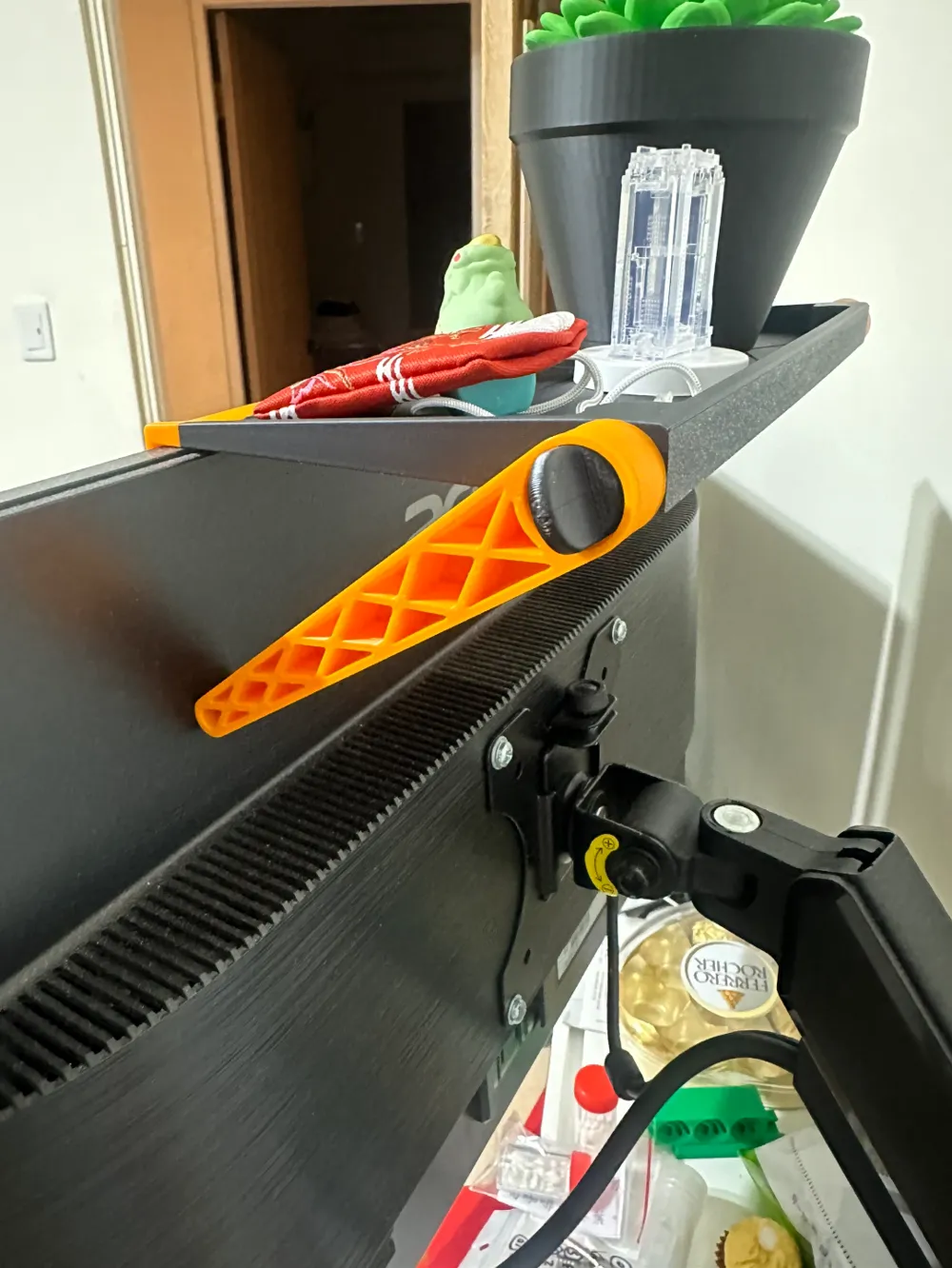
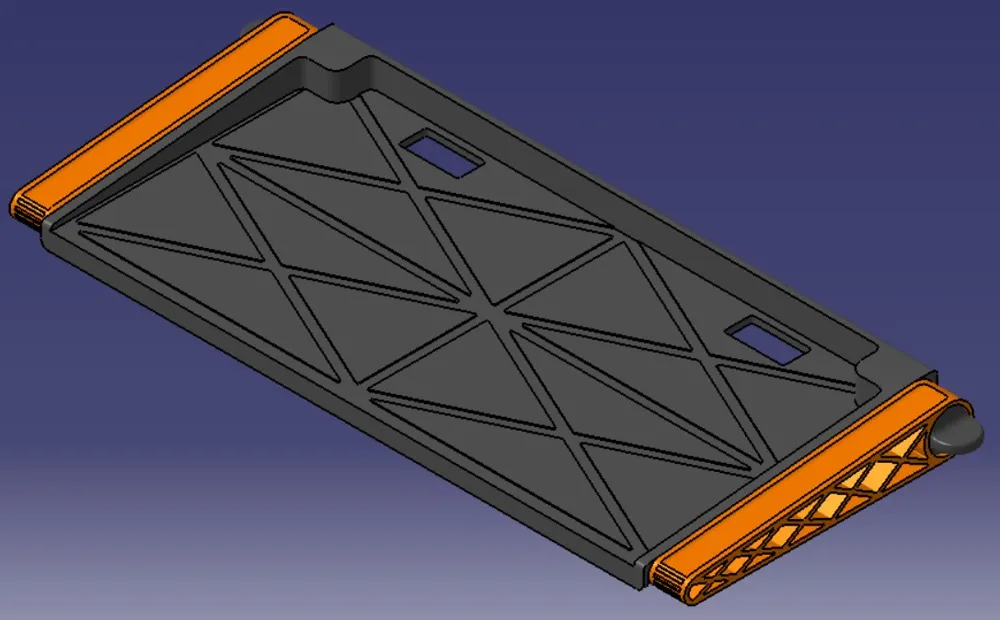
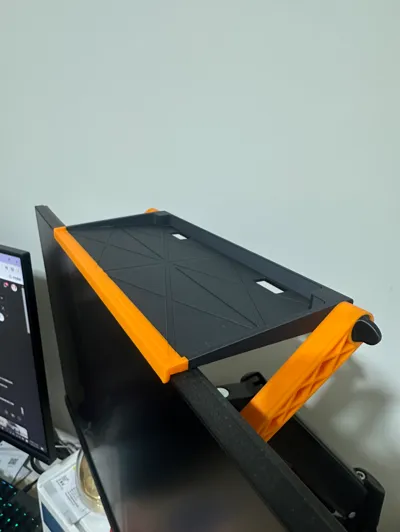
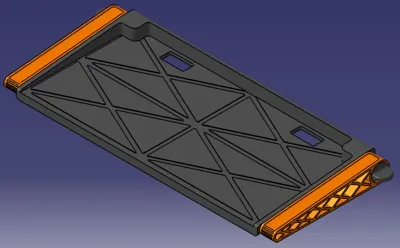
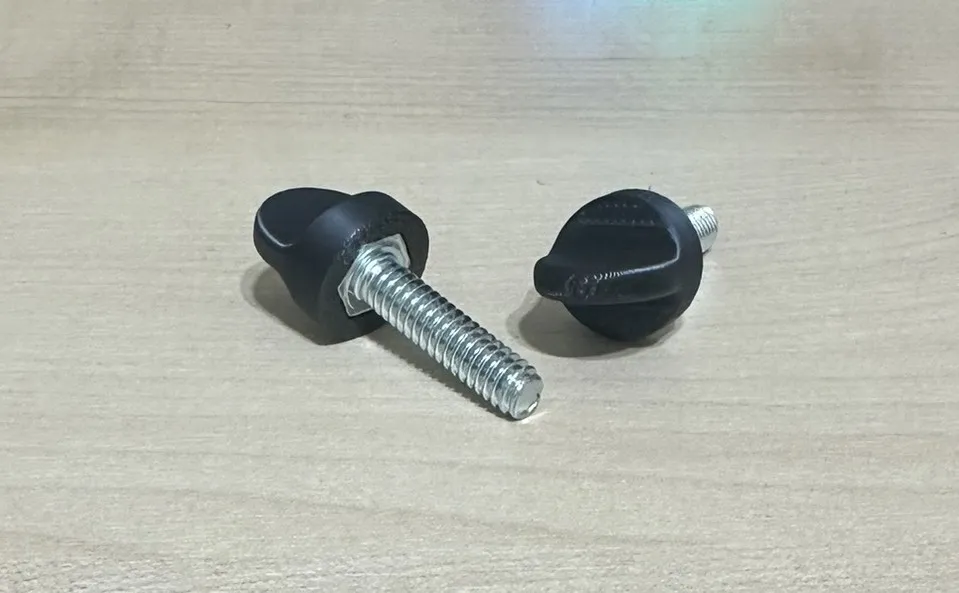
1. Lightweight Storage : Designed to hold small and light items.2. Adjustable Support Arms : Side brackets with knobs allow angle adjustment for different monitor sizes.
3. Cable Management : Two rear holes for easy cable routing.
Note
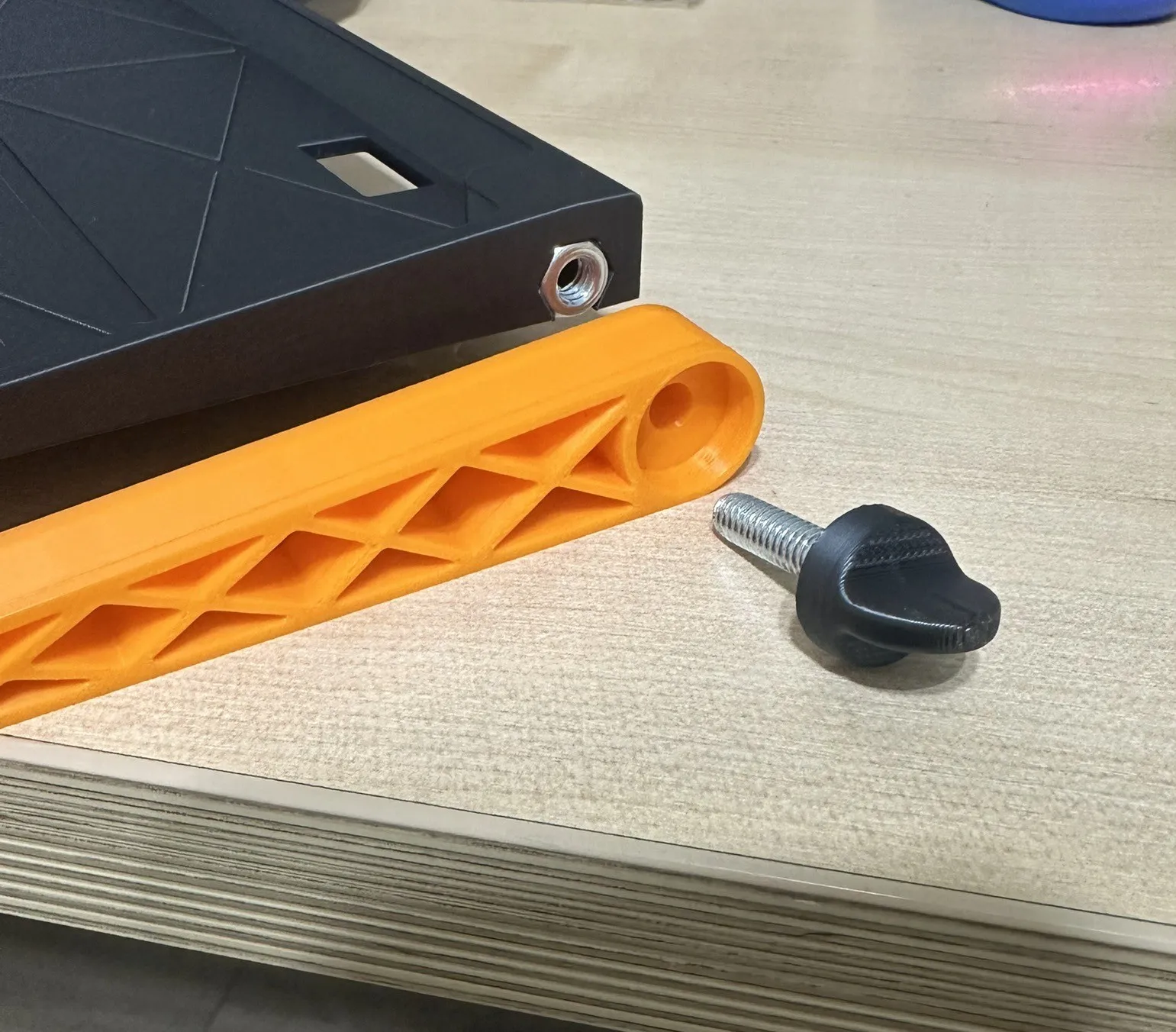
1. Additional hardware is required: two M6 hex bolts and M6 nuts for assembling the knobs and locking points.
Apply adhesive if necessary for extra stability. Reference dimensions and assembly diagrams are provided below.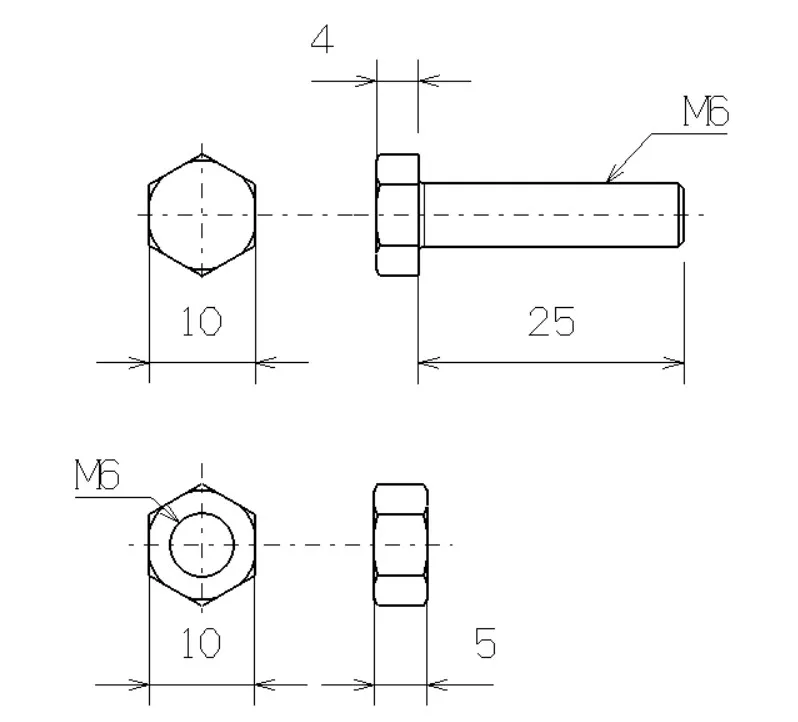
2. Even if the stand remains stable after placing items, avoid placing heavy objects, as this may damage your
monitor and could cause the stand to gradually slide down over time.3. For monitors with narrow bezels, ensure that the stand does not obstruct the screen or cause damage.
License

You shall not share, sub-license, sell, rent, host, transfer, or distribute in any way the digital or 3D printed versions of this object, nor any other derivative work of this object in its digital or physical format (including - but not limited to - remixes of this object, and hosting on other digital platforms). The objects may not be used without permission in any way whatsoever in which you charge money, or collect fees.


Comment & Rating (33)