
128g AMS stack rack

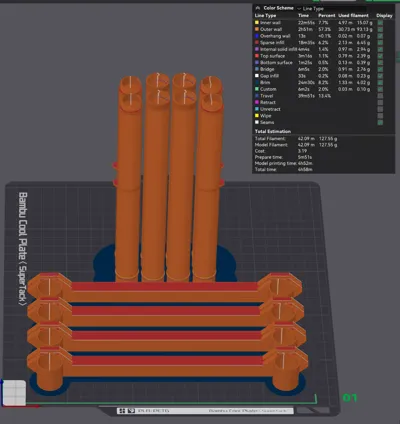
Print Profile(1)

Bill of Materials

Description
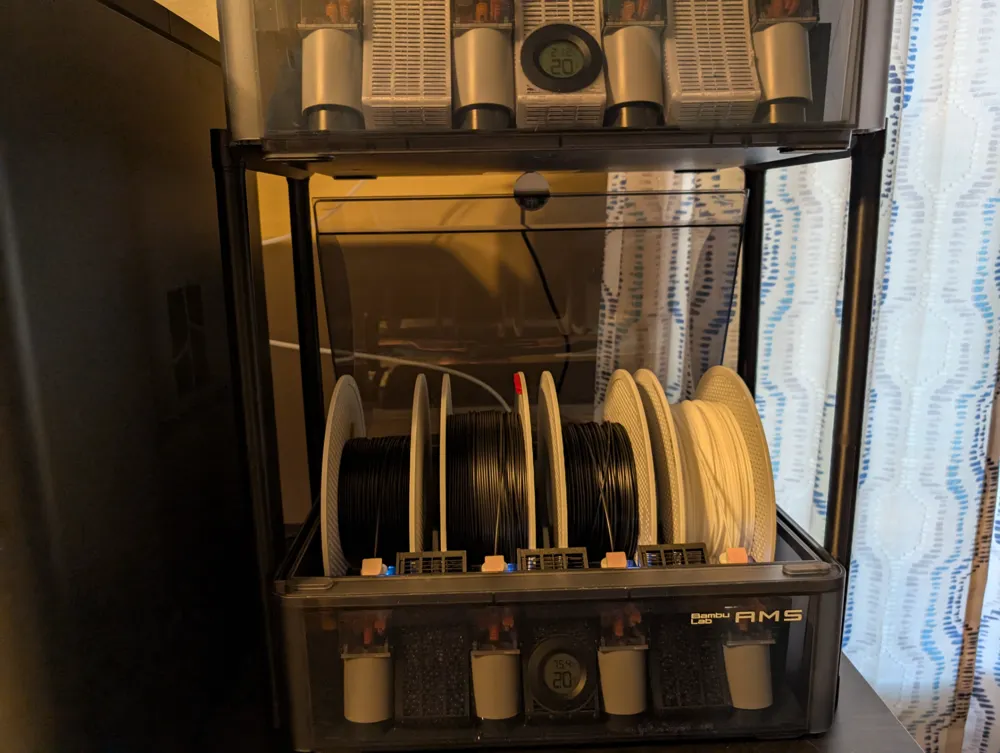
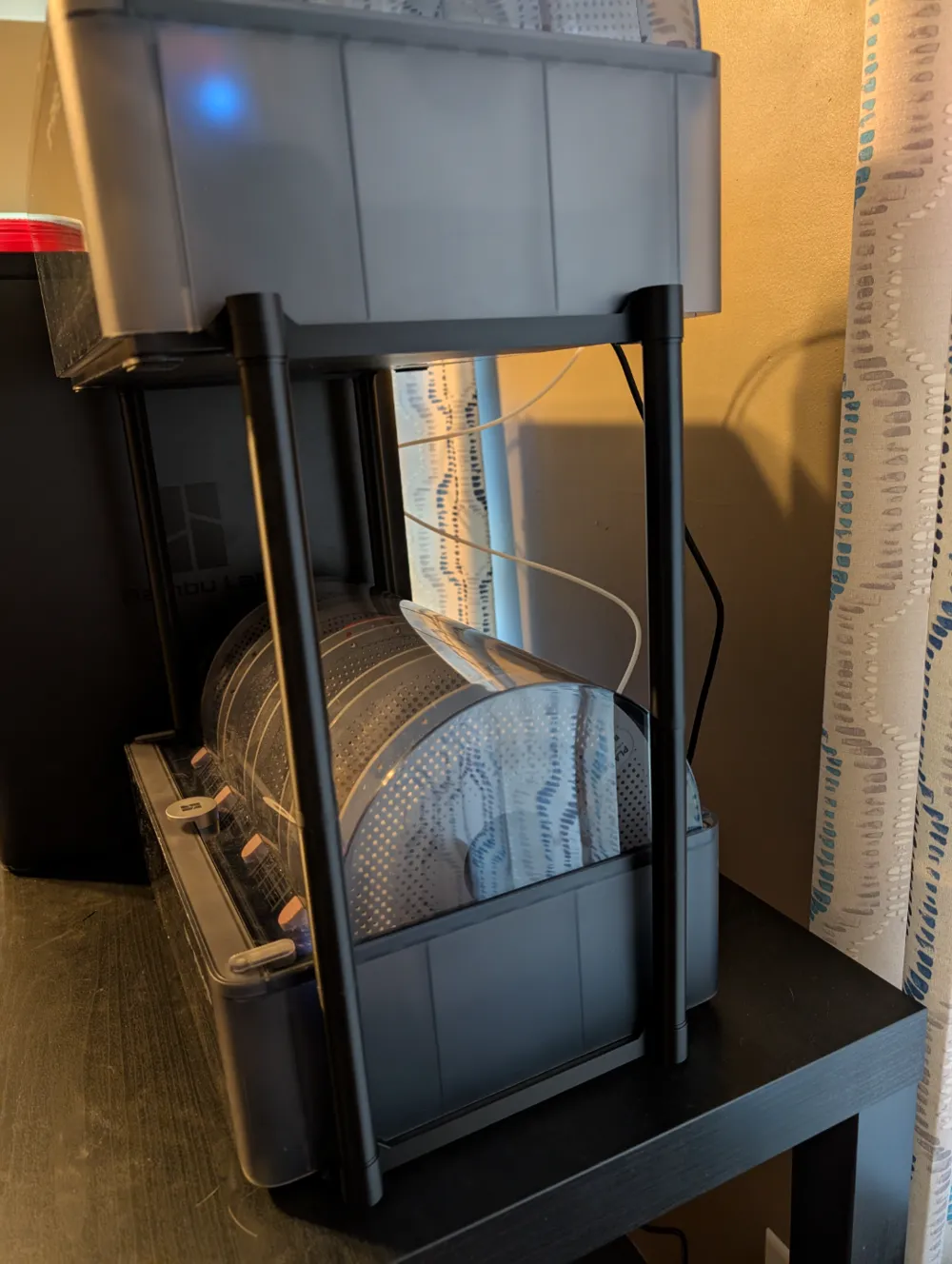
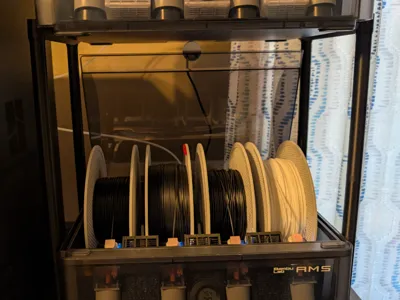
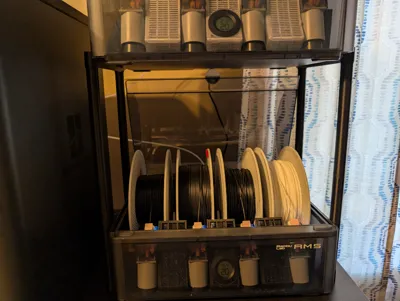
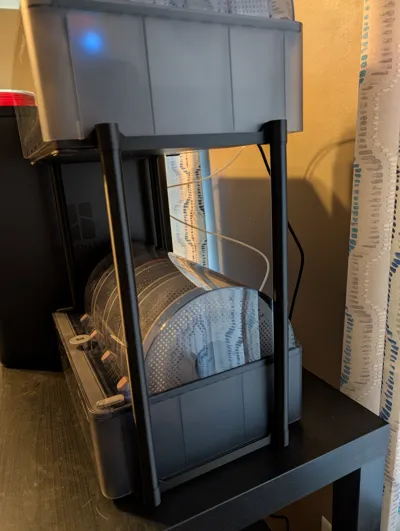
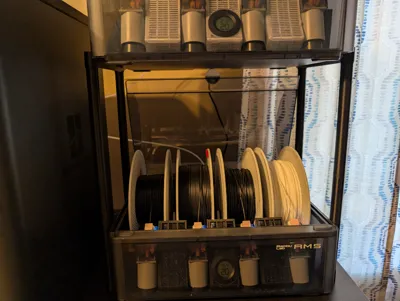
Easily stack 2 AMS without blocking the lower AMS lid.
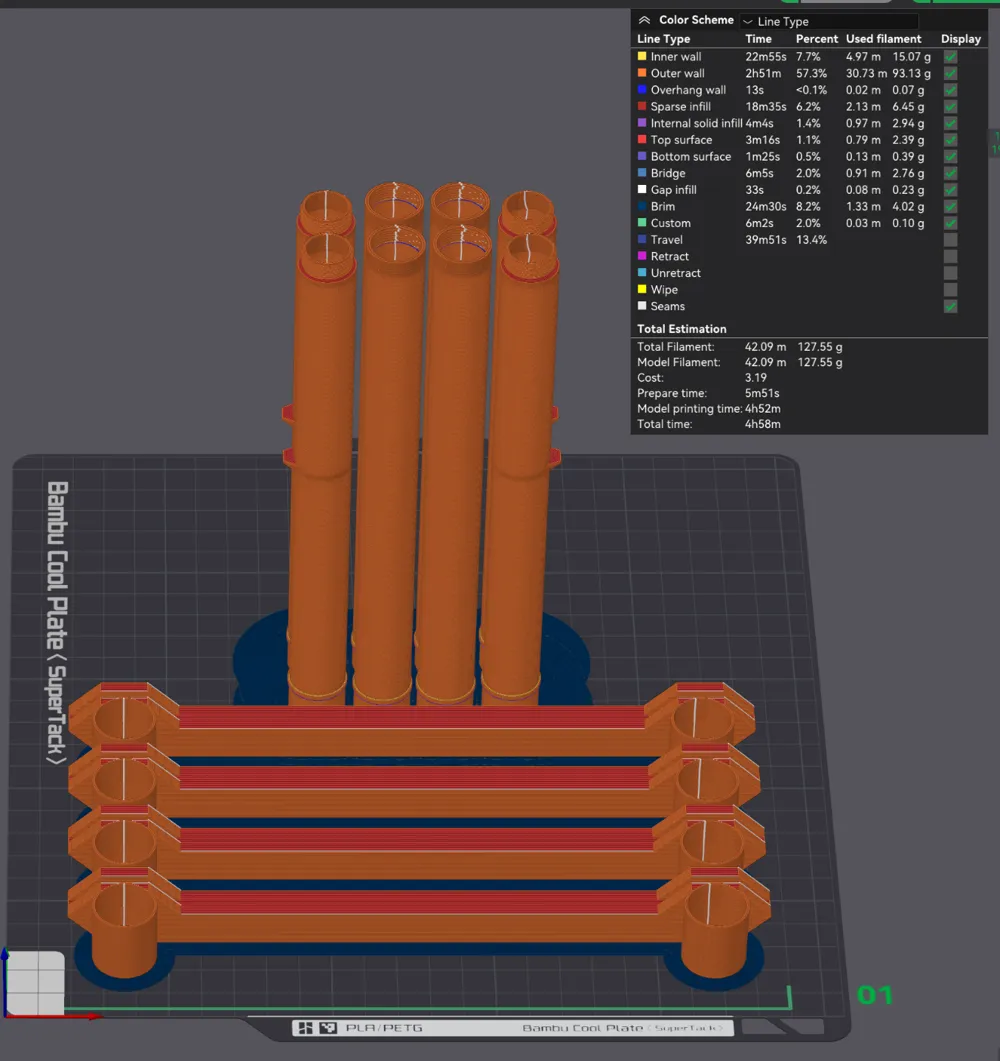
At 128g, this design uses less than half the PLA of my previous design, the 274g AMS stand.
I have also improved rigidity while also lowering material cost.
Here is the tinkercad in case you want to easily tweak it: https://www.tinkercad.com/things/25mdUg2ReTE-tubular-ams-stack
Printing
I printed with Bambu Lab PLA Basic on a Supertack plate in a P1S.
Bed adhesion is critical for the tall parts, so a large brim is used.
I got spaghetti once, so it's probably worth the 4g spent on brims.
If you don't have a high grip plate like Supertack or Cryogrip, consider using your favorite tricks for increasing adhesion (e.g. clean plate with dish soap, increase bed temp, apply hair spray, etc.)
Warning: Bambu Lab Matte PLA is weaker than Basic PLA. This model is designed and tested with Basic PLA.
Basic data sheet
Matte data sheet
Boost Me (for free)
Assembly
1. Screw the tubes together.
Firm pressure may be required to begin threading.
2. Place 2 brackets under the lower AMS.
Ensure the shell of the AMS rests in the bracket's grooves.
3. Insert the tubes into the lower brackets.
4. Optional: Rotate the tubes so that each nub is pressed against the AMS shell.
This reduces sway, but it's not essential.
5. Place the top brackets onto the upper tubes.
6. Insert the upper AMS shell into the grooves of the upper brackets.
Hint: Be smarter than I was, remove the filament rolls from your AMS before trying this. 😀
License



Comment & Rating (60)