
Custom shape lightbox generator
Print Profile(1)

Bill of Materials

Description
Overview
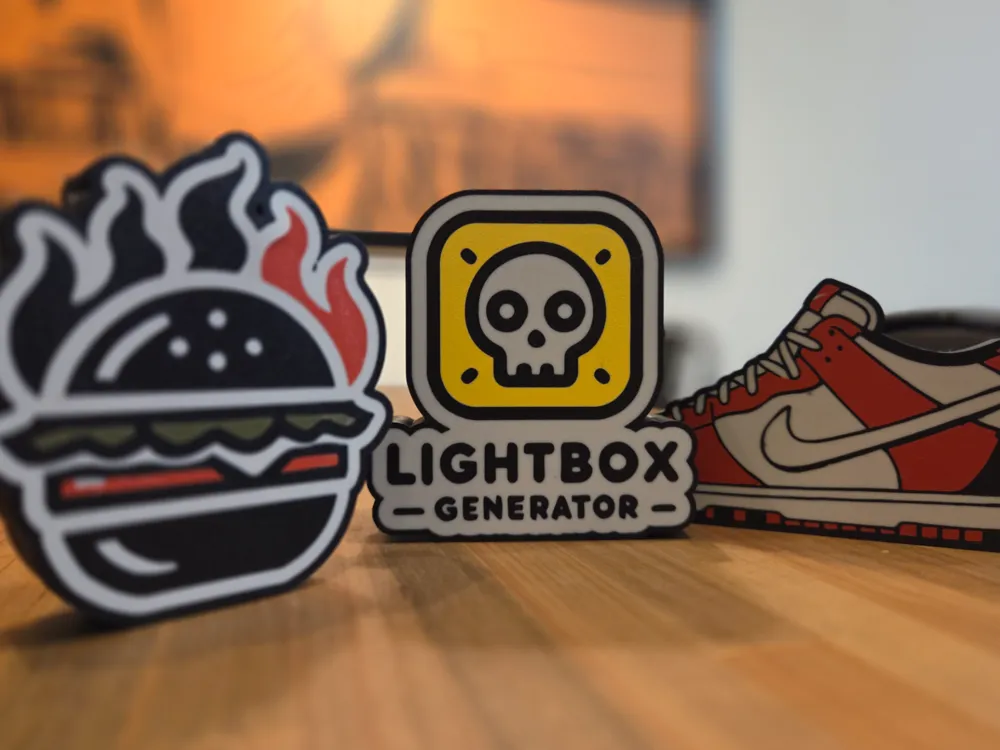
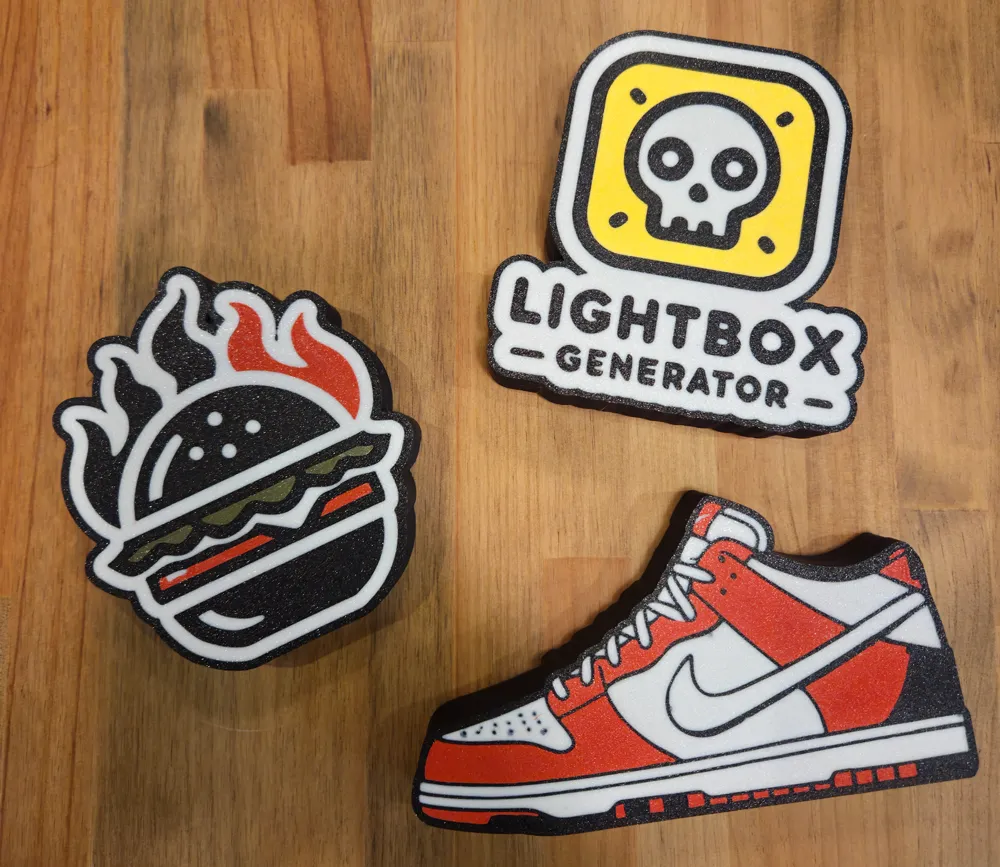
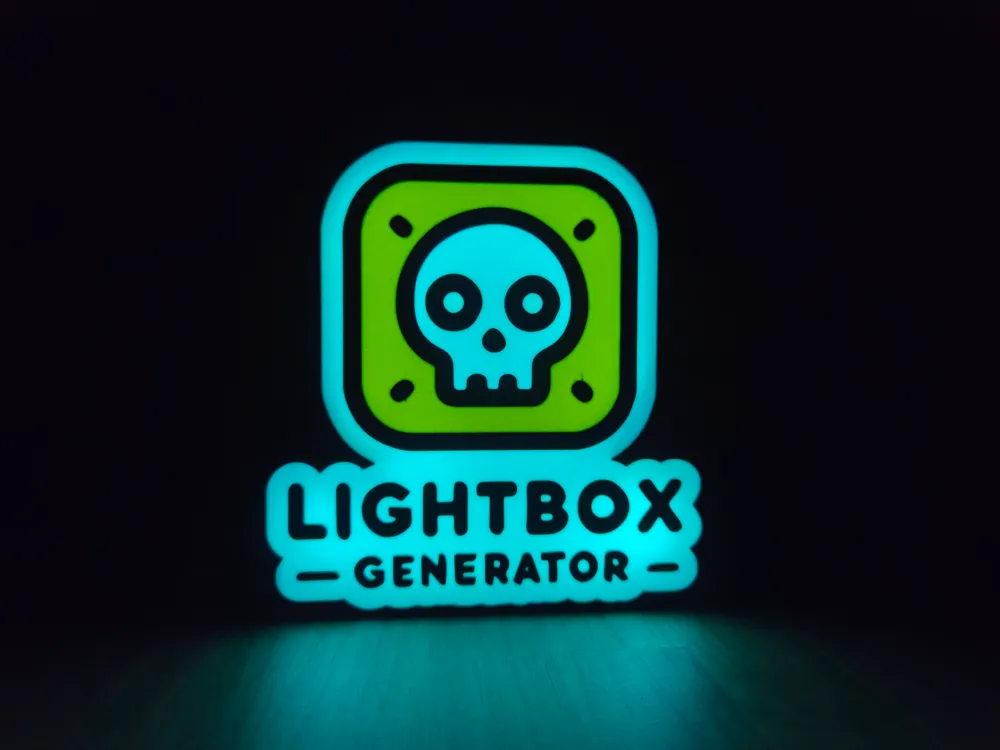
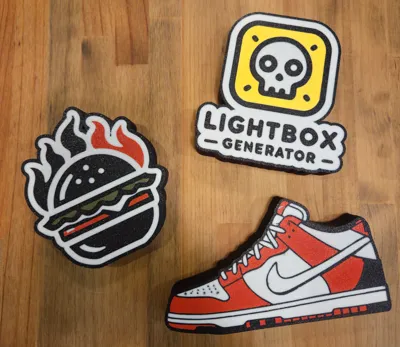
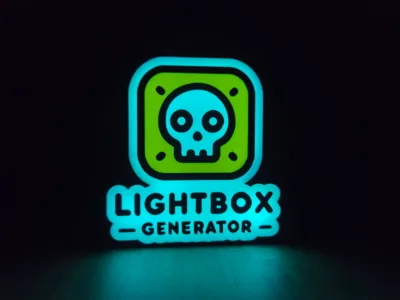
With this lightbox generator you can create a fully customizable 3D model from a vector (SVG) image, now with enhanced multi-layer and color support. Instead of treating the design as a single block, the script processes up to 16 individual layers from the SVG, each assigned a specific color from four defined color groups. This approach allows you to achieve a highly detailed and vibrant design on the light box lid.
Web Preprocessing Requirement
This design relies on a dedicated web:
https://www.lightboxgenerator.com
that preprocesses the source SVG file so that the output contains data that OpenSCAD can interpret correctly. Please note that this website is a work in progress, and you may encounter errors or edge cases that are not yet handled. If you run into issues, feel free to share your files so they can be reviewed and incorporated in future improvements.
IMPORTANT: The tool is still in BETA, and there are some well known issues with SVGs formats. Right now the script doesn't do well when some layers/paths overlaps others, so thats why I recommend using the tool linked in the web for vectorizing (it will make the design single layer) If you already have a SVG with this problem, try to convert it to PNG and then vectorize it again with the tool.
Other tools like vector magic work great but they are not free.
Boost Me (for free)
Boosts really help me continue designing, so if you like my work, it's a great way to say thank you at no cost to you.
Parameter Descriptions
- SVG Input and Scaling
- svgFile: Specifies the SVG file that serves as the basis for the design.
- svgScale: Adjusts the overall scale of the SVG image so that it fits the intended dimensions of the light box.
- svgOffsetX & svgOffsetY: These parameters shift the SVG along the X and Y axes, respectively, ensuring the image is centered properly within the design space.
- designOffset: Adds an additional offset arround the design, allowing filling gaps or simply adding some space arround the design
- Color Configuration
- boxColor: Determines the color of the outer box or lid structure.
- backgroundColor: Sets the color for the background elements behind the SVG layers.
- color1 to color16: These sixteen parameters are grouped into four sets, each defining a unique palette for the individual design layers. The script cycles through these colors when extruding each SVG layer, thereby allowing for a multi-colored, layered output.
- Light Box Structural Options
- lightboxHeight: Defines the overall height of the light box.
- wallThickness: Sets the thickness of the vertical walls of the box, which impacts the overall sturdiness and visual style.
- baseThickness: Controls the thickness of the bottom base, ensuring a stable foundation for the assembly.
- lidThickness: Adjusts the thickness of the lid, balancing light transmission and structural integrity.
- joinHeight: Specifies the vertical dimension of the section where the lid and base connect, ensuring a proper join between components.
- baseHeight: Computed from the overall lightbox height, join height, and lid thickness, this parameter determines the effective height of the base section.
- tolerance: Introduces a small gap or overlap allowance between joined parts to facilitate assembly.
- LED and Hanging Hole Features
- ledHoleRadius: Defines the radius for the circular LED opening, allowing integration of light sources within the design.
- offsetXledHole & offsetYledHole: Fine-tune the horizontal and vertical positioning of the LED hole relative to the design center.
- addHangingHole: A Boolean toggle that determines whether a keyhole-like hanging slot is included in the design for wall mounting.
- hangingHoleLargeRadius & hangingHoleSmallRadius: These parameters shape the two circular parts of the hanging hole design, with one representing the larger base and the other the smaller upper section.
- hangingHoleHeight: Specifies the total vertical span of the hanging hole structure.
- hangingHoleOffset: Adjusts the vertical positioning of the hanging hole within the overall design.
hangingHoleHeightOffset: Provides additional fine-tuning for the vertical alignment of the keyhole shape.
Membership
If you're interested in selling prints of my designs, check out my Commercial License Membership! It helps me a lot to cover the cost of designing a maintaining the hosting for my tools and materials
Release log
- v2. Improved hanging hole options. Now you can add up to 2 and also add a horizontal offset.
Web: Support for simple image vectorization (PNG and JPG) and fixed some svgs compatibility issues - v1. Initial release
License

You shall not share, sub-license, sell, rent, host, transfer, or distribute in any way the digital or 3D printed versions of this object, nor any other derivative work of this object in its digital or physical format (including - but not limited to - remixes of this object, and hosting on other digital platforms). The objects may not be used without permission in any way whatsoever in which you charge money, or collect fees.


Comment & Rating (153)