
Bambu A1 Top Mount Web Camera/Cam Arm - Universal
Print Profile(21)


Description
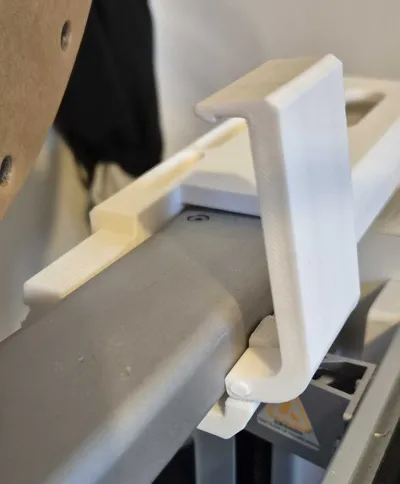
Update 23/12/25: After feedback from users I have now added a support strengthener which should help further reduce vibration/wobble.
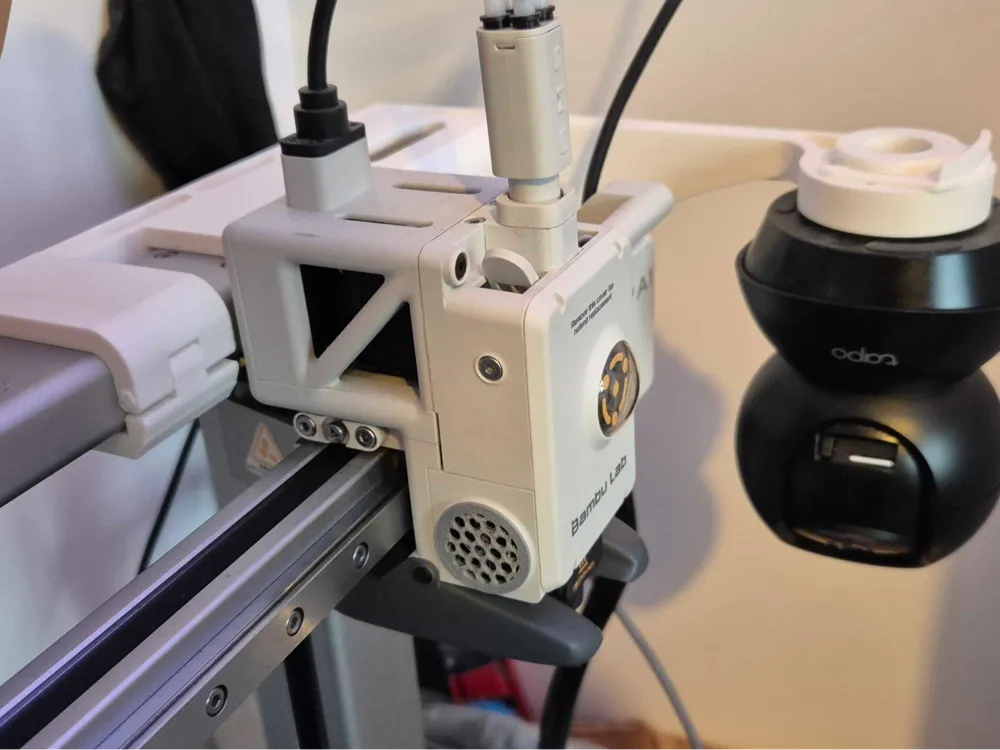
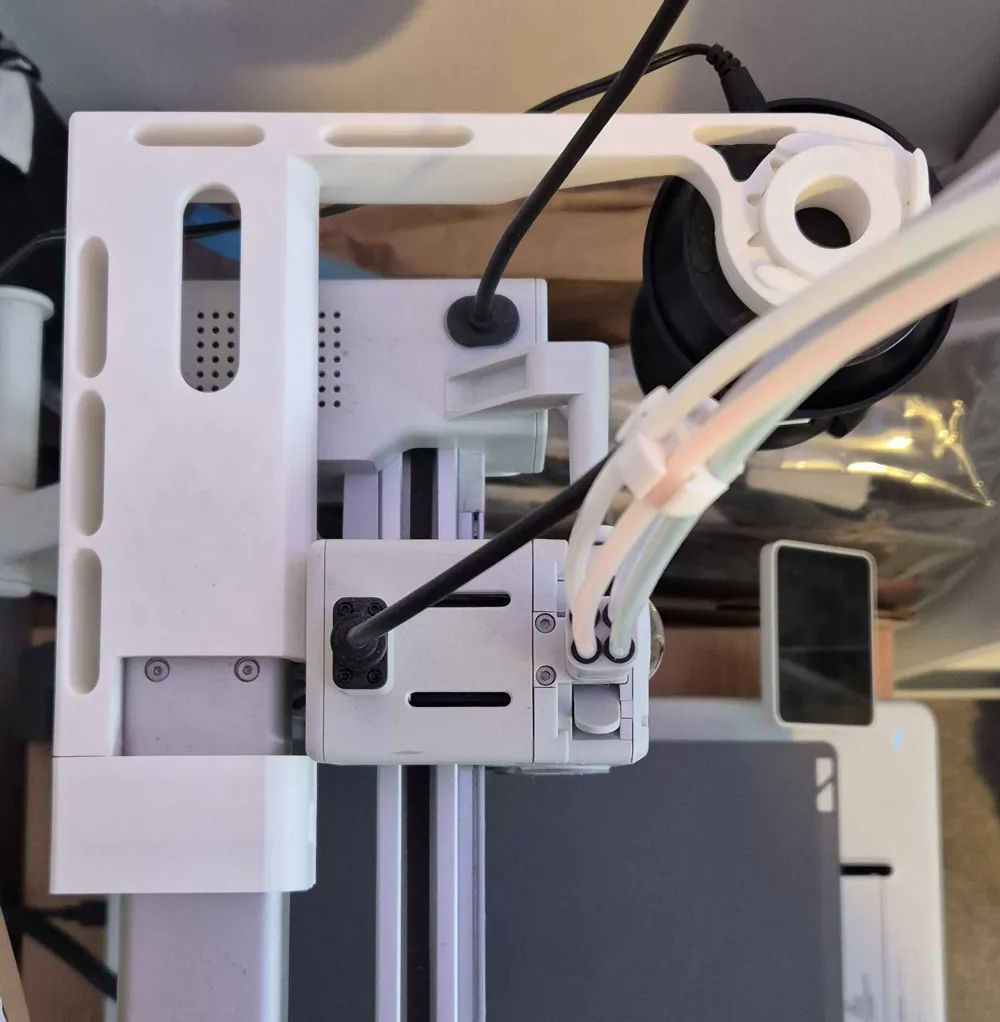
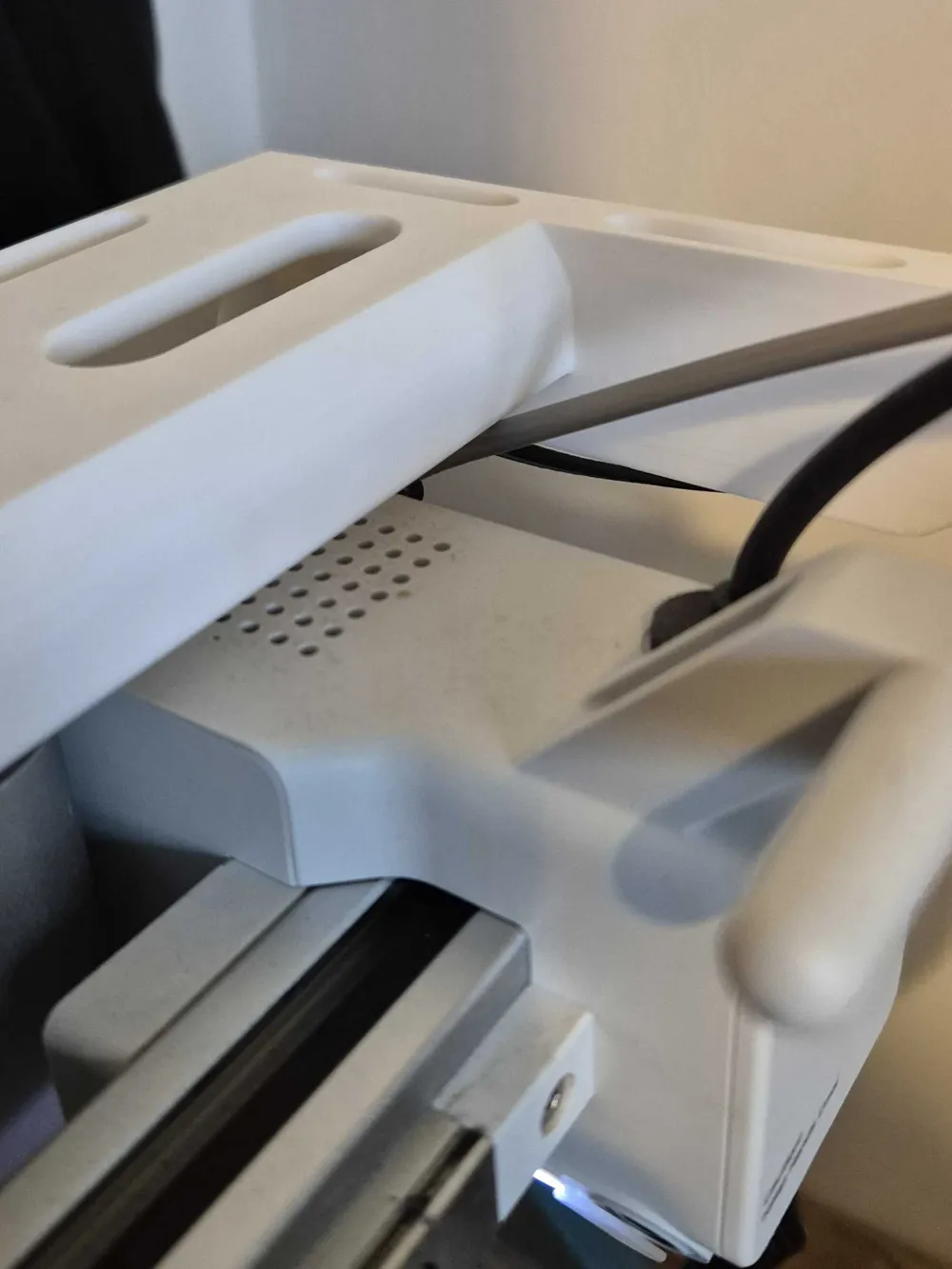
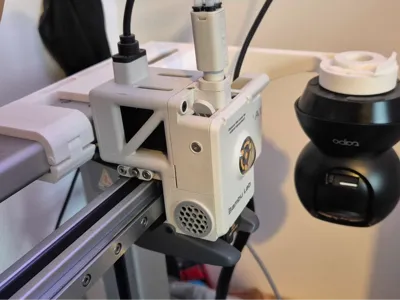
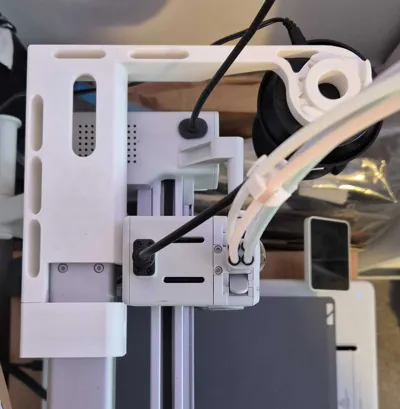
The only thing you need to watch for is if you use the original spool holder you can thread the PTFE tube through the hole, but watch it is long enough or it will pull when the print head is all the way down and left - to combat this don't thread it through the hole, there is clearance underneath when the print head is all the way to the top of it's travel.
I have also made the arm 5mm longer to give a bit more clearance when using on the left for some cameras.
Any issues let me know!
----------------------------------------------------------------------------------
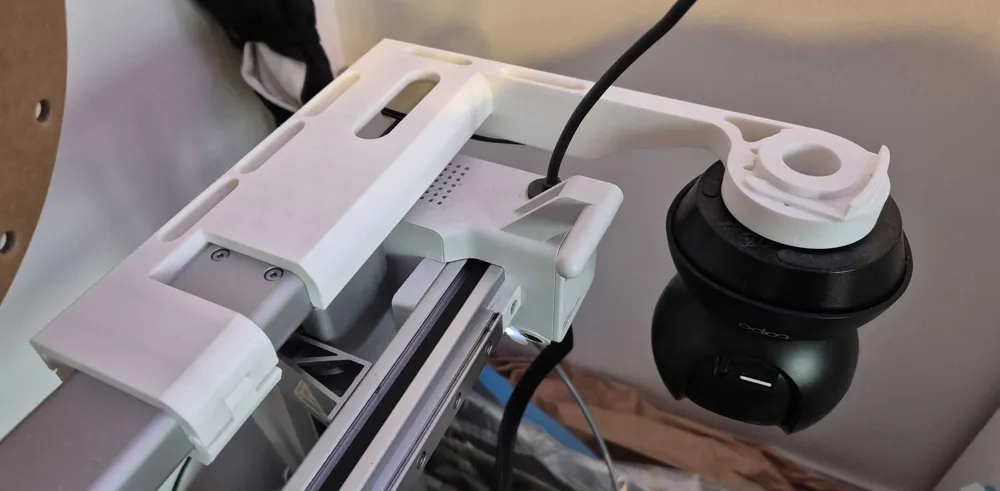
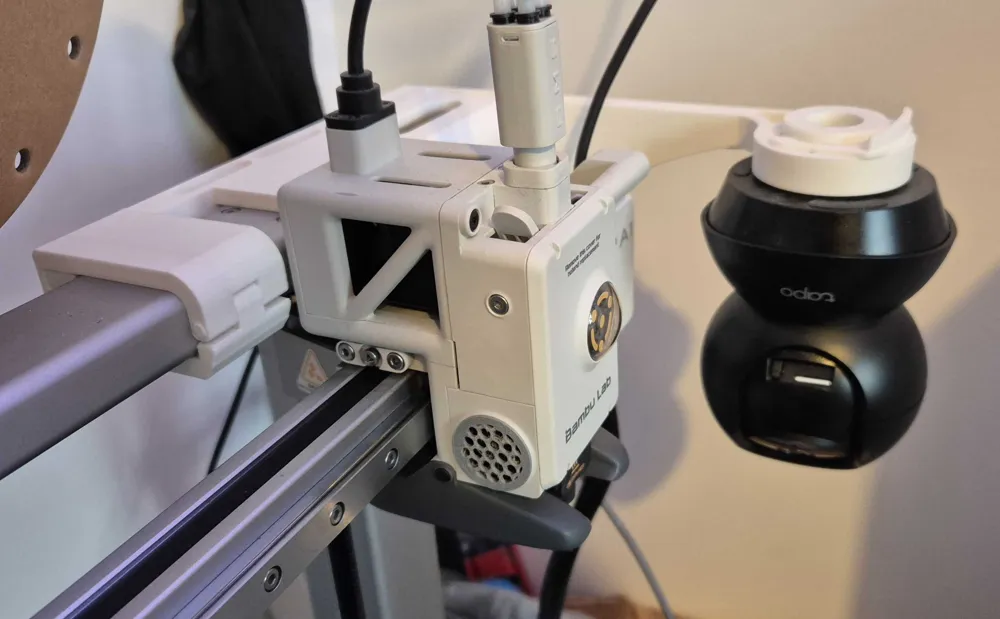
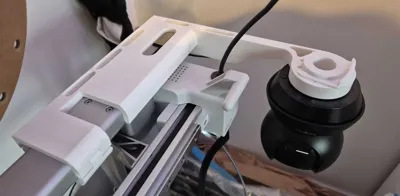
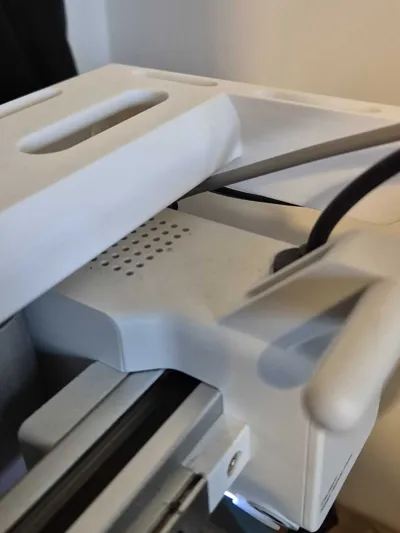
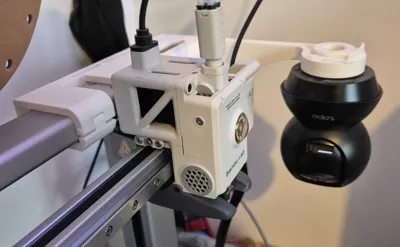
After some great suggestions from my first A1 top cam mount which only had the Tapo mount designed into it, I have created a new version that is universal, has a thicker side cross section to help reduce vibration, a more refined profile, has an adjustable 360 insert system to orient your camera how you like, requires no glue or screws, has a simpler mounting method and and does not interfere with the top mounted AMS lite if you have that!
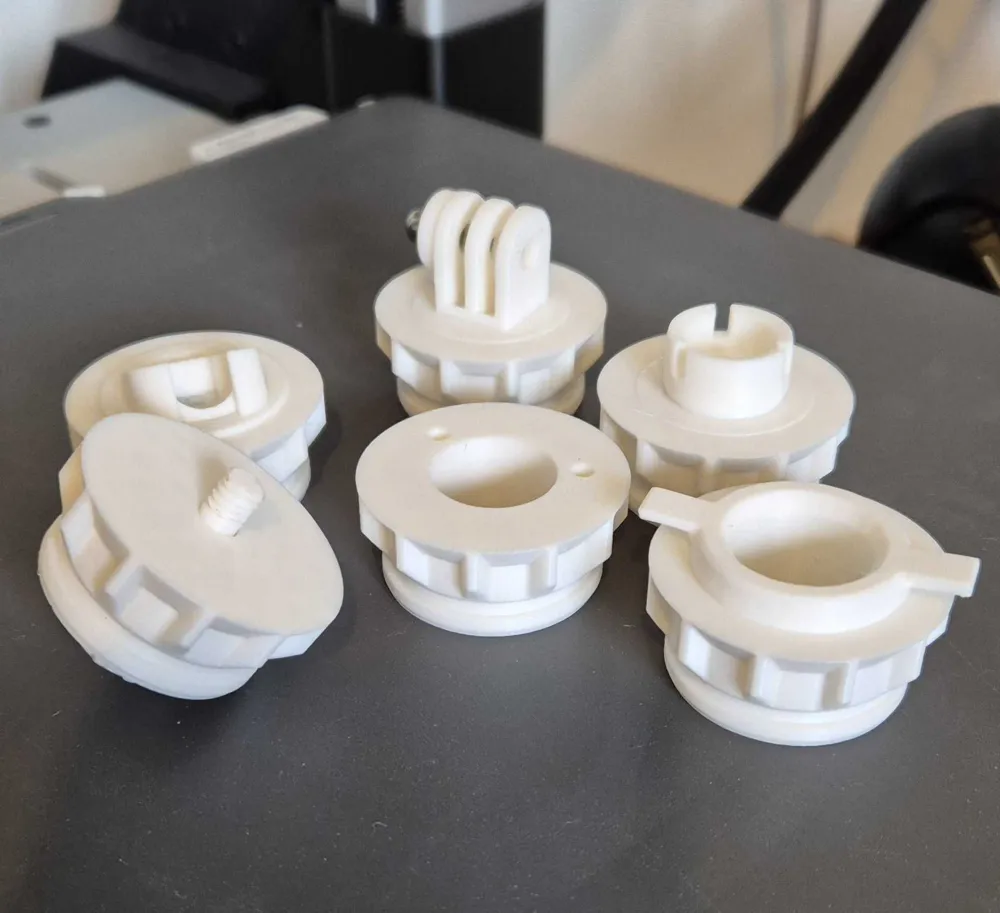
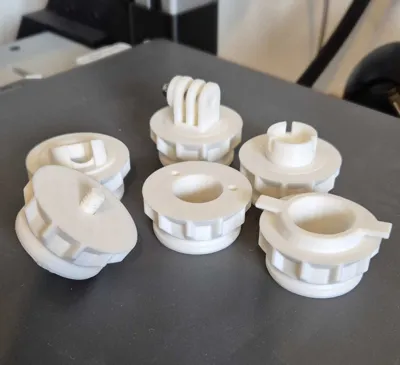
Just download the Arm mount profile to choose from Left or Right side version to print first, then download the print profile that has the correct adapter insert you need to suit your camera, if you change your camera just print a new insert and use it with the same arm!
Currently included camera insert print profiles are the following - more to come on request and as I find more that will work with this!
- Tapo C100 - Should fit the C100 and C110 Tapo models.
- Tapo C120 - Use 10mm long m3.5/m4 screws to fit the steel magnetic base plate that comes with the camera to this insert.
- Tapo C200 - Should fit the TC70/C200/C210/C211/C220/C225 Tapo models.
- Tapo C200C - This seems to be a region specific version of the camera with a different mount specific to the C200.
- GoPro - Universal Go Pro mount, use the captive nut that comes with the other mounts.
- Blink Mini - Cup click in mount.
- Ring - Indoor camera, it has two holes for screwing the base plate that comes with the camera to it, then mount the camera to this.
- Threaded - This should fit cameras that have a threaded mount (1/4in – 20 UNC), same thread as most tripods that hold a camera, may also fit the thread of some Wayze cameras.
- Wayze V2 - I have not tested this with an actual camera so any issues let me know.
- Wayze V3/V4 - I have not tested this with an actual camera so any issues let me know.
- GNCC P1 - Should fit the GNCC P1 cameras.
- EZVIZ C6N - Should fit the EZVIZ C6N range of cameras.
- Laxihub P2 - Mount for the Laxihub P2 camera.
- Lorex 2k camera mountYi Dome U Pro Camera mount.
- Eufy E220 camera mount.
If you have the latest AMS2 then it might be better to print the left version as it may interfere with the PTFE tube with how it mounts to the arm on the right.
Each insert plate has a C clip to print along with it, this is what is used to secure the insert to the arm. It slides into the groove on the top once inserted.
To fit
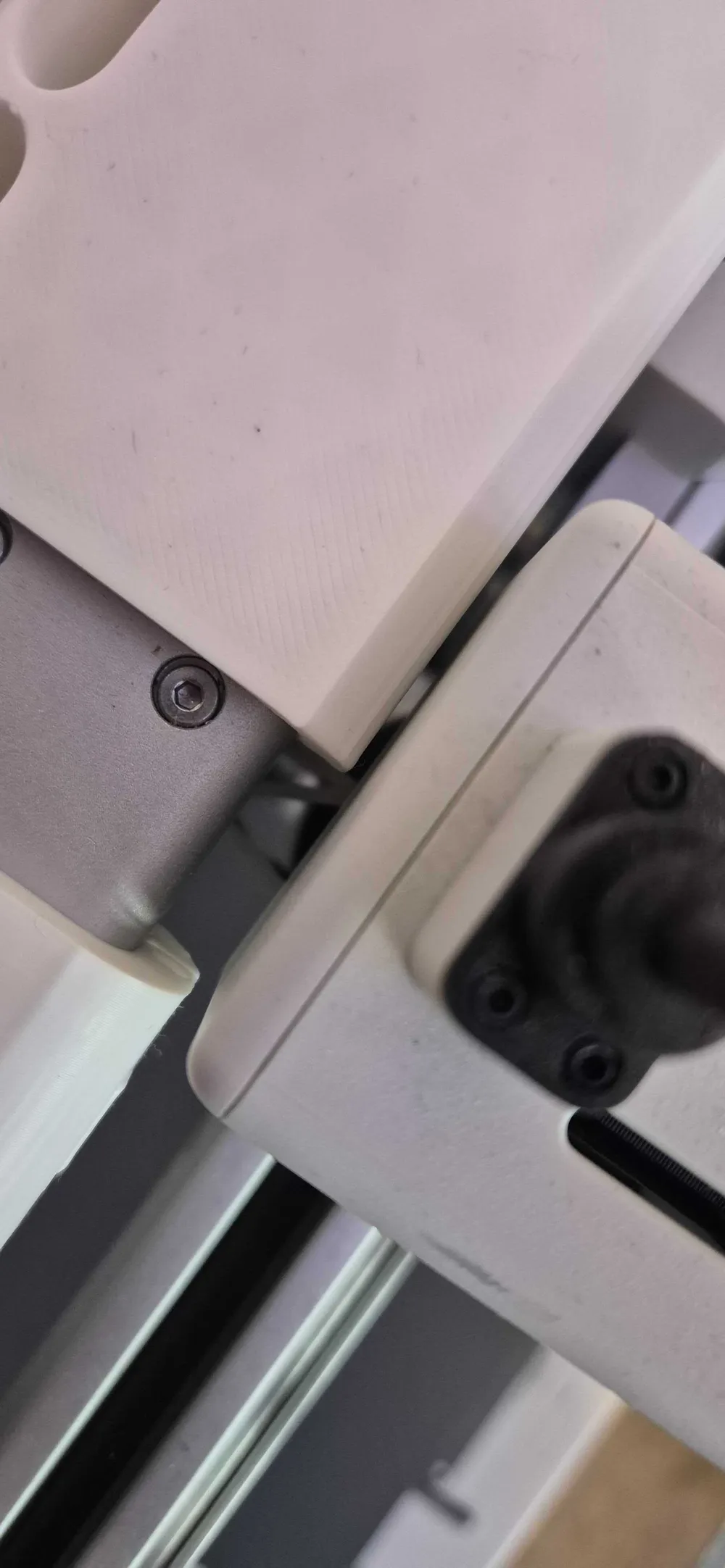
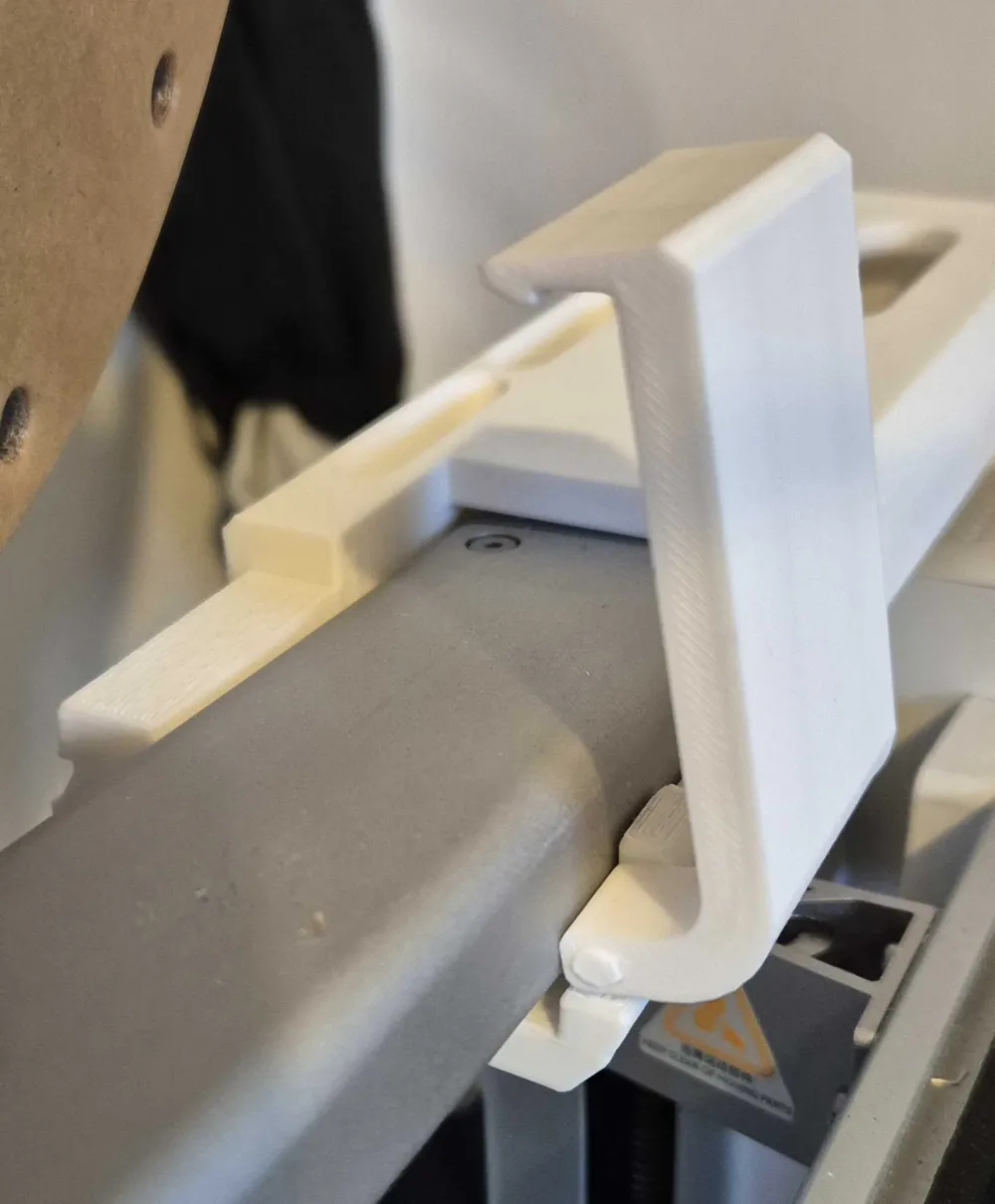
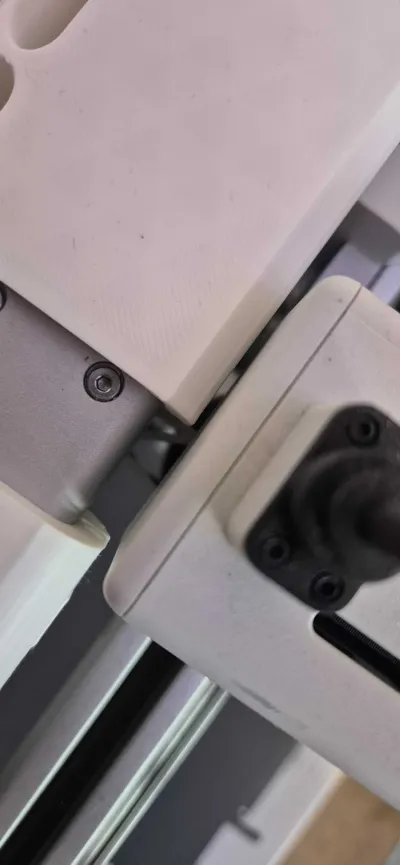
- To secure the arm, hold it upright vertically behind the top bar of the A1, slide the arm from behind and onto the top bar then gently lower it down to the right/left, it is a nice snug fit but can be moved if needed with ease.
- Print your camera insert of choice, orient it how you like by aligning the cogs then insert from beneath, push all the way through and then secure with the C clip.
- New version step: Assemble the clip piece with the slide pin and when in place on top of your A1, press down firmly from the top to click it into place.
- Slide the power cable through the hole at the back and plug into your camera.
All easily swappable and quickly removable if needed, no glue or screws and less waste if you change your camera.
As always feedback is welcome!
If your camera insert is not shown above please let me know what it is and I can try to make one for you to fit!
I have used PLA and PETG - PETG is the best choice but either work.
Here is a short clip of the latest version printed in PLA to show how stable it is while a print is going on using a Tapo C211:
If you use the left version you can slide it further inward on the top bar of the A1 as it does not require as much clearance from the camera/filament cutter on the crossbar.
License

You shall not share, sub-license, sell, rent, host, transfer, or distribute in any way the digital or 3D printed versions of this object, nor any other derivative work of this object in its digital or physical format (including - but not limited to - remixes of this object, and hosting on other digital platforms). The objects may not be used without permission in any way whatsoever in which you charge money, or collect fees.


Comment & Rating (354)