
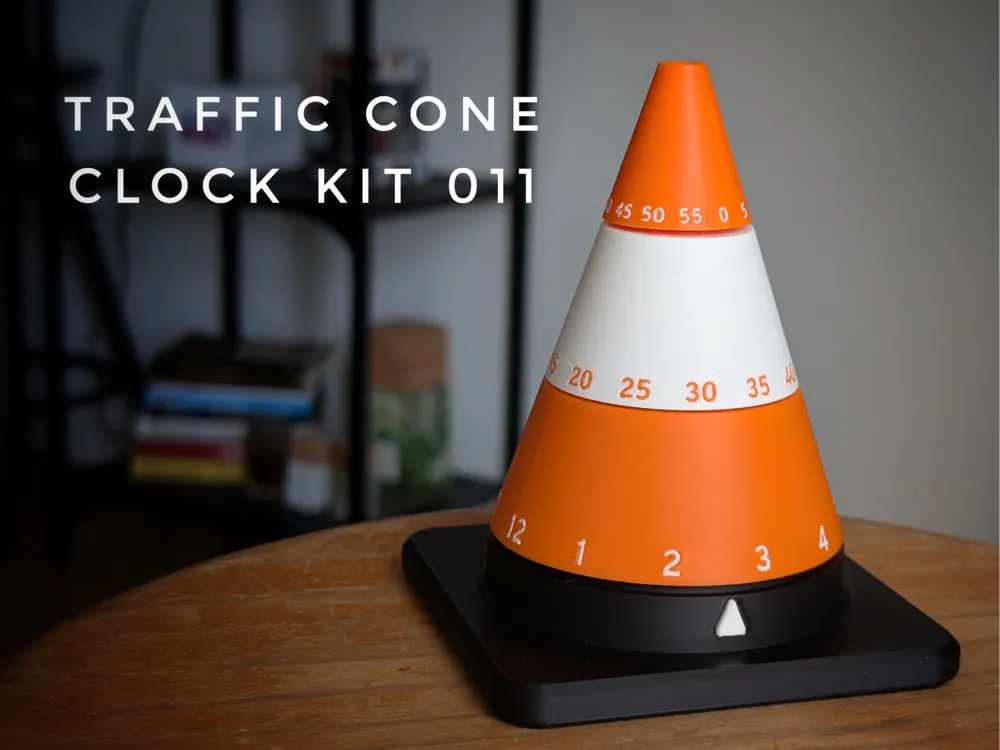
Traffic Cone Clock Components Kit 011

Print Profile(2)


Bill of Materials
Description
UPDATE 2025/02/23
- Increased clock base size from 56.5mm to 57.5mm to accommodate differences in clocks
- Added negative cylinders for Hours and Minutes cones with their respective diameters for you to edit
- Added a profile with test pieces, only 11m 2.5g print - Print this first to avoid unnecessary prints that don't fit your clock
Print the the test pieces and insert them on the clock to check for the best diameter. Needs to fit really tight, some force needed.
If the best pieces are 5.1mm and 3.1mm, print as normal. If any doesnt fit, change the cylinder diameter to the best fit, center the cylinder, and print the cones!
Note: Most clocks should be the same, but to eliminate doubts, print the test pieces first
--------- end update ------------
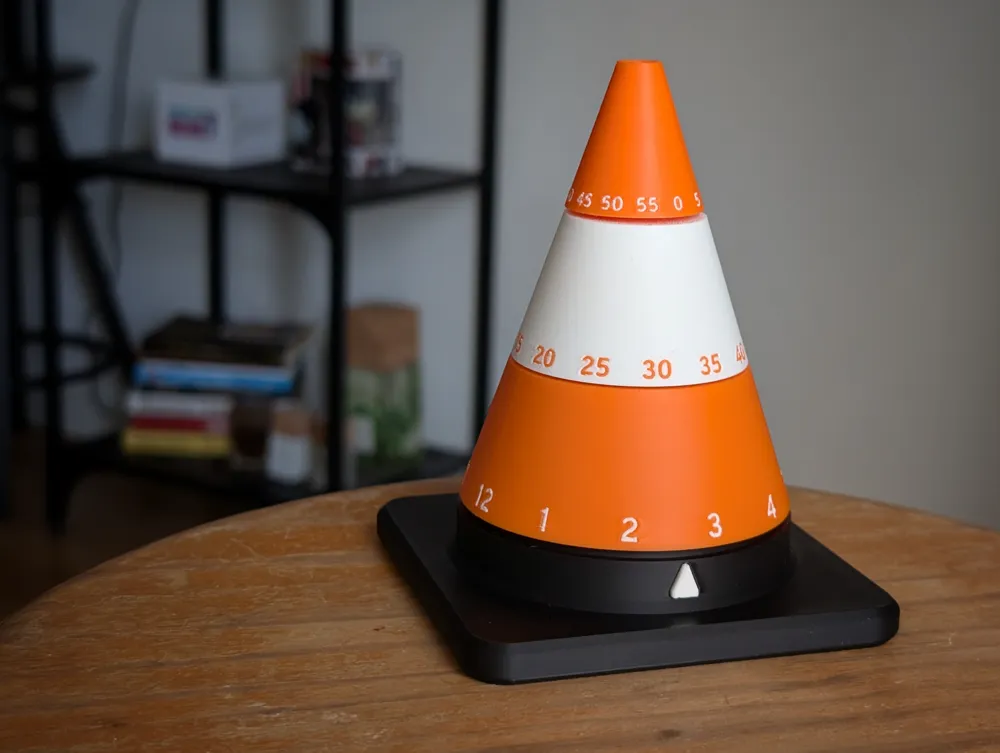
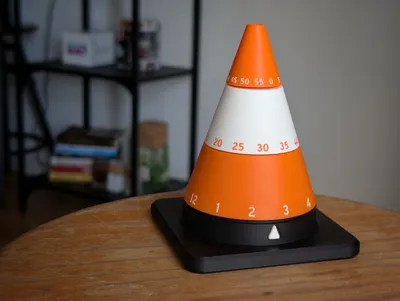
TICK TOCK, IT'S TRAFFIC CONE O'CLOCK!

Rejoice with this fun and inovative way to check the time!
Pros:
- Tells time
- Looks good
- Spins!
- It's a traffic cone
Cons:
- You will waste time looking at it spin!
Assembly:
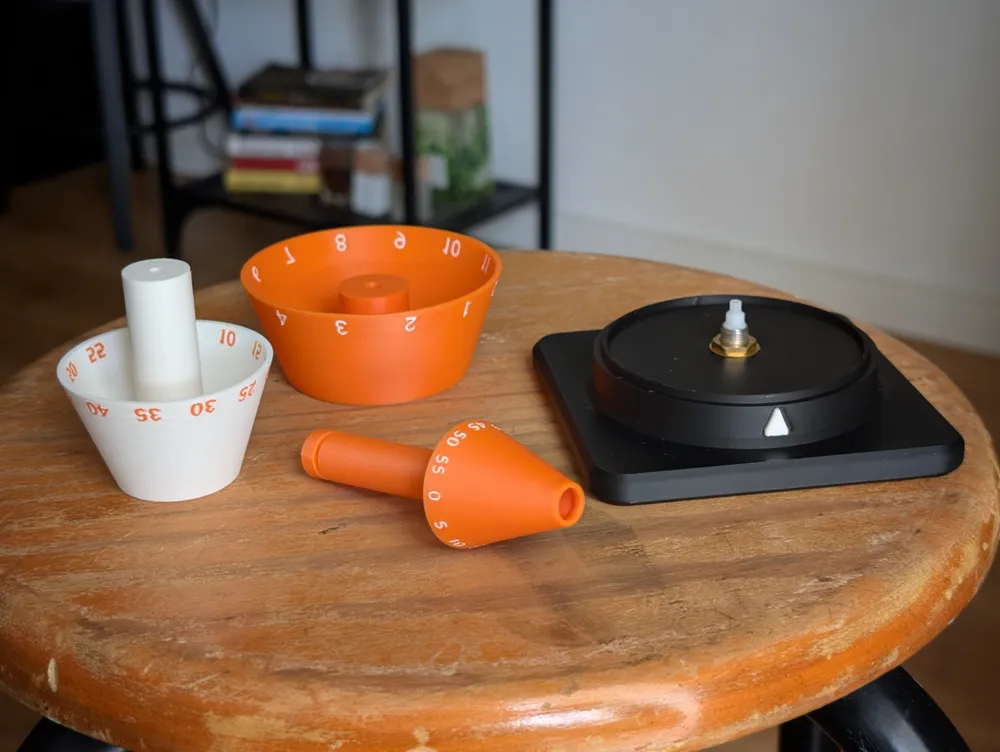
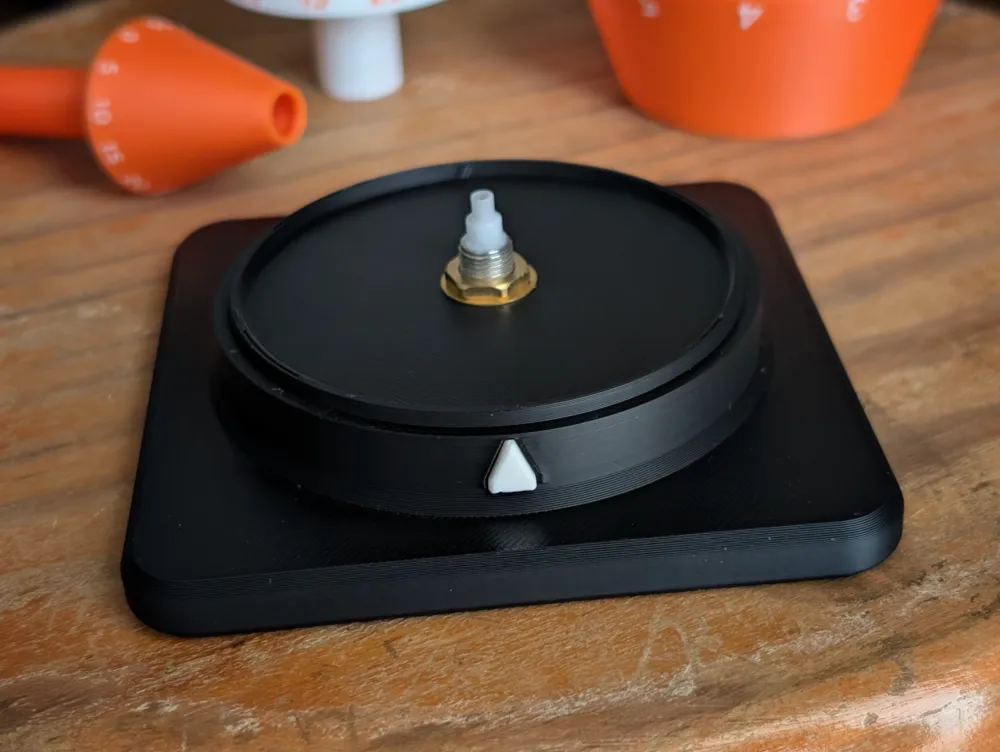
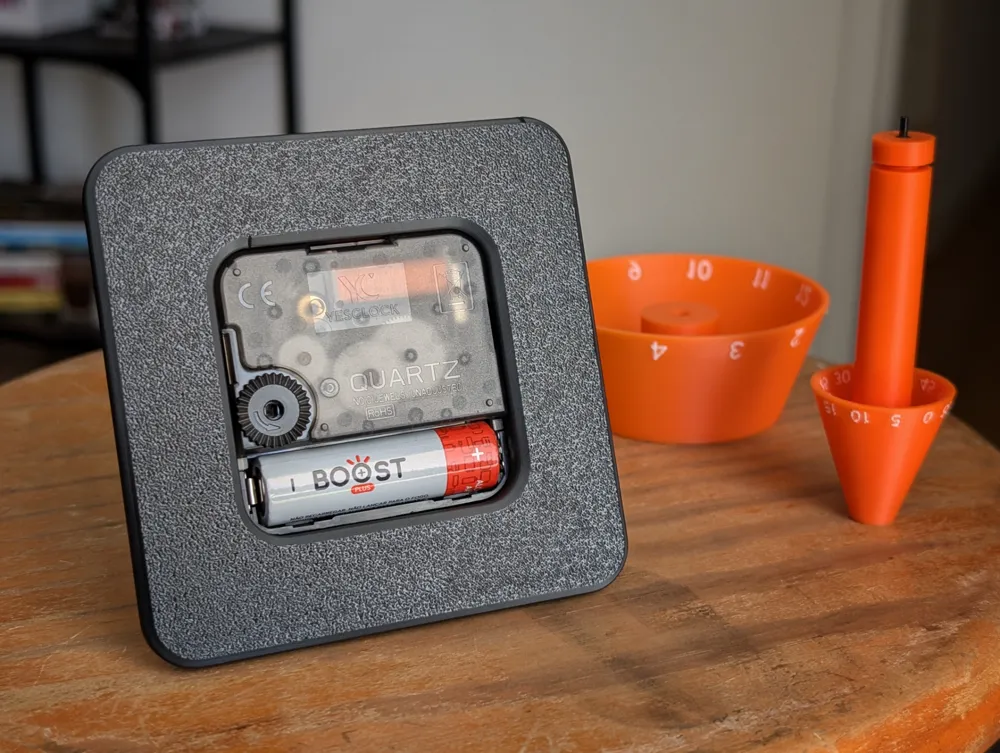
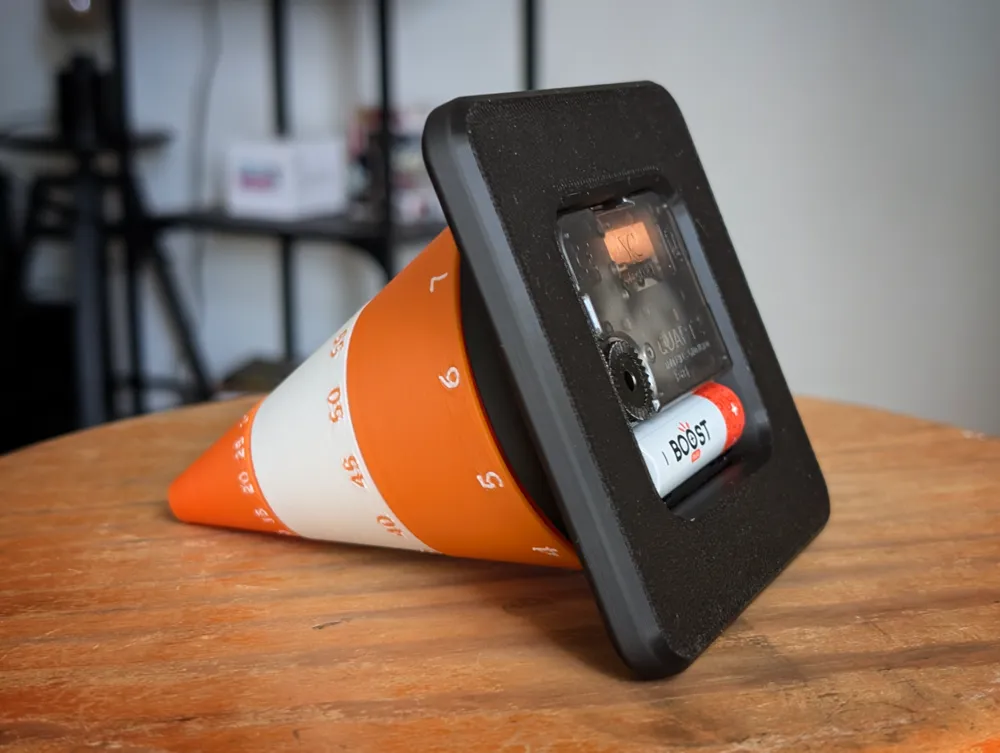
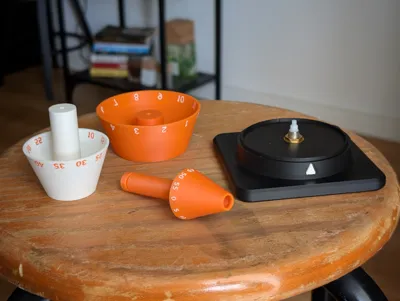
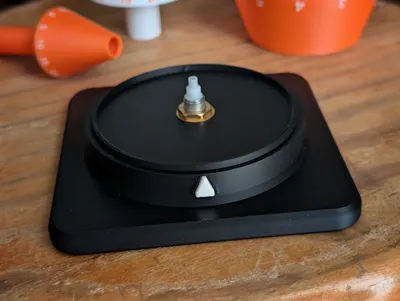
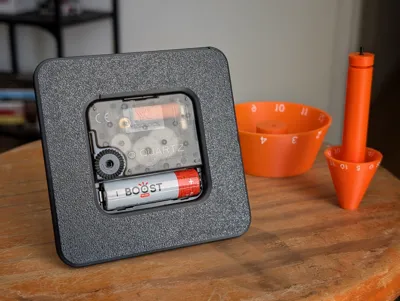
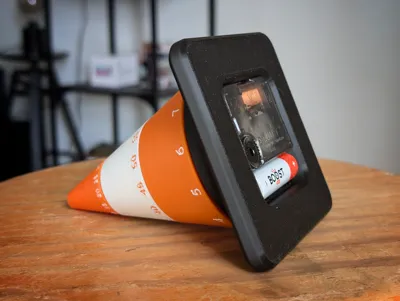
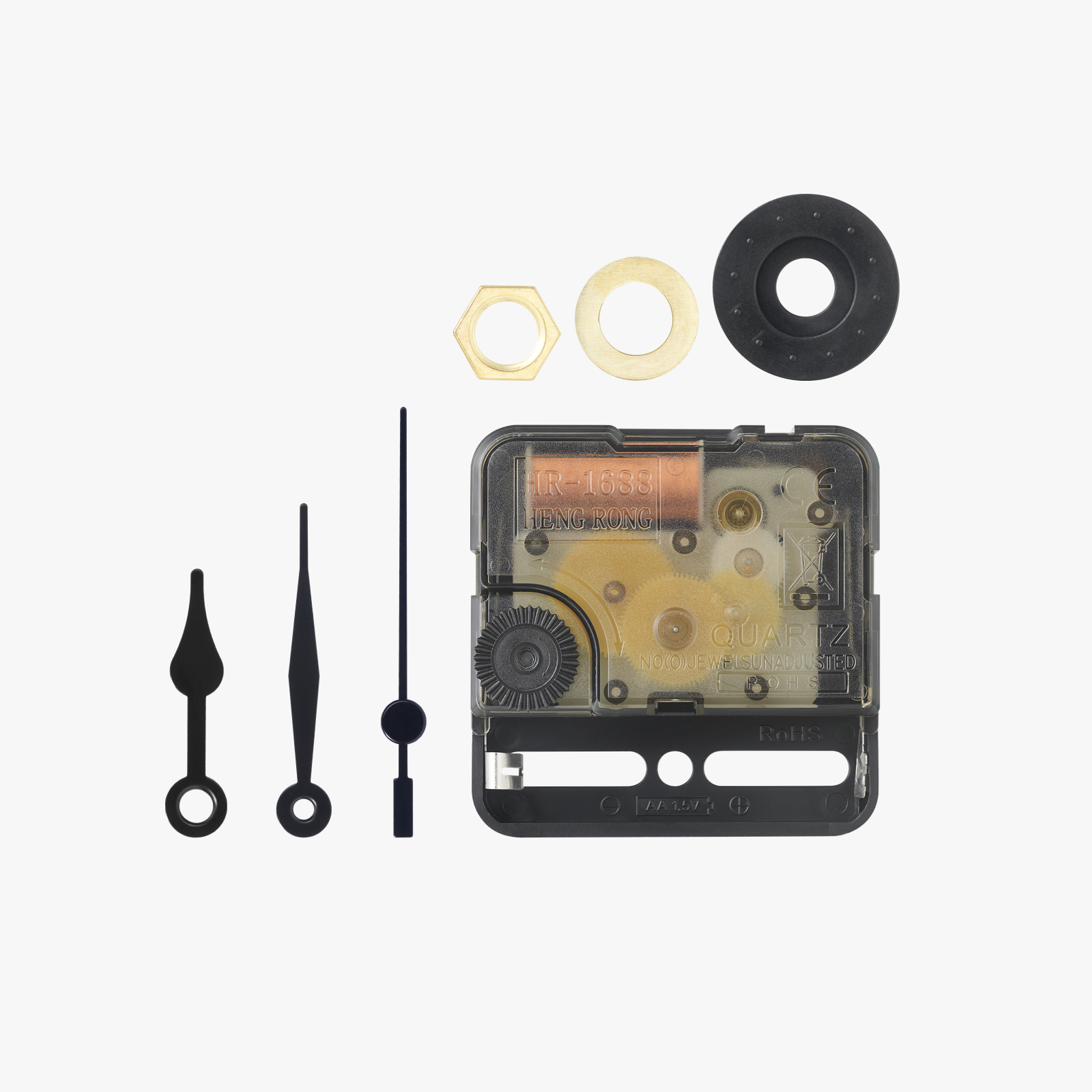
- Insert the clock from below and screw the provided nut and washer from the kit (don't use the extra rubber washer though)
- Insert the little pointer in the base, you can use a dab of super glue, but I didn't, it holds well
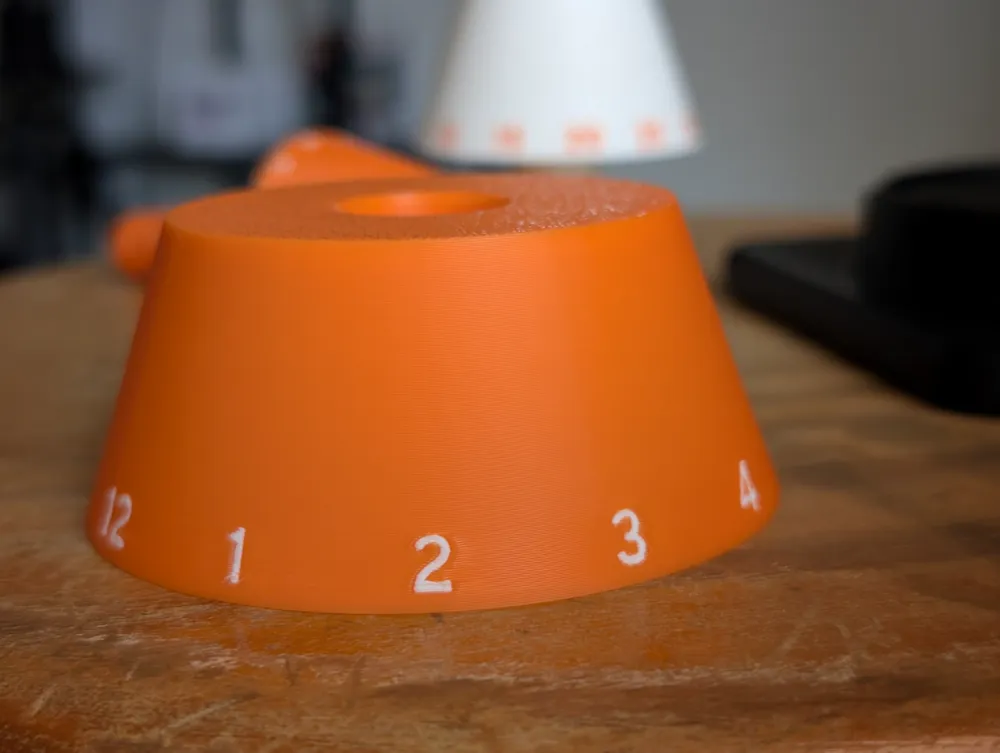
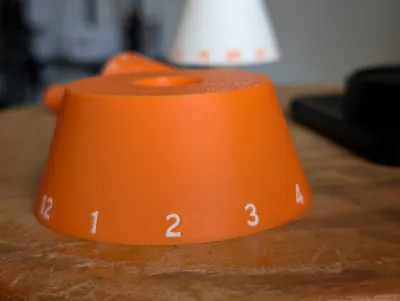
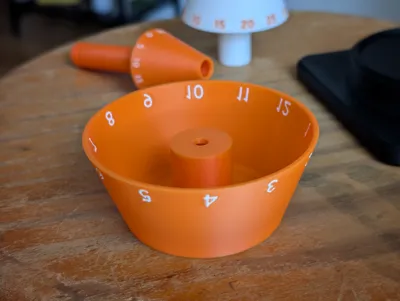
- Insert the “Hours” cone, aligning the 12 with the pointer in the base
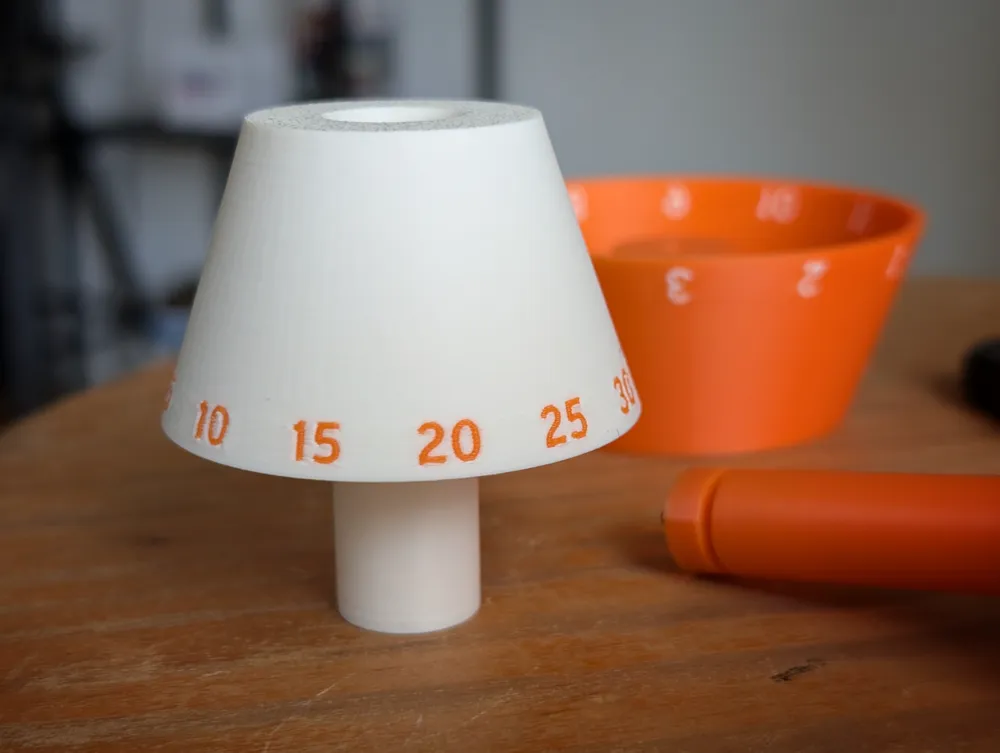
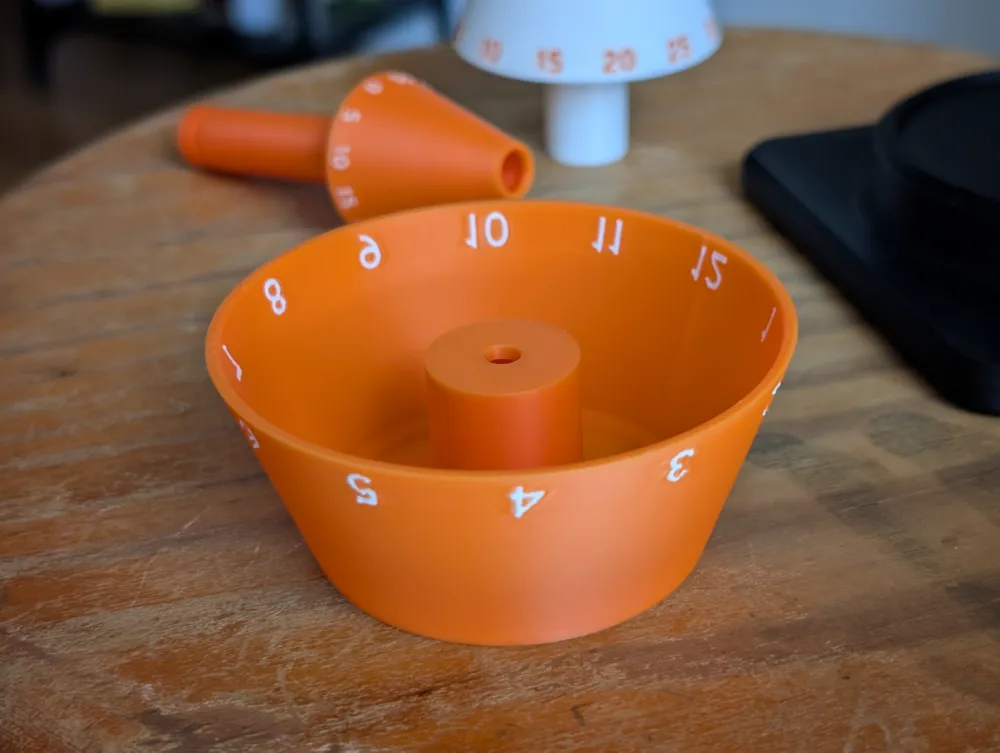
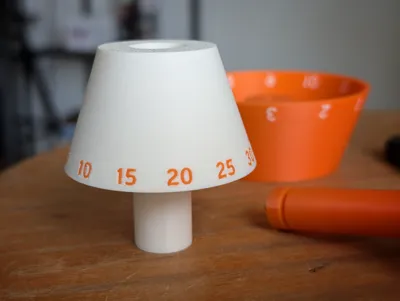
- Insert the “Minutes” cone, aligning the 0 with the pointer (might need some force)
- For the “Seconds” cone
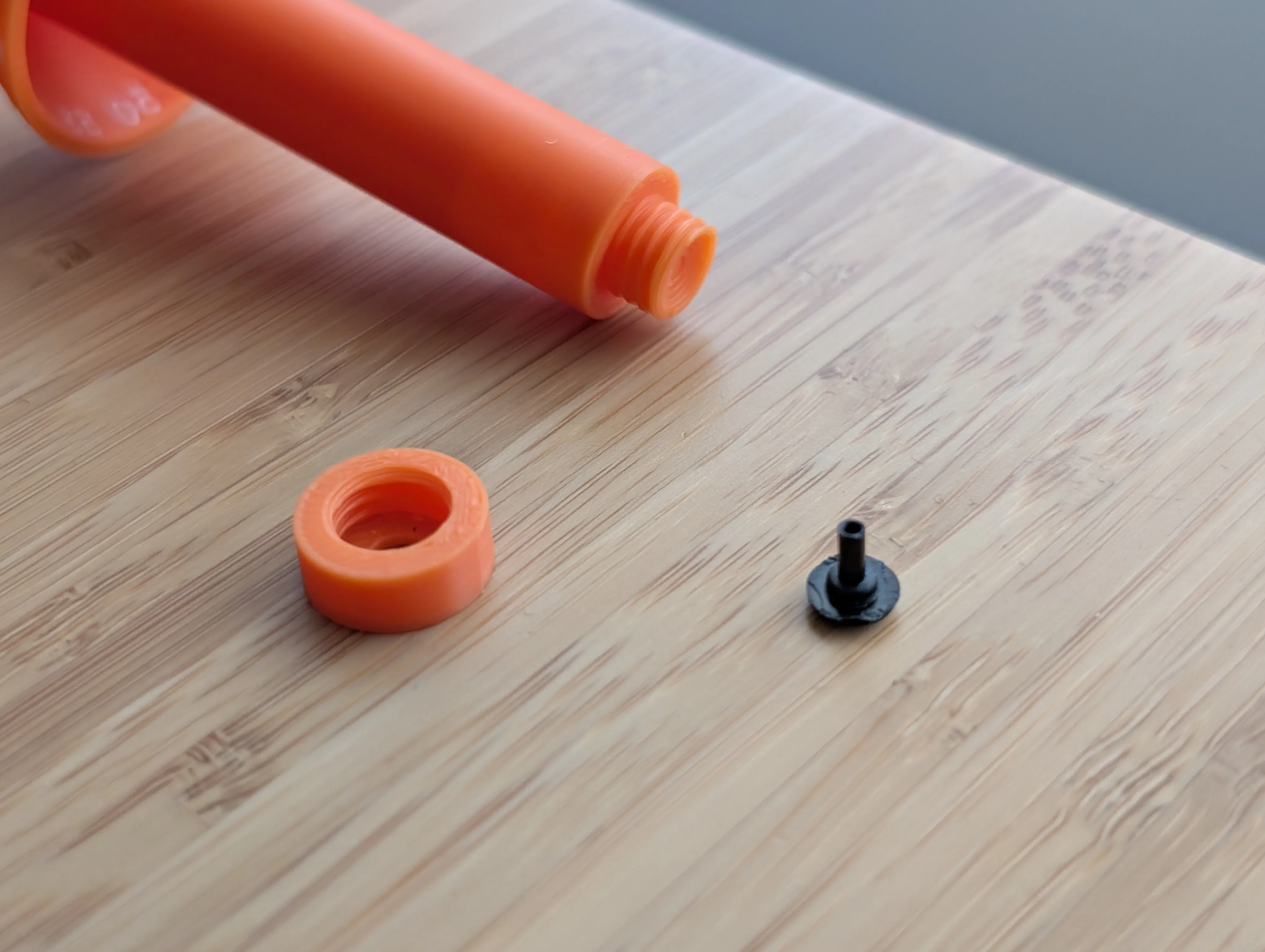
- First you need to modify the original seconds hand by separating the pin from the pointer
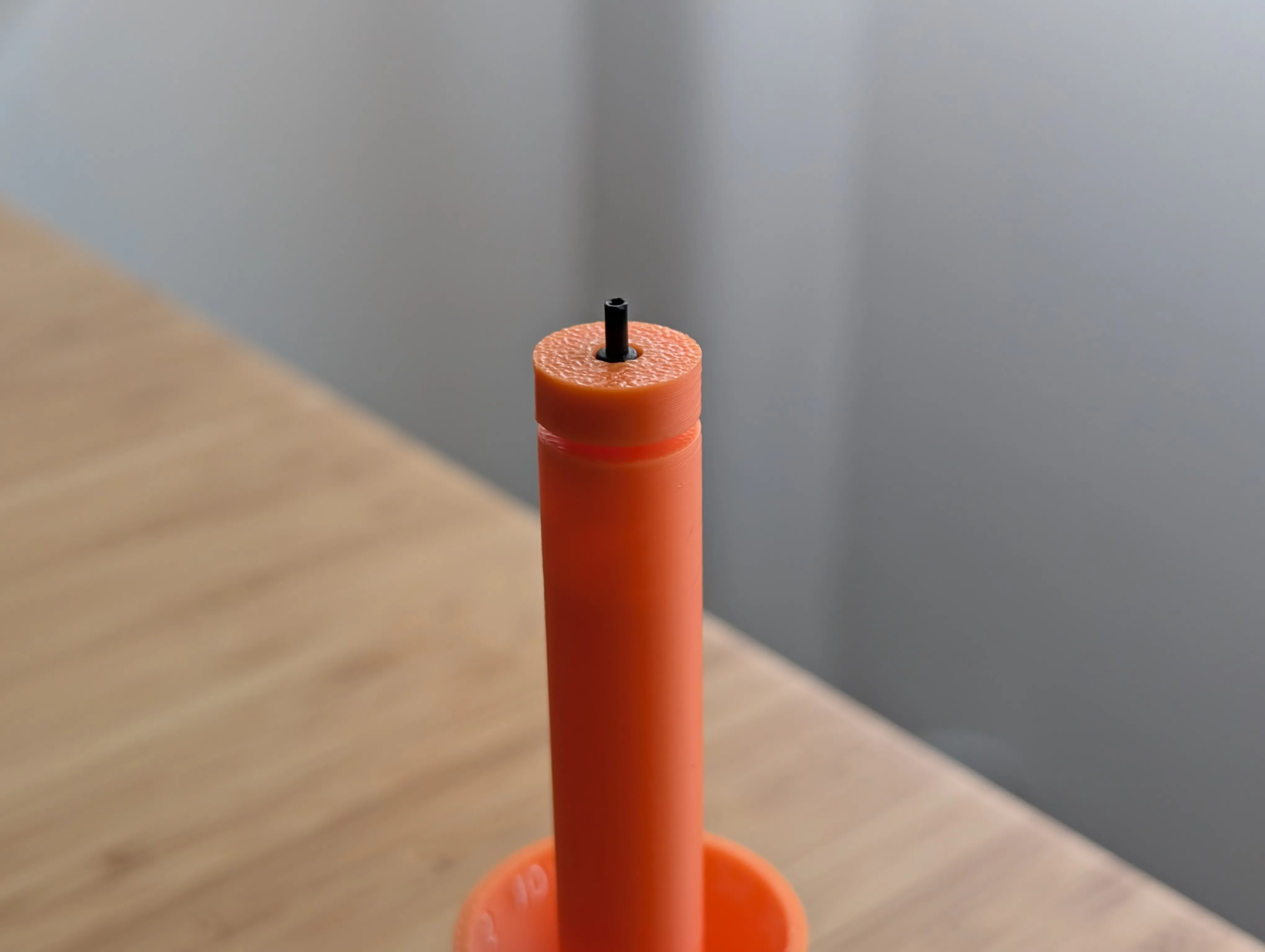
- Then insert it in the “Cap” and screw the “Seconds” cone, like the images below
- DISCLAIMER: this will permanently modify the original seconds hand, though you can get new ones rom amazon or aliexpress
- Insert the “Seconds” cone on the main cone!
- Make sure all cones are aligned, insert the battery, and change the time, rotating from below the clock
- Profit!
Notes:
- Highly suggested to use Matte white, as normal white is a bit translucid and doesn't contrast well with the orange
- Dark colors for the numbers work as well! (see GIF)
- Try to center the seconds pin so it doesn't wobble much
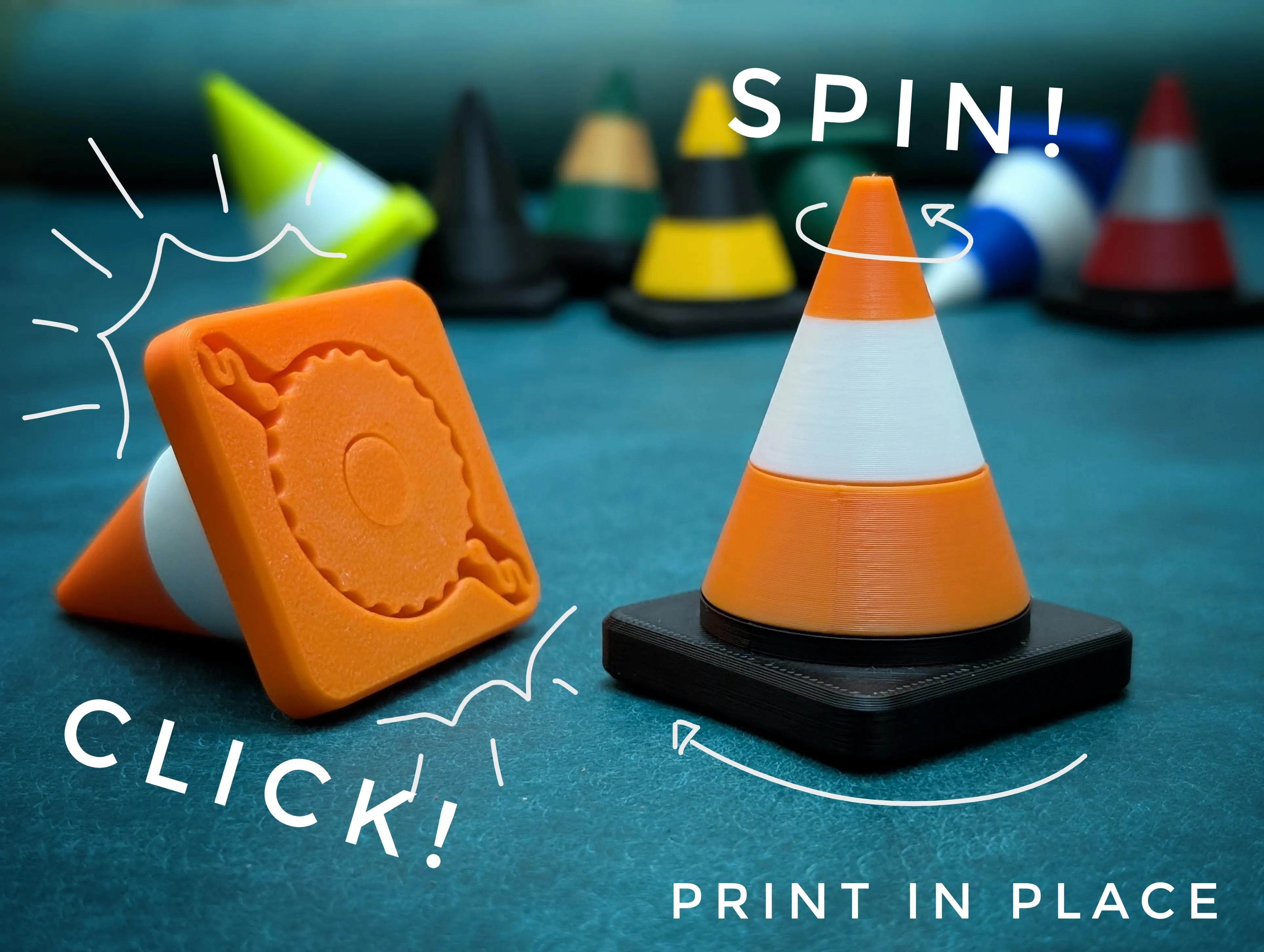
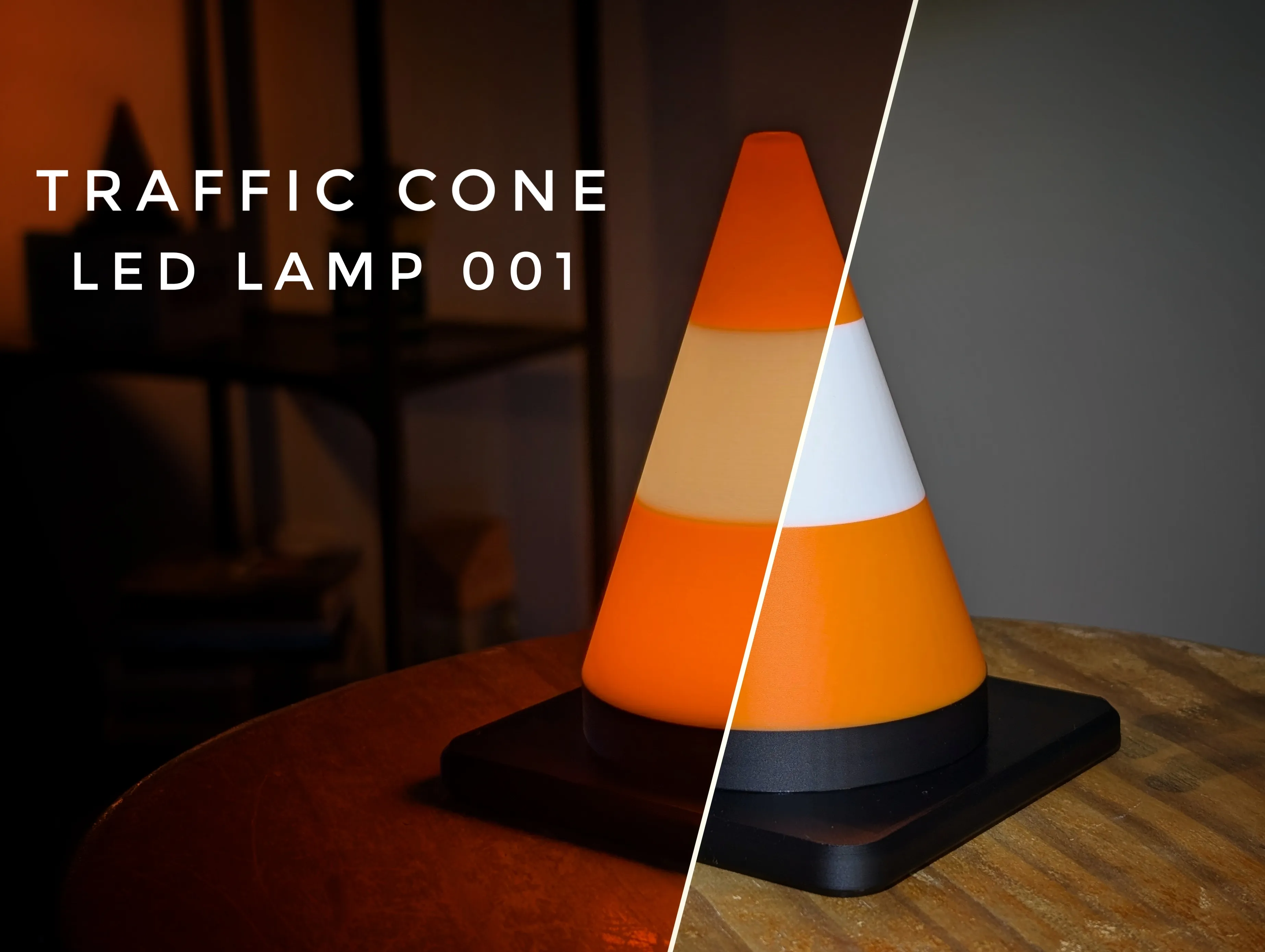
If you like Traffic Cones like I do, check my other cone inspired designs below!
Boost Me (for free)
If you printed and liked any of my models, a boost or a follow are very much appreciated :)
Membership
Thinking about selling some of my models? I have a commercial license available, starting at $12 usd.
License

You shall not share, sub-license, sell, rent, host, transfer, or distribute in any way the digital or 3D printed versions of this object, nor any other derivative work of this object in its digital or physical format (including - but not limited to - remixes of this object, and hosting on other digital platforms). The objects may not be used without permission in any way whatsoever in which you charge money, or collect fees.


Comment & Rating (80)